


Star rating CSS designs to help you make an interactive rating system. CSS star rating percentage designs, half star rating CSS designs, and a lot more are there in this list.
86% of shoppers and consumers say that reviews and ratings help them decide whether to purchase a product. A ratings and review system not only helps users select a better product but also helps brands better understand their customers. Keeping a star rating system or other rating systems will help you improve the SEO ranking of your product page. As the review area is filled with keywords related to that product, your product page will rank higher in organic search results, and your products will appear in rich snippets. This list’s Star rating CSS designs will help you make an interactive rating system.
Ratings and review systems influence online sales and increase your offline sales. Forrester is an American market research company. They say that web content influences your everyday online sales by $1 and offline sales by $4. As users start their initial search on the internet, your product reviews will help you improve your sales. Designing such a crucial web element is not a simple task; it has to be both easy and functional. In this list, we have collected some of the best star-rating CSS designs that let users share their exact feelings.

CSS 5 Star Rating
The CSS star rating in this design has a simple code structure. Users can see the star they are about to select by hovering over it. Therefore, new users can get a clear idea before selecting a rating. This CSS star rating allows you to select a star fully. If you want a half-star rating design, check the other designs listed below in this post.
Half Star Rating CSS
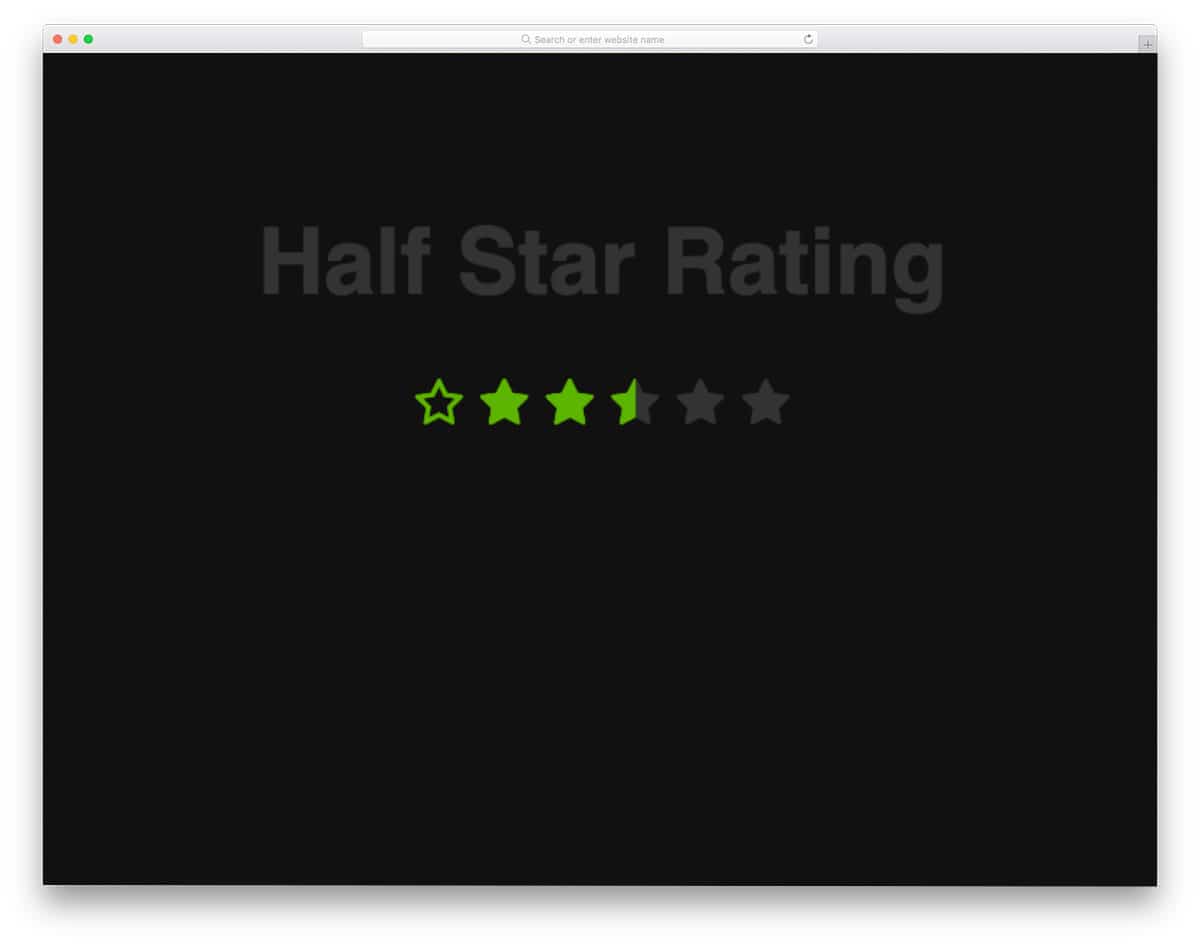
As the name implies, this CSS code script lets you give a half-star rating. Since the entire design is built solely with HTML and CSS, it can be used easily across the website and application.
Half-star ratings give users a more accurate view of the product or service. Not all products can fully satisfy a user. There will be at least one feature that the user might think could be slightly better; that is where the half-star rating will be handy.
Star Rating Javascript

This star rating design is built with Vue.js. What makes this rating unique is its ability to display more accurate star ratings. For example, this design can even display decimal values such as 0.25, 0.1, etc. In the default design, you must click the buttons to generate random values. After editing the code a bit, you can prompt the user for input and display the results.
Emoticon Star Rating
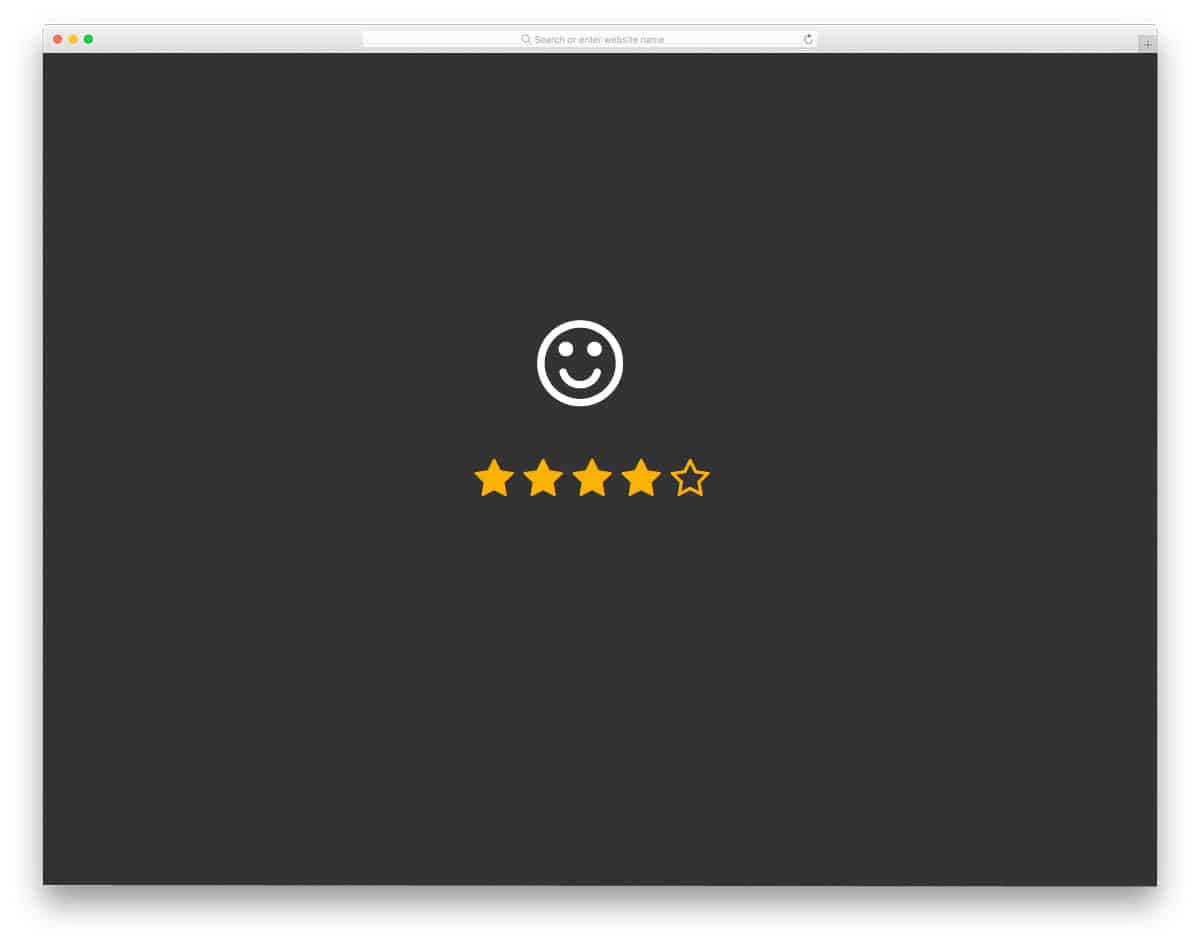
If you use your rating system to evaluate your service, this star rating design will be the right choice. Rather than simply choosing the start, showing how the ratings make you feel will help you connect with the people. For example, a support agent may be very helpful to the user, and a survey showing an emoticon will remind the user of the support agent’s good attitude. Another advantage of this design is it is made using CSS3 script. The animation effect is also fluid, so users will have a better experience using this system. This one is designed purely with CSS3 customization; therefore, the integration will be very easy with this template.
Movie Card
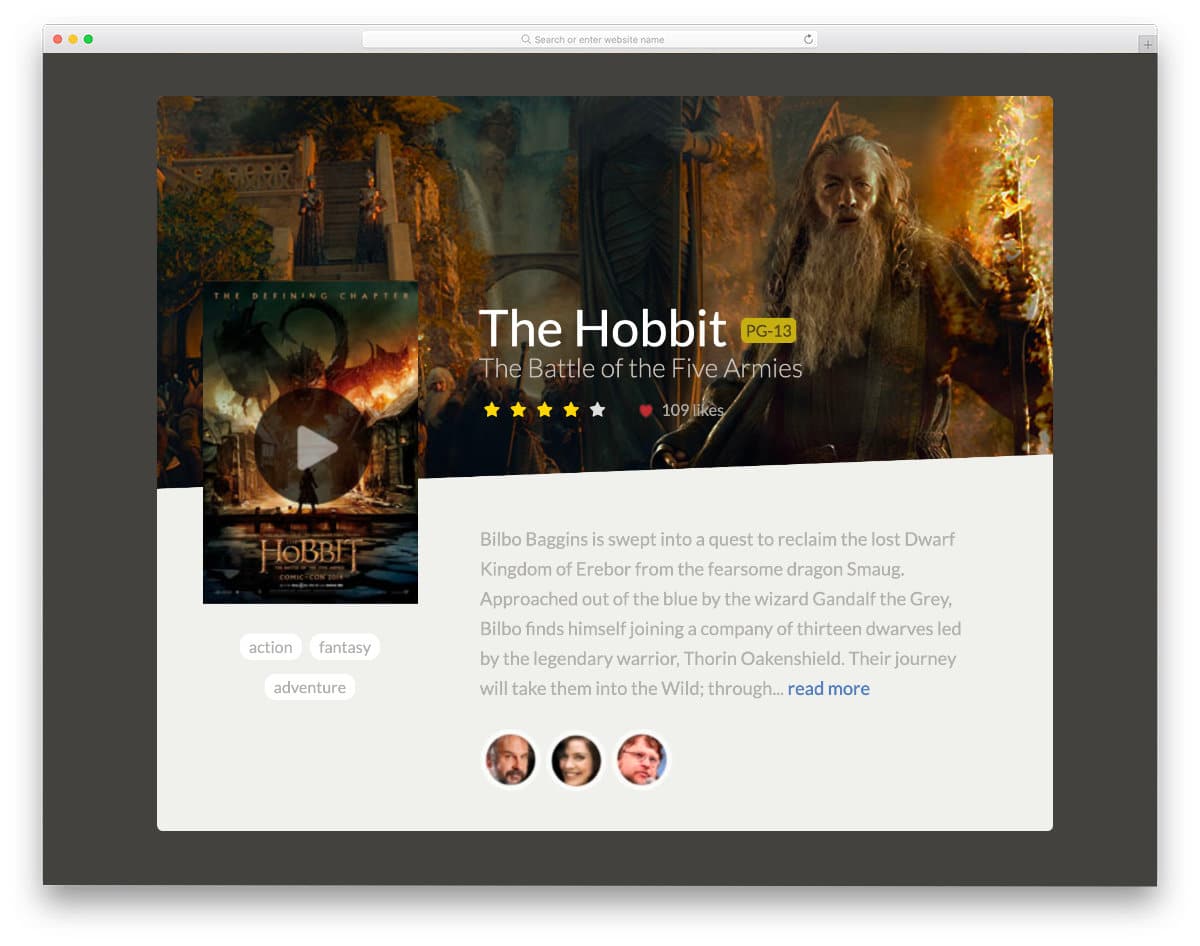
As the name implies, this example has a movie card design with a movie rating option. This design concept can be easily applied to both websites and mobile applications. You can place this card element anywhere on your website thanks to its compact design. Hover actions clearly show the selected stars and feel natural on computers and laptops, but on mobile, you still have to use the click input action. If you are making movie websites, take a look at our movie website templates collection for cool templates with all the useful elements pre-designed for you.
Simple Star Rating CSS

The creator has used the emojis effectively in this design to express the star rating. It is a five-star rating design, and for each rating, you get a corresponding emoji. If you are making star ratings for a service-oriented application or user reviews, ratings like this will help users easily relate to your service or product. The animation effects are swift and clean, so the user can see the emojis quickly as soon as they change the rating. This design was made using HTML5 and CSS3, so you can easily use it in any modern website, form, or application. Since the entire code script is shared with you directly, you can understand this design easily and implement it on your website.
5* HOVER

If you are also taking half-star ratings into consideration, this star rating CSS design will help you. All you have to do is hover over the star ratings and select the rating you want. The hover effects are used effectively in this design, allowing the user to see the half-star ratings. To make this interactive design, the creator has used HTML, CSS, and a few lines of JavaScript. The default coding is structured properly, but you can restructure it to fit your design.
Apple AppStore Styled Star Rating

Though it is named Apple AppStore style star rating, this one is not similar to the new App Store star rating design. But the used design is neat and attractive. The reflections of the stars at the bottom and clear text message make this design one of the best user-friendly star-rating CSS designs. Just like the design, the code structure is neat and simple. The only drawback in this design is that it doesn’t support a half-star rating. But the code can be edited and you can manually add the features you want. The flexible code script of this design can handle any modern colors and animation effects.
Star Rating Animation

The creator has given you neat, subtle animation effects for your star rating designs. Sensibly designed animation effects give users a satisfying experience when they select a star rating. The double bling-bling effect when you select a five-star rating is a thoughtful touch. In the default design, the creator has used many star rating systems; as a result, the code is a little complex. You can trim the code and make it simpler as needed. The entire code script is shared with you on the CodePen editor to make your customization part easier.
Percentage Based Star Rating

This is a unique star rating CSS design on this list. Instead of selecting stars, this design lets you add percentages and display the corresponding star rating. Since the creator has used Font Awesome star icons in this design, you don’t need to worry about cross-browser compatibility. The code script is kept simple so that you have more than enough room to add your own custom features and options. In the code, you can see the creator’s notes. If you are a beginner, code like this will help you easily understand the concept.
Feedback Form

One of the most common places where the star ratings are used is on the feedback form. As more customer services are done online, a simple, interactive feedback form is necessary. You can see that the creator has used emojis and bold animations to make the feedback process easier for the users. Since it is a concept model, the whole design might look a little rusty, but you can use the code as a base and make your form in no time.
Star Rating By Michael
This one is a dead-simple star-raring CSS example. This design has no fancy stuff, but it has the basics right. If you don’t want to try funky stuff or just want a simple, proper base to build your custom features on, this one would be a good choice. Just like the design, the code script is also plain and neat. You can easily make this code fit your design by spending a few minutes on customization.
Star Rating in Pure CSS

The creator Cristopher has given a 3D-ish type star rating design in this example. The bulged-out look and shadow effect give the design a realistic touch. And the best part of this design is that you can easily edit the code to change its look. The default star rating design is a bit like a widget, so you can easily fit it into your sidebars. Or else you can tweak the design a bit and use it as the main element on a page.
Half-Star Rating
If you are looking for a clickable half-star rating design, this code snippet will be helpful. The creator of this design has given us both a regular full-star rating design and a half-star rating design. Using a clickable design avoids accidental ratings and also provides a better user experience for both desktop and mobile users. As mobile users are increasing, versatile elements that perform well on both devices are a must. For more responsive designs, look at our free responsive website templates collection.
Stars & Heart Rating

Stars & heart rating design is the best option for widgets. Sometimes you don’t need to use big separate pages to get user reviews; a small widget placed near the product will do. For example, after the order placement or digital product download process, you can keep this widget so users can share their experience. Since it is a demo model, the star rating widget is small, but you can resize it to your preferred size. The extruded design gives the button a real button feel, and the shadow effects make it look surreal. As the name implies, in this set, you get heart ratings along with the star rating.
Ratings Inspiration

This is a funky style star rating design. A big emoji face shows the reaction, just like in the Emoticon Star Rating mentioned above. But the facial reaction in this design is more real and smoother than the one in the Emoticon Star Rating. Along with the emoji face reaction design, you also get two other star rating designs. A small sparkling effect is given when the user selects the full five-star rating. Designs like this will provide a fun experience for users and also strengthen their bond with your website or applications. To make the animation effect more fluid and realistic, the developer has used CSS3 and JavaScript in this design.
Star Rating By Giel Berkers
In this design, you get a slanting star element instead of the regular straight stars. On hovering over the stars, they straighten and light. It is a simple, regular design made differently. Since it is similar to the regular stars, it won’t take much space and fits perfectly in the existing space. This star is designed using HTML5, CSS3, and JavaScript. Since the developer has used modern frameworks, you can use the latest shapes and animation effects in this one. By making a few customizations, you can use this design in your existing website or application. If you like to use different animation, look at our CSS animation examples to get new inspirations.
Rating Stars With Simple JQuery
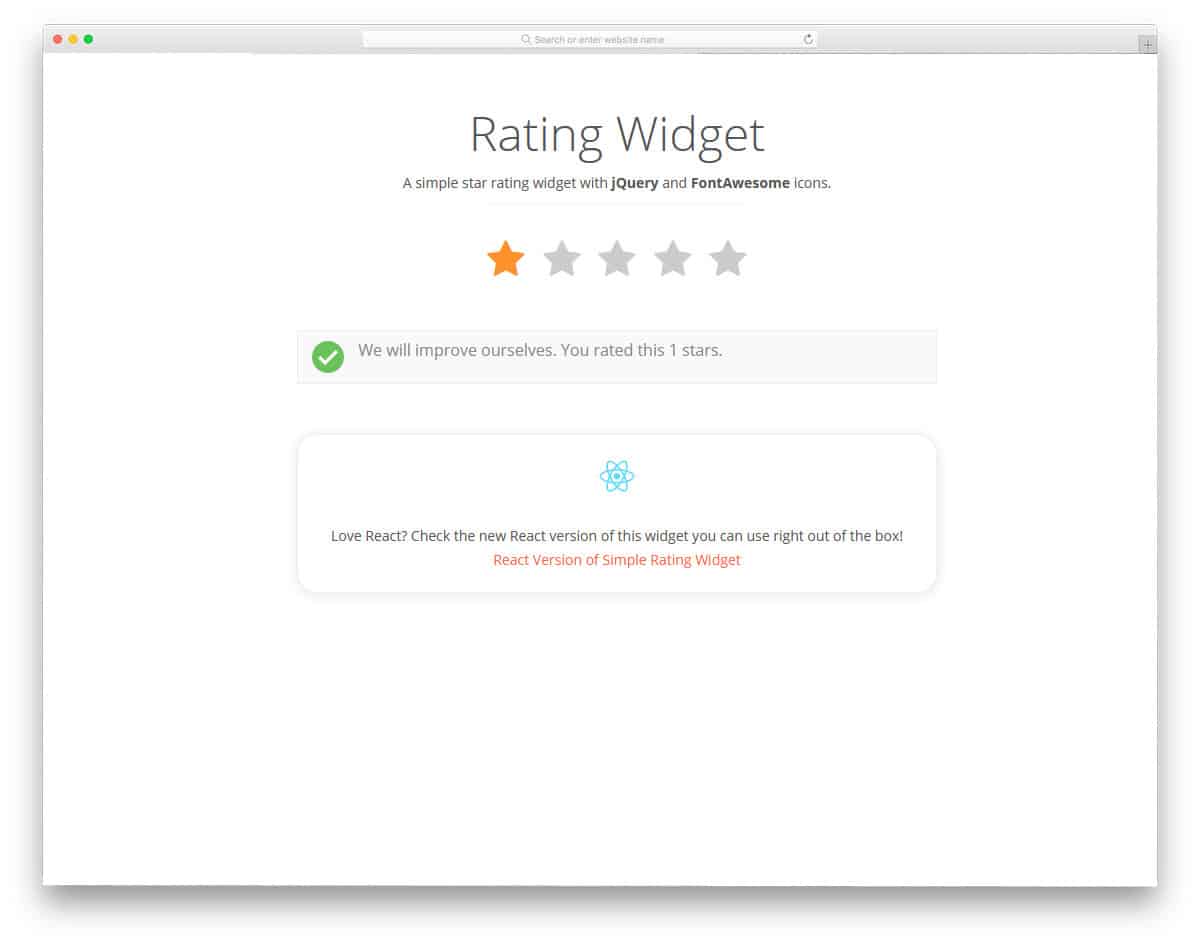
In this star-rating design, you can display a short message to the user. For the five-star rating, thank the user; for the single-star rating, apologize and promise to improve your service. If you are running a service-based business, this design will be helpful. For example, if you offer WordPress website customization or hosting support, this star rating design will give users a better experience. If you are designing a hosting website, check out our free hosting website template collection, which includes elements like this pre-built.
User Rating Module
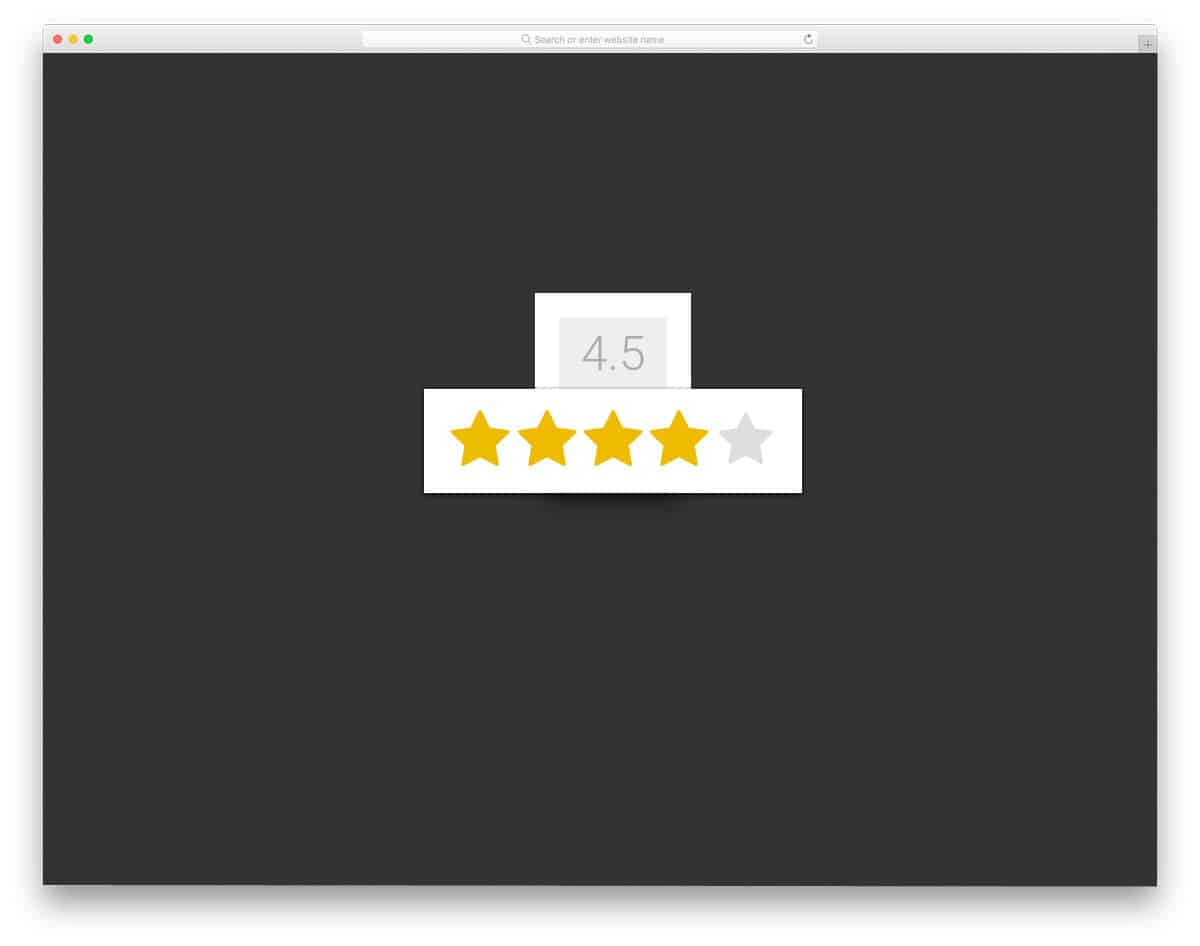
The User Rating Module clearly shows how many stars you have given for a product or service. You can use the star rating display region to show the average number of stars given. Showing a product or application’s star rating helps other users select the best option. You can use this star rating design in both eCommerce websites and directory websites. To achieve a dynamic result with a smooth animation, the developer used CSS3 and JavaScript. Since the developer has used the latest framework, you can use your modern color scheme and animation effects.
Rating in Pure HTML5/CSS3

A pure HTML5/CSS3 rating is a simple star rating design you have seen on many websites. Although the developer has used CSS3, a simple dark-and-white color scheme is used in this design. As the name implies, it is designed using only HTML5 and CSS3 scripts. The selected stars change to yellow, and you can also reset your rating. Overall, it is a simple design that you can use on any website. The code script is also kept simple for easier integration. To get hands-on experience with the code, check the info link below.
Star Rating By Arnau Lacambra

This is another fancy-looking star rating design that you can use on any website and email templates. If you are using emails to collect user feedback, elements like this will be very useful. Instead of taking the user to a separate page from the email inbox, you can get right to it within it. A blue color scheme is used in this star design, but as usual, you can use your own color scheme. Though the effects and the design are simple, the developer has used HTML, CSS3, and JavaScript. Based on the code structure you follow you can trim or recreate the same design with the frameworks you use. Look at our free email template collection to get useful elements like this pre-designed for you.
Rating System
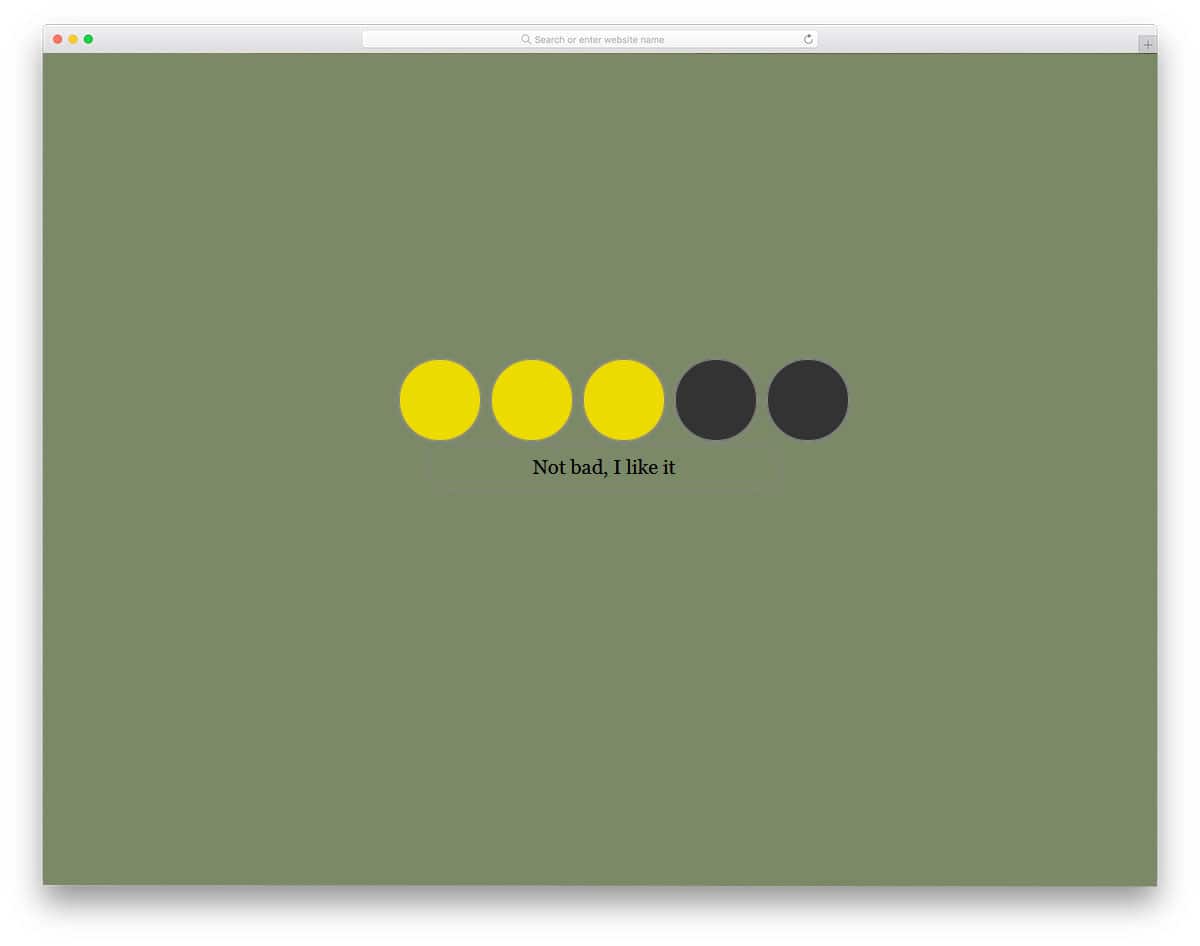
The creator of this rating system has used circular elements, but you can replace it with a star element. Different color schemes are used for each rating, and the corresponding message is shown at the bottom. If you like to design a creative rating element with interactive touch, this design will be very helpful. The developer has used HTML, CSS3, and JavaScript to make this beautiful design. By making a few optimizations to the design, you can use this design even in your existing mobile responsive websites. Since it uses the latest framework, you can use any modern colors and gradient colors in this design.
Pure CSS Star Rating System

Pure CSS Star Rating System is a bold-looking star rating design. You can even combine this design with the animation effects in the previous design to create a unique design. Another advantage of this design is that it uses only HTML and CSS3 elements. Hence, you can easily add this element to any web page. You can even use this element in your email template design. Tools like MailChimp allow you to create your own custom design. If you have basic HTML and CSS knowledge you can create your simple email template. Or else you can use our free MailChimp email templates and customize it based on your needs.
How Are You

This is another emoji-based star rating element. In the most emoji design mentioned above, one reaction is used for the three and four-star ratings. But this developer has used face reactions efficiently for each star rating. Apart from the face reaction, it also glows based on the number of stars you have selected. Another advantage of this design is that it is made entirely with CSS3. Some of the emoji-based designs mentioned above had a heavy codebase, but this one is lightweight. Hence, you can provide a better user experience without making the web page load slowly.
Rate Star Buttons

The developer of this design has used a lively animation effect on the star elements. The stars wiggle and light up to get the user’s attention when they hover over the star element. You also get a text message below the stars to give an interactive experience. Another best thing about this design is that all these effects are made only with CSS3 and HTML5. This design loads faster and lets you add it easily to any part of the website or application. Since the code script is kept very simple, the customization part will also be easy for the developers.
Standalone SVG Star Rating Component

Standalone SVG Star Rating Component, as the name implies, is an SVG-based design. In the demo, the developer gave you star elements in different sizes. Since it is an SVG element, you can easily scale the star ratings to the size you want. Plus, this design is built with HTML and CSS3, so adding it to a website or application will be easy. Apart from the size customization option, this design uses a standard star rating. The simple design makes it a perfect fit for any website and tools.
Stars By Jordan-Simonds
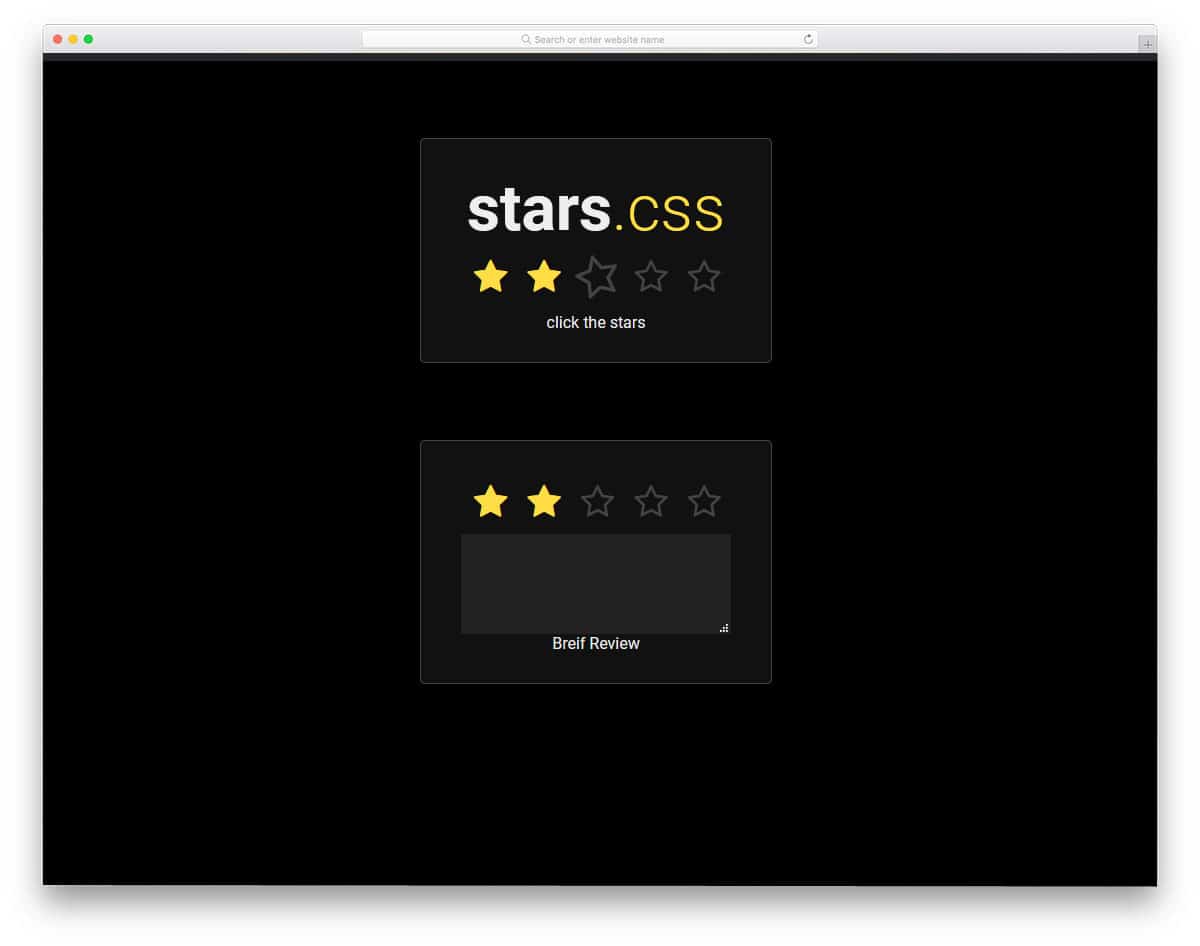
Mostly in the App Store and in the Google Play Store, you might have seen the ratings plus comment option. Giving users the option to comment will let them share their thoughts easily with other members. New users can read the review and decide whether to use the application. If you are looking for such a user-friendly star rating element, this design is the best option for you. On forum sites and on online store websites, elements like this help users buy a good product. Take a look at our free fashion website templates which has many user-friendly features to easily manage your users and products.
CSS Unicode Star Rating

CSS Unicode Star Rating has a glowing effect. The bright, glowing effect gives the star elements an attractive look. In the default design, the creator used a dark background, which makes the stars look more vibrant. The stars light up gradually when the user checks and unchecks them. These fluid transition effects make this star rating design a perfect fit for any professional website. The creator has shared the code scheme used to make this beautiful star rating element. A few optimizations will make this star element perfect for your existing website or project.
Rating System Elton Kamami
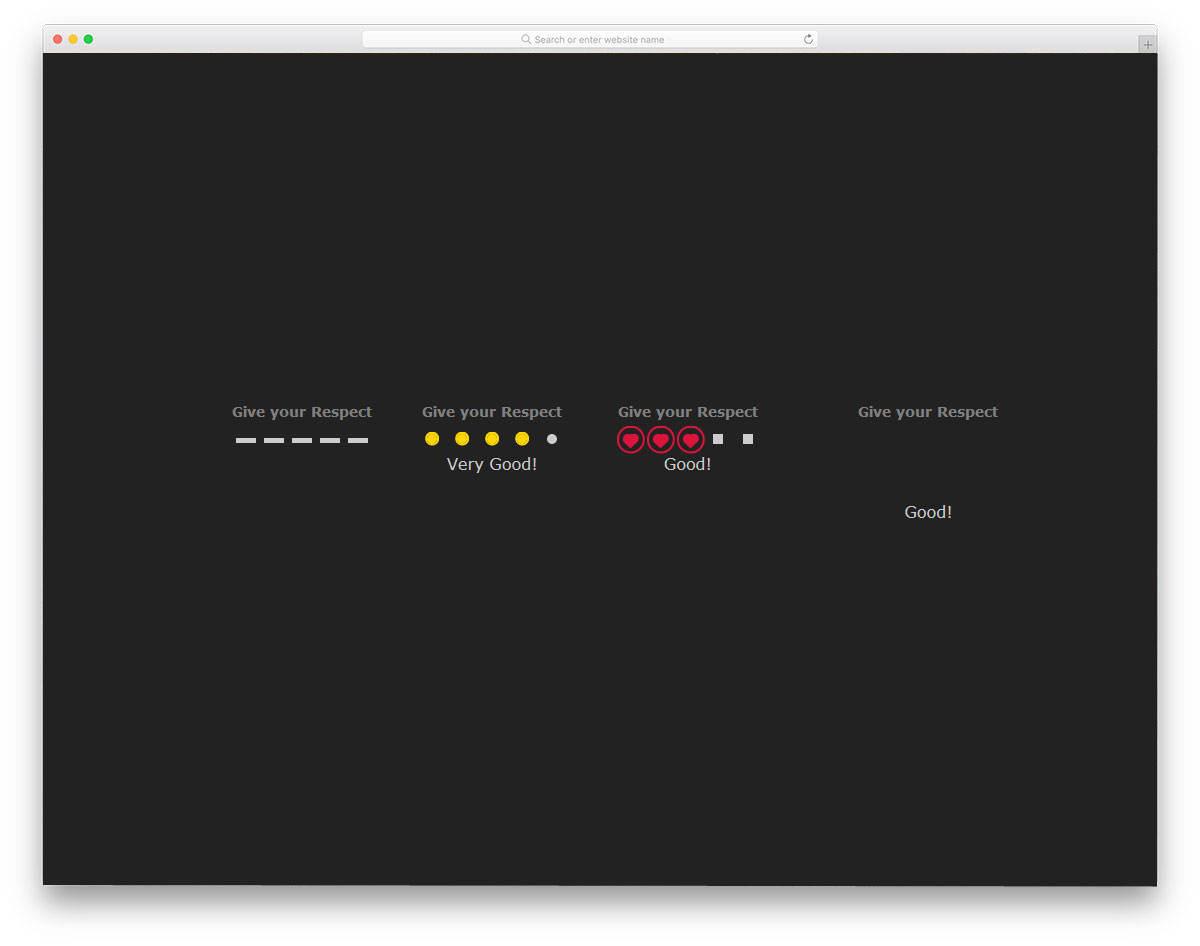
In this rating system, the developer has given you three types of rating designs. Instead of the star elements, the developer has used circular, heart, and plus-shaped elements. With cool transition effects, this design will definitely get the user’s attention. Since all the design and animation effects are designed using the CSS3 script, you get a buttery smooth experience. In the default design, the rating elements are kept small, but you can resize them. In addition to the transition effects, you can also display a short message at the bottom of the ratings. Based on your rating, the message varies accordingly.
Google Play Rating Histogram
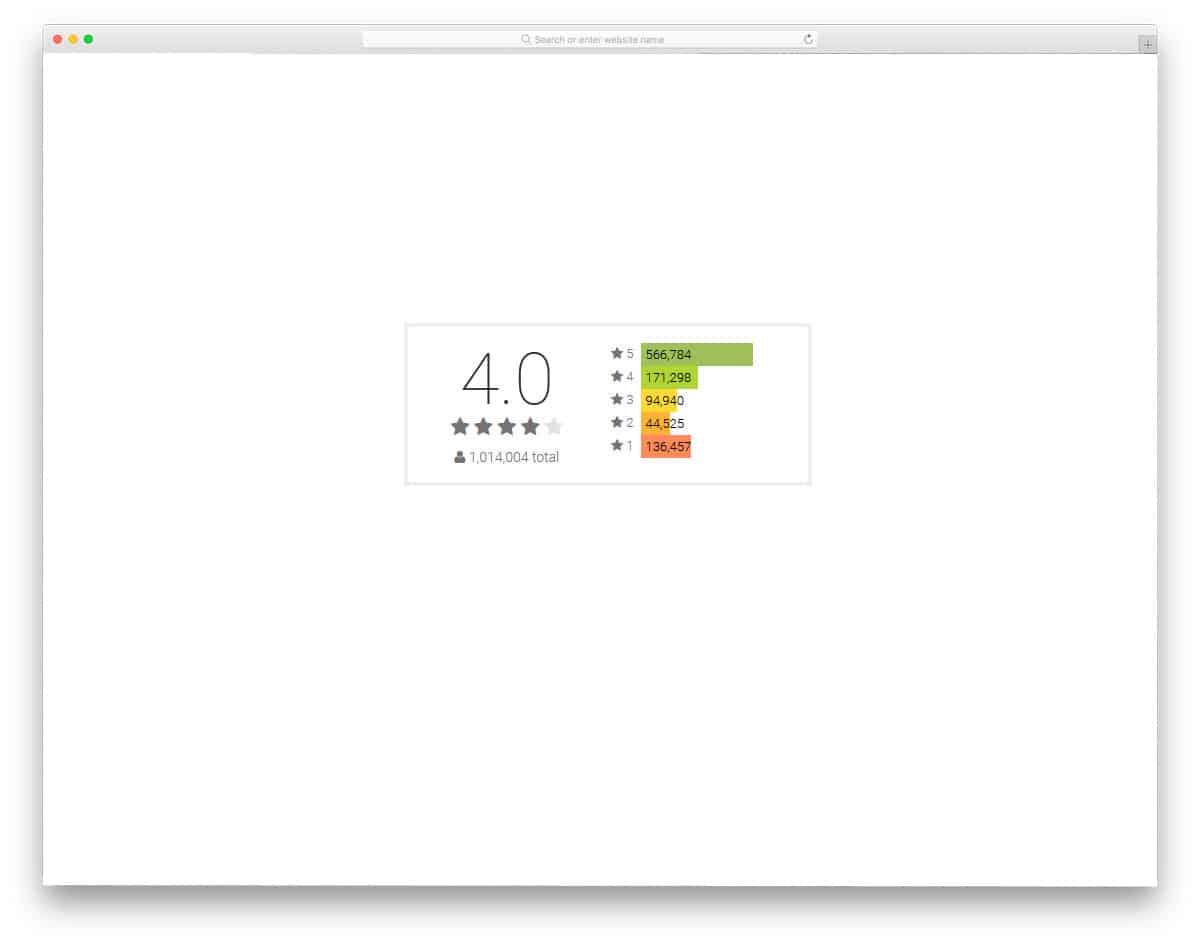
The Google Play rating histogram, as the name implies, is based on the Google Play Store’s rating system. In the Play Store, there are numerous applications for the same purpose. In the App Store, Apple follows a strict review system for applications. But on the Google Play Store, anyone can easily publish their app. Thankfully, the rating system will help us to find the right app. Insights and ratings from other users will help the new user choose or try the right application. The star rating element is not functional in this design, but you can use this concept to develop your own.
Angular Star Rating With Half Stars
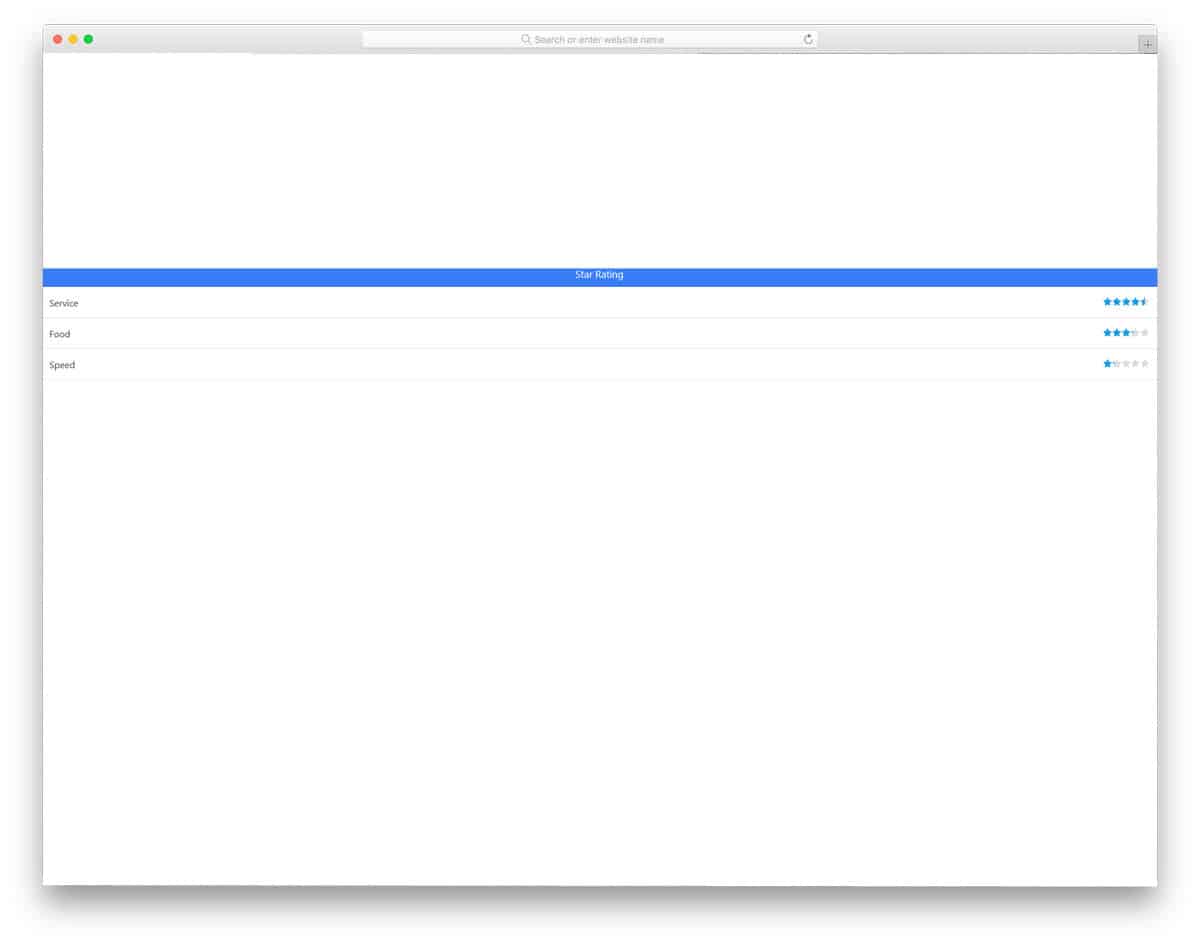
In all the previous star rating CSS designs, you have seen only the whole star rating like one, two and three. If you are providing an average star rating based on the total number of ratings, you may end up with half-star ratings. In that case, this design will come in handy. For example, if you are getting a three-and-a-half or a four-and-a-half rating, this star rating design will help you clearly show the ratings to the audience. It is just a conceptual model; you have to manually implement it to make it fully functional.
Pure CSS Star Rating Widget

Pure CSS Star Rating Widget: from its name, you can infer that this star rating is designed for widgets. In the previous star rating design, you had the conceptual model of a half-star rating. The creator of this design has given you a fully functional half-star rating design. Another useful feature of this design is that it is built entirely with HTML5 and CSS3. Hence, you can use it easily on any website or application. All you have to do is make the few customizations you want and integrate it with your rating and feedback system.
5 Star Emoji Rating
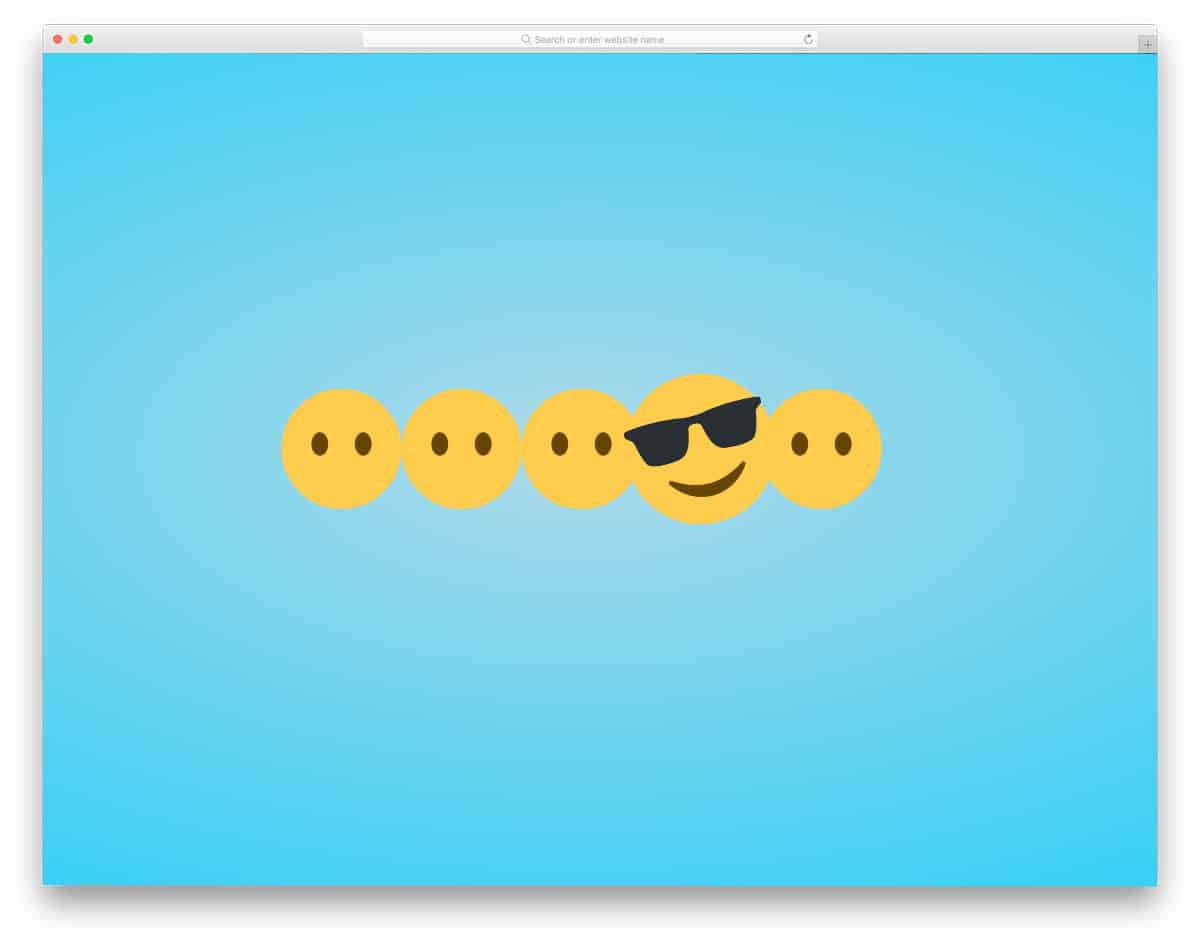
Instead of using a separate emoji face at the top, the designer has used the emojis as the rating element. Again, this is a conceptual model, hence you have to work manually to make it perfect. Elements like this will be a good addition to the survey emails. This design is also built with HTML5 and CSS3. Hence, you can customize the elements and animation effects as per your desire. By keeping this design as a base, you can easily develop your own custom star rating CSS design in no time.
