

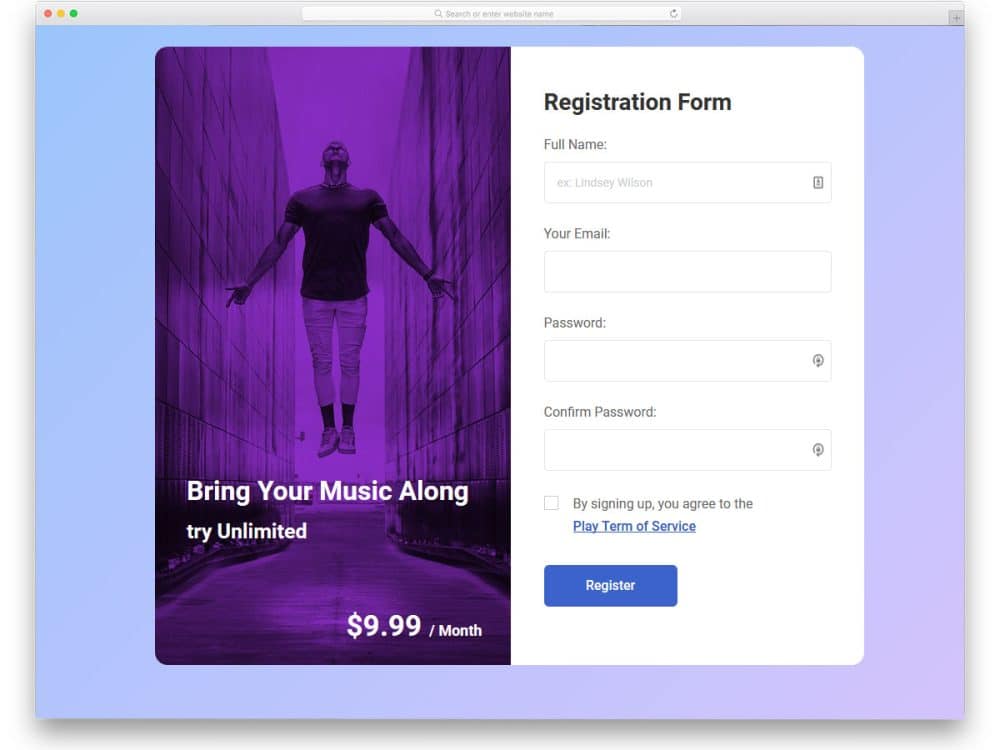
Form design has evolved significantly beyond simple collections of text boxes, radio buttons, and checkboxes. Modern form design adapts based on specific requirements and intended use cases. Forms serve as vital communication channels through which you can learn about your customers, audience, and clients.
When designing forms, we often focus solely on visual design while missing two critical factors: functionality and accessibility. From a coding perspective, numerous best practices must be followed to create proper HTML forms. If you’re a beginner, check out this Tutsplus post to learn about creating effective HTML forms. These HTML form design examples will help you create functional and accessible forms efficiently.

Contact Form V11

The V11 is a prime example of a proper HTML form design, offering simple and elegant designs. The creator has designed a beautiful form design by using texts alone. Modern fonts have become more natural and stylish, designers use them smartly to deliver a visually stunning design. This template includes a small message section along with the contact form, which you can use to add a message, and you even get a space to add a link to take the user to the desired page. Explore our CSS link-style designs for fresh link style ideas that you can use in your design.
Contact Form V16
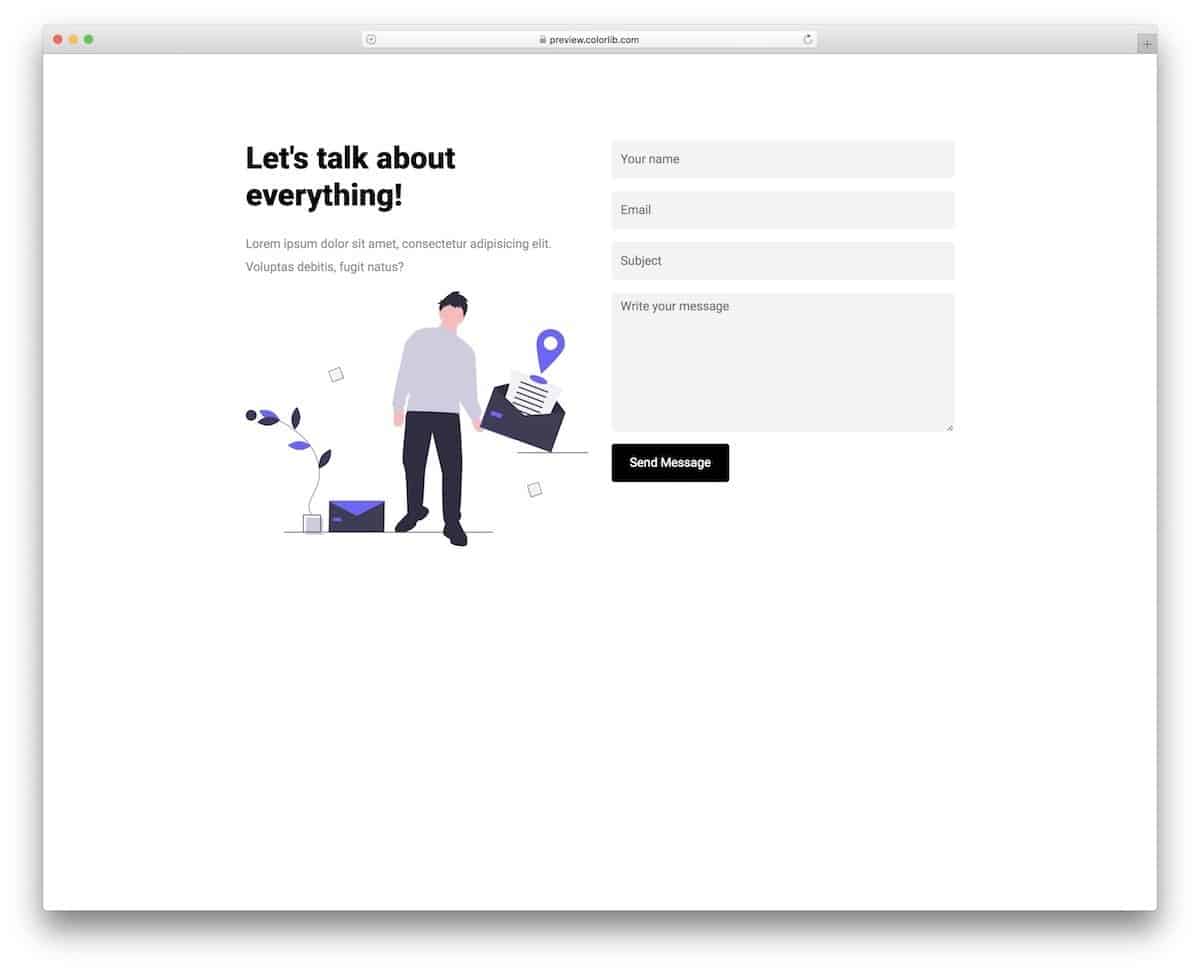
The V16 is an HTML form design example with code and is free to download.
Design-wise, the V16 HTML form has a modern business design. This template includes a nice vector character on one side and a simple form on the other. Users can interact easily with the form because of its simple design. You can add a little animation to the vector character or add your custom vector to reflect your brand. CSS files used in this design are included in the download file, which you can use to change the form’s look.
Beautiful Login Form V06
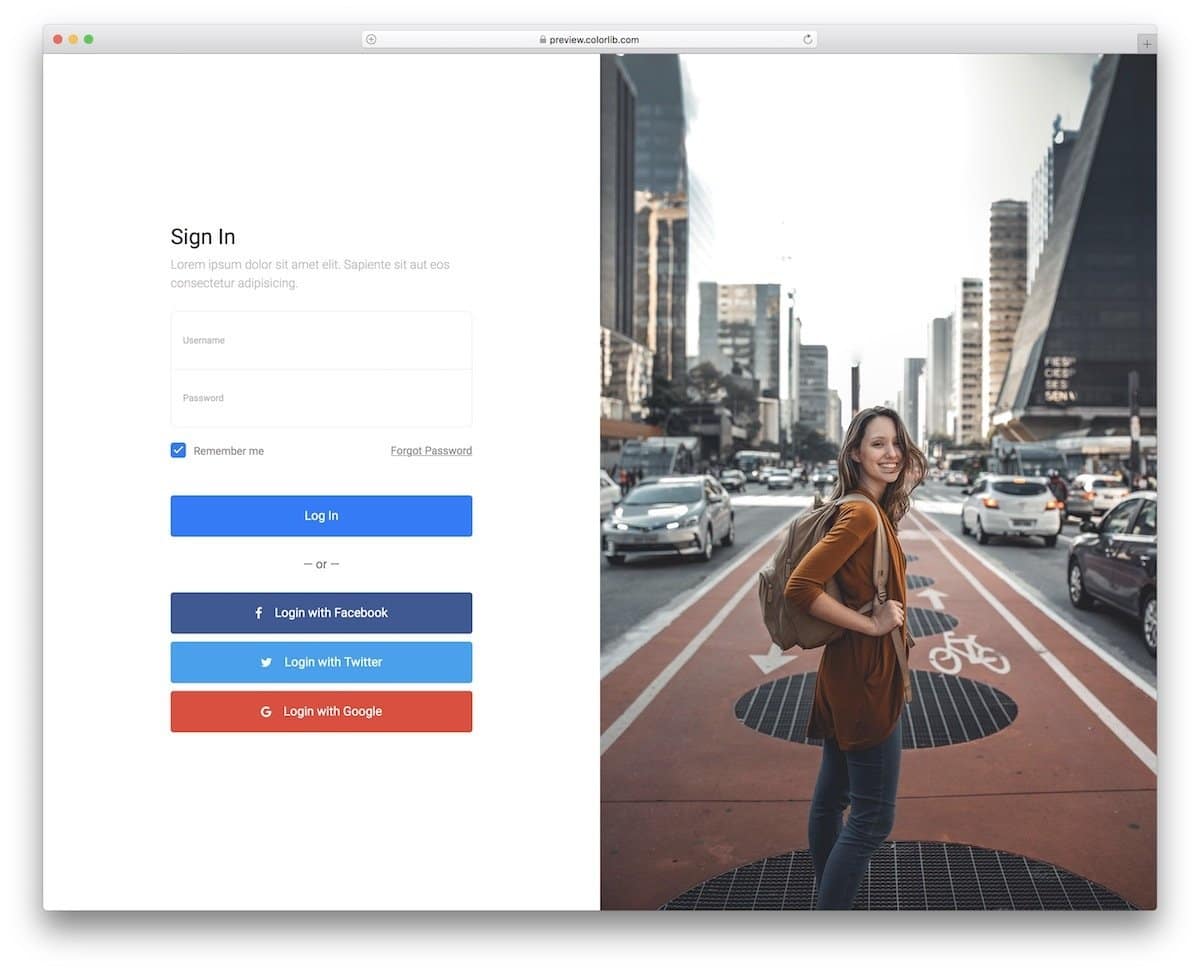
Those who want to make a memorable login page for this website or application should examine this HTML login form design.
The creator has used a full-page design with big image space on one side and login options on the other. One important thing while making a modern login form is it must have social login options. It is very difficult to remember passwords for every site, so most users prefer social login options. From the design perspective, this form is a complete one. Once you have completed the backend part, you can use this login form on your website.
Login Form V20

The V20 is perfect HTML login form for travel websites and applications.
This form’s default design with a beautiful mountain image in the background makes the user stay on the page for a second. If you are a photographer, login pages like this will also be a good spot to showcase some of your best shots and amaze your clients. A transparent text form field is used in this design, which enhances the overall look and feel of the form. If you want to make the input fields interactive for the users, explore our CSS input field design collection.
Colorlib Reg Form v12
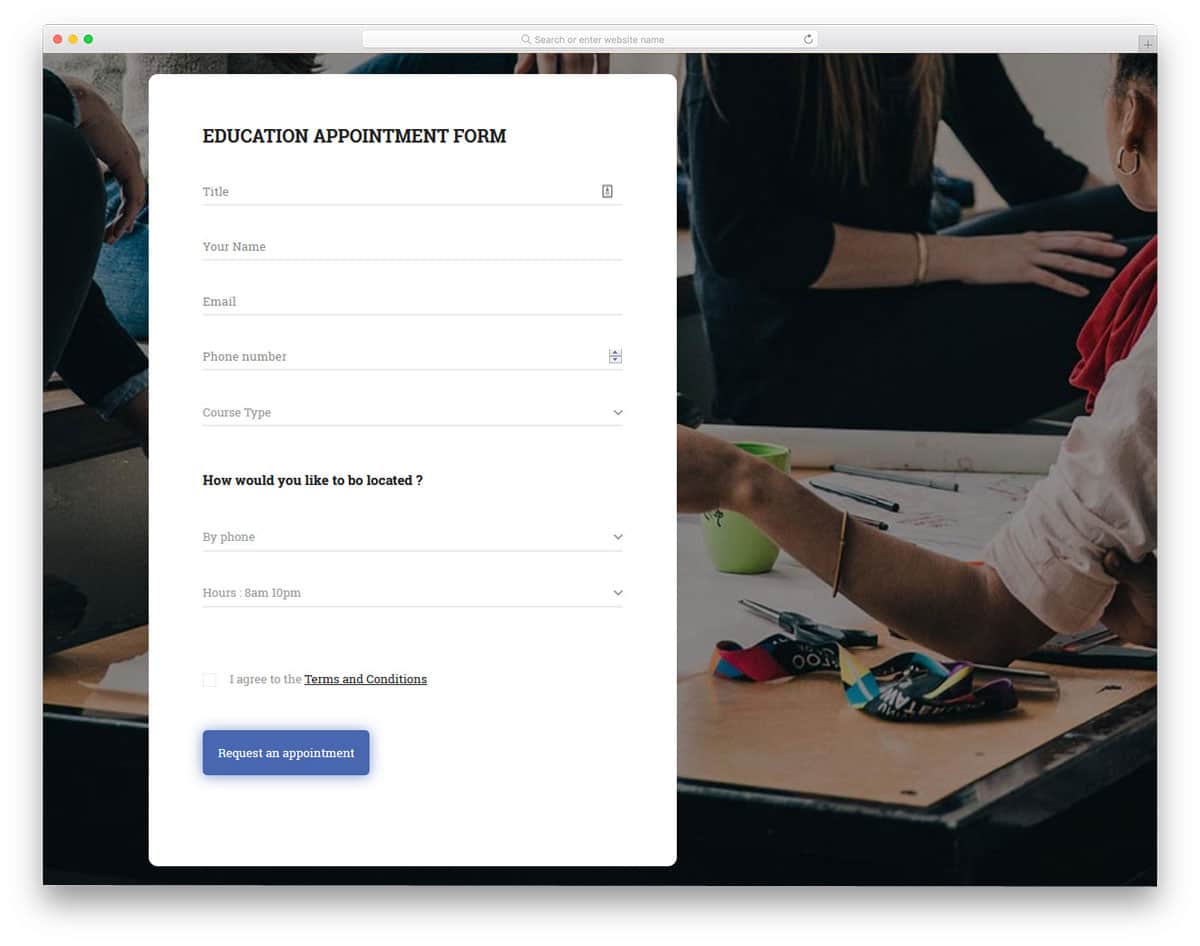
The V12 registration form is primarily an education website/app-related registration form. To make the interactions easier, the creator has kept the form design long with lots of space between each form field. Dropdown options, a button to easily increase & decrease numerical value, and regular form fields are readily designed for you. The template’s code structure is clean and simple, just like its design. You can easily add custom elements and effects to this form and can make the form fit your needs.
Colorlib Reg Form v14
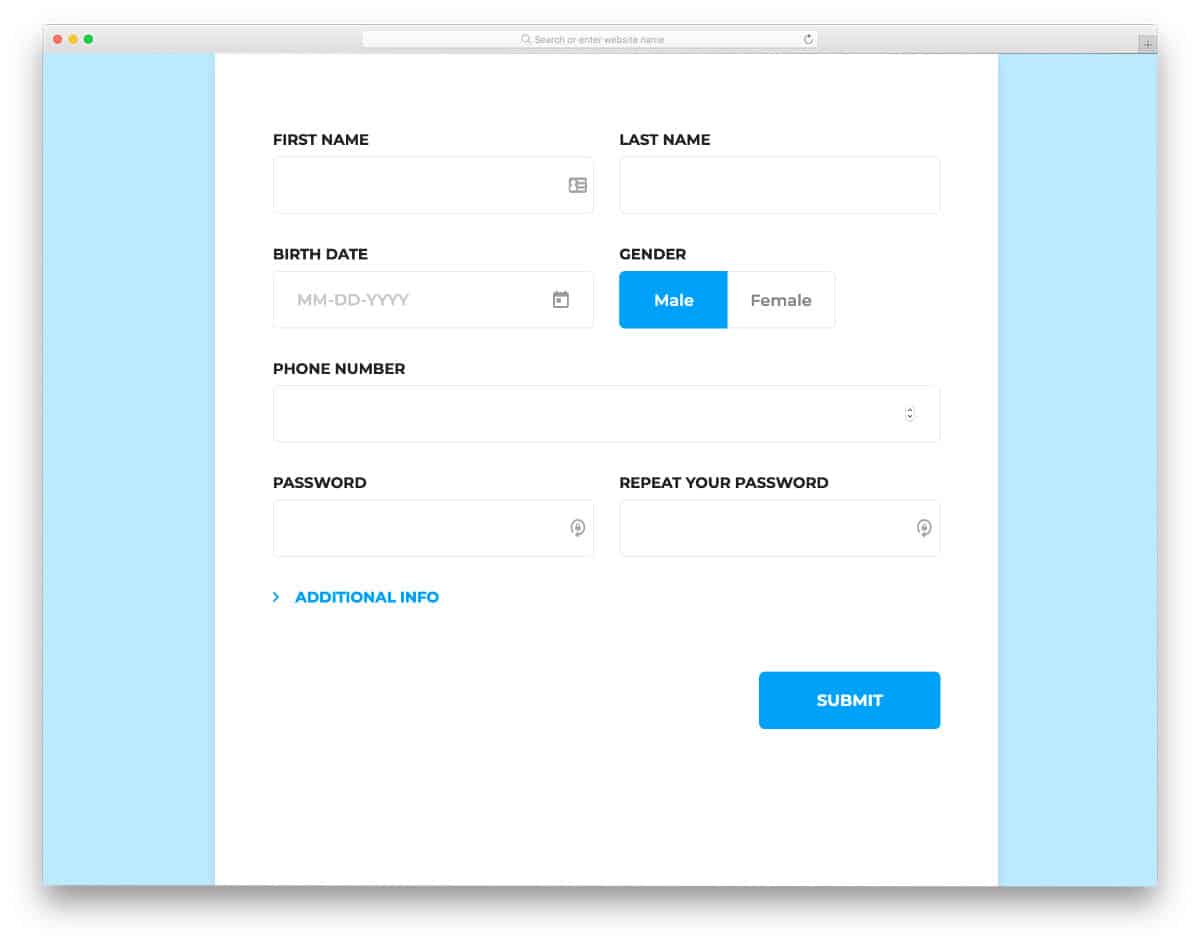
Piling questions one after the other on customers is the worst form design. But, companies do need customer detail for future needs and to strategize new marketing methods. Modern HTML form designs use several techniques to get users’ information without annoying them. In this form design, you can see that the creator has wisely split the form into basic and additional information so that the user can easily decide whether to share the information. The entire code script is shared with you by the developer; hence, you can utilize the code and can improve the design as per your requirements.
Contact Form v3

Contact Form v3 is a sensibly designed contact form template. In this design, you get the general contact and inquiry forms. The form smoothly expands when you switch between the contact and inquiry forms. Texts are made bigger and bolder for better readability. It is a responsive contact form out of the box, so you can add it to your mobile responsive website. This form template is made using the latest frameworks, so you can integrate this form into any modern web tools and applications.
Contact Form v4
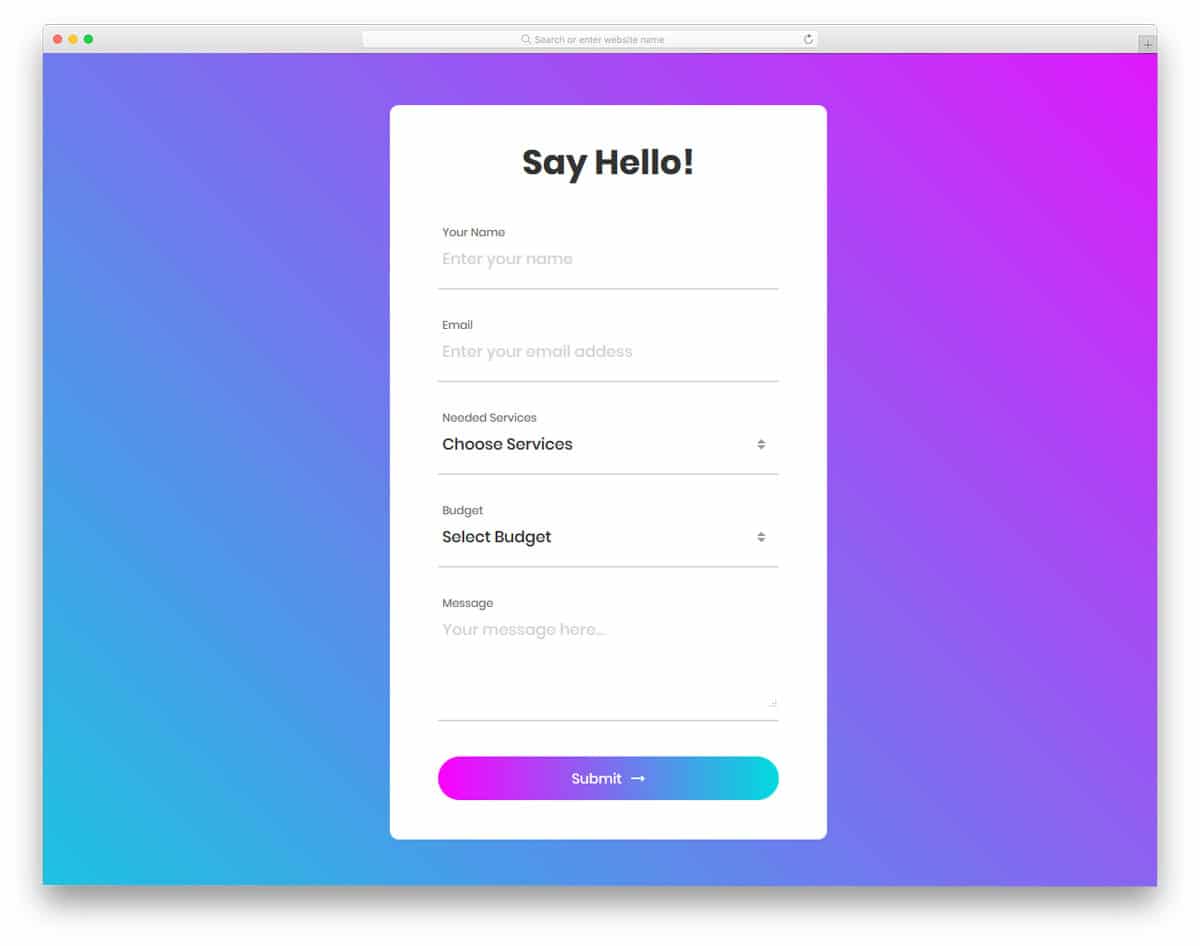
In this template, you get a long colorful contact form with more than enough form fields. The developer even allows you to select options from the drop-down menu. If you have more than options, you can categorize them in the drop-down menu for a clear understanding. An ample amount of space is given between each field for easier interaction. As you can see, gradient colors are used extensively in this design. Gradient colors are used for the call-to-action buttons and even in the drop-down menu option. All these beautiful options are made using the CSS3 script, so you can easily use this code in your project.
Colorlib Reg Form v30
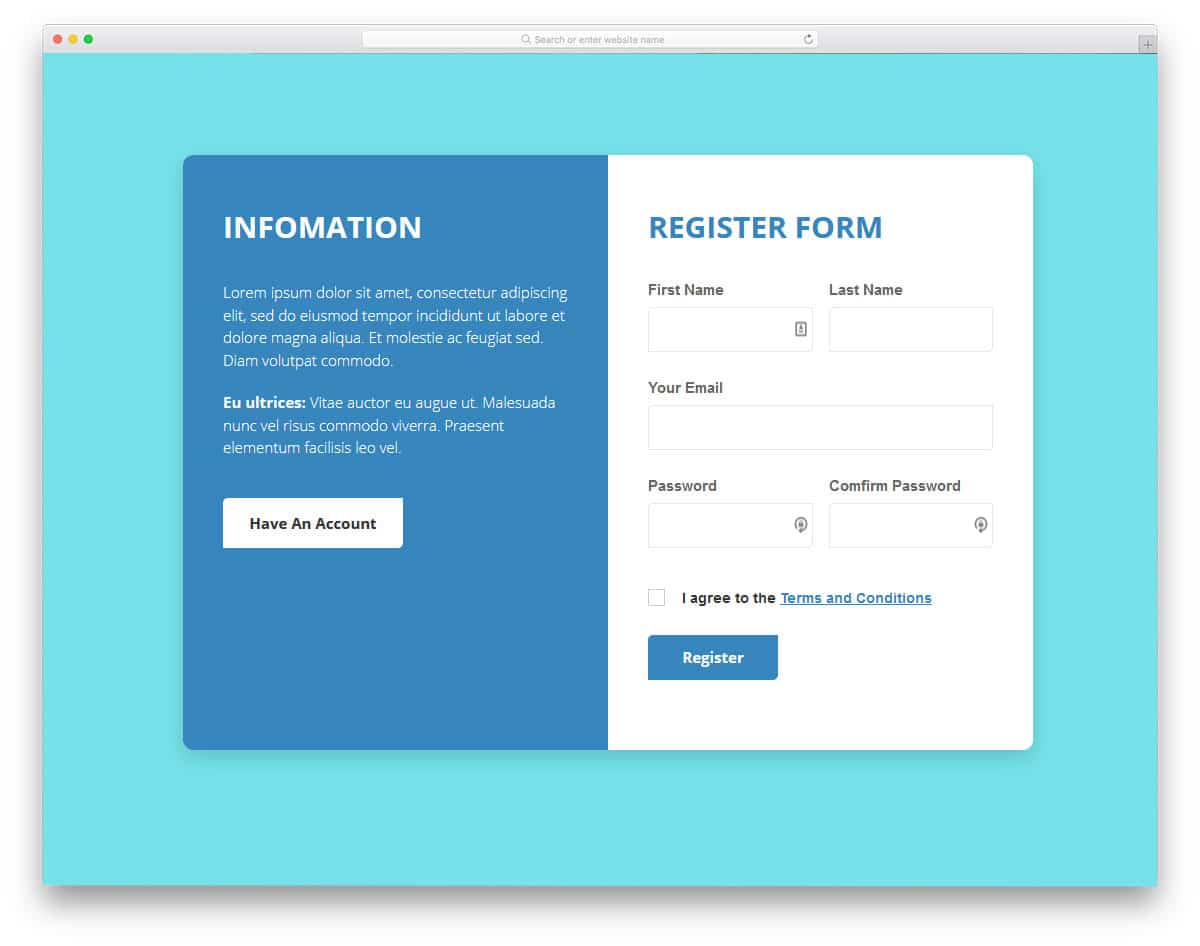
This is one of the few HTML form design examples that uses split-screen design effectively. Since it is a registration form, the creator has used one of the screens to show relevant information and a call to action button to direct the user to the login page. We get form fields like email address, username, and password on the registration form. Basic optimizations like the character hide option on the password field and error messages are pre-built in this form. All we have to do is to link this form with the registration system. HTML form design examples like this will make our job easy and save us time.
Colorlib Reg Form v29
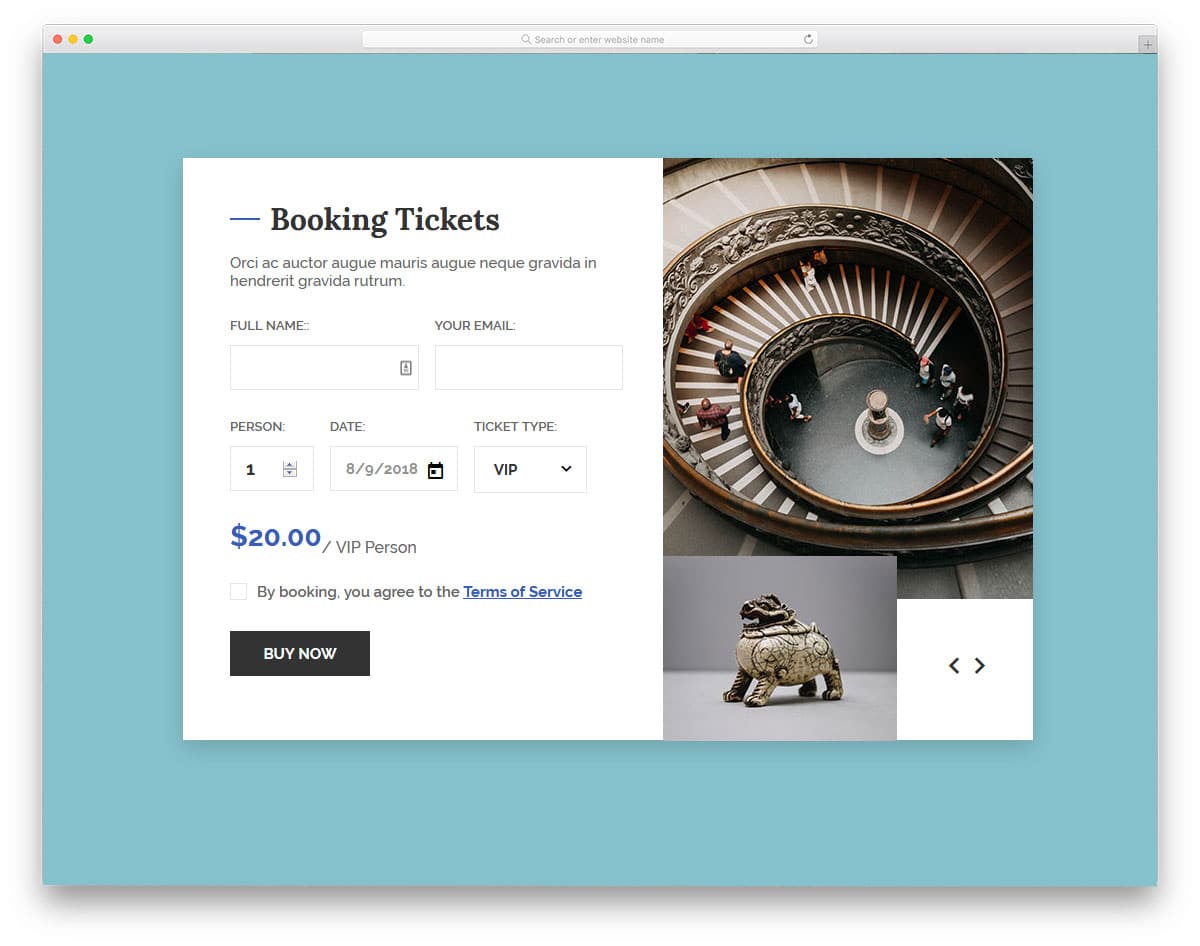
If you are looking for HTML form design examples for your ticket booking page, this form example will be a good choice. The letters are made bigger and bolder so the user can easily interact with the form. Especially the pricing number is made bigger to notify the amount the user will pay. On the right side screen, we have the space to add an image slider. Since it is a concept model, the creator has not added images to the slider. But you can create an image slider manually by editing the code. Explore our CSS Slideshow Design collection for interactive transition effects and attractive slider designs. HTML form design examples with a versatile design like this can be used for all types of websites.
Colorlib Reg Form v28
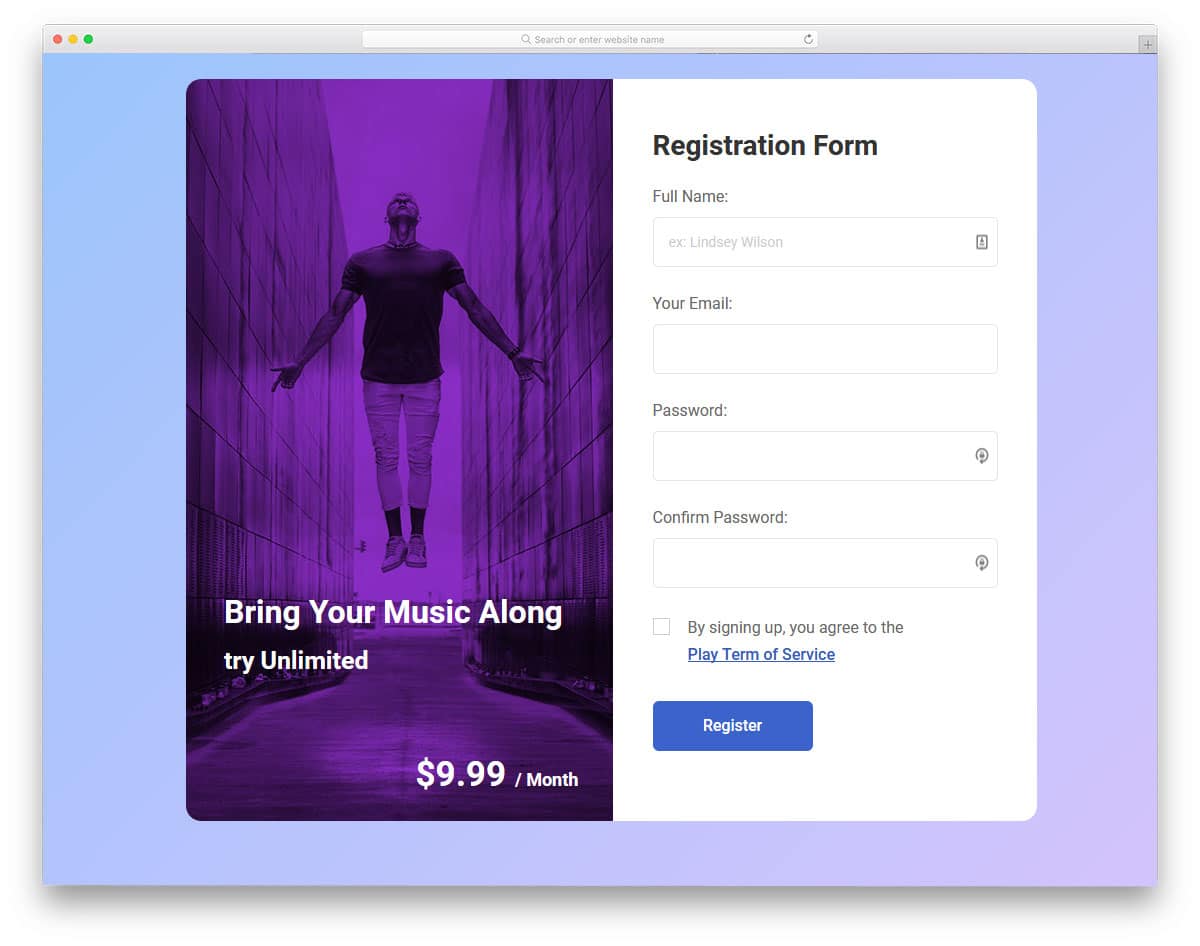
Big brands mention the benefits of subscribing to their plans. HTML form design examples like this will help you show what the user gets for their money. A powerful image and a clear message will make a big change compared to simply putting a normal registration form on your page. Like in most other HTML form design examples, this form is also made bigger and longer so you can add form fields without making the form look crowded. An ample space is given between each form field so the users can easily interact with the form even on their mobile devices.
Login Form 5
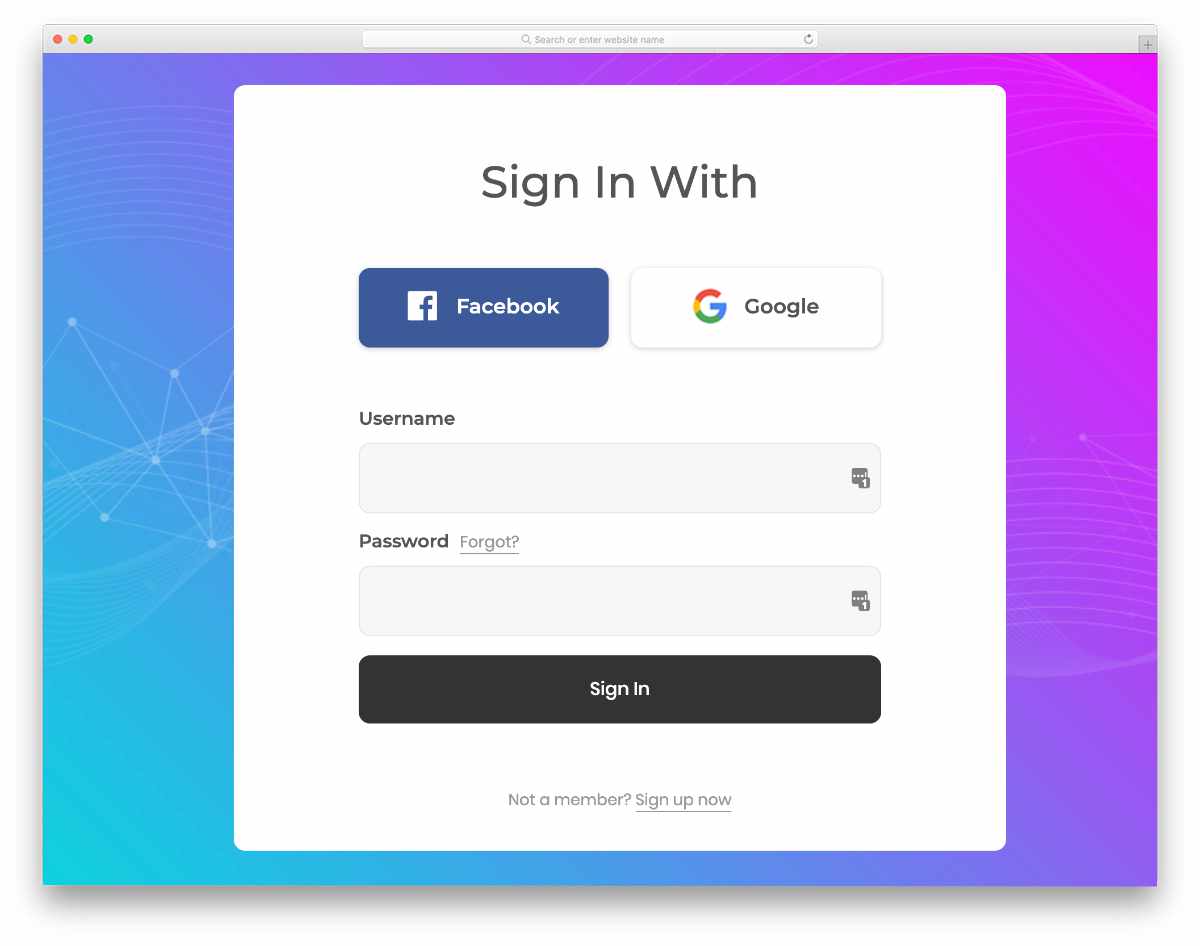
In this example, you get a colorful gradient-rich design. The creator has generously made the buttons and other elements big. As a result, you get an easy-to-interact form template. Even on small screen devices, users can interact with this form template. Important links like “forgot password” and signup links are simply given as text links to visually balance the design. If you want to spice up this text link design a bit, explore our CSS link style design collection. The entire code script is in the download file to let you easily utilize this template in your project.
Login Form 4
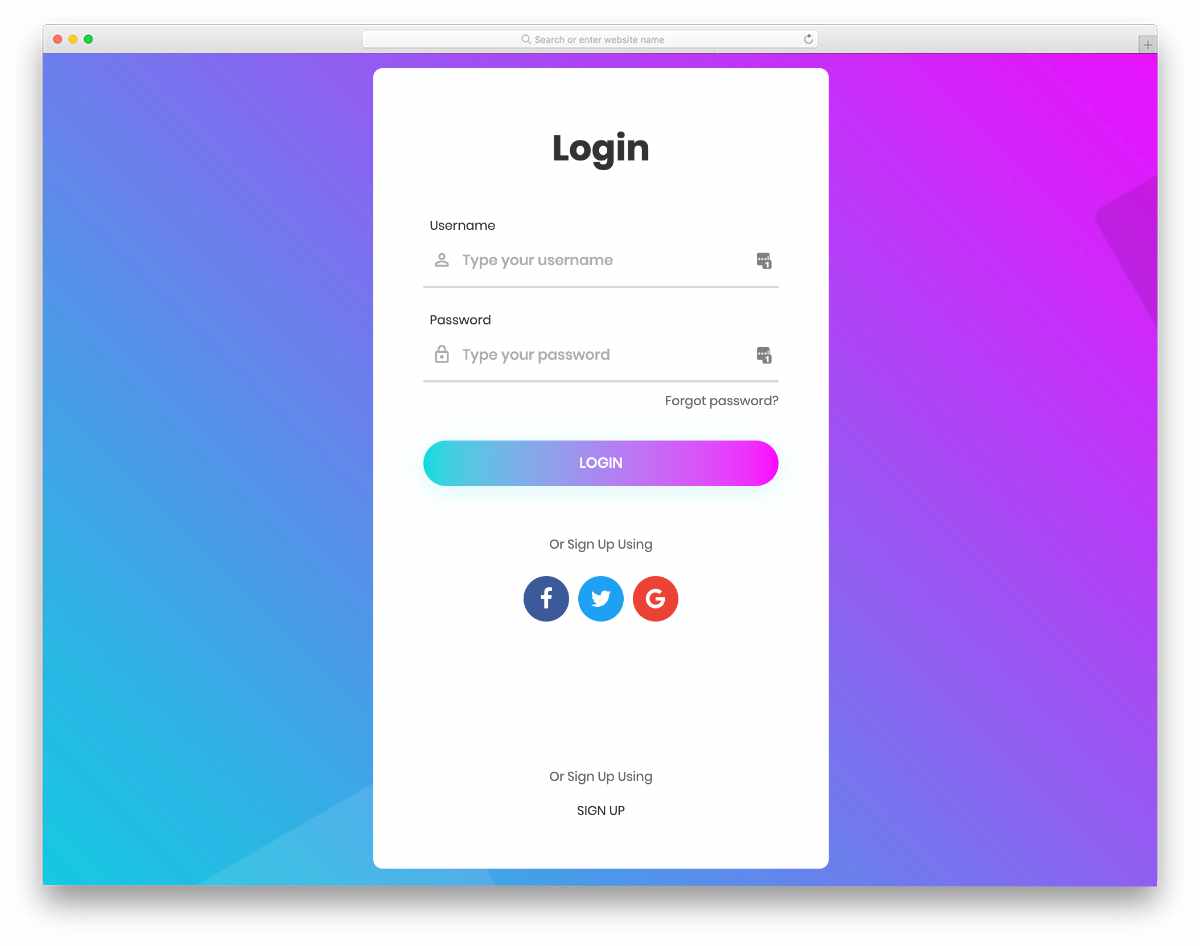
This one is also similar to the Form 5 template mentioned above. But this one is a bit elongated to fit all the elements neatly in one place. Neat hover effects and crisp icons give a premium look to this template. Though the creator has used a gradient color scheme, you can use your own colors to personalize the form as per your design needs. Signup using social media icons is placed right below the login call to action button. Since all basic front-end elements are neatly fused into this form template, you can peacefully concentrate on your custom features.
Login Form 9

Design-wise, this template resembles the Form 4 template mentioned above. The creator has added a little shadow and depth effect to distinguish this template from the Form 4 template. Since the creator has used the latest CSS3 script, the depth effects are natural, and users viewing your forms on high-res screens will love it. Regarding crisp & sharp designs, explore our Retina Shopify themes collection to make a customer-friendly online store.
Colorlib Reg Form v15
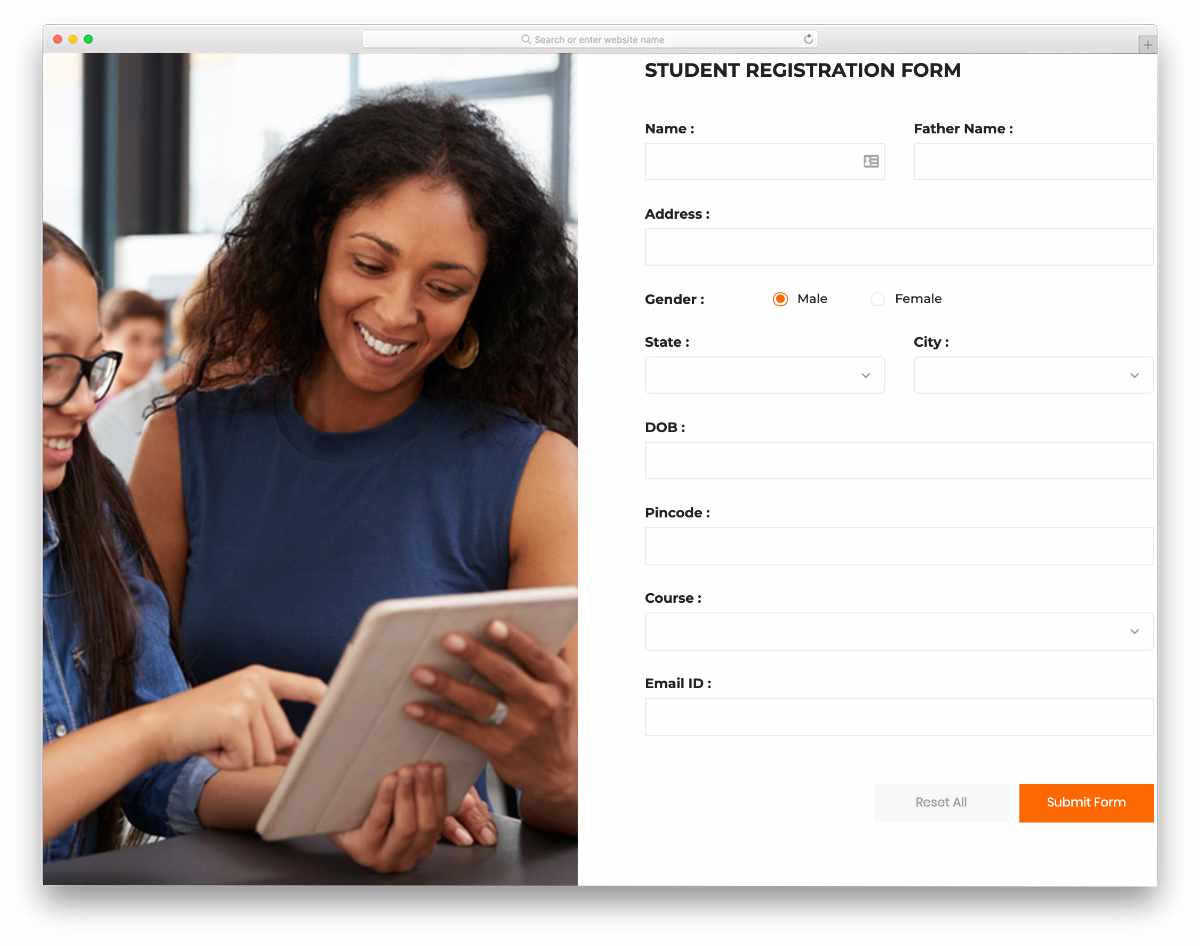
This one is a registration form design example. The creator has used a full-page form in this example. On this split-screen design, you have more than enough space to add a form on one side and an image on the other. The creator has handled this design professionally so that you can use this registration form design for all types of websites and applications. From the drop-down options to the radio button, all types of essential form elements are given in this form. All you have to do is to edit the form as per your requirement and use it on your website or application.
Colorlib Reg Form v16
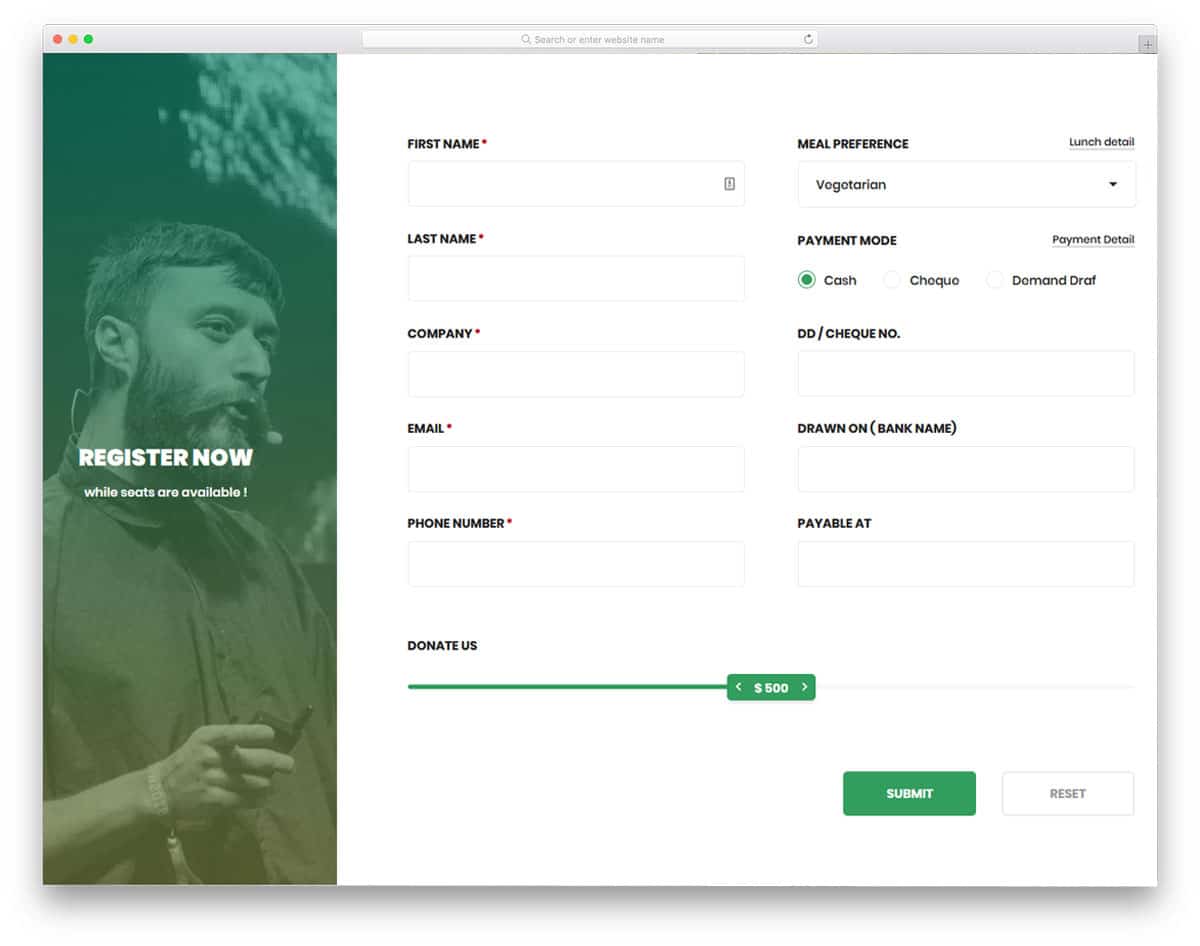
HTML form design examples with many useful form fields and interactive elements will help you make a user-friendly form. Since this form is originally designed for the donation page, you have related form fields and elements. The user can select the payment method, choose the program they want to donate, and use a range slider to select the value. All the elements and form fields in this form are fully functional from the front side. After a few hours, you can easily customize this form with the elements you want and integrate it with your system. For more interactive range slider design, take a explore our CSS range slider. Most of the HTML form design examples in this list are made using the latest web development framework, so they can easily handle modern design and animations.
Colorlib Reg Form v13

This template will appeal to you if you are looking for HTML form design examples with contemporary style design. With a dark theme and a trendy color scheme, this template will fit in any luxury restaurant and hotel website. Animated buttons and smooth text field animations have made this form template as one of the best HTML form design examples in this list. A big space is given for the image so that you can add relevant images of your hotel or restaurant. You can use this form for your website or application by making a few changes to the design.
Contact Form v5
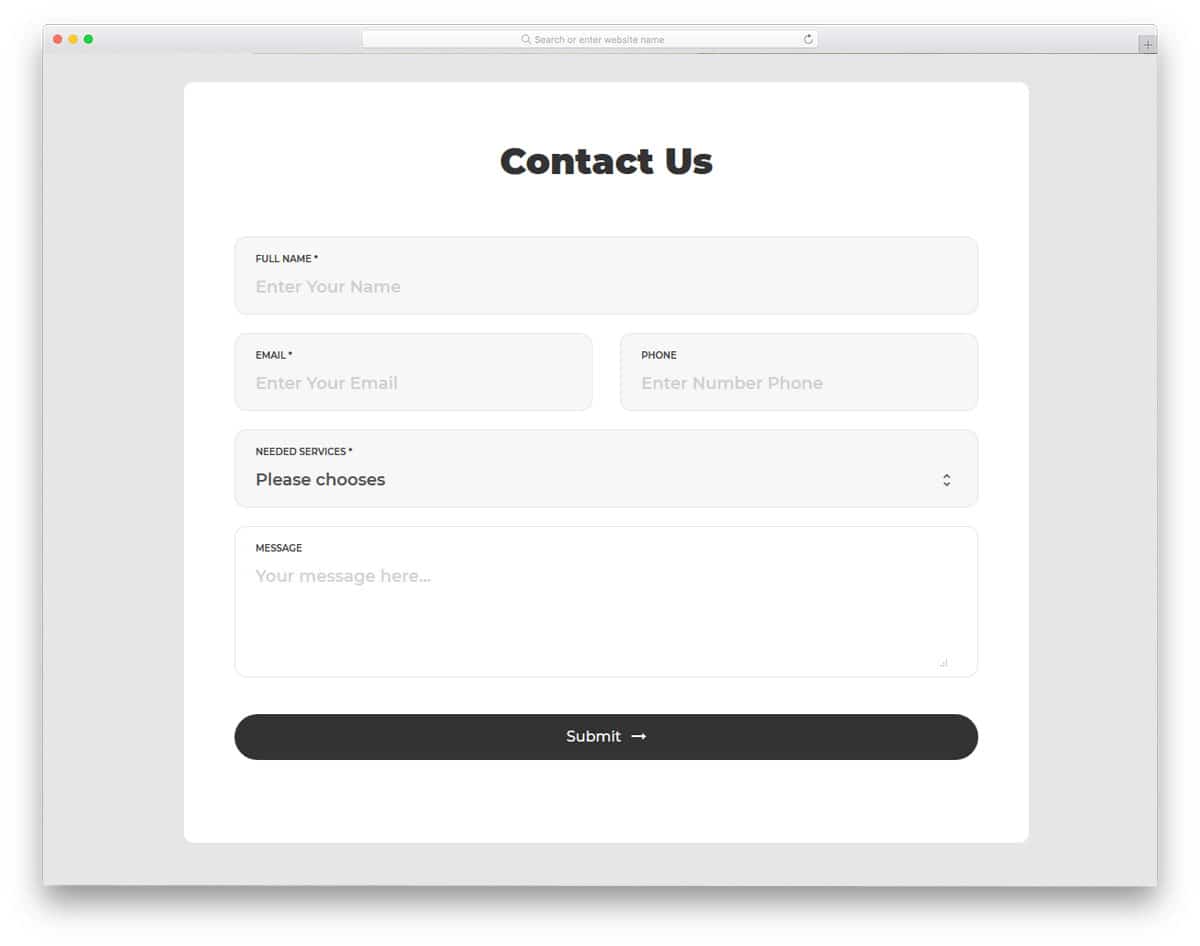
Contact Form v5 is a simple version of the V4 contact form mentioned above. If you do not like gradient colors and prefer a flat style design, this form will appeal to you. The clean pristine design makes this contact form easy to use and interact with. Apart from the clean design, this form supports field validation. When the user misses an important field, an error message is shown. All these fundamental features make this form a perfect option for business websites. By making few optimizations, you can use this contact form template even in your existing website or application.
Contact Form v1

Using focusing elements or animation is one of the important design aesthetics in a contact form design. The user must know in which field they are entering the data. In this form, the developer has used a short color flashing animation to get user’s attention. The designer has followed a floating style design in this form. On the clean white background, the minimal form fields look attractive. To the left, you have a gimmicky element that moves as per your cursor movement; you can use this space to add your logo or other elements related to your website or business.
Contact Form v2
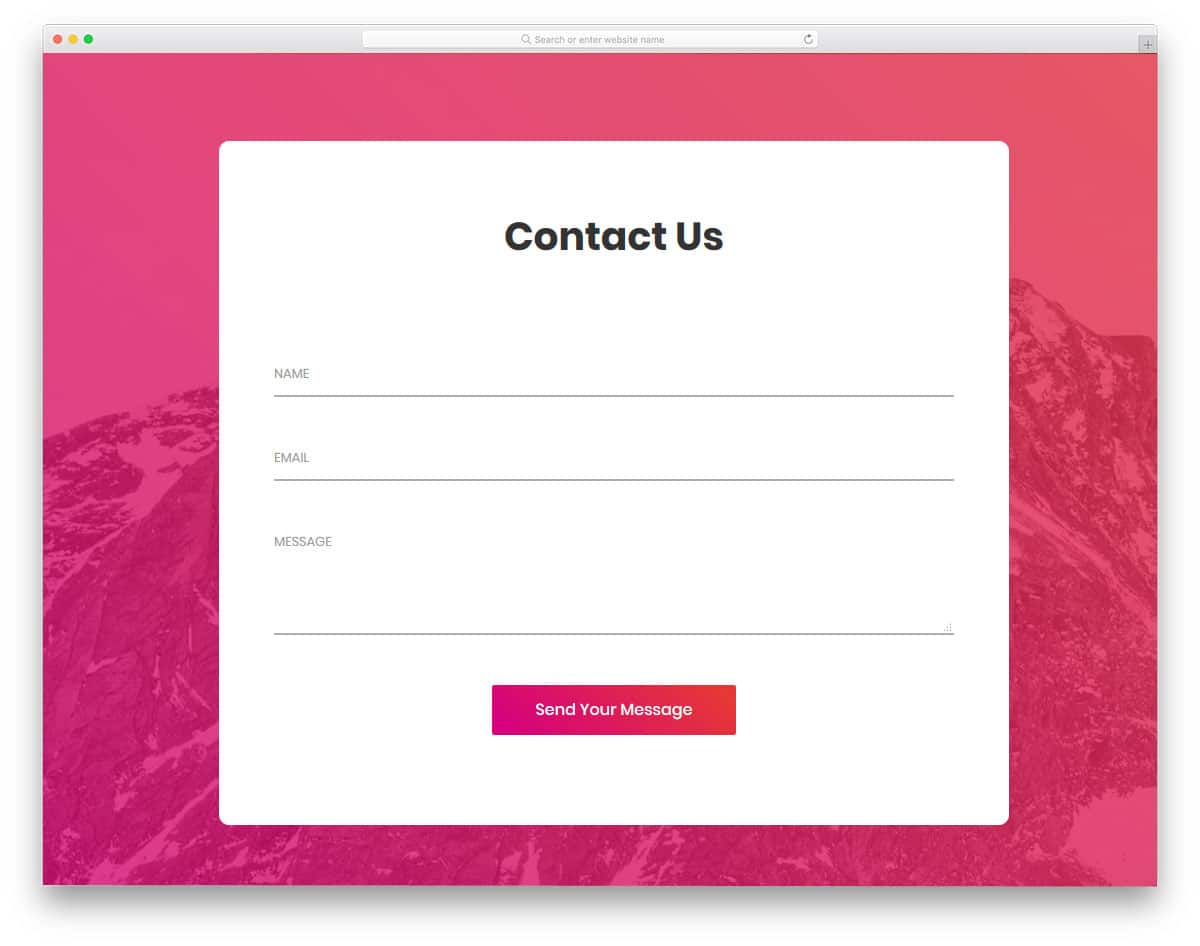
This is a simple and elegant looking form that you can use for any website or application. The simple design of this contact form makes it the best fit for multipurpose use. Form fields are made long enough to accommodate long texts in one line. In most contact forms, the email fields are always small so we have to move the cursor and verify the detail. Giving a long contact field like this will help the user to verify the details easily. Form field labels are used to indicate what information is to be added in that particular field. If you want to make the input field more interactive, explore our CSS input text animation collection.
Contact Form v11

Contact Form v11 is another trendy, colorful contact form. Gradient colors are almost dead in the flat design era, but they are slowly returning in recent designs. Some designers call the present gradient style designs as gradient 2.0 designs. Designers use bold colors and contrasting colors in the gradient to make the important elements stand out. In this design also the creator has used bold colors in the gradient, which neatly highlight the important fields and buttons on the form. Only basic form fields are given in the default design, but you can add as many form fields as you want by editing the code.
Contact Form v10

Contact Form v10 is a minimal looking contact form with subtle animation effects. The creator of this form doesn’t use any definite contact form borders, hence you get a neat floating effect on the clean background. The form fields expand slightly to indicate the user has chosen form field. Trendy looking fonts with bolder texts are used in this form. The default font itself looks great, but if you have your own font you can edit a few lines of the code to use your font. This simple contact form design and clean animation effect make this form fit easily in any website or application.
Contact Form v9
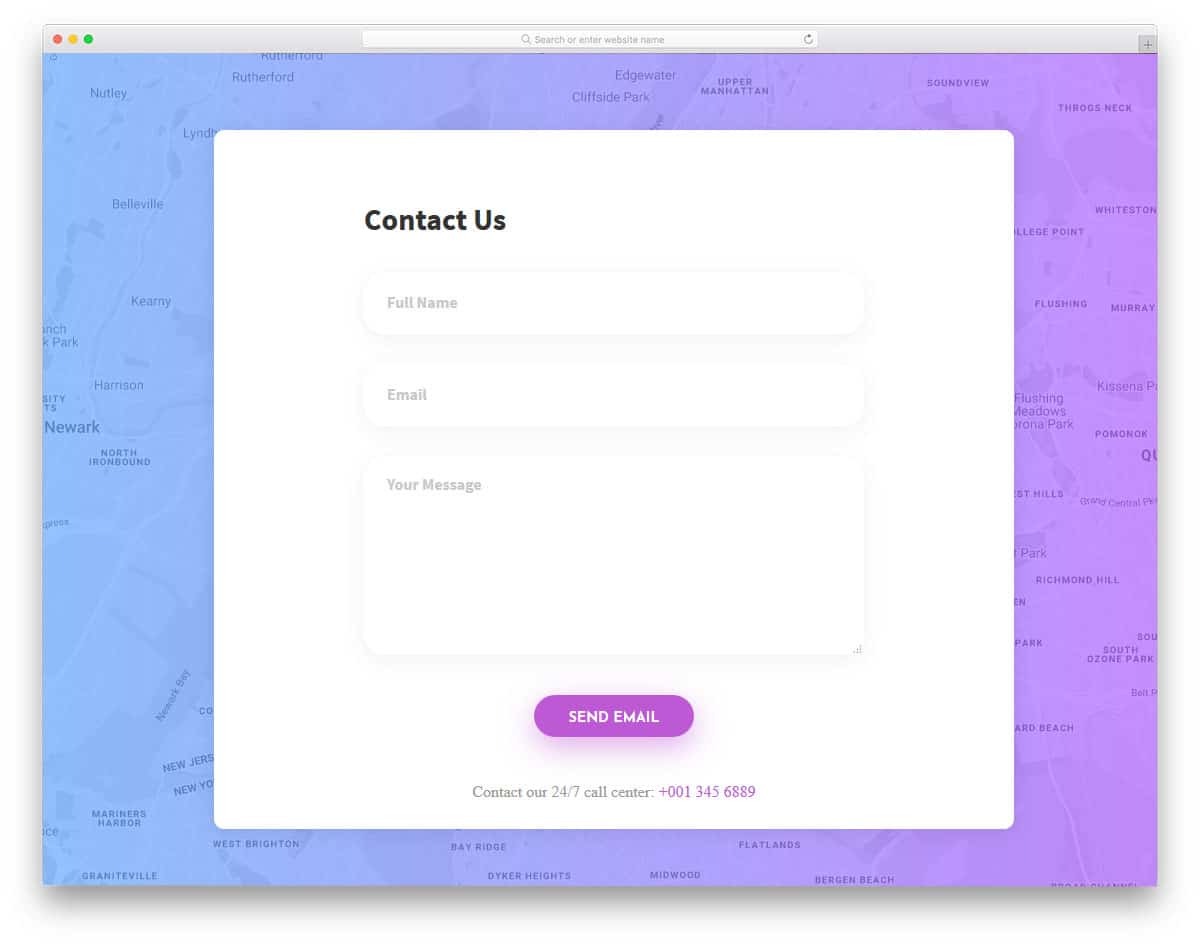
Shadow and depth effects are significant in modern web and app design. Without making the elements look odd, the shadow effect helps you to highlight the elements elegantly. Form fields in this contact form support field validation. On the clean white background, the bright red color error message will get user attention easily. At the bottom of the contact page, you also have space to add a contact number. If you are using this form in a hospital website, you can mention the emergency number at the contact number space. You also receive a fully functional Google map in the background along with the contact form.
Contact Form v8

Contact Form v8 is a light version of the V9 form mentioned above. The pristine design of the form helps the user to easily read the contents on the form. For better readability, the designer has used black ink text with a bolder appearance. Making elements bigger and bolder let the mobile users easily interact with your form. Though modern smartphones have bigger screens, the chances of hitting the wrong button are still higher on mobile devices. If you are using the form for sensitive functions, it is better to use a confirmation message. Explore our jQuery confirm plugin list to easily integrate a confirmation option in your existing website.
Contact Form v7

Modern icons are highly expressive and convey a clear message to users. Because of the clear icon design, many brands now use iconography designs in their websites and campaigns. In this form also the designer has used icons for the form field to indicate what detail has to be given in a particular field. To make the form simple and fit in any environment, the designer has used a flat style design. At the end of the form, you can add a checkbox for “send a copy to email”. If you are using this form for inquiry purposes or service request purposes, this “send a copy to email” option will come in handy for you.
Contact Form v6
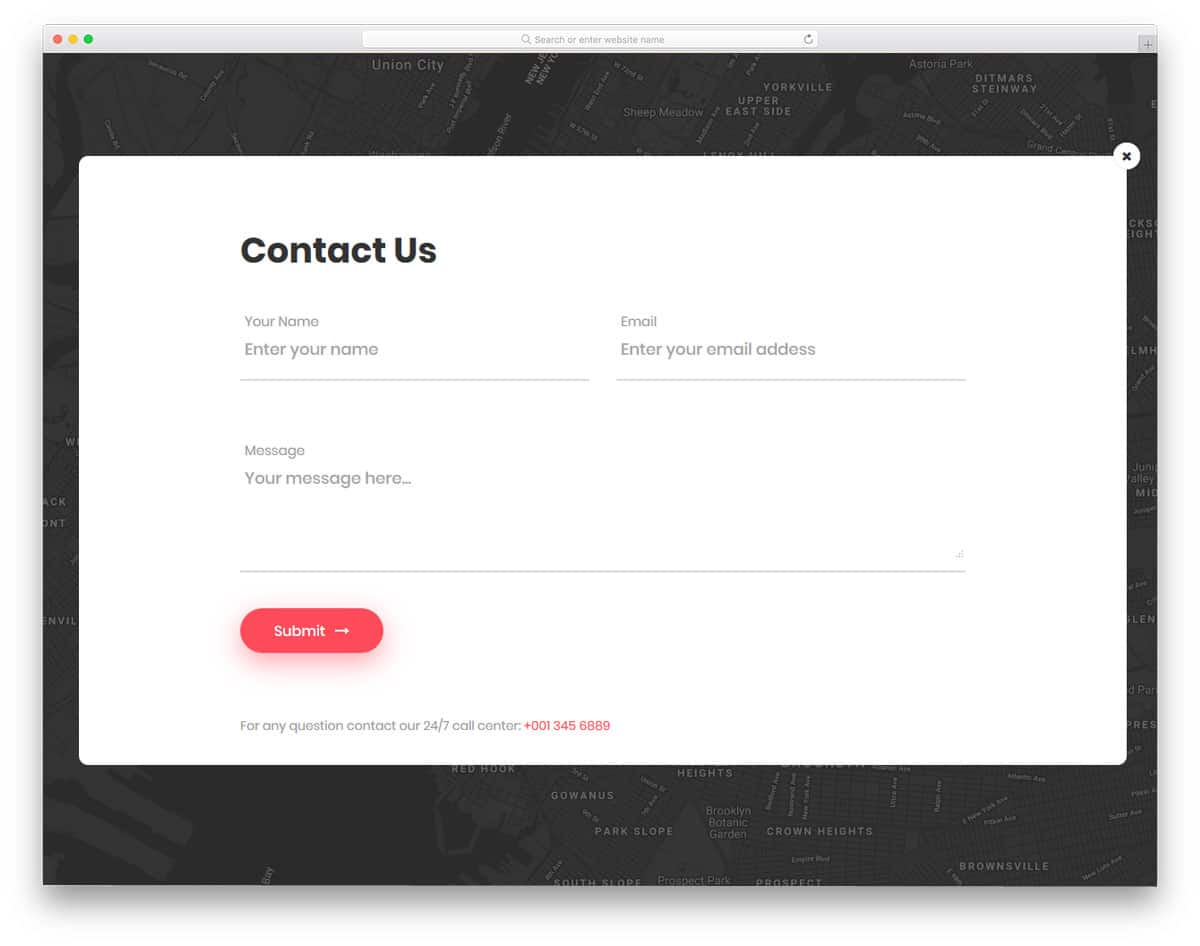
Contact Form v6 is a sensibly designed interactive contact form. The developer has used surprise elements to make this form unique from the rest of the HTML form design examples in this list. A blinking email icon is placed at the center of the page, on clicking the icon the form appears. This bigger form can accommodate large texts. Since this form is also from the same developer of V8 form, you get the same bold text fonts. Red color buttons and form fields looks attractive on the clea white form.
Contact Form v18
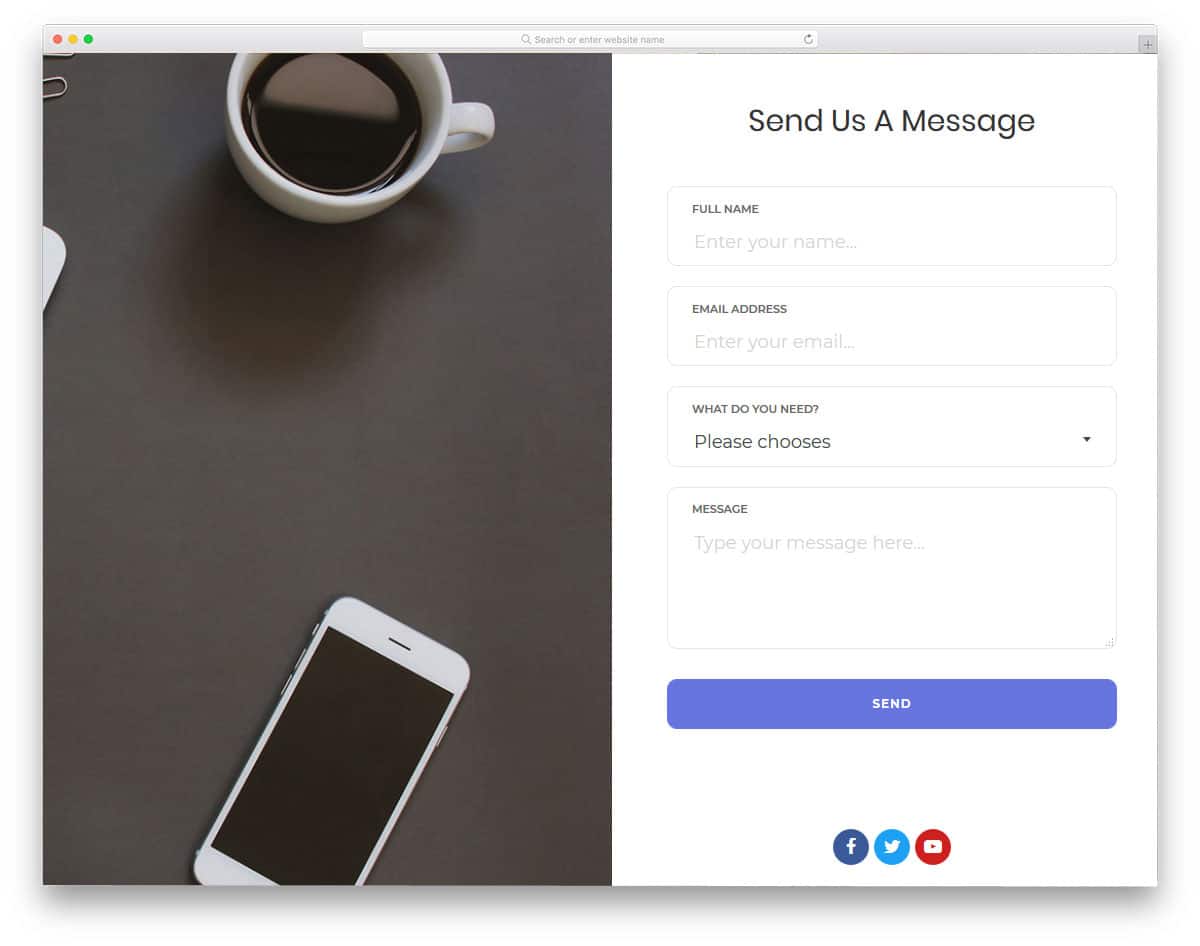
Split screen designs are always better for presenting engaging content. In this form, the designer has given you a split screen design to add an image on one side and the form on the other. You can use the image space to showcase your work or related images. For example, if you are using the form in a photography website, you can add some of your best shots to the contact form. You can even add an interactive slider in the image space to add multiple images. For interactive slider design and animation, explore our CSS slideshow collection.
Contact Form v17
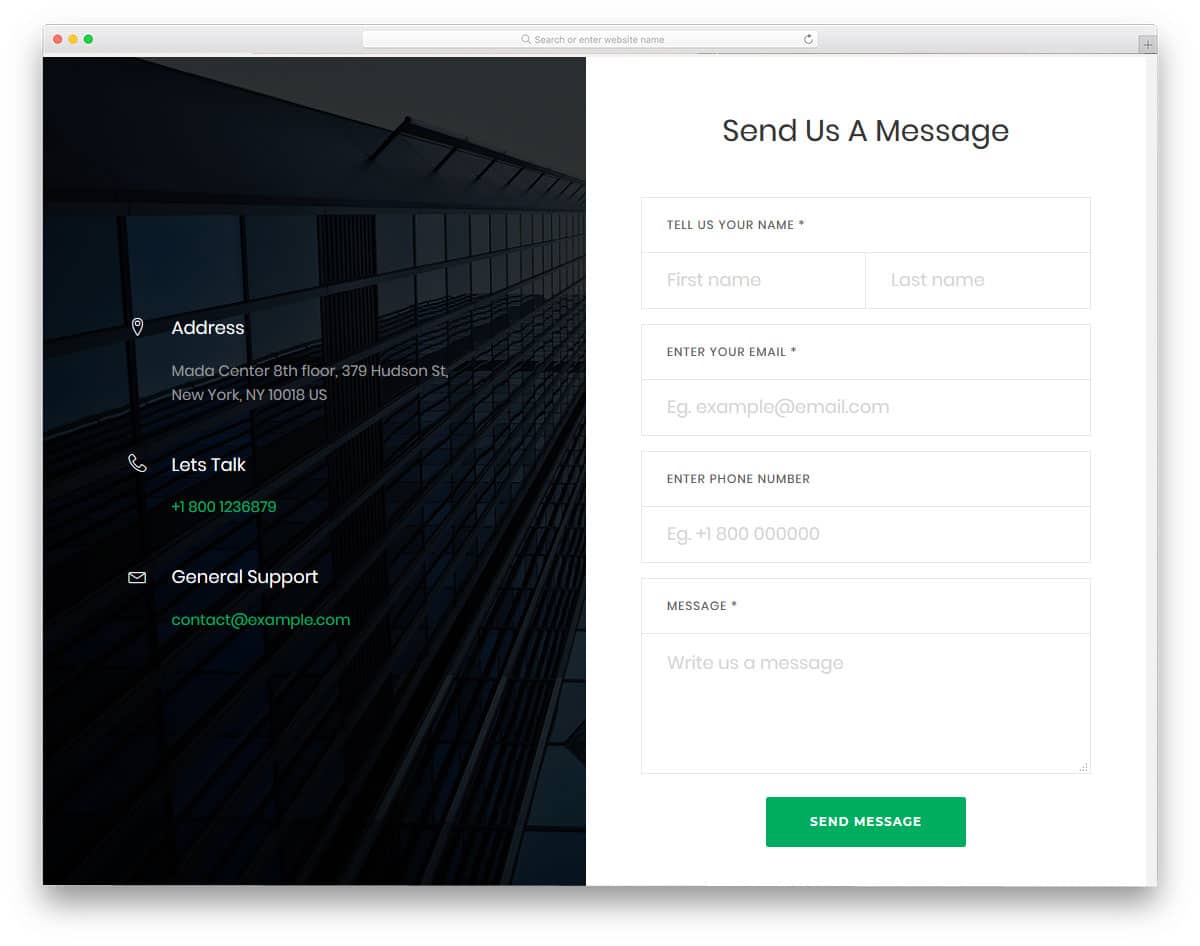
Contact Form v17 is another split screen style form design. On the image side, you can add contact details and contact information. Giving multiple contact option will help the user to reach you easily in the way they prefer. As many online support providers use social media effectively for better service, you can even list your social media accounts in the contact space. Coming to the contact form design, the designer has given you a 1professional looking form. All the form fields are neatly labeled and swift animation effects are used to give a better user experience.
Contact Form v16
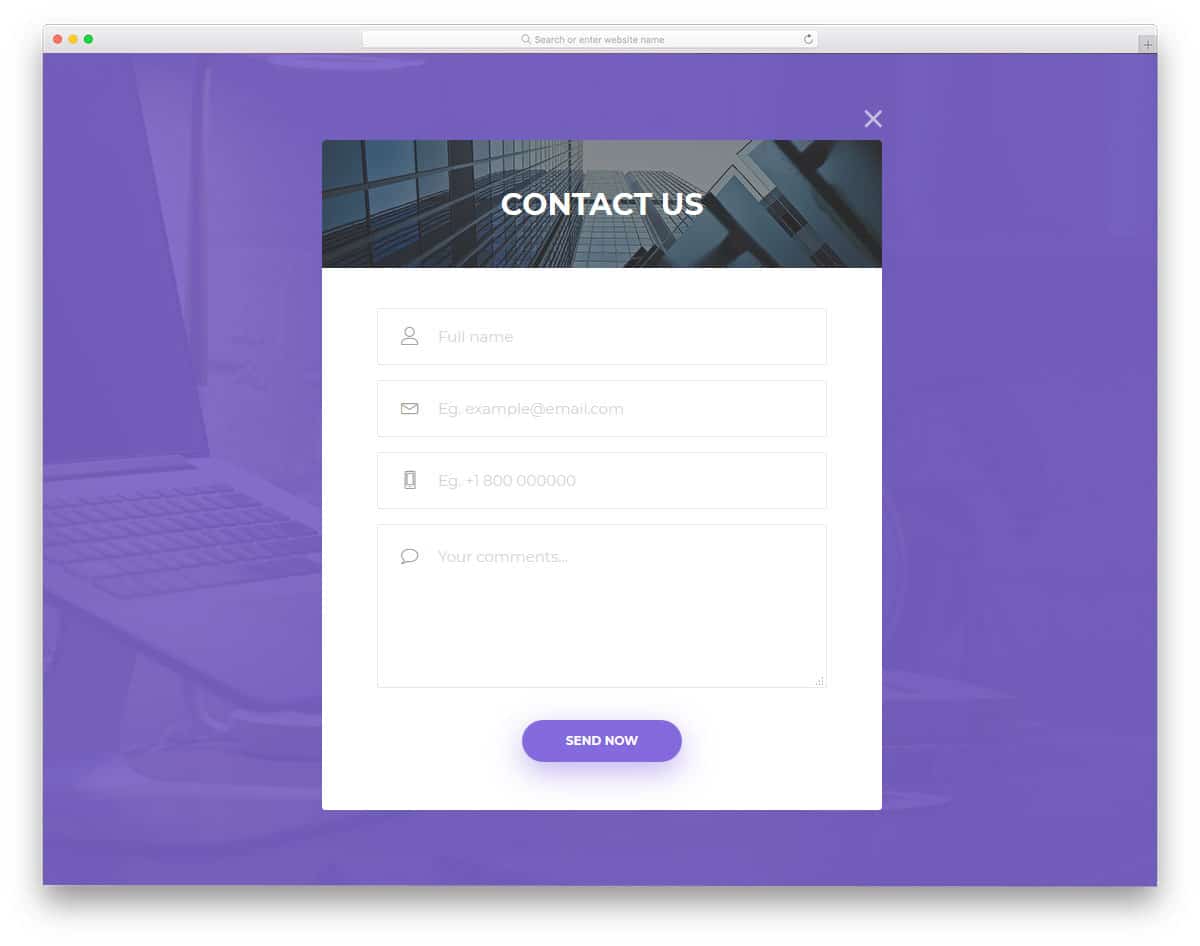
Popup windows are the best solution to clearly show the related content when you have space restrictions on the web page. As many small businesses are using one-page websites templates for their business website, elements like this will be very useful for them. In this form, the contact form opens on clicking a call to action button on the top. If you want, you can use only the form in your design. The developer has kept the code structure simple for easier and quick customization.
Contact Form v15

This simple design is functional and easy to implement on any website or application. At the top of the page, you have space to add an image background and a title. You can use the top space to add a personal note. In this form design, you also get a fully functional Google Map in the background. If you use this form for a retail store or a fashion store, clearly showing its physical location will help the user easily reach your store.
Contact Form v13

The designer of this form has placed the Google Map widget on the side for better accessibility. As we are always trained to see from left to right, placing the map on the left side will improve visibility. Running an active online store will not only improve online sales but also improve the walk-in customer rate. If you concentrate more on the walk-in customers and local audience, this form of design will indirectly increase the rate of customers you like. By keeping the map widget on the form, the local customer can reach you directly and get a clear idea.
Contact Form v12
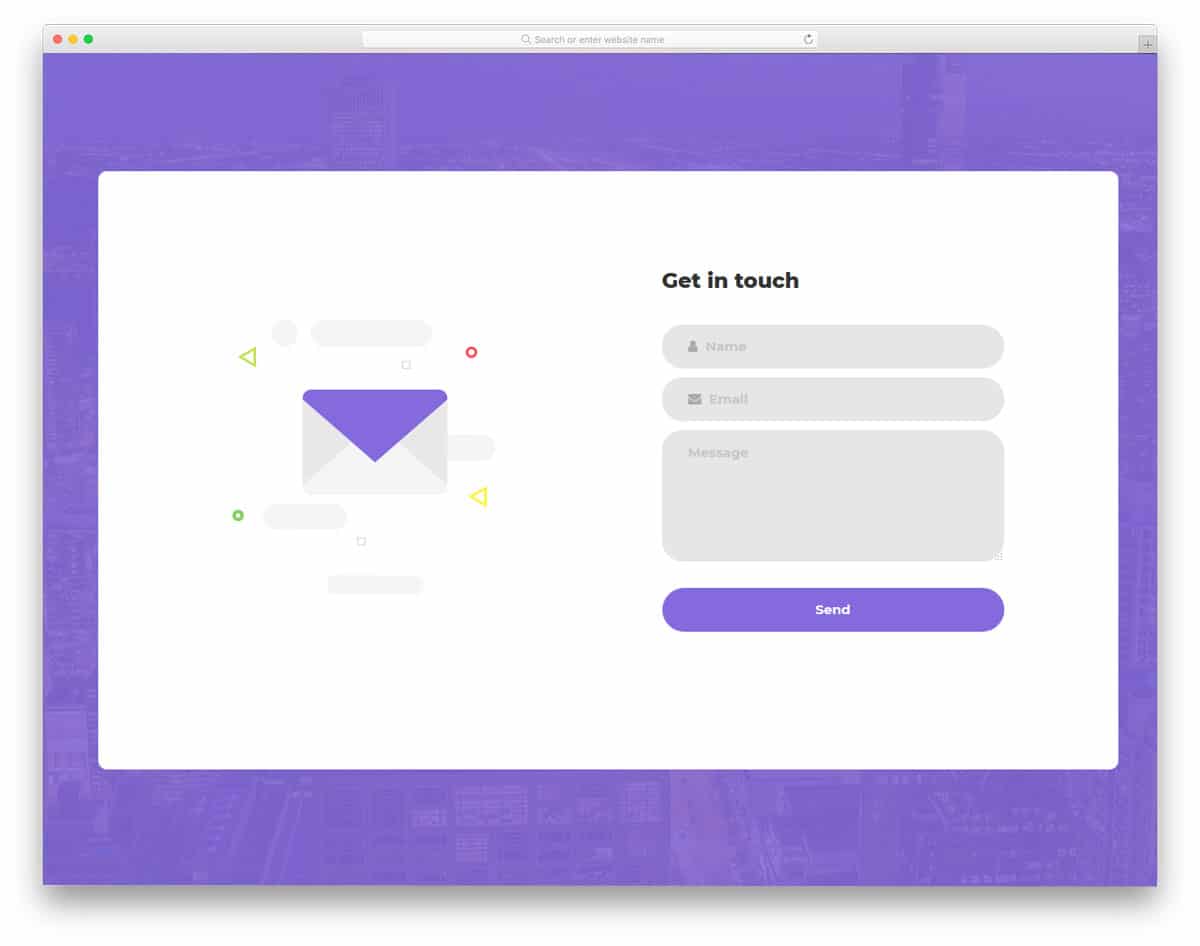
Contact Form v12 is almost similar to the contact form V1 mentioned above. In this form, you also get an interactive element on the left side, which moves as per your cursor movement. Color flashing animation indicates the form field selected by the user. Throughout the form, the developer has used a purple color scheme, which gives consistency in the design. If you have your own brand color, then you can use it in this form for better branding. This form uses the latest CSS3 script, supporting all modern colors and animation effects.
Contact Form v14
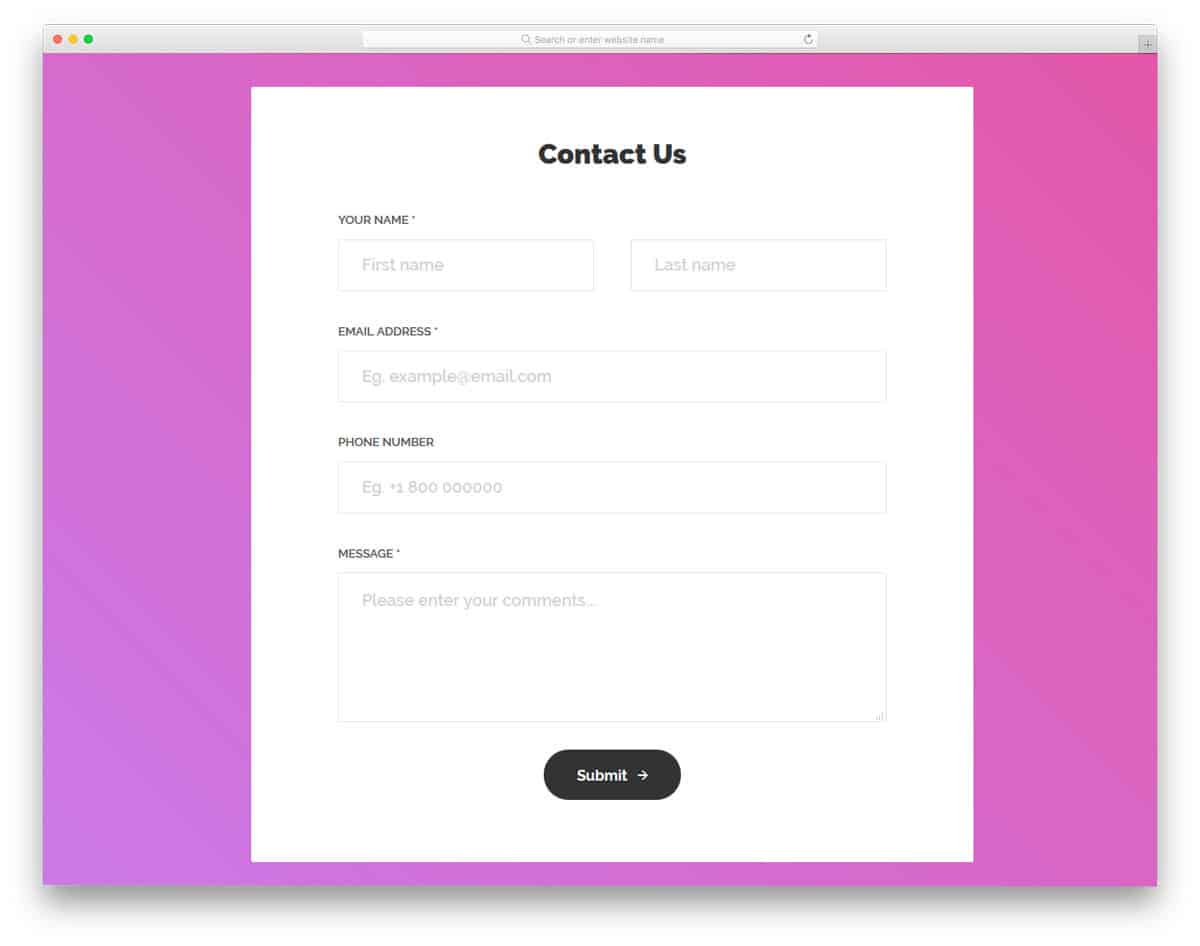
This is a properly designed contact form that has easy accessibility, better design, and valuable functionalities. All the form fields in this form template support field validation. Tick and cross marks are used to indicate input data validity. If you are looking for a form design to use in the registration process, this form will be a good choice. The developer has made this as a mobile responsive form out of the box.
Contact Form v19

Contact Form v19 is a very basic contact form design. The developer has given you only two form fields in this design. A survey states that the user doesn’t like to fill long forms. Adding only required form fields will help you get a better response from the user. Over time, you can get other information from the user over different stages of the business or process. Since modern user management software and CRM are powerful enough to handle information, you do not need to push your customers at the first stage. The developer has made this form flexible enough for easy integration with other tools and software.
Contact Form v20
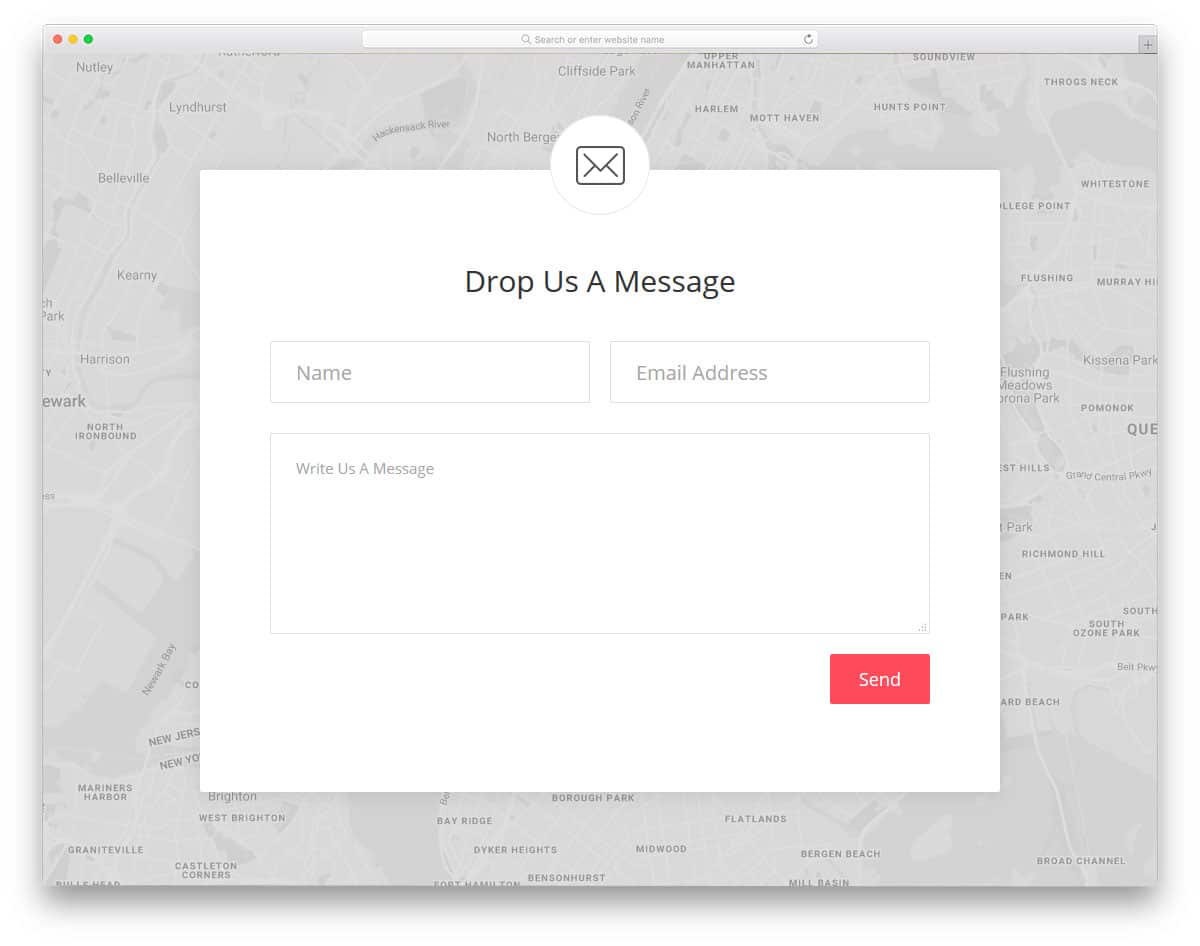
Contact Form v20 is another simple form like the V19 form mentioned above. As the inboxes become smarter, the AI sends only genuine emails to the primary folder. Others are categorized as promotional and social emails. Getting your customer’s name helps you to land your important email in the primary inbox. The developer has given form fields for name, email address, and text message in this form. Along with the form, you also get a Google Map on the background to navigate the user to your office location. Though it is a contact form, you can use it for other purposes by making a few optimizations.
