


Three.js is the most popular JavaScript library for creating 3D graphics in the browser. It powers interactive product configurators, data visualizations, games, and creative coding experiments used by companies like Google, Apple, and NASA.
This collection features the best Three.js examples and experiments from 2026. Each example demonstrates a specific technique — from particle systems and shader effects to physics simulations and 3D model rendering. All examples include live demos and source code you can study and adapt for your own projects.
Whether you are learning WebGL for the first time or looking for inspiration for your next 3D web project, these examples will show you what is possible with Three.js today.

Interactive and Easy-to-Implement Three.js Examples
See how you can use Three.js to create Three.js games, Three.js editors, and more in your website and applications to deliver an immersive user experience.
Three.js Game Style Slider
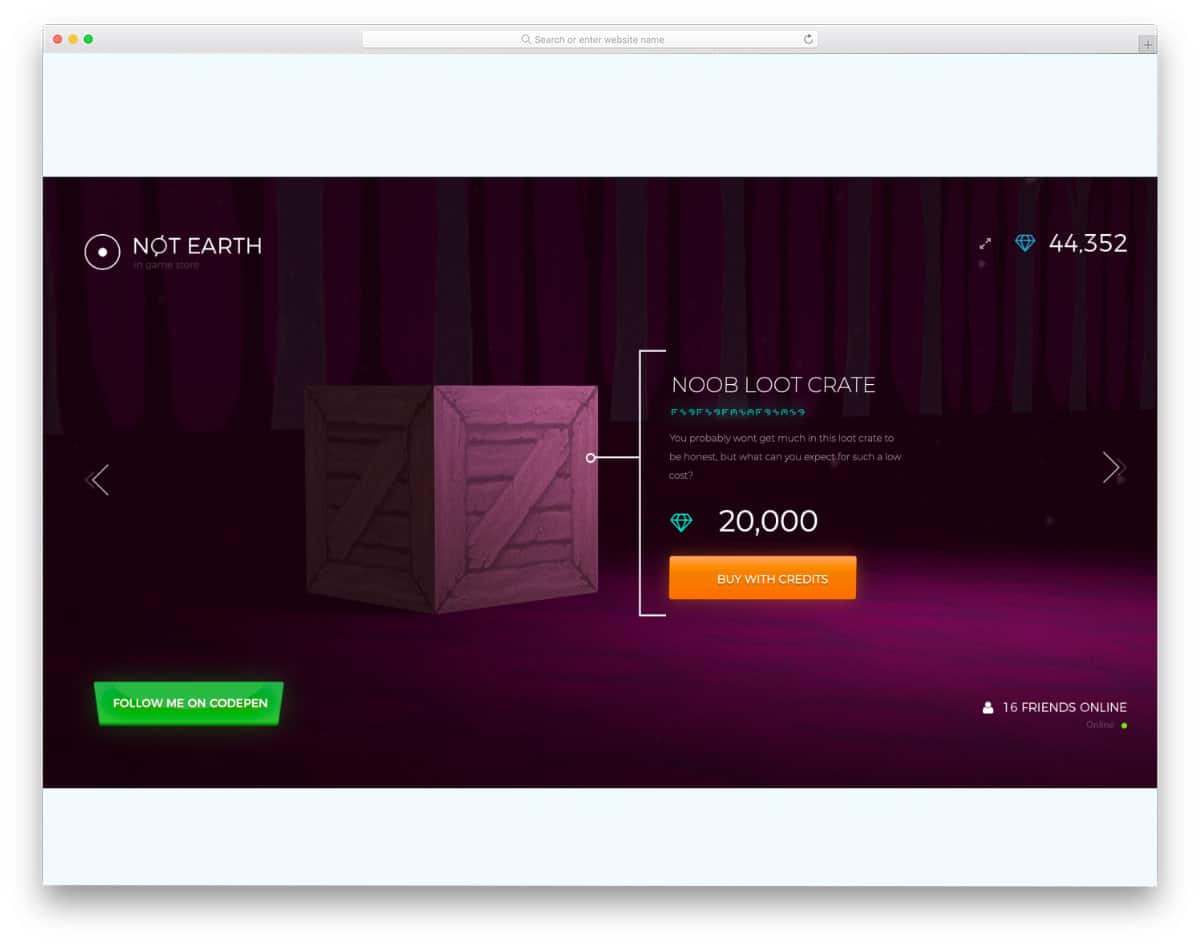
One of the biggest advantages of Three.js animation is you can deliver an immersive experience.
In this Three.js example, the creator has created a game-style slider with sound effects. Interactive hover animations and smart elements help users actually feel the sliders when they change the crates.
The entire code script used to make this design concept is shared with you on the CodePen editor. You can edit the code and visualize it on the CodePen editor to get a clear idea before taking it to your project.
Three.js Scene Example
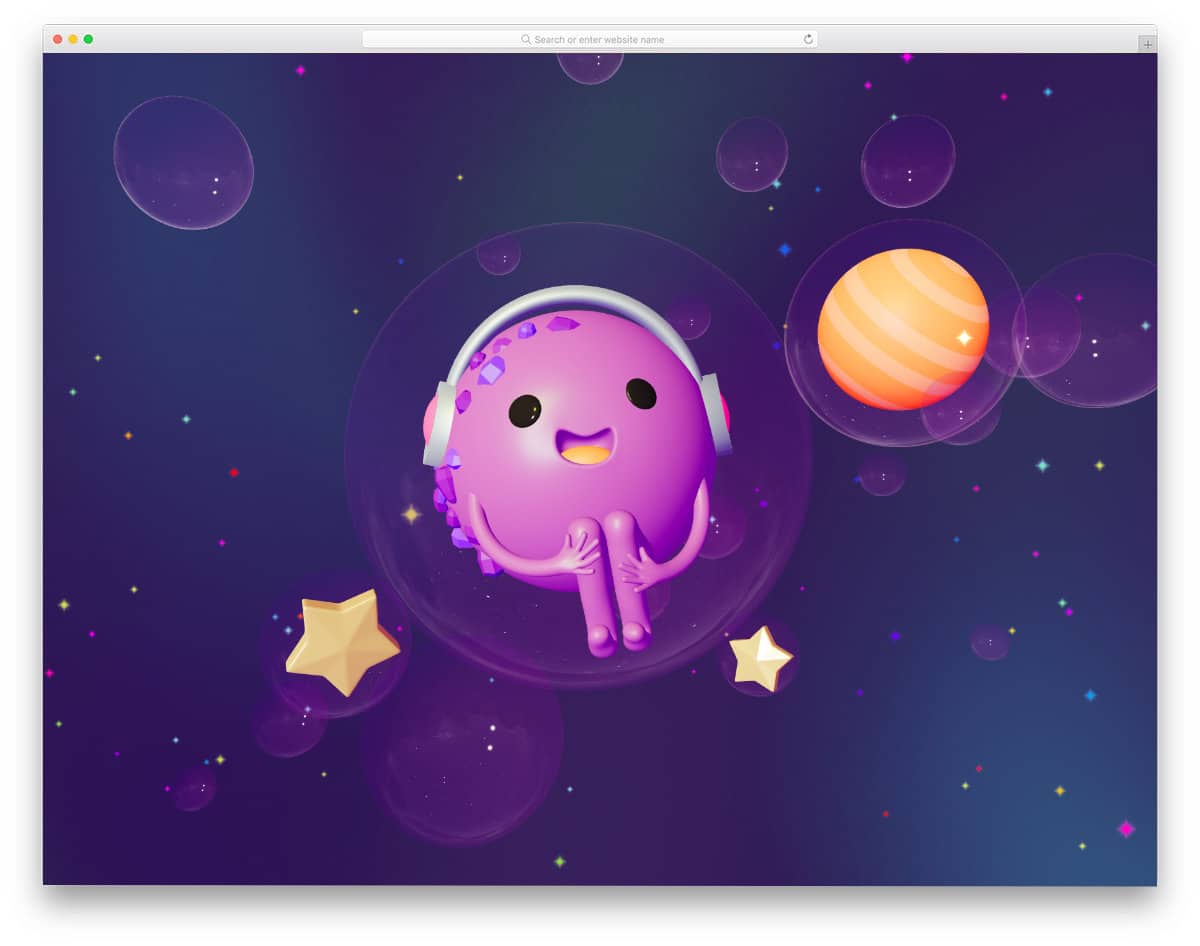
Those who are looking for a nice Three.js example to create a realistic scene might like this concept.
The creator has used a happy character sitting inside a bubble with bubbles rotating around the character. Though this Three.js example doesn’t allow you to interact with the bubbles other than popping them, you can pan and see the scenes.
You can add interactive actions to this scene to make it even more engaging for the audience. Elements and lighting are handled smartly in this example so you get an authentic look. The whole default concept will be perfect for music websites, but you can change the looks and use it for other purposes as well.
Three.js Game Example
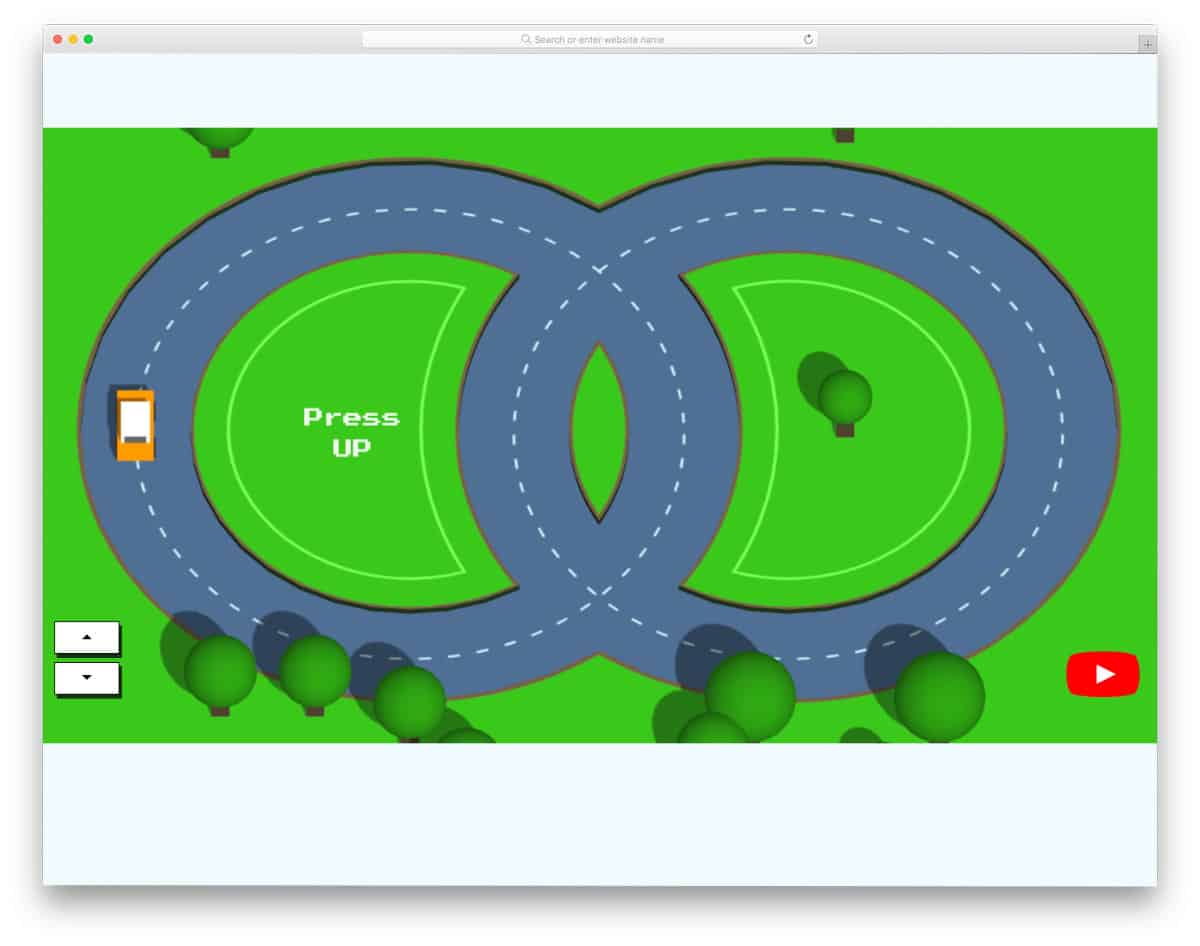
This Three.js example gives you a simple and fun-to-play game design.
The flexible nature of the Three.js code script lets developers create many interactive arcade-style games. You get a mini traffic concept game that you can control with the arrow keys in this example. New cars are added to make the game even more challenging for users.
The creator has utilized the space between the loop-style roads to show the score. Even though it’s a concept design, the execution is perfect. Therefore, you can use this code script on your website if you like.
Three.js Particle Slider
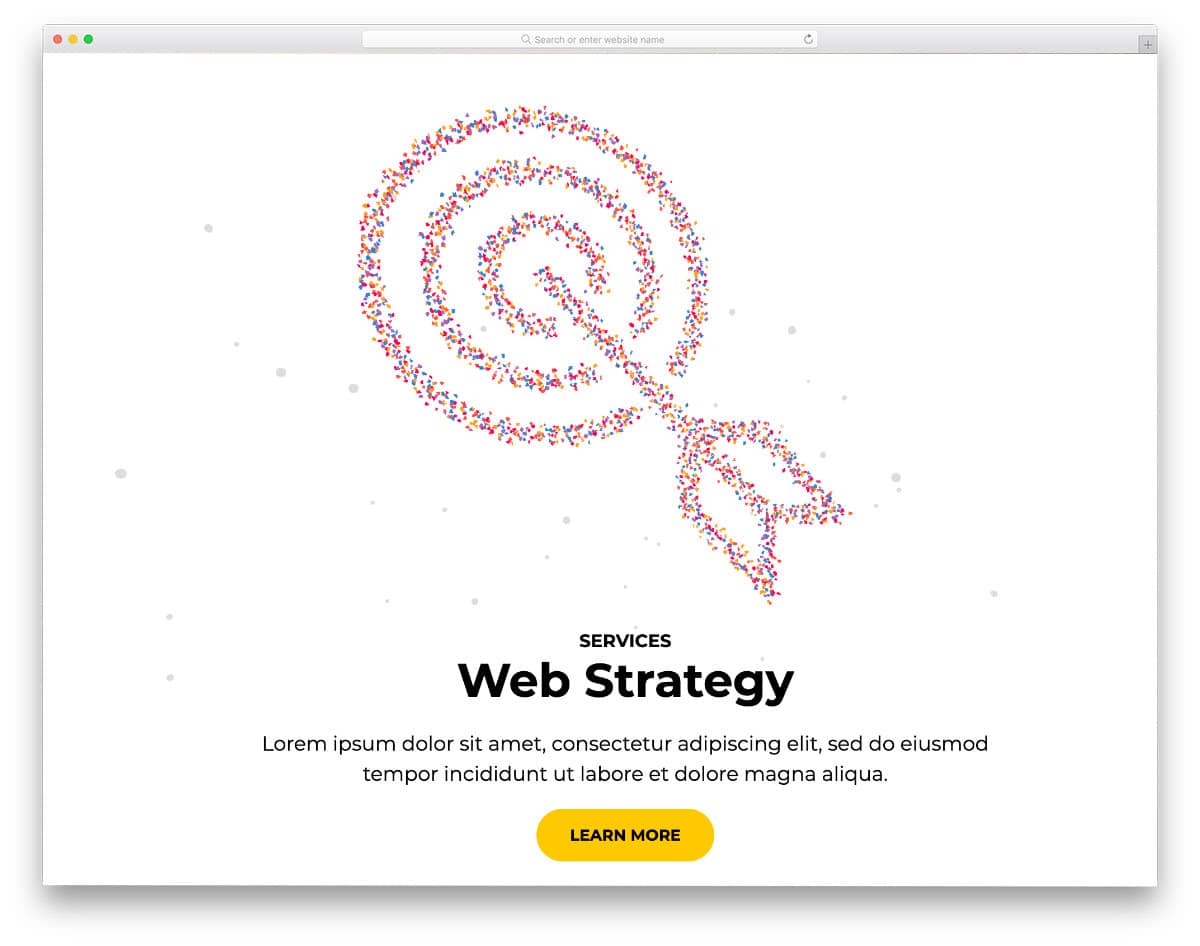
This Three.js example gives you a useful design concept. The creator has used Three.js effectively for sliders, which makes this code snippet the best option for those who want to make interactive sliders on their websites and applications.
As the name implies, particle animations are used to show different elements when you move from one slider to another. Since the animations are fluid and dynamic, most users will have an immersive experience.
The entire code is shared with you, therefore you can use this design as a base and create your own custom design.
3D Chair Customizer Tutorial

With Three.js’s interactive and dynamic nature, you can create useful tools like in this example. The creator has tried a chair customizer tool with Three.js, and it works smoothly. Users can change the colors of different parts of the chair and can see it clearly by rotating the chair at a 360-degree angle.
Since this tool deals with lots of elements, the code script is a bit complex, but the creator has kept the code structure simple enough for developers to easily understand the code. Most of the basic functions like zoom in & zoom out actions and color navigation options work flawlessly in this tool.
Speaking of colors, check out our CSS color palette design collection for more interactive designs.
Shader Experiment
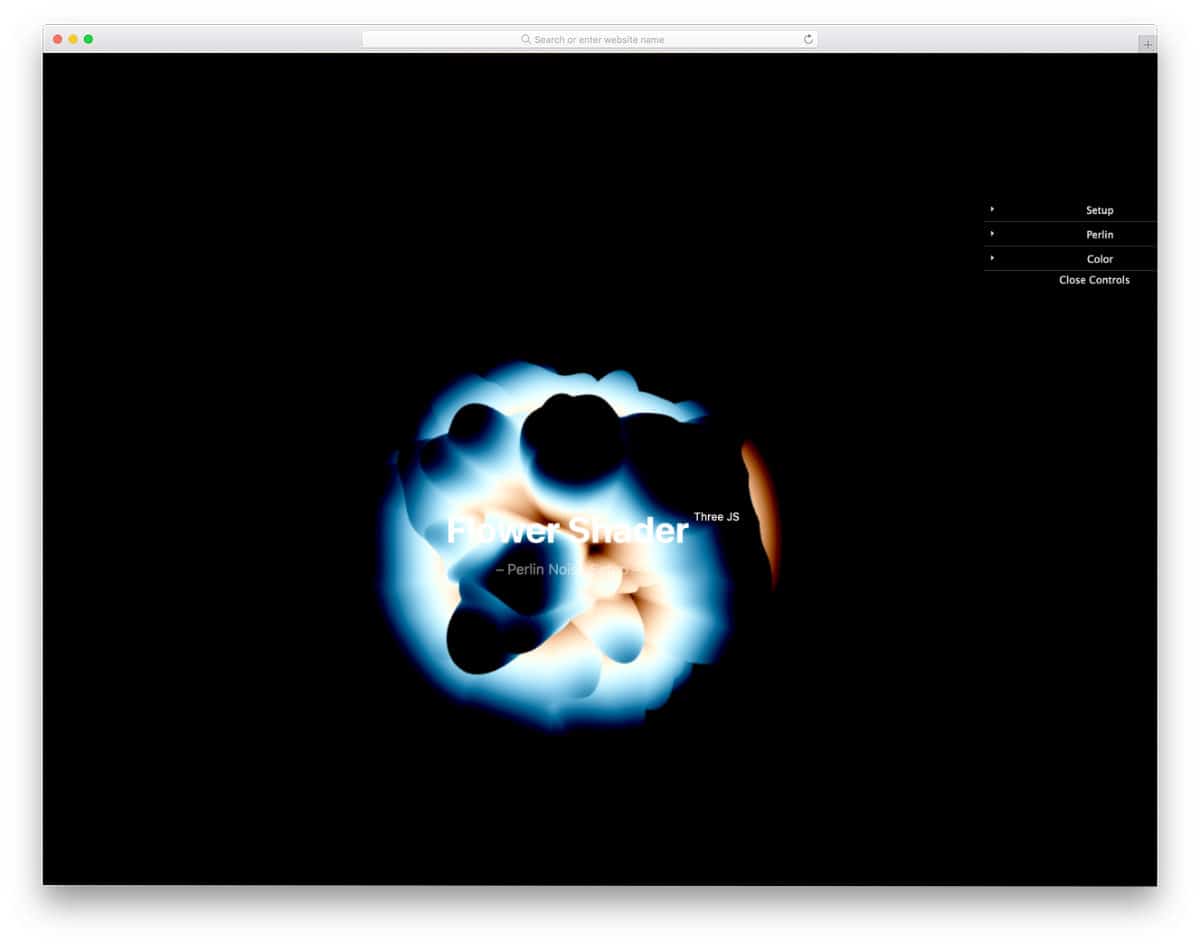
Shader is a functional Three.js animation creator. The creator has used a smoke-like concept with a glowing effect. Animation control tools are provided in the top right corner, with which you can control the animation.
For example, you can change the wave pattern, animation speed, and much more with this tool. Though it’s a concept model, it works flawlessly. You can take this concept and convert it into the design you like.
TinyPolyWorld
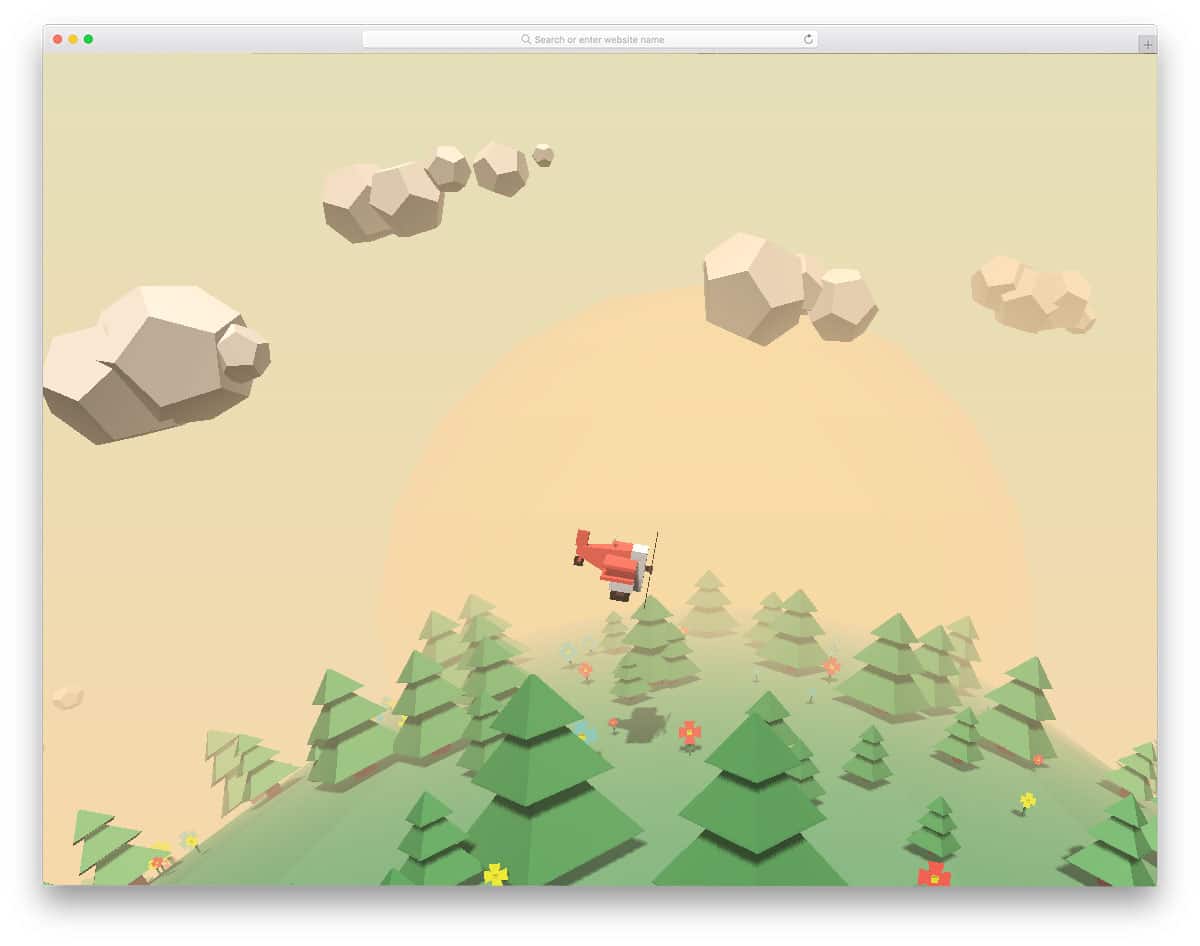
Tiny Poly World is a polygon art-based design. The creator has provided us with beautiful polygon art scenery and a vintage plane. Animation-wise, it’s a simple endless loop design. The shadow of the plane on the ground area gives a realistic touch to the design.
Apart from the animation, the developer has also made the plane interactively move according to your cursor movement. The neat simple design of this Three.js can be used as a loading animation.
From the code script itself, you can clearly see that the developer has mostly used JavaScript properties and used a few CSS3 lines to refine the result. Because of this simple code structure, you can work easily on this design.
Cat Vs Ball Of Wool

Cat vs Ball of Wool is a fun concept made using Three.js. The developer has provided you with a lively cat in this design, which waits for you to bring the wool ball near it. Small gestures of the cat are done carefully in this design, which brings the cat to life.
Bouncing effects are used for the woolen ball, which gives a nice interactive feeling when you move the cursor fast. Just like the previous Three.js example, this one is also made mainly using JavaScript and few lines of CSS code to refine the result.
If you really wish to kill some time, this animation might help you. This design example would be a great addition to error page templates, which would help users chill when hitting an error page.
Chill The Lion
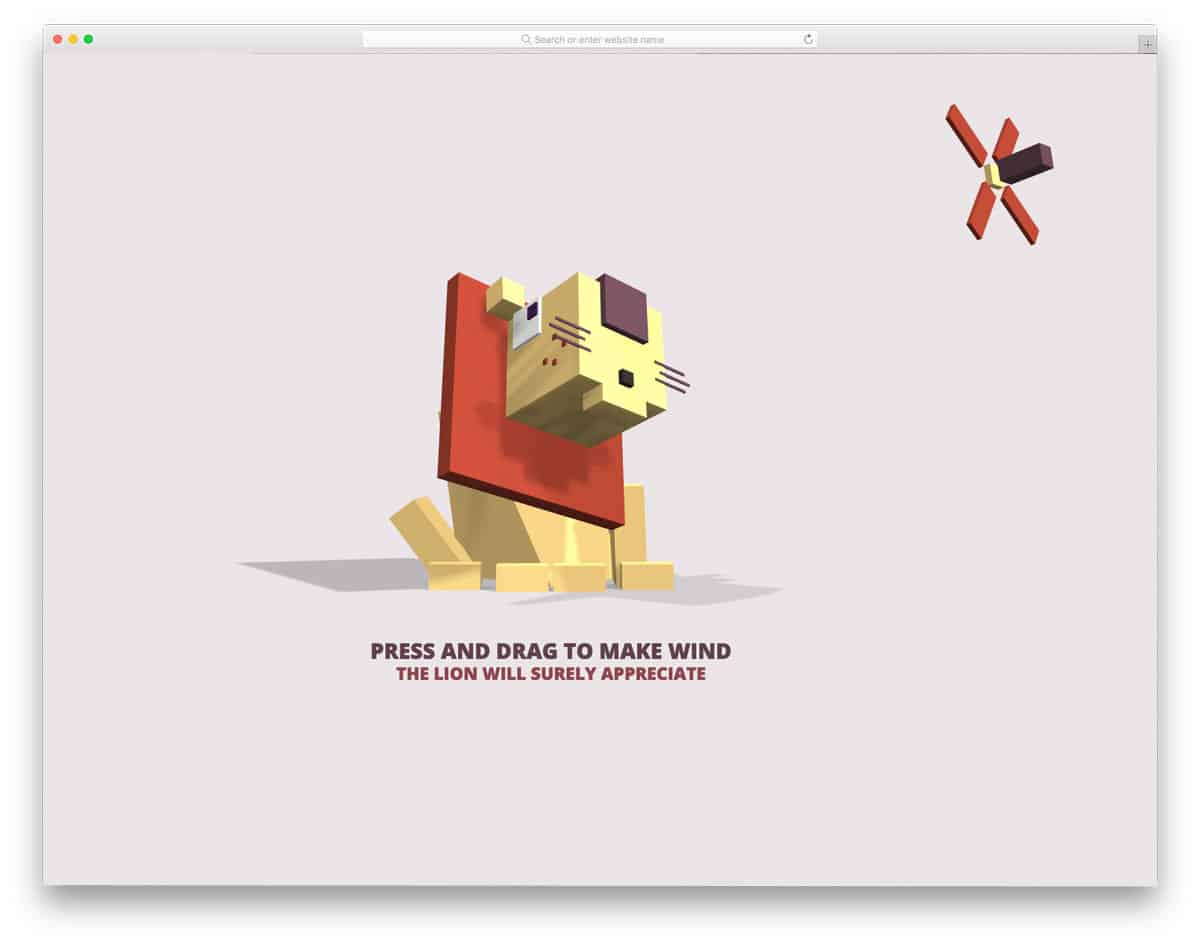
Chill the Lion is another lively character-based Three.js animation example. In this example, you get a friendly lion sitting at the center of the page. To befriend the lion, all you have to do is switch on the fan and rotate around the lion.
The developer has done an excellent job bringing relaxing face reactions to the lion. Detailing of airflow between the lion’s mane makes this design even more attractive. Just like the cat above, this big cat also moves its head according to your cursor movement.
Concept-wise, both the Cat and Lion designs are the same, but they have different animation effects.
Rushing Rapid In A Forest

If you’re looking for Three.js examples to create beautiful scenery, this example will impress you. The creator of this example has made a small river current. The polygon shapes are handled well to give a natural look to the scenery.
In the default design, you can’t interact with the image or pan the area for a better view. However, you can edit the code to add the features you want. The code script used to create this example is shared with you directly on the CodePen editor.
Hence, you can edit and visualize the results before implementing the code in your project.
Product Card – Three.js

This one is one of the practically applicable Three.js examples. The creator has provided an interactive hover effect to the cards, but you can remove it if you want users to easily interact with the product card.
Two blocks are used in this card design where you can add product images on one block and product details on the other. Since it’s a concept model, options like switching colors are not fully functional.
You can take the core concept and create your own Three.js product card for your mobile application or eCommerce store.
Isometric Room – Three.js

In this example, the creator has created an isometric room with Three.js. Attention to detail makes this design unique. For example, when snowflakes fall, you can see their shadows inside the room.
Lighting and shadows are handled with care in this design to give a realistic look. If you’re planning to provide a narrative experience to users, Three.js examples like this will come in handy for you.
The code script is very neat and professional. Hence, developers can easily understand the code and utilize it in their projects easily.
The Frantic Run

This one is another fully functional game example developed using Three.js code. The creator has mostly used click inputs in this game, so users can easily play this game.
You can use fun elements like this on your error page to make users stay on your page a little longer, just like how Google does on its internet connection error page. Due to multiple functions and variables, the code script of this example is a little complex but can be understood easily.
Take your time, read the code, and adjust it according to your needs.
Smoke By Victor

This one is a simple design example that will help you easily understand Three.js functions. The creator hasn’t added any interactive inputs to the default smoke design. However, you can add click input effects, color-changing effects, and much more.
Because of the proper code structure, this smoke effect is responsive and easily fits on all types of screens. The creator has provided you with a raw idea in this example. You can take it as a base and create your own custom design.
Click the info link below to know more about the code.
Many Icons in 3D

The creator of this example has provided us with an impressive Three.js example. If you’re looking for Three.js examples that use multiple particles to create a word or shape, this code snippet will help you.
As the name suggests, the creator has used icons to create this beautiful 3D animation. Since it’s a concept model, the animation takes place automatically and you can’t control it. If you’d like to add other types of transitions or words into this animation, you can do it by editing a few lines of code.
Otherwise, you can use this code snippet as a base to create your own custom multiple icons/elements 3D animation.
THREE.js Audio Visualizer
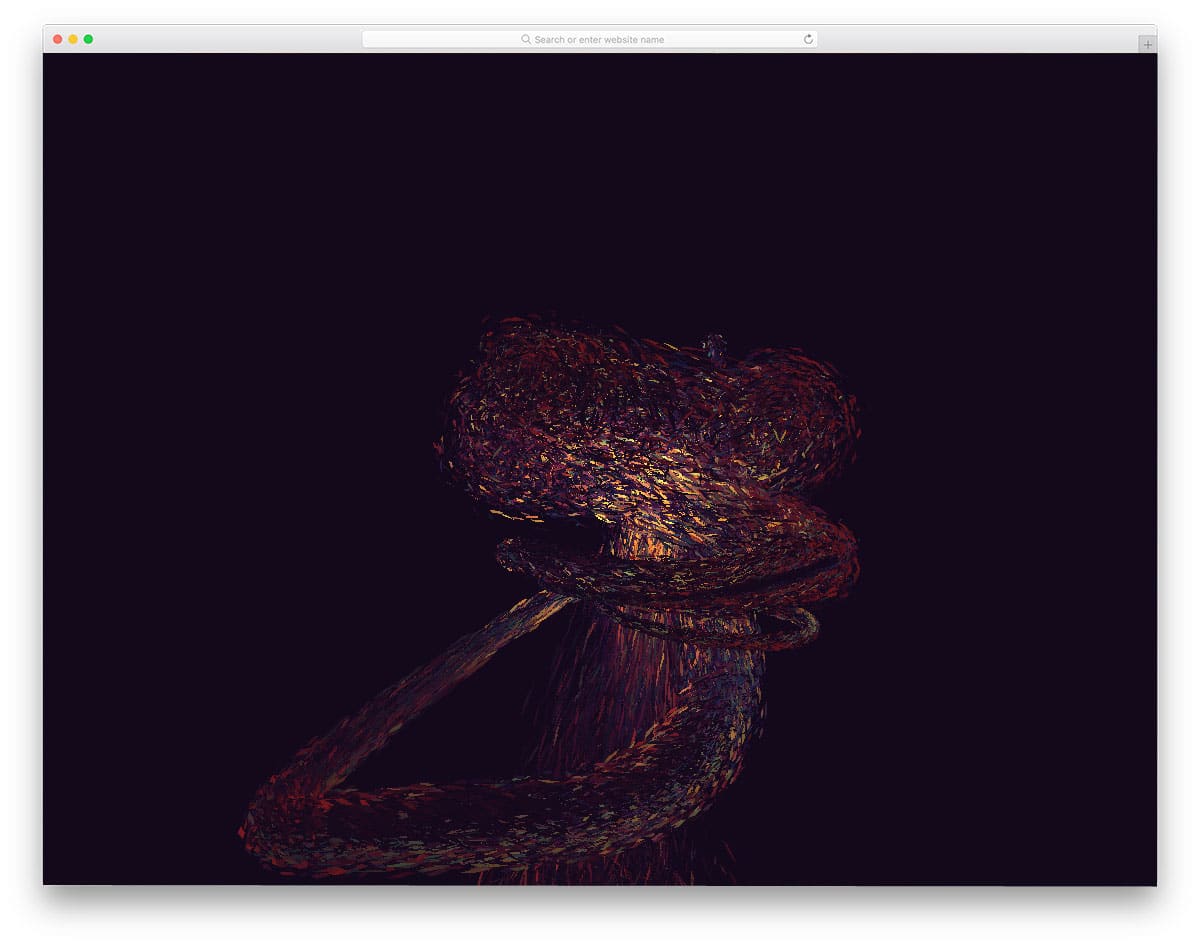
Most of the Three.js examples on this list are based on characters or particles. In this example, the creator has used an audio visualizer concept. As soon as you press the play button, the particles move and light up according to the beat.
You can combine this effect with your music player to impress your audience. The code script is handled neatly by the developer, hence you can easily understand the code and implement it in your design.
If you’re interested in creative music player designs, check out our HTML music player design collection.
Animated Boxes
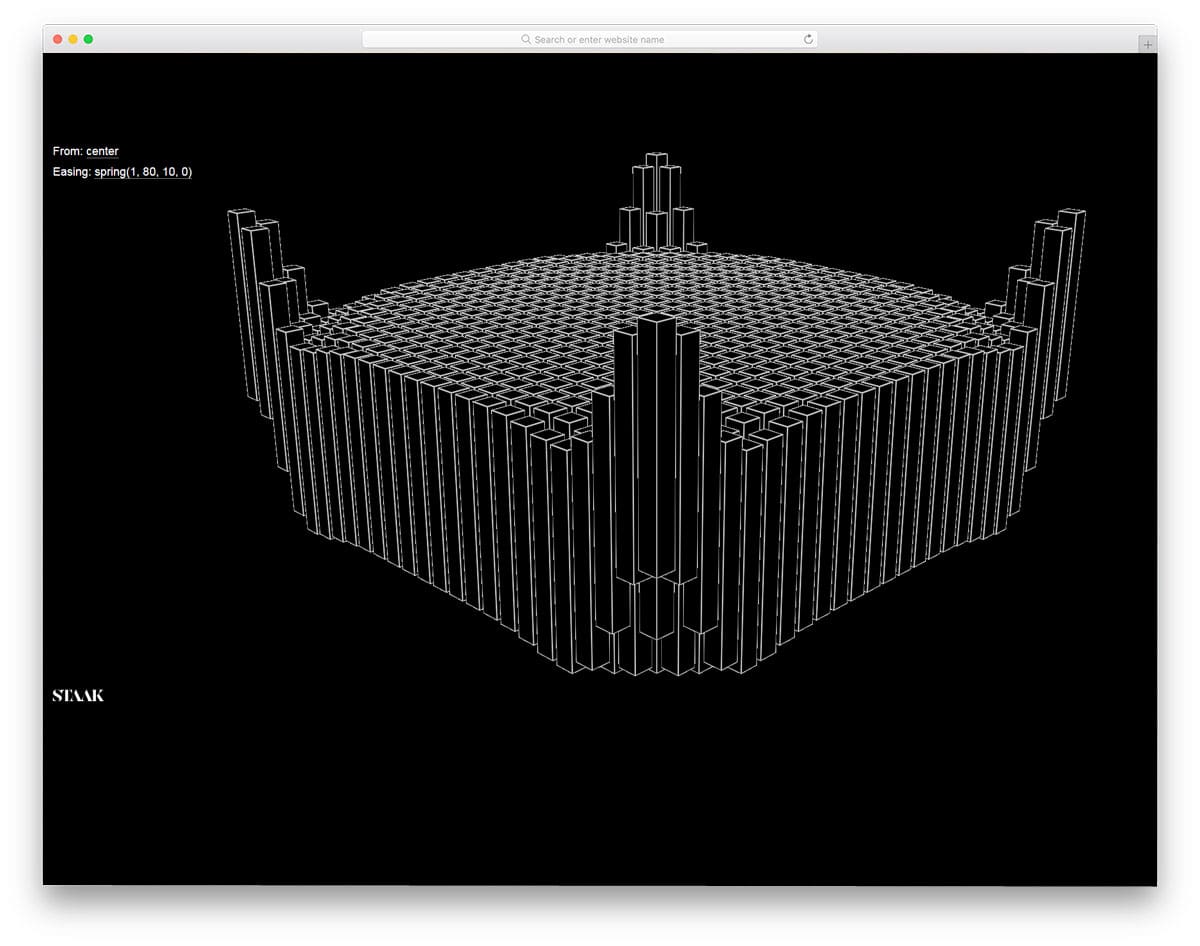
This one is also similar to the audio visualizer concept, but this one is not dynamic like the THREE.js Audio Visualizer example mentioned above. Like most other Three.js examples, this one also animates automatically and doesn’t wait for you to trigger the action.
The creator of this example has provided us with the option to pan the boxes and see. Three.js examples with panning options will help users enjoy your design fully.
For example, if you’re using Three.js to create a building model on your construction website, users can thoroughly see your details. Though it’s just a concept model, you can use this design as inspiration for your project.
Crossy Road Three.js Examples

The creator of this example has made an interactive Three.js design. This example is more or less like an arcade game and it works perfectly. If you’re planning to use Three.js to create an interactive space for your audience, Three.js examples like this might inspire you.
Since it’s a gaming model, the code script is a bit complex but can be understood easily. By making few adjustments to the code, you can make this Three.js-based game fit perfectly on your website or application.
Tribute to MrDoob
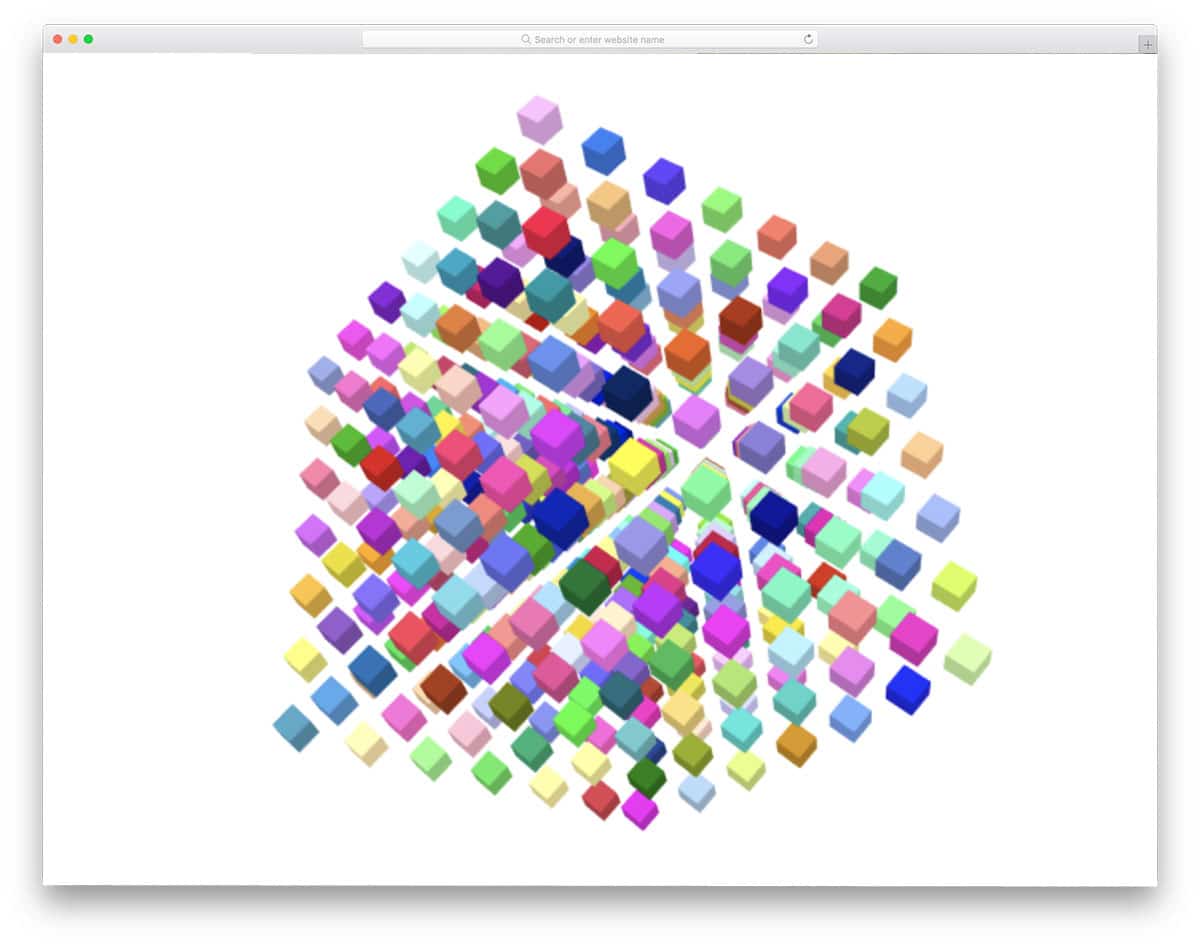
Tribute to MrDoob is a pure Three.js-based animation example. The developer has provided you with multiple interaction options so you can have a better experience. For example, you can zoom in on the cubes and pan them in different directions.
Each cube is designed carefully so you have a clear view of the cube when you zoom inside the cube cluster. Since it’s a demo, the developer hasn’t made any image using the cluster. To be more creative, you can use the cluster to show your logo or product.
Since it’s a pure Three.js design, handling this design would be an easy job for developers.
Three.js Particle Explosion

If you wish to give a big bang experience to your users, this design will impress you. As the name implies, it has particle explosion animation. No matter where you click, a colorful blast appears on the screen.
On the galaxy background, the particle explosion gives a magical appearance. Since it’s a simple animation effect, you can even use this design in your homepage header section to impress users.
The default demo takes the full page, but you can easily scale it to the size you want. By making a few adjustments to the code, you can easily use this design on your website.
Mighty Fish
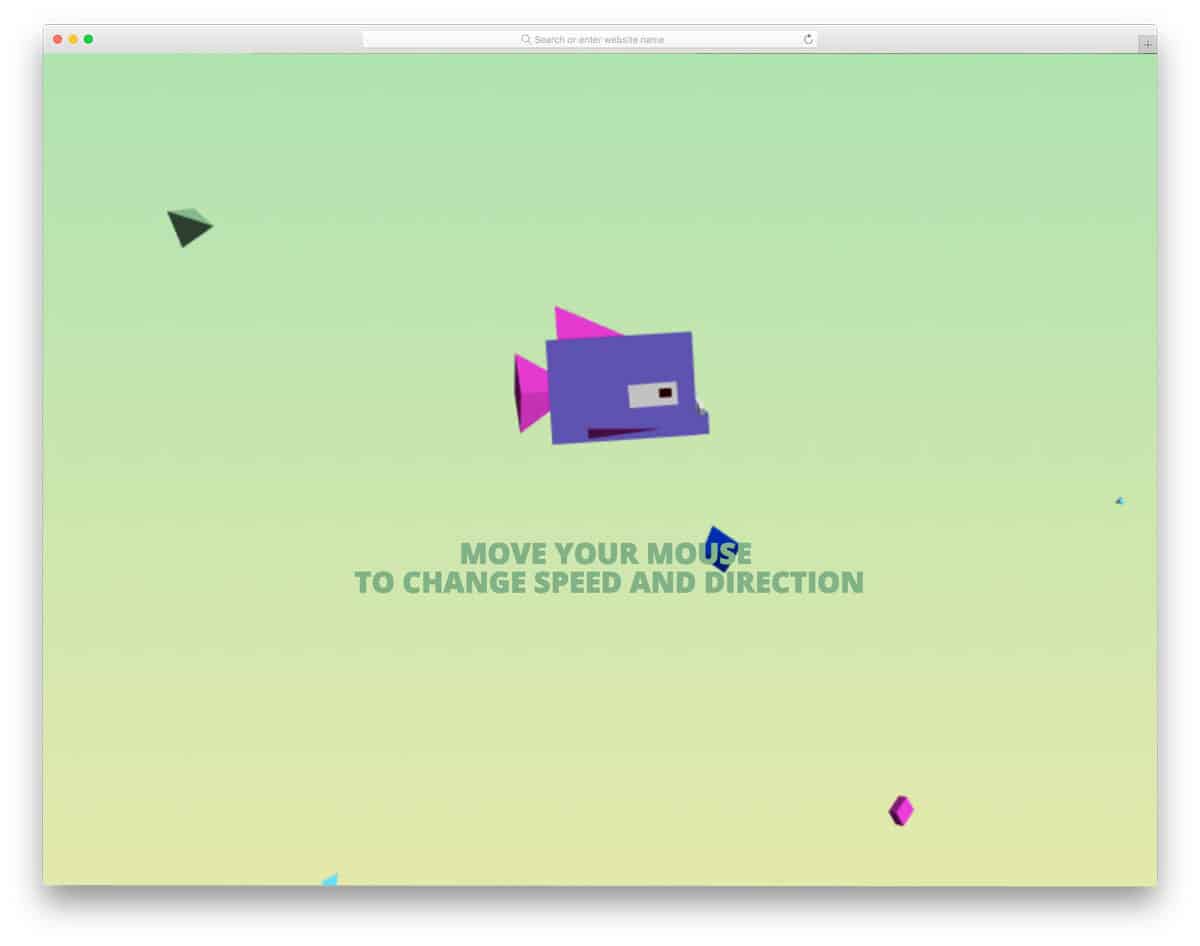
Mighty Fish is another conceptual model from the same developer of the Chill the Lion design mentioned above. You can expect the same code quality and code structure in this design as well. In this design, the developer has used a different concept.
The fish swims slowly and gently when you move the cursor to the left end. Upon gradually moving your cursor to the right end, the fish swims fast and also changes shape. The transformation and color-changing effects are so smooth, hence users will have a better experience spending their time with this mighty fish.
3D Cube Loop With Three.js
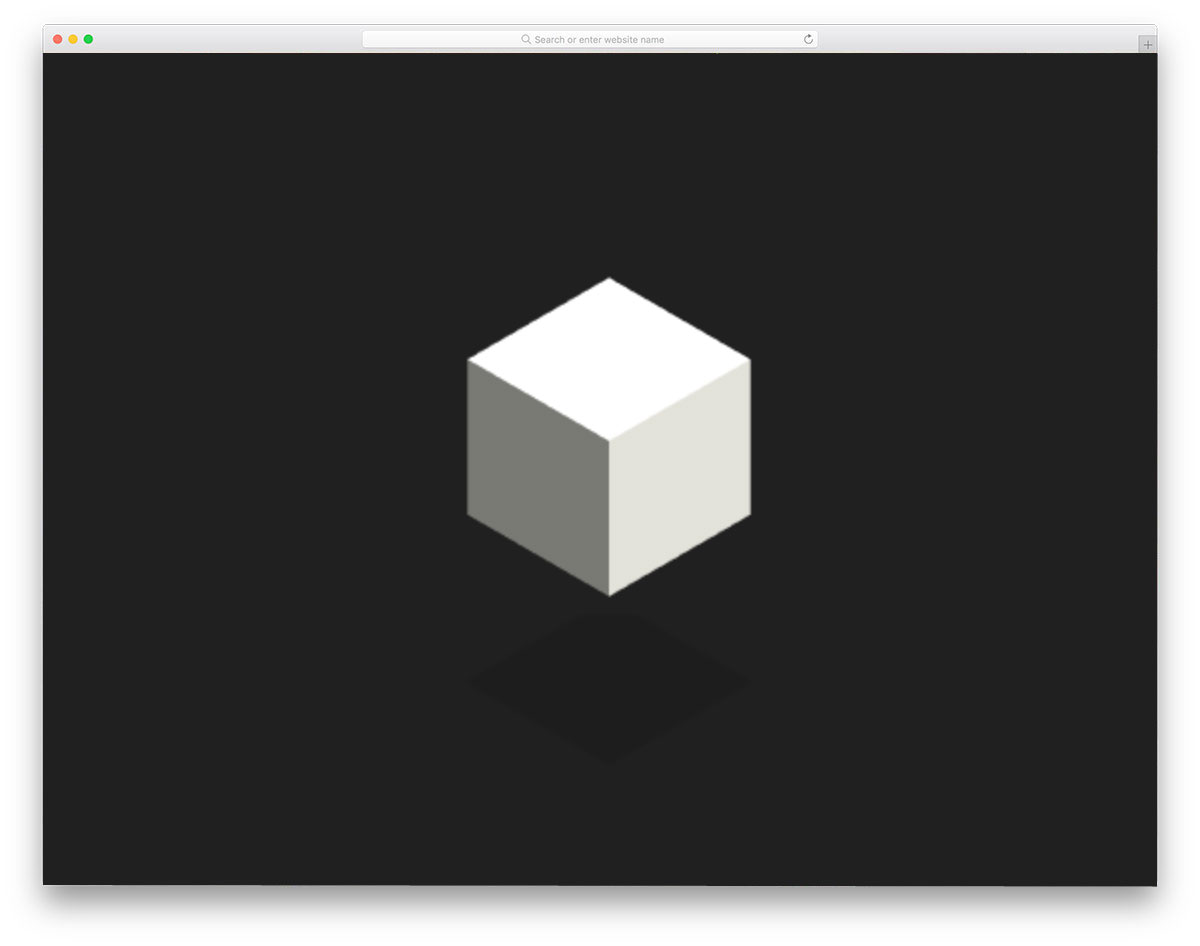
3D Cube Loop is another fun concept for your loading animation. The cube keeps folding and expanding to make a larger cube. Small bouncing animations are used at the transformation stage to give a fluid animation effect.
Since it’s a demo model, the developer did not use any colors. However, you can play with colors to make this design even more attractive. Like most other Three.js designs mentioned above, this one also mostly uses the Three.js code script.
The camera angle is kept in orthographic view, hence you can add your logo at the top for better visibility.
Three.js Gradient
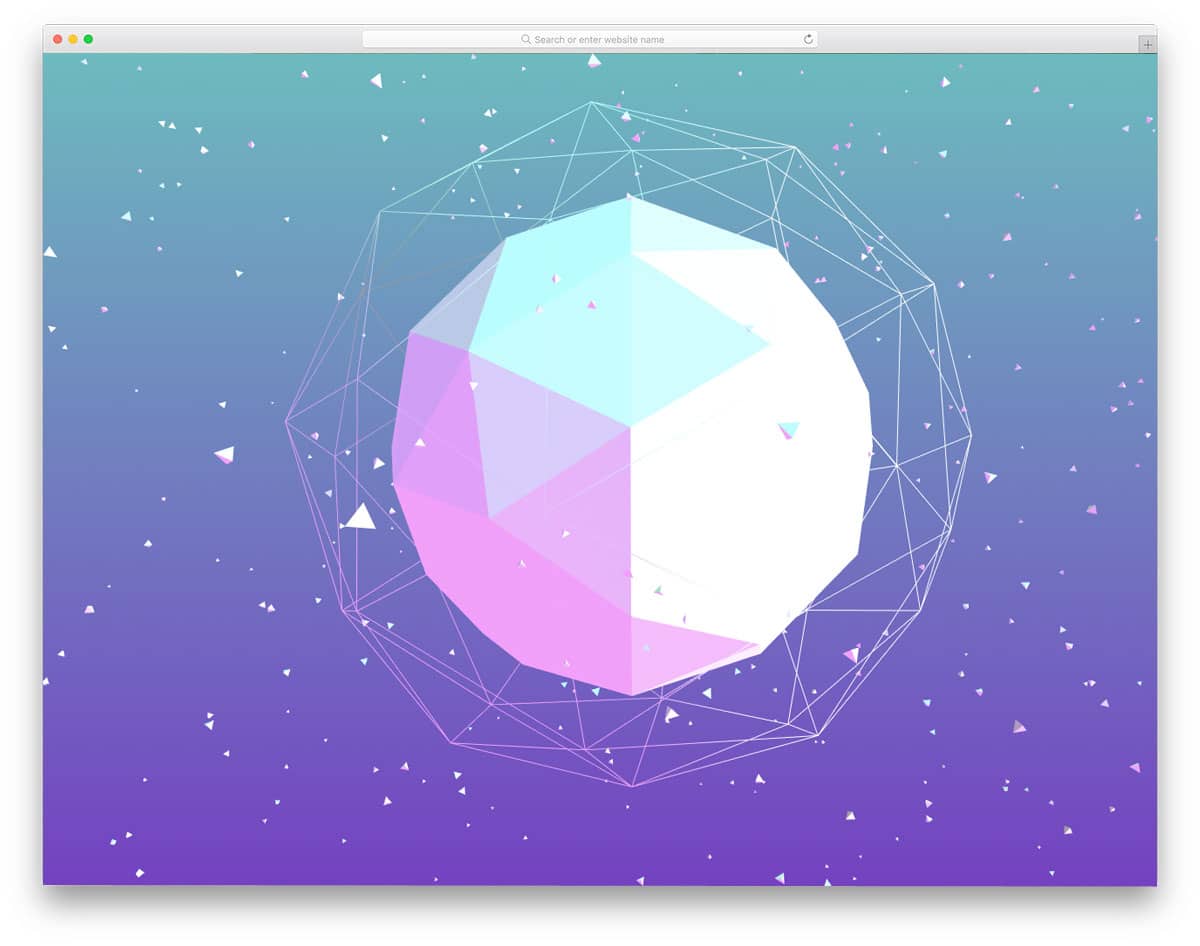
Three.js Gradient is a colorful particle-style design. The large sphere at the center with rings around it might remind you of atoms and molecules. To make the design even more attractive, scattered triangular elements are made to revolve around the center atomic piece.
The designer has followed the polygon art style design, which gives a contemporary look to the design. The only thing this design misses is that it’s not interactive. If the developer had made it interactive for cursor movements just like in the few designs mentioned above, it would have been great.
But never worry – you still have the code and can add the features you like.
Sneeze The Dragon
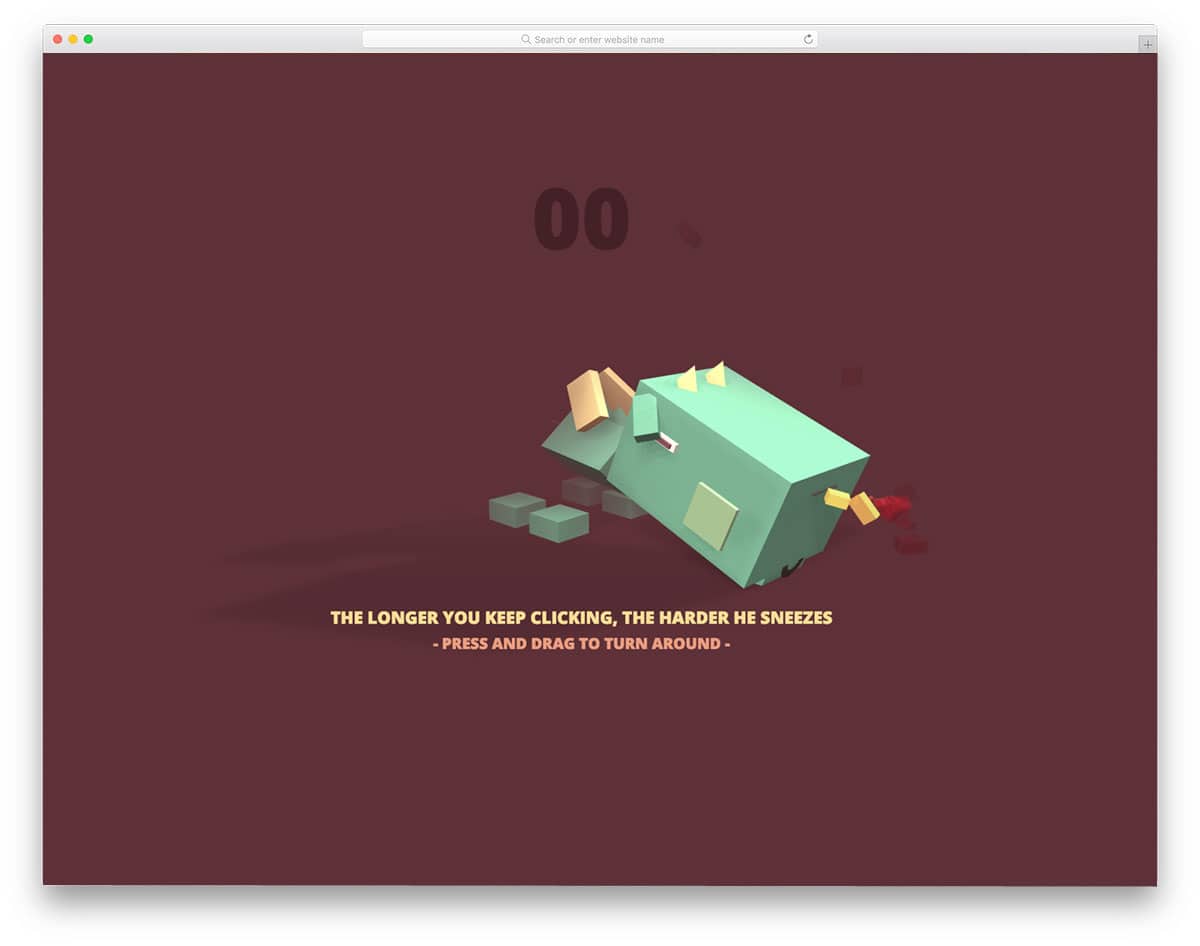
Sneeze the Dragon is an interactive fun Three.js animation example. The developer has actually provided us with a mini-game in this Three.js example. You have to keep clicking until you hit 99 and the dragon will sneeze a fire breath. The stronger your click, the more powerful the fire breath will be.
To help you visualize the animation effect clearly, the developer has provided you with the option to pan the camera angle. Because of the fluid animation effect, users will get an immersive experience.
Elements like this will be a perfect addition for gaming website templates – it will give a pleasant surprise for gamers on your site.
Holy Running Cow
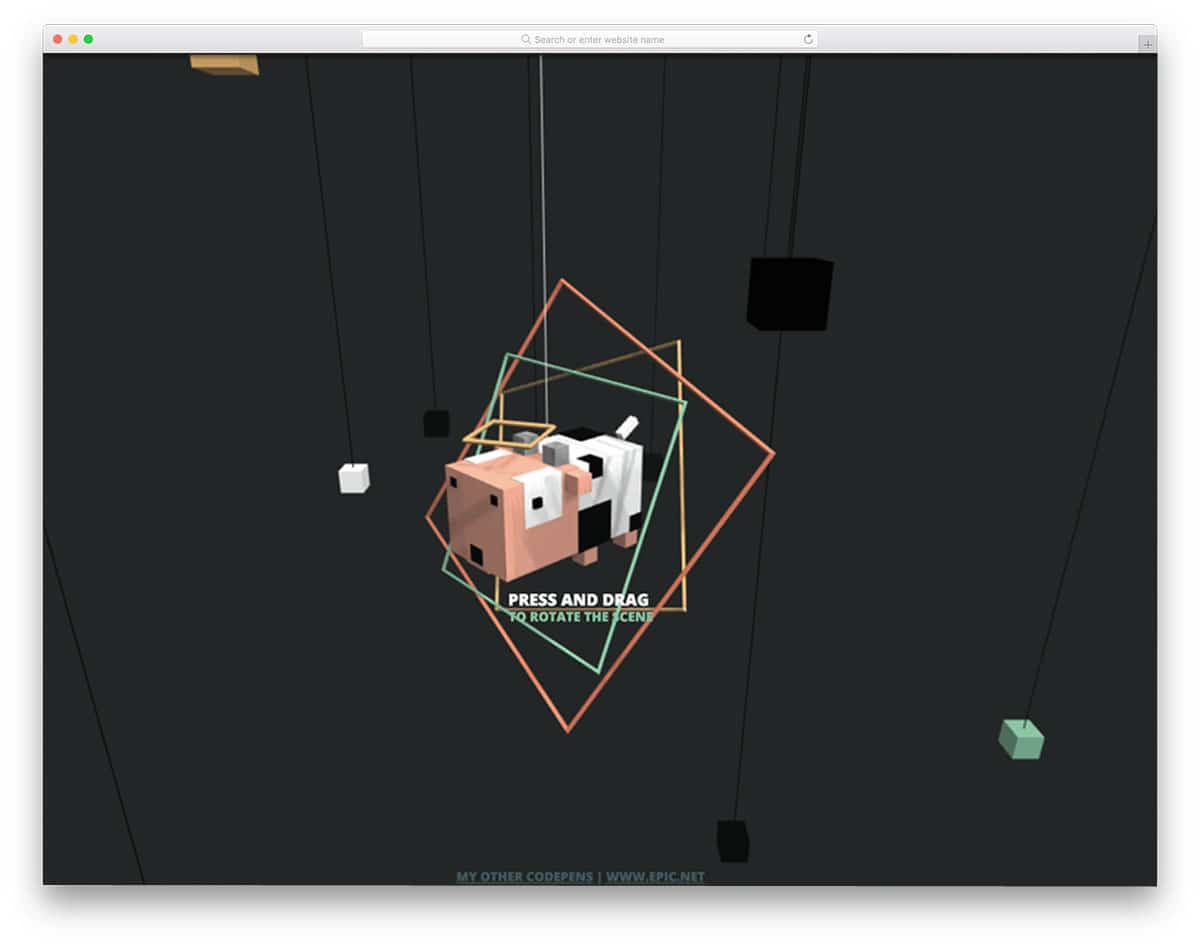
Holy Running Cow is from the same creator of the Dragon animation mentioned above. This one is not as interactive as the dragon animation, but it’s still good. All you have to do is pan the camera and see the hanging cow, which moves constantly.
To make this simple clean animation design, the developer has used Three.js and CSS3 script. The use of CSS3 script gives you colorful elements and extra smooth animation effects. If you wish, you can add your own features to make the design even more interactive.
Check the info link below to get hands-on experience with the code script.
Three.js Cubes

Three.js Cubes concept is very similar to the Tribute to MrDoob design mentioned above. However, this design has different effects and finish. The rotating cubes move synchronously to give a mesmerizing effect.
To give a realistic touch, the developer has used shadow effects on the rotating cubes. You can move the cursor up and down to zoom in and zoom out of the rotating cube cluster. The placement of cubes is a little difficult to interact with, so this might be something you have to fix before using it in your project.
This one is also a pure Three.js-based design. To give a refined result, the developer has used a few lines of CSS3 and Haml script.
Paranoid Vs Shy Birds
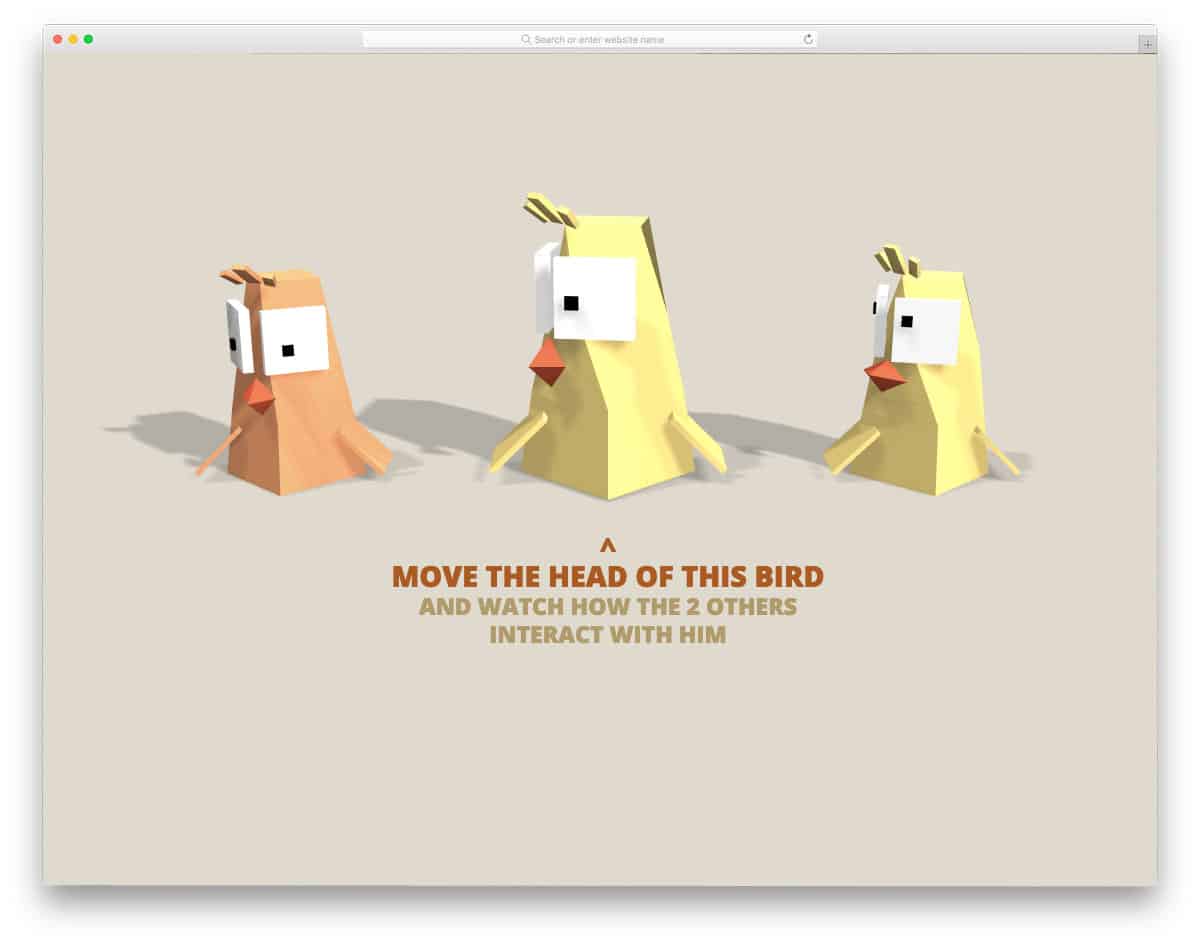
Paranoid vs Shy Birds is another fun concept from the creator of the Sneeze the Dragon design mentioned above. In this design, when the center bird looks at the other two birds, they turn their heads.
All three birds’ movements are properly synchronized so you get realistic eye and neck movements of the birds. Adding shadows to the birds is another nice touch to the design. The best part about this design is the detailing – for example, you can see the proper movements in the birds’ shadows as well.
If you wish to use this perfect Three.js animation, then you can directly use this code in your project.
WebGL Loader Infinite Loop

WebGL Loader Infinite Loop is a simple concept you can use for your loading animation. The infinite cube loop design moves smoothly and the shadow of the cube at the bottom also changes accordingly.
If you like, you can add some colors to the cube to enhance the design. Since geometric shapes are popular in modern design trends, some brands have geometric shape logos. If you have one such logo design, you can use it in this design to clearly brand your website.
The developer has used both CSS3 and Three.js script to make this design. Since both scripts are the latest ones, you can add trendy colors and effects based on your design needs.
Psychedelic Waves
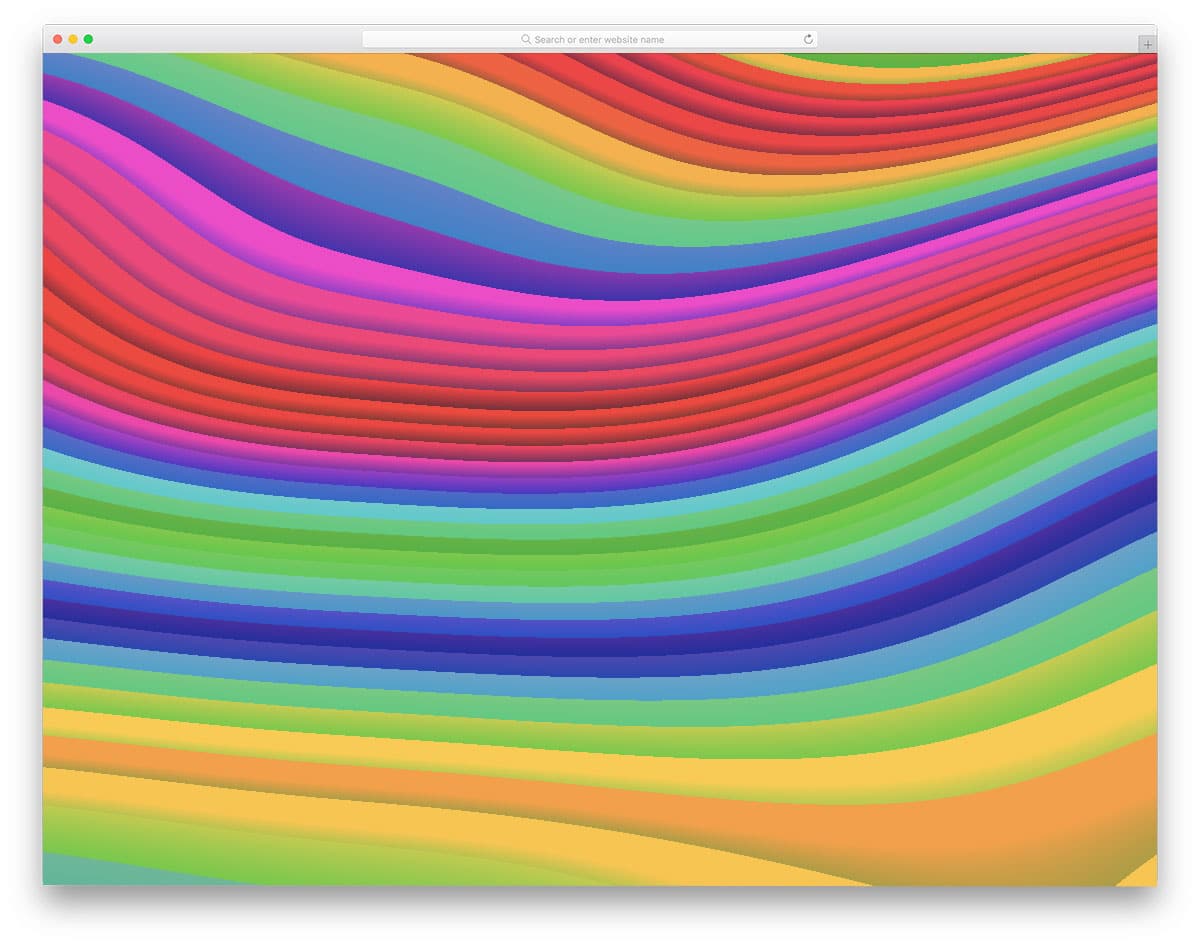
Psychedelic Waves is a smooth mesmerizing colorful Three.js design example. This animated colorful screen might remind you of the cool colorful live wallpapers on modern smartphones with edge-to-edge displays.
The colors on the screen move to give a colorful fluid experience. If you’re watching this design on a high-resolution screen, then you will love this design a lot. The developer has also provided you with controls in the top right corner to adjust the animation effect.
To make this colorful user-friendly design, the developer has used Three.js, CSS3, and HTML script. This is just a concept design – you have to work manually to make this design fit in your project.
Terrain Editor

Terrain Editor is another intriguing design concept. Stacks of rectangular elements are grouped together to form a large colorful cube. Upon clicking over the surface of the cube, the rectangular elements rise. The longer you click, the higher the element rises.
This design concept gives a skyscraper look, which makes it a perfect addition for construction websites. In the default design, you have to click to raise the building cubes. However, you can make them rise automatically at periodic intervals.
The developer has handled the code structure properly so you can edit the code easily and use it in your project.
Particles Waves

Particles Waves is a relaxing animation made using Three.js. The soothing warm colors and gentle movements of particles in a wavy pattern give a nice feeling. You have the option to adjust the camera view using the mouse.
However, if you need, you can add your own interactions to make the design even more interesting. This design is made purely using CSS3 and Three.js script. Simple code structure will let other developers easily utilize this code and create their own custom design.
A few optimizations will make this example a perfect fit for your professional design.
City 3D

City 3D is one of the best Three.js examples for construction and architecture websites. In this design, you get silhouette images of tall buildings on a red background.
The classy look of this Three.js design makes it a perfect fit for any business website. You can use elements like this in your homepage header section to give an impressive introduction. The developer has scaled the mouse movement properly so users can clearly see and enjoy the details in the design.
To make this beautiful design, the developer has used Three.js, CSS3, and HTML scripts. All you have to do is optimize the code structure according to your requirements.
Three Particle Morphing Text

As the name implies, this design has a text morphing effect. The only drawback with this design is you can enjoy it only with the default words provided by the developer. If you’d like to make this one a dynamic design, you have to work manually by keeping this code as a base.
The developer has handled the code script properly so you can add your own features and options without any issues. If you’re particularly looking for text effects, check out our CSS text effects collection which has cool effects like in these Three.js examples.
Raycaster

In the Raycaster, you get a futuristic sci-fi like design that you can use on any modern website. If you’d like to make an interactive page on your website, Three.js examples like this will be a perfect option.
Polygon shapes are used to create the main rotating elements in this design. Light and dark shade colors are used to give a realistic look to the rotating element. On the galaxy background, these elements look like meteoroids.
Each and every element rotates independently, but they move as a cluster when you move the mouse pointer. No other interactive features are provided in this design, but if you want, you can add those to your design.
FAQ
What is Three.js used for?
Three.js is used to create 3D graphics that run directly in web browsers using WebGL. Common use cases include interactive product viewers, architectural visualizations, data visualization, browser-based games, creative art installations, and immersive landing pages.
Is Three.js hard to learn?
Three.js has a learning curve, but it is significantly easier than writing raw WebGL code. If you know JavaScript, you can create basic 3D scenes within a few hours. The official documentation and examples at threejs.org are excellent starting points.
Does Three.js work on mobile devices?
Yes. Three.js works on all modern mobile browsers that support WebGL, which includes Safari on iOS and Chrome on Android. Performance depends on the complexity of your scene and the device hardware. For mobile, keep polygon counts low and use compressed textures.
