


Carousels are like-or-hate elements in Web design, just like MacBook butterfly keyboards. Some love it for the ease of sharing new features and products easily with the users. While some users see carousels as distractions that hinder the website’s overall performance. The truth is, when we handle carousels as part of the website and strategize them properly, they can deliver the results you want. In this list, we will see the best Bootstrap carousel examples that can give a better end-user experience.
The three things that we have to decide before designing a carousel are
- Slider sequence and the contents in the slider
- Whether we like to keep it as an auto-rotating slider or a manually controllable slider
- Optimize the design for both mobile and desktop devices
Based on the content you will use on the slider, the entire design, and the carousel’s animation. Images are powerful elements that can easily capture a user’s attention in a fraction of a second. As the digital generation has a short attention span (less than 8 seconds), using relevant, powerful, and meaningful images will help users spend less time on your website.
Auto-rotating carousels and manually controlled carousels are both good designs. But to make a smart design, we have to combine them. A slider with a random transition effect is treated as an ad banner and is mostly ignored by users. Even with powerful, relevant images, quickly moving carousels won’t capture the user’s attention. Static carousels are often unnoticed by users. A survey found that static, manually controlled sliders get only a 1-2% click rate, while auto-rotating sliders have an 8-10% click rate. So make the slider auto-rotate by default, but when the user starts interacting with it, stop the auto-rotation and let the user see the contents easily.
We all know the importance of responsive design. To give users the same level of experience, designers create smart elements that perform flawlessly across mobile and desktop versions. While creating the carousel, ensure it is optimized for both hover and swipe gestures.
These Bootstrap carousel examples are smartly designed to meet end users’ needs and help website owners clearly communicate with their users.

Carousel V05
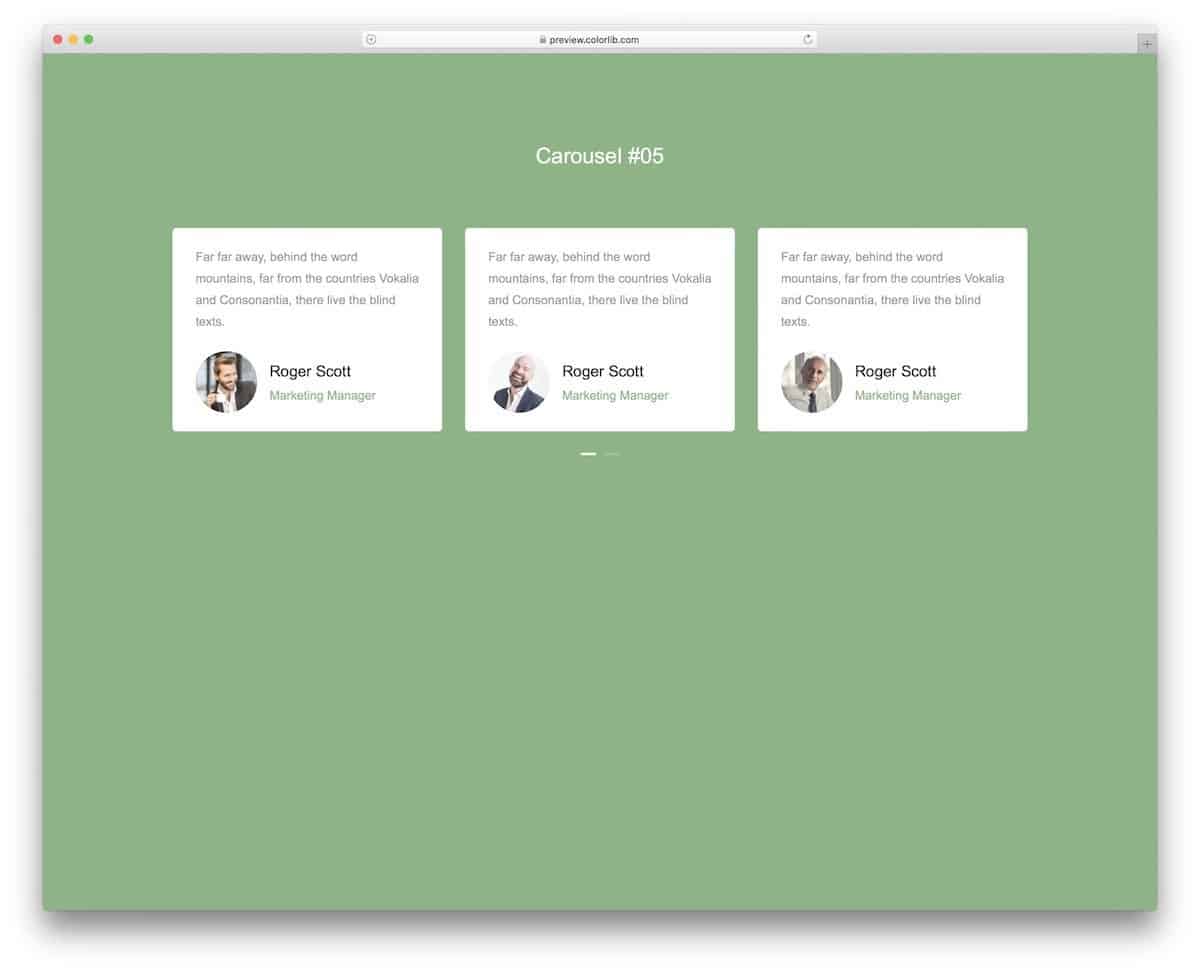
The V05 has a traditional-looking Bootstrap 4 carousel design. You have nice cards with rounded edges to clearly show your messages. A neat page indicator is given at the bottom of the cards to let the audience easily jump to the carousel section you want. This one will be a great choice if you are looking for a simple, neat carousel to showcase your clients, testimonials, and team members. Since it is a concept model, the creator has kept the elements as simple as possible. You can add your custom elements to make the experience even more engaging for users.
Carousel V10
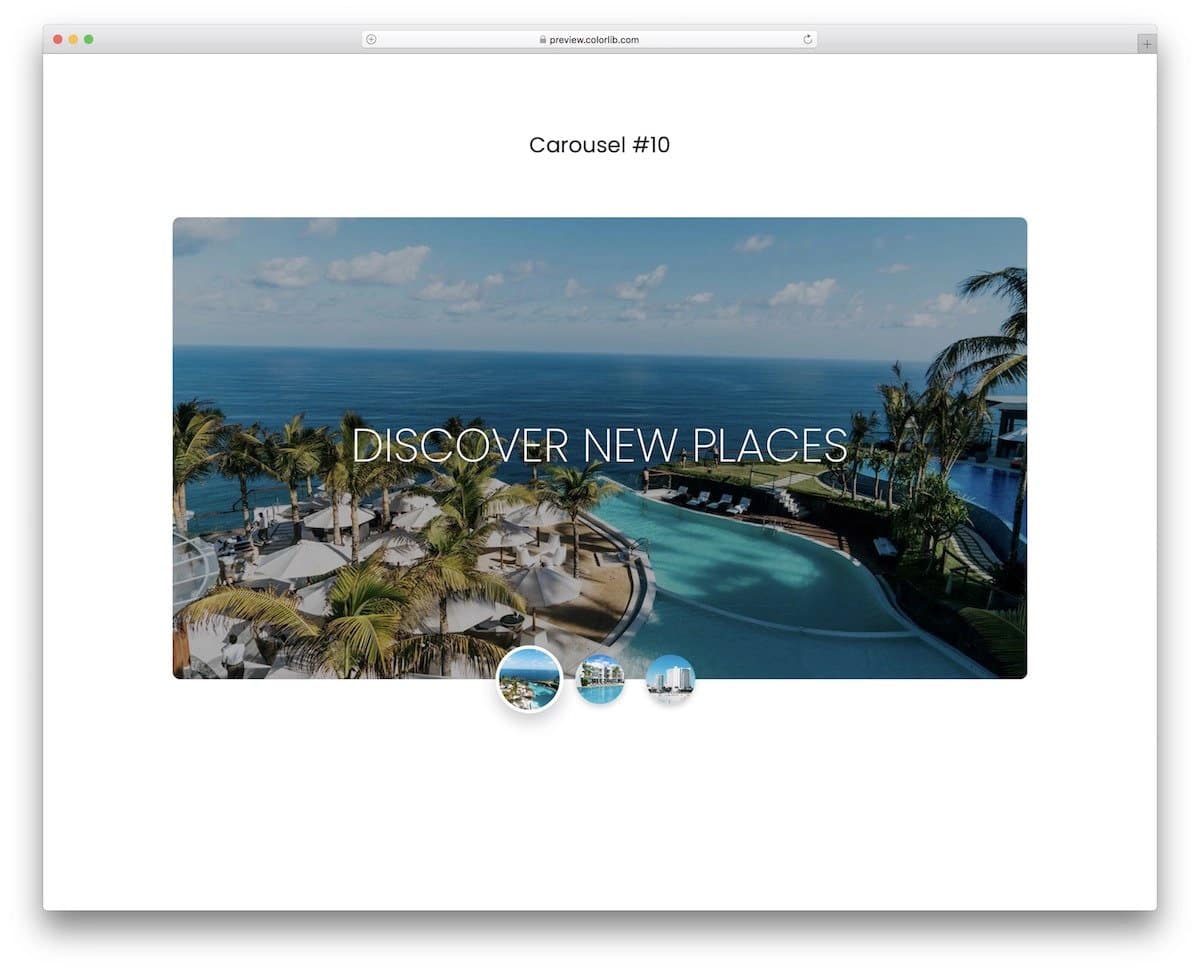
The V10 is the best Bootstrap 4 carousel example for showcasing images. A small thumbnail is placed at the bottom of the carousels to let users quickly see the images before they appear in the main carousel. Plus, users can easily jump to the image they want by selecting it. Attention to detail, such as the circular highlighter and drop shadow effect, enhances visual aesthetics and makes interactions easier for the audience.
Carousel V06

Those looking for a larger Bootstrap 4 carousel for their websites will love this template.
This free download template gives you a contemporary-style carousel design. Only the images and titles change in the default design. Other key elements, such as the call-to-action buttons, remain unchanged. You can add different content for each carousel if you want. The entire code used to create this template is included in the download file; you can use it easily in your design and even customize it as per your design requirements.
Carousel V08
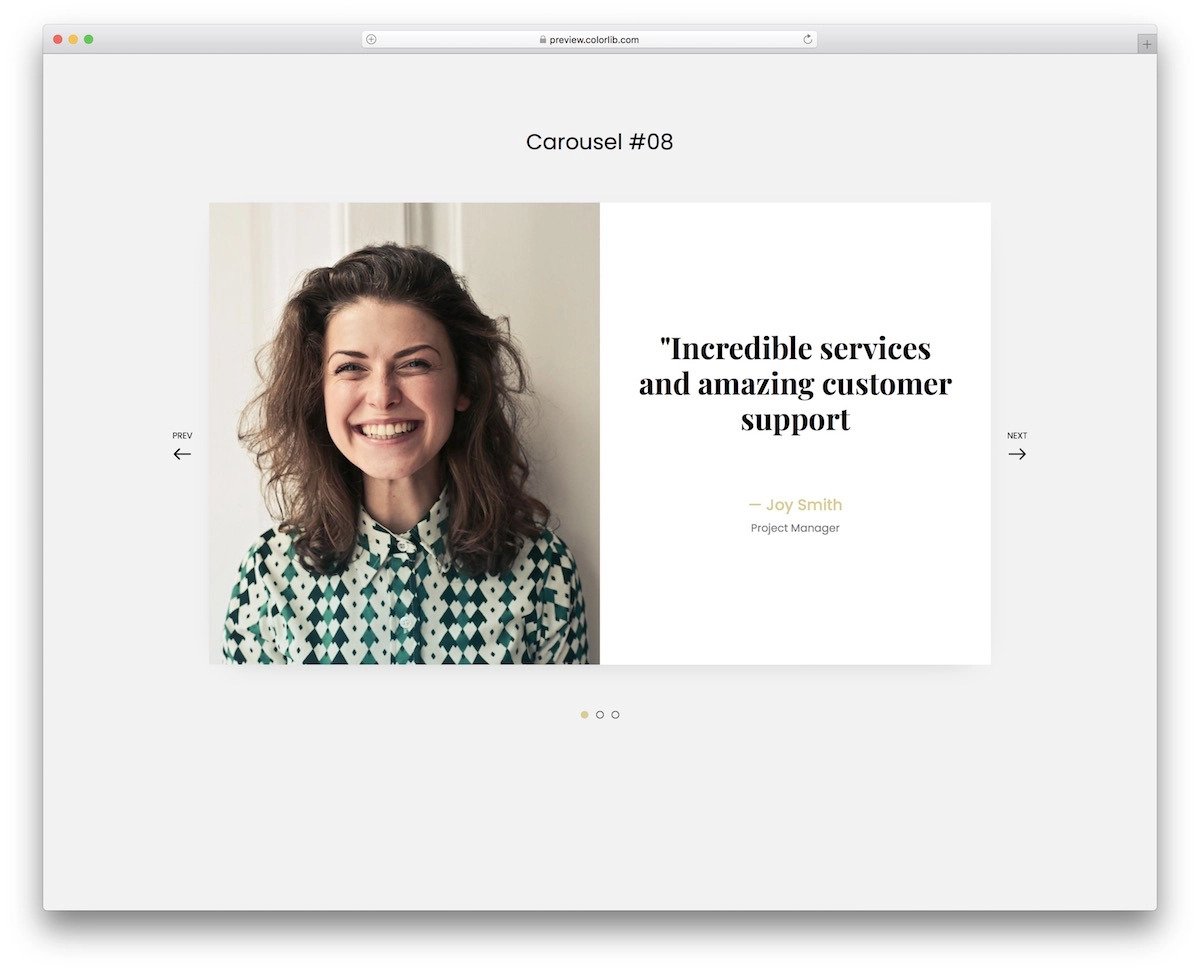
The V08 has a neat bootstrap carousel design with eye-catching transition effects. A fade-in and flipping animation are combined in this template to deliver a unique experience when the user moves from one carousel to the other. The default design and the animations work smoothly, so you can use them as such if you don’t have any requirements. Even if you have requirements, you can easily edit this template. Since the creator has used Bootstrap 4 and the latest CSS3 scripts, you can try the latest animations on this template without any worries.
Full Page Bootstrap 4 Carousel Example
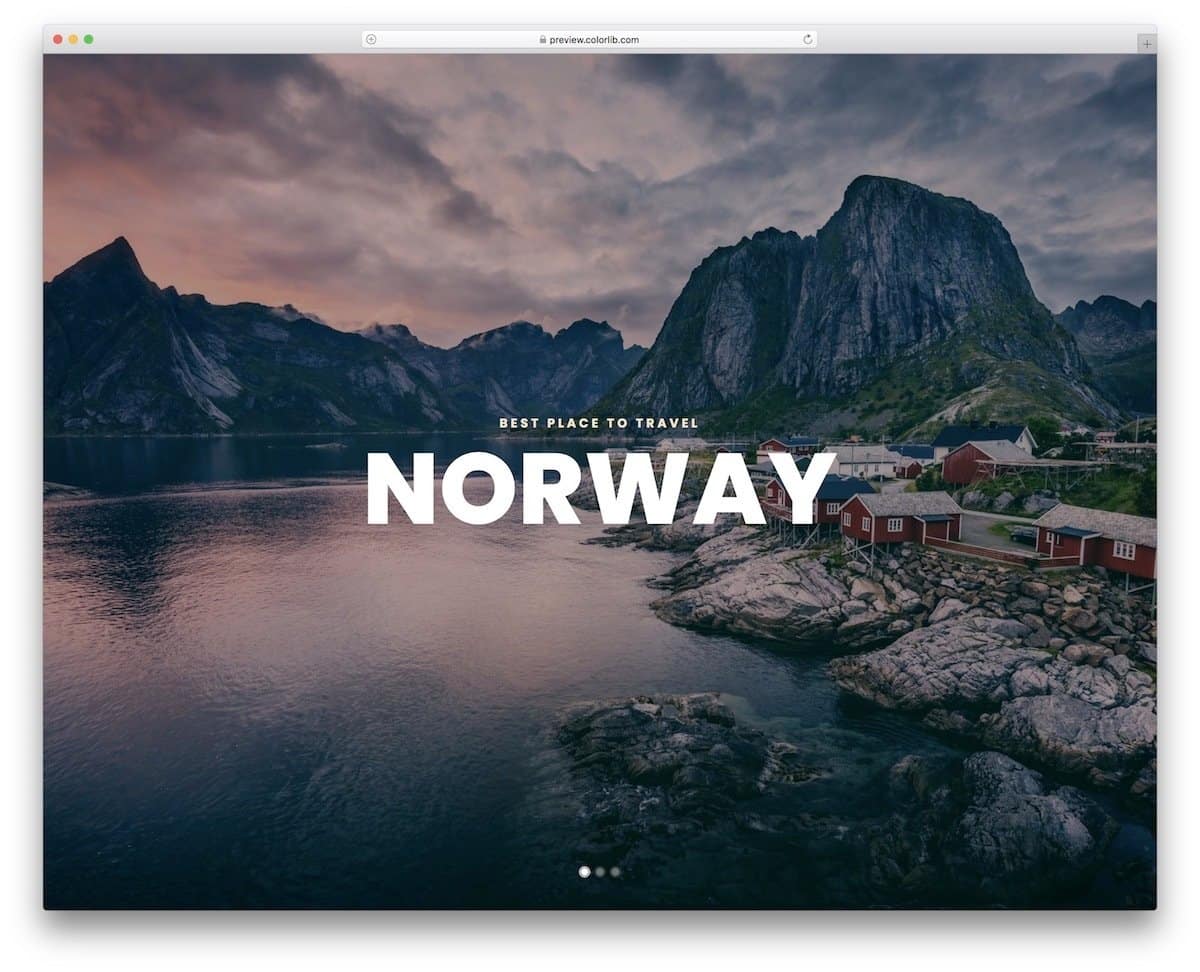
You get a full page carousel design in this Bootstrap 4 carousel example. If you want a carousel to elegantly showcase images, this design is a good choice. The creator has used auto-rotating slides in this carousel so that the users can see all the images without clicking the arrows. The slide transition effect is smooth and adds life to the images. The default design makes it the perfect option for travel websites and travel blogs to beautifully share photographs of the places. This carousel’s code is available as a downloadable file; you can use it easily in your project.
Bootstrap Carousel Multiple Items
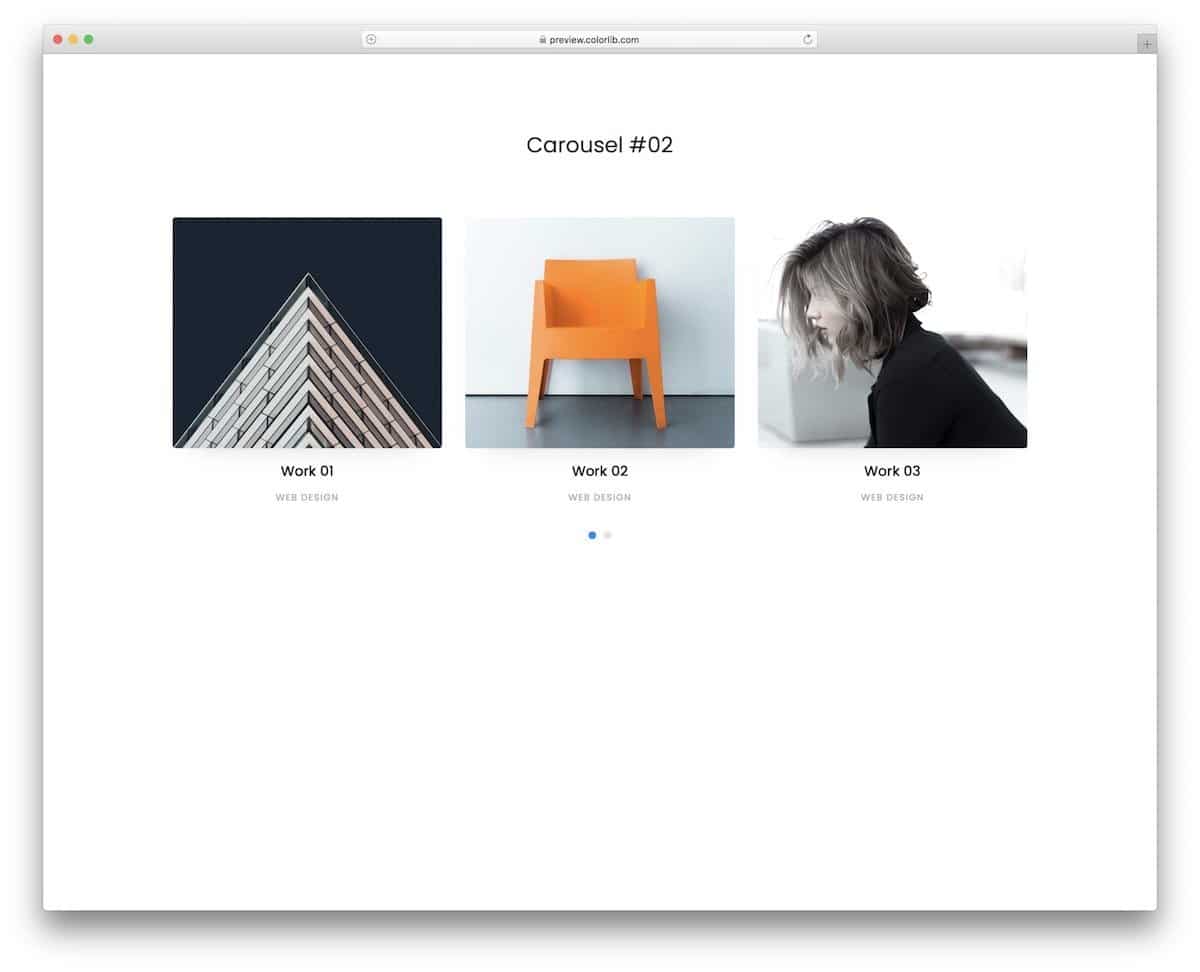
In this clean bootstrap carousel example, you can show three items at a time. More than ample space is given between each item so the audience can easily see and interact with the elements. The creator has used the hover effect to show the links in the default design. You can add other controls to the items if you want and make it even more engaging. Because of this carousel’s simple design, you can use it for business websites without any issues.
Bootstrap4 Carousel Card Slider
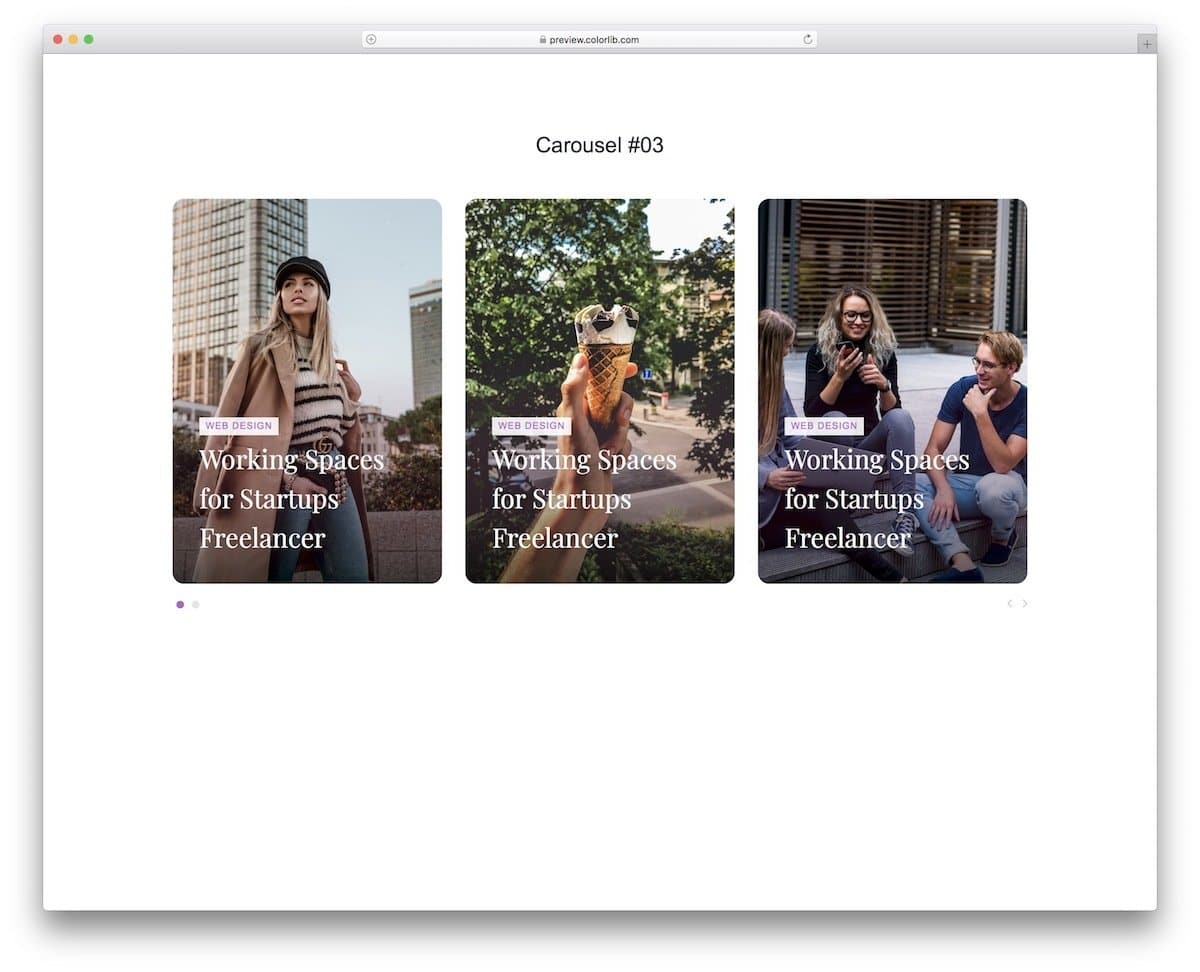
The V3 is a modern-looking bootstrap carousel with card sliders. Card elements are used for carousel items so that relevant information can be displayed within the available space. Plus, the audience can get a quick preview before they click through to the item page. All navigation options are moved to the bottom corners to make the interactions easier and also to show the card elements neatly without any disturbance. If you want a carousel to show the latest articles or featured content on a blog website and magazine website, this one will be a good choice.
Divisima

eCommerce websites use carousels effectively to showcase new products to users as soon as they land on your site. Using the content and imagery effectively will help you communicate effectively with users. Ok, images and content are another department. From the design side, we have to give ample space and time for the slides. On a scale, aim for one second per three words so the user can clearly read the content. In this carousel design, the creator has given us a precise header carousel.
Navigation arrows are given at the bottom to easily control the auto rotating sliders. Plus, the animation effects are kept sleek and neat, so each slide has a chance to make an impression. Divisima is a fully equipped free e-commerce website template, there are plenty of other elements to help you.
Bootstrap Carousel Slider With Thumbnails
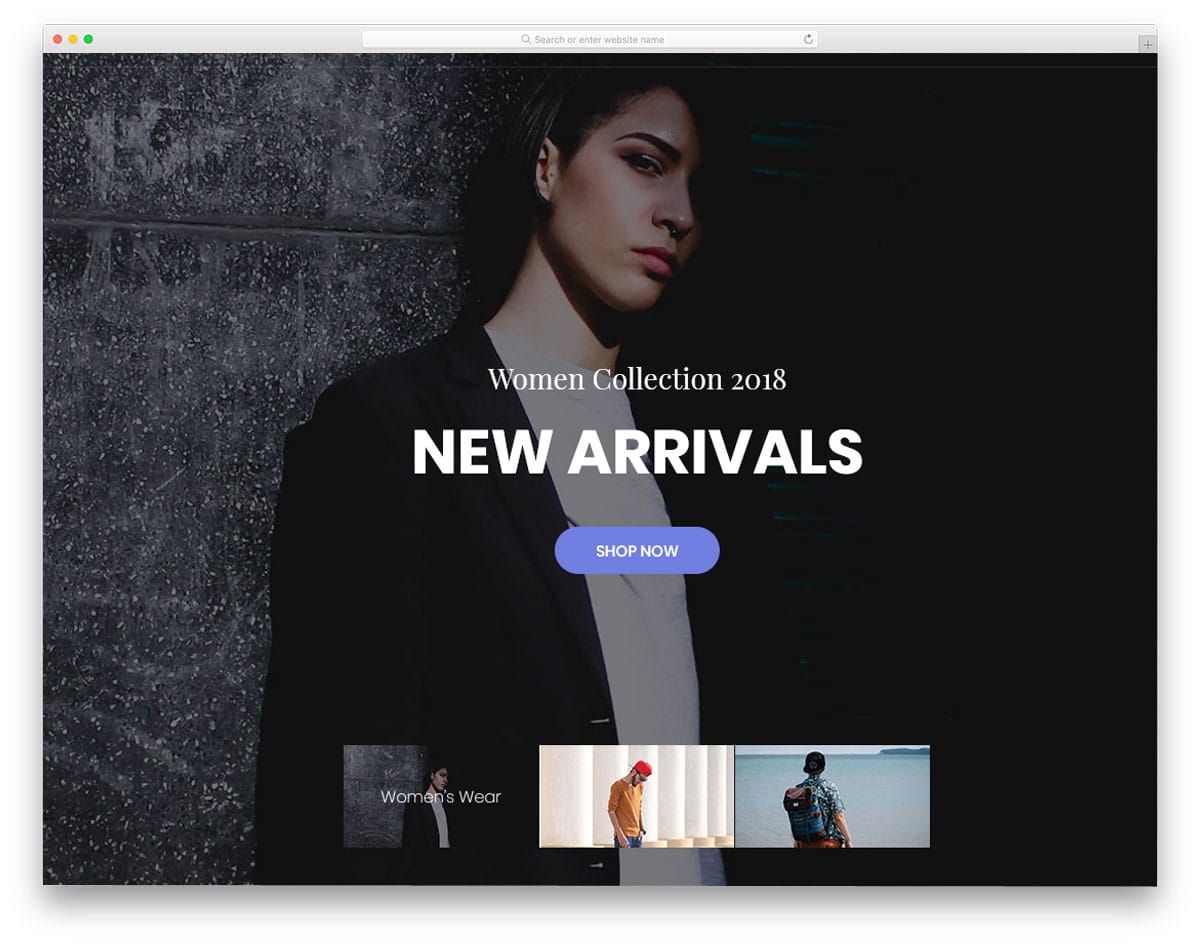
Coza Store is also an eCommerce website template; it features a Bootstrap carousel with thumbnails for quick navigation. Though it is a free template, the developer has included plenty of features we usually expect in a premium template. For example, you get three homepage variations in this free template. Regarding the carousel, there are two types used in this template. The carousel on Homepage 3 is the best option for all types of websites. Below the carousel, you have thumbnail images to show the upcoming slides. This thumbnail design clearly shows how many slides there are, and the user can easily jump to the slide they want. Funky transition effects are used for the carousels, but you can change them as needed. Since it uses CSS3, it can handle any modern animation effects.
Sneaky
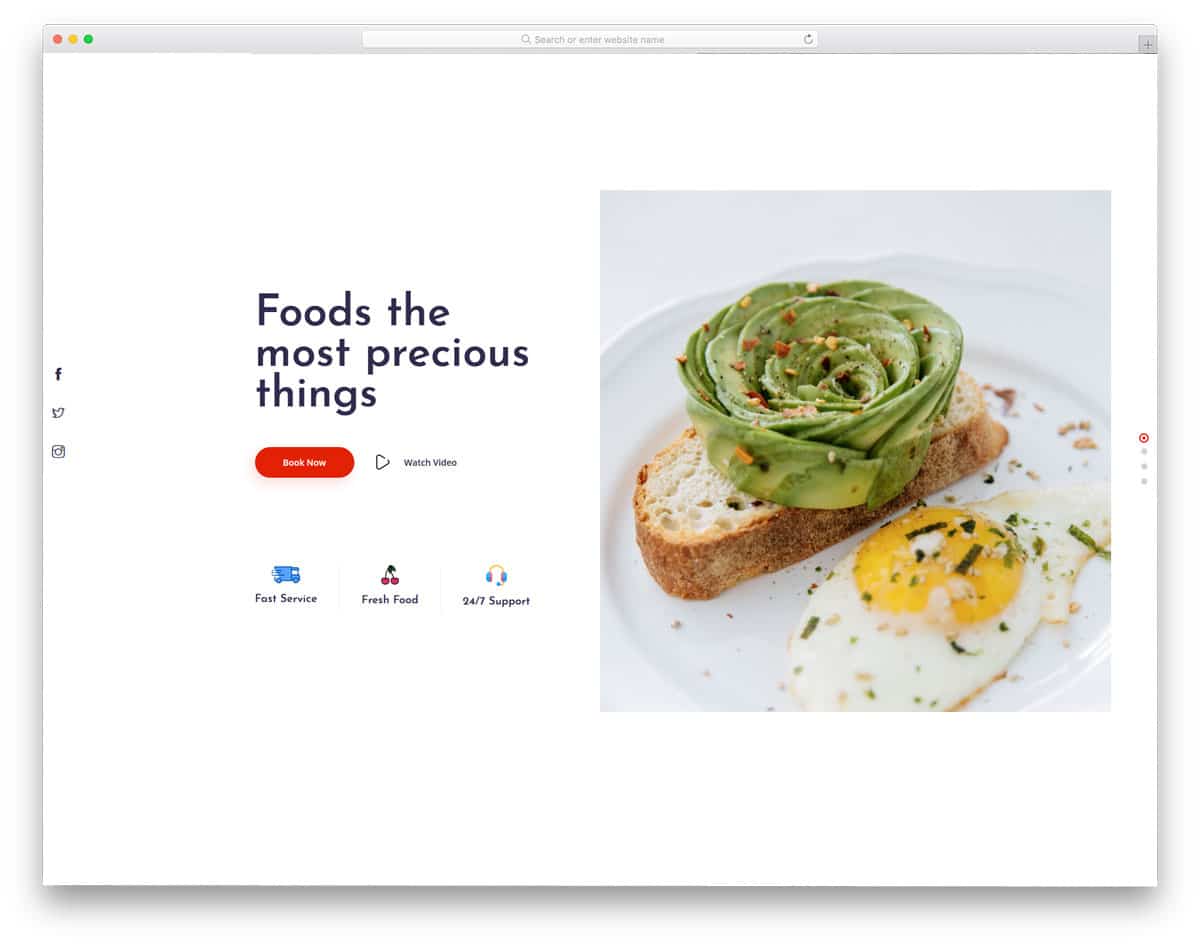
In Sneaky website template, the creator has used a vertical carousel, which smartly changes into a horizontal carousel in the mobile version. Since it is a mobile-responsive website template by default, all elements are optimized for mobile screens. For a natural interface experience, the creator has made the slides to support left-right swipe gestures. From this itself, you can understand how precise this template is. You get a premium-quality template for free with this one. A split-screen design is used in the homepage header section, with static content on one side and a carousel on the other. Hence, you can add images alone in this carousel.
Kusina
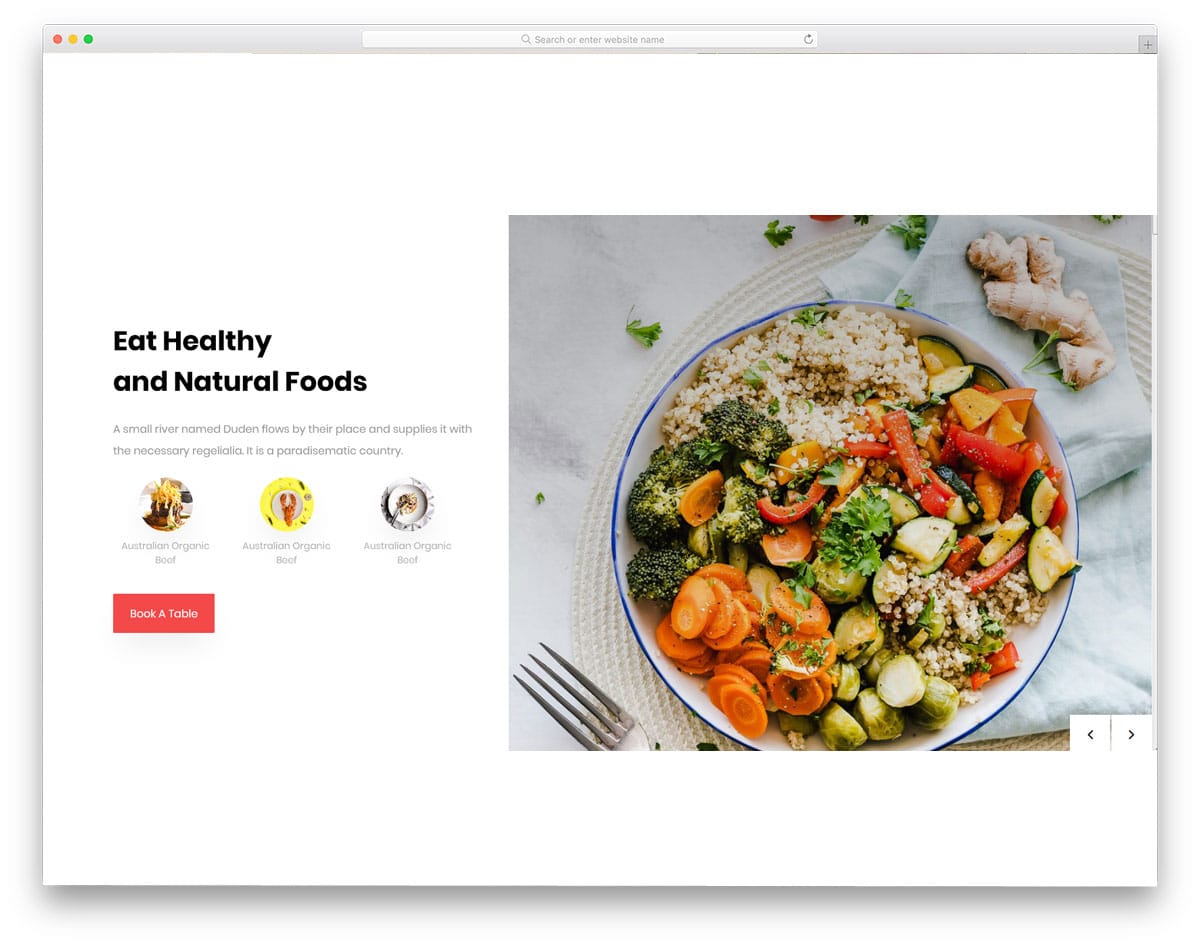
Kusina is also a restaurant website template like the Sneaky template mentioned above. If you like the above carousel design but want it large enough to accommodate text, this carousel is a good choice. Since both templates are from the same creator, you get the same premium quality design and code structure. The default design takes a few extra seconds for the slide transition, and it is not an auto-rotating carousel. If you are not a fan of auto-rotating carousels, you can use these Bootstrap 4 carousels as such in your design. Plus, this Bootstrap 4 carousel is mobile responsive, like the Sneaky template mentioned above.
Coaching

Carousels are not only used in commercial websites but they are used in personal websites as well. The Coaching is a one-page template since you have to group relevant information in one place, the developer has used carousels in this template. All the carousels are responsive and work perfectly on mobile devices and desktops. In the header section, you can add a large carousel to display your image. Since it is an HTML5 template, it has native support for video content, so you can add videos if you want. Other carousels in this template include testimonial, services, and latest blog post carousels. Right from small card carousels to big image carousels, everything is there in this template.
Photon
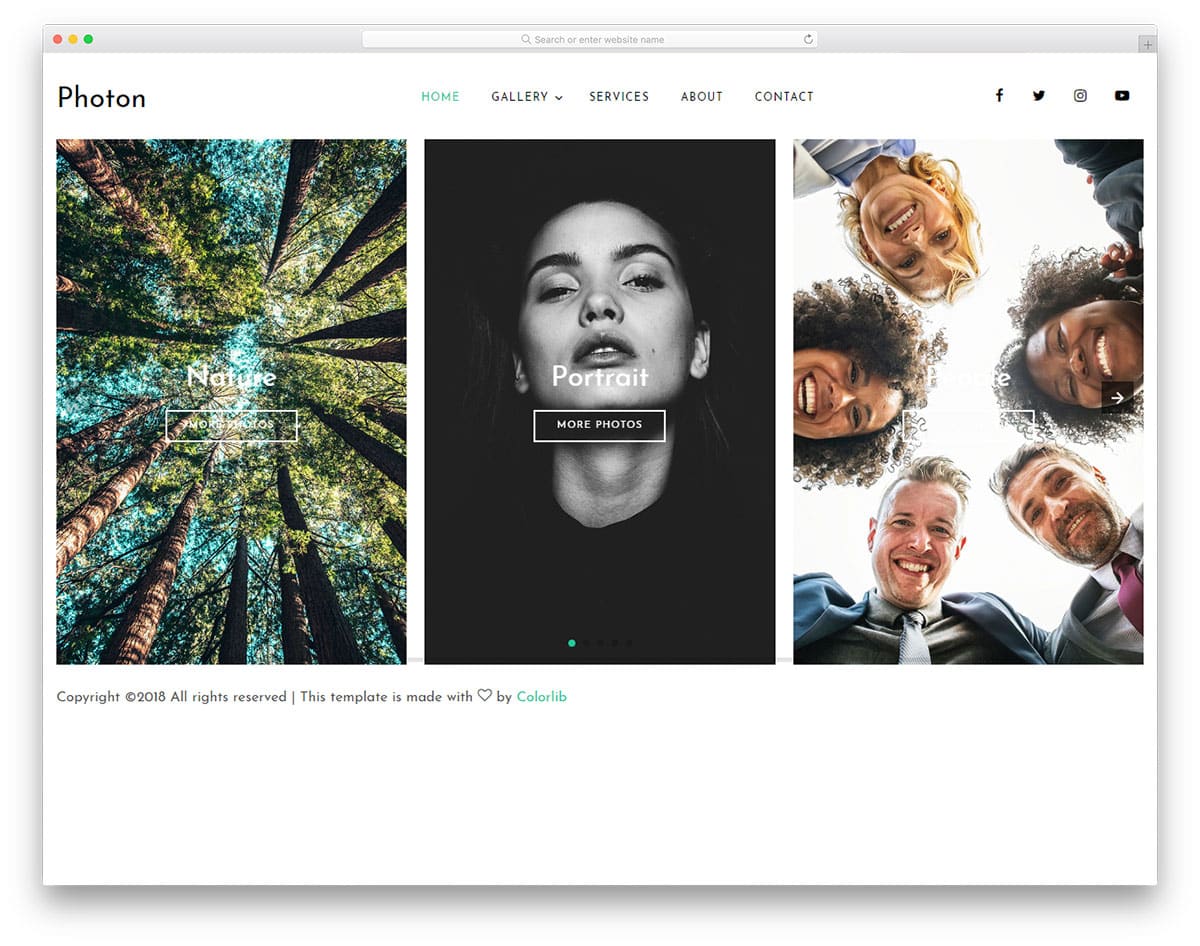
Photon is a photography website template. The creator of this template has used several elements to present the photograph elegantly to the users. On the homepage, you only have a large image carousel that shows images in portrait orientation. The carousel on the homepage supports both scroll gestures on desktops and swipe gestures on mobile devices. Transition effects are kept smooth and fluid, so the users will enjoy interacting with this slider. In this type of homepage design, you can use the carousel to highlight features. But if you are using a carousel as one of the elements on the homepage, it is better to announce the new features on several other relevant pages on your website.
Thumber
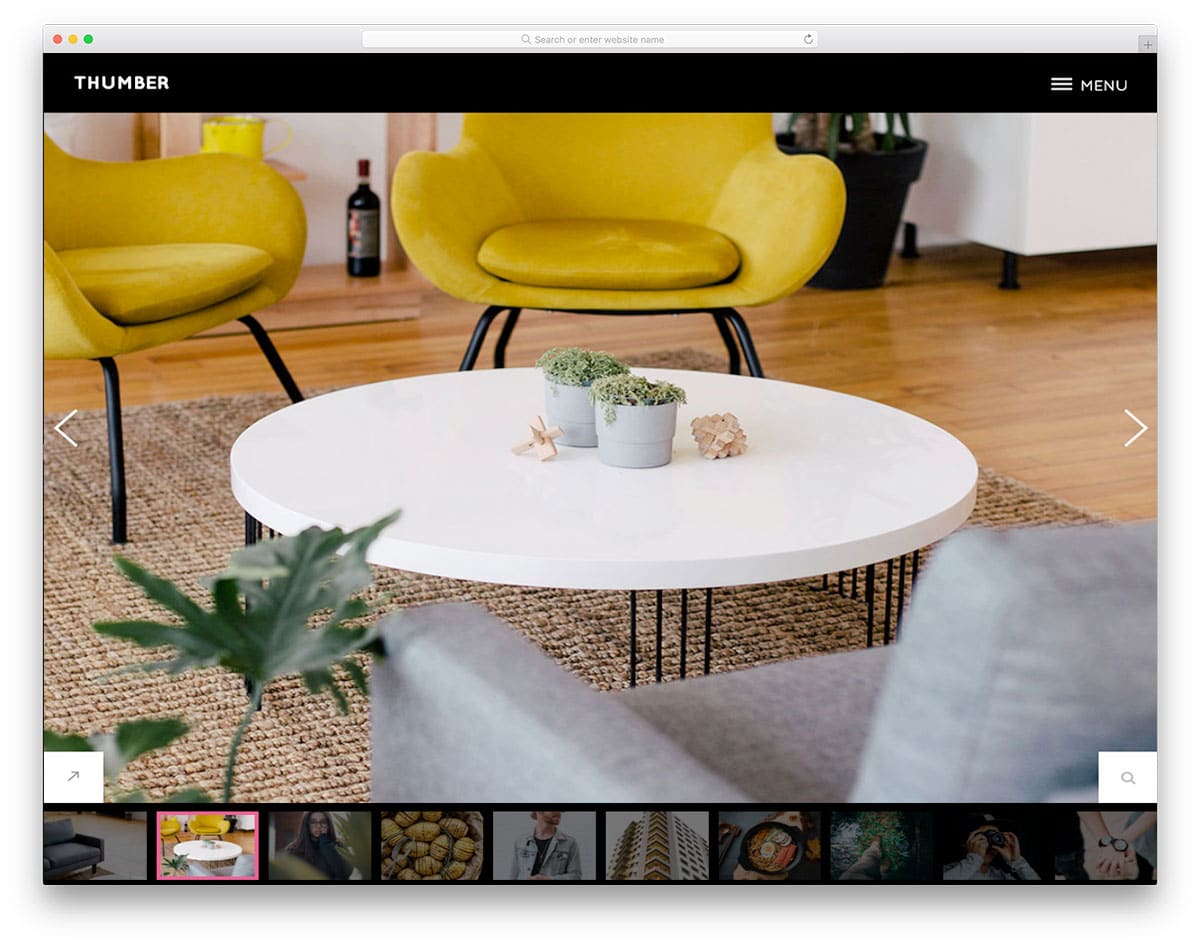
Thumber is also a photography website template that uses the same carousel concept on the homepage. In this carousel design, thumbnail images of the upcoming slides are shown below. Since the carousel is the only element on this homepage, showing thumbnails of upcoming slides lets users easily navigate to the slide they want. Call-to-action buttons are also given in this template, so you can direct the users to the corresponding pages without any worries. This carousel is large and wide, so you can display high-quality landscape images clearly to users.
Studio

Studio website template is designed for creative design studios. If you are new in the business and wish to impress the client as soon as they land on your website, this full-page carousel design will be a good idea. Like the Thumber template, this one also displays thumbnails of upcoming images. A small blinker indicates the current slider position. Using indicators helps the user to easily identify the slider they are watching. The best part about this Bootstrap 4 carousel is that it delivers the same experience on mobile devices. Since all the basic optimizations are done in this Bootstrap 4 carousel, you can easily implement this design in your project.
Zoom Carousel Slider
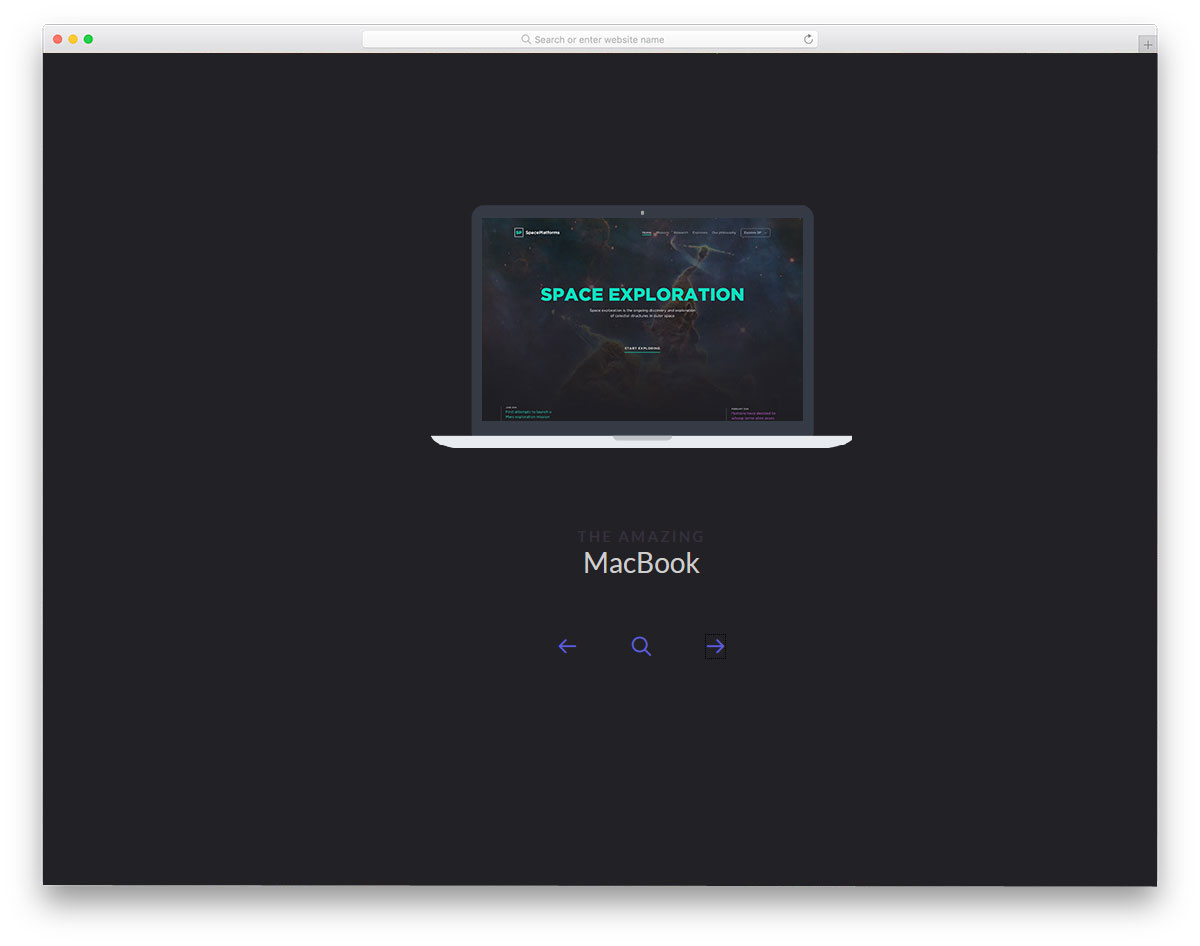
This Bootstrap 4 carousel design is the best example of product carousels. The user can clearly see the product image and can click a button below it to know more about it. A rotating-wheel-like transition effect is used in this carousel, which looks natural on both mobile and desktop views. In the demo, the creator used a full-page carousel design, but you can also use it as a widget. A little bit of parallax and bouncy touch are provided in this carousel, which gives it an intuitive feel when you use it. Only navigation arrows can control the carousel. For better results, try to include swipe gesture inputs as well.
Elastic Circle
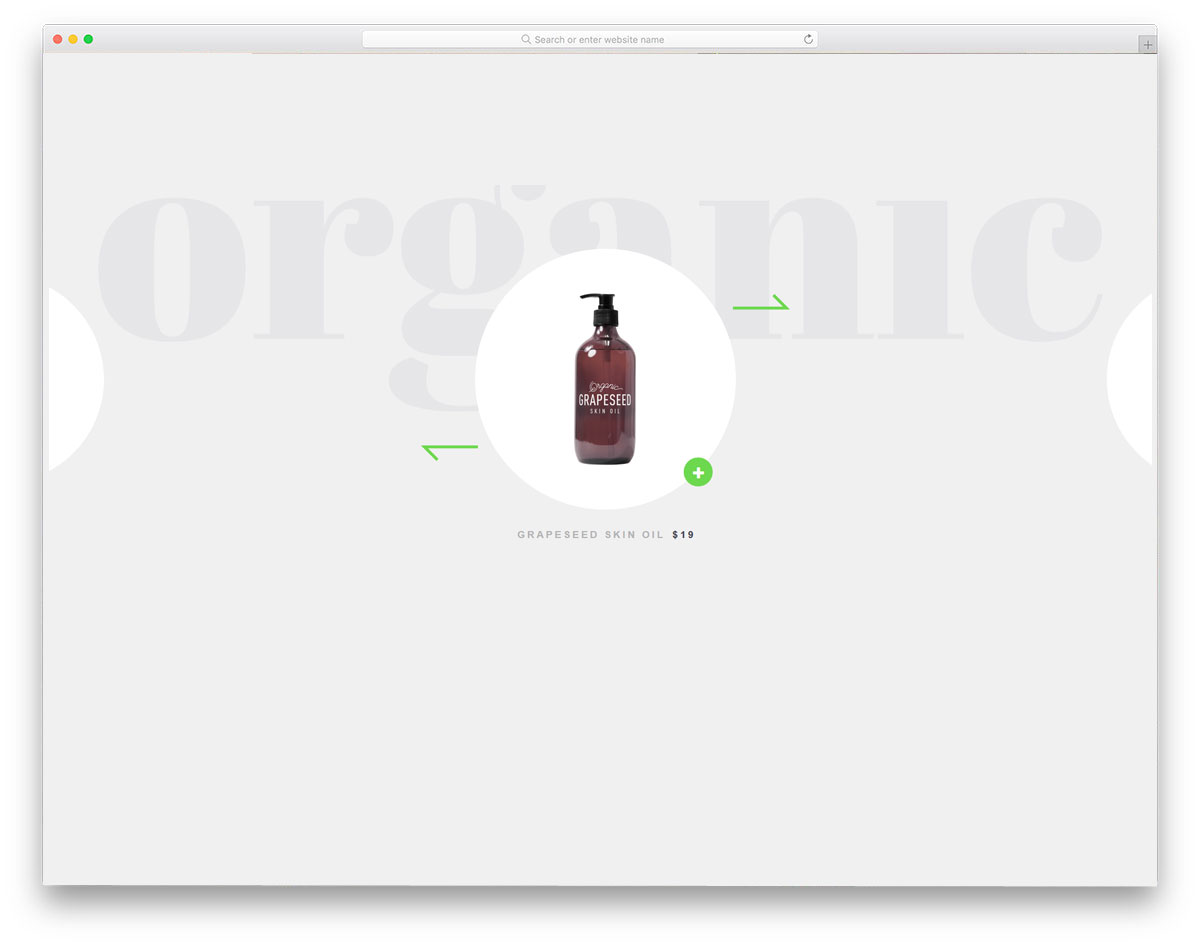
Using geometric shapes is becoming popular in modern app and website design. It gives the website a refreshing look and provides a visual break from the plain background. If you are interested in testing new patterns in your design, take a look at our CSS background pattern collection. In this carousel design, the circular pattern holds images. The default design of this carousel makes it a good option to show only the product image. To learn more about the product, the user must click the small plus mark in the bottom-right corner. Carousel transition effects are fluid, and the elastic nature gives a realistic touch to the design.
Motion Reveal Carousel

This one is a contemporary style professional-looking carousel. In the default design, the developer has made it a full-page slider. But you can use this animation concept in your carousel design. By just clicking the arrow button below, you can see the entire content related to the item in the carousel. This one is a manually controlled carousel design, to have a better result you can use an autorotation effect. You have more than enough space for text content. Based on the text length, try to adjust the time for each slide. Or if you’re using the carousel simply to show the latest products, you can use a uniform time for all slides.
Responsive Infinite Carousel
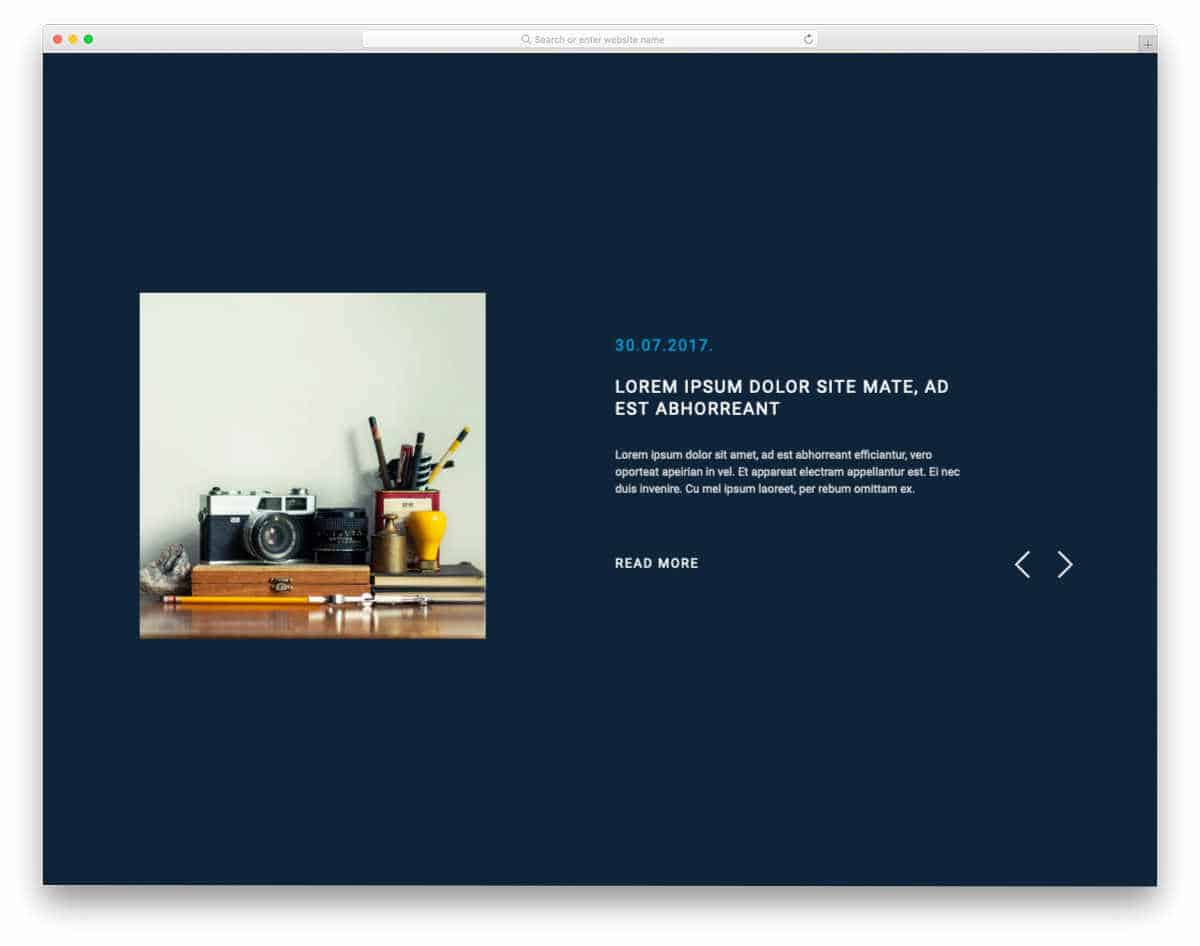
As the name suggests, this template is the best option for an infinite carousel. Say, for example, you might need to list your featured articles on a carousel or the best products on a carousel; this design might come in handy for you. Transition effects are very mild, so most users will love interacting with it. Plus, it is responsive, so mobile users can also easily interact with this carousel. If you are looking for a simple carousel with a sensible design, this one might inspire you. The entire code script is shared with you in the CodePen editor so you can quickly edit and visualize the results before taking the code to your project.
Slider like Yahoo Weather App

This carousel is sleek to use. Since the app inspired this design, the carousel is compact. Plus, it supports both swipe gestures and page indicators below the carousel. Transition effects are kept fluid in this design — the creator has used both CSS and JavaScript frameworks to achieve them. Another advantage of this design’s compact size is that you can place it anywhere on your website. You can even fit it on your sidebar with your worries. Though the primary app is designed for weather cards, you can use it for other purposes as well.
Hover-Carousel

From the name itself, you can infer that this is a hover-activated carousel design. The creator has provided only hover input for this carousel, so it might be a bit difficult for the user to see a slide clearly. Navigation arrows are shown at both ends of the carousel — you can add interactions to the arrows for better control over the carousel. The default carousel design lets you add both landscape and portrait images. Using a versatile carousel design will make users’ lives much easier. The code snippet is shared with you on the CodePen editor. You can edit the code and see the results in the editor before taking it to your project.
Multi-Layout

If you need to display different types of elements in the carousel, this multi-layout design is a good option. The developer has used different animation effects based on the type of content. Giving a custom effect for each slide is a difficult job, but the end result is worth the effort. The user won’t ignore your carousel as an unnecessary element and will interact with it to see the new updates. This Bootstrap 4 carousel uses the latest CSS3 and JavaScript frameworks to make a buttery smooth animation effect in the design. The creator has given us a downloadable source file, so you can make your hands dirty with the code.
GSAP slider
As the name implies, the creator has used GSAP to make this Bootstrap 4 carousel design. Thanks to the GSAP framework, we get a silky-smooth transition effect. The creator has provided ample space for text and images. A glimpse of the upcoming slider appears at the edge of the screen, so the user knows there are sliders to see. The entire code for this design is available in the CodePen editor. So you can easily trim the code and fit it into your design. Though it is a concept Bootstrap 4 carousel design, the creator has provided a fully functional design; hence, you can use this code without any issues.
React Slider w/ Hover Effect

This is another animated carousel design. As the name suggests, the creator used ReactJS for this design. Out of the box, this carousel is responsive to some extent, so you can easily use this design on your existing website. Along with the carousel animation, the creator has also given an interactive hover effect. This Bootstrap 4 carousel design gives you space for all the elements you can add: text, call-to-action buttons, and images. By making a few code adjustments, you can easily use this design in your project.
Flickity – Layered Parallax Carousel
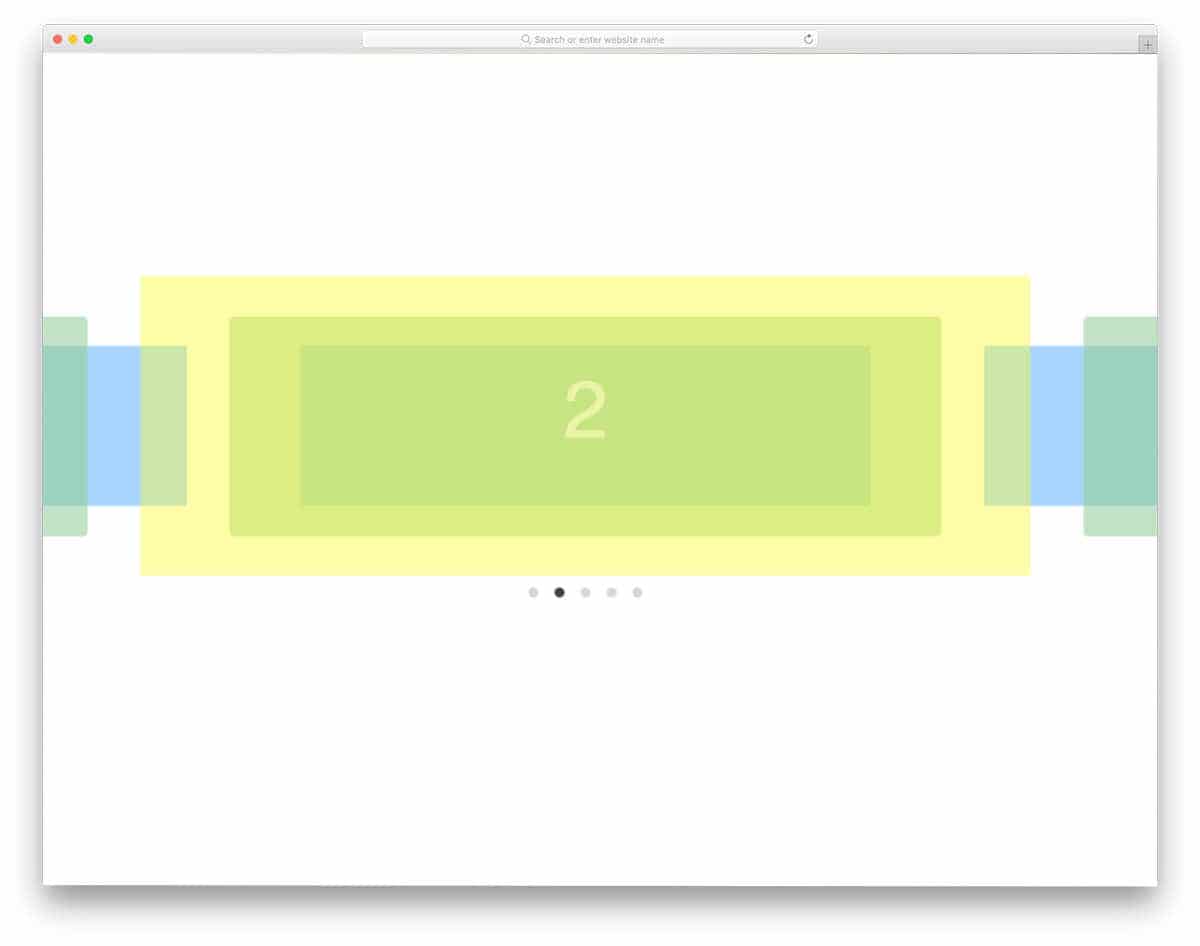
If you are looking for fully stretched carousel designs, this example will impress you. To let you fully experience the parallax effect, the creator has used different colored boxes in the design. By keeping this design as a base, you can create your own custom design. Transition-wise, this design works perfectly. All we have to do is optimize the design for our content and our design needs. Since the code script is shared with you on the CodePen editor, you can edit and visualize the results on the editor itself.
Carousel By Sittiporn Yomsin
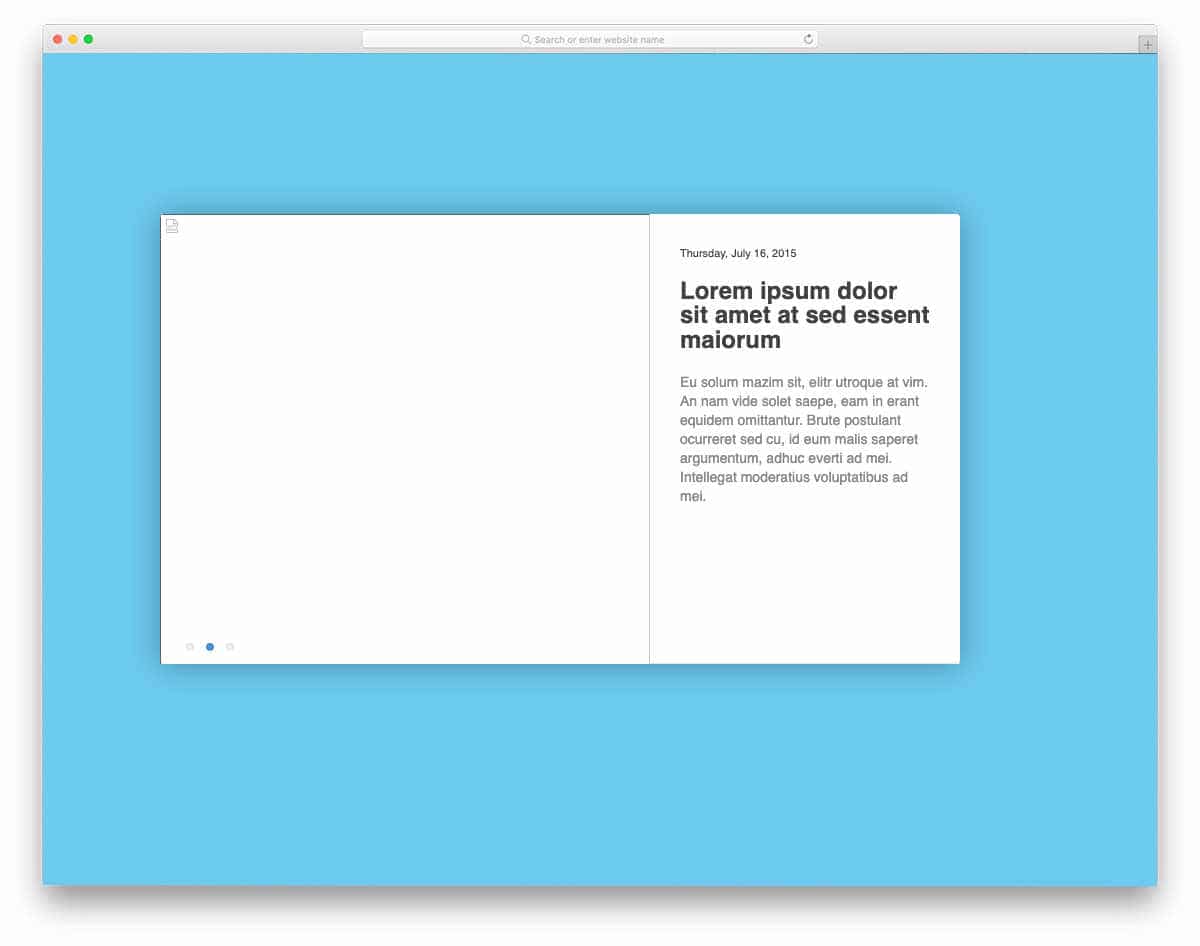
This is a simple and clean carousel design. The creator has given you enough space for text and image content. Call-to-action buttons are placed at the right spots so the users can be easily directed to the corresponding pages. If you are planning to use the carousel to list your latest products, blog posts, or something like that, this Bootstrap 4 carousel design will come in handy for you. Like the design, the code script is kept neat and simple. If you are a beginner, code scripts like this will help you easily understand the concept and the code usage.
Carousel Transition
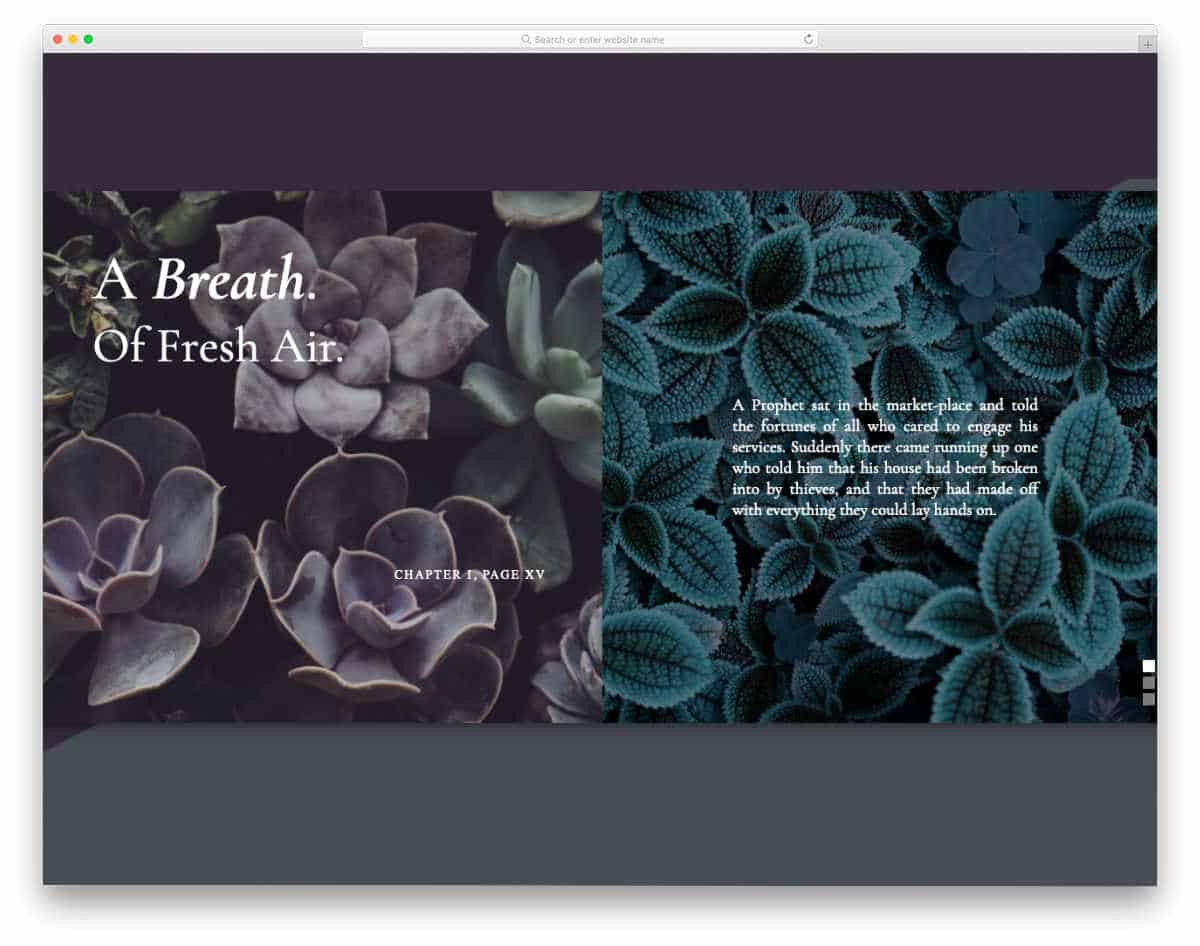
In this example, you get a vertical carousel design. This carousel follows a split-screen design, and the creator has used vertical movements effectively to add life to it. This carousel supports all major input options, for example, scroll input, pagination navigation, and pull interface. Using Bootstrap 4 carousel designs like this will make your job easier and let you easily integrate the code into your design. You can use the code in your project by making a few changes to the script.
Flipping Circle
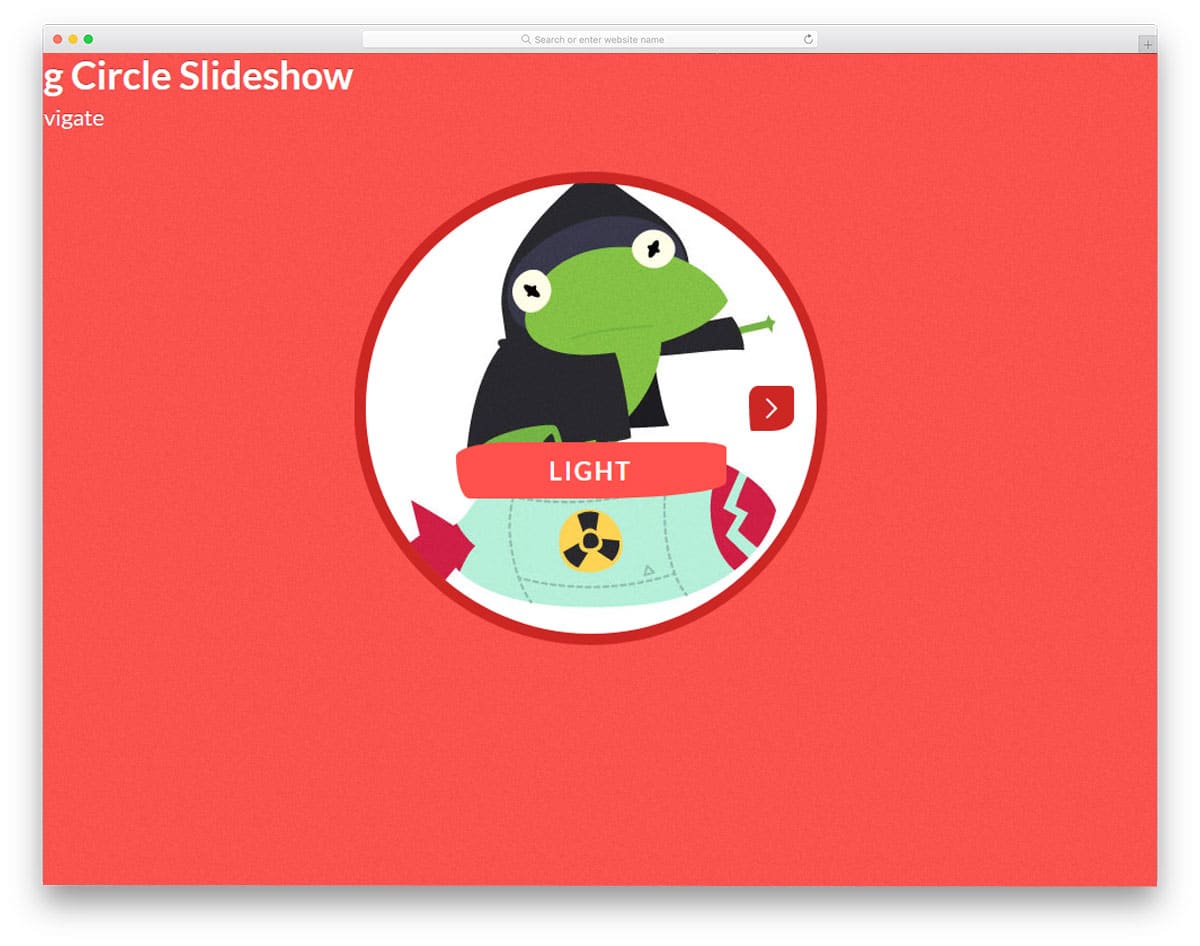
In this Bootstrap 4 carousel example, all the transitions are contained within the circular space. To make this circular carousel unique among other Bootstrap 4 carousels, the creator has added a special touch. You can click anywhere on the right to move to the next slide, or on the left to move to the previous one. The flipping animation is smooth and fast, so the user doesn’t have to wait for the next slide to appear. This carousel will be a good idea for the team member carousel. There is plenty of space over the image, which you can use to show your teammate’s name and position. Like all other Bootstrap carousel examples in this list, this source file can be downloaded as well.
Arrow Navigation Styles For Carousels
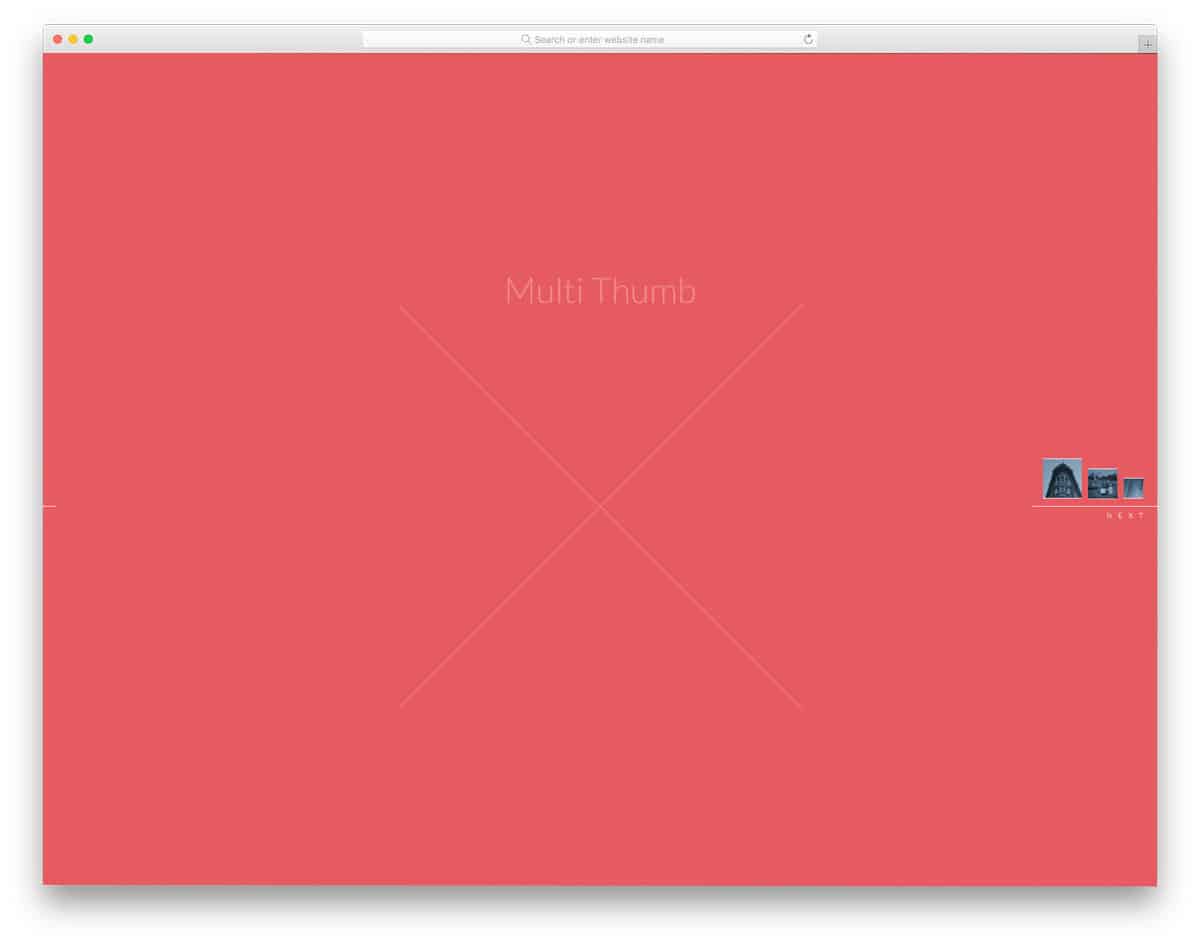
Showing the upcoming slides helps the user to understand that there are still fresh slides to come. One of the most common methods is to display a slide thumbnail or a preview of the upcoming slide. If you are looking for something unique, you can find inspiration in this set of arrow navigation styles. Different types of arrow navigation are given in this example. The user can see the previous content’s small thumbnail on hovering over the arrows. All you have to do is pick the type you want and start editing it to fit in your design.
Animated Fragment Slideshow/Carousel

If you want a funky and futuristic carousel design, this is the one for you. As the name implies, the creator has used a fragment animation. A fluid floating animation is used for the main content of the slide. Since the original design itself is cool and attractive, the developer hasn’t made it as an auto-rotating carousel. This cool looking carousel would be a good option for any modern creative website. In the default design, the developer has used an event website theme. On the info page, the creator clearly explained the code to the user. Both, beginners and experienced developers can work with this design easily.
Full-Width Image Carousel

It is a simple and elegant looking full-width carousel. The designer has done all the basics perfectly so you can concentrate on improving the design. On the first and last slides, the previous and next arrow keys are hidden, which is a smart move. Carousel navigation indicators are shown below the images for better visibility and accessibility. As you can see, the basics are done correctly, but it is not enough for modern users. The creator has allowed you to download the entire source code file. Keeping this Bootstrap 4 carousel as a base lets you quickly build your own carousel.
Partner / Client Carousel
This auto-rotating carousel is a common and simple example that you might have seen on many websites. You can list all your clients’ logos in one place and display them neatly in a single section of the homepage. The slides are moved periodically so the user can easily see all your clients. The only way to control the carousel is through the circular indicators below it. The design and code structure are also kept simple in this template. You can easily edit and use this code in your design.
Pure CSS Carousel

This is a pure CSS vertical carousel example. A label on the side indicates each slide. The user can simply click the labels to jump to the desired slide. The split-screen style design gives you ample space for image and text content. To give the design a more natural look, a vertical slider transition effect is used. As the name implies, the developer has created this design solely using CSS3. The simple code structure of this design lets you easily use the code in your design.
Vertical Carousel

This carousel is becoming popular in many support-related business websites. As most users prefer an instant fix, companies are offering chat support. If you are well-funded, you can use AI bots to assist users with simple queries and a human assistant for difficult tasks. The concept of this design is based on the chat interface. Since it is a concept model, the developer has kept it as an auto-rotating slider. The entire code structure used to create this concept design is available in the CodePen editor. Hence, you can easily edit and preview the results before using them on your website.
Carousel

It is a classic and modern looking carousel example. All the slides in the list can be seen clearly just like the album art on your music player. This simple design performs well on both desktop and mobile devices. The user can simply swipe to go to the next slide. On the desktop, you can use the call-to-action button at the bottom of the carousel. The default carousel button looks small; this might be something you need to fix. Other than that, this design is perfect and works flawlessly on all types of websites. The entire code script used to make this design is shared with you directly to help you use it easily.
Infinite Autoplay Carousel
It is a modern version of the Partner/Client carousel design mentioned above. This one almost looks like a scroller rather than a carousel, but it is a carousel that uses smooth scrolling animation. You can add a periodic slide change with a pause if you want. The whole design looks perfect; the only thing you have to add is to stop the animation on hovering over the carousel. As the carousel moves continuously, the user sometimes can’t see your client list properly. This Bootstrap 4 carousel is designed using HTML and CSS3.
