


Looking for fresh CSS color palette designs that can help you easily copy hex values or generate colors for you? We’ve picked the best Color Palette CSS for you on this list.
Color palettes were the tools mostly used by creatives and artists in the early days. With the advancement of the modern digital world, everyone can design with beautiful colors. Color palettes have evolved a lot from simple boxes to interactive color circles. Tools like the iPad Pro help users sketch on the go. Now, drawing apps have completely redesigned their color palettes for easier access and more accurate color selection. If you are trying to bring out the creative side of your users through your drawing applications, these modern color palette CSS designs will come in handy. Some developers even provided you with color palette generator tools and a color picker from the image options. Most color palette CSS in this list lets you easily copy the hex color value. Make sure you check all of them.

Color Palette CSS Component

This one is a compact CSS color palette example. If you are looking for a simple, interactive color palette that can fit any part of your website or application, this one is a good choice. The creator has kept the color palette size small in the default design; you can change the canvas per your needs by editing the code. The entire CSS code for this color palette is available in the CodePen editor. Before using it on your website or application, you can edit and visualize the code.
Gradient Color Palette CSS

As the name implies, this CSS example showcases gradient colors.
The creator has used card-like elements to neatly display the gradient colors and their hex code values. You can add a copy function to this color palette to make it friendlier for the audience. Another unique feature of this example is its responsive design. The gradient color palette cards dynamically adjust their sizes based on available screen space. Since most modern tools and websites are mobile-responsive, using a responsive color palette will make the development process easier.
Gradient Color Palette Collection
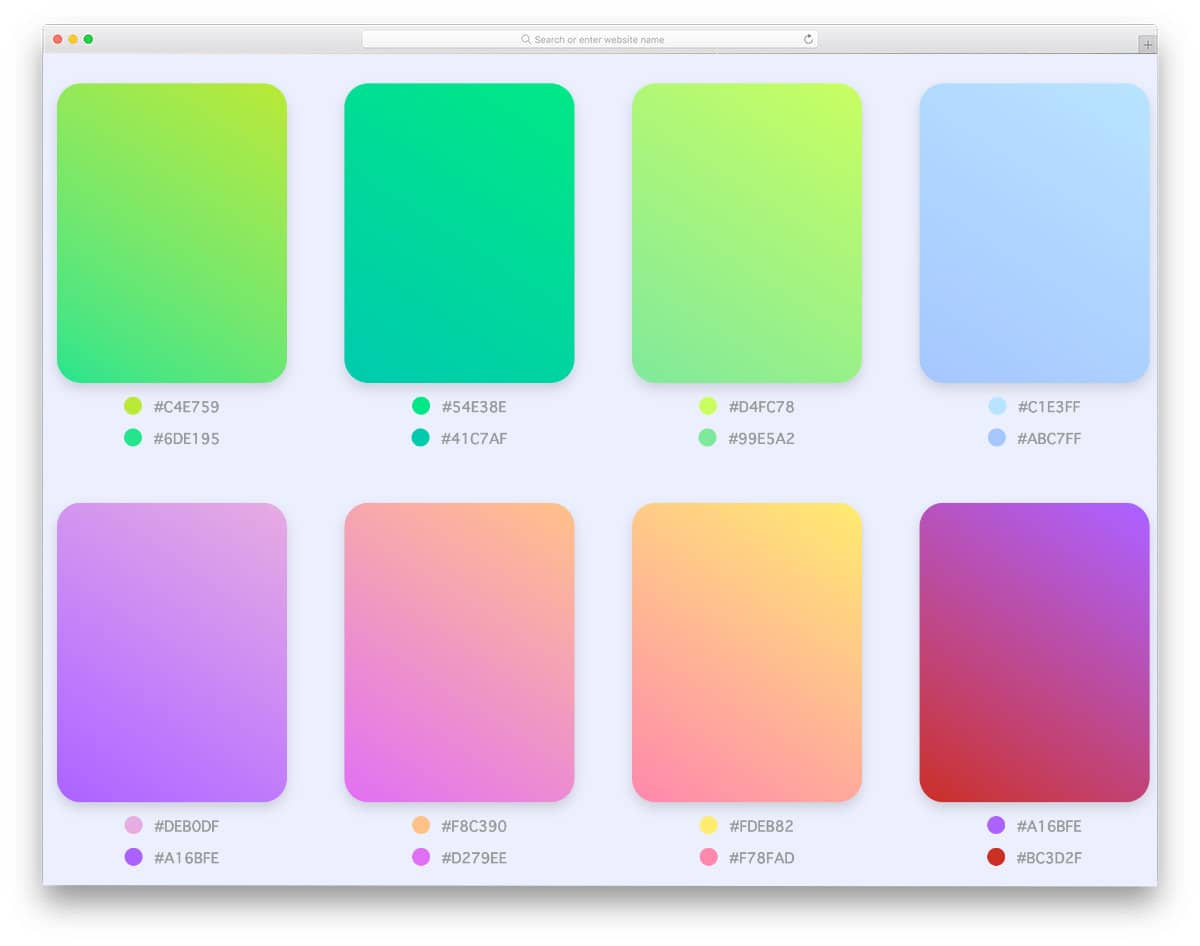
This one is another gradient color palette CSS example. The creator has used a different layout in this design; gradient colors are showcased directly without any card elements or boundaries. Shadow effects are used smartly to highlight and distinguish the color palette from the background. You can add hover effects to the color palettes to make it even more engaging for the audience. Since this color palette uses the latest CSS3 script, it can handle all modern effects without any issues.
Hex Color Palette
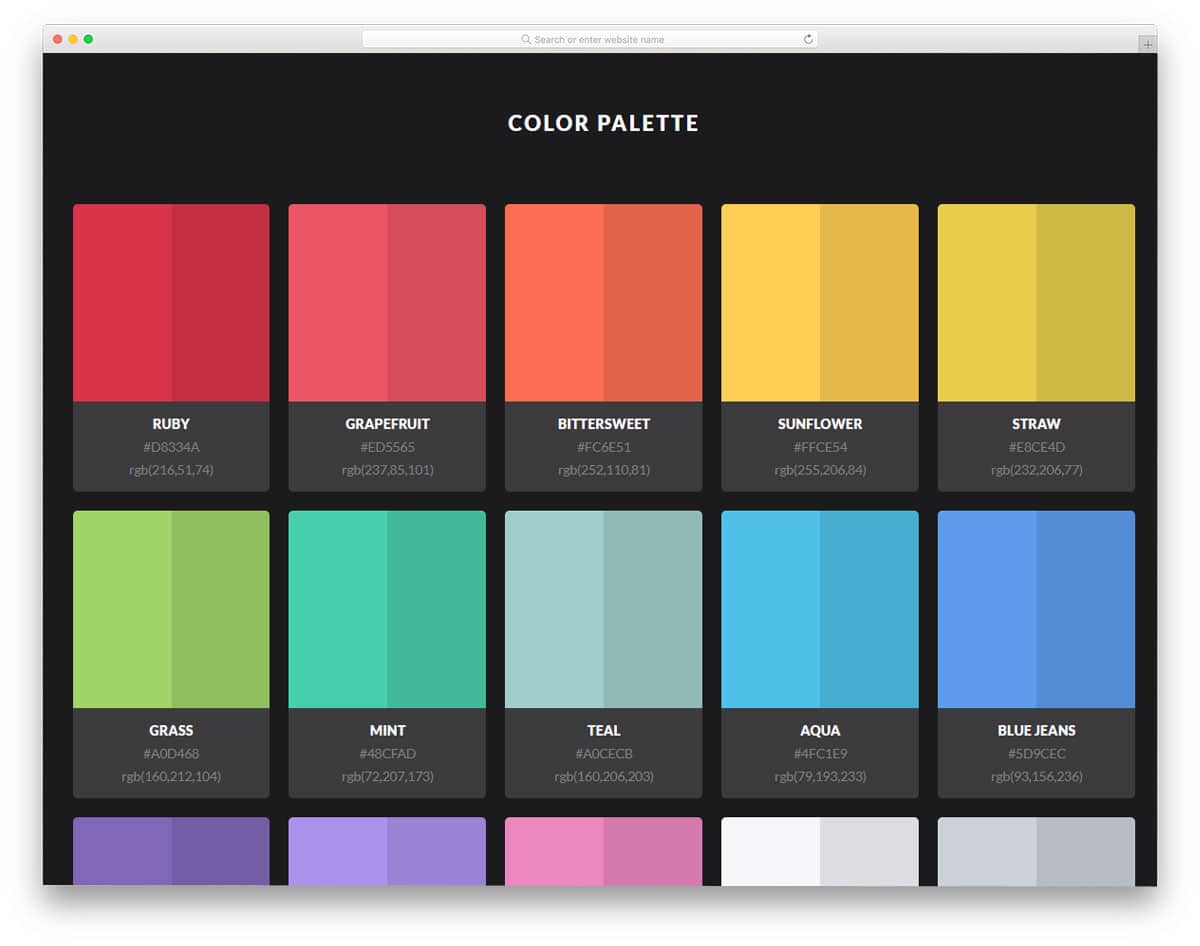
This hex color palette CSS design might impress you if you like to make a color palette that shows the color and it relates shades side by side.
In a big rectangular color palette, the creator has elegantly shown the colors. On the dark theme layout, the colors look attractive and the user can also easily see the difference between the color and its color shade. Right below the color palette, you have ample space to display both the hex value and the RGB value. You can either use this simple color palette CSS design as such or can add extra functionalities to make it even more user-friendly.
Material Color Picker Tool

If you have ever used Google’s old material color palette, you will like this color picker tool. The creator has made this one more interactive than the original design. You can pick the color you want, and all the corresponding color shades are shown along with their code. Tap to copy function is also is given in this color palette design to make it a truly user-friendly design. Because of this design’s interactive nature and some dynamic features, the code script is a little sophisticated. Take your time, read the code, and adjust it as per your needs.
Color Palette Flexbox

The developer of the Color Palette Flexbox has created a color palette almost similar to the Coolors color generator. But in this one, you get a small expanding animation effect, just like in the accordion designs to show the color info. Since it is a concept model, it is not as functional as the original Coolors app. Shadow effects are used smartly to differentiate each color on the palette. Another advantage with this smoothly animated color palette is it is made purely using the CSS3 script. Because of this flexbox design, you get plenty of text space to clearly explain the color details.
Random Color Palette Generator
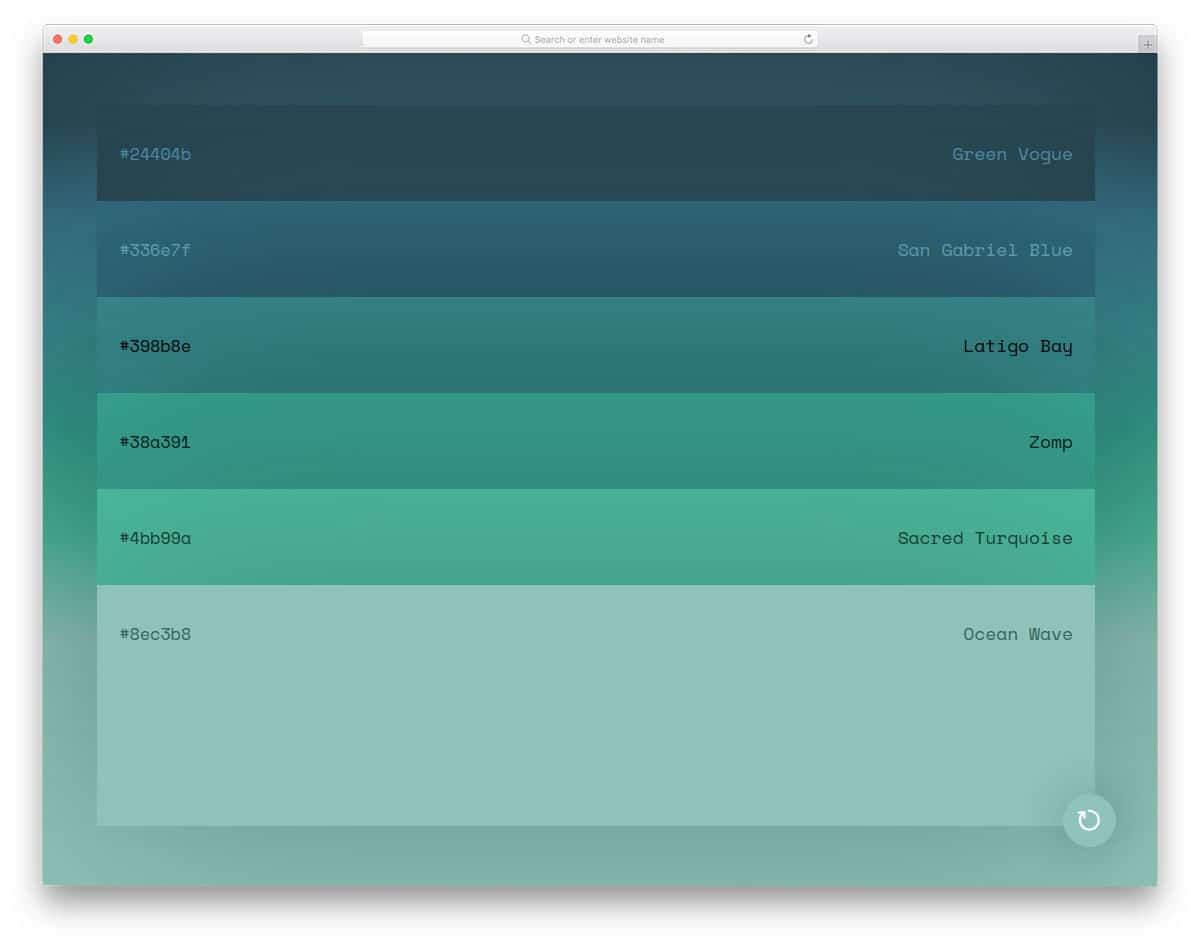
This code snippet gives you a fully functional color palette generator. You can change the color by clicking the refresh icon at the bottom right corner.
On hovering over the color palette, the section expands to reveal the color. Of all its features, it only misses the option to copy the color code. Of course, you can manually select and copy the hex code. If the one-click color-code copy option is provided, it would be more user-friendly. But you can add the features easily by editing the code. The creator has given you the entire code script used to make this color palette CSS design.
Flattastic Pro Color Palette

From the name Flattastic itself, you can see that the creator used flat design for this color palette CSS design. Palettes of circular, rectangular, and square shapes are used in this design. Just below the palette, you can add the color name and code. Since it is a concept model, the creator hasn’t given us the option to copy the code or generate a color palette similar to the ones you like. The code script used to make this flat-style color palette CSS design is shared with you directly. By using this code as a base, you can create your own custom color palette CSS design with the features and options you want.
Color Palette Explosion (CPC)

This one is an interactive color palette design. When you tap on the screen, the color changes beautifully. This concept is fun and includes a few dynamic functions, so the code script is a little complex. Since the entire design is based on the tapping action, you can also use this concept for mobile applications. The only drawback of this design is that it doesn’t offer the option to display the color code or copy the code; you might need to add that if you plan to use this design. Other than that, this code will give you a nice base to build your custom tool.
Simple Flat Colour Selector

In this example, the creator has given you various color code formats. All you have to do is to select the code format you want and pick the color; the corresponding color code will be copied to the clipboard. Since it is a concept model, the creator has used only a handful of colors. But you can edit the code and add the colors you want. Subtle hover effects on hovering over the colors will keep the users engaged.
Materialette

It is another material design color palette. The creator has indexed all major colors and shades in this palette design. In the default design, the color palette is treated as a widget, so all colors are tightly packed. At the top left corner, you have the space to toggle between the HEX code and the RGB code system. You can take the code script as a base and can create your custom design. Speaking of toggles, look at our CSS toggles design collection to make actions even more interactive.
Color Palette

This is another functional color palette design. The entire background changes to the color you pick, so you can see what you are choosing. The creator has used the tooltip design effectively to display the corresponding color values. You can easily copy the value from the tooltip message. If you like to make the tooltip design even more legible and easy to use, take a look at our CSS tooltips design collection.
Circle Palette

The developer Slava has given us an animated color palette CSS design in this example. On clicking over the circle, the entire color palette appears. Since it is a concept model, the developer has used only major colors. When you click a color, the entire page color changes. Functionality-wise it is quite different from other color palette CSS designs in this list. But still, it works perfectly and lets the user see the colors. The only drawback is the user can neither see the color code nor copy the color value. This color palette CSS design can be used for tools and applications by making a few adjustments to the design and features.
Color Palette By Marco Biedermann

Marco Biedermann has given us a widget or mobile application design for a color palette. Every color palette is properly organized so users can easily find their colors. All the related colors are arranged on a single strip with equal spacing. This design allows users to easily pick a color they want without any trouble. Tablets are becoming popular among creative designers for on-the-go design. If you are making a design application for creative professionals, this color palette tool will be very helpful to your users. The developer has used CSS3 and HTML5 to bring this simple design. You have to work manually to make this fully functional.
Color Palettes By Screeny

If you have played Color – a color-matching game- you might be familiar with this interface. A circular palette design is followed in this color palette. On clicking on the screen, you get random colors generated for you. On the circles, you can see related color combinations to help you select a better color combo. At the bottom of the screen, you have all the related colors arranged separately. The user can easily copy the color code of a specific color they like. This design has a creative touch and a user-friendly interface, making it a unique functional palette design.
Color Palette By Marco Biedermann
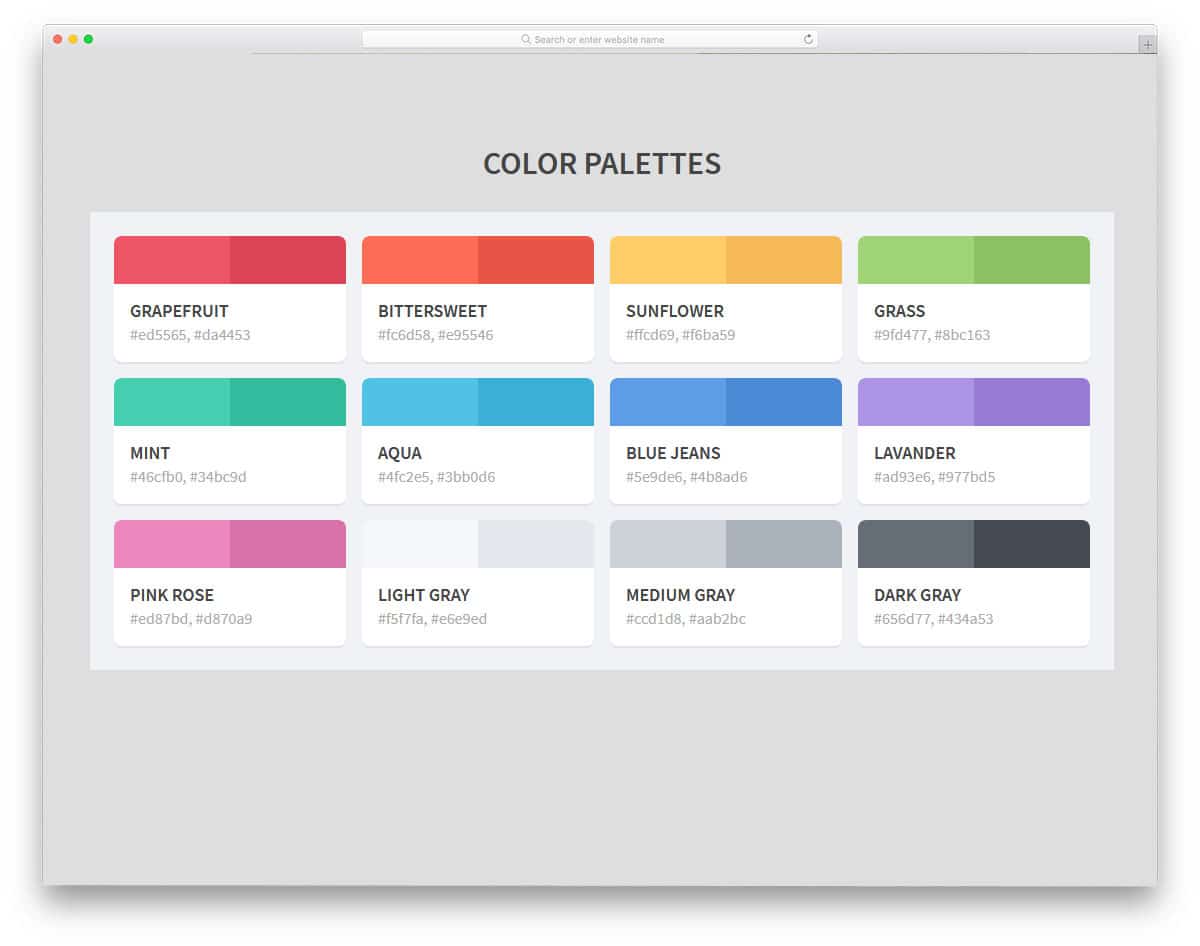
If you like to show lighter and darker shades of color, this palette design is the best option. Since this palette design focuses on the two extreme shades, you can show only two colors. Each palette is placed in a block and ample space is given between each cell. A big popup window shows color code copied to the clipboard message, which will help the user confirm their action. The code structure is kept very simple to easily add the features you want. By making a few optimizations, you can use this design in your project.
Duotone Filtering
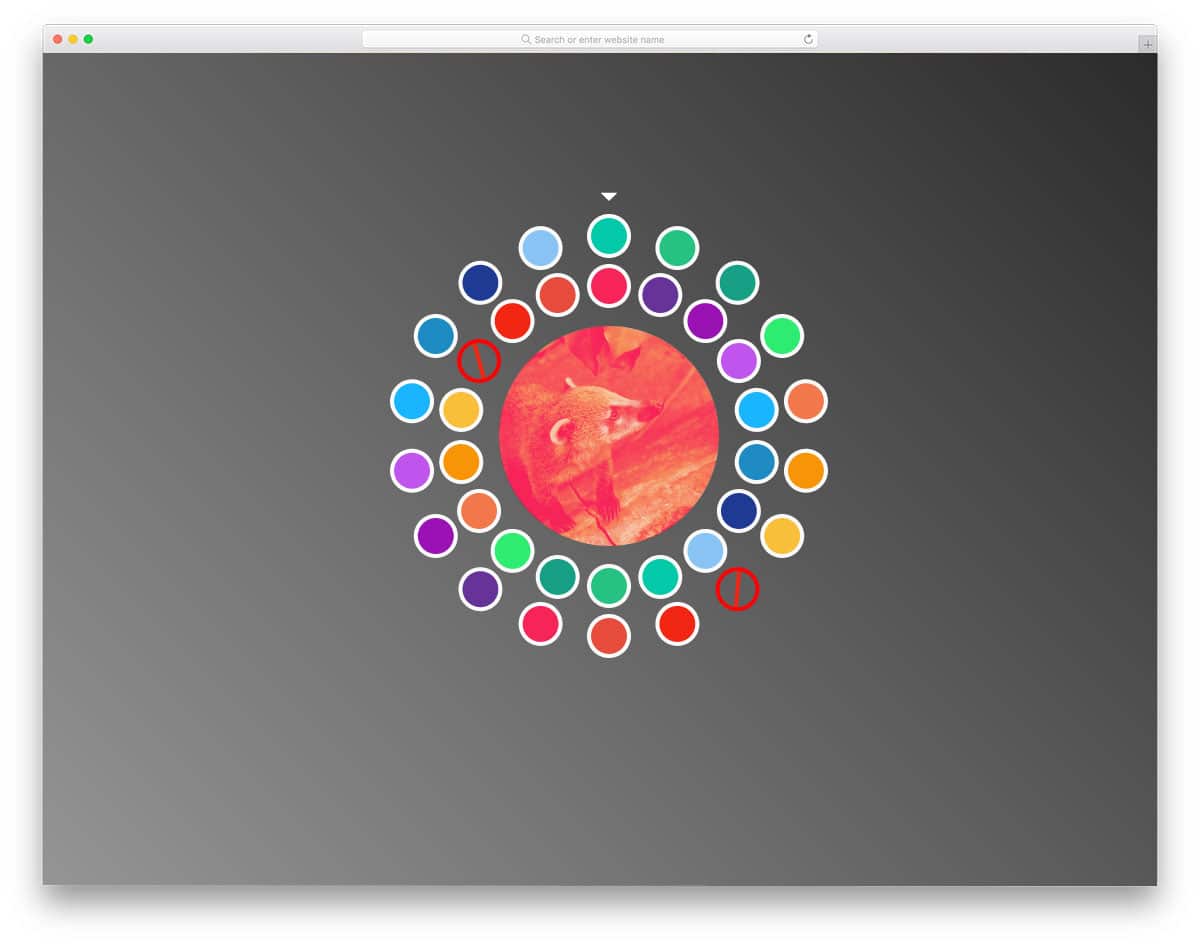
Duotones are becoming extremely popular in graphic design. You can see the duotone banners in your Spotify playlist album arts, Instagram posts, and modern web designs. If you want to simplify the duotone job for your users, this duotone filter color palette will help. The developer has provided a live, working example in this design. You pick the primary color and adjust the secondary colors to find the perfect duotone color for your image. In the demo, the developer has followed a circular dial format for the color palette. You can customize this interface to meet your design needs.
CSS Grid Color Palette
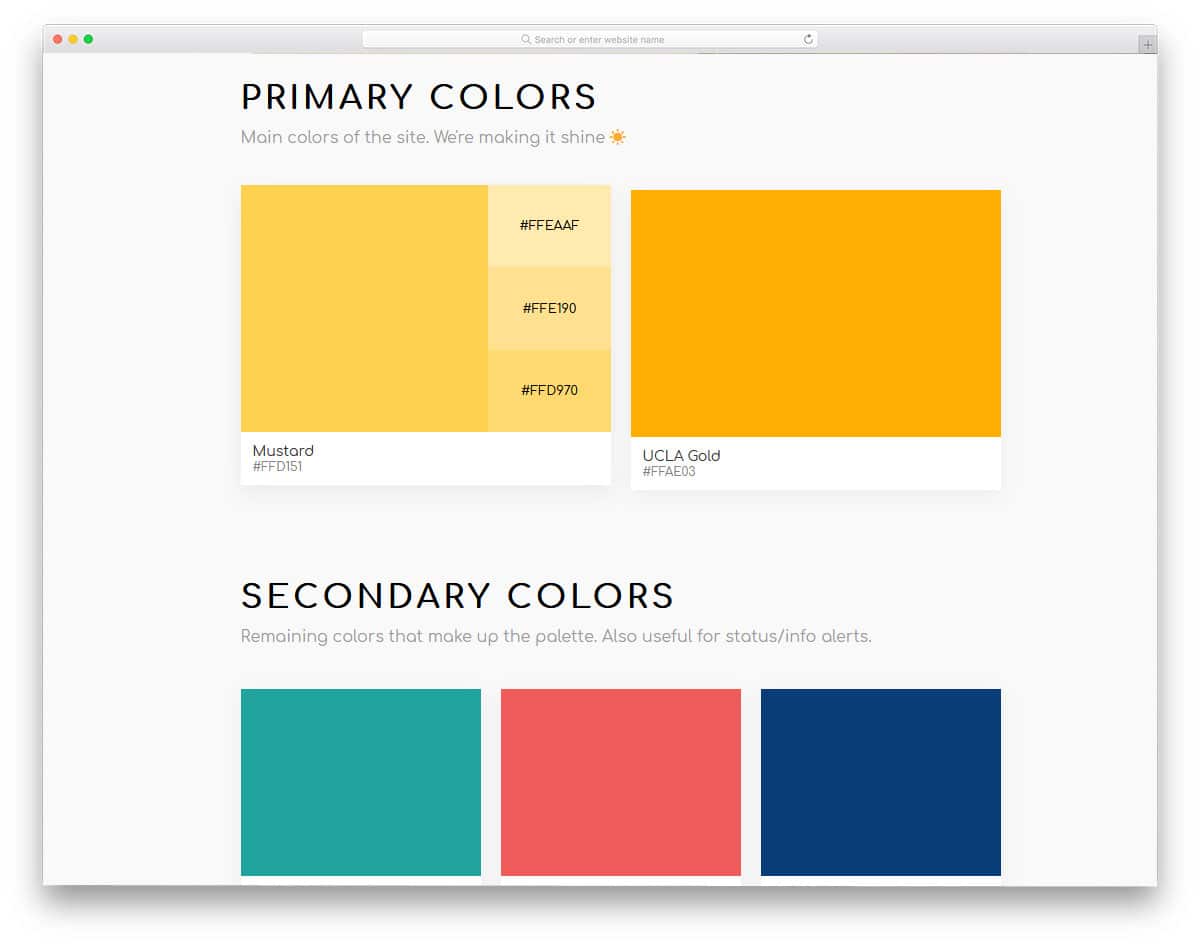
CSS Grid Color Palette is a sensibly designed color palette. For general users, there is no difference between canary yellow and pure yellow, it is a yellow color for them. A neat color palette like this will help them easily pick the yellow they want. On hovering over a color, all the corresponding shades and tints of the colors are shown in this palette. Along with the colors, their hex color code is also shown for easy access of colors on design software like Photoshop. This beautiful color palette is made with CSS3, so you can easily use this design in your project.
Random Color Palette Generator
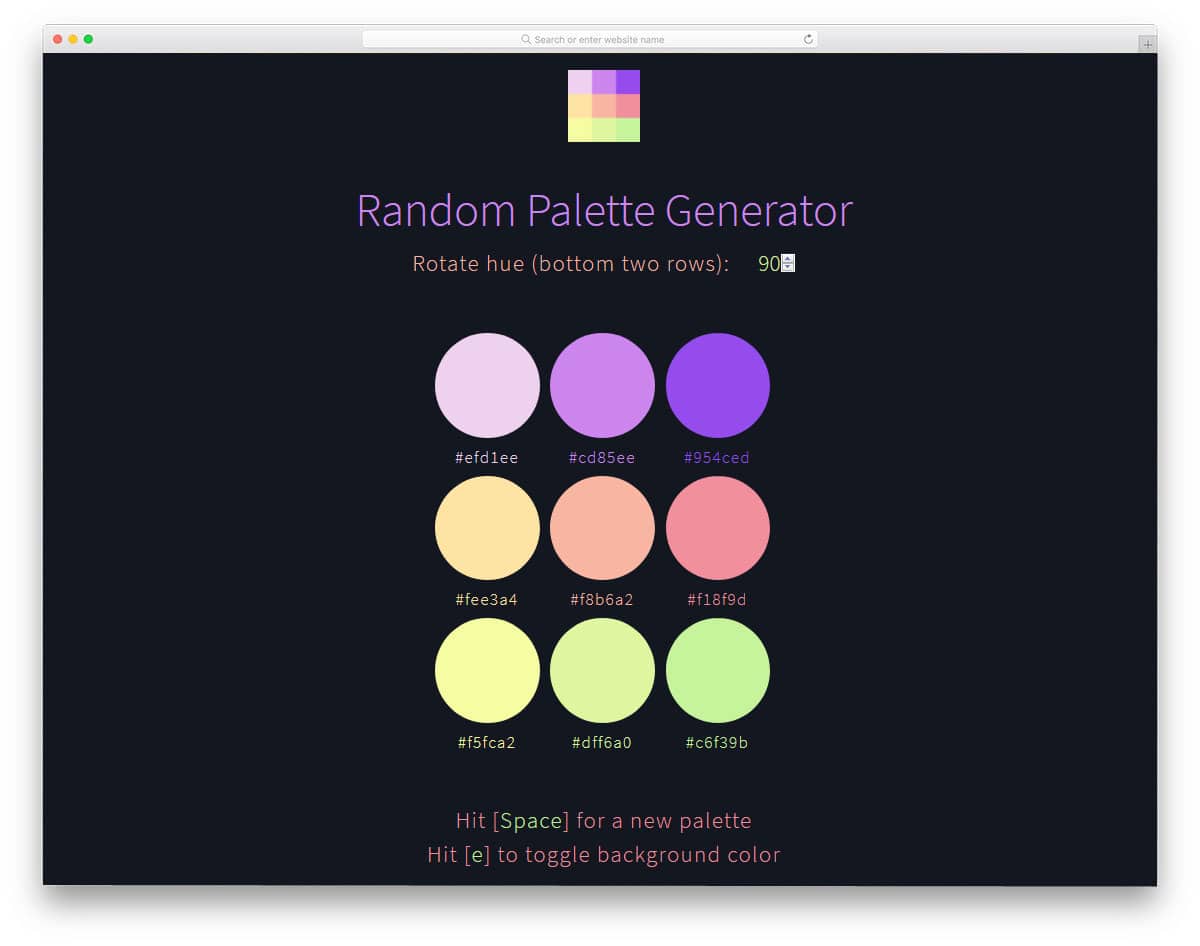
Random Color Palette Generator is another properly functional color palette. As the name implies, it is a color palette generator. On hitting the space you get random palette colors generated for you. The developer has thoughtfully given you the option to easily change the background color to see the palette colors. Below each color, its hex code is shown to easily access it in your design tool. Since it is a dynamic color palette generator, the developer has used the latest CSS3 and JavaScript to make this tool. A simple code structure will make it easy to use this code in your project.
Material Color Palette

Material Color Palette is a simple and elegant looking palette design. As the name implies, the developer has listed material colors alone in this list. On the leftmost end, you have the lighter colors and gradually the color becomes stronger when you move towards the right. Funky hover effect is used to indicate which color the user is selecting. When you click the color you like, its code is automatically copied. This automatic code copying feature saves few clicks and the developer cleverly used the alert message to show that the code is copied. The developer has only used CSS3 and Javascript frameworks to make this design.
Google Material Design Sass Color Palette

Google has released its Material 2.0 design. The updated material design has more smooth animation effect, vibrant colors, and more refined icons. Many designers love material colors because they are trendy and expressive. In this color palette, the developer has shared with us the Google Material Design color palette. It is a close replica of the original design, so you can easily find the color you like. All the colors are grouped so that finding a color and its shades is easy for users. Google has used this palette design for over four years, so you needn’t worry about the ease of use.
Color Palette Stuff

Color palette stuff is a fun way to share your colors with a community. The developer has treated it as a directory website, where you can create and find new colors. Color palettes given in this tool is fully functional, but the other features are something you have to take care by yourself. When hovering over palette colors, you can see their hex codes, but you don’t have the option to copy them like in the Material color palette mentioned above. Overall, it is a cool concept. By making a few optimizations, you can use this design. If you are planning to start a community website or membership website, take a look at our dashboard template collection to easily manage your users.
Flexbox- Color Palette

Flexbox – Color Palette is another version of the color palette flexbox design mentioned above. In the previous example, we get a full-page color palette design like the Coolors tool. This developer has given us a horizontal style color palette. As in the previous design, shadow and depth effects are also used to separate the colors. The only bummer with this design is that the horizontal color cards expand too wide, so some of the colors at the end get cut off. Apart from this spacing issue, everything is perfect in this design. Color codes are also shown on the color palettes for easy access.
Color Palette By Aurora

This is another card-type color palette. It is a simple yet effective design that users can easily use for their color search. The neat card design gives you enough space to add the color and its hex code value. Each card is elegantly separated from the background using the shadow effect. As a fun element, the developer has used hover effects to show the emojis related to the color. If you need a simple color palette to showcase a few colors, this design is a good choice. The design and code structure are also kept simple to facilitate easier customization and integration.
Color Palette Joshua Ward
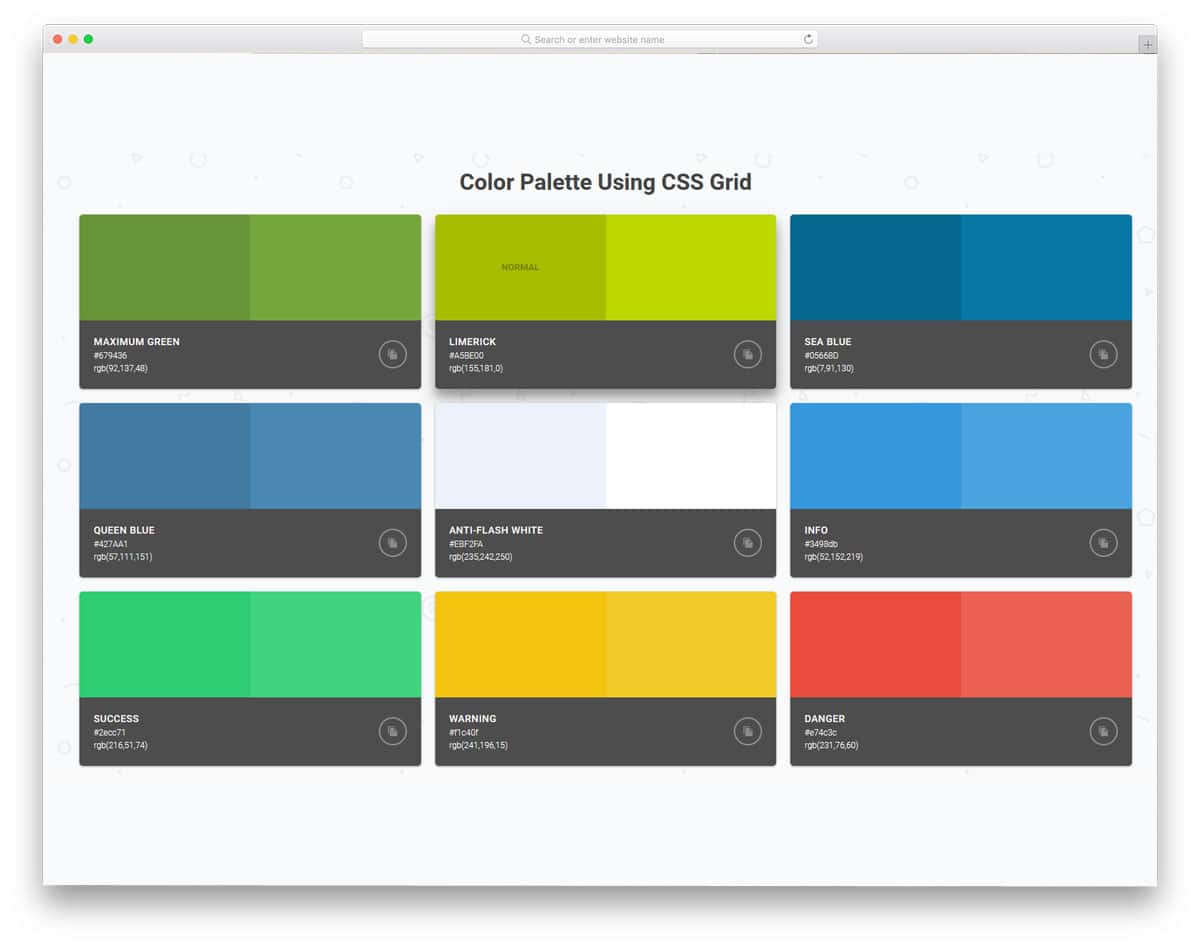
In this design, the developer has used CSS grids to neatly present the colors to the users. This one is also designed to show the light and dark shades of color in a palette. Hover effects are handled smartly to present the design interactively to the users. In each card, you have a call-to-action button to copy the color code value. The copy button is not fully functional since it is just a demo concept. For more attractive button designs and button animations, you can check our CSS button design collection. Overall, it is a functional design that needs a few tweaks before implementing on a professional website or application.
Color Palette Circles

Color Palette Circles is an impressive design concept. As the name implies, the developer has used a circular shape for the palette design. The circles show both related colors and contrasting colors in their rings. Based on your requirements, you can pick one. You get a different color palette set each time you load the page. To make this design more user-friendly, you can add a button to switch between colors instead of refreshing the page each time. Another feature missing from this smart design is the option to view or copy the color codes on the circle. All these improvements are minor, and you can easily manage them.
Color Wheel
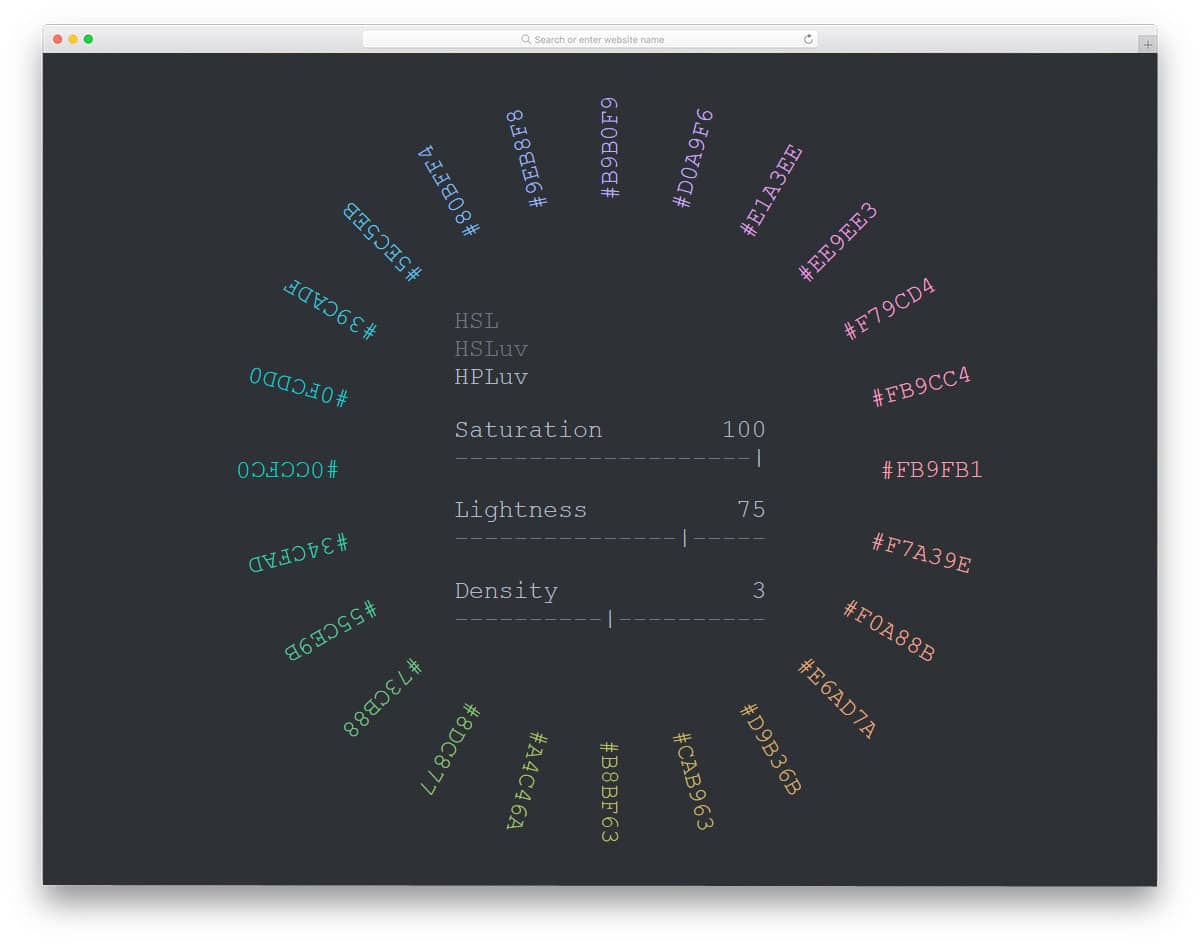
Color Wheel is the best color palette for professional graphic and web designers. In all the previous color palette designs, the colors are shown clearly and the color codes are optional. The developer has given importance to the color codes in this design. Color controls are given at the center to help you easily adjust and find your desired color. Corresponding color codes and the color are shown in the circle. As you see, this color palette requires a lot of technical input. If you are making a color palette for professionals, this design will impress them. Smart controller at the center will help the user easily find the color they want.
Generate Palettes From An Image
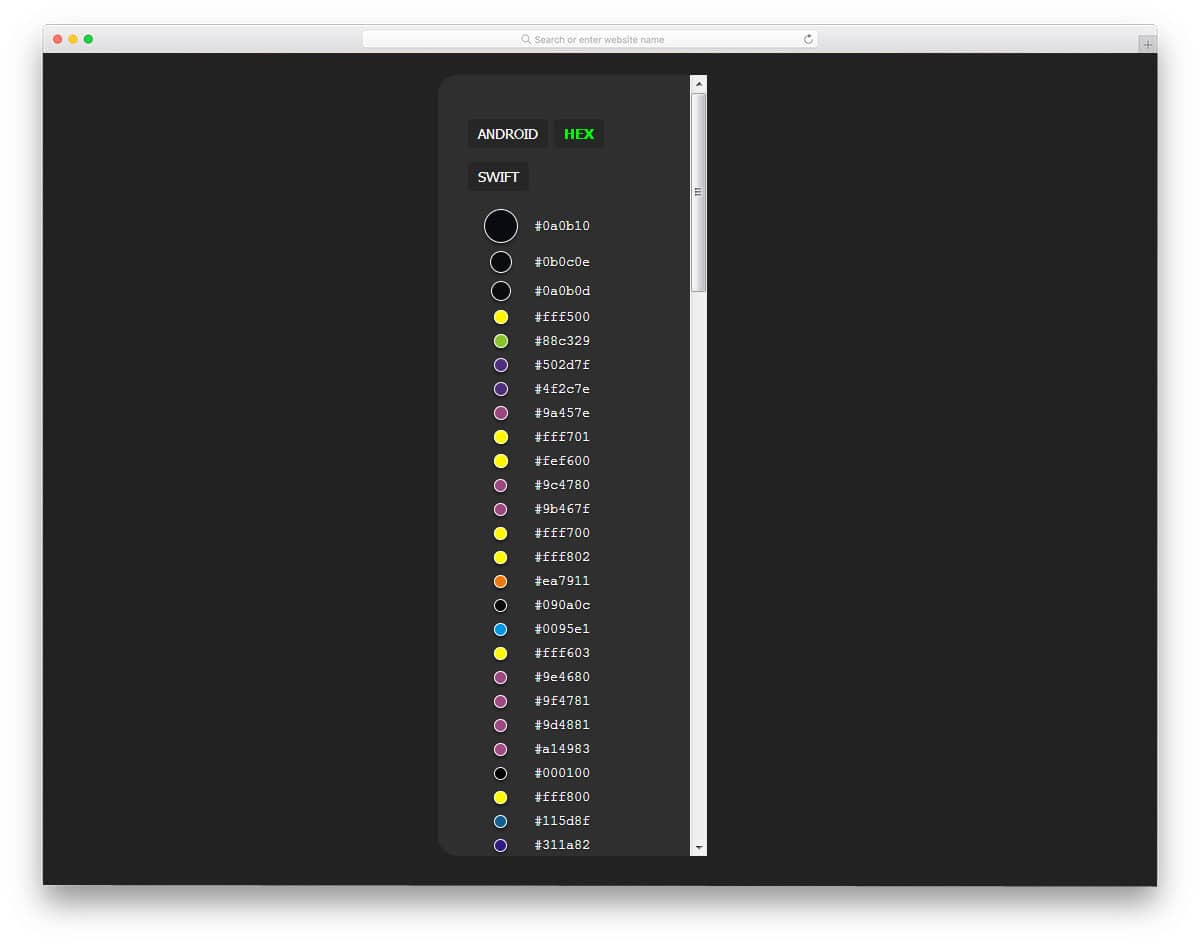
Often, the idea for colors comes to us when we see an image. Sometimes, nature photographs introduce us to fresh new colors. If you need to find colors in a particular image, this color palette tool will help. All you have to do is drag and drop the image you want, and this tool will generate its corresponding color codes. For the convenience of developers and designers, the creator has given you hex value, Android color values, and the color code for the Swift tool. To make this dynamic functional tool, the developer has effectively used JavaScript and CSS3 scripts. The only flaw in this design is that you can’t search for and find the image in your library. You can only drag and place the image, which might be quite annoying. Apart from this minor issue, everything is perfect in this color palette tool.
Material Design for Bootstrap Color Palette

The creator has made a simple color palette CSS design for material colors. All the colors are stacked together. If you are looking for a simple color palette layout for your application or tool, this code snippet might help. To make it a proper, user-friendly color palette, we need to add many features and fix some ergonomic quirks. Since this color palette CSS design is built entirely with HTML5 and CSS3, you can easily edit the code and add the desired features.
Colour Palettes By Louis Coyle

This color palette resembles the Material Color Palette design mentioned above. But in this example, the colors are grouped and organized properly for easier access. Simple hover effect is used to indicate which color the user is selecting. The hex color value is displayed when you click the color. You don’t have the automatic color value copying option like in the Material Color Pallete design mentioned above. You have to copy the code manually, but if you need, you can add the copy to the clipboard option.
Vue Pantone Color Palette
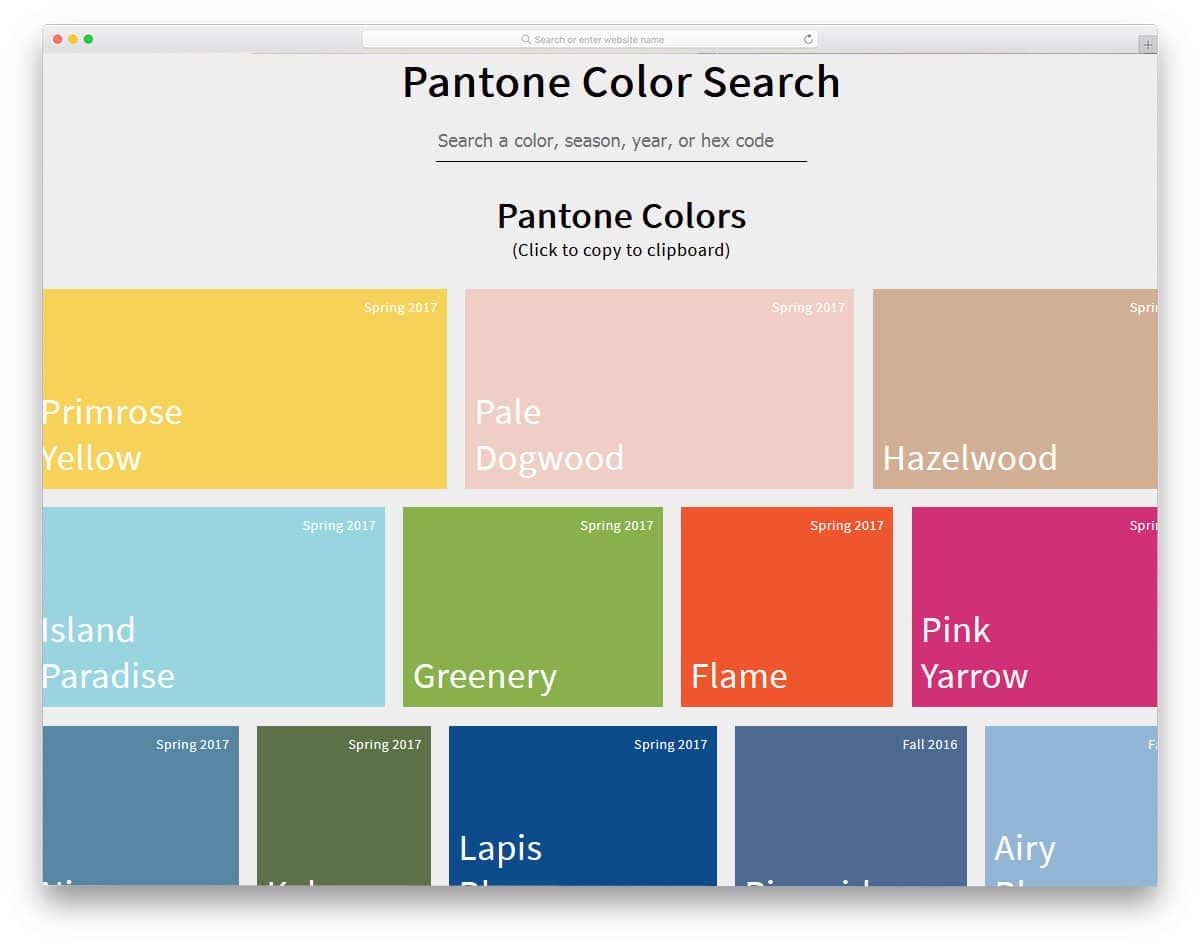
This color palette design is the best option for a color palette directory. At the top, the developer has given you the option to search and find the color you want. In the default demo, the colors are organized by season. But you can always use your own method of organizing. A grid style layout is followed in this palette to list all the colors in one place. The developer has also included a clipboard copy option alongside the search option. The clipboard option is not fully functional. You have to work on this feature manually. Other than that, this color palette can be used in any professional design.
Color Palettes With Shades

Color Palettes with Shades is a clean, professional-looking color palette design. In the demo, the developer has organized different color palettes for iOS and Windows devices. Color codes are displayed directly so the user can easily copy them. If you are a mobile app designer, take a look at our UI kits collection to start your project from scratch. At the top of the color palette, tabs let the user easily switch between the color palettes they like. To make this designer-friendly color palette, the developer has used CSS3, HTML5, and JavaScript frameworks.
Color Palettes With Flexbox

Color Palettes With Flexbox is a simplified version of the Generate Palettes From An Image. In this one, you only get the basic design. This color palette is not fully functional, but you can work on it manually to make it perfect. The developer has kept the code structure simple for easier implementation. In the previous too, you cannot see the selected image. The creator of this design shows the color and the image side by side so you can identify the colors on the image. By keeping this design as a base, you can develop your own custom color palette tool.
