


Bored with the same text in effect on your website or forms? Well, it doesn’t have to be the same hereafter. We have collected some of the best creative CSS input text effects. Some have a fantasy touch, and some will give a futuristic effect. All these effects are light and simple, so you can easily use them on your login forms, contact forms, websites, and even on your landing pages. As most of them are just concepts, you have to work on the optimization part to make it work properly on all platforms and browsers. A few crazy animation effects are also there in this list, so make sure you check all of them before landing on one design.

CSS Input Design For Modal Window Forms

This bootstrap code snippet gives you both a modal window design and a CSS input design. Neat hover effects and field labels are given in the form to make the interaction easier for the audience.
The creator has provided the code snippet as a downloadable file so you can use it in any editor you like. For more beautiful CSS form design and styling examples, take a look at our beautiful CSS forms collection.
Interactive Signup Form Input Text

Those looking for a compact CSS input text design that can collect different types of user information will love this concept.
The creator has used a card-stack-like design that switches automatically when the user fills in the information and clicks the next button. Subtle yet sensible animations are there in this input text design, which will improve the user experience. For example, a mail icon appears in the email address field and automatically transforms into an arrow button when the user adds the information. This code snippet will help you make a unique text box CSS style for your signup form.
CSS Only Floated Labels

As the name implies, this CSS input text design uses a floating label. Once the user starts entering information, the label moves above the text field. Therefore, the user will know which information they need to add to the text box, even if they leave and resume the process.
The code for this CSS input is dead simple. Mostly, CSS is used to implement this concept; hence, you can easily use the code across any part of your website or application without any issues.
Webflow-style email input
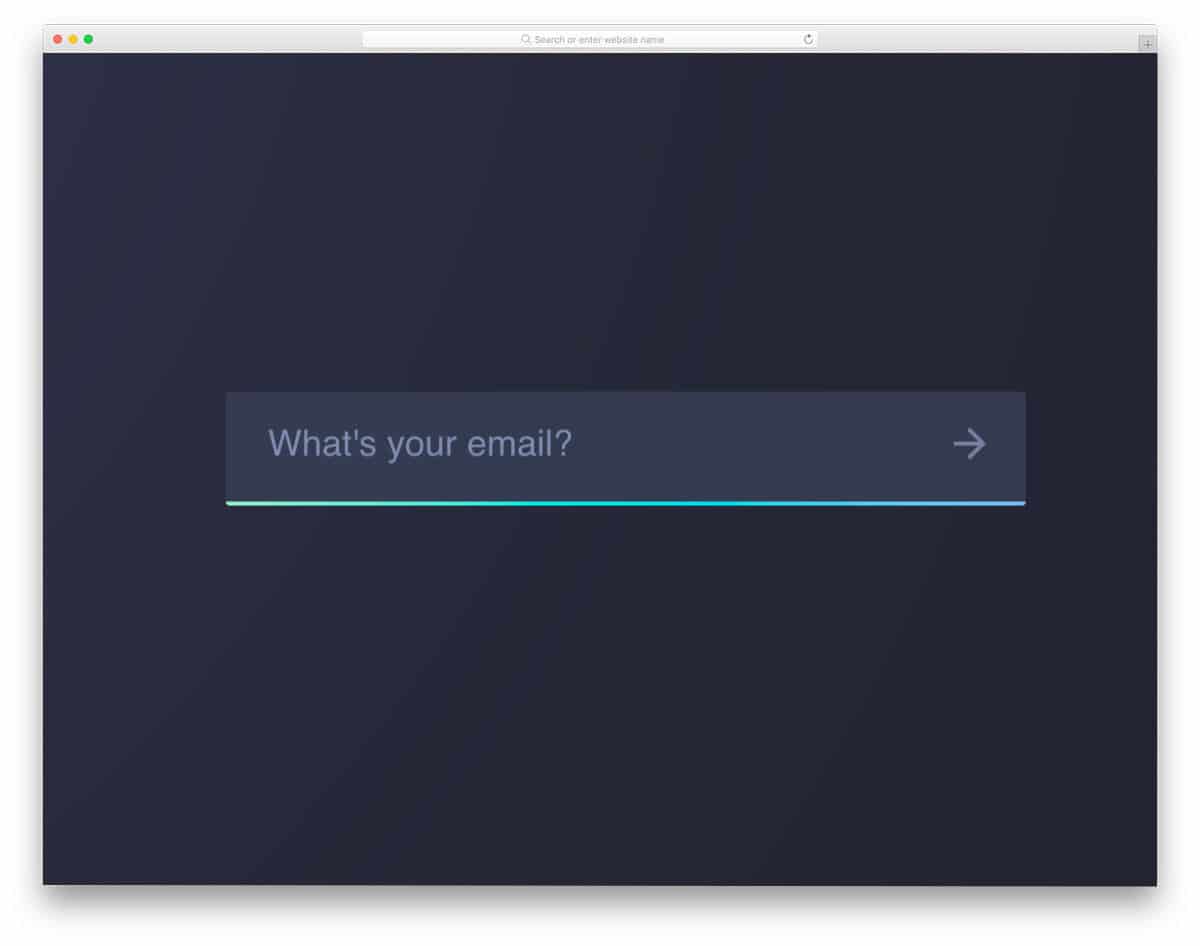
This CSS input text has a simple design, yet it still draws user attention with its animated gradient bar. The creator has used animated flowing gradients for the input text line, so the users can easily identify the form field even in a crowded webpage. This concept uses the latest CSS3 script, which means it can handle all modern gradient colors without any issues. Plus, you can try other gradient animations as well on this concept to give it your personal touch.
Contact Form v8
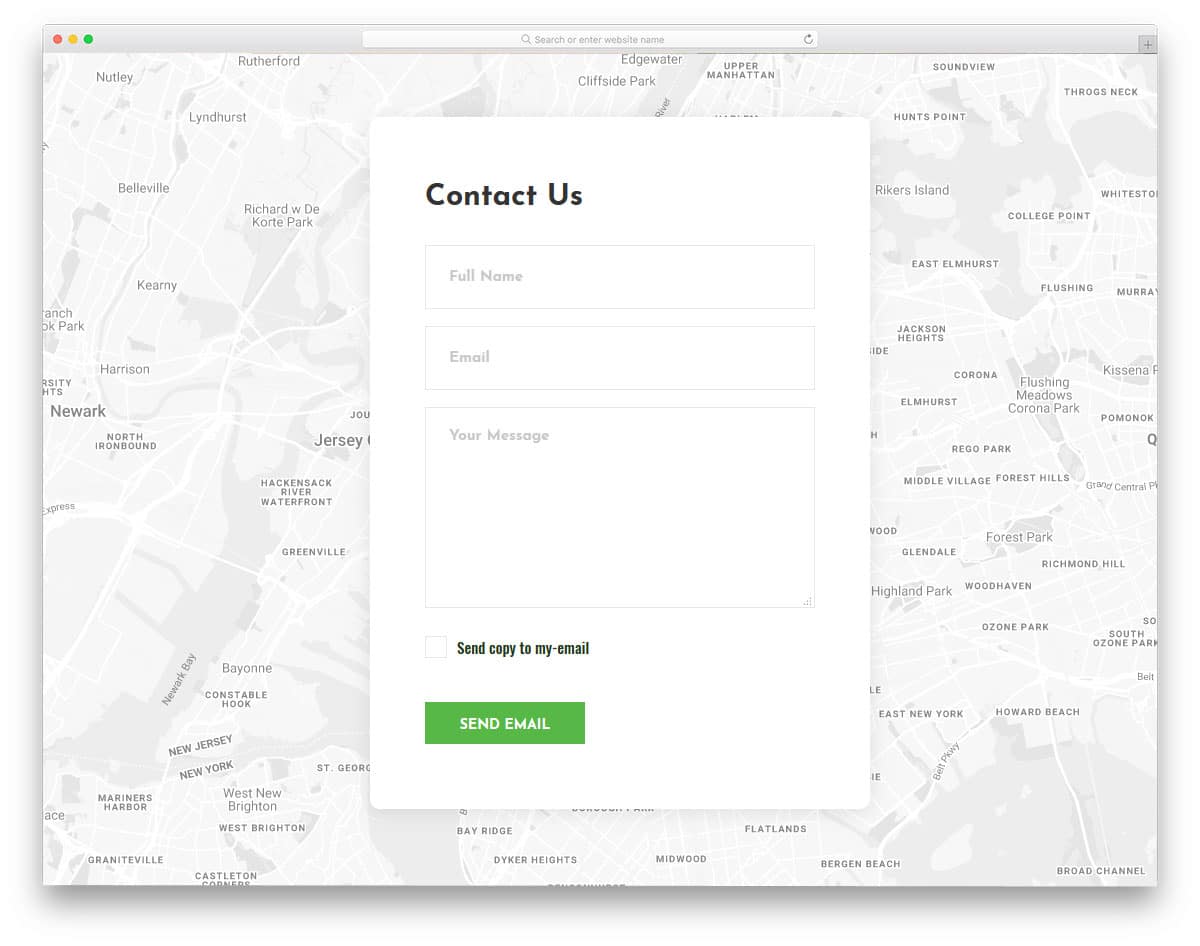
CSS text effect example for business contact forms.
The creator of this form has used a subtle input text effect. Instead of messing with the field labels, the creator has smartly used the text boxes for the animation. The selected text box will show be highlighted by a colorful line running through the text box boundary. Form field labels neatly vanish as the user adds text to the fields. The fonts used in this form are larger and bolder so people can clearly see the input text. If you need you can use this entire form on your business website. You also get a working Google map as the background which you can use to show your store or office location.
Contact Form v10

The V10 is a modern CSS input text design concept with a modern look.
Contact Form v10 uses a subtle animation effect. If you are looking for simple yet cool-looking input text for your modern web design website template or website, this one will be a good addition. The creator of this design has used the latest CSS3 script effectively. Hence, you get a fluid transition and a swift page loading. The fonts used in this form is almost similar to the one used in the V8 version mentioned above. You can expect the same clarity and readability of the texts in this one as well. The simple, rounded-edge elements will easily blend with other web elements on your website.
Contact Form v4
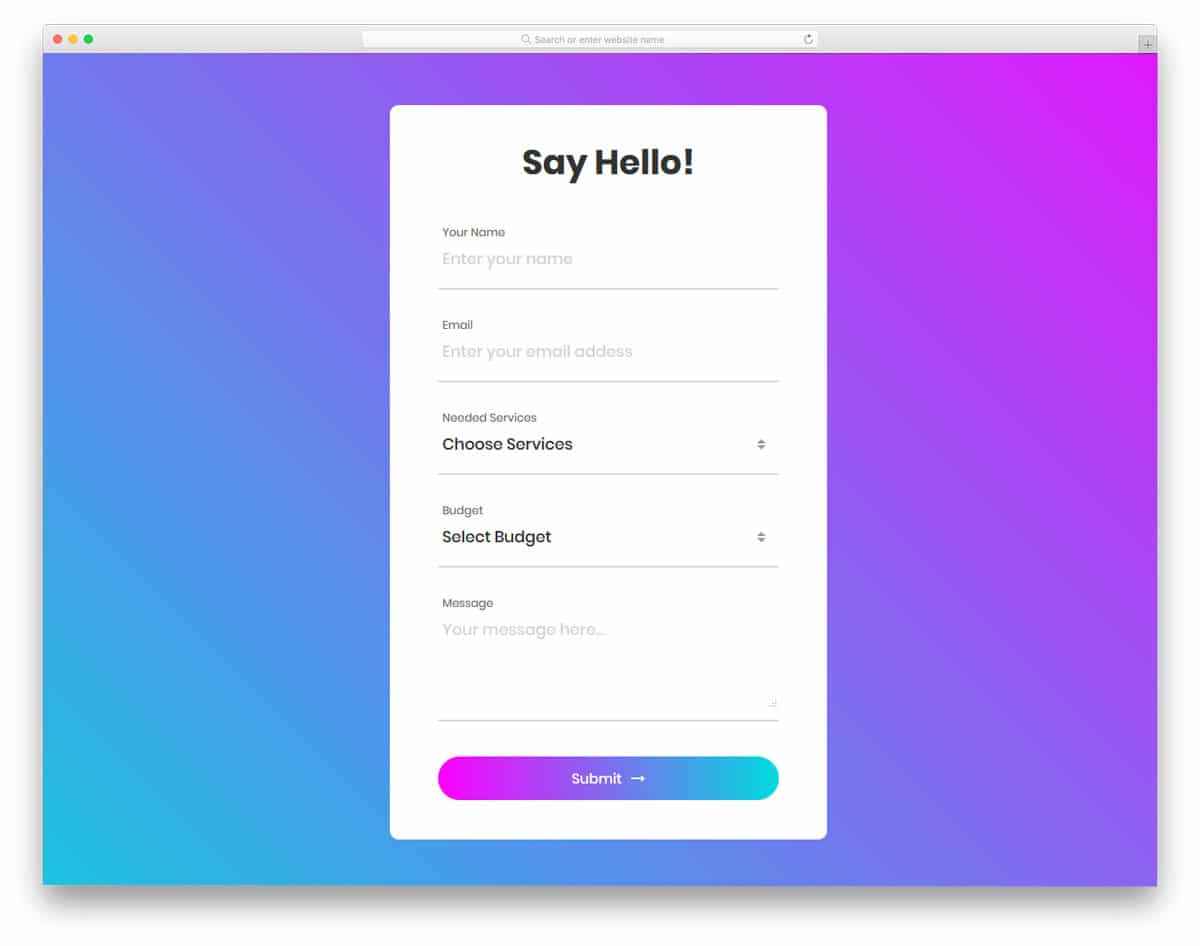 In this example, you get a beautiful CSS input text effect for a colorful HTML form.
Contact Form v4 is a colorful modern contact form with all the options you need pre-designed for you. If you are looking for an effective form design for reservation, registration, contact forms, or any other forms, this one fits perfectly. Form field labels and form field headers are both given in this form design. When the user entering data, they will clearly know what they are entering. A small line-loading animation indicates the selected form field. The creator of this form has given you properly organized folders in the download file to make your work simpler.
Contact Form v14

The Contact Form v14 has a very subtle yet attractive input text effect. Using bright colors, the form creator draws user attention to the required field. A bright, flashy color indicates the selected form field. To indicate the form filed with error, a bright red color with a cross mark is used. All the effects used in this form is subtle yet effective. By default, you get form-field validation support in this one, and all other features are working properly from the front-end. A few customizations will help you add this form easily to your existing website or project.
Login Form 9
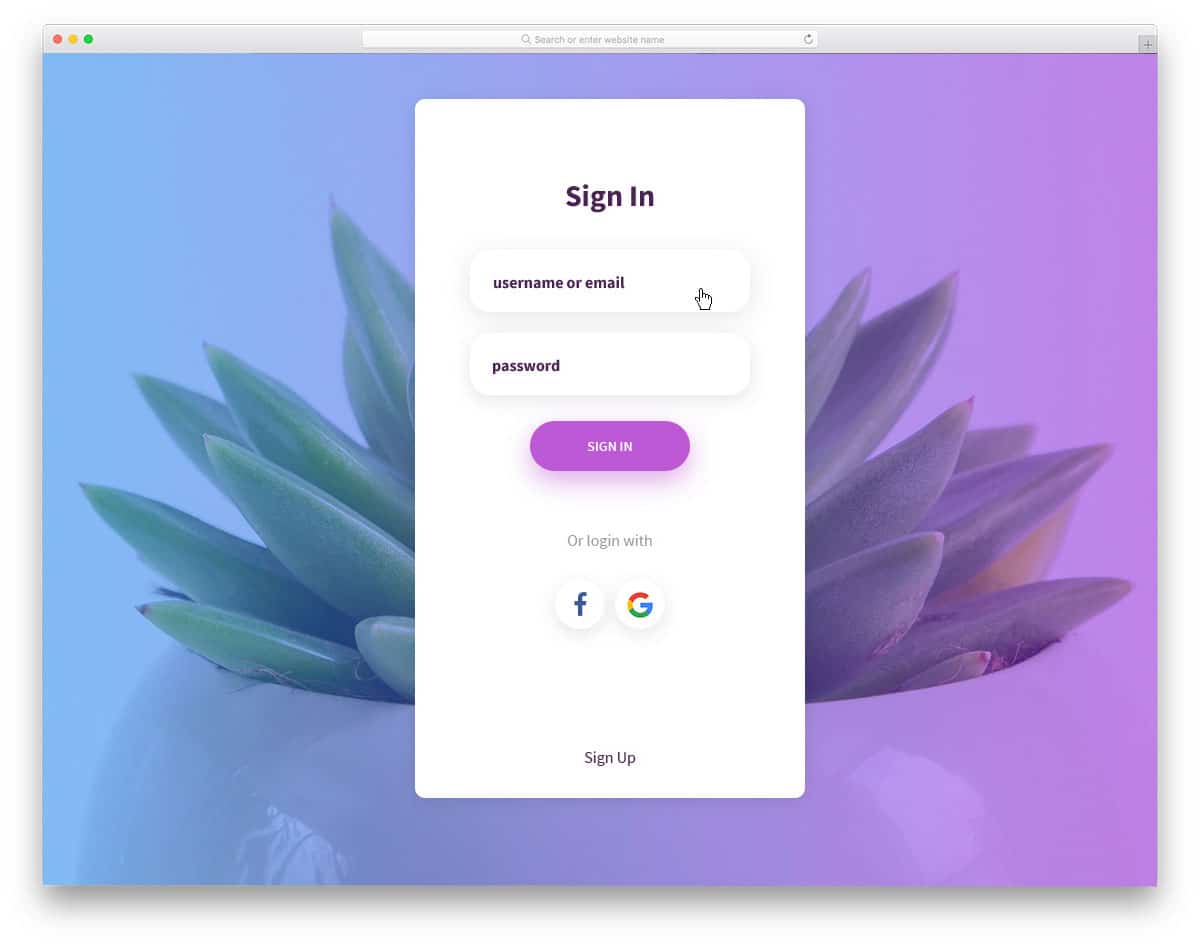
The creator of this login form has given us a clean and rich looking login form design. Shadow and depth effects are used smartly to differentiate the text area from the clean white background. Fonts used in this form are bigger and easy to read. This form is mobile-responsive out of the box, so users on mobile devices can interact with it easily. Since this template uses the CSS3 script, the animation effects and glow effects are smooth. The CSS input text animation is sleek and quick so the user can see their entries clearly on this form.
Login Form 7
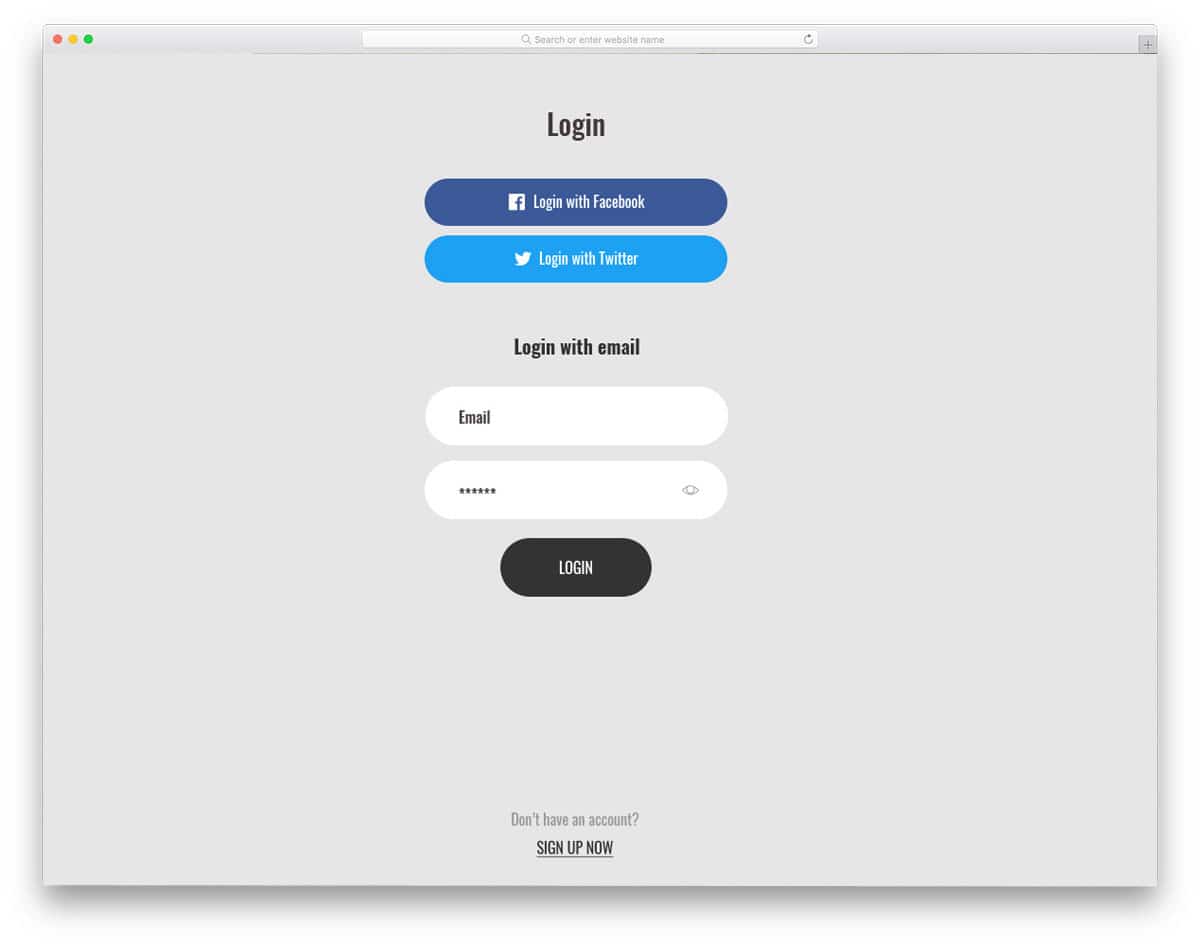
This login form is also from the same creator of the V9 form mentioned above. The CSS input text box animation is subtle and clean. The text box slightly expands to make it easier for the user to identify the form field they are working with. Since it is a login form, you have the option to show/hide the input text on the password field. This form is working perfectly on the front end; all we have to do is handle the back-end integration.
The default font used in this form is neat and easy to read, so you can use it as is without any customizations. Even if you want to customize this template, you can work with the code easily. The developers of this template have adhered to the code standards of all professional developers; hence, customization and adding new features will be easy on this form.
Notify Me
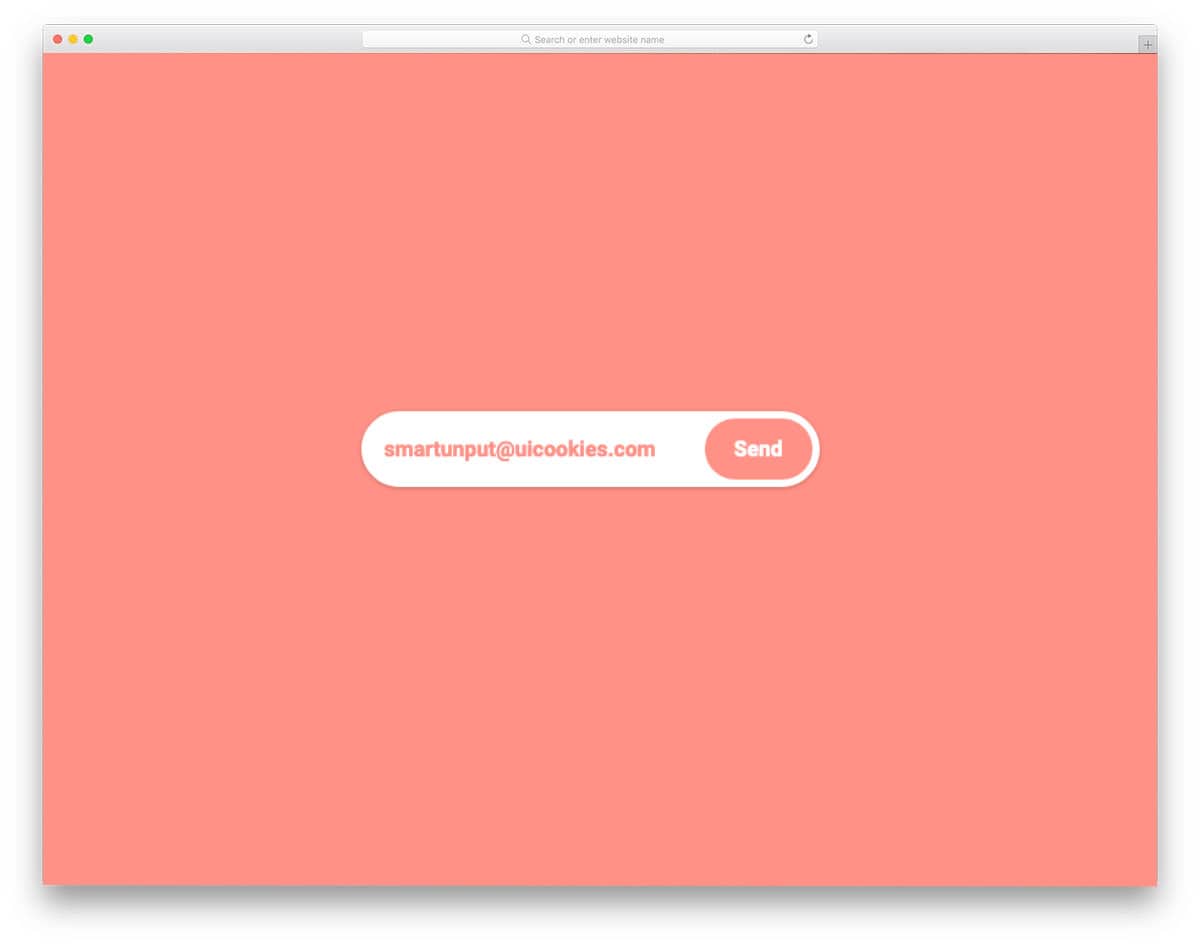
This design will inspire those seeking a compact, multipurpose input text field. The creator has elegantly handled the conditions and design elements to deliver a buttery-smooth user experience. For example, until you enter a proper email address with an “@” symbol and a proper TLD, the text field remains unresponsive. Once you enter the email and submit it, you will see a thank-you message. Overall, Notify me is a well-thought-out CSS input text design. Since the whole design is made purely using the CSS3 script, you can easily handle the code and use it on your website or application.
Input Field With Underline

If you want to create a retro-style input text field with breaking lines, this code snippet will come in handy for you. The creator has placed an underline under each character, providing ample space between them. Plus, the audience can easily read the content on both computers and small-screen devices. The whole code script is simple like its design; mostly CSS script is used by the developer. Hence, you can easily edit the code and utilize it properly on your website or forms.
Email Input Field

Email Input Field is a dead-simple input box design. The creator hasn’t used any animations in this input field design. Shadow and depth effects are used effectively to differentiate the form field from the call-to-action button. This design uses the latest CSS and HTML; therefore, you can add any modern effects and elements to it. Apart from the interactive animations, this design offers all the basic options and features properly optimized.
Blinking CSS Input Text
This is a simple and clean looking CSS input text animation. Since the given effect is simple, you can easily use this on any part of the website. The blinking effect is smooth and fluid, so it can easily keep up with the user’s typing speed. Since it is a concept model, there are a few glitches in this CSS input text animation, but nothing major —you can easily fix them by editing a few lines of code. The creator has shared the entire code script used to create this concept. Hence, the developer can easily utilize this design in their project.
Animated CSS Input Text
This CSS input text animation can be applied to form fields. The creator of this design animated only the form field label, so the text added to the main form field will feel familiar. Just like the design, the code used to create it is neat and simple. The creator has mostly used CSS3 in this design; hence, customizing and using the code in your project will be easy for developers. If you are looking for forms with an interactive effect, you can use any of the form templates mentioned above.
Gradient Border Focus Fun
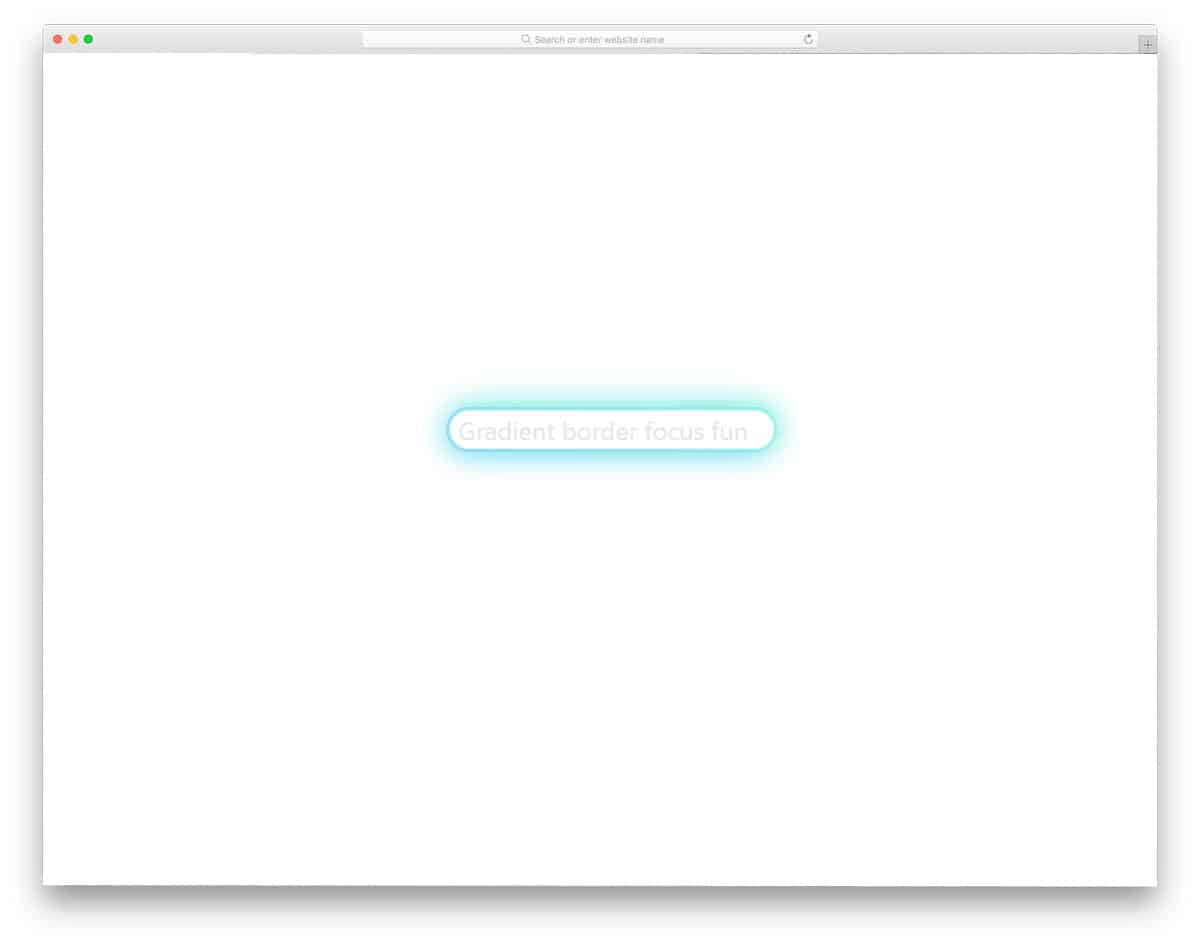
As the name suggests, this CSS input text design uses border animation. Using border animation helps you differentiate the main/selected form field from the rest. Plus, the user can enter text in the main field area without any issues. Like the previous Animated CSS Input text example, this one also made purely using CSS3 script. Since it is a CSS3-based design, it can handle all modern colors and animation effects easily. You get a natural, appealing text field animation in this example, which you can use on all types of modern websites and forms. For more interesting border animations, take a look at our CSS border animation examples.
Material Design Input Text
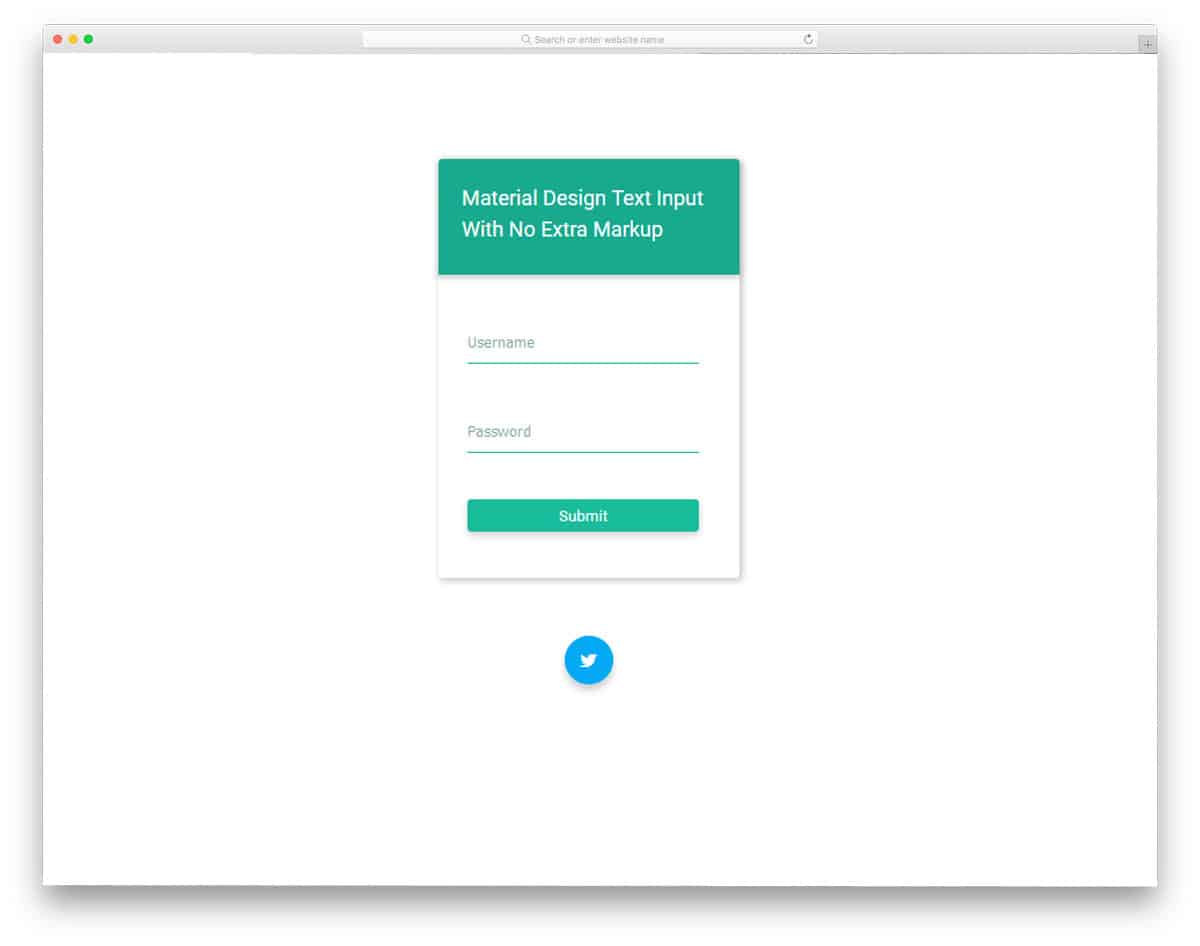
The creator of this input text effect has given you a form design. You can use this for text input, text effects on your login forms and registration forms. Form field label texts are kept small and neat so that it can be used in all types of forms. The form field labels move up to give you space for adding texts. But, there is a small displacement in the animation, which you can fix easily. Shadow and depth effects are used smartly to differentiate the web elements and the input text fields. At the bottom of the form, you have a Twitter icon to add your profile link.
Paper Simulation Of Input Text
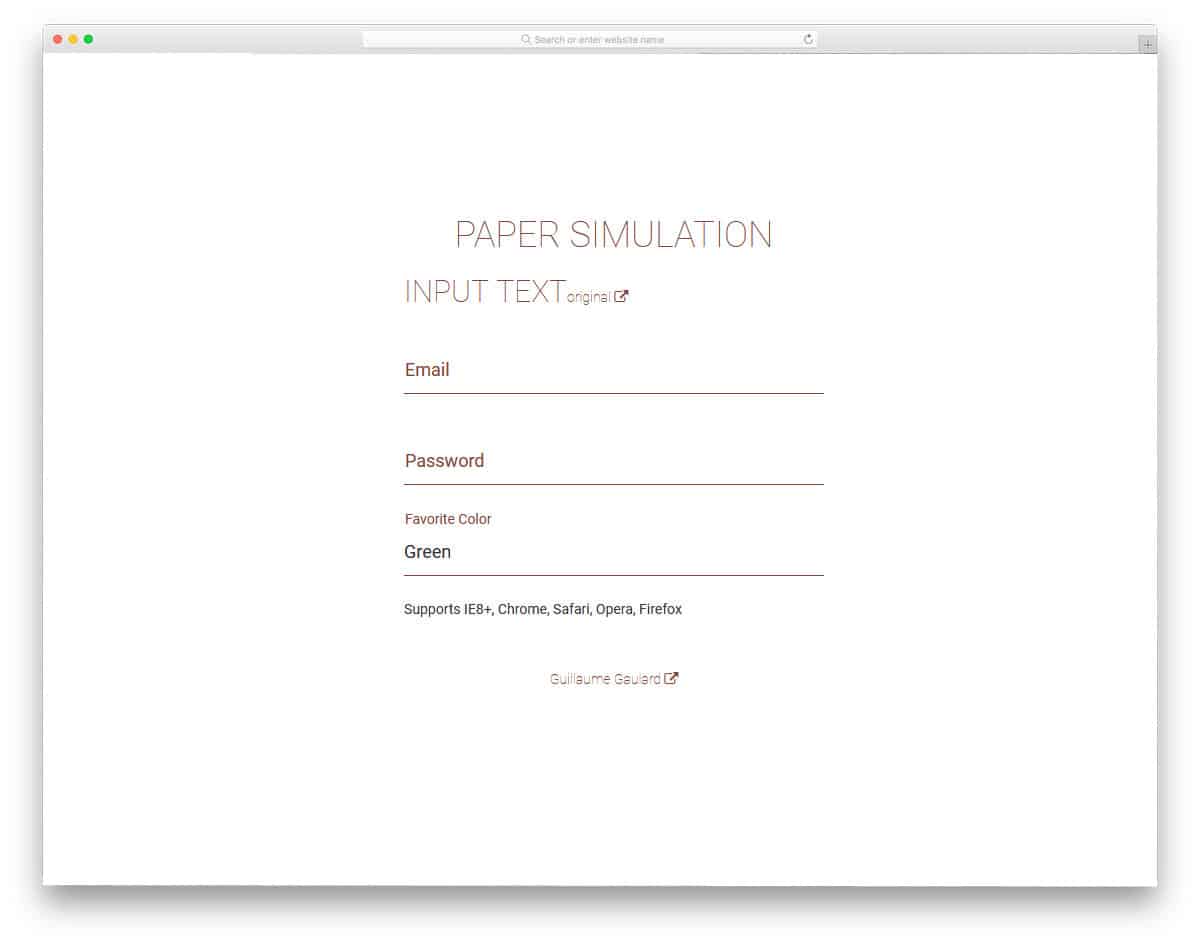
If you are looking for a clean subtle input text animation for your contact forms, this is the one for you. The professional design of this input text effect makes it a perfect option for any type of text fields on your website or application. A quick animation effect indicates the form field selected for adding details. Form field labels smoothly move up and stay in place to let you add details clearly. In the default demo, you have three form fields, but you can add as many form fields as you want. The entire code structure is shared with you, so customizing it won’t be an issue for the developers.
CSS Only Floated Labels

Well, in the above example you get the whole set of forms and other effects. You have to manually separate the input text effect that you like. To simplify things, the creator of this text effect has given you the code structure of floating labels alone. Since it is a pure CSS text effect, you can easily add it to your existing design. The floating effect is smooth and clean, with no lag or misalignment. As the form field text moves above the text area, make sure you give an ample amount of space between each text field on your form.
Input Text Value From Modal

Rather than just simply letting your users inside your dashboard or application, you can give a warm welcome when they login. This input text effect shows a welcome message with the user’s name, after they login. You can even add a custom message to give it a personal touch. For example, if you are using this in your eCommerce store, you can welcome the user with their name and inform them the ongoing offers and special sales. For a smoother animation effect, the creator of this design has used the latest HTML5, CSS3, and JavaScript. Another useful feature in this design is the form field supports field validation. You can easily use this input text effect on your website or application by making a few customizations.
Password Visibility Toggle
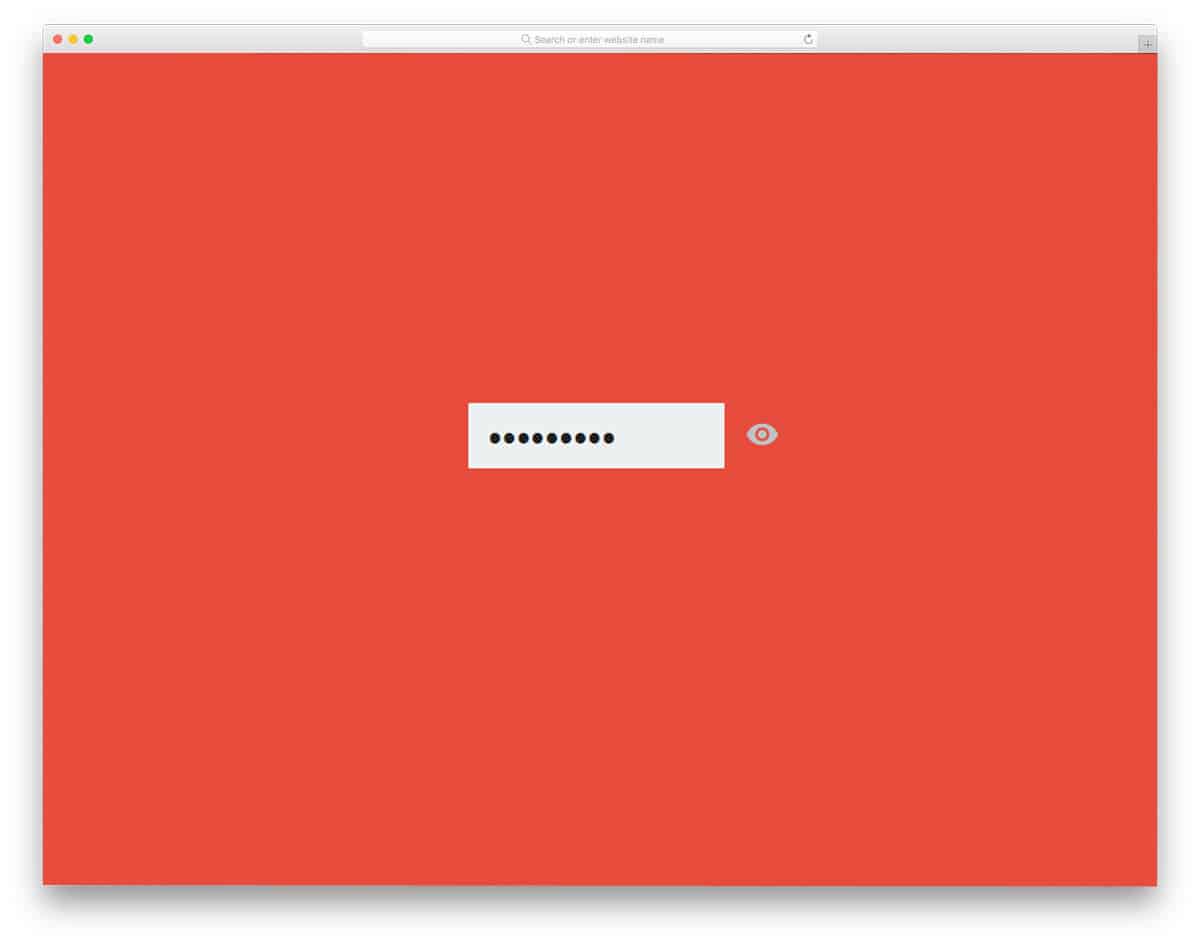
The password visibility toggle is an effect you might need on all types of websites and applications. As people need to remember lots of passwords nowadays, showing the text inputs securely to them is a good idea. The creator of this input text effect has used a quick flipping animation, which doesn’t take mup uch space. Hence, you can use this effect even in small areas. The developer has used HTML and CSS code scripts as the base. He also used a few lines of JavaScript to make the transitions smooth. Since the effect used is very minimal, you can make this one easily using CSS3. Based on your code structure and convenience, you can customize the code to your wish.
Input Text Interaction Animation
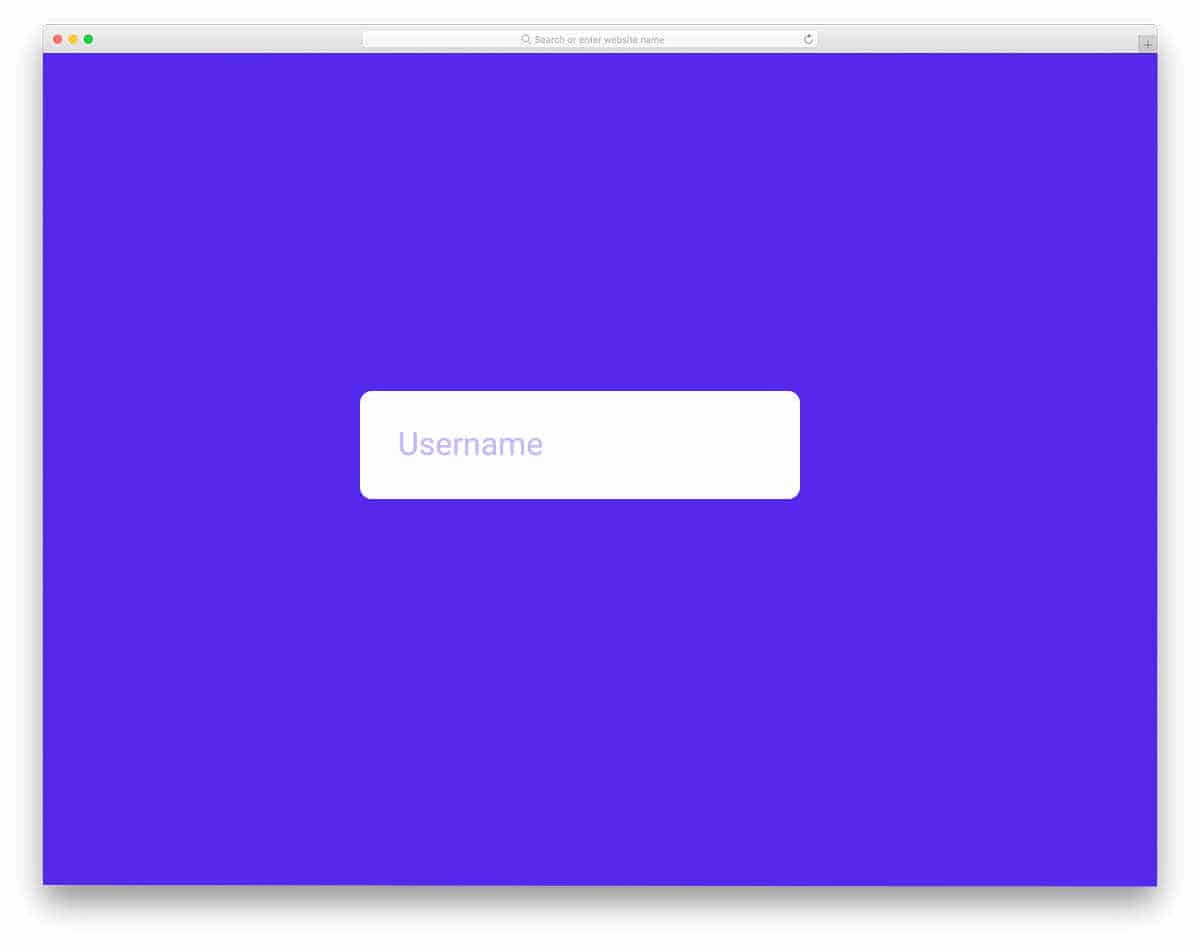
If you like to try something different from the usual input text box animation, this one will get your attention. The creator has kept the animation very simple and clean, so you can easily incorporate this design idea across all areas. To make the animation fluid and interactive, the creator has used both CSS and JavaScript frameworks. The entire code script is available in the Codepen editor. Hence, you can easily adjust and visualize the code script on the editor. Because of the simple nature of this input text design, you can also use this for mobile interfaces.
Input Text Material with Gradient
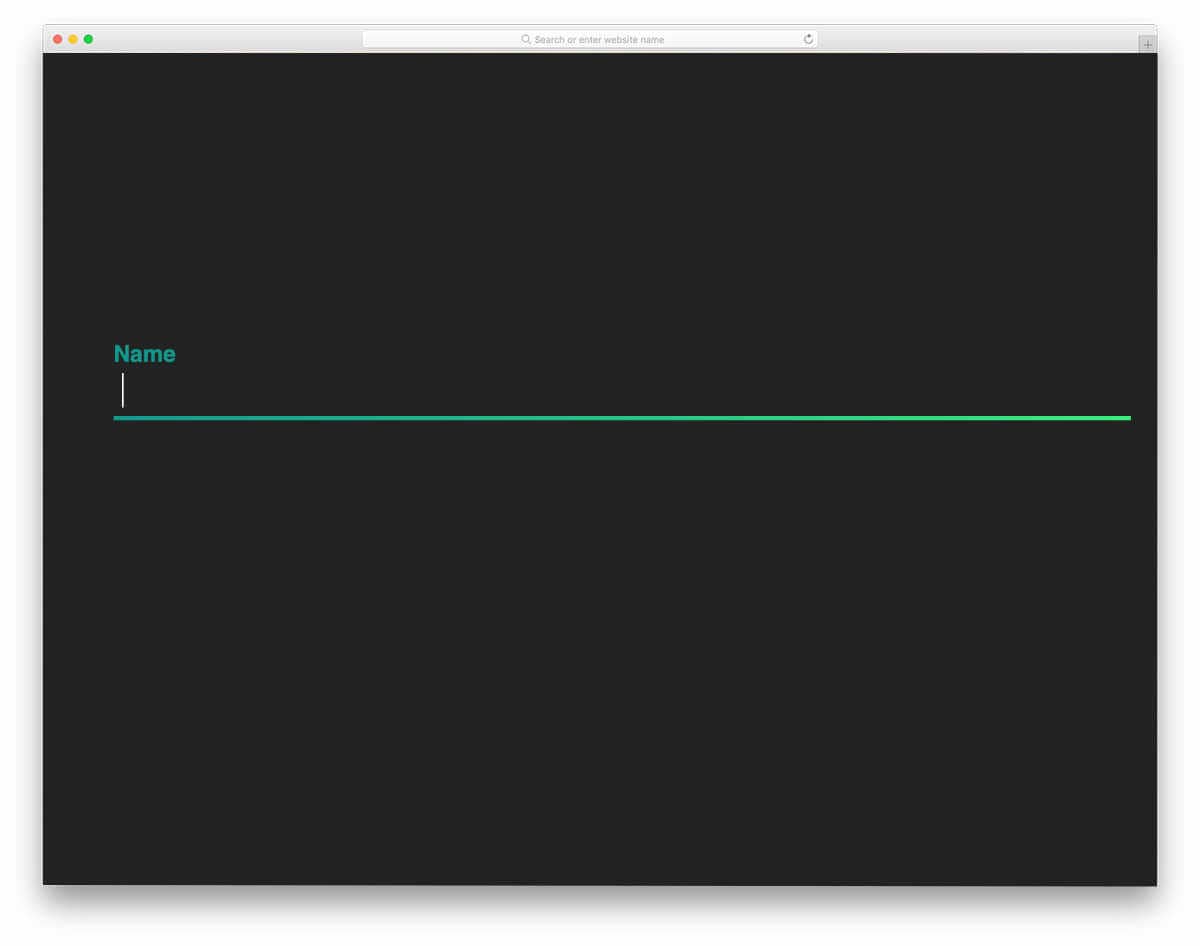
As the name implies, the creator has used a gradient color highlighter for the input text field. Static gradient color is used in the default design. You can use animated, moving gradient colors to make the input text field even more engaging and attractive. Just like the design, the code script is also kept simple. Hence, you can easily use this design on your webpages and forms without any issue. Though it is a concept model, the creator has made all animations and elements work properly.
Border Animation Text Box

The most common input text field animation is border animation. The creator has made the input text animation simple yet attractive to get user attention. You can use this input text field animation for small forms, single-line input fields, and contact forms. Since the animation is triggered on tapping/clicking the input field, you can use this design easily for both desktop and mobile interface. Most of the code in this design is CSS; hence, you can easily handle this code and add your custom features to give it a unique look.
Rise – Input Text Field Label Animation
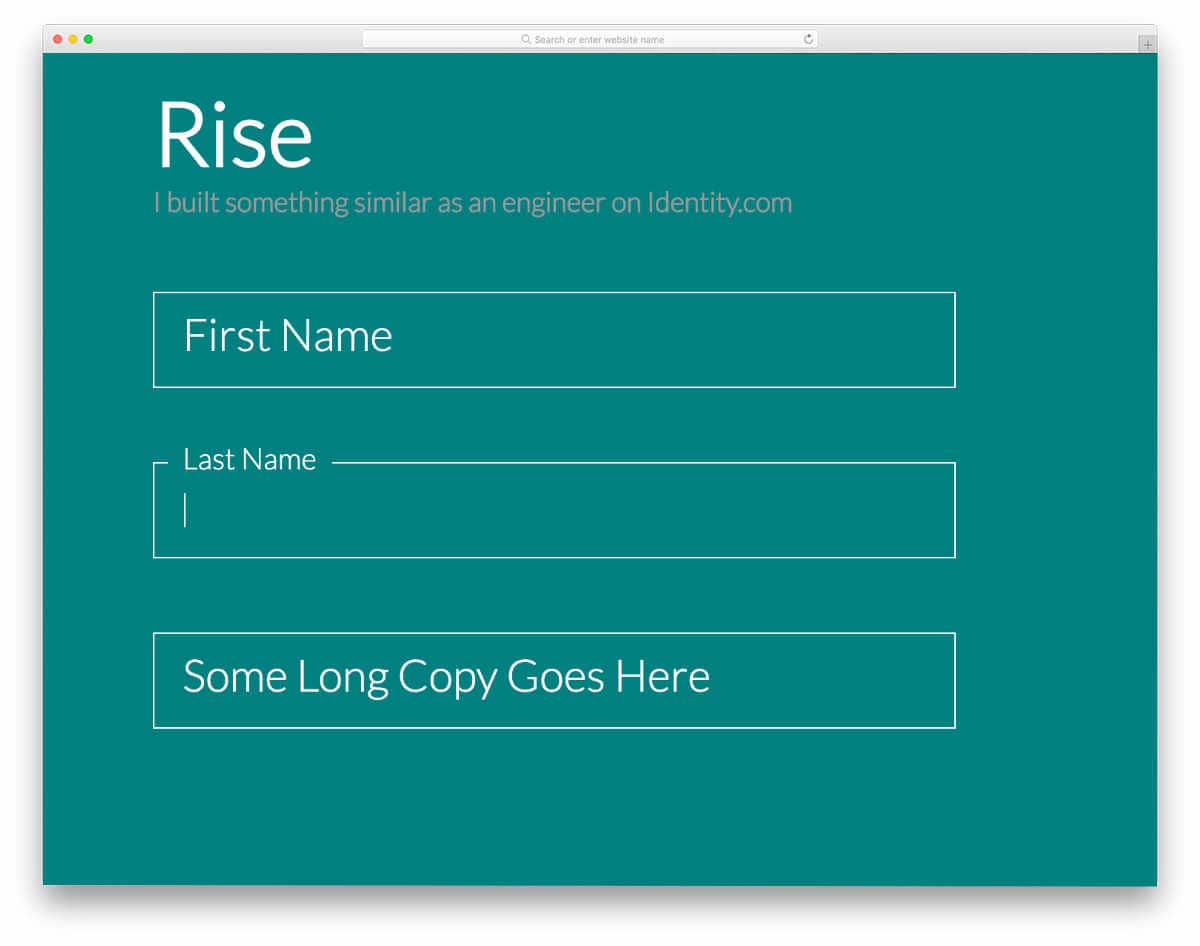
This is one of the most commonly used input text field animations. The form field label is raised to the top of the field to provide enough space for the user to enter data. The creator has made the texts bolder and bigger in the default design. So you can use this code as such without any hitch. The creator has used the latest HTML, CSS, and JavaScript frameworks to make the design crisp and fluid. By spending a few minutes, you can easily utilize this code in your design.
Input Text Eater

This is a creative concept, and you can use it as an inspiration. After you hit the submit button, all the texts flow to the floppy drive on the left side of the screen. The idea is really interesting, but you have to fine-tune the design and animation effects before implementing it for public use. The entire code script uses to make this design is shared with you on the CodePen editor. Hence, you can easily edit and visualize your customizations on the editor.
Material Login Form
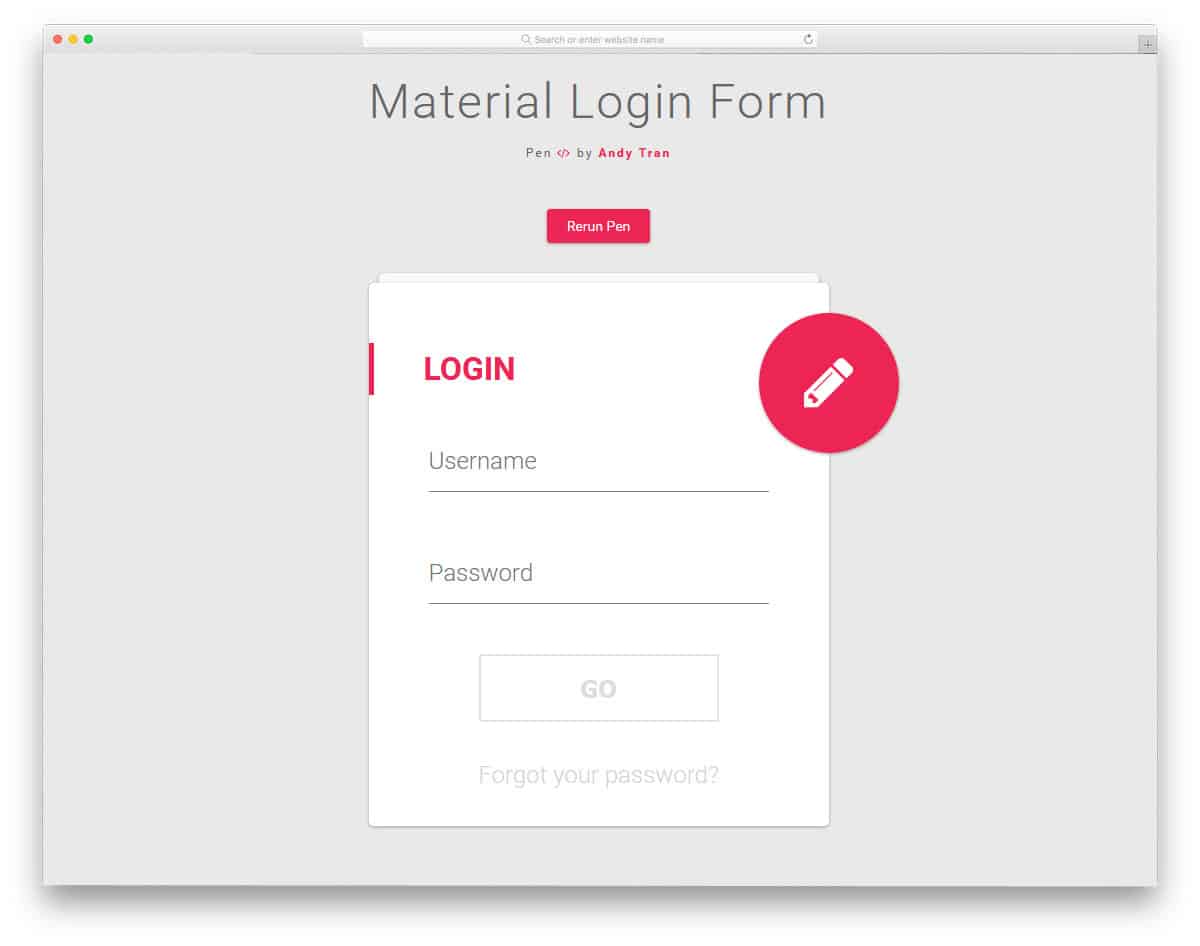
The Material Login Form design provides an input text effect and the entire login form animation. As the name implies, this one uses material design in this form. Sleek animation effects look attractive on the material design and material color scheme. The form fields are working perfectly from the frontend. All you have to do is to take care of the backend integration. The developer of this effect has it kept it very simple so that it loads faster and works perfectly within the given area. You also get the registration form pre-designed for you along with the login form.
Fancy Animated Input Field
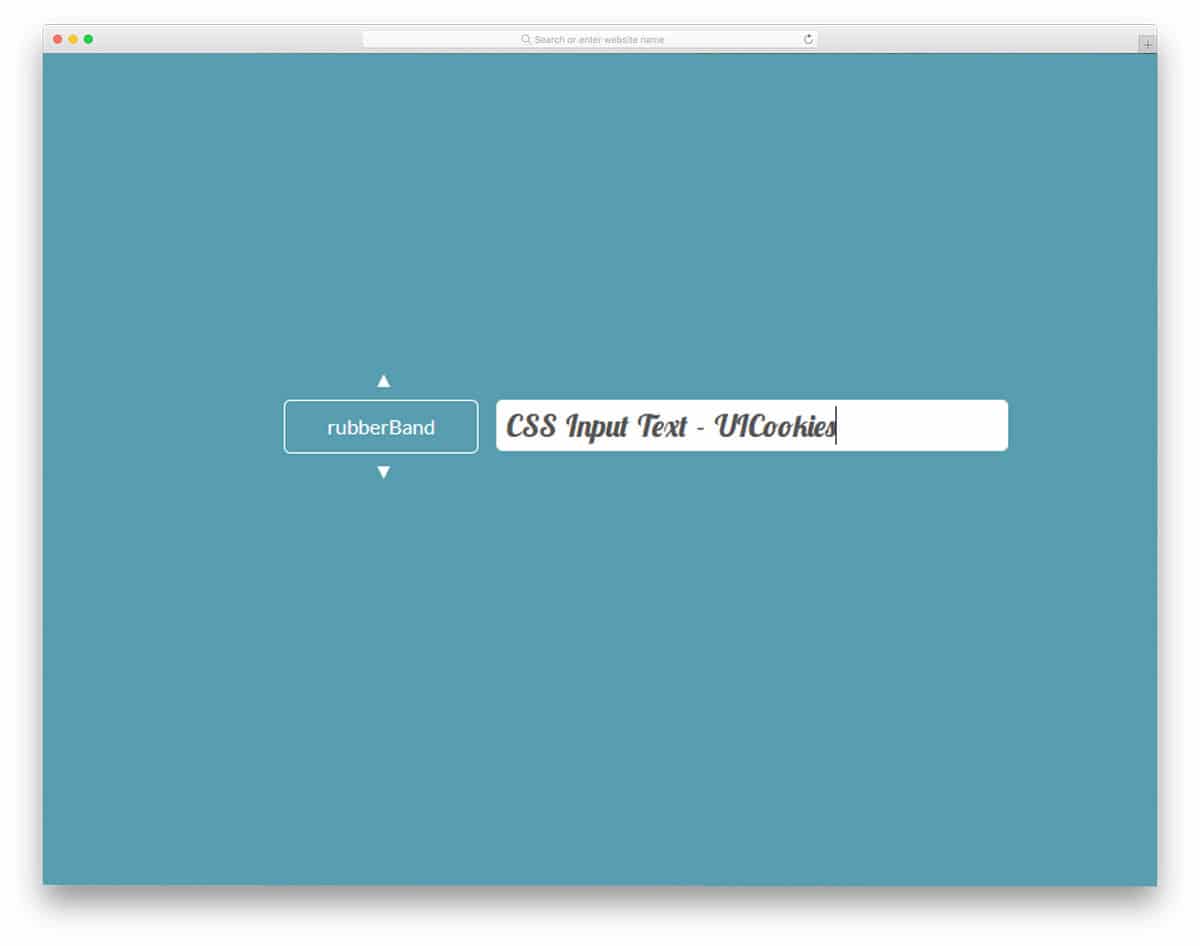
If you run a design resource website or are a font designer, tools like this will help you engage your audience. This developer tool helps you apply different text effects to this text input field. To the left, you have a drop-down to select an effect, which is then applied to the text box on the right. You can use elements like this in your personal website to showcase your skills. If you are a freelancer, take a look at our free freelancer website template collection to take your business to the next level; plus, they are very flexible, so you can use elements like this easily in those templates.
Input Live Style Changer

Input Live Style Changer is almost similar to the input text effect mentioned above but in a more simplified form. In this design, you get only three animation types, and the user can use the tabs below to switch between the effects. If you are offering more than one variation for a font type, elements like this will help the user to clearly understand your font. Slight animation effects are used to spice up the experience. The developer of this design has used heavy HTML, CSS, and JavaScript. Based on the code structure you follow, you can customize this design.
Email Input Validation
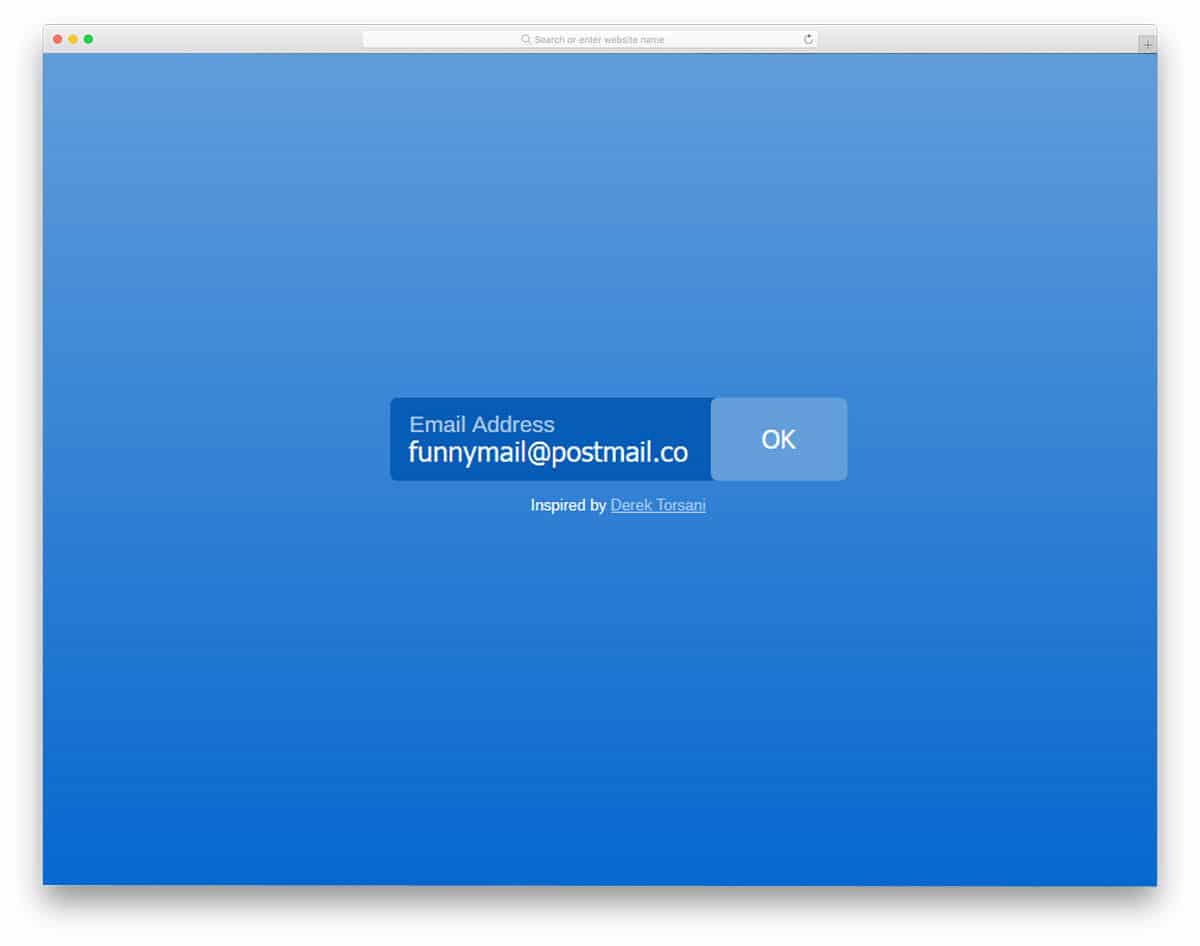
The designer of this input text box has merged both the textbox and the call to action button into one element. When the user provides valid information according to your field validation rules, the call-to-action button becomes accessible. For this dynamic text box design, the developer has used CSS and JavaScript. If you have space constraints, elements like this not only save space but also provide proper functionality. Animation effects are smooth and fluid, so loading won’t take long. By making a few optimizations, you can easily use this element in your website or application.
Tags Input
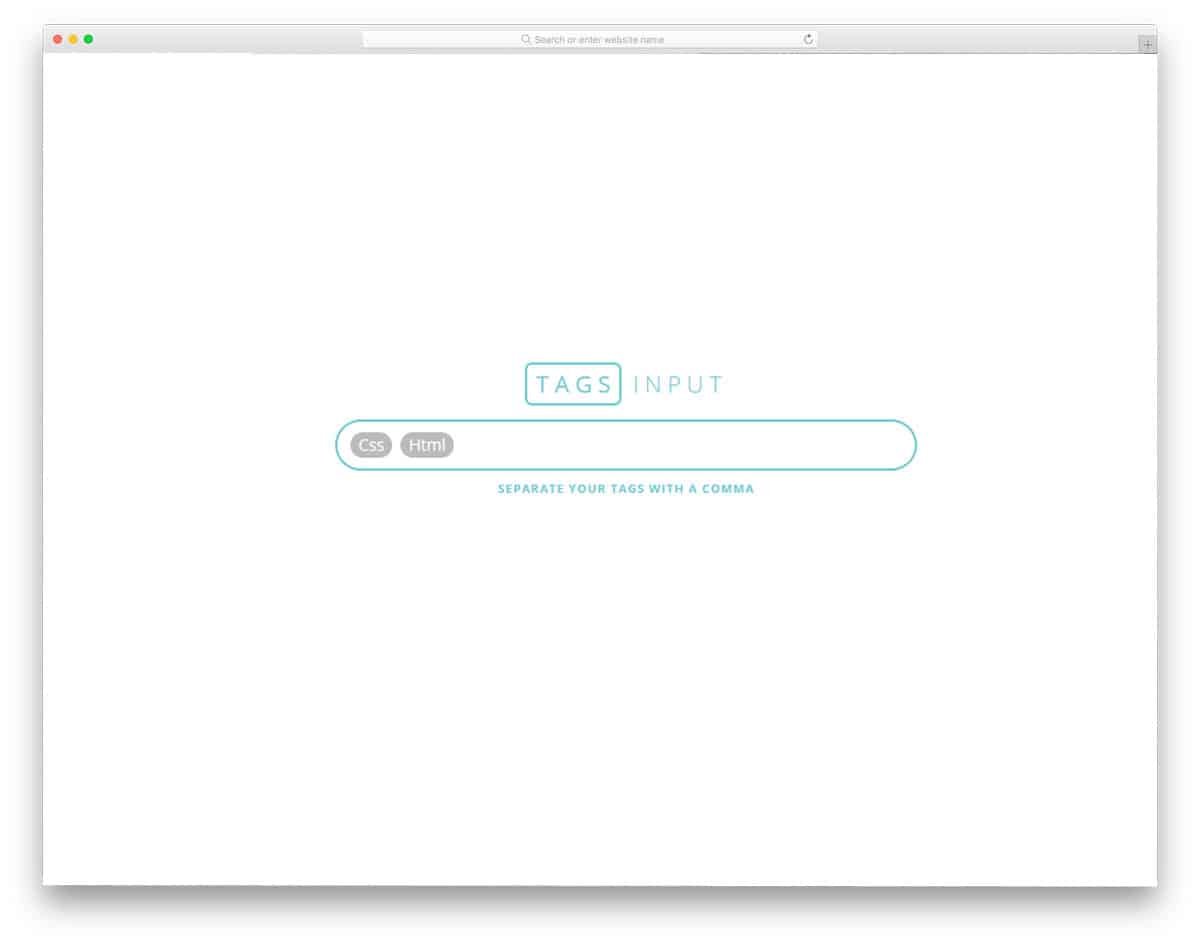
Input text fields like this will increase your productivity. If you are familiar to WordPress environment, this tag input text design is similar to it. Once you add your tag and place a comma, it will be added to your tag list. To show the users that the tags are added successfully, a highlighter design is used. Deleting tags is also made simple, simply backspace to remove the tags you don’t want. Adding a few more features to it will make this input text field box a perfect addition for your dashboard or website. Take a look at our free dashboard template collection for more user-friendly built-in features like this, which will save your time.
Pixie Dust Input

Pixie Dust Input is a fantasy style input text field. If you are making any creative entertainment website or any such website, elements like will add life to your website. As the name implies, pixel dust appears when you type in on the text field. The effect is minimal and clean so you can incorporate this one on any part of your website. This design is built entirely with CSS and JavaScript. The developer has shared the coding directly with you, hence, you can edit and see your results before using it on your website or application. Effects like this will act as an attractive element in a landing page, if used properly you can get a better response.
Animated UI Text Input
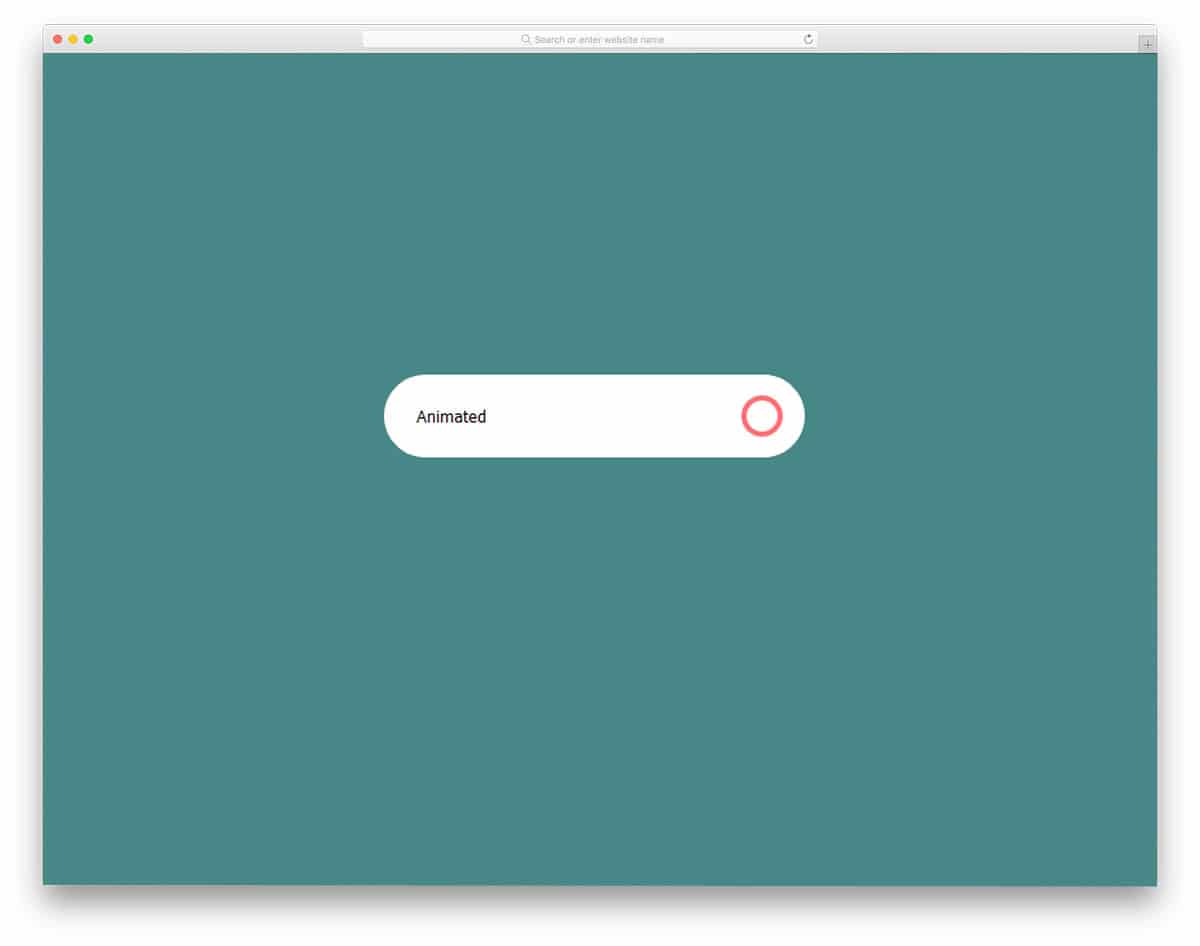
If you are looking for a poised animation effect for your website or application, this effect might impress you. The effect used in this input text field is simple and sleek; yet, it takes some horizontal space, so make sure you give enough space for the elements before using it. Apart from the animation effect, it is a regular text field that you can use on all websites and forms. By making few customizations, this one can be used on your project. Since the code script used for this input text animation is shared with you, working on it will be easy.
Adaptive Placeholder
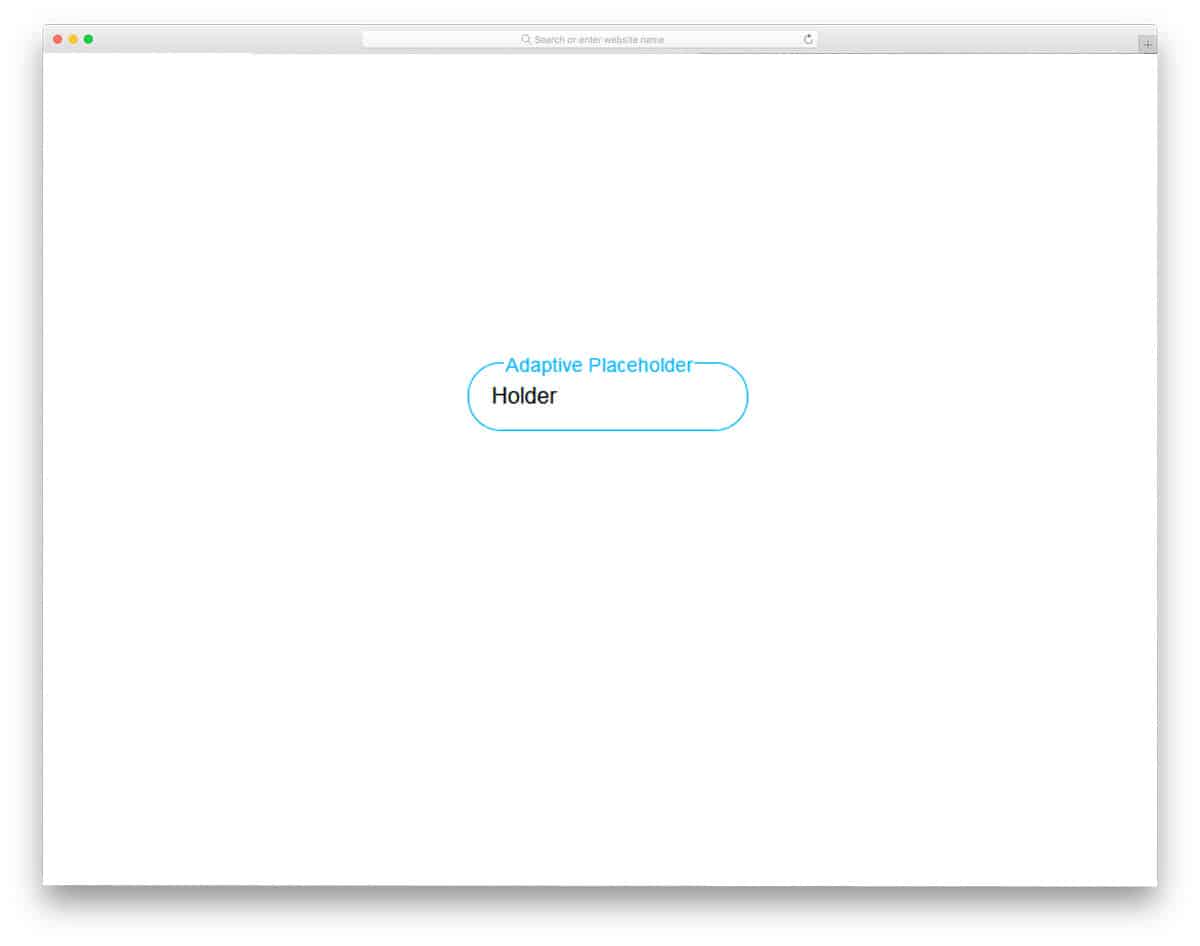
Unlike the Animated UI effect mentioned above, this one is a practically possible input text design. You can use it for all types of websites and forms. Since the effects are minimal, it consumes only less screen space. When the user types in the text field, the file tag smoothly moves to the top. Another advantage of this design is that the tag placeholder is adaptive, so it can handle text spacing intelligently.
Fancy Input Field

The fancy input field is a simplified version of the Fancy Animated Input Field mentioned above. In this one, you get only one text animation. Instead of the simple type-in effect, this text field shows a small jumping animation as characters are typed. Since it is a dynamic functionality, the developer has used a few lines of JavaScript for smooth and clean transitions. Fancy input field effect can be used on any part of the website. Its simple design makes it blend well with other web elements. If you wish to have more lively text animation for your website contents, take a look at our CSS text effect collection.
CSS-only Material Inputs
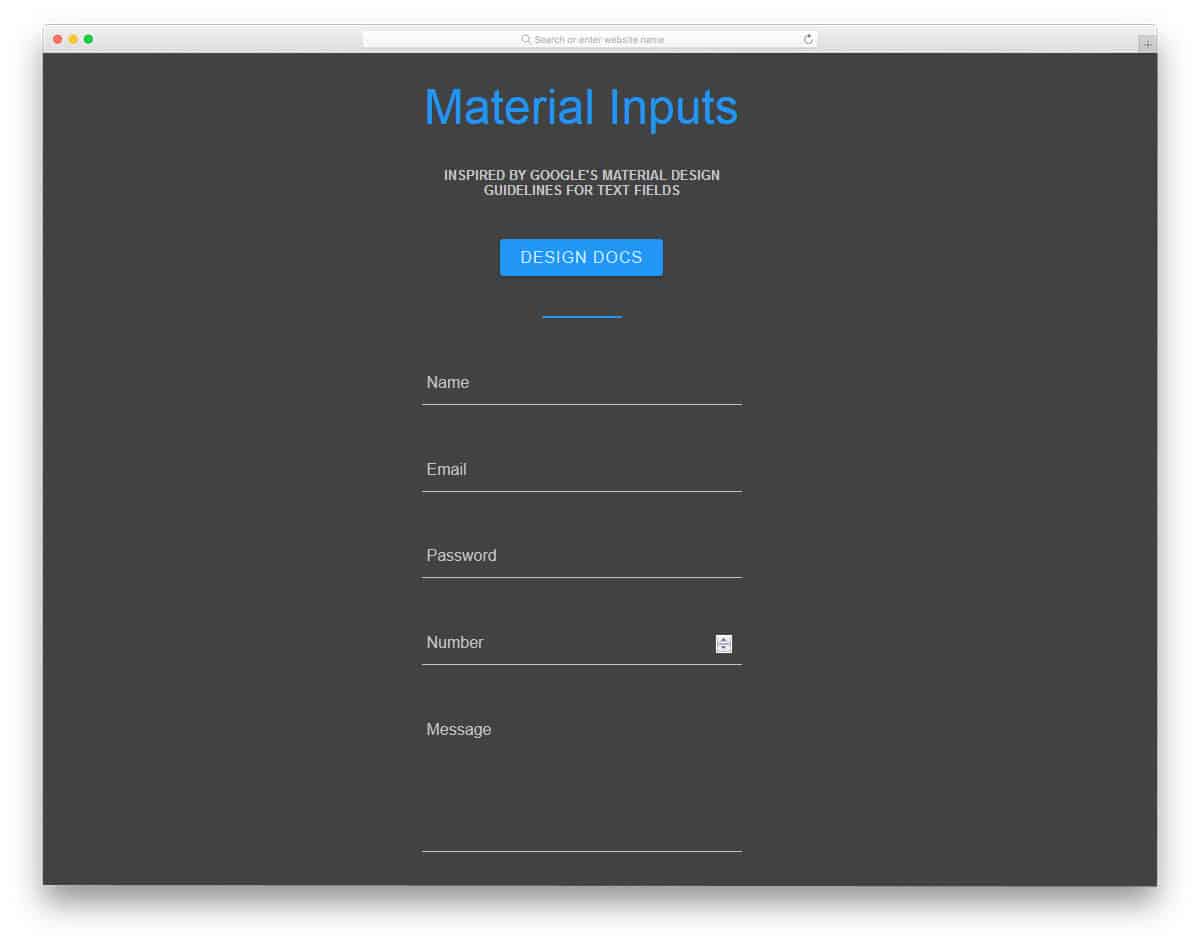
CSS-only Material Input is a simple Material Design form template. Well-structured, clean form design makes it a perfect option for all professional designs. The form field labels neatly move up when the users interact with the form fields. Another advantage of this text field design is that it supports form field validation. All you have to do is to make the changes you like and add it to your website or application.
