

A collection of interactive and cool CSS arrow design examples to spice up your design.
Arrows are symbols that have been among us since the Stone Age. Arrowheads were first used as weapons; later, we used them for other purposes. Due to the pointed ends of the arrows, our brains create a mental image of pointing at something. This is the very reason we are using arrows for navigation. In web and mobile application designs, arrows serve several purposes. Based on the functionality, the arrows can be creatively designed and animated beautifully. In this list, we have collected CSS arrow designs for all websites, applications, and forms. All the CSS arrow designs in this list are simple and have meteoric animation effects to get the user’s attention quickly.

CSS Arrow Button
In this CSS arrow example, you get nice, round arrow buttons. Hover effects highlight the button when the user interacts with it. The default color-filling effect is nice and manages to get user attention easily. You can try other hover effects to make the design even more engaging to the audience. Take a look at our CSS hover effects design collection for more fresh ideas you can use in your projects.
Pure CSS Arrow
As the name implies, this is a pure CSS arrow design example. You get two thin arrows in this concept, which change colors when you hover over them. If you are looking for a simple arrow design that fits easily on any web page or app screen, this one is a good choice. The code script of this design is very clean and simpl,e like its design. Hence, developers can easily edit this element to their requirements and create a custom design in no time.
CSS Arrow with Hover
CSS line arrow is used in this example. The default design makes it a perfect fit for buttons and carousels. Mostly, CSS script is used to make this design; therefore, you can handle this design easily and mold it into a proper element as per your design requirements. The line arrow expands neatly when you hover over it, which adds life to the design. Overall, this CSS arrow design example is versatile and can be combined with other elements to enhance the user experience.
Arrow Animation CSS

You get a neat and compact animated CSS arrow design in this example. If you have only limited space and want to make the arrow interactive, designs like this will come in handy. The creator has given three different arrow animations in this set. All three animations’ base characters are the same, only how the arrow switches makes the difference. Since all designs are made purely using HTML and CSS, you can easily handle the code and utilize it on your website or application.
Scroll down – Call to action animation

As the name implies, this animated scroll down arrow design gets user attention and lets them know what to do. Scroll down arrows are widely used in modern web design because they feel direct and natural for both desktop and mobile users. In this example, a straight line moves from the top and meets the arrow at the bottom, which is neat and clearly conveys the scroll-down action message to the audience. The code script is neat and straightforward, just like its design; hence, you can quickly edit the code as per your needs and deploy it on your website.
CSS Arrow Down Bouncing

This one is also a scroll down action arrow design. The creator of this design has made the action even more subtle, using fewer elements. Though this design has fewer elements, the bouncing arrow will easily draw the user’s attention. The creator has set the animation timing precisely to make the bouncing animation look fluid. You can take this concept as a base and convert it into a whole new design. The creator has shared the code script in the CodePen editor so you can easily edit and visualize the code results before taking it to your project.
CSS Arrow Button
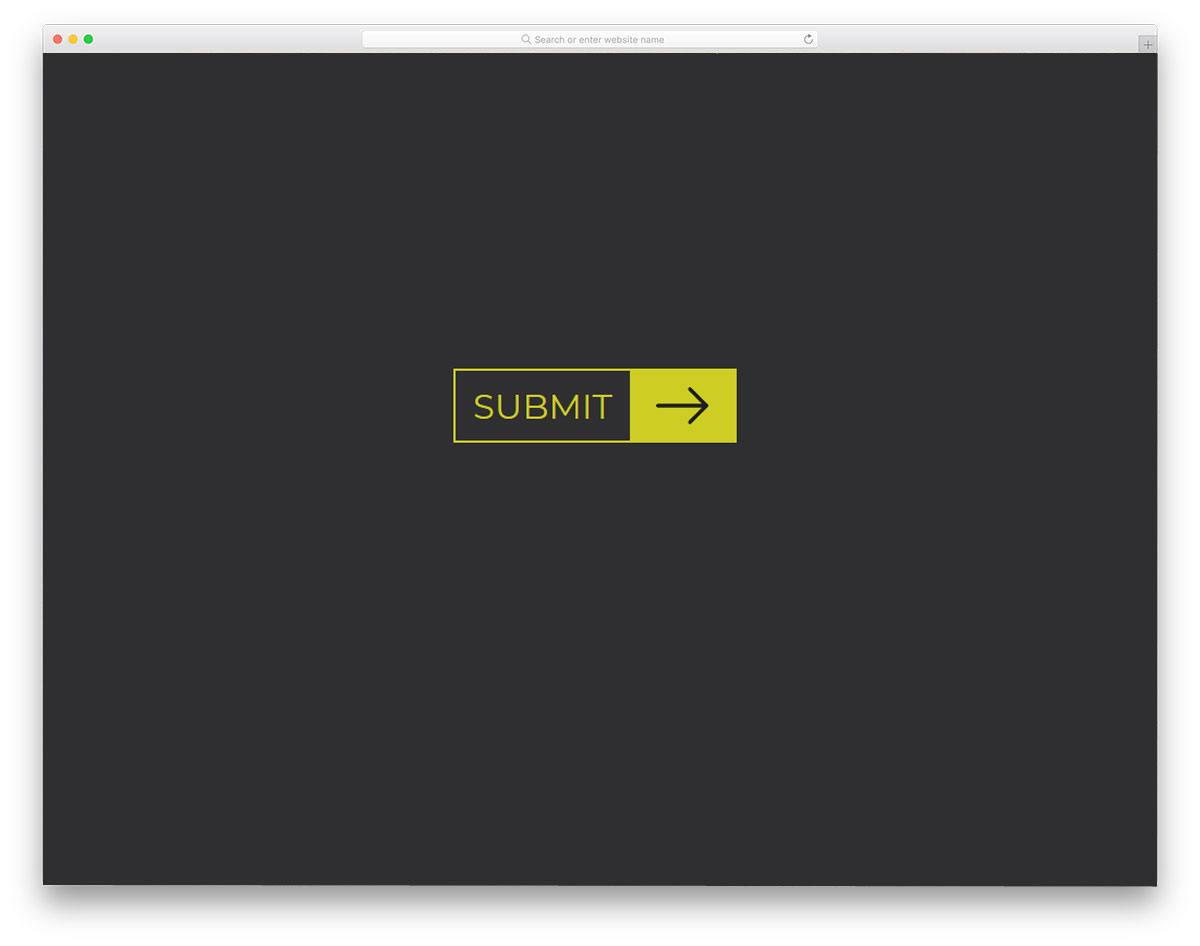
In this example, the creator has used the arrow animation for a call-to-action button. Letting the user know that the button will pass data or change the page, arrow animations like this will help them understand before they click. If you are looking for sensibly designed call-to-action buttons like this, take a look at our CSS button collection. The animation effect on this button is sleek and smooth so the user doesn’t have to wait longer to see the content. Since everything is perfect with this CSS arrow button design, you can use it as such in your project.
CSS Arrow With Border Animation

The developer Aaron Iker has given us a simple and elegant looking arrow design. Since the arrow animation is very simple, you can easily incorporate this design into any part of your website. To keep the animation smooth, the creator has used the latest HTML5, CSS3, and JavaScript frameworks. The default design can be used for image sliders and carousels to improve user interactions. For more creative carousel designs, please check out our Bootstrap carousels collection. The entire code script is shared with you on the CodePen editor, so you edit and visualize your results on the editor before using it on your website.
Arrow Animation
The creator of this design has given us an arrow design for scroll down indication. With modern web development frameworks, we can create a user-friendly environment. If you are using a creative website design, letting the user know how to interact with the page helps the user to get used to your website easily. One of the most common elements you might see on a modern website is the scroll direction indicator. In this CSS arrow design, the creator has used animated arrows to show the scroll direction. By default, the creator used a vertical scroll direction, but you can edit the code to use it for a horizontal scroll animation as well.
Gooey Scroll Arrow

As the name suggests, the creator used a gooey animation effect for the arrows. The water droplet-like effect near the edges is smooth, which gives an authentic look to the overall design. If you are creating a creative website, interactive elements like this will add more character. Though the animation looks complicated, the code script is very simple. The creator used only CSS to create this design. Hence, handling this design and adding custom effects will be easy.
Spinin’ load arrow

If you plan to use arrow animations for processing or loading, this one is a good choice. The creator has used arrows and arcs effectively in this design to create a visually appealing layout. Since this example mostly concentrates on the animation, the creator has used only the CSS and JavaScript frameworks. The entire code used to create this design is available in the CodePen editor. You can edit and visualize the code results on the editor before using it on your webpage or application.
Arrow Navigation Styles

The most obvious reason arrows are used is for navigation. In this example, the creator has used different arrow styles for image sliders. Small animations are used to show the next slider’s thumbnail when you move the cursor to the navigation arrow. This pack includes nearly 12 navigation arrow styles, all neatly arranged in the download file. Hence, you can easily work with the code and make a custom arrow design for your website or application in no time.
Toggle Arrow animations

If you want to make a simple and elegant arrow animation, this example might impress you. The arrow toggle animation is subtle and doesn’t take much screen space. Hence, you can easily use this concept on any part of your website and your mobile application design. If you are a professional web/app developer and designer, take a look at our free UI kits collection to skip your basic works and concentrate on the custom features. The code script for this design is neatly shared on the Codepen editor. You can edit and visualize the results on the editor before using it on your project.
Animated Arrow

All other CSS arrows in this list mostly use circles as a holder. But in this design, the creator has used three circles as arrows. The transition effects are smooth and clean; in fact, it is a lot smoother than the arrows with line design. To make this unique-looking arrow transition effects smoother, the creator has used CSS and JavaScript frameworks. If you are into circular designs, elements like this will give consistency in your design. Since the entire code script is shared with you directly, you can trim it as per your workflow and needs.
CSS Only Animated Arrow

If you are looking for CSS arrow designs for your image sliders, this design will impress you. The animation effect in this arrow design is sleek and simple, so it can fit easily in any part of the website. Just like the design, the code for this arrow design is kept simple. The creator has mostly used CSS script in this design, hence, you can customize it easily. If you are interested in interactive transition effects and animations, look at our Bootstrap slideshow design collection.
Animated Back To Top Arrows

One of the most commonly used arrow spots is the “back to top” spot. If you have a magazine website or a new website that publishes content regularly in a single day, the “back to top” option is a must. The user can always jump to the top of the page with a single click. Rather than simply putting an arrow, the creator of this arrow has used a little animation. Since the arrow animation is designed purely with SCSS and HTML, it won’t weigh much on your webpage and will load faster. Plus, the animation is sleek and quick, so it only takes a fraction of a second.
Up Arrow

This one is also a “back to top” arrow but has more fluid animation than the first one. Though CSS3 provides better transition and animation effects, a few lines of JavaScript will help you make the desired animation. This animated arrow is designed by such versatile developer. Within a small space, the developer has managed to give multiple animations. On regular use, you won’t need this much animation. Hence, you can simplify the code to how you want and use it on your website or application. The developer has shared the entire code structure with you so you can edit it in no time.
SVG Arrow Next Previous Animation
These arrows are well-animated ones that you can use on any modern contemporary style websites. As the name implies, SVG arrow icons are used in this one, so you can easily scale them to the size you want. You can use this arrow on your slideshows, image gallery page and on your product page. Neat hover effect clearly shows what the arrow will do, when the user interacts with it. The arrow’s simple design makes it a perfect option for both websites and mobile applications. Another advantage with this animated side arrows is it is designed using the latest HTML5 and CSS3 framework. Hence, you can use them easily on any of the latest websites.
Flexing Pagination Arrows

Pagination is another area where arrows help users navigate pages. In blog websites, animated pagination arrows will spice up the simple design. Plus, the effect used in this design is very simple, so people don’t get distracted by it. The flexible arrows contracts and expands fluidly so that the user won’t feel any lag. Since it is a generic design, you can use it on personal and business websites. By making few optimizations, you can use these arrows on your custom websites. Look at our free blog templates for more attractive designs and elements like this pre-designed for you.
CSS Chevron Arrows

CSS Chevron Arrows are another simple arrow design with hover effects. This arrow is designed and animated entirely with CSS3. The animation effect is smooth and clean, so it fits easily into any website or application. These simple, straightforward arrows can be used on any part of the website. These animated arrows can be used in everything from small widgets to large image sliders. In the default demo, an orange color scheme is used for the hover effect. But as usual, you can change it to the color you want, based on your design. Not only the design, but the code is kept clean as well, so customizing it won’t take much time.
Arrow Animation By Hektor Wallin

The developer Hektor Wallin has created a simple yet attractive arrow animation. A simple lighting-up animation is used for the hover effect. As the arrow and animation are designed purely using the CSS3 script, you can even use it on your existing project. This animated arrow design fits perfectly in any minimal website templates, especially the dark theme website template. Since both the code script and the design are simple, this arrow design loads faster even on small screen devices. Few optimizations and customizations will make this animated arrow a perfect for mobile applications as well.
CSS Animated Arrow Icon

If you are looking for an animated arrow design for accordions or other elements, this one will inspire you. This small bouncing arrow can be used on any part of the website, like menus, FAQ sections, flex-boxes and many more. The transition of the arrow is short, so the user will barely notice it. The meteoric animation effect makes this arrow simple and lets it blend well with the overall design on the web page or mobile application. This arrow is designed mostly using SCSS script, but for a more fluid animation effect, a few lines of JavaScript are also used.
Arrow Loading Keyframes Animation

If you are using arrows for the loading process of a wizard or other such process, an arrow like this will help you. A gradient color-shifting animation is used in this arrow design. In the dotted-arrow design, the gradient color shift is visible. One of the biggest advantages of CSS3 is that you can use more natural-looking colors. The gradient colors look surreal, and the smooth transition adds extra richness to the arrow’s overall design. The code structure is kept simple in this arrow design; only the CSS is used to create this beautiful arrow. Hence, you can easily incorporate this on your existing website or use it on your ongoing project.
Arrow Animations By Simon Breiter

In limited space, animation effects come in handy to deliver the functionality without any compromise. The developer of this arrow has given you dual-sided arrows. Once you have clicked the down arrow, it automatically changes toan up arrow. As the arrow and the transition effects are simple and clean, you can easily make them fit on any part of the website. These arrows are designed entirely with CSS3, so you have complete control over the design. You can easily change the color and animation effects as per your needs. The code structure used to create this form is shared with you directly. Check the info link below to get a hands-on experience.
Elastic Arrow Buttons

Elastic Arrow Buttons are the best option for carousels and image slider navigation arrows. The developer of this arrow has made it bigger and easy to interact. Making the web elements bigger will help the user to easily use it even on small screen devices. Since most of the website traffic is from mobile devices nowadays, using a responsive design is a must. Elements like this will make both the desktop version and mobile version engaging. The developer of this beautiful arrow has shared the code structure in the CodePen editor. Hence, you can visualize your customization results before using it on your website or application.
Sliding Arrow CSS Animations
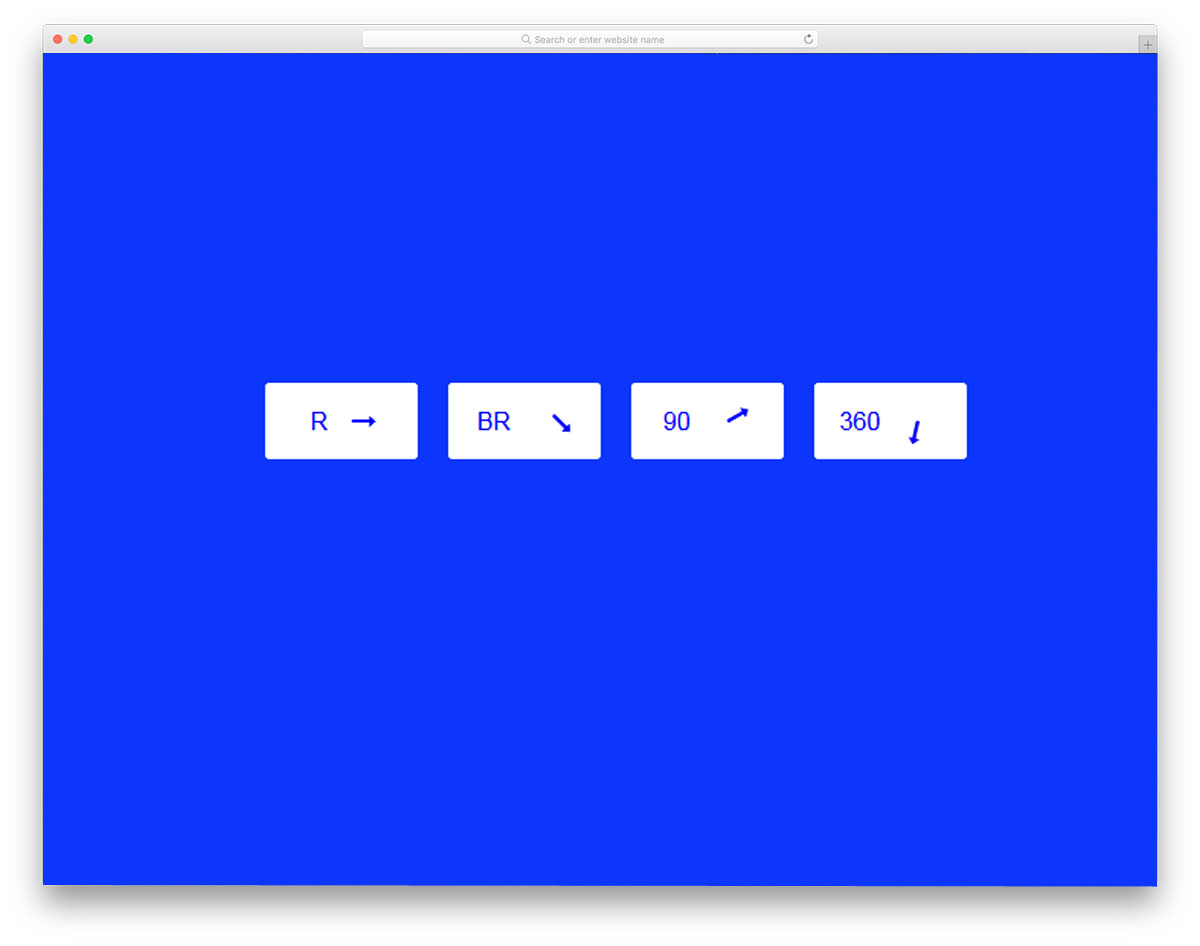
The creator of this arrow animation has given you a set of arrows rotating at different angles. All these animations are made entirely with CSS3. Subtle, clean animation effects make these arrows fit easily into any part of the web page or application. Along with the arrow animation, you also get hover effects with this set. The creator of this arrow set has given you a basic set. By keeping this as a base, you can create your own custom animation or arrow design. Simple code structure used in this arrow design will make the customization part easier.
Arrow Animation By Giorgio Acquati

This arrow animation resembles the animation effect mentioned above by Simon Breiter. In the previous animation, the entire arrow changes direction after clicking. But in this design, the arrow shows direction when you hover over it. This arrow lacks a clicking function or property, but you can add it easily by adding a few codes. Just like Simon Breiter’s animated arrow, this one is also designed purely using CSS and HTML. If you are looking for a clean hover effect for your arrow, you can use this animated arrow example as such without making any changes.
CTA Arrow Hover Effect

Sometimes you don’t need big, chunky call-to-action buttons. A simple text link will do the job perfectly. In simple text links, adding an arrow gives them a richer look and draws the user’s attention. The creator of this arrow has given you a professional arrow animation that you can use on any section of the web page. This indicative arrow animation will let the user know the page’s destination. Since this effect is built with CSS3, you can use it on your existing website or mobile application.
Double Arrow Button

Double Arrow Button is an elegant, animated, double-arrow button. Giving importance to minute details on your design will make your design unique and flawless. If you are always interested in making such flawless designs, elements like this will impress you. The animation effect is smooth and fluid, so the users won’t get annoyed. Plus, all the animation is done within a small area, so you don’t have to adjust the layout to fit this arrow in your existing design. Moreover, it is a button arrow, so you can use it anywhere on the website. By making a few code customizations, you can easily use these arrows in your project.
SVG Triple Arrow Animation

In the previous arrow design, we have seen double arrows, this creator has given us a triple arrow design. All three arrows combine to give a single arrow when you hover over it. By default, this arrow points down to explore more or scroll down. But you can use this triple arrow design for any purpose. The effect is simple and clean so you can use it for any type of websites and landing pages. If you want to keep your users engaged from the header of your homepage, arrow designs like this will help.
3 Arrows Animation CTA

This is also a triple arrow design, but this one designed for the call to action sections. If you are designing a wizard with a single text box, arrow animations like this will show what the user has to show next. The animation is used here with a purpose; it indicates that the user will be taken to the next step or process. Not only the animation effect, but also the arrow’s code structure is kept simple. Integrating this arrow and using it on your website or application will be less time-consuming. The arrow creator has shared the code in the CodePen editor, where you can visualize the customizations before using it on your website.
Animated Arrow Button

These arrow designs can be used in the menu area. If you use a full-page menu design, you can add animations like this to spice it up. The animation used in this example is quick and vigorous to get user attention easily. Left-to-right arrow shifting animation is used in this example, so make sure you give ample space on either side of the element. Since it is a menu concept, the developer has also considered the text length. You can trim the code and use it on your website based on your design needs.
Animated CSS Arrows
Animated web elements are used as part of current web design trends. The CSS3 script provides plenty of options and features by default, so we do not need to use multiple scripts on a single web page. This CSS3 feature helps us create attractive web pages without making them heavy. If you are using animation to deliver the content engagingly to the users, then animated arrow elements will be useful for you. The creator of this animated arrow built it with CSS alone, so you can use it easily in your project.
Simple Pure CSS Arrow Button

This is another useful arrow design for the “Back to top” function. The triangular and circular elements help you convey the message effectively. Plus, the geometric shape gives a proper window for interactive animation. It is a hover effect and the animation is swift and clean so that the user does not need to wait for the animation to finish. As the name implies, this arrow button is made entirely with CSS3. All you have to do is to use the front-end script and add the desired functionality.
CSS Arrows

The creator of this template has only given basic design notes for CSS arrows. If you are a beginner, code snippets like this will help you better understand the code. In this basic arrow design concept, the creator has given a simple arrow design and an arrow with circular designs. The code snippet shows that the developer primarily used CSS3 to create this design. Since the entire code snippet is shared with you, you can easily customize it. Plus, the CodePen editor lets you visualize the result when you change the code.
