

With CSS, we can always create impressive declarative animations. That is, you can specify what you want. Hover effects are the most commonly used animation effects. You can either keep it simple or make it more interactive. Of course, for the interactive complex animation, you might still need JavaScript. In this list, we have collected some of the best CSS and complex hover effects made with JavaScript. With these hover effects, you can add life to your web elements and present your content in an engaging way to your audience.

Trendy CSS Hover Effects Types
In this carefully selected CSS hover effects list, we have picked different types like —
- CSS text hover effect
- CSS hover transition effects
- CSS button hover effects
- hover effects for images, and a lot more
Take your time, see all ideas, and make a stunning website.
Article News Card Hover Effect

As the name implies, this card hover effect concept will help you present engaging content to the audience.
Cards are one of the most commonly used elements in both web and mobile UI designs. Because of the cards’ compact nature and the ability to group relevant information in one place, these article news cards will help come in handy for many blog and magazine sites. The entire HTML and CSS code used to make this template is available in the CodePen editor. For more interactive card designs like this, take a look at our bootstrap cards collection.
CSS Hover Image Gallery
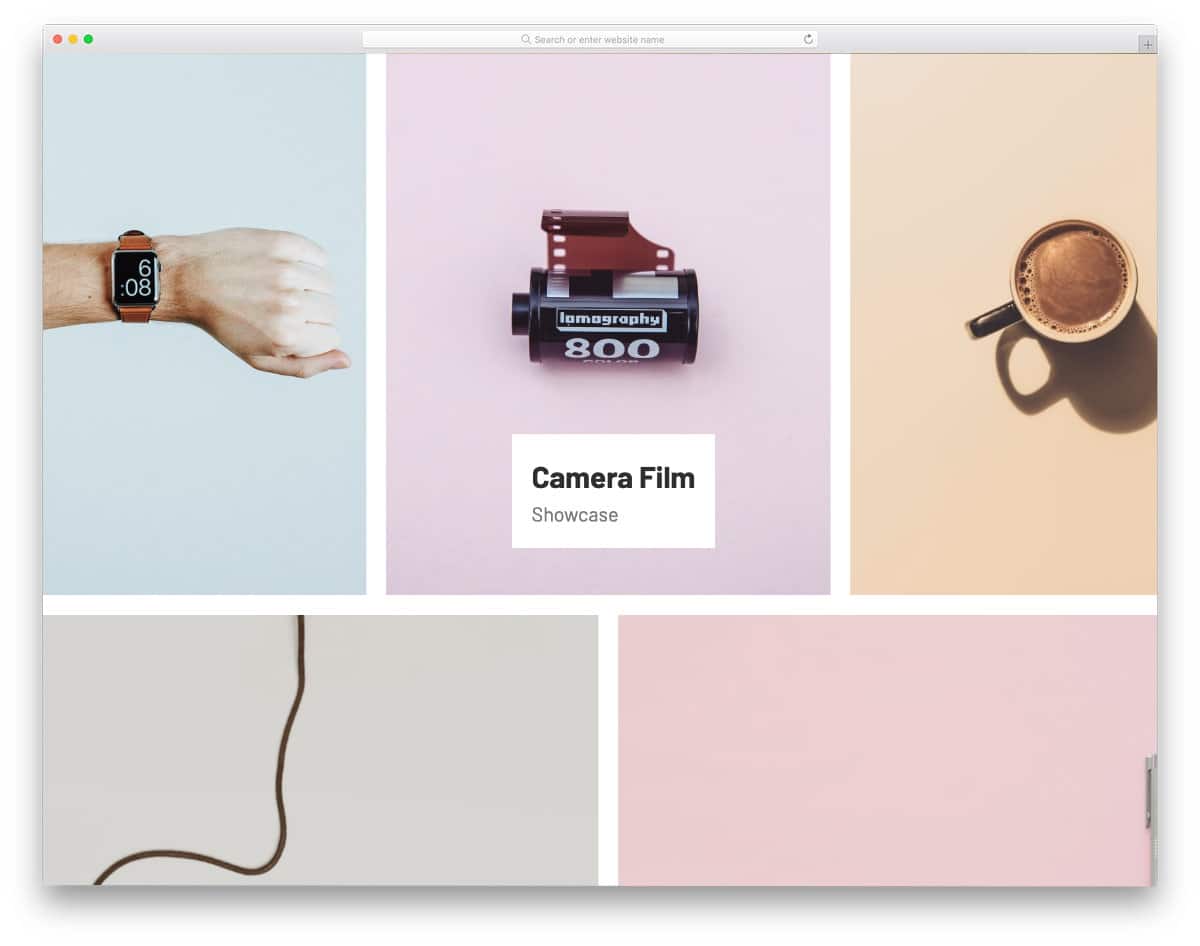
This concept has a CSS hover image effect. The hover effect effectively shows the image details and its tag. Before using this effect, you have to keep in mind that you can’t add links because it will be impossible to click. If you are just showcasing images and don’t want tags and labels to distract from the presentation, this CSS hover effect concept might come in handy.
Image zoom-in on hover is also included alongside the name tag, which adds life to the design. Overall, the CSS Hover Image Gallery is a unique concept you can try on gallery pages.
Dynamic Overlay Menu Hover Effect
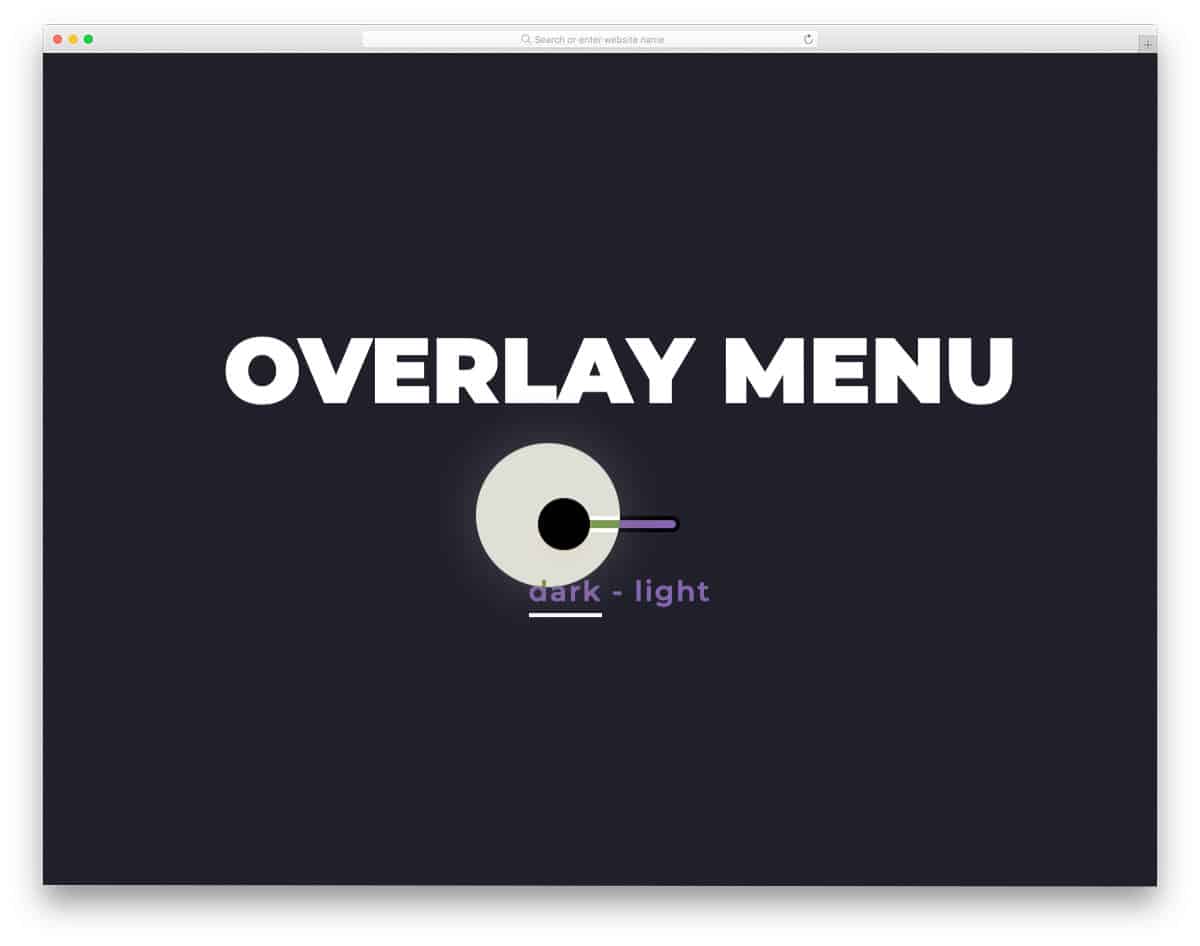
This is a unique CSS hover effect concept in this list. The creator has used a dynamic cursor design in this example to deliver an immersive experience for users. Based on the element, the cursor dynamically changes its character. For example, if you hover over a clickable link or button, the cursor expands and highlights the clickable area.
What makes this concept even more interesting is that the dynamic cursor hover effect changes between dark and light modes. A glow effect is used for the cursor in dark mode to make it even more visible to users. Take a look at our CSS glow effect concept collection for more practically applicable designs.
Button Hover Animation

Button Hover Animation is a minimal CSS button hover effect, which you can use on any website. Since it is designed for call-to-action buttons, the buttons’ edges are used in the animation. The CSS hover effect is smooth and clean, thanks to properly written code. Since it is a lightweight code script with the latest HTML and CSS3 framework, it loads faster. You can use this effect even on responsive designs. By making a few customizations this hover effect can be used effectively in your existing website or project.
Collection of CSS Button Hover Effects

In the previous example, the developer provided only one effect. In this one, you get five types of CSS button hover effects. All the hover effects are smooth and simple, so that you can use them on any type of website and landing page. Another advantage of these button effects is that they are all designed solely with CSS3 and HTML5. Hence, you can add or edit the colors and effects you want. The default animation effects in this set are smooth and clearly visible, so users on mobile devices can experience them without any issues. The coding used to make all five hover effects is shared with you directly. Pick the one you like and start working on it.
Proximity Hover Effects
In modern web design, hover effects enhance the user interface experience. And also to add more meaning to the design. In this example, the creator has provided six concepts for proximity-based hover effects. Each demo is unique and gives you fresh ideas. The creator has cleverly balanced the proximity and the progressive attributes to deliver an impeccable user experience. One example, most users will love is the search bar hover animation and the registration form animation. On the registration form design, when you take your cursor near the submit button without filling a mandatory form field, the missed field is neatly highlighted before you click the button. The web design industry is slowly moving towards meaningful interface design. Using CSS hover effects like this will keep your design future-proof.
Gooey Image Hover Effects
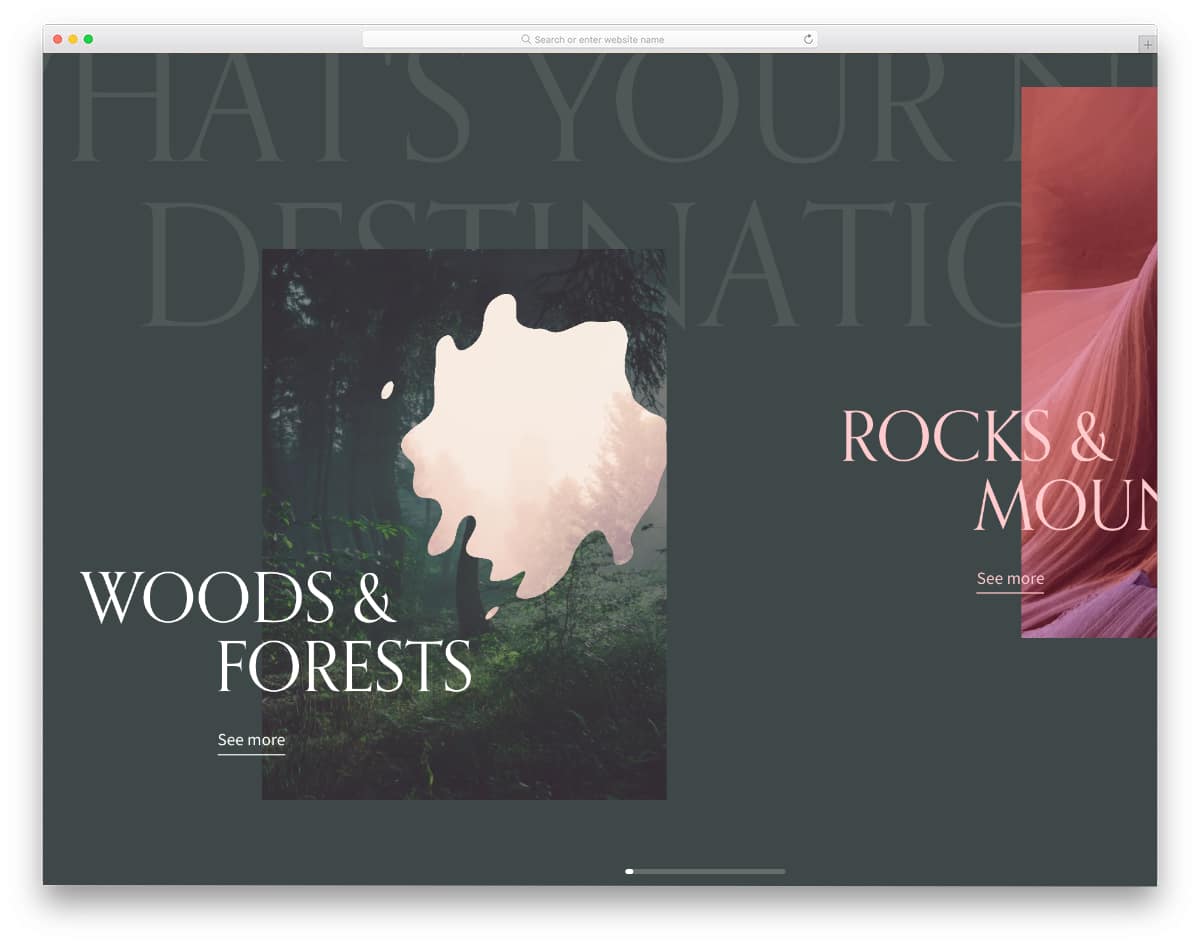
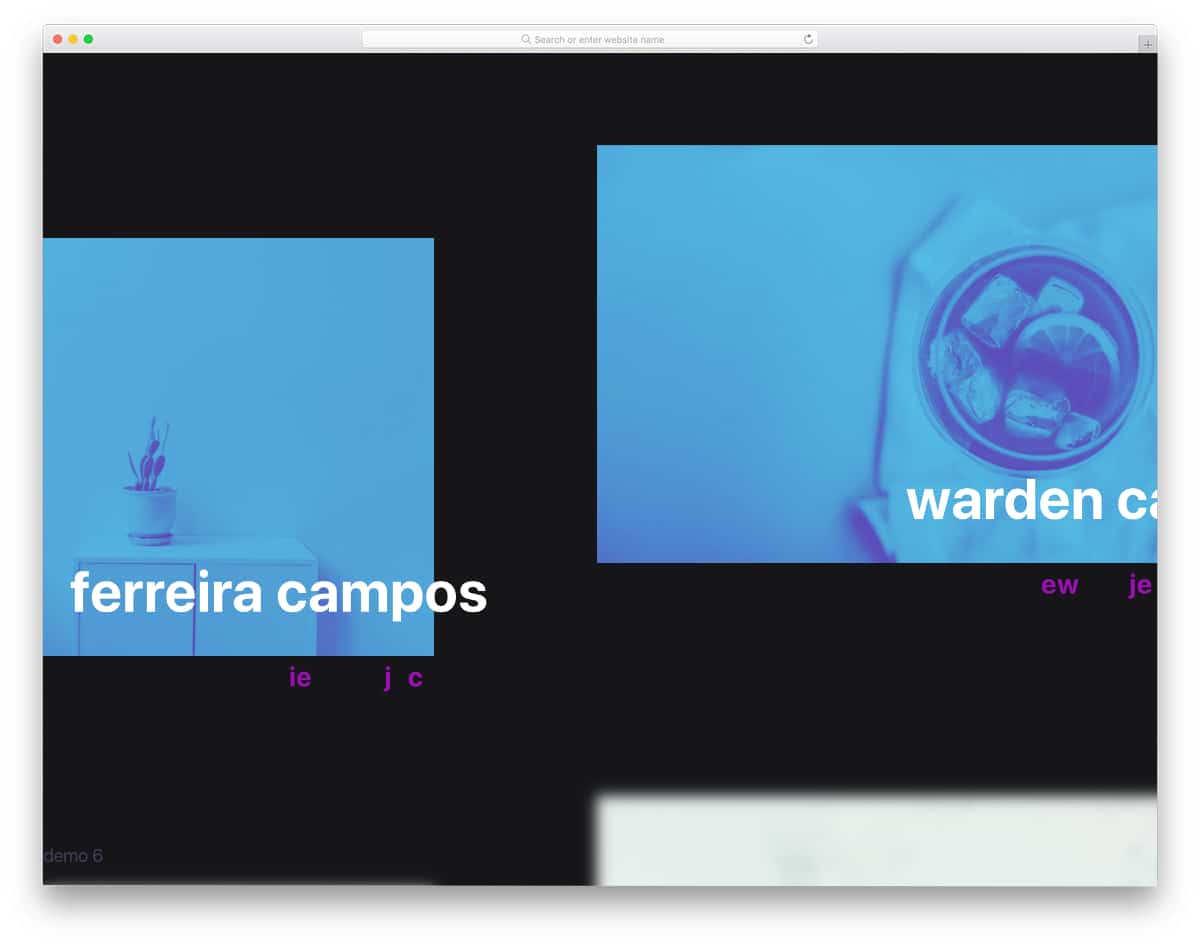
In this example, the creator has used the three.js framework to deliver an impressive image hover effect concept. As the name implies, you get hover effects for images. Dynamically changing background colors and smooth hover effects movement will keep the users engaged. By keeping this design as a base, you can create your own custom design. The default design in the example will be a perfect option for creative portfolio page designs. If you are a creative professional like an illustrative artist, photographer, or videographer, hover effects like this adds life to your images.
Menu Hover Effects
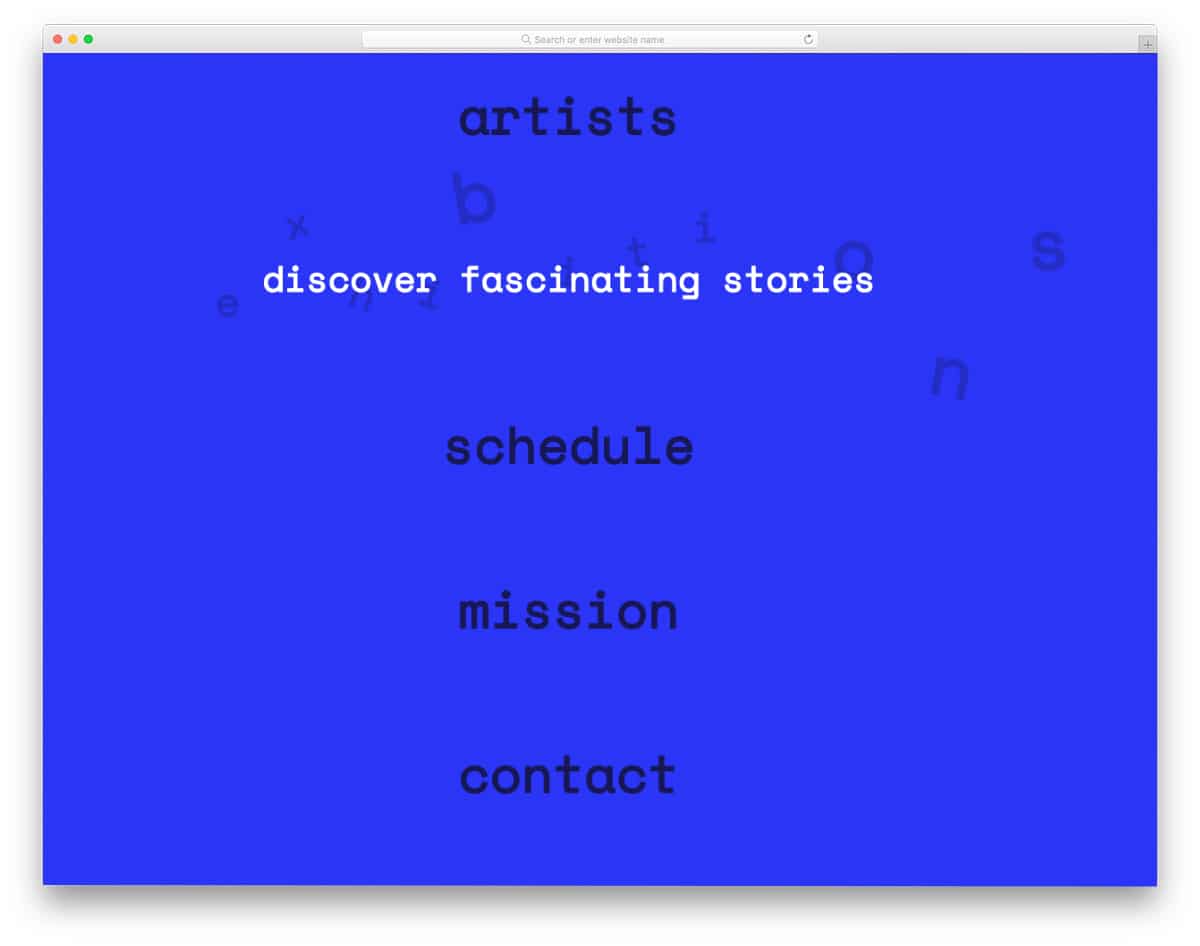
Navigation menu design is another area where developers constantly look for inspiration for hover effects. The creator has given different types of hover animations for the navigations menus in this example. All eight variations are unique and give a new dimension to your design. You get the entire code used for all eight demo variations in the download file. So you can easily work with this template and can use it on your project without any issue. Both creative and professional effects are given in this pack, based on your needs, you can pick one and start working on it.
Direction-Aware 3D Hover Effect
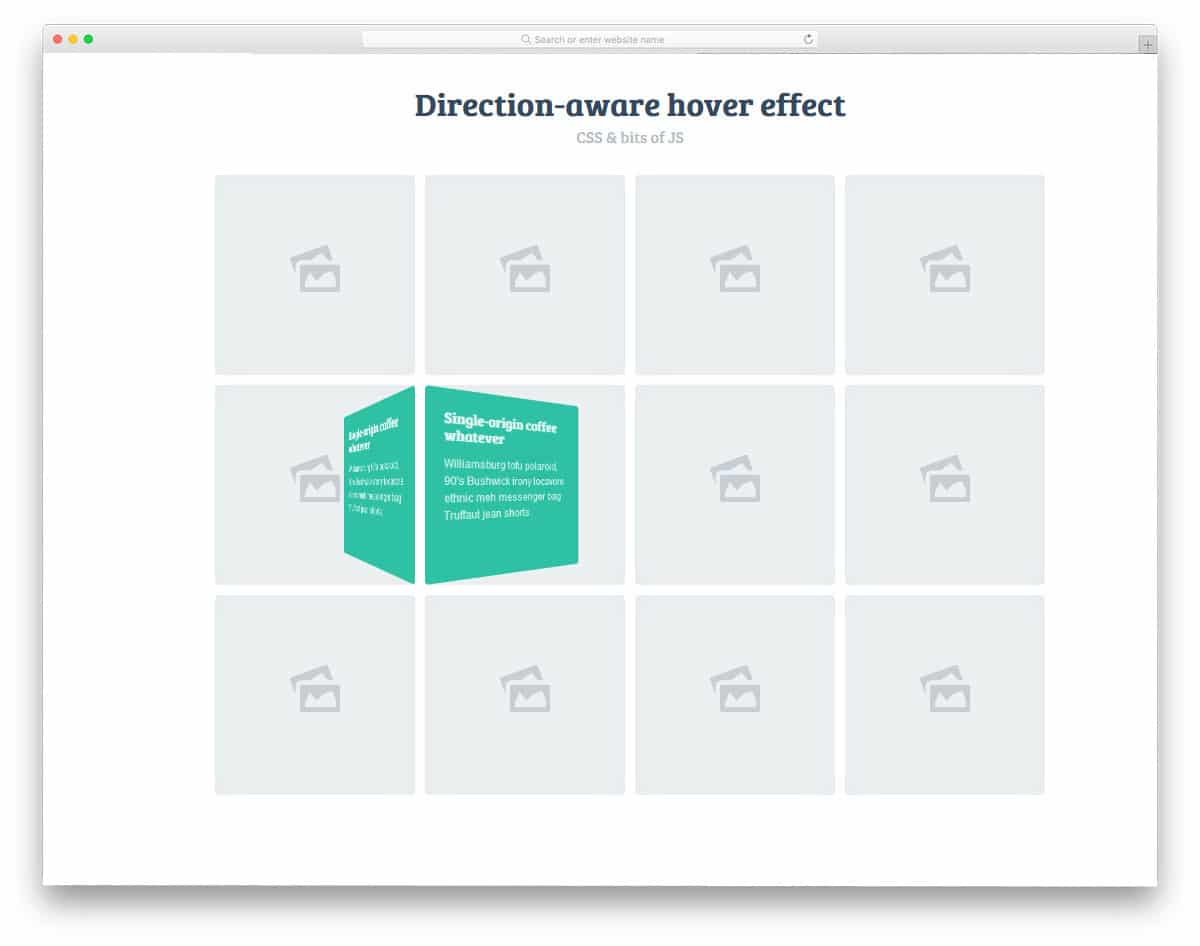
As the name implies, this effect rolls in the flexbox with contents based on the cursor movement. This effect is very effective on gallery pages and services listing pages. Without taking up much space, you can give a brief overview of the project. Even in the demo, the developer has taken a gallery concept. If you are an architect or a construction company, you will have a separate web page to explain the project. In cases like that, you can use hover effects to take the user to the corresponding web pages. The creator of this effect has used HTML, CSS3, and JavaScript frameworks to make the effect smooth and dynamic.
10 Stunning Hover Effects With SCSS

The hover effects need not always be simple stretching and contractions. You can use creative elements tailored to your website’s niche. The developer of this effect has given you creative hover effect examples for travel websites, construction websites, photography websites, and nature websites. The best part of all these creative and lively hover effects is all of them are done purely using the SCSS script. All the effects are smooth and load faster, hence you can give an immersive feeling without making the web pages heavy. You can take these effects as an inspiration and you can develop your own custom effect based on your design needs.
Stack Motion Hover Effects
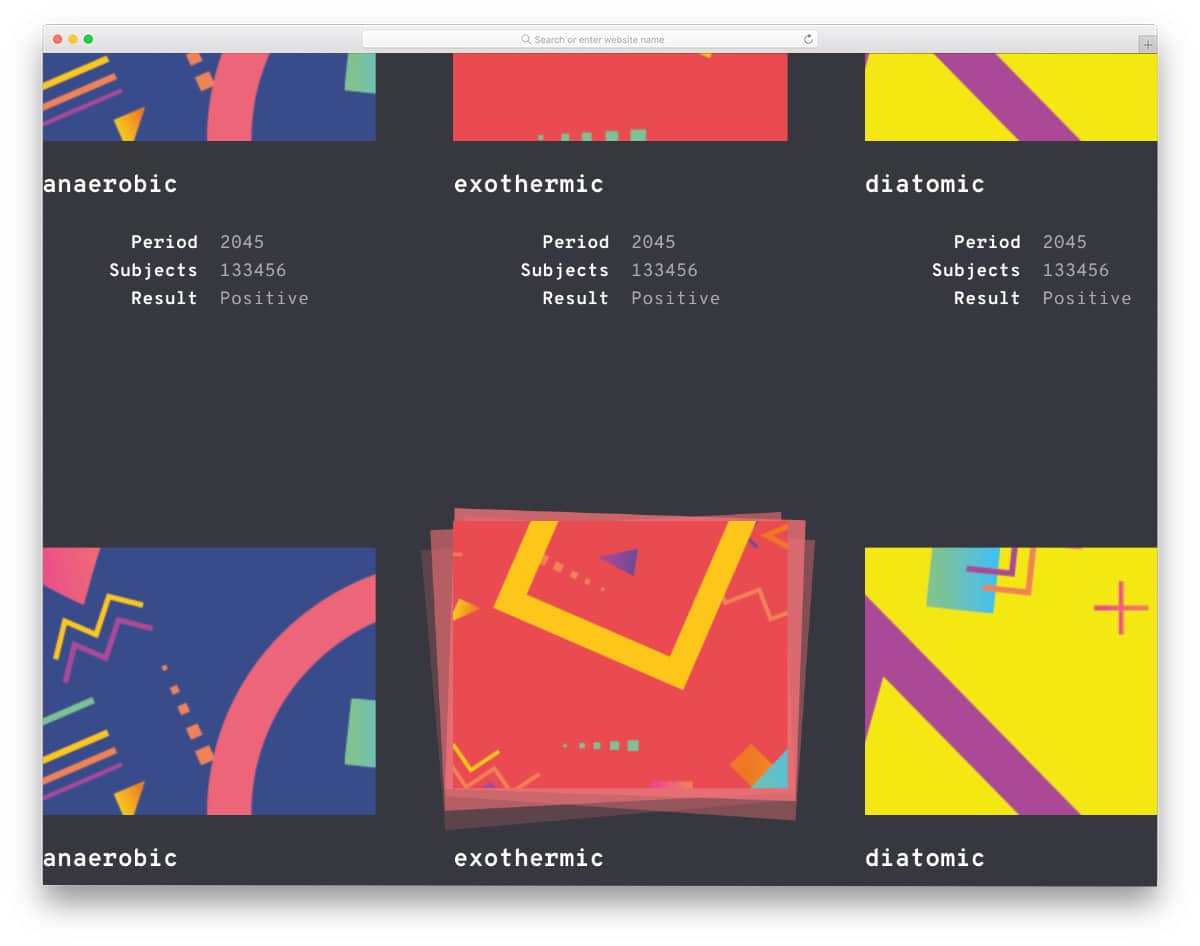
If you are organizing a group of images or related content, these stack hover effects will come in handy for you. The creator has provided different hover effects in this example. All animations are swift and clean. The text content right below the stacks also adjusts as per the animation to improve visual aesthetics. The entire code script used to make this design is included in the download file. Hence, using this code in your design will be easy.
Cool Hover Animation
The creator Tonifuzi has given us a useful hover animation effect. Simple CSS hover effects like this are handy and can be used in all websites. The demo shows that the creator has used the flipping animation for the feature or service section. Color transformation and flipping animation are smooth and swift so the user won’t have any trouble interacting with your website. Another advantage with this design is it is made purely using HTML5 and CSS3 script, hence you can easily utilize the code even in an existing website.
CSS Animated Hamburger Icon
Another simple and useful hover effect for hamburger menus. In this example, you get only hover animation, for toggle animation and navigation menu designs, look at our CSS mobile menu design collection. Like the design, the code script is kept simple and clean. Hence, you can easily use this hover animation in your mobile menu and website menu. This is one of the best CSS hover effects for the hamburger menu icon.
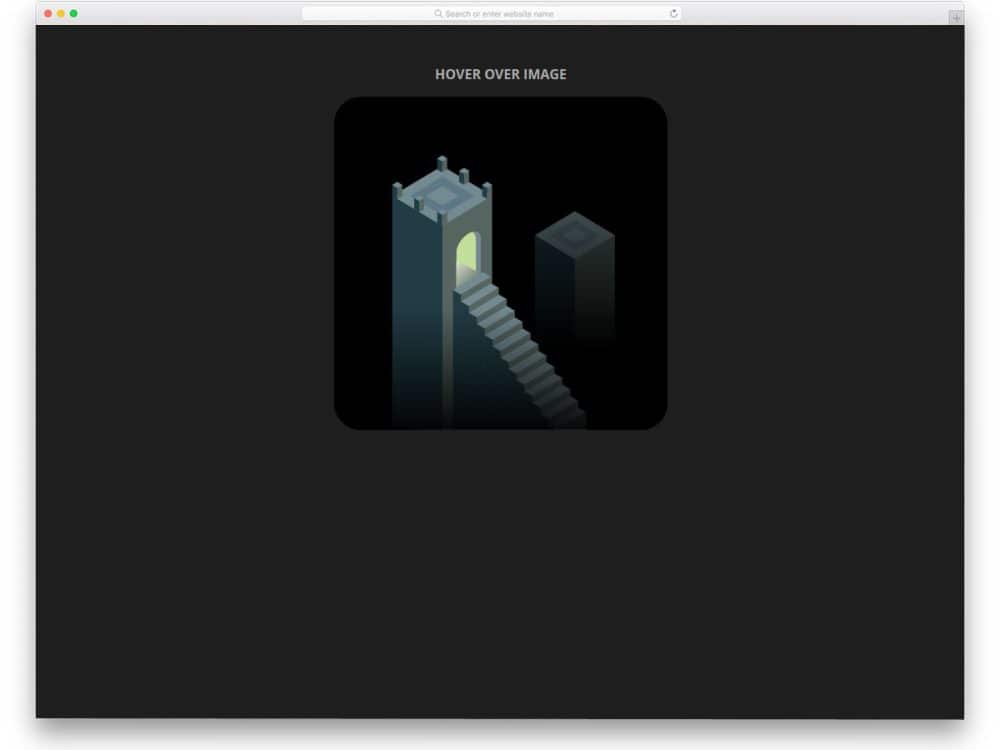
SVG Hover Animation – The Tower

In modern web design, animation effects are used effectively to provide a more immersive experience for users. Plus, you can deliver the contents with clarity. Though the original hover animation concept looks complex, the creator has used the HTML5 and CSS3 script smartly to give you a light-weight interactive hover animation. CSS hover effects like this will be a perfect option for product landing pages and for gaming websites. Since it is an SVG based animation, you get a precise result. By keeping this concept as a base you can use other SVGs in your design. For more interactive animation like this, look at our Three.js animation collection.
CSS “Sparkle” Hover Animation

Sparkle animation is another simple hover animation for links and call-to-action buttons. The creator has used button border animation in this example. Hence, the main content is not affected in this example. If you are particularly interested in border animation, take a look at our CSS border animation design example collection. Since the creator has mostly focused on the animation, CSS3 is used extensively in this design, and HTML is used to fine-tune the result. Even beginners can work with this template. If you are new to development and looking for simple CSS hover effects, designs like this will the best point to start your work.
CSS Image Hover Effects
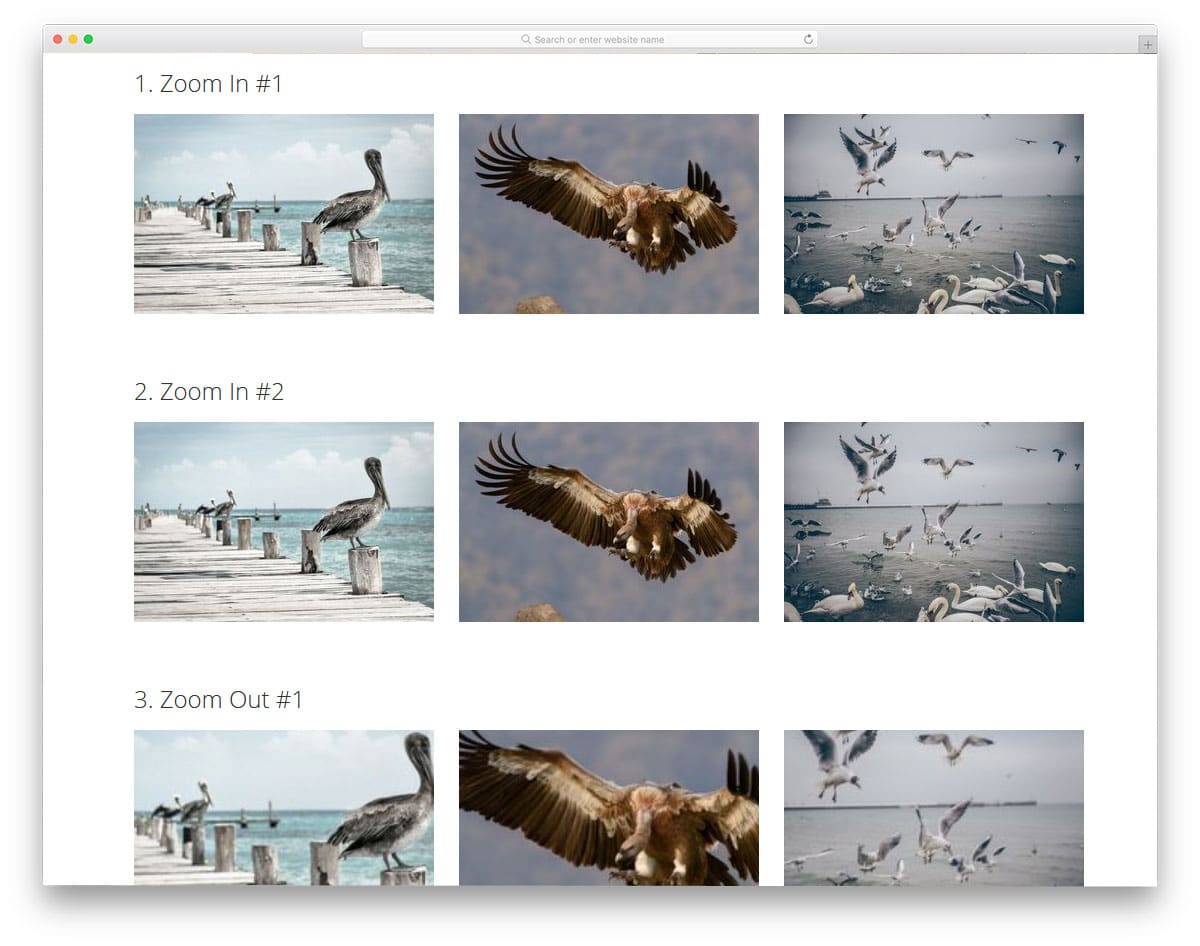
Hover effects are most useful in the website’s gallery section. Especially on portfolio website templates, rather than simply showcasing the work, sharing a few details about it will pique users’ interest. The developer of this hover effect set has given you fifteen different hover effects. Each one has a unique effect. Based on your need, you can select one. Effects like this will not only help you show text but also add life to your images. If you use these effects on a photography website, they will add richness to the overall look.
World Places

The latest web development frameworks have opened up unlimited possibilities for creating creative designs. There is no restriction on bringing the creative design to life. Elements like this will spice up your design if you are making such creative web designs or website templates. Each element in this effect is treated as a card and flips open when you hover over it. Shadow and depth effects effectively differentiate the elements from the background. Instead of animating each part of the card, you can animate the entire card to keep the design simpler. The transition effects are fluid and smoot,h so the users will have an interactive experience with this hover effect.
Simple Tile Hover Effect

Tile designs let you display multiple items in a single place. If handled properly, you can create a functionally creative website. When we think of the tile, the first thing that comes to mind is Windows. After several upgrades, it is finally getting in line with usability and easy accessibility. The best thing about the tile design is that you can animate tiles based on their content type. In this design, the developer has given you the ability to display the tile’s contents and titles. If you have limited space but need to show more content, the best approach is to use accordions. Take a look at our accordion design examples with cool effects like this.
Creative Menu Hover Effects
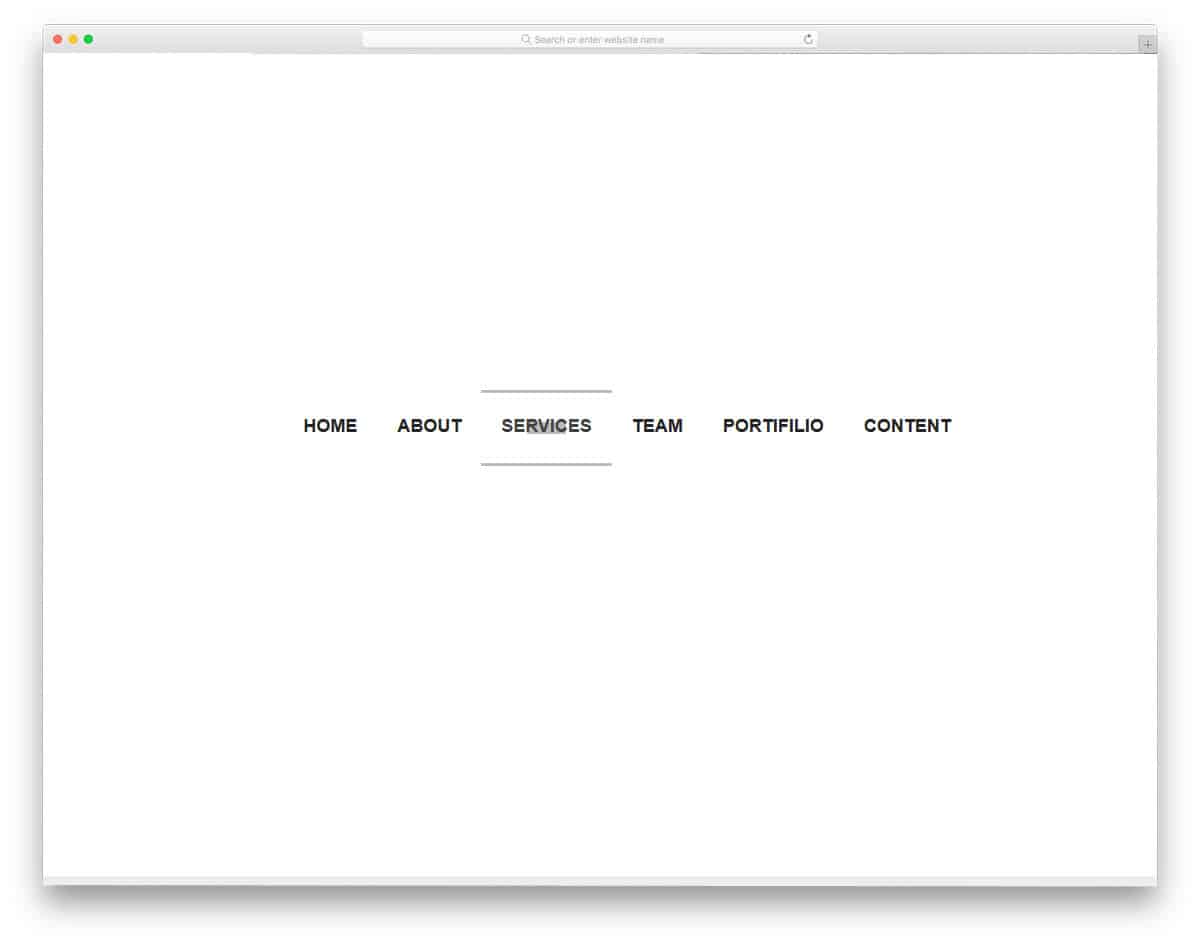
Another area where hover effects are used extensively is the navigation menu bar. You can simply list the navigation menu options just like normal websites, or you can use some effects to make your website stand out. As experts always say, detailing is the devil. Taking each element into consideration will result in an extraordinary product. For example, all Android phones have a notch, but none have the iPhone’s functionality. If you are making such a unique design, effects like this for the menu bar will make your website complete. The overall effect is sleek and is achieved with CSS3. Speaking of iPhone, look at our iPhone mockups to elegantly showcase your responsive design.
Attract Hover Effect
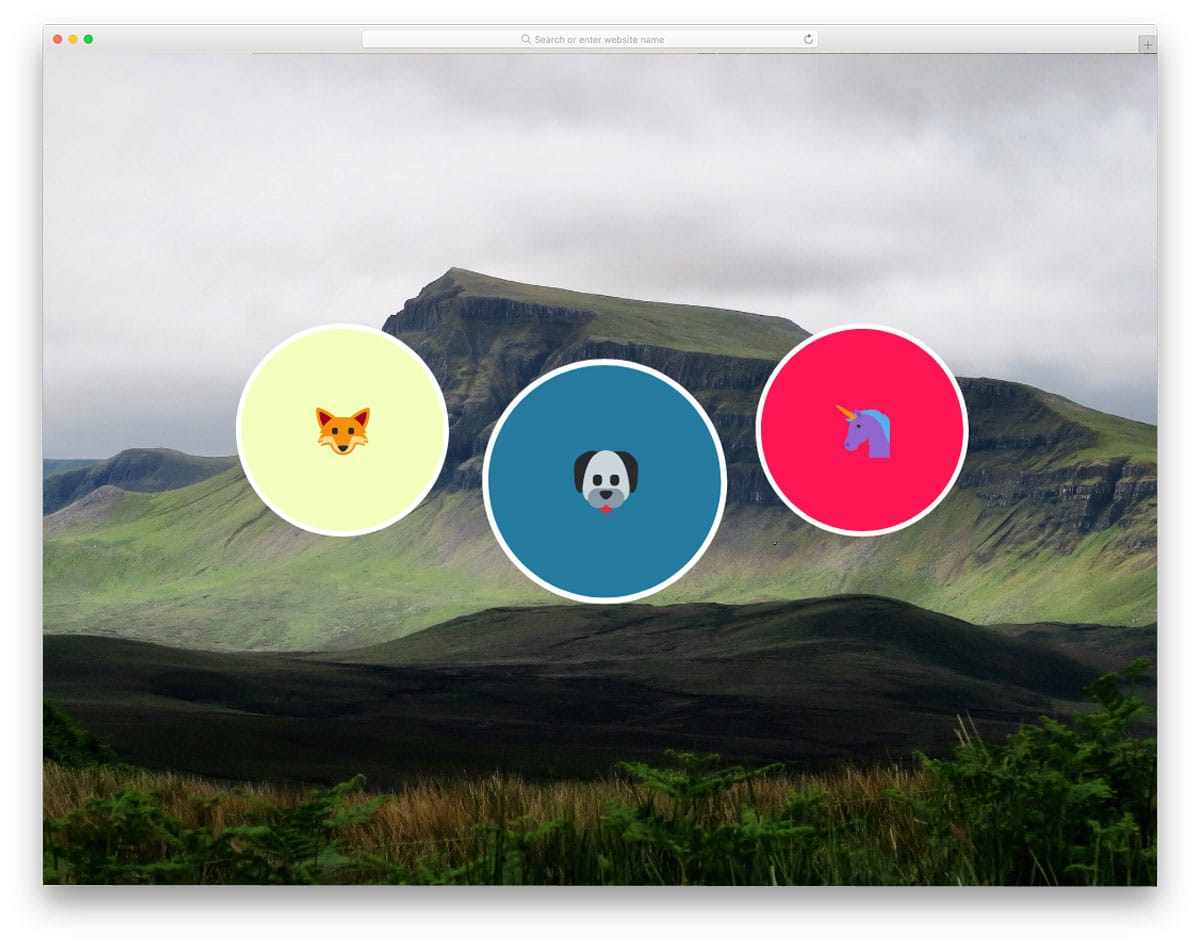
Speaking of latest iPhones, this developer has used emoji icons in his design. The emojis are just images in this effect; the real effort goes into the hover effect. In the previous Direction-Aware 3D Hover Effect, the flexbox rolls in based on your cursor movement. In this one, the element moves with your cursor. You can use this effect on your team section and service section. Rather than simply putting the images in, you can use effects like this to give the elements life. Since it is a dynamic effect, the developer has used JavaScript and HTML5 and CSS3. You can adjust this effect based on the code structure you use in your project or website.
Button Hover Effects

Button Hover Effects is another set of hover effects for call-to-action buttons. But this one is from a different developer. So you can expect a variety of animations in this one. Using hover effects for call-to-action buttons is crucial on landing pages. As we, the present generation, have a short attention span of about 8 seconds, using hover effects will help us easily capture the user’s attention. The developer of this effect has given you eleven different types of hover effects in this set. The entire code structure used for all eleven effects is shared with you. Based on your design needs, you can pick one and start editing it to use it on your website.
Animation Hover Effect
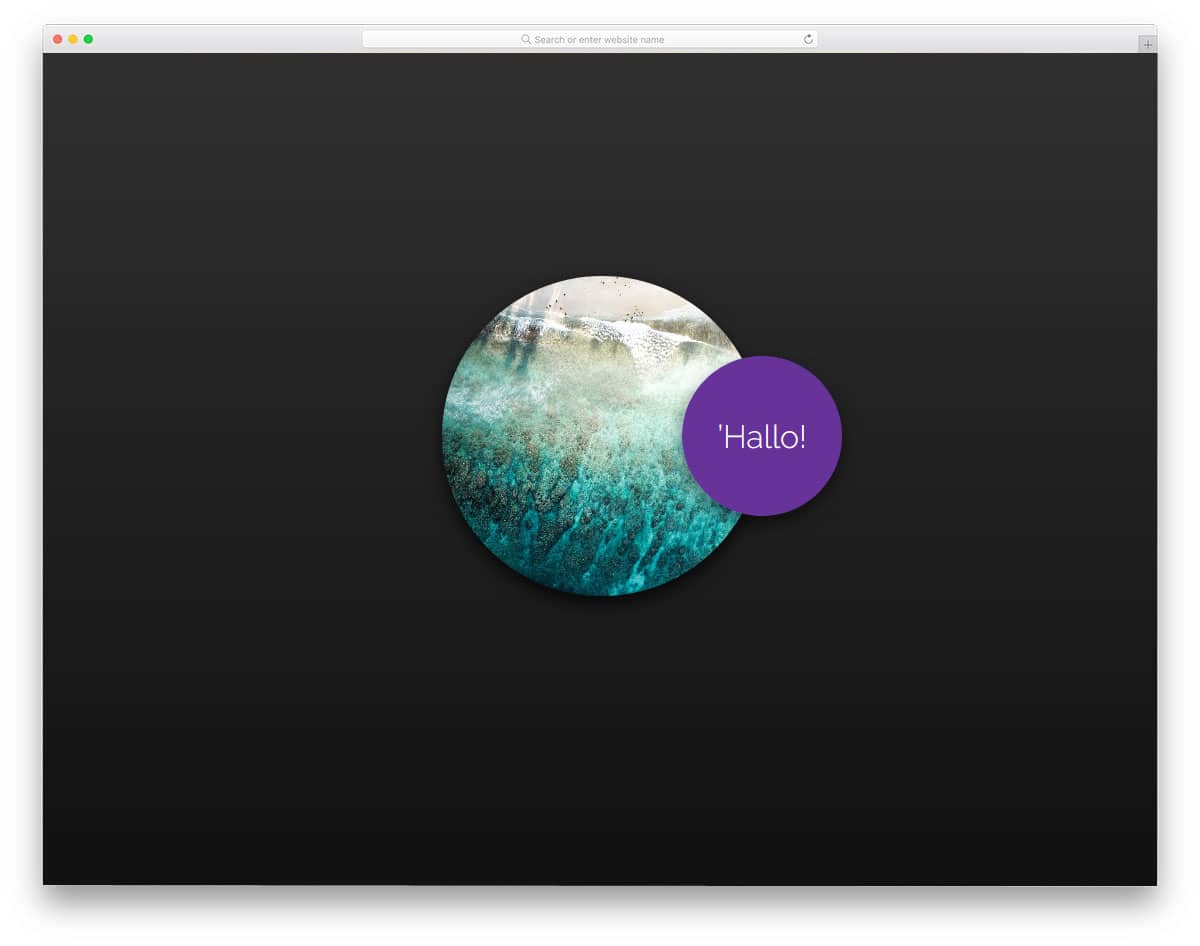
This Animation hover effect can be used for freelancer websites and other personal websites. With this animation hover effect, you can give an interactive personalized welcome message to the users. Or you can use this effect even on your membership website, to give a warm welcome to the users, when they log in to their account. If you are running an eCommerce store or web application, you can show some personalized offers and plans to the user with effects like this. The designer of this design has provided you with a base structure. You can add your own features and use it in the way you want. As this design uses basic CSS3 script, customizing and integrating this effect won’t be an issue for a developer.
Glowing Icon Hover Effect
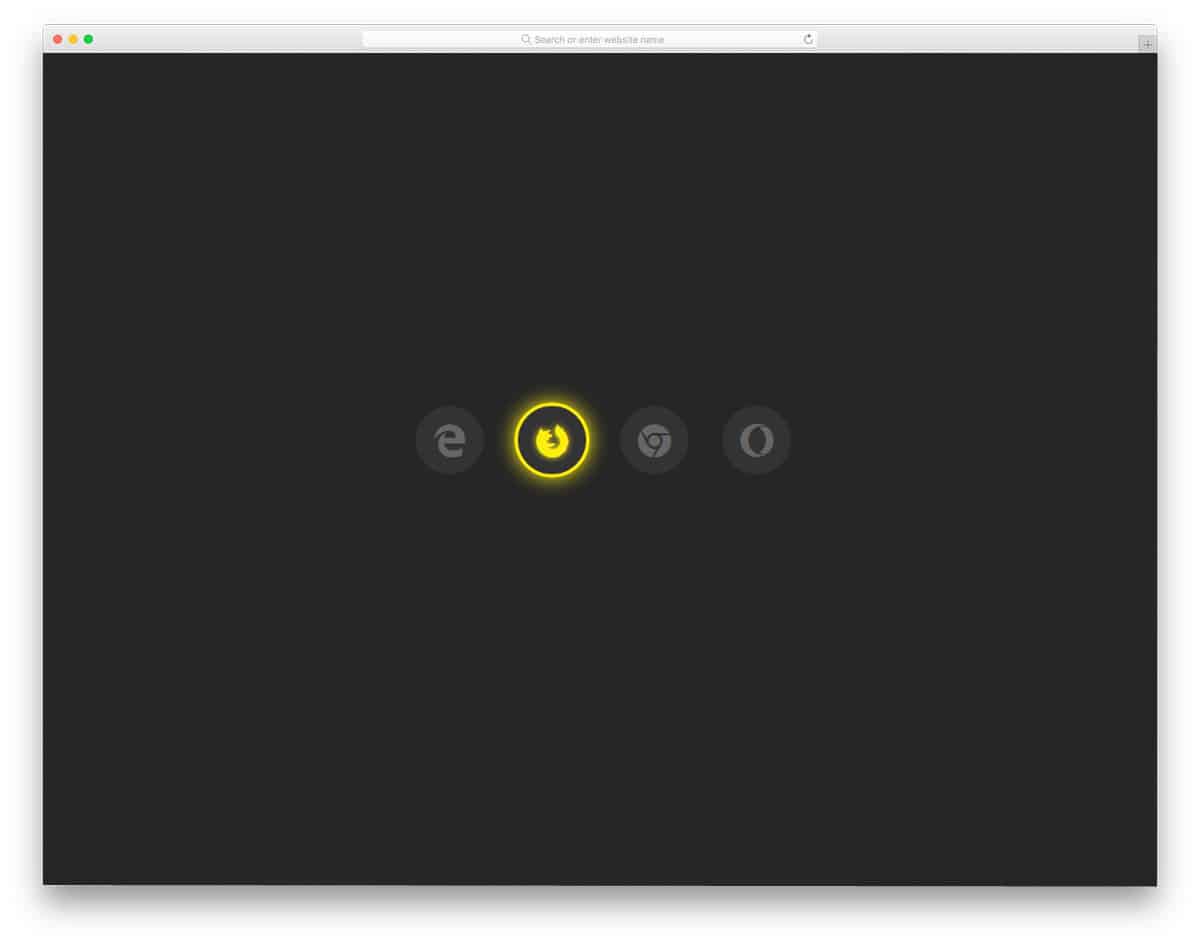
Glowing Icon Hover Effect is a simple yet attractive hover effect. If you use a minimal dark theme website, effects like this will make your website even attractive. Plus, on the dark theme design, the colors look more vibrant without any disturbance and the contents can also be read easily. Since the effect is very minimal this will blend in well in a minimal website template. The developer of this effect has used CSS3 script so you can add any modern color to it. And you also use your own custom effect if you want. Look at our CSS animation example collection for more animation inspiration like this.
Social Media Icons Hover Effect
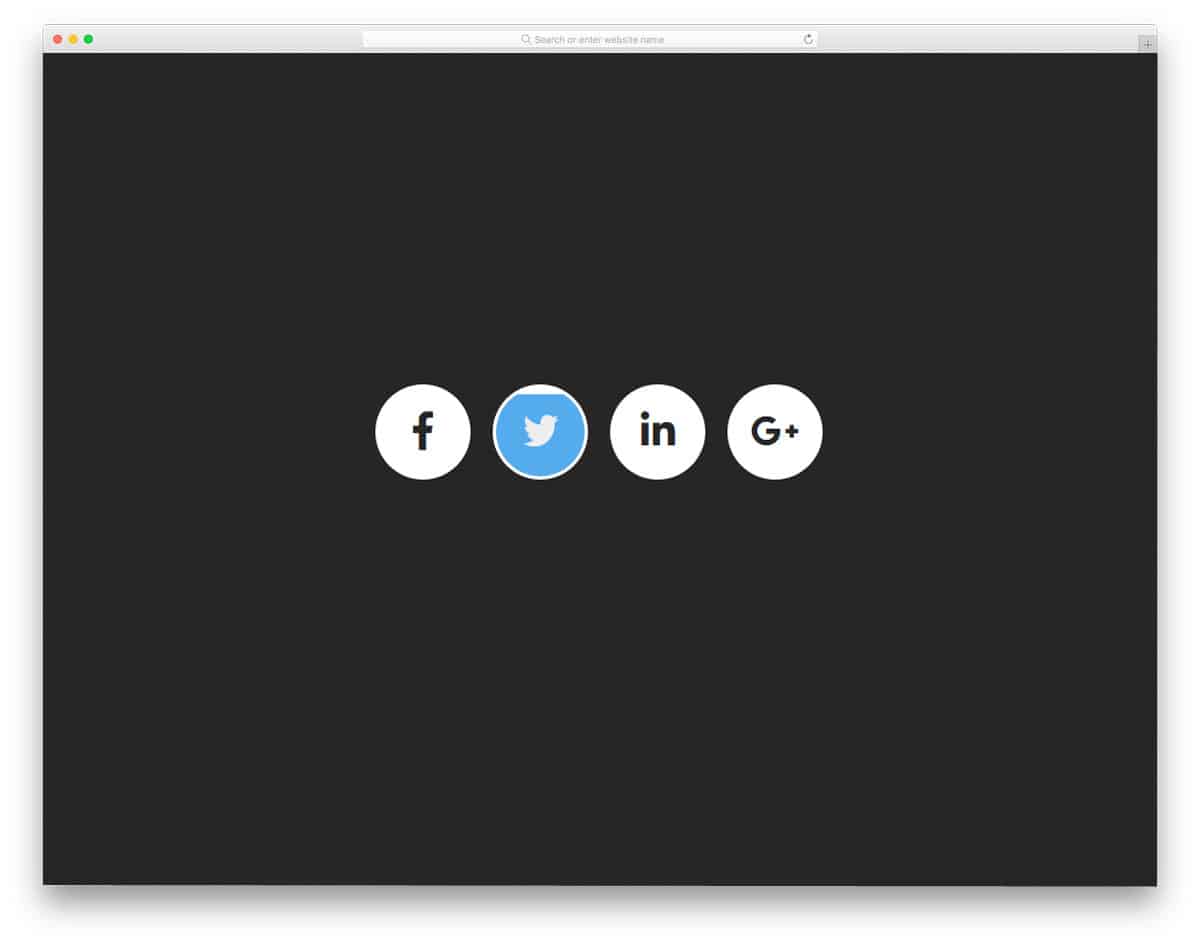
Social Media Icons hover effect resembles the glowing animation effect mentioned above. Adding social media icons is a must for both personal and business websites. Maintaining one active social account increases your social presence and helps you build credibility and connect with your audience. Using effects like this for your social media icons on your website will capture user attention when they hover over them. In the previous effect, you get the glowing effect. In this one, you get a flipping animation with a color-filling effect. Like all other simple CSS hover effects, this one is also designed purely with CSS3.
CSS3 Pseudo Element Hover Effect
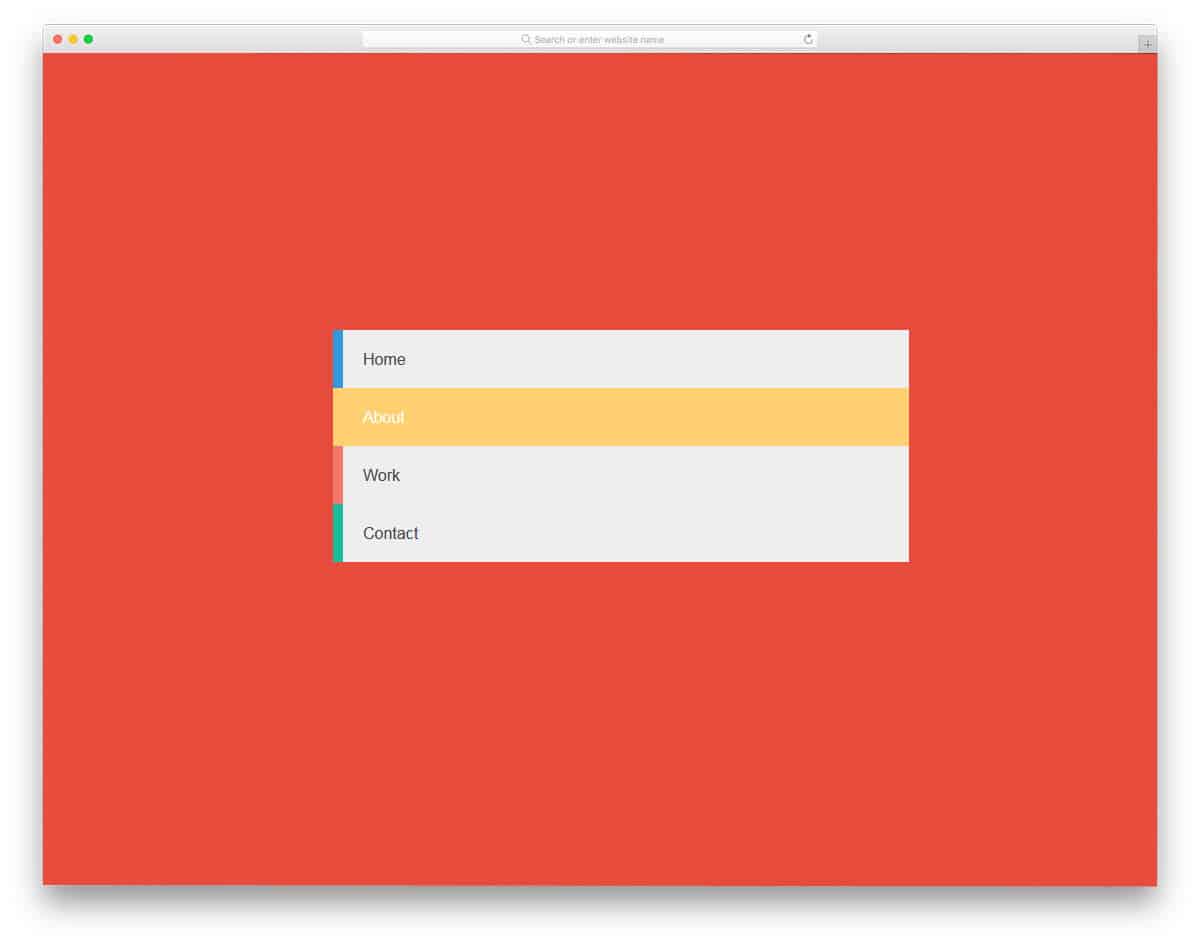
We have seen many navigation menu designs in our CSS menu collection. If you are making full-page navigation menu or side navigation bar, effects like this will help you neatly differentiate the menu options. In magazine website templates, different colors codes are used for the categories and tags to help the users easily find the topic they are interested in. Effects like this will help you organize menu options by the category color code you use. As the name implies, this one is also designed using CSS3. You can edit the code and use it to the way you want.
Image Hover Effects

Image Hover Effects is another hover effect designed purely for images. In the previous CSS Image Hover Effects list, you get a set of fifteen hover effects. This is a simplified version with only four effects. The only new effects in this one are the 3D hover effect and color filter effect. If you are a designer creating 3D prototypes and poster designs, this effect might help. To present your poster designs elegantly like this, look at our poster mockup collections. The developer of this effect has also given you flexboxes in the effect to let you add texts about the image.
One Div Hover Animation
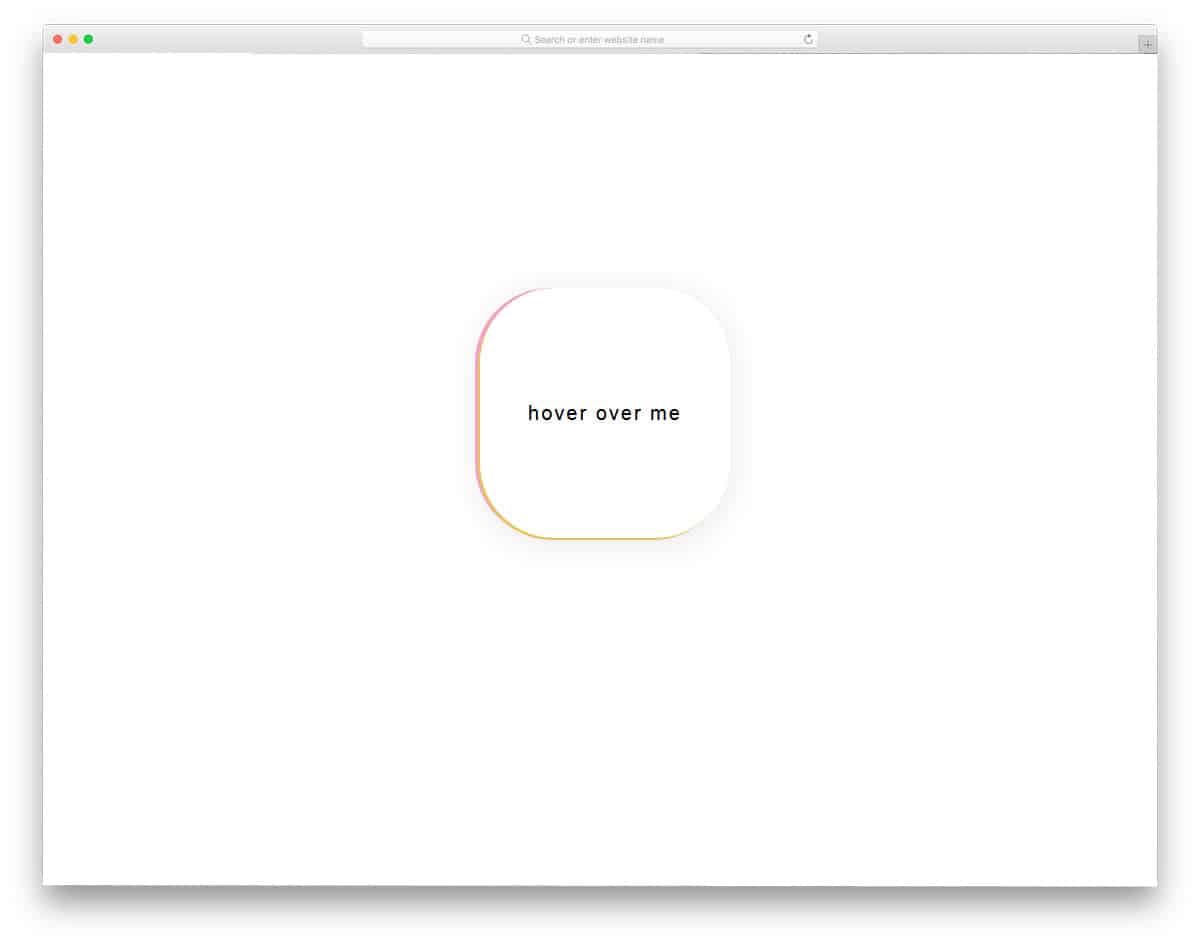
A one-div hover animation is a minimal, colorful hover effect. If you use a minimal website template with lots of white space, this effect fits in perfectly. The boundaries are not visible until the user hovers over the target area. If you wish to make your website viewers awe-struck by a subtle animation effect, this could help you. As it is a minimal effect, you can use it anywhere on your website. Based on the available space on your web page, you can adjust the hover button or element’s space. Another friendly option is that it is built entirely with CSS3. Hence, customizing and integrating it into your existing project will be easy.
CSS Hover effect By Jeremie Boulay
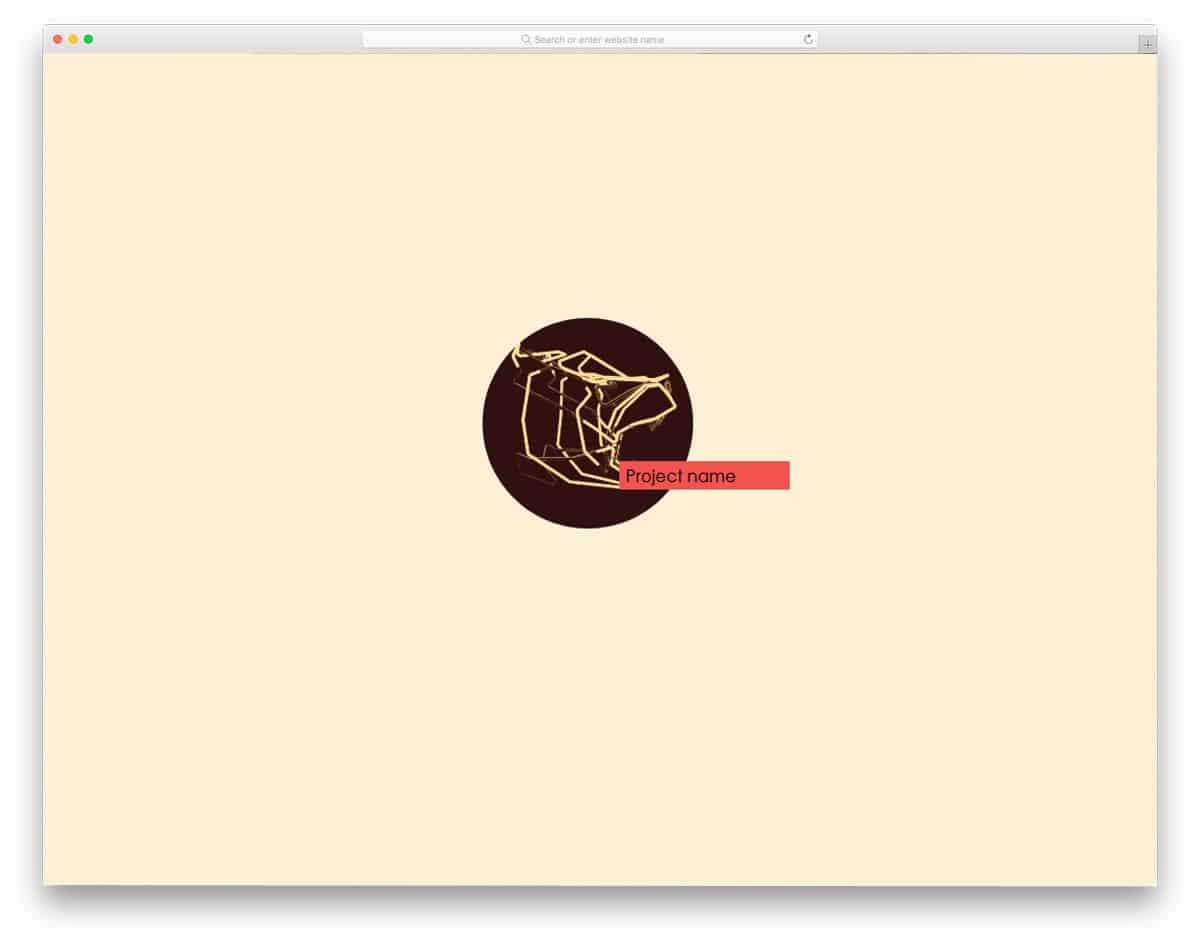
This animation might catch your attention if you’re expecting a futuristic hover effect. A rotating three-dimensional image is shown when the user hovers over the dot. As many creative startups are providing unique solutions to everyday problems, making their website futuristic will help them easily relate to their target audience. This effect can also be used on a creative person’s personal website. Another unique feature of this effect is that it is built with HTML and SCSS. Hence, using them in a modern website won’t be an issue. By making a few optimizations, you can easily use this on your website or application.
Border Hover Effect
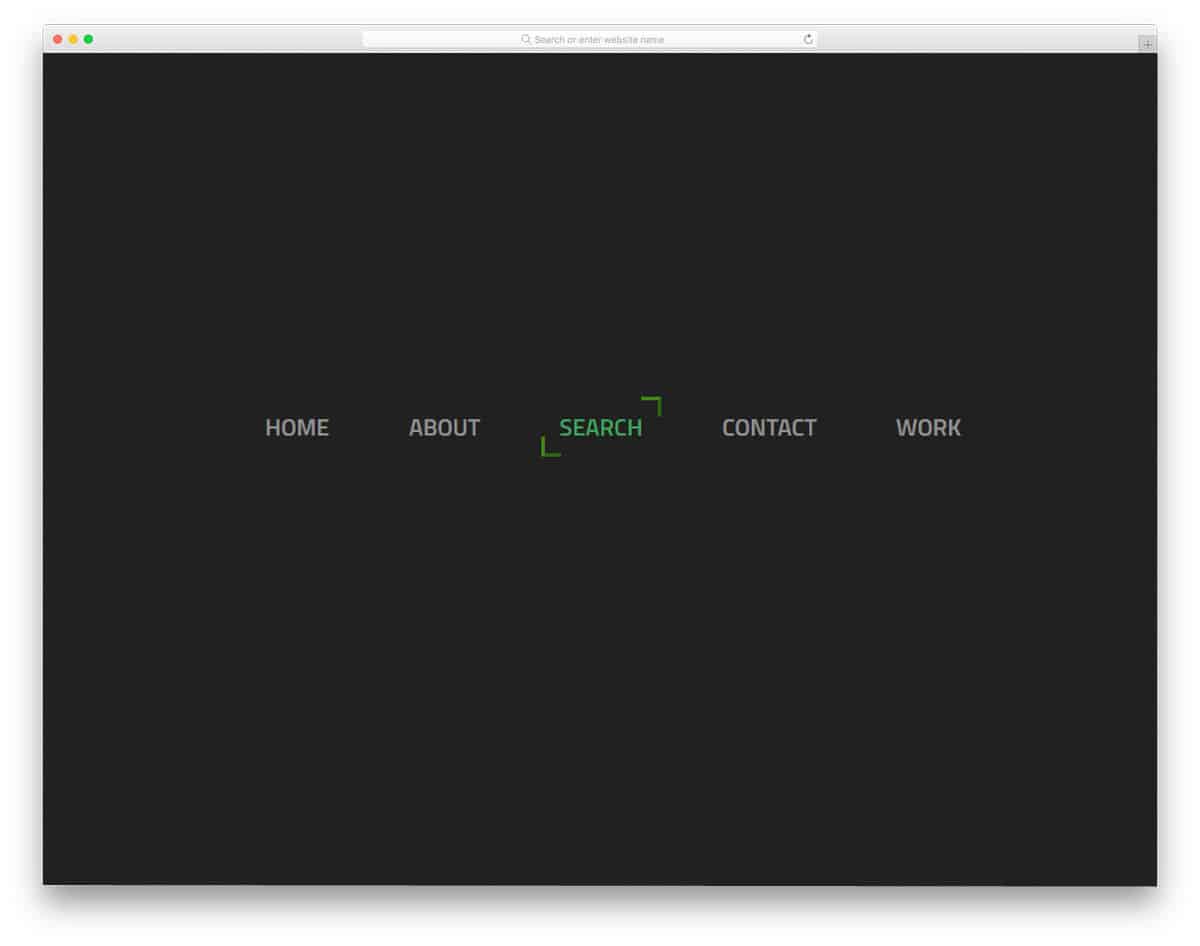
Border Hover Effect is another small animation effect for the navigation menu bar. In the default design, you get a dark theme background with green hover effect. But as usual, you can change the color scheme and other effects based on your design needs. The hover effect is snappier and smoother, so the user does not need to wait for it to end. This hover effect can not only be used for navigation menus but also for call-to-action buttons. Ample amount of space is given between each option to make the effect look neat. Make sure to give enough room before using this effect on your website.
Image With Reflection And Proximity Effect
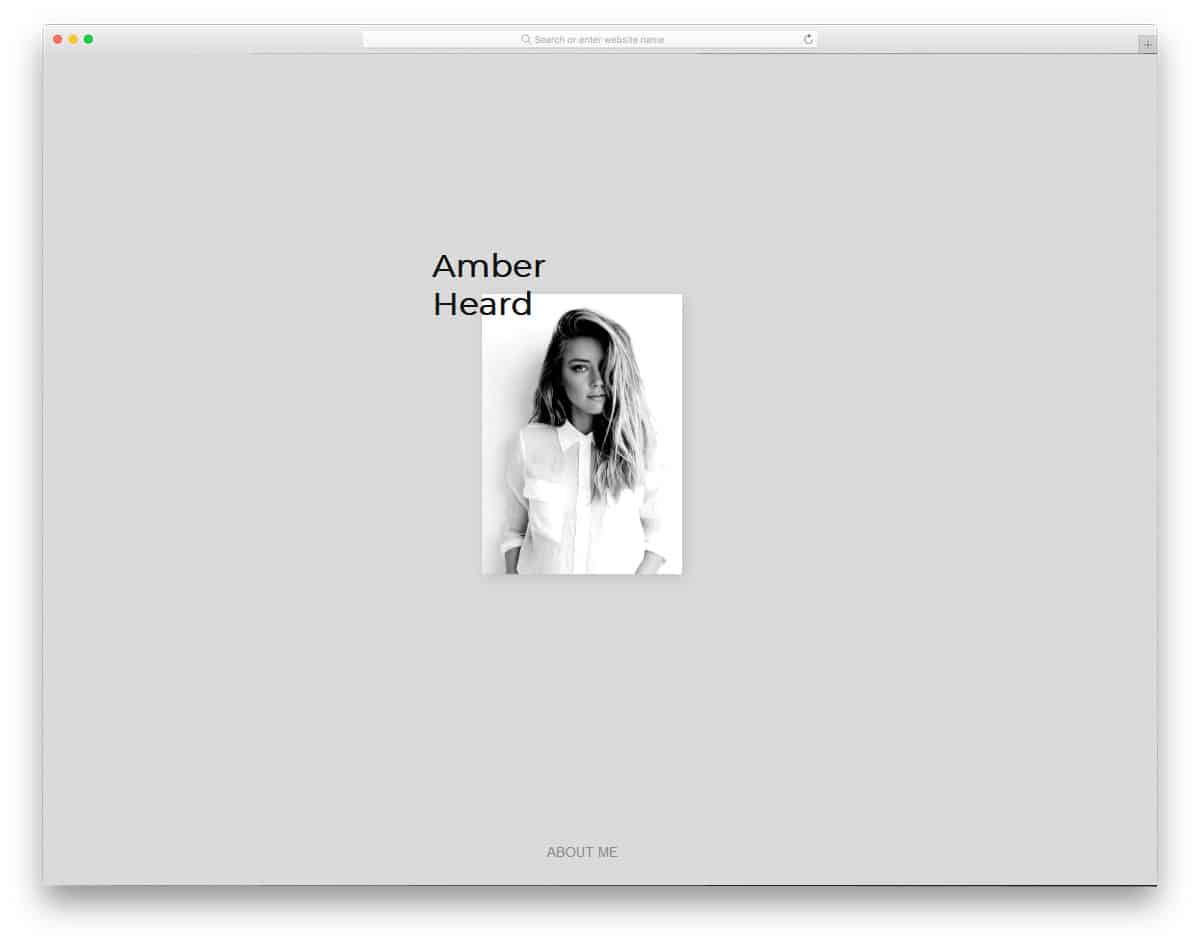
The creator of this hover effect has beautifully blended two effects. As the name implies, this one has an image reflection effect and a proximity effect. Shadow and depth effects are also used effectively to enhance the effect’s authenticity. Typography is also used in modern web design. If you are using typography design, effects like this will help you present the contents more engagingly to the audience. Take a look at our CSS text animation collection for beautiful text effects. Coming to this hover effect, it’s sleek and quick. All elements are properly coordinated so users get a complete experience when hovering over them.
Left To Right On Text Color Hover Effect
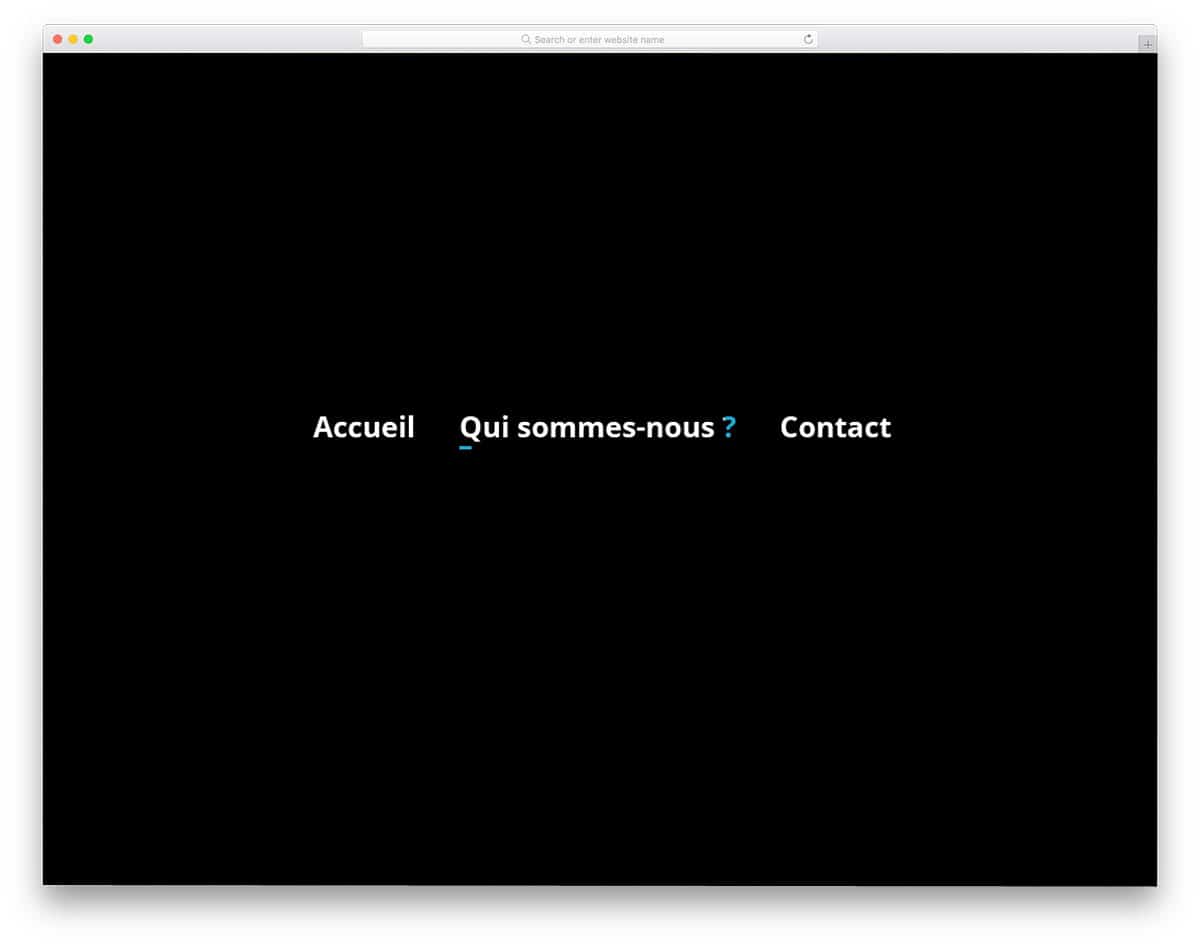
This hover effect is also primarily designed for the navigation menu. But you can also use it for other types of web elements. As the name implies, this one shifts color from left to right. The hover effect is clean and simple, so you can use it on any part of the website. Plus, all the effects happen over the text, so you don’t need to think of adjusting the space for the effect. This one is designed using the latest CSS3 framework, hence you can use modern colors and gradient color schemes. If you are looking for simple CSS hover effects for your menu options, this one is worth a look.
