// Each [data-ap] wraps one <audio>. The script wires its play button, seek slider, mute button and volume slider.
(() => {
  const fmt = s => { s = Math.floor(s || 0); return Math.floor(s / 60) + ':' + String(s % 60).padStart(2, '0'); };
  document.querySelectorAll('[data-ap]').forEach(root => {
    const $ = s => root.querySelector(s);
    const audio = $('audio'), play = $('[data-play]'), seek = $('[data-seek]'), cur = $('[data-cur]'), dur = $('[data-dur]');
    const vol = $('[data-vol]'), mute = $('[data-mute]'), name = play.dataset.play;
    let raf = 0;
    const length = () => audio.duration || +seek.max;
    const sync = () => {
      const t = audio.currentTime, d = length(), text = fmt(t) + ' of ' + fmt(d);
      seek.value = t;
      root.style.setProperty('--p', d ? t / d : 0);
      if (cur) cur.textContent = fmt(t);
      if (seek.getAttribute('aria-valuetext') !== text) seek.setAttribute('aria-valuetext', text);
    };
    const tick = () => { sync(); raf = requestAnimationFrame(tick); };
    const meta = () => { seek.max = audio.duration; if (dur) dur.textContent = fmt(audio.duration); sync(); };
    const sound = () => {
      const v = audio.muted ? 0 : audio.volume;
      root.style.setProperty('--v', v);
      if (vol) { vol.value = v; vol.setAttribute('aria-valuetext', Math.round(v * 100) + '%'); }
      if (mute) mute.setAttribute('aria-pressed', String(v === 0));
    };
    play.addEventListener('click', () => {
      if (!audio.paused) return audio.pause();
      document.querySelectorAll('audio').forEach(a => { if (a !== audio) a.pause(); });
      audio.play().catch(() => {});
    });
    audio.addEventListener('play', () => { root.setAttribute('data-playing', ''); play.setAttribute('aria-label', 'Pause ' + name); tick(); });
    audio.addEventListener('pause', () => { root.removeAttribute('data-playing'); play.setAttribute('aria-label', 'Play ' + name); cancelAnimationFrame(raf); sync(); });
    audio.addEventListener('loadedmetadata', meta);
    audio.addEventListener('volumechange', sound);
    if (audio.readyState > 0) meta();
    seek.addEventListener('input', () => { audio.currentTime = seek.value; sync(); });
    // Arrow keys jump 5 seconds; Home and End work natively.
    seek.addEventListener('keydown', e => {
      const step = { ArrowLeft: -5, ArrowDown: -5, ArrowRight: 5, ArrowUp: 5 }[e.key];
      if (!step) return;
      e.preventDefault();
      audio.currentTime = Math.min(Math.max(audio.currentTime + step, 0), length());
      sync();
    });
    if (vol) {
      audio.volume = vol.value;
      vol.addEventListener('input', () => { audio.volume = vol.value; audio.muted = false; });
    }
    if (mute) mute.addEventListener('click', () => {
      if (audio.muted || audio.volume === 0) { audio.muted = false; if (audio.volume === 0) audio.volume = 0.6; }
      else audio.muted = true;
    });
    sound();
  });
})();
About this set
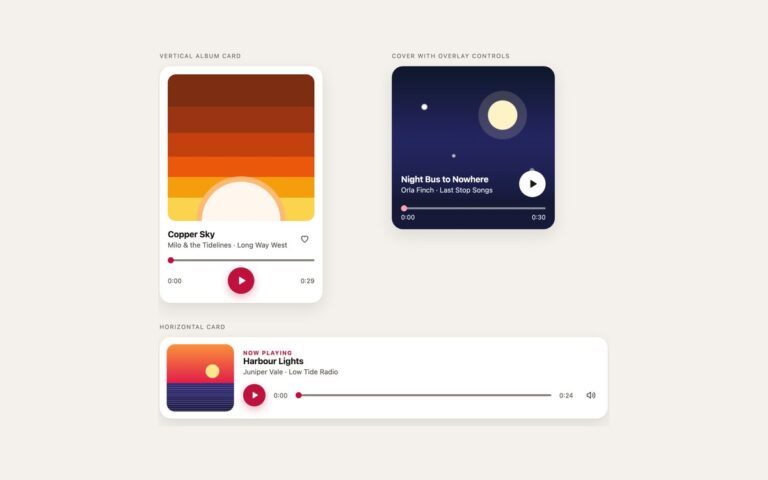
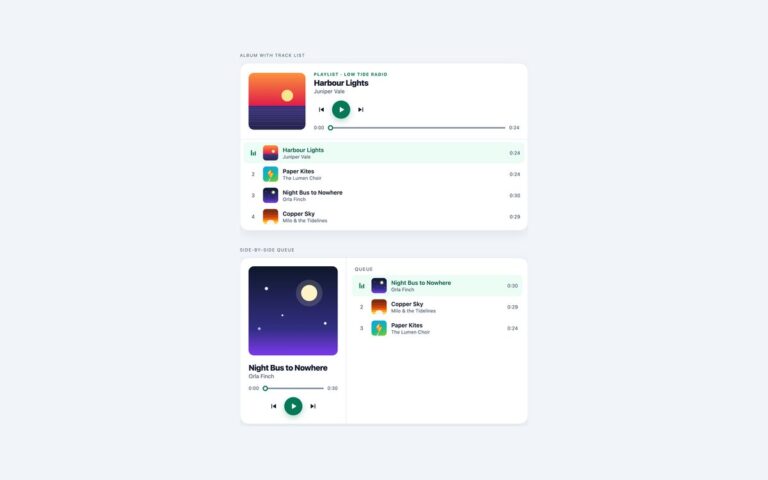
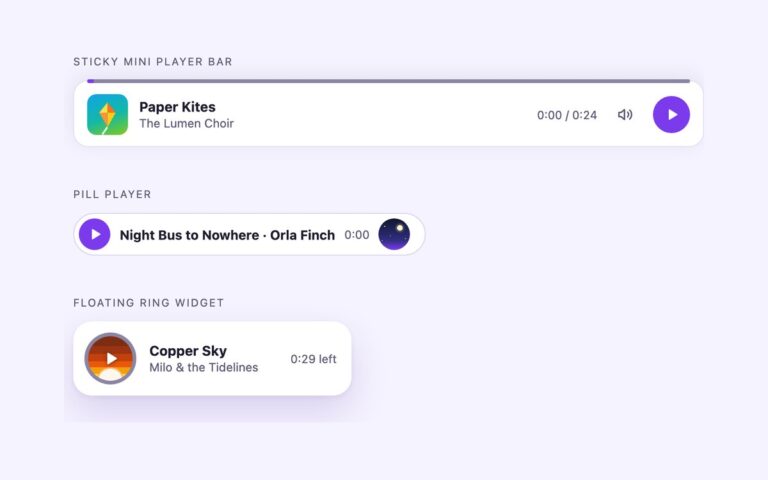
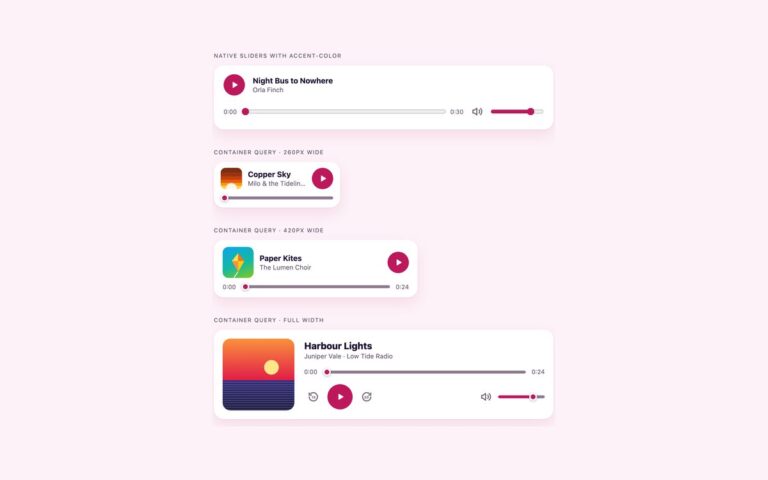
Three compact audio players for pages where the sound is one element among many. The full bar with volume puts a round play button, the elapsed time, a seek slider, the total time, a mute button and an 84 pixel volume slider in one white pill; below 480 pixels the volume slider hides and the mute button stays. The bar with track info adds a cover tile, title and artist above a full-width seek row, which suits a single track in an article or a product page. The voice-note bubble is a chat-style indigo bubble with a white play button and a white track, for messages and comment threads. Each player wraps a native audio element with no controls attribute and preload set to metadata, so only the length loads until someone presses play. The buttons are real button elements and the sliders are real range inputs. While audio plays, a short script reads currentTime on every animation frame and writes it to the slider and to a –p custom property that paints the filled part of the track. Starting one player pauses any other on the page.
What’s included
Full bar with volume, bar with track info and a voice-note bubble
Native audio element driven by real buttons and range inputs
Seek slider with aria-valuetext such as 0:05 of 0:24
Mute button with aria-pressed and a volume slider that reads as a percentage
Arrow keys on the seek slider jump 5 seconds
Plain CSS, Bootstrap and Tailwind versions of the same design
Accessibility
Each player is a group named after its track, and the play button's label changes between Play Harbour Lights and Pause Harbour Lights. The seek slider has an aria-label and an aria-valuetext such as 0:05 of 0:24, the mute button uses aria-pressed and the volume slider announces a percentage. Buttons show a 2px outline on keyboard focus and slider thumbs get a two-colour ring; the hover scale on the play button is removed under prefers-reduced-motion.
Customise it
Change --ap-accent, --ap-track, --ap-thumb and --ap-h on .ap in the plain CSS and Bootstrap versions; the Bootstrap buttons also take --bs-btn-bg and --bs-btn-hover-bg. In Tailwind edit the --color-ap-accent, --color-ap-track and --color-ap-muted theme colours.