About this set
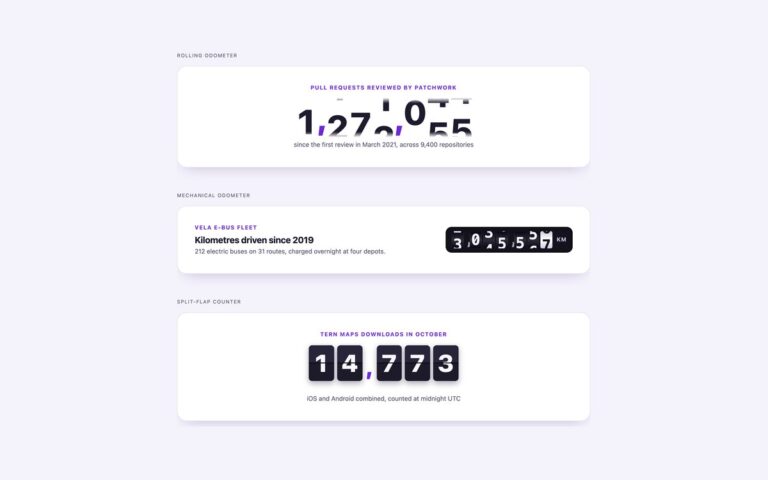
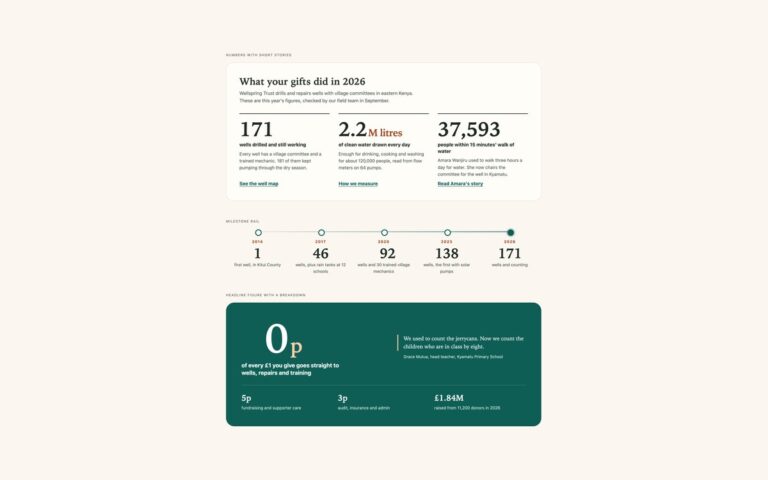
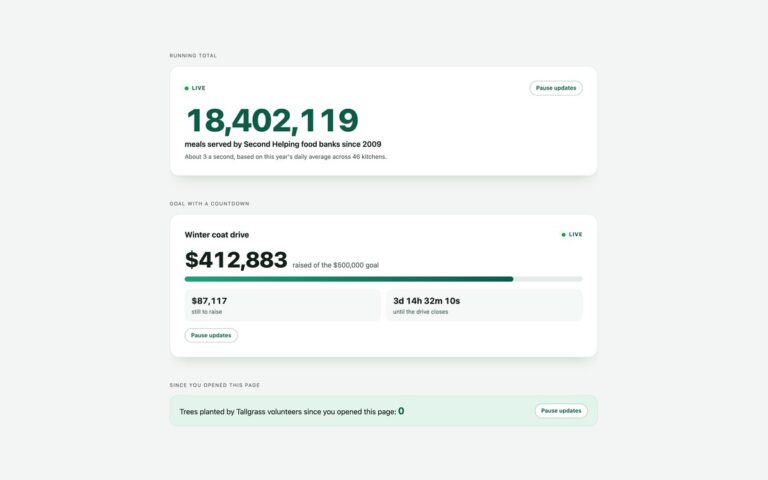
Number counters that animate with no JavaScript. Count on load runs three figures from 0 when the page opens. Count on scroll ties the count to the scroll position with animation-timeline: view(), so each number finishes as it becomes fully visible. Container queries shows one stats component in a narrow sidebar, where it is a list with numbers on the right, and in a wide column, where it becomes a four-up grid. The technique is a registered integer property, @property –mc-n, animated from 0 to the value in –to, and printed in ::after with counter(). A decimal such as 4.2M uses round() and mod() to split the integer into two counters. counter() cannot print thousands separators, so the figures use compact units such as k and M. The real number stays as text in the HTML; where the count can run, it is visually hidden but still read. Safari does not repaint counter() during the animation, so the set keeps the plain number there.
What’s included
- No JavaScript: @property, @keyframes and counter()
- Decimal values with round() and mod()
- Scroll-driven count with animation-timeline: view() and a load-time fallback
- Container queries reflow the same component from sidebar to main column
- Plain number shown under reduced motion and where support is missing
Accessibility
The real number is text in the HTML. When the count runs, that text is visually hidden but still read by screen readers, and the ::after copy has empty alt text (content: ... / "") so it is not read twice. Under prefers-reduced-motion, in browsers without the needed features, and in Safari, the plain number simply shows, so nobody sees a count from 0 they did not ask for.
Customise it
Set --to on each .mc-num and data-suffix or data-prefix for units; add .is-tenths for one decimal place. Colours are --mc-accent and --mc-hi on .mc, and the container breakpoints are the @container rules at 30rem and 44rem (in Tailwind, the @min-[30rem]: and @min-[44rem]: variants).