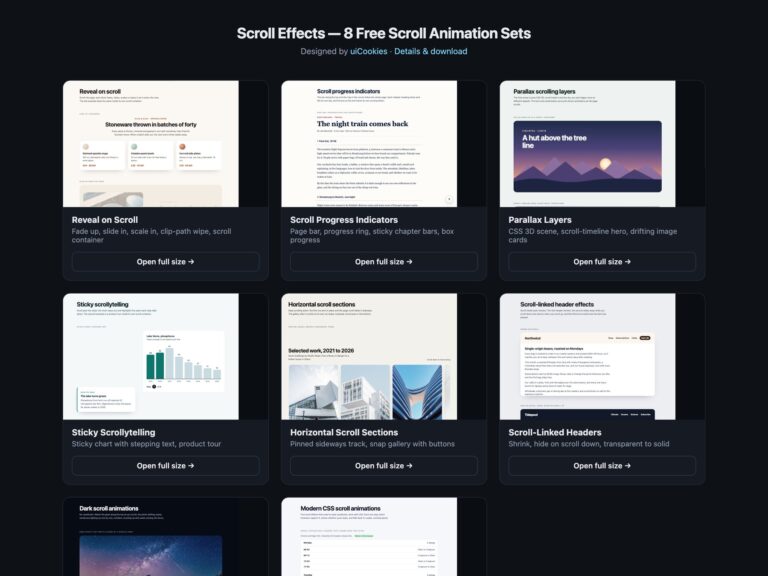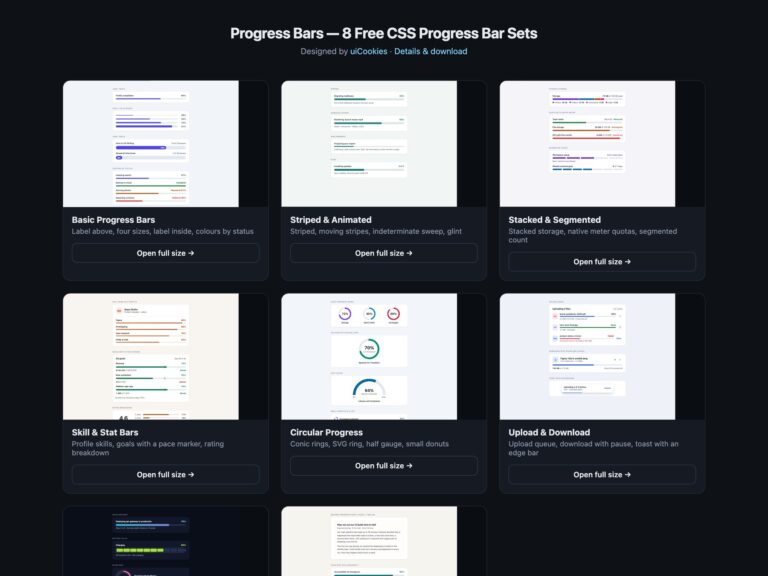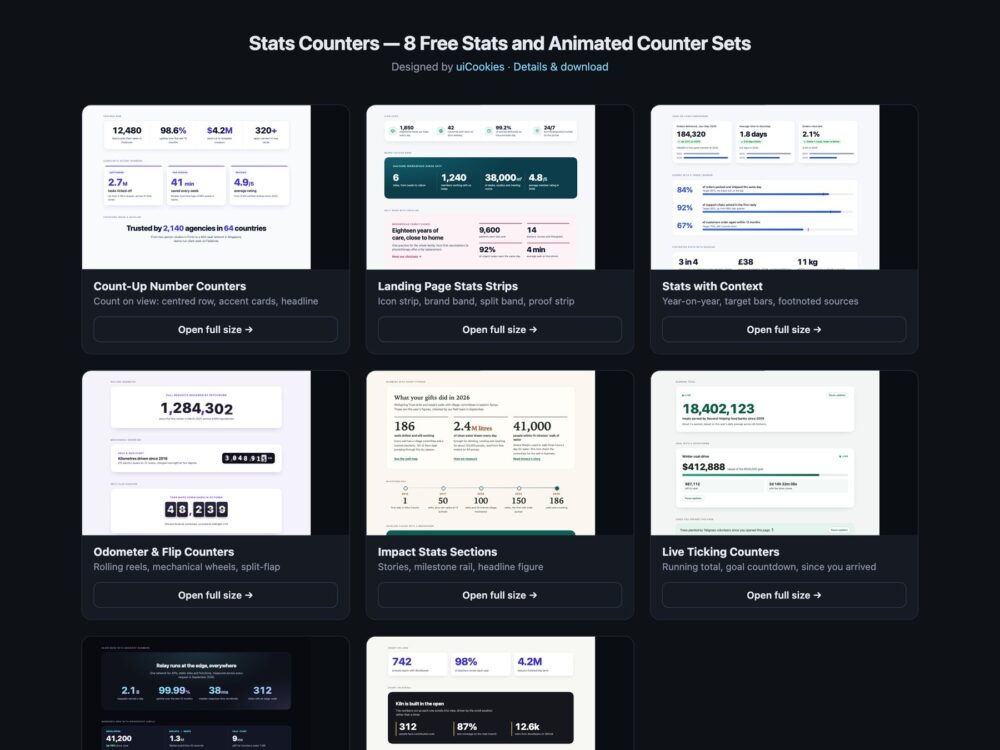
Stats Counters is a pack of eight sets of landing-page stats sections and animated number counters, designed and maintained in-house by uiCookies. Every set comes in three versions that look the same: plain HTML and CSS, Bootstrap 5 using its grid, .card, .badge, .progress and .btn where they fit, and Tailwind CSS 4. The sets cover count-up counters that start when they scroll into view, static stats strips and bands, stats with comparisons, targets and footnoted sources, odometer reels and split-flap counters, nonprofit impact sections, live ticking totals and countdowns, a dark set and a set that counts with CSS alone. Where JavaScript is used it is a few dozen lines of vanilla code with no library.
A good stats section is honest before it is animated. The final number should be written in the HTML, so it is right without JavaScript, in search results and for screen readers, and the animation should only decorate it. A counter should never count up from 0 for someone who has asked for reduced motion, it should not shift the layout as digits are added, and it should keep the same formatting, separators and decimal places from the first frame to the last. A figure also needs context: a comparison, a target or a source tells the reader why the number matters and whether to trust it. And anything that keeps changing on its own needs a way to pause it.
Free download Browse live demos All snippets
The sets
1. Count-Up Number Counters
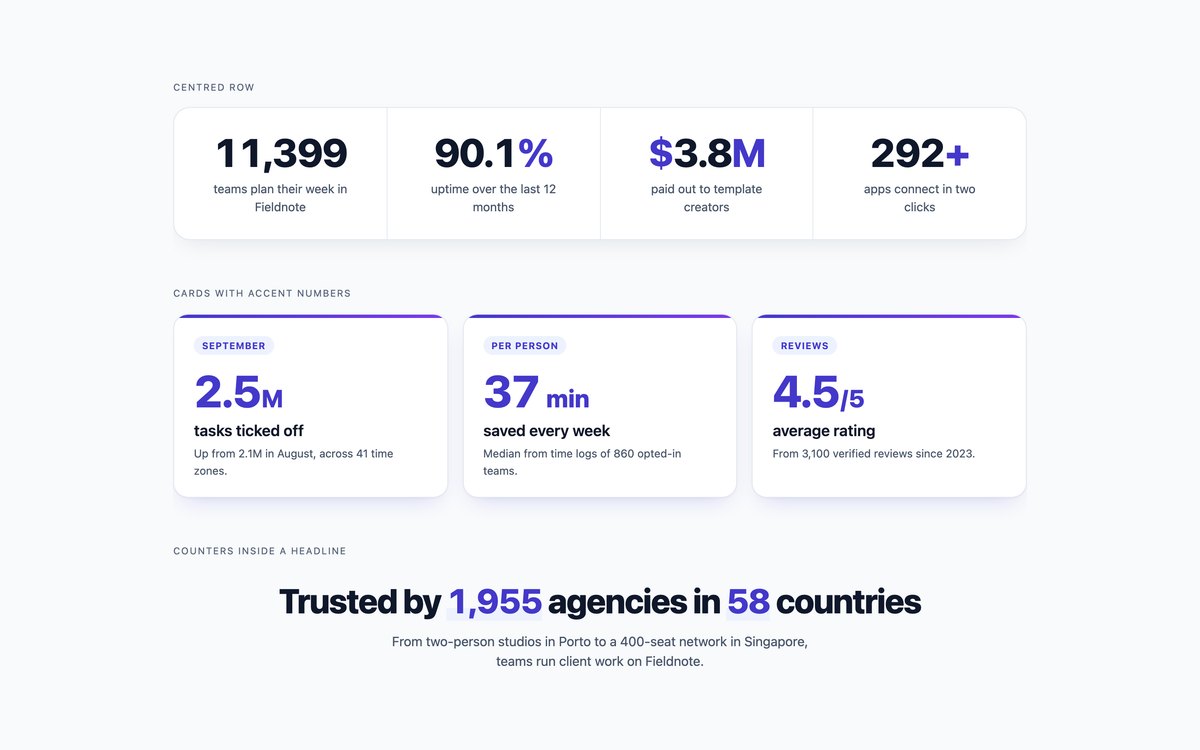
A centred row of headline figures, cards with accent numbers and a headline with counters inside the sentence, all counting up when they scroll into view.
A short script reads each number from the HTML and counts to it with requestAnimationFrame and Intl.NumberFormat, holding the width steady; under reduced motion it does nothing.
Live Demo CSS, Bootstrap & Tailwind code
2. Landing Page Stats Strips
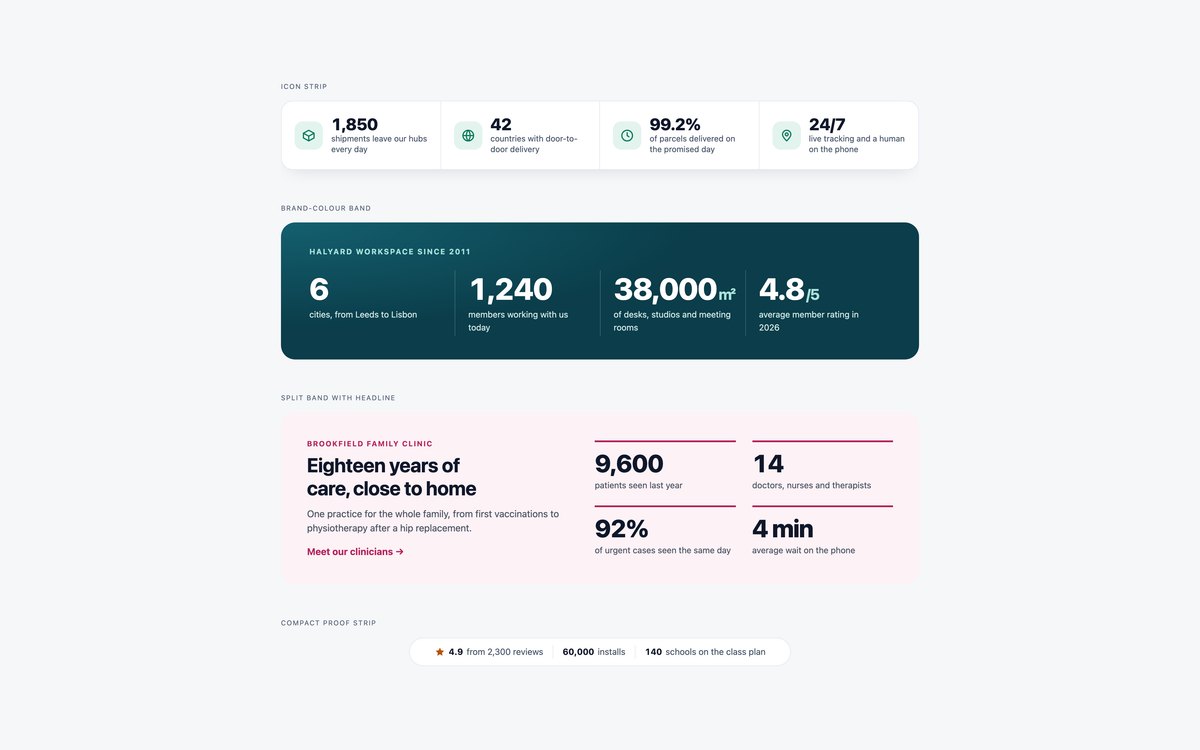
An icon strip, a brand-colour band, a split band with a headline and a compact proof strip for the space under a hero.
They are static HTML and CSS, with dividers that follow the cells when the strip wraps from four columns to one.
Live Demo CSS, Bootstrap & Tailwind code
3. Stats with Context
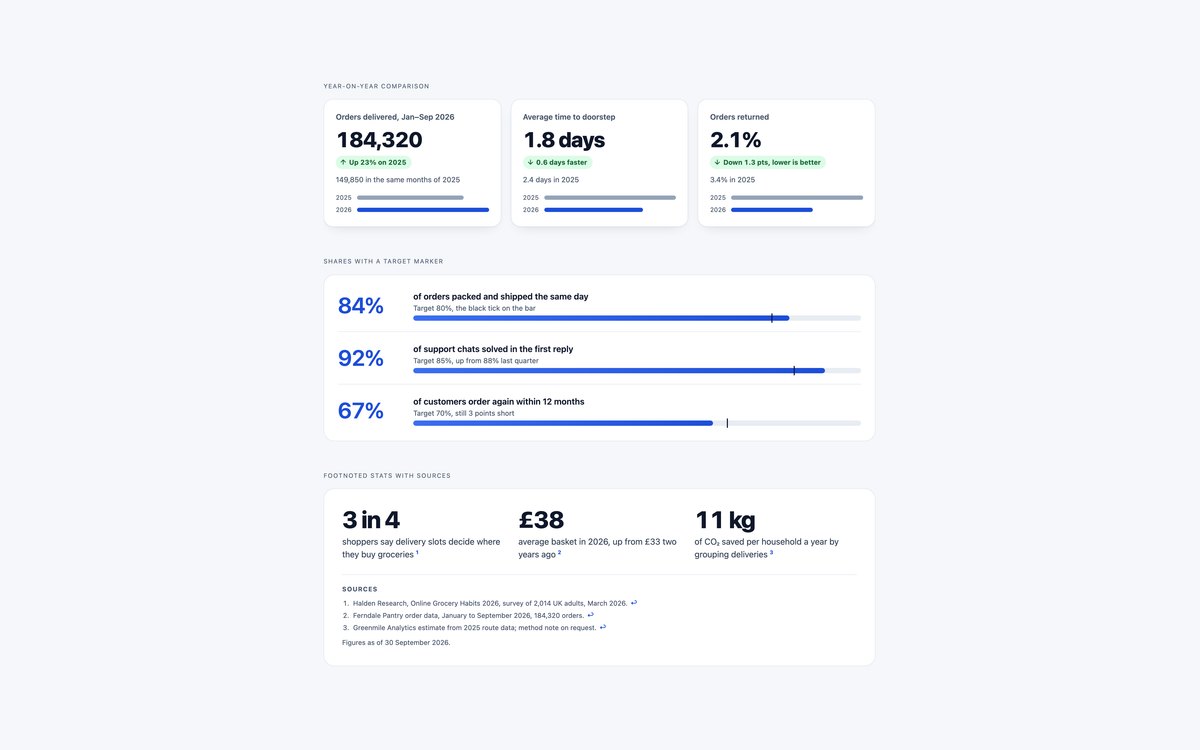
Year-on-year comparison cards, percentage bars with a target marker, and stats with numbered footnotes and a dated source list.
Use them when a bare number would not be trusted. Every change is written in words, and the bars are decorative because the text gives each value.
Live Demo CSS, Bootstrap & Tailwind code
4. Odometer and Flip Counters
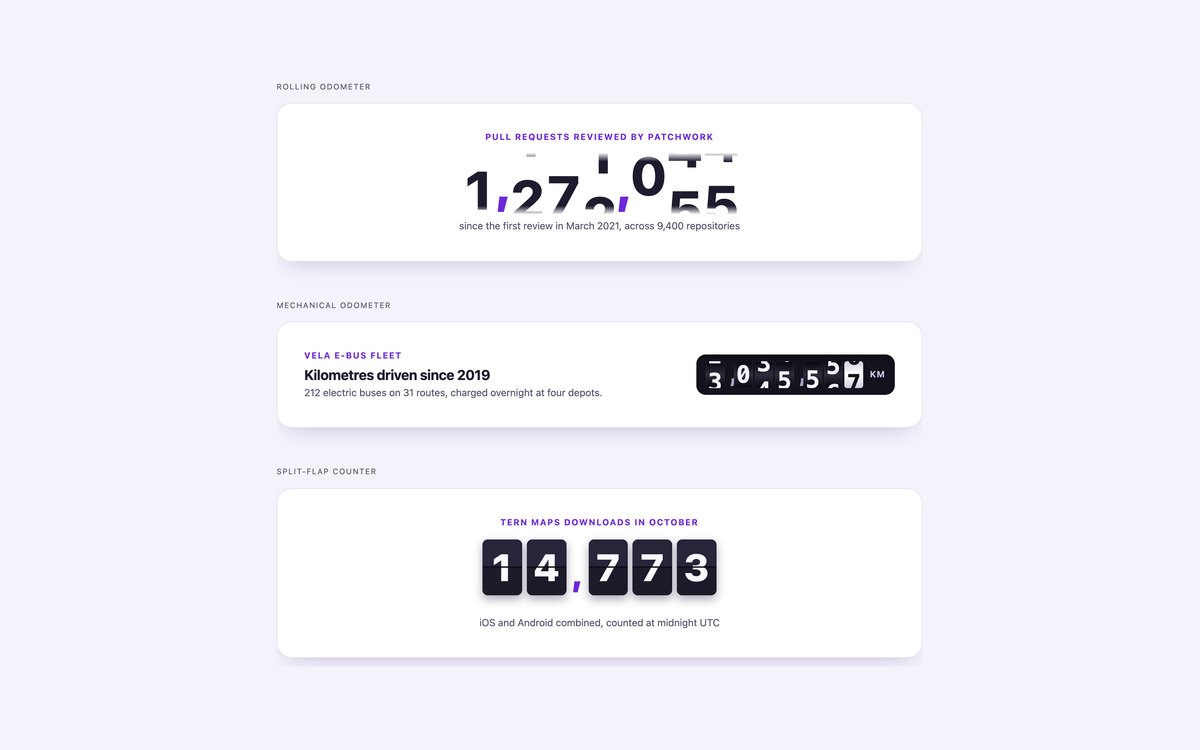
A rolling odometer with digit reels, a mechanical odometer with dark wheels, and a split-flap counter that flips a few times before it lands.
The script builds the reels or cards from the plain number in the HTML and hides them from screen readers, which hear the number once.
Live Demo CSS, Bootstrap & Tailwind code
5. Impact Stats Sections
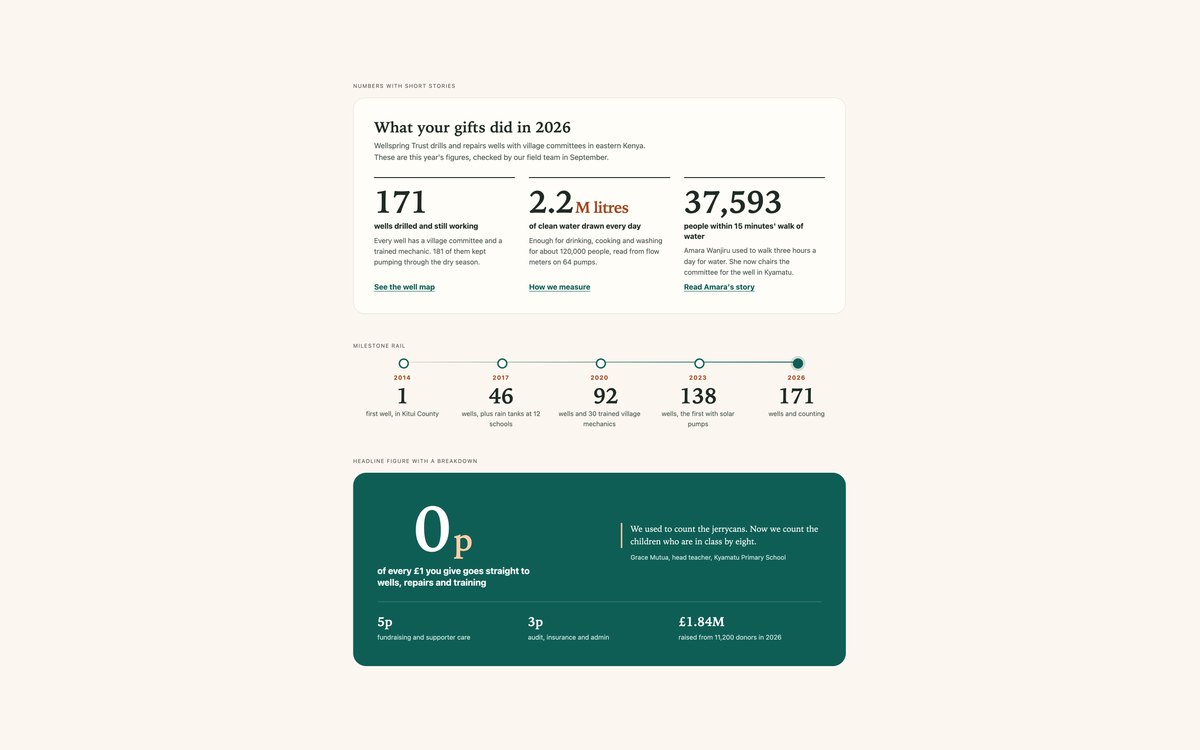
Impact numbers with short stories, a milestone rail across five years and one large headline figure with a quote and a breakdown.
Made for nonprofits and annual reports, with serif figures that count up on view and a timeline that turns vertical on phones.
Live Demo CSS, Bootstrap & Tailwind code
6. Live Ticking Counters
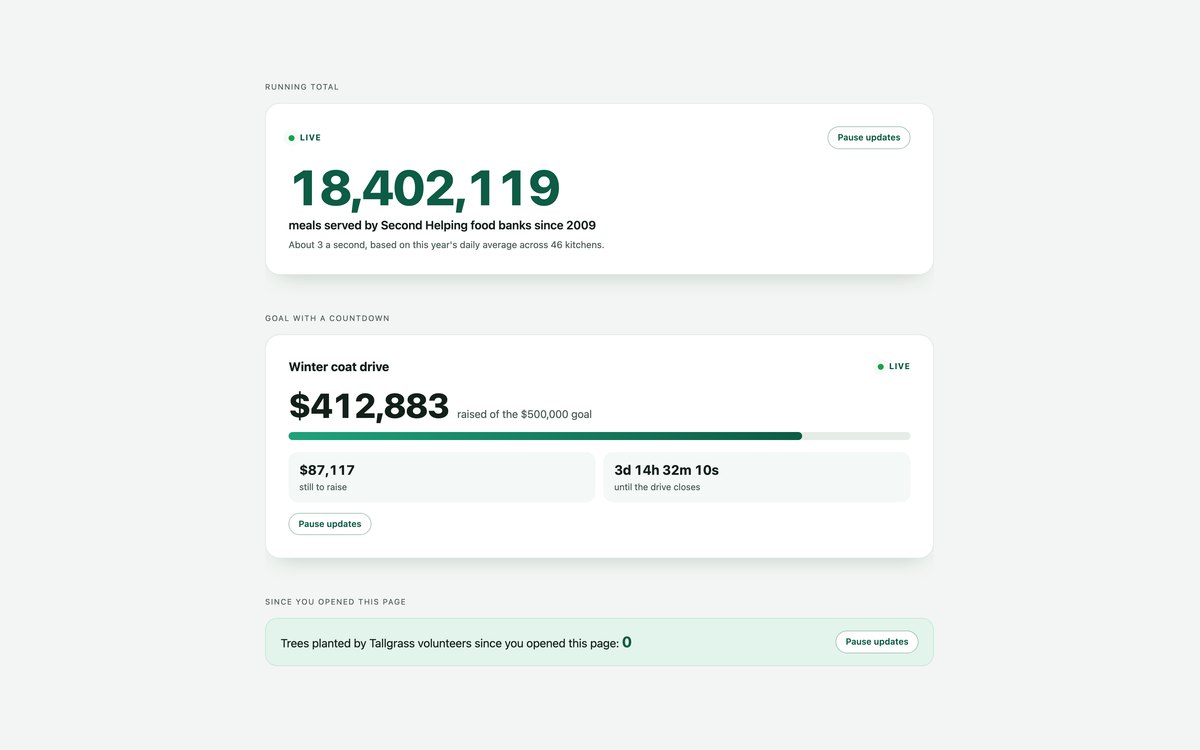
A running total that ticks upwards, a fundraising goal with a countdown to the closing date, and a counter of what happened since the page was opened.
Values are calculated from the clock, updates stop when a card is off-screen or the tab is hidden, and every card has a Pause updates button.
Live Demo CSS, Bootstrap & Tailwind code
7. Dark Stats Sections
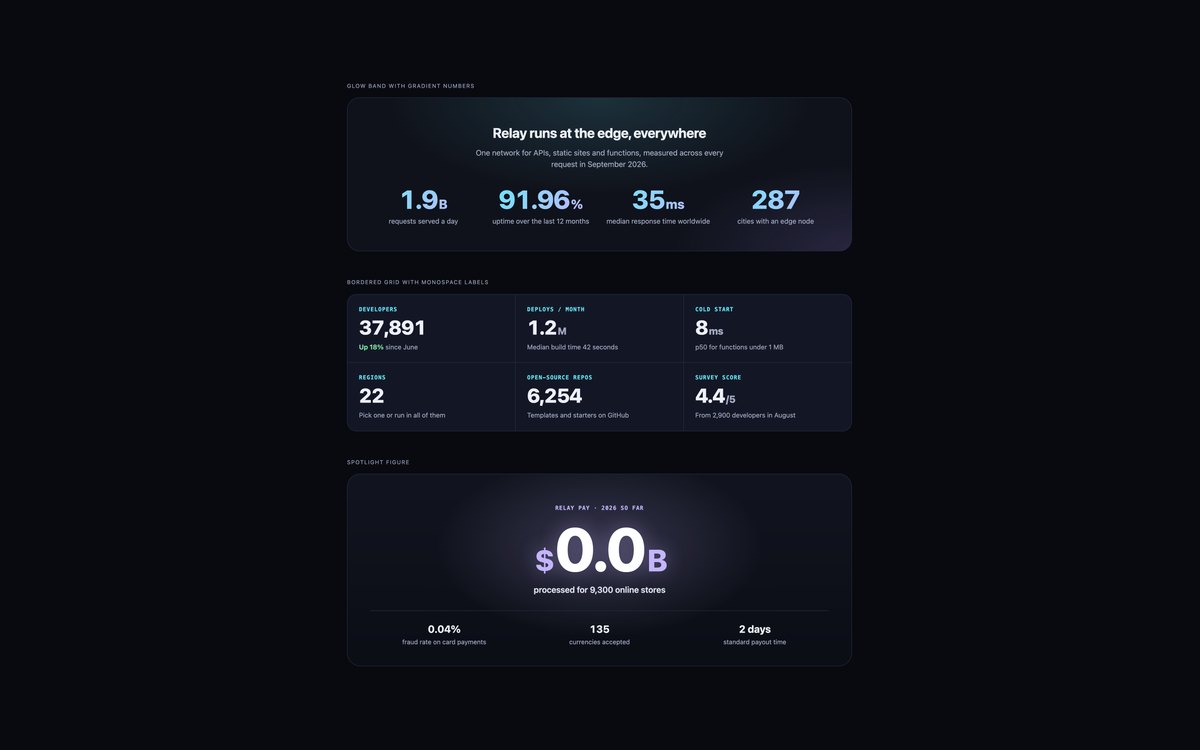
A glow band with gradient numbers, a bordered grid with monospace labels and a spotlight figure with a radial glow.
Colours are checked for contrast on the dark ground, gradient text falls back to solid colour, and Bootstrap runs in data-bs-theme="dark".
Live Demo CSS, Bootstrap & Tailwind code
8. CSS-Only Animated Counters
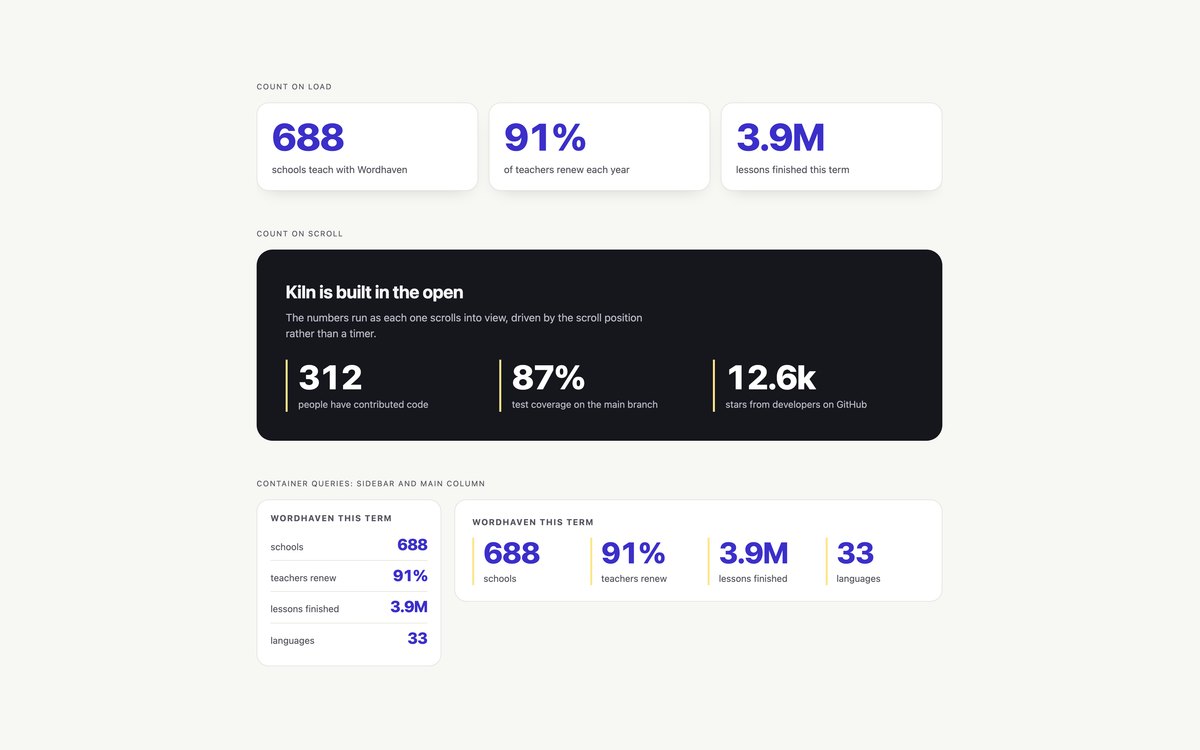
Counters that run with no JavaScript: on page load, on scroll with animation-timeline: view(), and inside a component that reflows with container queries.
A registered integer property animates from 0 and counter() prints it, while the real number stays in the HTML for screen readers, Safari and reduced motion.
Live Demo CSS, Bootstrap & Tailwind code
Frequently asked questions
Are these stats counters free for commercial projects?
Yes. Every set is free for personal and commercial projects, including client work and products you sell. Attribution is optional but always welcome. The licence is at uicookies.com/license/.
Do the animated counters need JavaScript or a library?
No library is used. Sets 02, 03 and 08 have no JavaScript at all, and set 08 animates its numbers with CSS alone. The count-up, odometer, impact, live and dark sets use a short vanilla script each. Without JavaScript every set still shows the correct numbers, because the final values are written in the HTML.
Are the counters accessible?
While a number animates, the moving digits are hidden from screen readers and a visually hidden copy holds the final value, so nobody hears a half-counted number. Under prefers-reduced-motion the numbers appear at their final values with no count from 0. The live counters have a Pause updates button and are not live regions, and every set passes an automated axe-core WCAG 2.1 AA check.
Which frameworks are included?
Every set has three files that look the same: plain HTML and CSS, Bootstrap 5.3.8 and Tailwind CSS 4. The Bootstrap files use the grid, .card, .badge, .progress, .list-group, .btn and data-bs-theme="dark" where they fit, with a small style block for the rest. The Tailwind files use utility classes in the markup, with an @theme block for colours.
How do I make a number count up when it scrolls into view?
Write the final number in the HTML and mark it with data-count. In set 01 a short script waits for an IntersectionObserver to see the element, then counts from 0 to that value with requestAnimationFrame and formats each frame with Intl.NumberFormat, so separators and decimals stay consistent. For a version with no JavaScript, set 08 animates a registered @property integer and prints it with counter(), with animation-timeline: view() for a scroll-driven start.