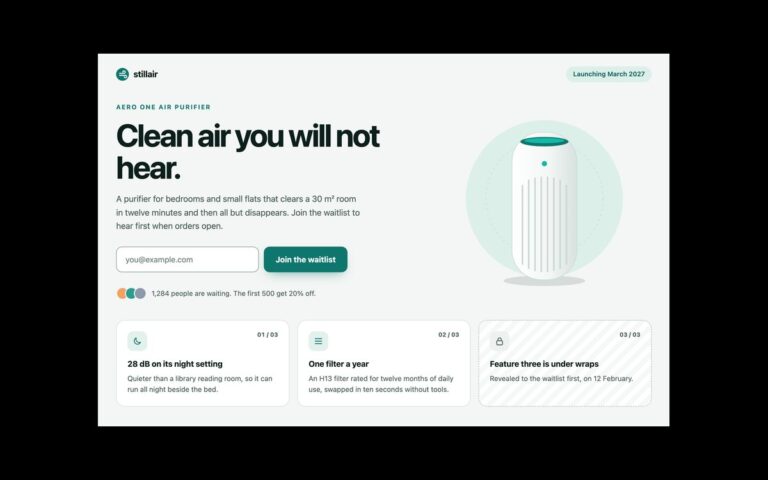
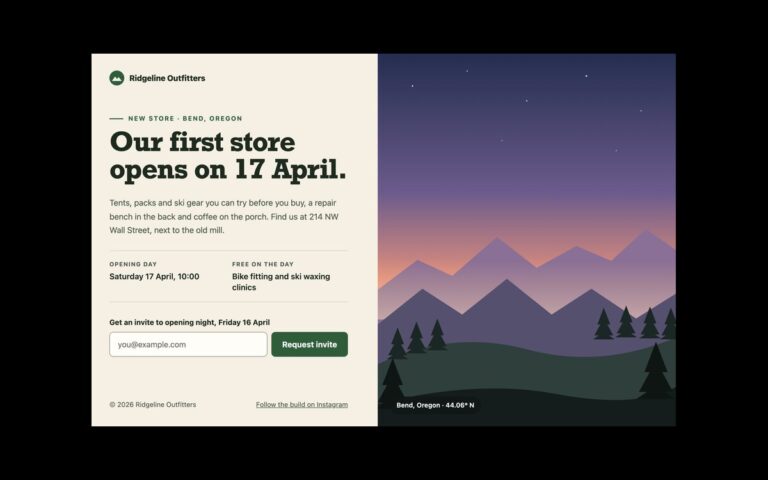
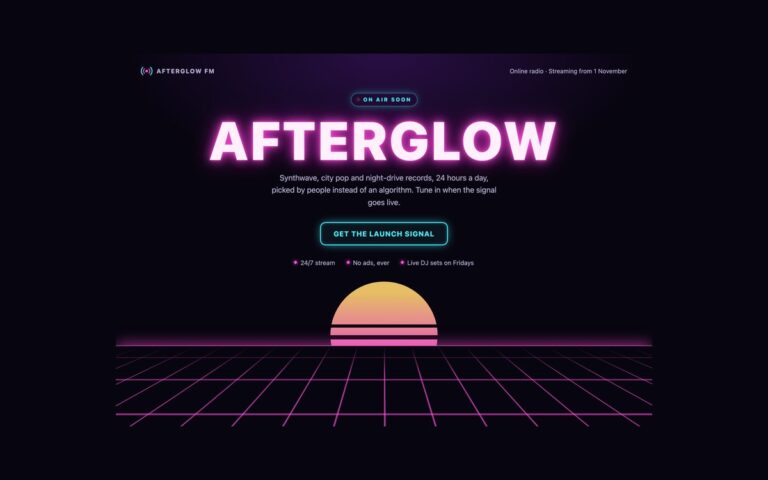
About this set
A pre-launch page for a mobile app, with a phone mock-up beside the pitch. The demo is a plant-care app: a platform and season chip, a headline, a paragraph on what the app does, two dark store badges that read Coming soon to the App Store and Coming soon to Google Play, and a form to get one email on launch day. The badges are text with a generic phone icon rather than the stores’ own logos, so there is nothing to license and nothing to swap out later except the words; once the app is live, turn each one into a link. On the right, a tilted phone drawn entirely in HTML and CSS shows the app’s Today screen: three care tasks with icons and tick circles, a weekly watering chart and a tab bar. Because it is markup and not a screenshot, you can change the copy in the mock-up as the product changes. The phone is exposed to screen readers as a single image with a description. The grid stacks below 992 pixels with the phone under the text, and the form validates in the browser and confirms without sending anything.
What’s included
- Text-only Coming soon store badges, no brand logos
- Phone mock-up built in HTML and CSS, not an image
- Mock-up exposed as one role="img" with a description
- Launch-day reminder form with validation and confirmation
- Tilt is removed when the layout stacks
Accessibility
The store badges are a list named Launch platforms, with their icons hidden. The phone mock-up has role="img" and an aria-label that describes the screen, so its decorative contents are not read piece by piece. The email field has a visible label, an aria-live error linked with aria-describedby and aria-invalid when wrong, and focus moves to the confirmation. Links, the field and the button show a 2px green focus outline; transitions are removed under prefers-reduced-motion.
Customise it
Change --ap-bg, --ap-ink and --ap-accent on .ap (plain CSS and Bootstrap) or the --color-ap-* theme colours in Tailwind. The phone size is the width on .ap-phone and the height on .ap-screen; edit the tasks and chart bars directly in the markup.