About this set
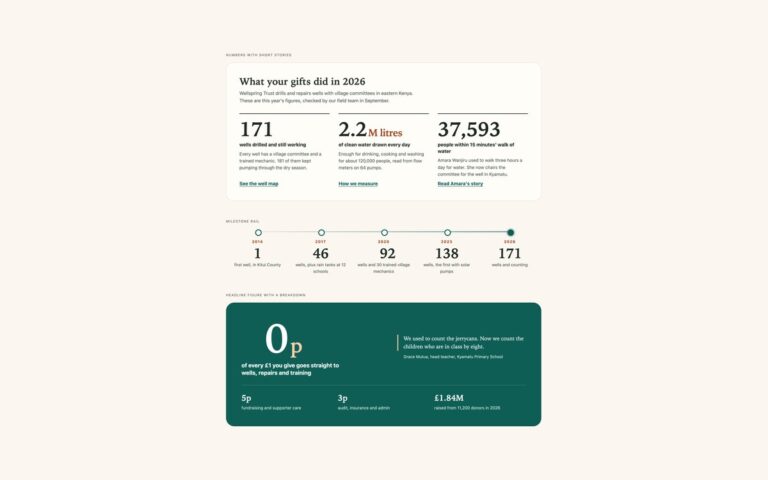
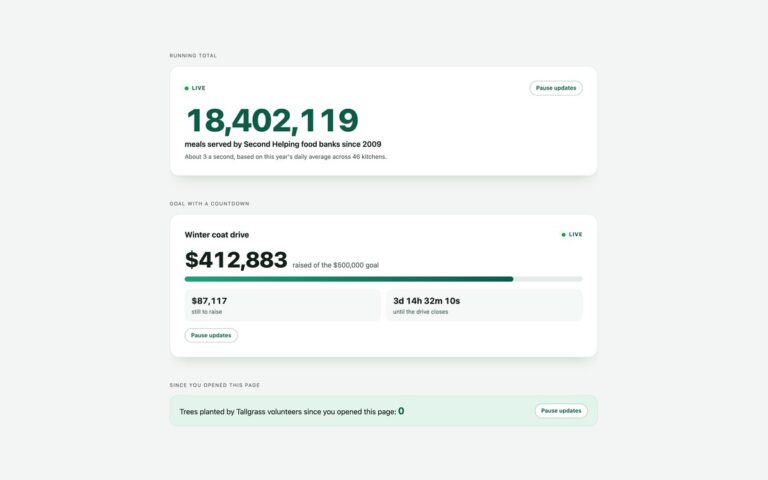
Three ways to show numbers that count up when they scroll into view. Centred row puts four headline figures in a bordered strip with hairline dividers, for the band under a hero. Cards with accent numbers gives each figure a card, a period tag and a line of context, for a features or results section. Counters inside a headline runs the numbers inside a sentence such as Trusted by 2,140 agencies in 64 countries. The final number is written in the HTML, so the page is correct without JavaScript and in search results. A short vanilla script finds every element with data-count, reads its prefix, digits and decimal places, and counts from 0 to that value with requestAnimationFrame and an ease-out curve once an IntersectionObserver sees it. Intermediate values are formatted with Intl.NumberFormat, so 12,480 keeps its comma and 98.6 keeps one decimal throughout. An invisible copy of the final number holds the width so nothing shifts, and units such as $, %, M and + sit outside the counter so they keep their own colour.
What’s included
- Count starts when the number scrolls into view, via IntersectionObserver
- Intl.NumberFormat keeps separators and decimal places while it counts
- Final value is plain text in the HTML, so it works without JavaScript
- Reserved width stops the layout from jumping as digits are added
- No count at all under prefers-reduced-motion
Accessibility
While a number counts, the visible digits are aria-hidden and a visually hidden copy holds the final value, so screen readers never read a half-counted number; when the count ends the element is put back exactly as it was. With prefers-reduced-motion the script does nothing and the final numbers show straight away. Units and labels are real text, and every colour pair meets WCAG AA contrast.
Customise it
Change --cu-accent and --cu-accent-soft on .cu for the colour, and add data-from or data-duration to any [data-count] element to change the start value or the length of the count. In Bootstrap the same variables sit on .cu; in Tailwind edit the --color-cu-* theme colours.