About this set
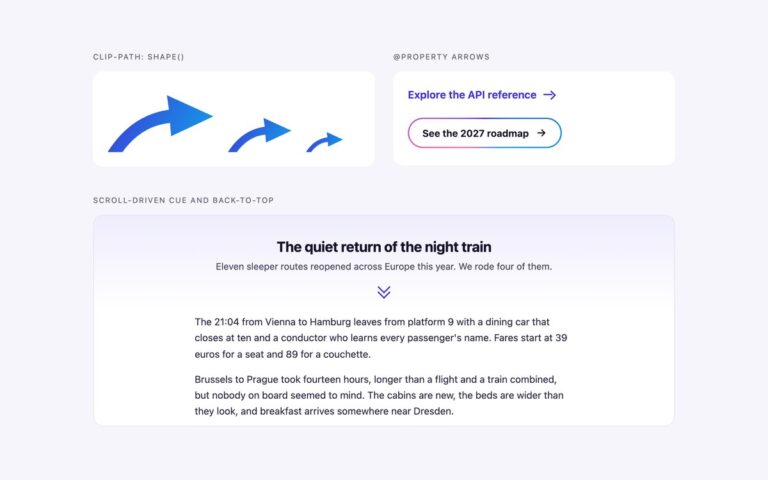
Four ways to draw an arrow with CSS alone, each shown pointing up, right, down and left, plus a row that shows one shape at four sizes. The border chevron is a square with only its top and right borders, turned 45 degrees; it is the arrow most interfaces need for links, accordions and pagers. The border triangle is a zero-size box with one coloured border, the classic way to draw a caret or a tooltip pointer. The clip-path triangle and block arrow cut a filled box with polygon(), which gives sharper edges and lets you fill the arrow with a gradient. The thin line arrow is a shaft plus a chevron head built from two pseudo-elements, the style used for read more links and carousels. Every shape points right by default and is turned with a rotate class, so there is one rule per shape rather than four. Size comes from a single custom property, –a, and line weight from –w; the colour is currentColor, so an arrow follows the text colour of whatever it sits in. All arrows are empty spans marked aria-hidden, because an arrow on its own carries no meaning for a screen reader.
What’s included
- Four techniques: border chevron, border triangle, clip-path polygon and line arrow
- One rule per shape, turned with up, down and left rotate classes
- Sized by one custom property (--a), line weight by --w
- Coloured with currentColor, so arrows follow the surrounding text
- Tailwind version ships each shape as an @utility
Accessibility
The arrows are decorative empty spans with aria-hidden="true", so they are never announced. Each demo tile carries a visible text label for the direction. There is nothing interactive and nothing animated in this set.
Customise it
Set --a for size and --w for line weight on any .arw element, and change color to recolour it. In Tailwind use the arw and arw-chev, arw-tri, arw-clip, arw-block or arw-line utilities with [--a:…] and a text- colour, and -rotate-90, rotate-90 or rotate-180 for direction.