About this set
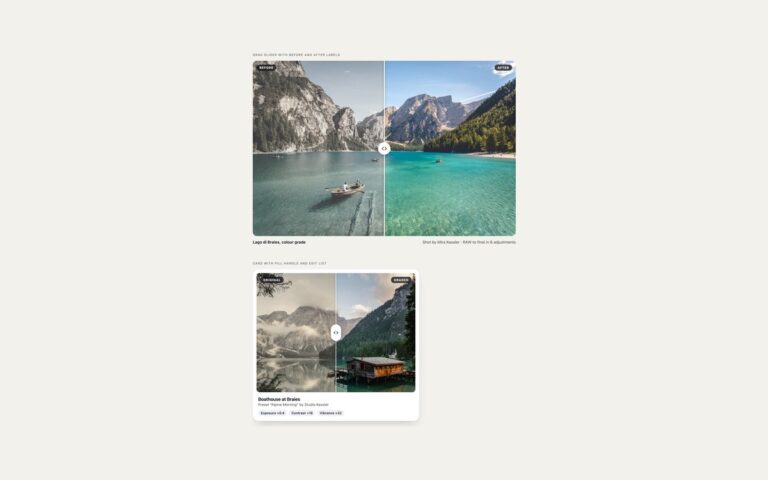
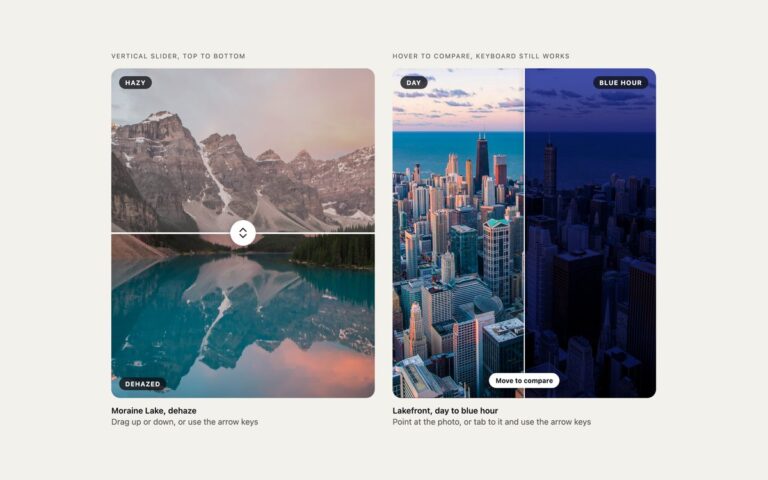
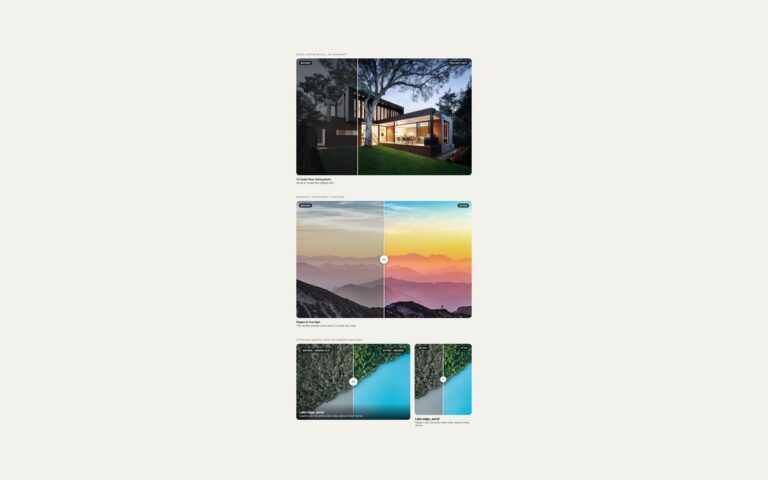
Two before and after comparisons with no JavaScript at all, and an honest note on what each one can and cannot do. Radio buttons and :has() puts a segmented control of three real radio buttons, Before, Split and After, under a lake photo. A rule such as .rc:has([value=before]:checked) sets –v on the figure, and the clip-path and divider animate to the new position. It cannot be dragged to an arbitrary point, but it is fully keyboard accessible: Tab reaches the group and the arrow keys change the view, and it is announced as a radio group. resize: horizontal uses the browser’s own resize grip: the before layer is a box with resize: horizontal and overflow: hidden, its photo is sized with 100cqw so it stays aligned while the box changes width, and a small white tab marks the grip in the corner. It drags smoothly with a mouse or trackpad, but resize has no keyboard support and does not work on most touch screens, so it suits internal tools and prototypes, or sits next to an accessible control. Both photos are one image with a CSS filter on the before layer, so they always line up.
What’s included
- No JavaScript in either version
- Radio buttons and :has() switch between before, split and after
- Animated clip-path transition between the three states
- resize: horizontal drag with the photo kept aligned through container query units
- Limits of each technique stated in the demo caption
Accessibility
The radio version is a fieldset with a legend, so the three options are announced as a group and change with the arrow keys; the visible pill shows a blue outline on keyboard focus and the transition is switched off under prefers-reduced-motion. The resize version cannot be reached by keyboard or touch, which the caption says, so pair it with the radio control or the range-based sets. All photos have alt text naming the version.
Customise it
Add or change radio values and the matching :has() rules to set more positions on --v, and edit the cc-top filter for the before look. In Bootstrap the radios are .btn-check with .btn restyled through --bs-btn-* variables; in Tailwind edit the has-[[value=before]:checked]:[--v:100] classes on the figure.