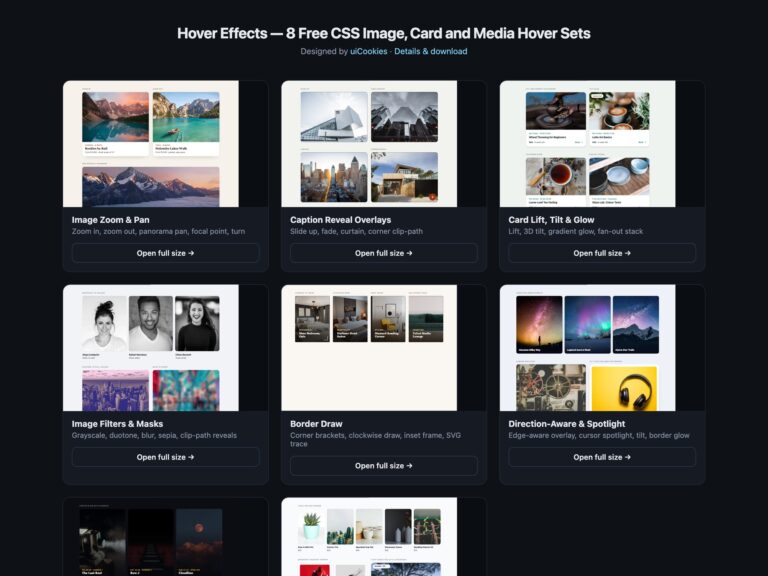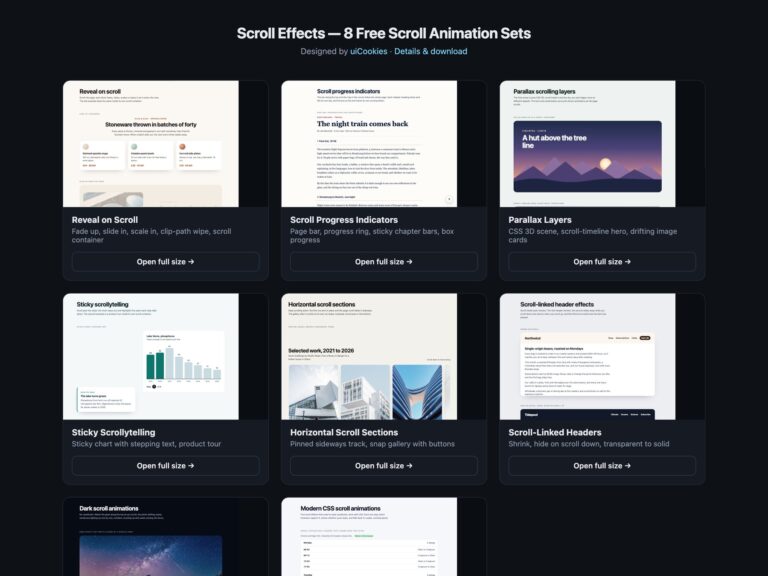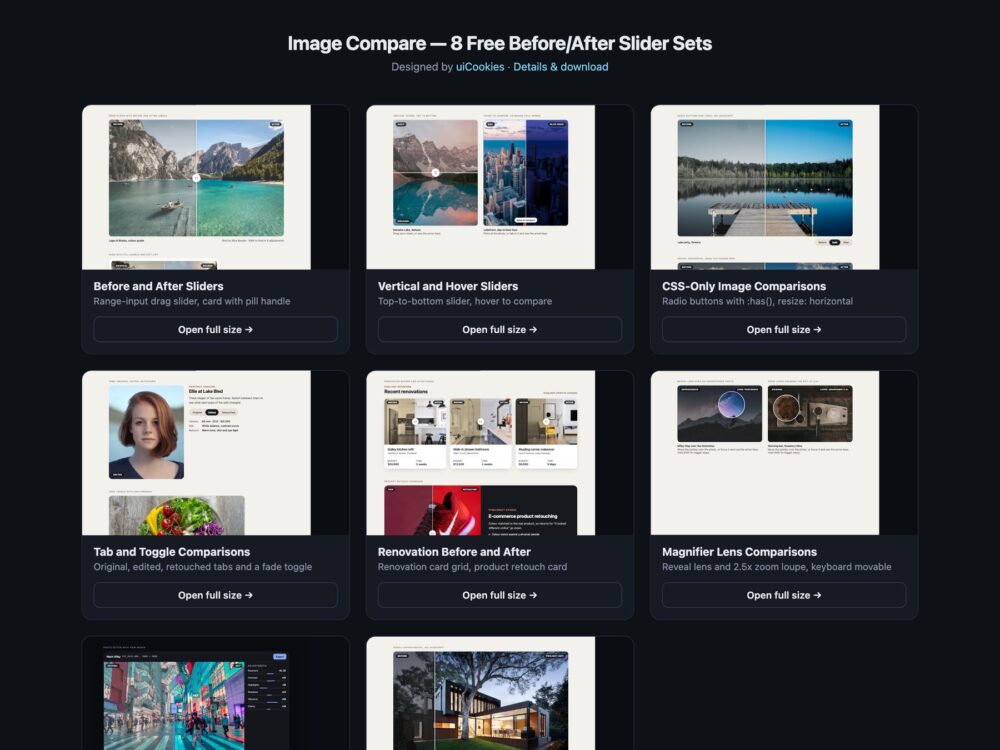
Image Compare is a pack of eight sets of before and after image comparison sliders, designed and maintained in-house by uiCookies, with no slider or comparison library in any of them. Every set comes in three versions that look the same: plain HTML and CSS, Bootstrap 5 using .ratio, .form-range, .badge, .card, .nav-pills and .btn-check where they fit, and Tailwind CSS 4. The sets cover the classic drag slider, vertical and hover-to-compare versions, two comparisons with no JavaScript, tabs and a fade toggle, renovation and product showcases, a magnifier lens and zoom loupe, a dark photo editor and a modern CSS set with scroll-driven animation, @property and container queries.
A good image comparison slider is built on a real control. A native input type range gives keyboard support, touch dragging and a screen reader announcement for free, where a div with mouse listeners gives none of them, so every slider here is a range input stretched over the photos with an aria-label and a value such as 62% after. The two photos must line up exactly and be described in alt text, so a blind visitor still learns what changed. The divider should sit exactly under the pointer, the labels should get out of the way as it passes, and both images need width, height and srcset so the frame does not jump while they load. Anything that moves on its own, like an intro sweep, should run once and stay still for people who ask for reduced motion.
Free download Browse live demos All snippets
The sets
1. Before and After Sliders
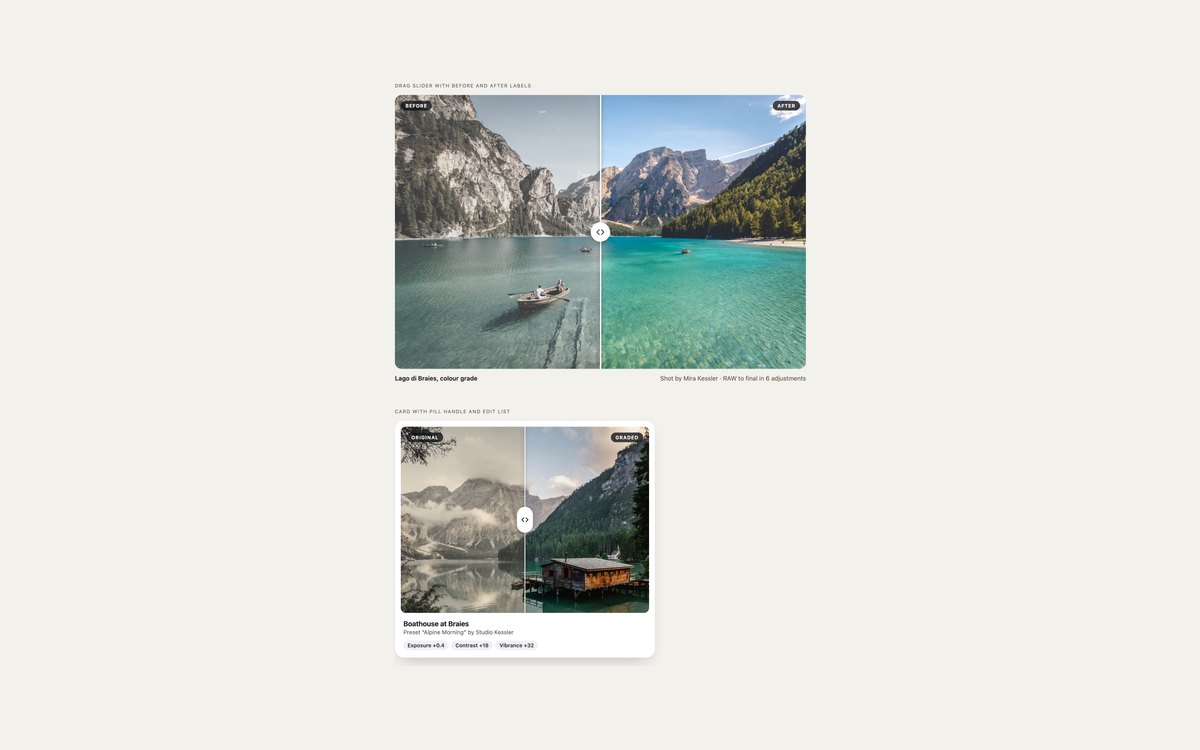
A full-width drag slider with Before and After labels, and a card with a pill handle, a preset name and adjustment chips.
Use it for any edit, renovation or restoration result. A native range input drives a –v custom property that clips the before layer and moves the divider.
Live Demo CSS, Bootstrap & Tailwind code
2. Vertical and Hover Sliders
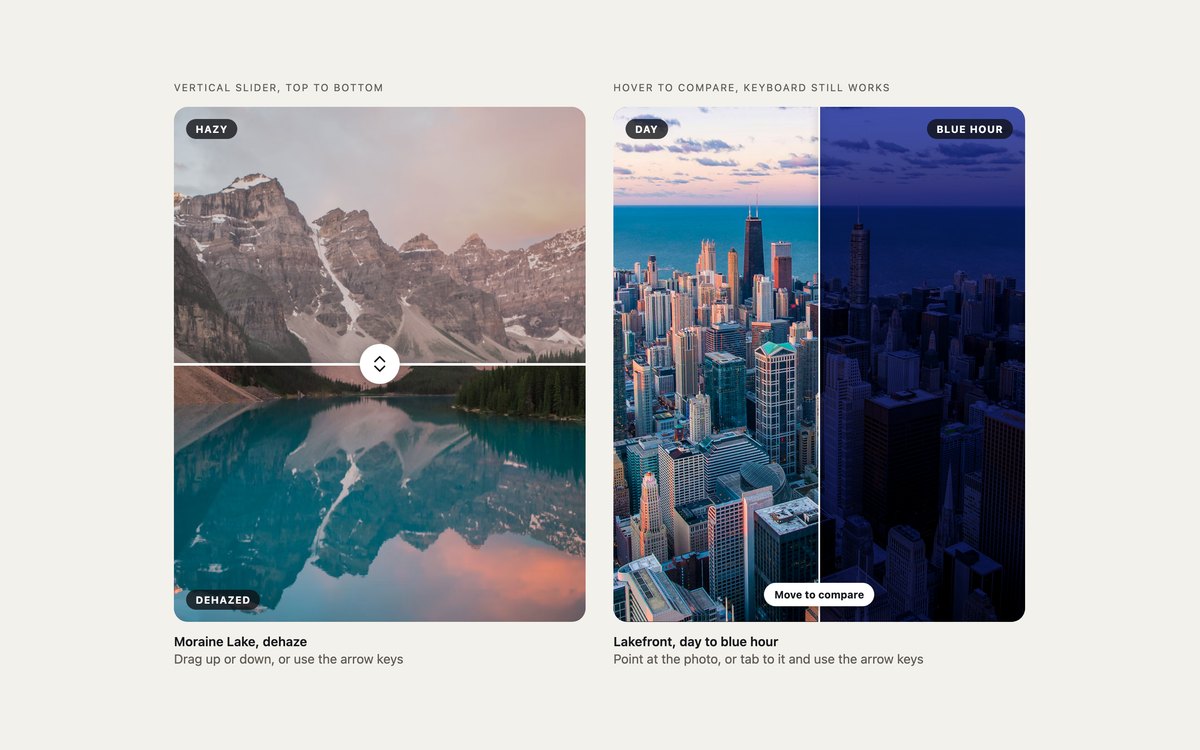
A top-to-bottom slider for portrait photos, and a slider that follows a mouse pointer without clicking.
The vertical one turns the range upright with writing-mode, and the hover one still works with touch and the arrow keys because the range is the real control.
Live Demo CSS, Bootstrap & Tailwind code
3. CSS-Only Image Comparisons
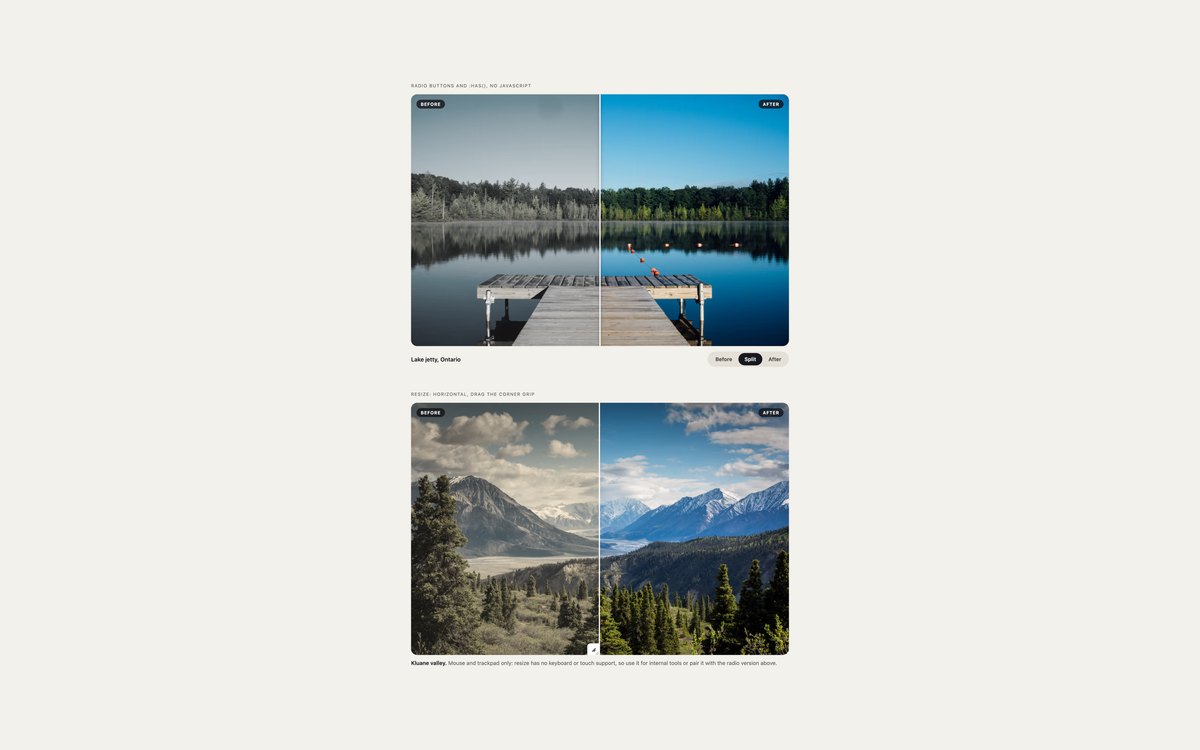
Before, Split and After radio buttons that move the divider with :has(), and a drag built on resize: horizontal.
No JavaScript in either. The radio version is fully keyboard accessible; the resize version needs a mouse or trackpad, and the demo says so.
Live Demo CSS, Bootstrap & Tailwind code
4. Tab and Toggle Comparisons
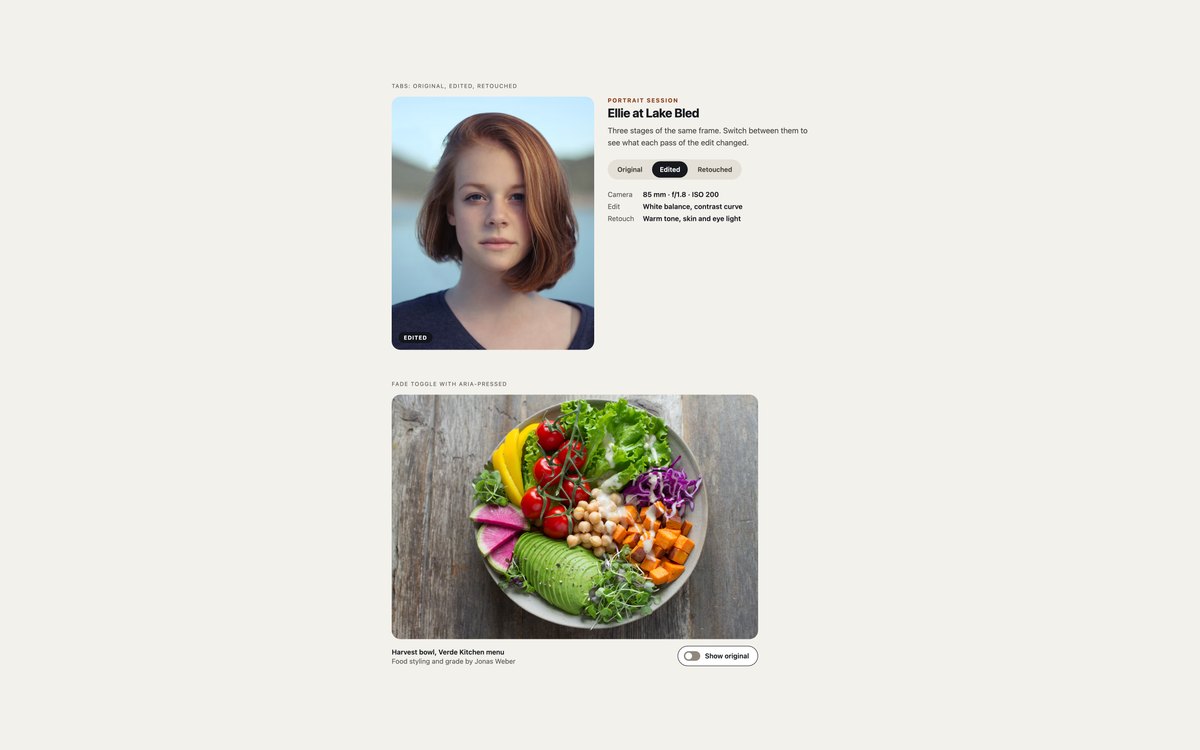
Original, edited and retouched tabs beside a portrait, and a Show original button that fades the unedited photo in.
Use tabs when there are more than two versions. They follow the ARIA tabs pattern, and the toggle keeps its state in aria-pressed.
Live Demo CSS, Bootstrap & Tailwind code
5. Renovation Before and After
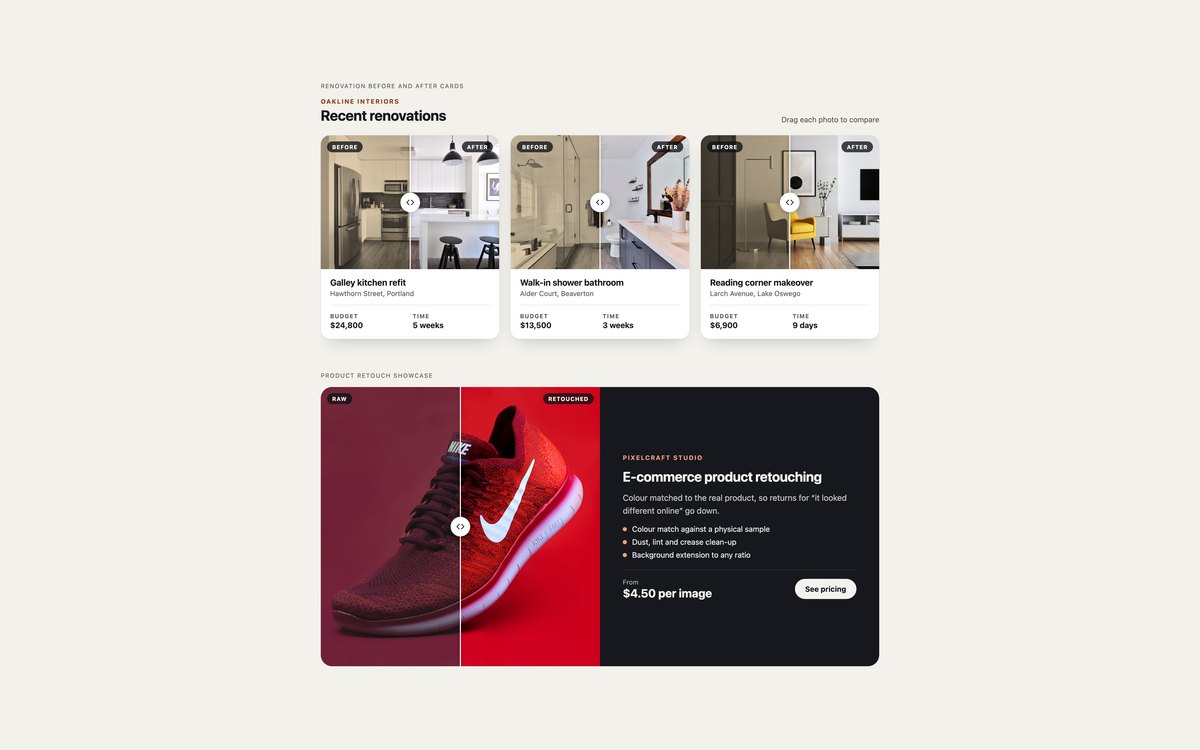
A grid of renovation cards, each with a slider, budget and time, and a dark product retouching card with a price line.
Made for builders, stagers, cleaners and retouchers. Photos are lazy-loaded with srcset, sizes, width and height, and Bootstrap builds it from .card and .row-cols-*.
Live Demo CSS, Bootstrap & Tailwind code
6. Magnifier Lens Comparisons
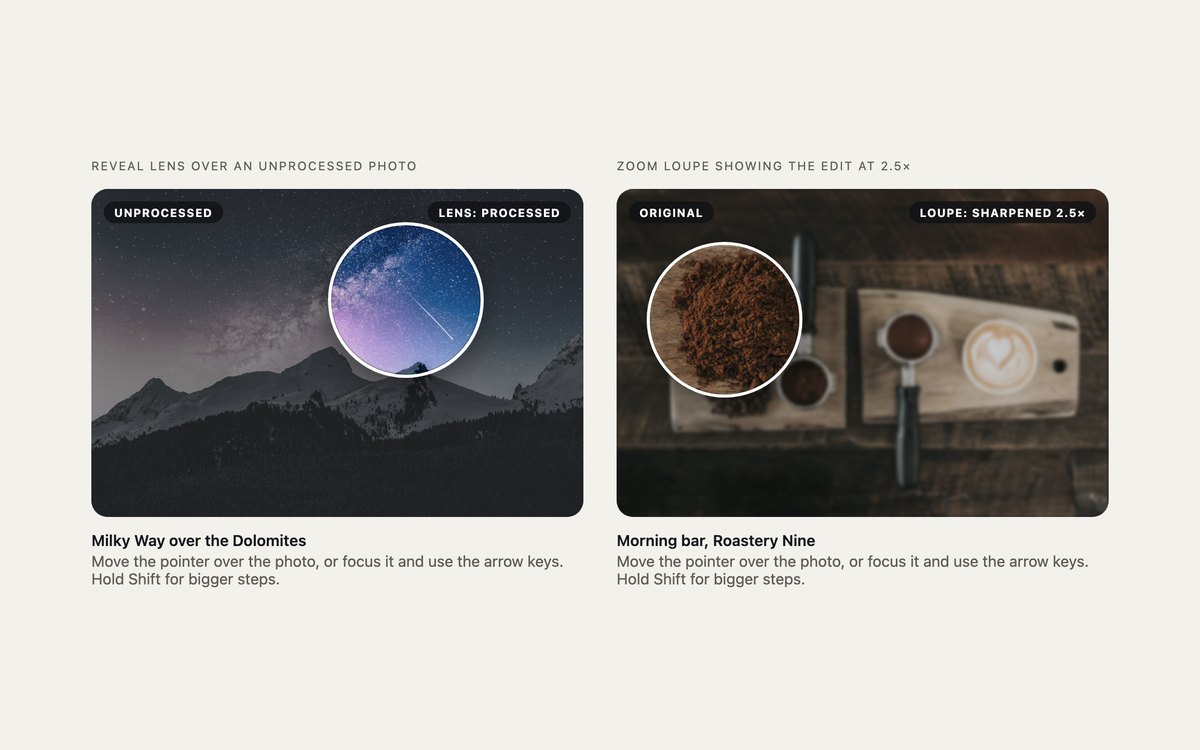
A lens that reveals the processed photo inside a circle, and a loupe that shows the edit at 2.5 times.
The lens is one clip-path: circle() rule and the loupe is sized with container query units; both follow the pointer and move with the arrow keys.
Live Demo CSS, Bootstrap & Tailwind code
7. Dark Photo Editor Comparison
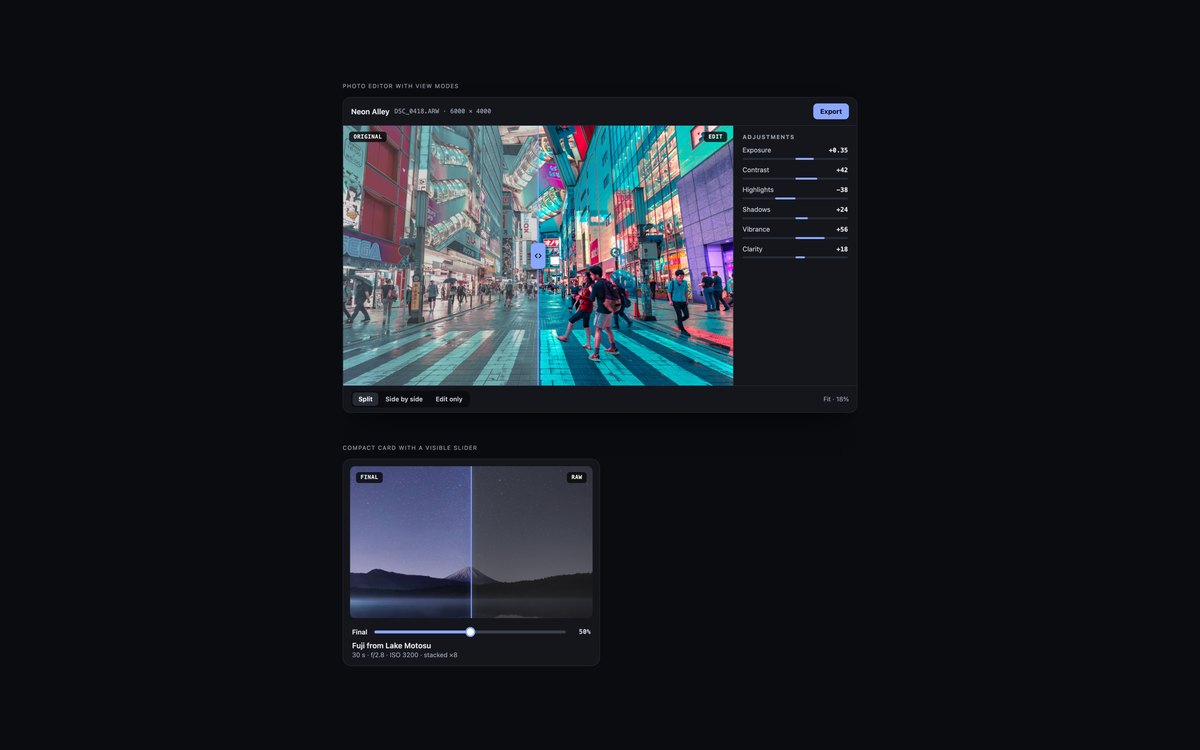
A photo editor frame with an adjustments panel and Split, Side by side and Edit only views, and a compact dark card with a visible slider.
For photo apps and preset shops on dark interfaces. The view buttons use aria-pressed, and Bootstrap runs it in data-bs-theme dark.
Live Demo CSS, Bootstrap & Tailwind code
8. Modern CSS Image Comparisons
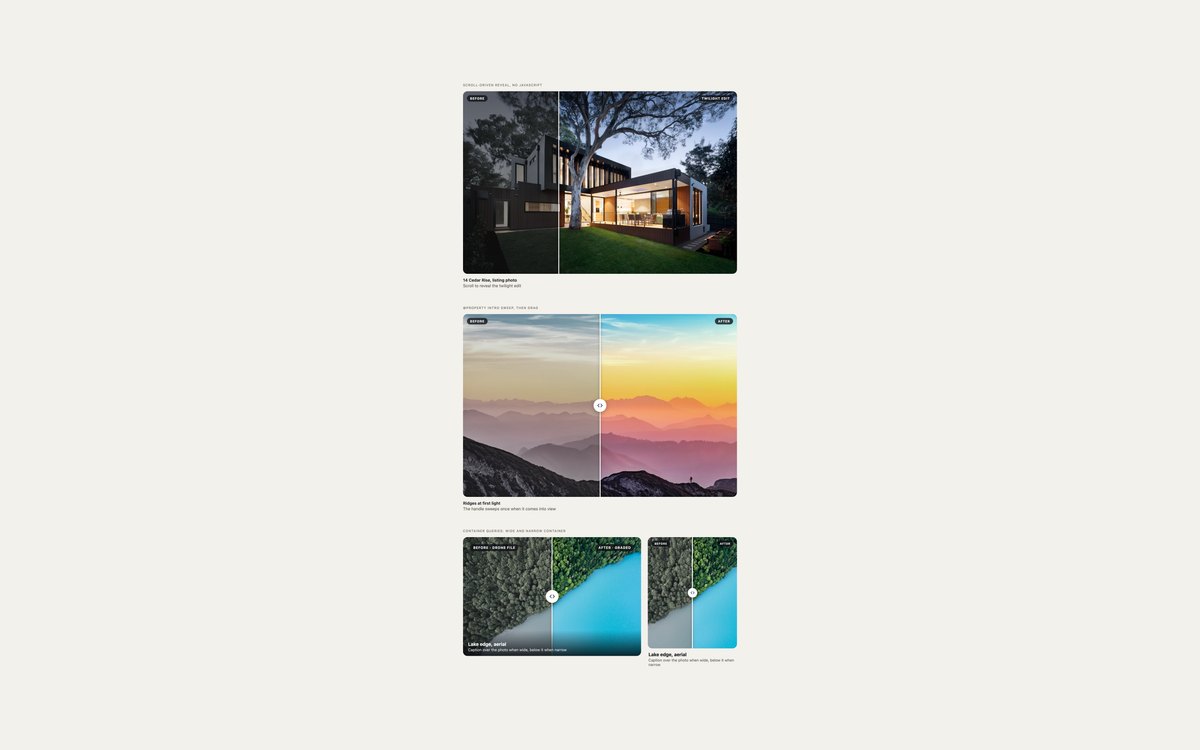
A reveal driven by scrolling, a one-time intro sweep, and a slider that adapts to the width of its container.
Uses animation-timeline: view(), @property and container queries, and falls back to a still 50/50 split where a feature is missing or motion is reduced.
Live Demo CSS, Bootstrap & Tailwind code
Frequently asked questions
Are these image comparison sliders free for commercial projects?
Yes. Every set is free for personal and commercial projects, including client work and products you sell. Attribution is optional but always welcome. The licence is at uicookies.com/license/.
Do these before and after sliders need JavaScript?
The drag sliders use a few lines of vanilla JavaScript with no library: they copy the range value into a CSS custom property and keep its spoken value up to date. The CSS-only set and the scroll-driven reveal need no JavaScript at all. The Bootstrap version of the tabs set loads Bootstrap’s bundle for its tab and button plugins.
Are the comparison sliders accessible?
Each slider is a native range input with an aria-label and an aria-valuetext such as 62% after, so it works with the arrow keys, Home and End, touch and screen readers. Both photos in every pair have alt text that names the version, every control shows a visible focus outline, motion stops under prefers-reduced-motion, and every set passes an automated axe-core WCAG 2.1 AA check. The resize: horizontal demo is the one exception for keyboard use, and its caption says so.
Which frameworks are included?
Every set has three files that look the same: plain HTML and CSS, Bootstrap 5.3.8 and Tailwind CSS 4. The Bootstrap files use .ratio, .form-range, .badge, .card, .nav-pills, .btn-check, .btn-group and data-bs-theme where they fit, with a small style block for the clip and handle. The Tailwind files use utility classes in the markup and a few custom utilities for the range thumb and clip-path.
How do I make a before and after image slider with only CSS?
Set 03 has two ways. Radio buttons with :has() set a custom property that moves the divider between fixed positions and stays keyboard accessible. A box with resize: horizontal can be dragged to any point, but only with a mouse or trackpad. For a smooth drag that also works with keyboards and touch, use a range input and the few lines of script in set 01, or the scroll-driven reveal in set 08, which needs Chrome 115 or Safari 26.