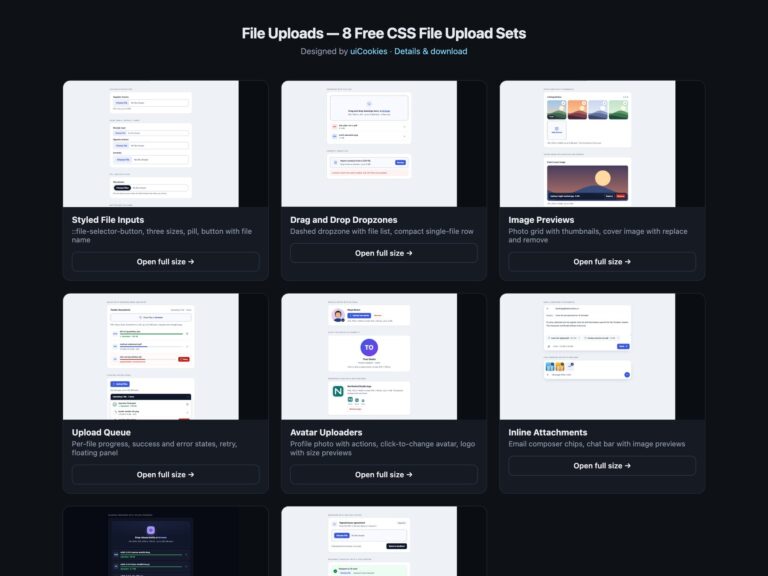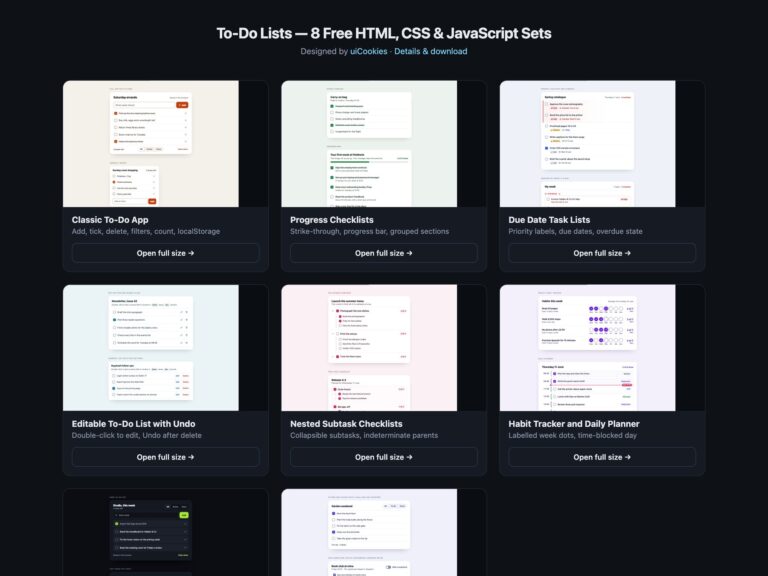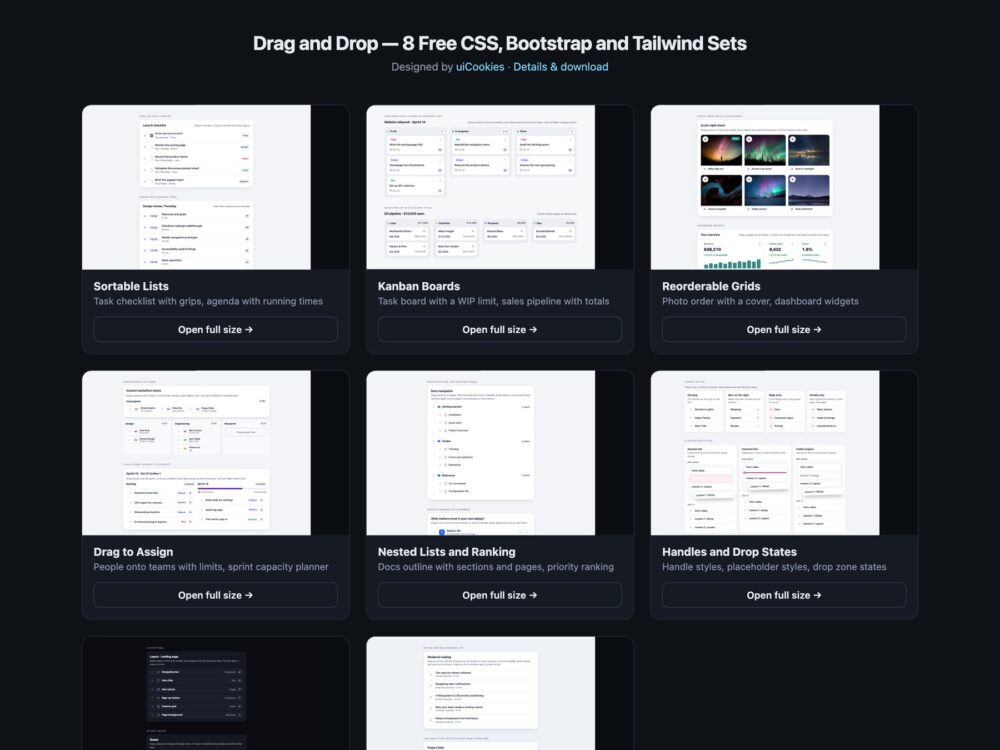
Drag and Drop is a pack of eight sets of drag and drop interfaces, designed and maintained in-house by uiCookies. Every set comes in three versions that look the same: plain HTML and CSS, Bootstrap 5 using its .card, .list-group, .btn, .badge, .progress and grid where they fit, and Tailwind CSS 4. The sets cover sortable task lists, kanban boards with counts and totals, photo and dashboard grids, dragging people and stories into targets with limits, nested outlines and priority rankings, a gallery of handles, placeholders and drop states, a dark set, and a no-library set built on the native HTML Drag and Drop API. Each set carries its own short vanilla JavaScript, with no library and no build step.
A good drag and drop interface never depends on dragging. Every item needs a keyboard route: a real button that picks it up, arrow keys that move it, a key that drops it and Escape that puts it back, with each step announced to screen readers, such as Write brief moved to Done, position 2 of 4. Touch needs pointer events and a handle with touch-action: none, because native drag events barely work on phones. While an item moves, the list should show where it will land with a placeholder the size of the item, targets should look ready as soon as a drag starts, and a full target should refuse clearly instead of swallowing the item.
Free download Browse live demos All snippets
The sets
1. Sortable Lists
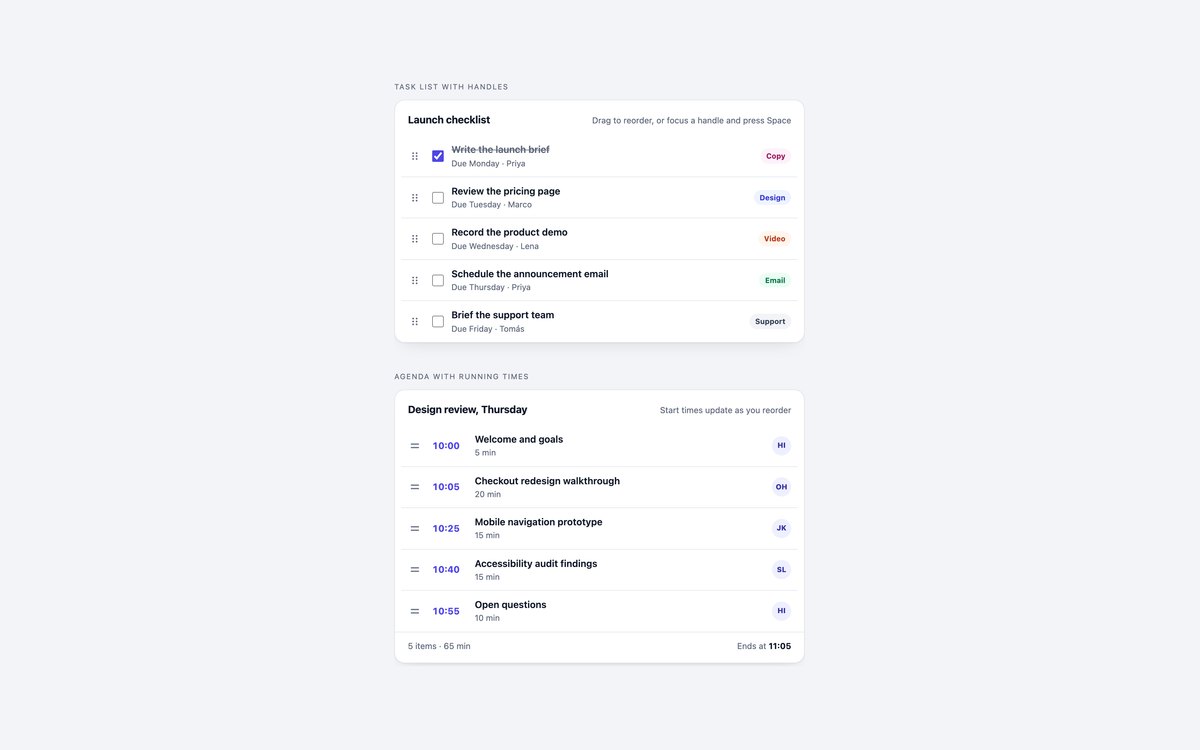
A launch checklist with grips, checkboxes, owners and tags, and a meeting agenda whose start and end times are recalculated after every move.
Use them for any list people put in order. Rows drag with mouse, touch or pen, and every grip doubles as a keyboard control that announces each move.
Live Demo CSS, Bootstrap & Tailwind code
2. Drag and Drop Kanban Boards
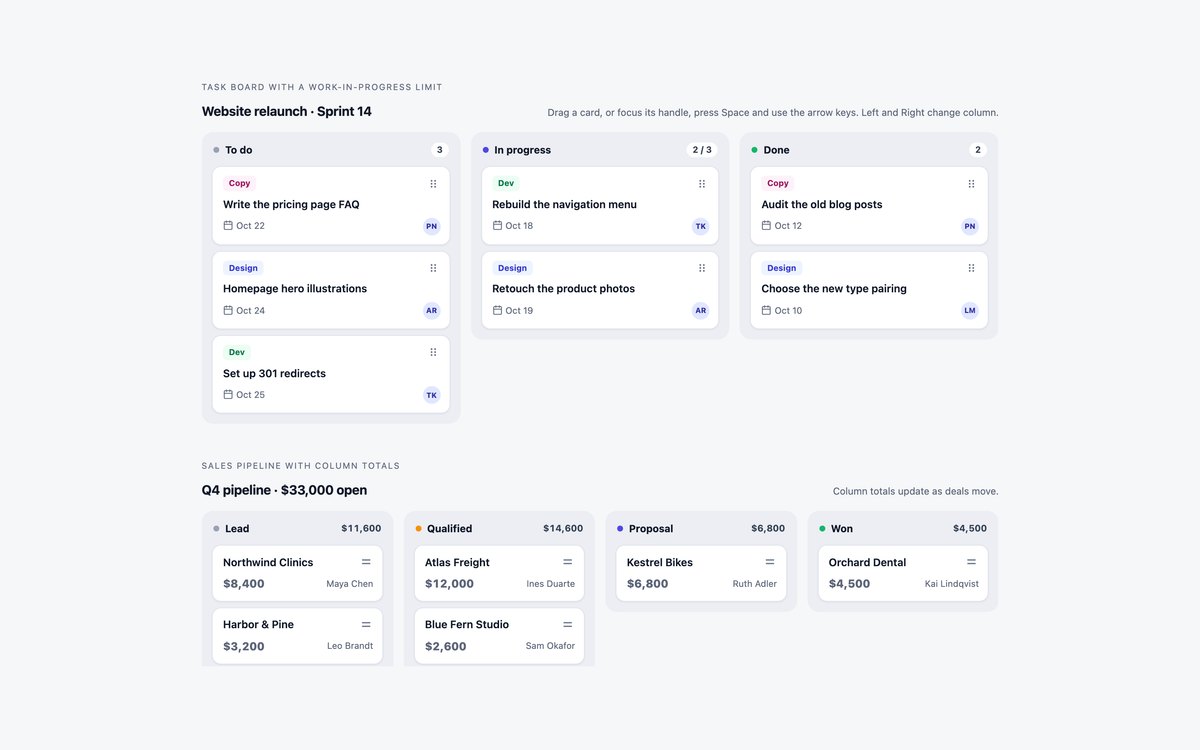
A task board with To do, In progress and Done, where In progress has a limit of three, and a four-stage sales pipeline with dollar totals per column.
Cards move within and between columns, counts and totals update live, and Left and Right arrow keys carry a card to the next column.
Live Demo CSS, Bootstrap & Tailwind code
3. Reorderable Grids
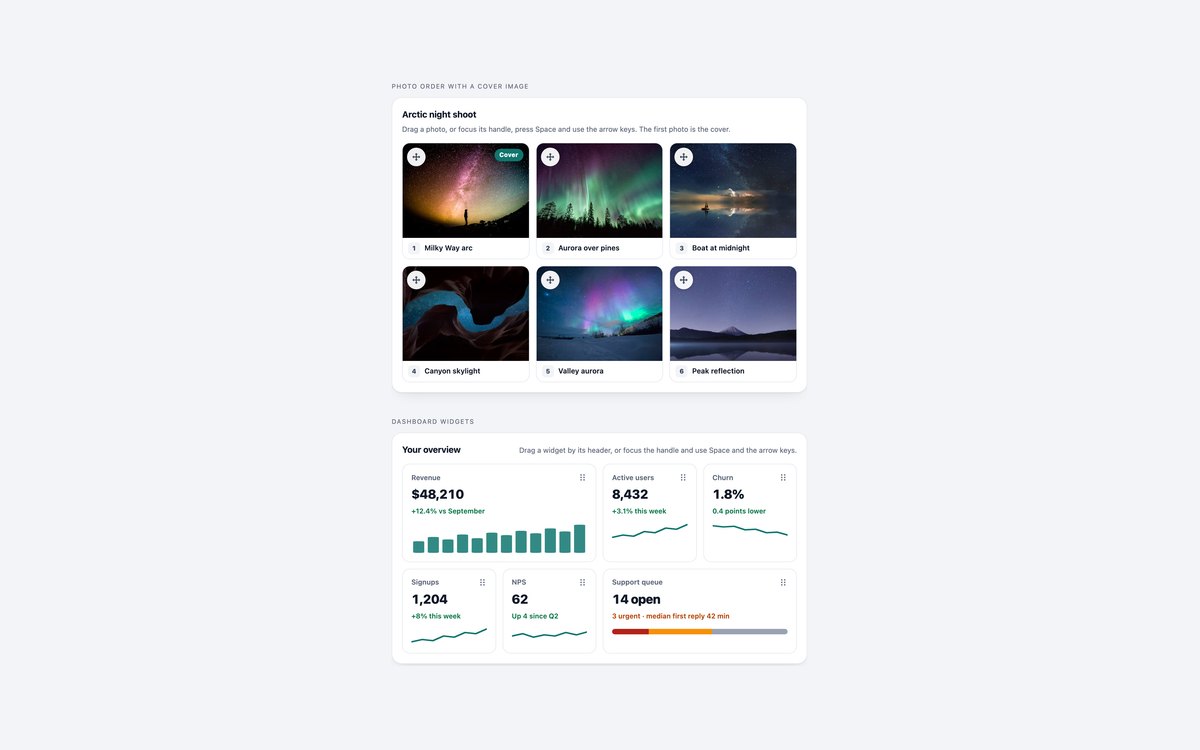
A photo grid whose first image is the cover, and a dashboard of wide and narrow widgets with small charts.
The script follows the grid row by row, and from the keyboard Up and Down jump a whole row while Left and Right move one place.
Live Demo CSS, Bootstrap & Tailwind code
4. Drag-to-Assign Targets
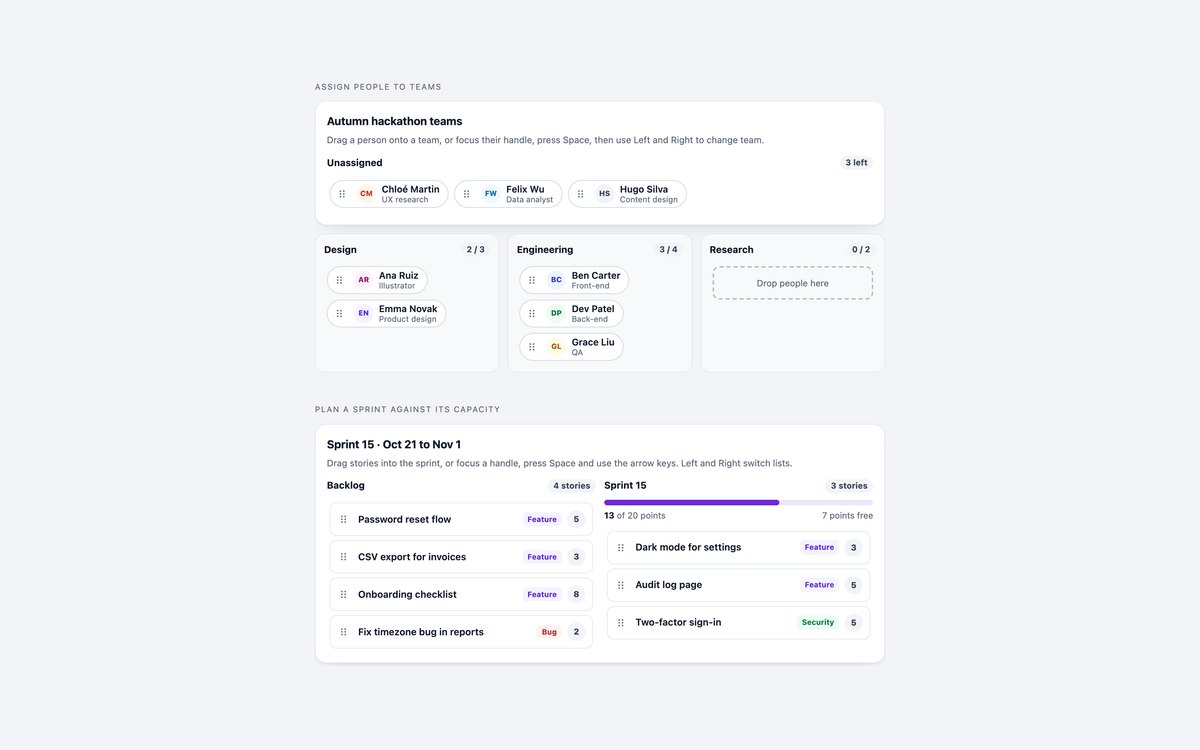
People dragged from an unassigned pool onto teams with their own limits, and user stories moved from a backlog into a sprint with a points budget.
Full targets turn red and refuse the item, the whole team box takes the drop, and the sprint bar warns when it goes over capacity.
Live Demo CSS, Bootstrap & Tailwind code
5. Nested Sortable Lists & Ranking
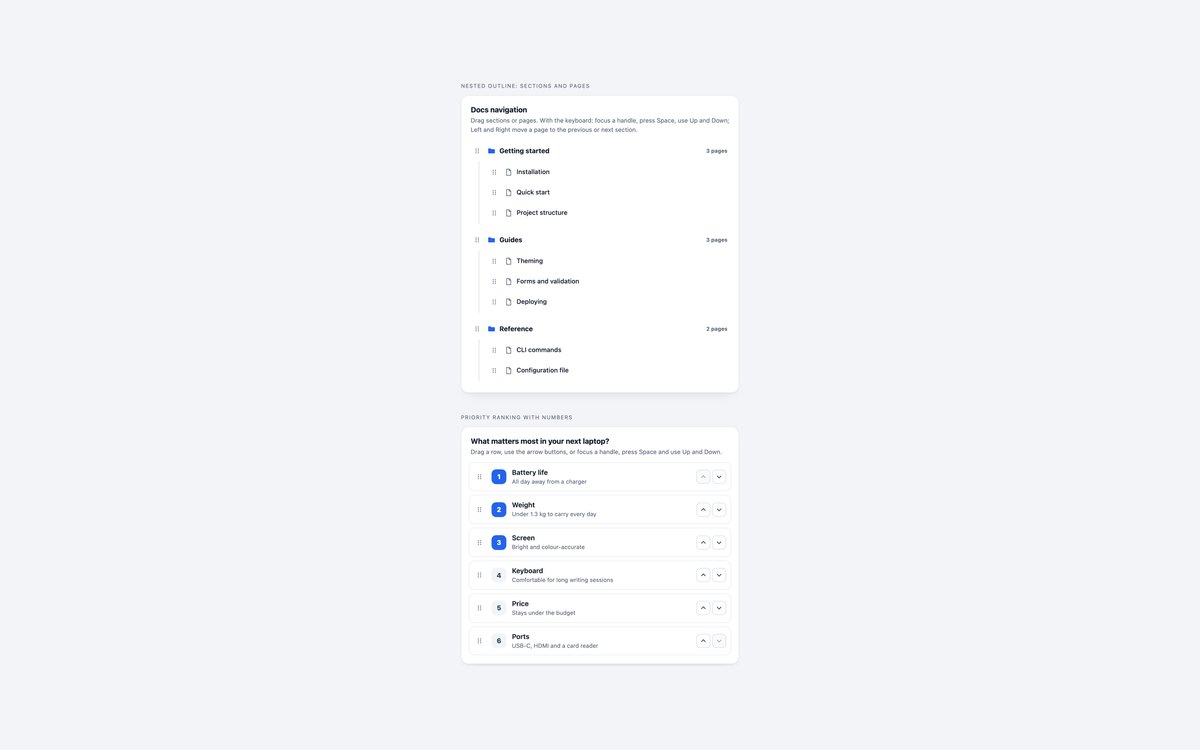
A two-level docs outline where sections and pages reorder separately, and a six-item priority ranking with numbers that update as rows move.
Pages move between sections by pointer or with Left and Right, and the ranking also has Move up and Move down buttons for people who prefer not to drag.
Live Demo CSS, Bootstrap & Tailwind code
6. Drag Handles & Drop States
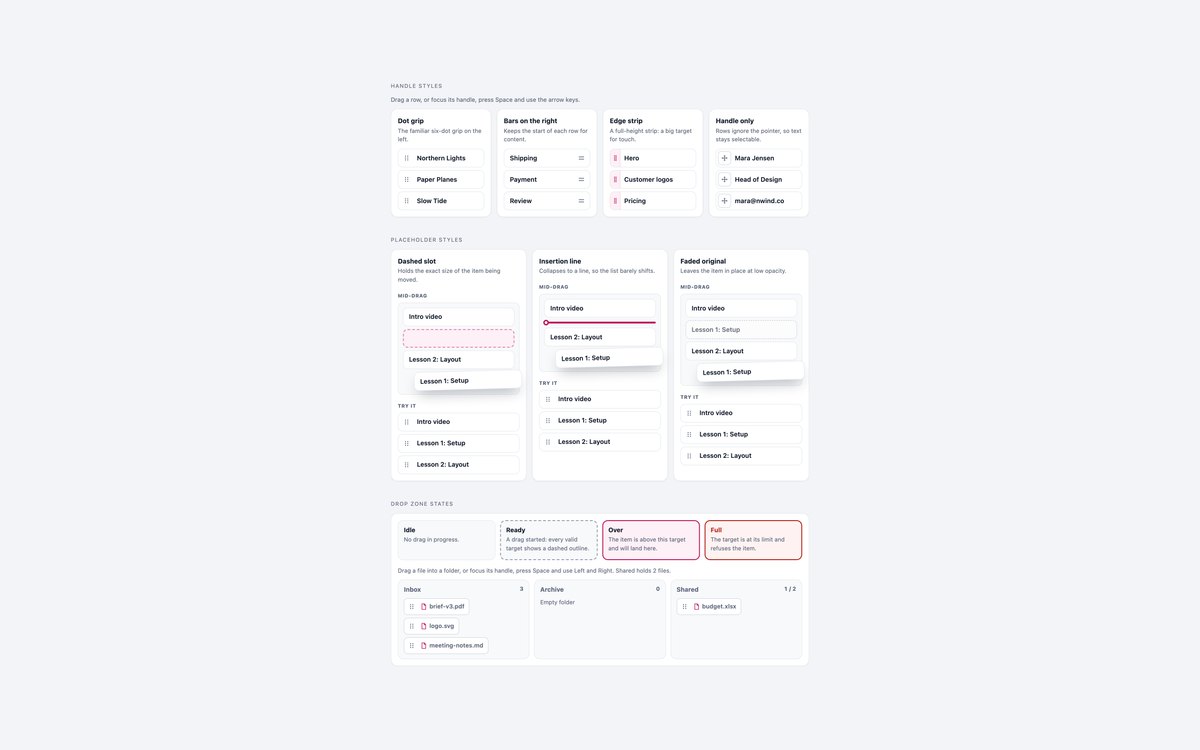
Four handle styles, three placeholder styles with mid-drag previews, and the idle, ready, over and full states of a drop zone.
Every example works, and every look comes from data attributes the script sets, so you can lift the CSS into your own lists.
Live Demo CSS, Bootstrap & Tailwind code
7. Dark Drag and Drop Lists
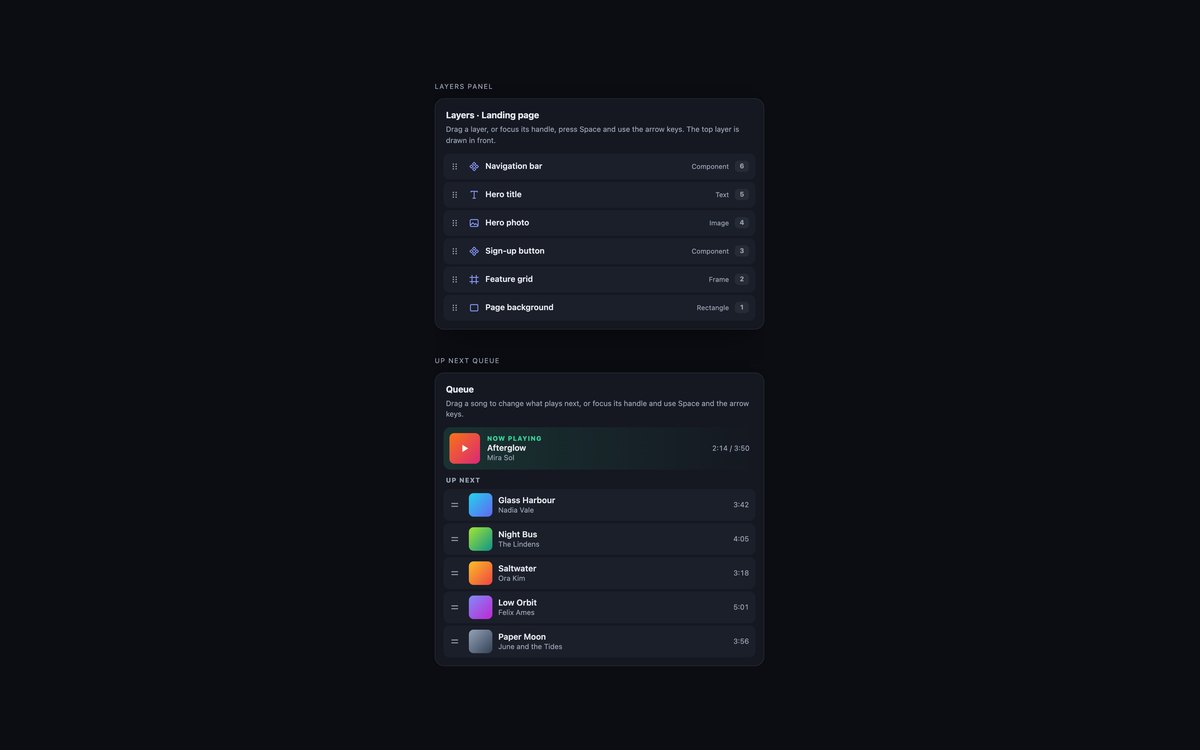
A design tool layers panel with live stacking numbers, and a music queue under a Now playing card.
Colours are checked for contrast on a near-black panel, and the picked-up item gets a glowing accent outline. Bootstrap runs it in data-bs-theme="dark".
Live Demo CSS, Bootstrap & Tailwind code
8. Native HTML Drag and Drop
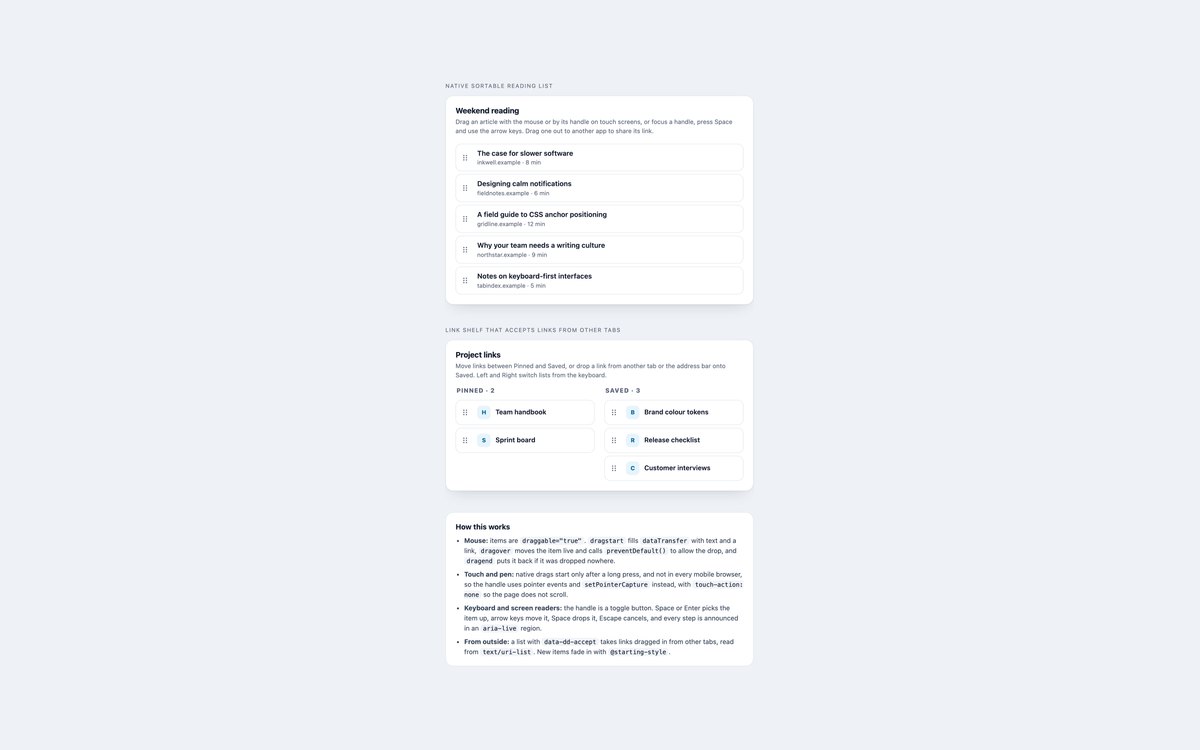
A reading list sorted with the native HTML Drag and Drop API, and a link shelf that accepts links dropped in from other tabs.
dataTransfer lets items travel out to other apps as links, pointer events take over on touch screens, and notes on the page explain each part.
Live Demo CSS, Bootstrap & Tailwind code
Frequently asked questions
Are these drag and drop components free for commercial projects?
Yes. Every set is free for personal and commercial projects, including client work and products you sell. Attribution is optional but always welcome. The licence is at uicookies.com/license/.
Do these drag and drop components need a JavaScript library?
No. Each set includes one short vanilla JavaScript block with no library, no jQuery and no build step. Sets 1 to 7 use pointer events for mouse, touch and pen, and set 8 uses the native HTML Drag and Drop API with pointer events as the touch fallback. The Bootstrap versions do not load Bootstrap’s JavaScript bundle.
Can people use them without a mouse?
Yes. Every item has a handle that is a real button named after the item. Space or Enter picks it up, the arrow keys move it, Space or Enter drops it and Escape cancels, and each step is announced to screen readers through an aria-live region. Focus outlines are visible, motion stops under prefers-reduced-motion, and every set passes an automated axe-core WCAG 2.1 AA check.
Which frameworks are included?
Every set has three files that look the same: plain HTML and CSS, Bootstrap 5.3.8 and Tailwind CSS 4. The script is identical in all three, because it only reads and sets data attributes such as data-dd-item, data-dragging and data-over. Bootstrap styles those states in a small style block, and Tailwind styles them with data-* variants in the markup.
Should I use the HTML Drag and Drop API or pointer events?
Use pointer events when you only reorder items inside the page, because they behave the same for mouse, touch and pen and let you style the moving copy. Use the native API when items must travel between the page and other apps or tabs, as links or files, and add pointer events for touch. Sets 1 to 7 show the first approach and set 8 the second.