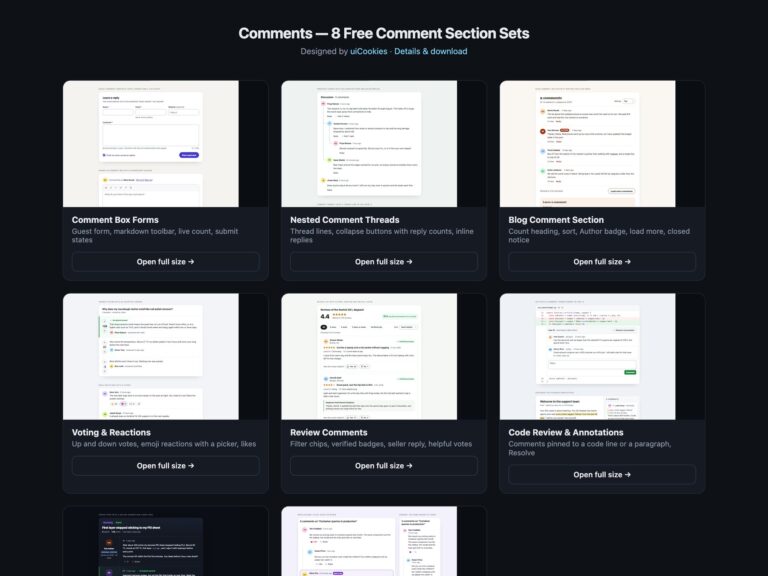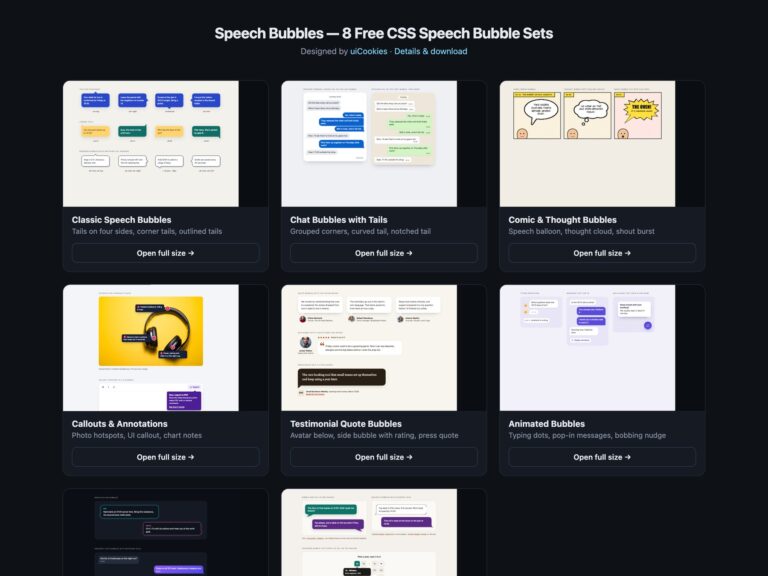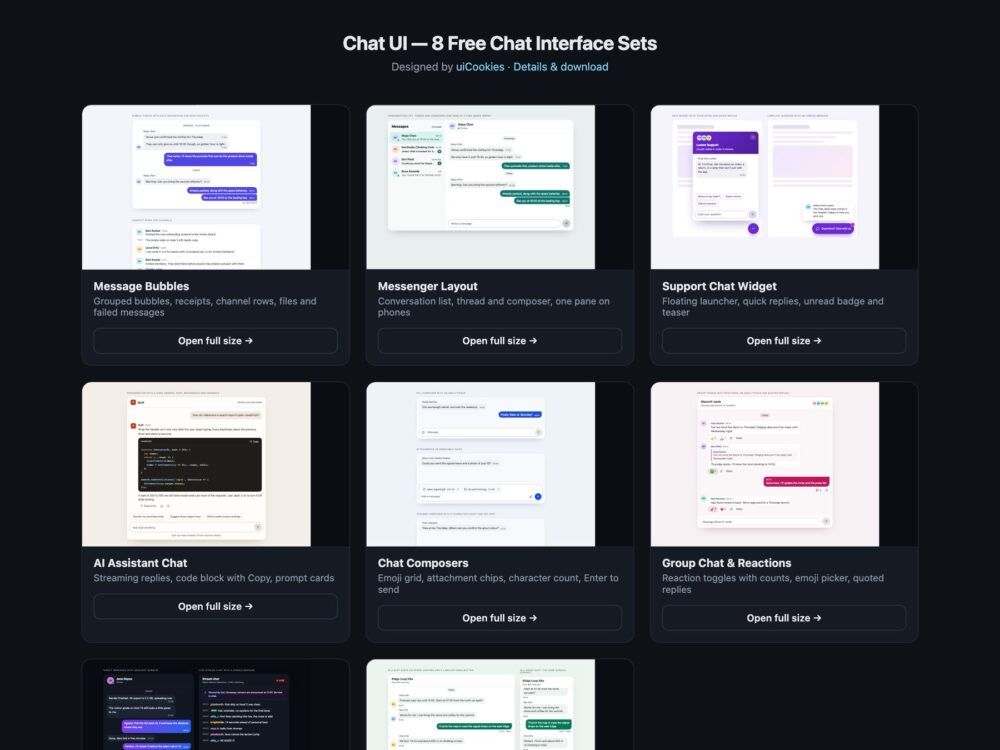
Chat UI is a pack of eight sets of chat interfaces, designed and maintained in-house by uiCookies. Every set comes in three versions that look the same: plain HTML and CSS, Bootstrap 5 using .card, .list-group, .badge, .btn, .btn-close and .form-control where they fit, and Tailwind CSS 4. The sets cover message bubbles and threads, a two-pane messenger that collapses to one pane on phones, a floating support chat widget, an AI assistant chat with streaming replies and a code block, composer inputs with emoji and attachments, a group chat with reactions and replies, a dark set and a modern CSS set built on column-reverse scrolling, field-sizing, :has(), @starting-style and container queries. Sending a message in the demos only adds it to the page; there are no API calls.
Related: threaded discussion in comment sections and bubble shapes in CSS speech bubbles.
A good chat interface tells everyone who said what and when, not only the people who can see the colours. Each message needs a sender and a time that a screen reader can reach, even when the design hides your own name, and the message list should be a live log that announces new messages without re-reading the whole history. Delivery states such as Read or Not delivered are words, not just a tick or a red tint. The composer should grow with the text, send on Enter, add a line on Shift+Enter and leave Send disabled while there is nothing to send. Panels and pickers return focus to the button that opened them when Esc is pressed, and anything that animates, from typing dots to streamed replies, settles down for people who ask for reduced motion.
Free download Browse live demos All snippets
The sets
1. Chat Message Bubbles
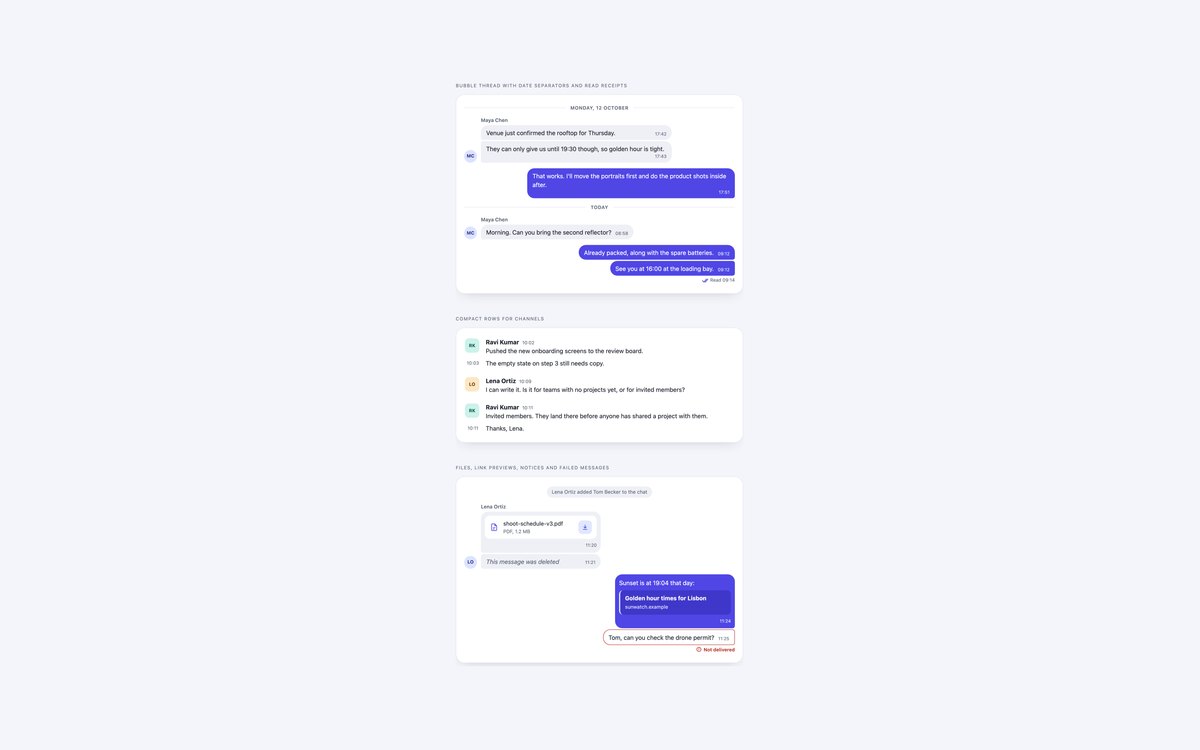
A bubble thread with date separators and read receipts, compact channel rows with initials avatars, and a thread of edge cases: files, link previews, notices, deleted and failed messages.
Use it for the read-only side of any chat. There is no JavaScript, each thread is a role="log" region, and every message has a sender and a time element.
Live Demo CSS, Bootstrap & Tailwind code
2. Messenger Chat Layout
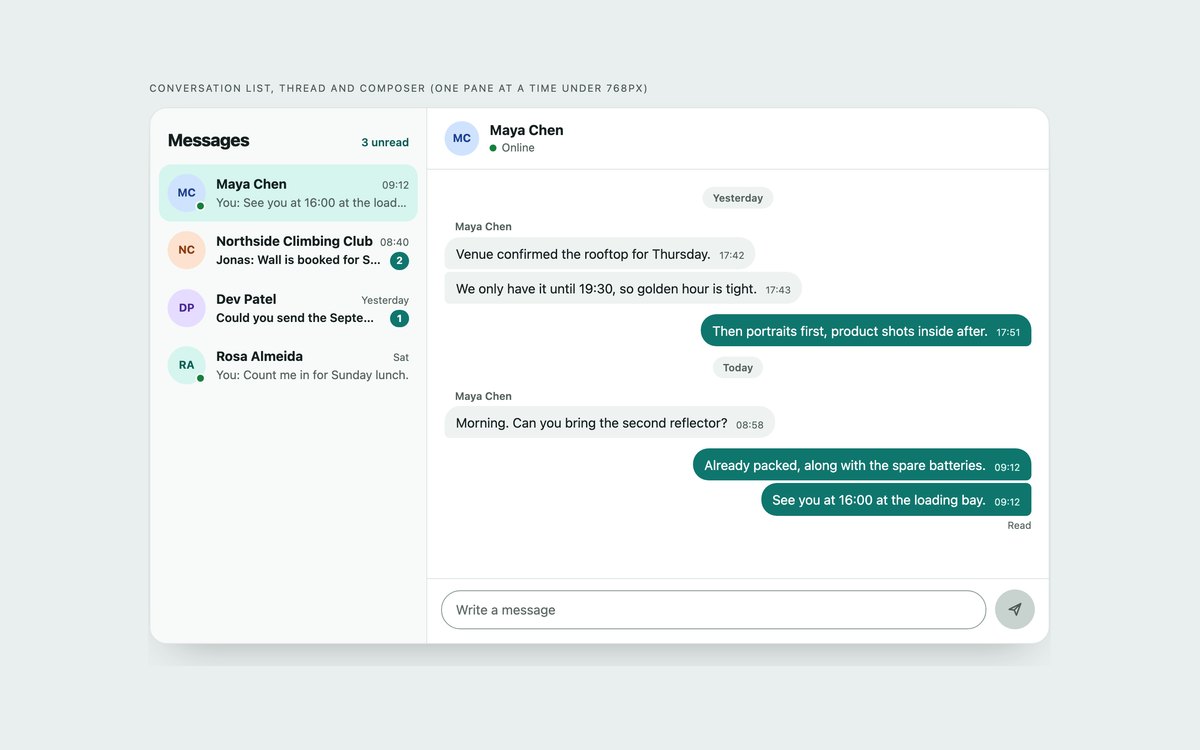
A conversation list with unread badges, the open thread and a composer, in one two-pane layout that collapses to a single pane with a back button under 768px.
Use it for inbox-style apps. About 60 lines of vanilla JavaScript switch conversations, move focus on small screens and append sent messages.
Live Demo CSS, Bootstrap & Tailwind code
3. Support Chat Widget
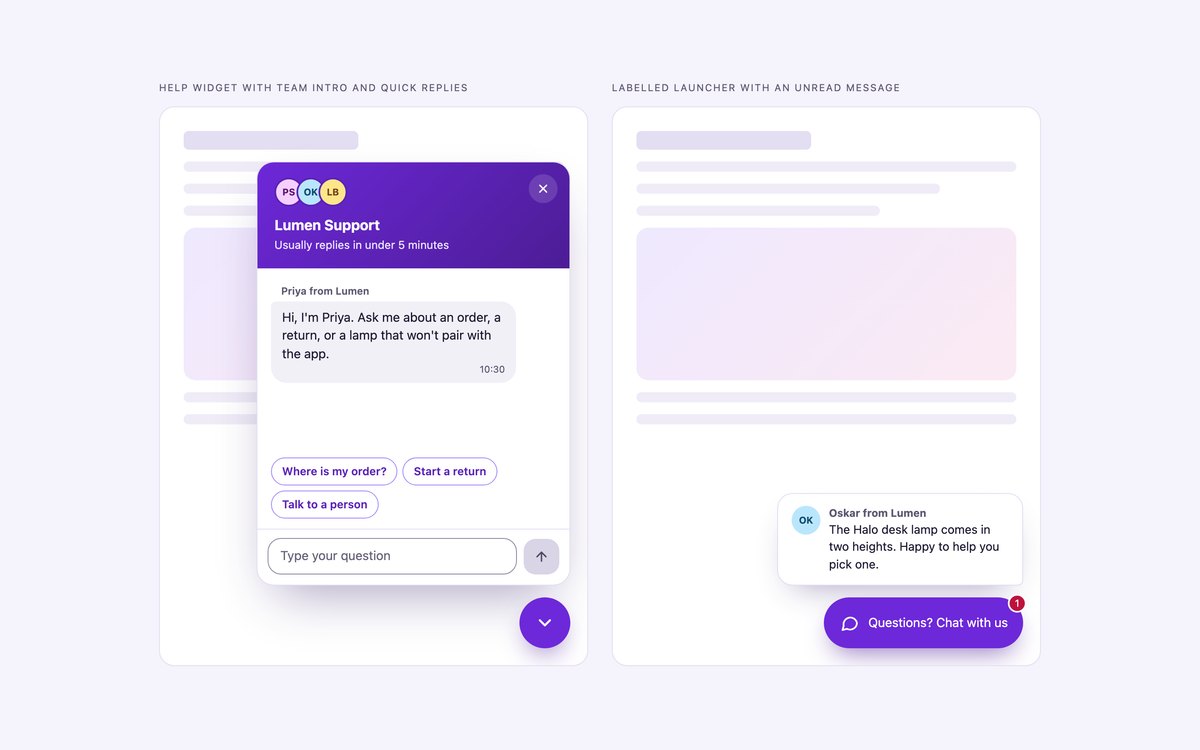
A floating help widget with a team intro and quick replies, and a labelled launcher with an unread badge and a teaser card.
The launcher is a button with aria-expanded; Esc closes the panel and returns focus to it. Demo replies are canned, and the dock switches to position: fixed for a real page.
Live Demo CSS, Bootstrap & Tailwind code
4. AI Assistant Chat UI
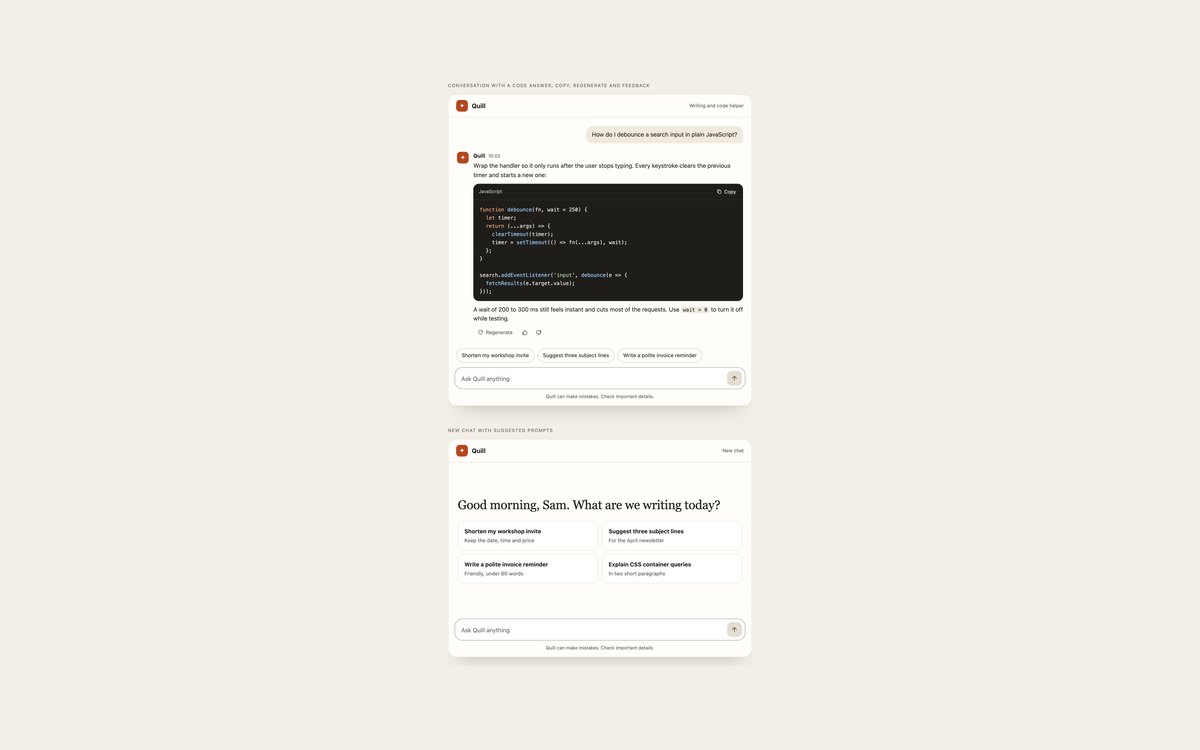
An assistant conversation with a code block and Copy button, Regenerate and feedback buttons, and a new-chat screen with prompt cards.
Replies stream in word by word, or appear at once under reduced motion, and the log is marked aria-busy while they do. Nothing calls a real model.
Live Demo CSS, Bootstrap & Tailwind code
5. Chat Composer Inputs
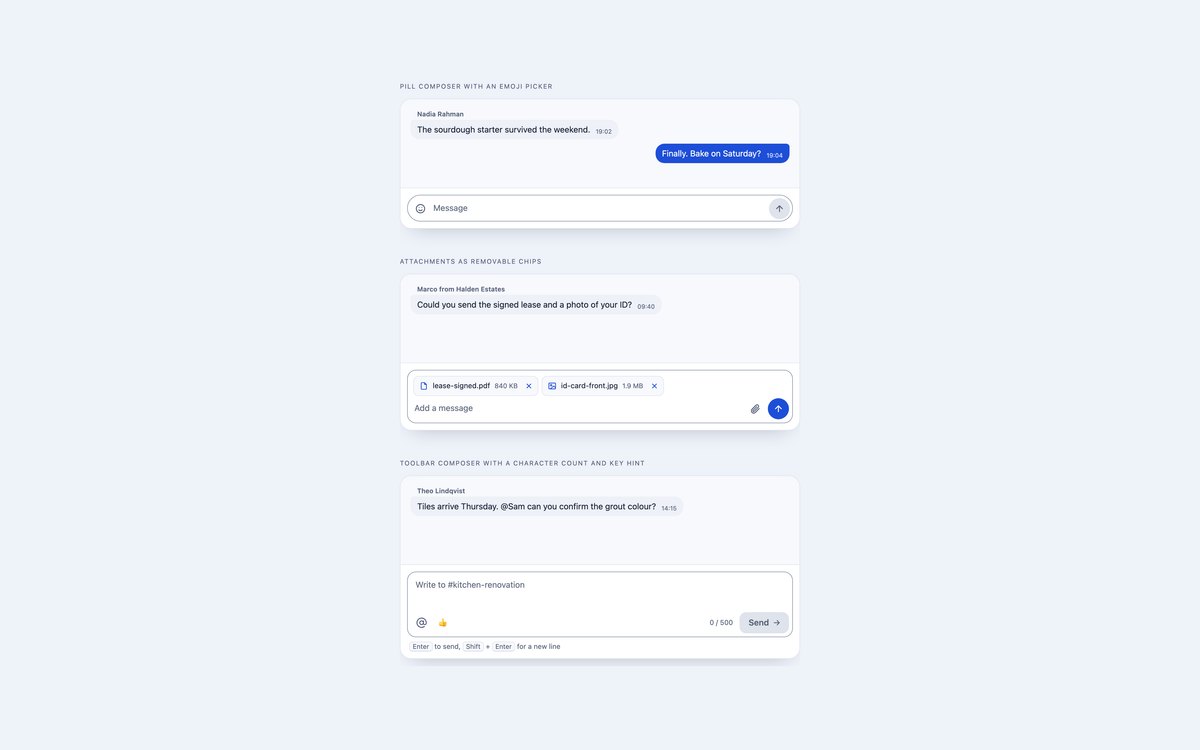
A pill composer with an emoji grid, a composer with removable attachment chips, and a toolbar composer with a character count and key hint.
All three grow with their text, send on Enter, add a line on Shift+Enter and keep Send disabled until there is something to send.
Live Demo CSS, Bootstrap & Tailwind code
6. Group Chat with Reactions
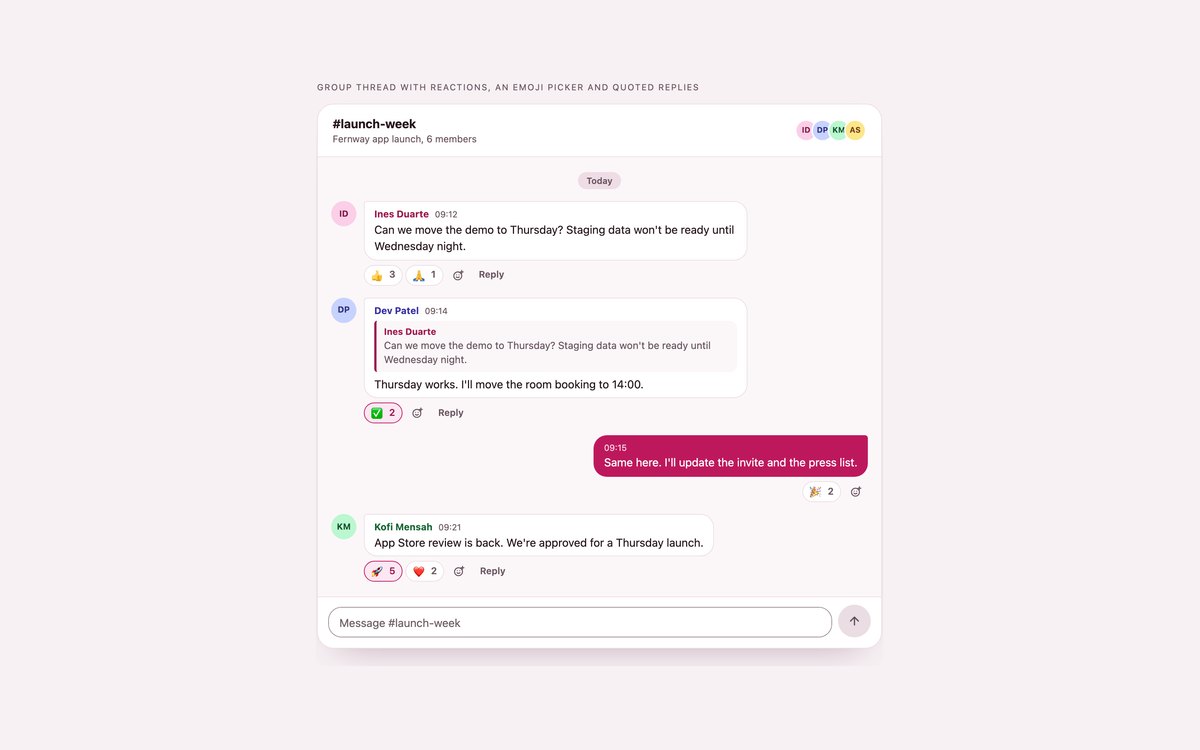
A team thread with initials avatars, coloured names, reaction buttons with counts, an emoji picker and quoted replies.
Reactions are aria-pressed toggle buttons whose counts update as you press them, and Reply carries a quote of the original message into the one you send.
Live Demo CSS, Bootstrap & Tailwind code
7. Dark Chat UI
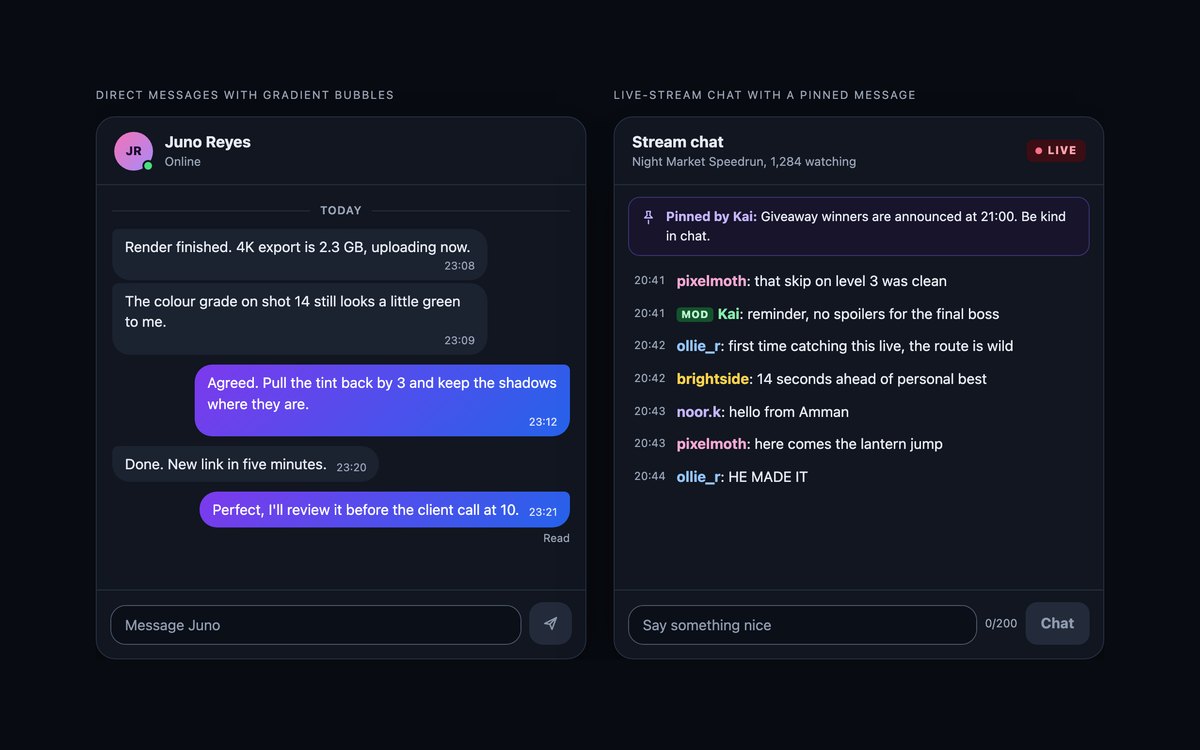
Direct messages with violet-to-blue gradient bubbles, and a live-stream chat with a LIVE badge, a pinned message, coloured names and a MOD tag.
Every text colour reaches 4.5:1 on the near-black panel. The Bootstrap version runs in data-bs-theme="dark".
Live Demo CSS, Bootstrap & Tailwind code
8. Modern CSS Chat UI
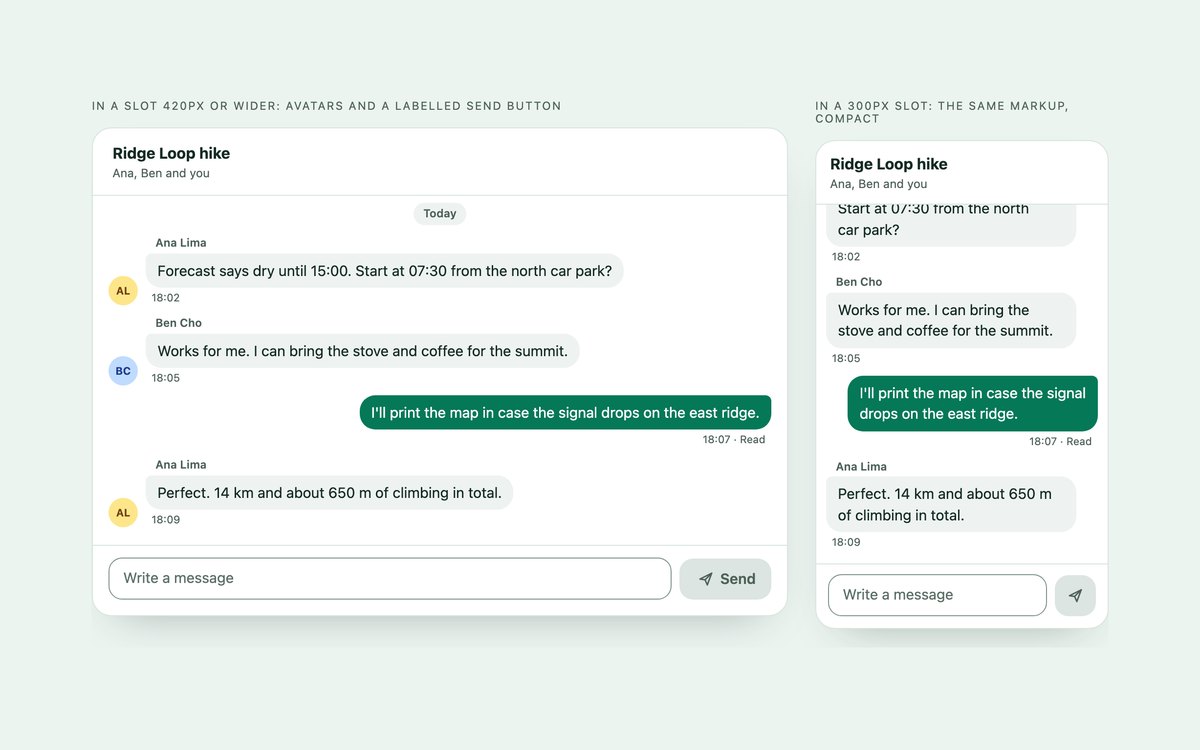
One chat shown in a wide and a narrow slot, with a log that stays on the newest message and a textarea that grows on its own.
column-reverse scrolling, field-sizing: content, :has(), @starting-style and a container query replace the usual scripts; about 20 lines of JavaScript only append the message.
Live Demo CSS, Bootstrap & Tailwind code
Frequently asked questions
Are these chat UI templates free for commercial projects?
Yes. Every set is free for personal and commercial projects, including client work and products you sell. Attribution is optional but always welcome. The licence is at uicookies.com/license/.
Do the chat interfaces need JavaScript?
The message bubbles in set 01 need none. The other sets use a short vanilla JavaScript block, with no library, to grow the textarea, send on Enter, append the message and run features such as conversation switching, reactions or the support panel. Set 08 shows how much CSS can do instead: its script only appends the message. The Bootstrap versions do not load Bootstrap’s JavaScript bundle.
Are the chat interfaces accessible?
Each message list is a role="log" region with aria-live="polite", so screen readers announce new messages rather than the whole history, and every message has a sender and a time element. Read receipts, online status and failed messages are written as text, every icon button has a name, and toggles use aria-pressed or aria-expanded. Esc closes panels and pickers and returns focus, motion stops under prefers-reduced-motion, and every set passes an automated axe-core WCAG 2.1 AA check.
Which frameworks are included?
Every set has three files that look the same: plain HTML and CSS, Bootstrap 5.3.8 and Tailwind CSS 4. The Bootstrap files use .card, .list-group, .badge, .btn, .btn-close and .form-control where they fit, with a small style block for the bubbles. The Tailwind files use utility classes in the markup, with a style block only for theme colours and keyframes. The same script runs all three, because it hooks onto data attributes rather than class names.
How do I keep a chat scrolled to the newest message without JavaScript?
Make the scrolling log a flex container with flex-direction: column-reverse and put the messages, in normal order, inside a single child element. The scroll position then starts at the bottom edge, so the log opens on the newest message and stays there when new messages are appended. Set 08 uses this technique in all three versions, and it works in all evergreen browsers.