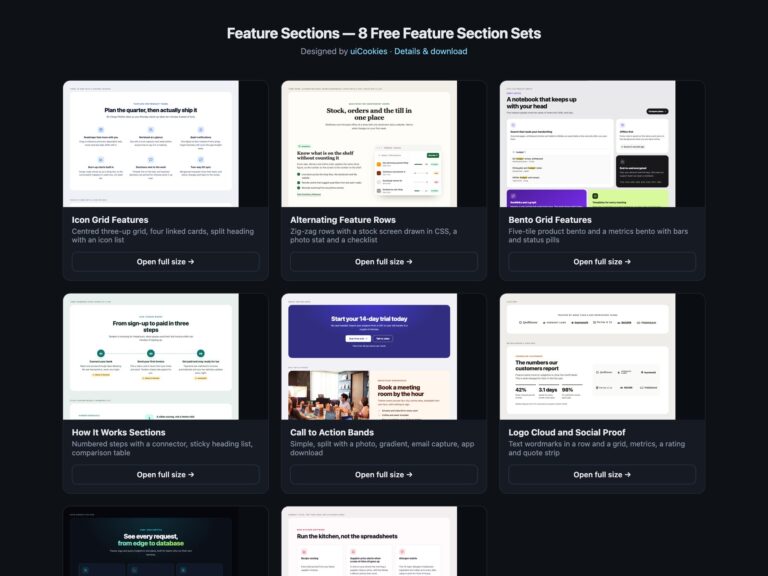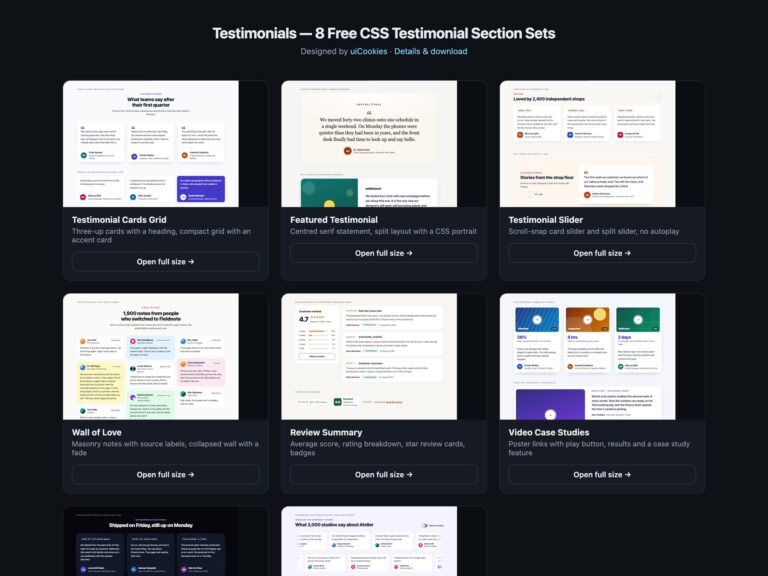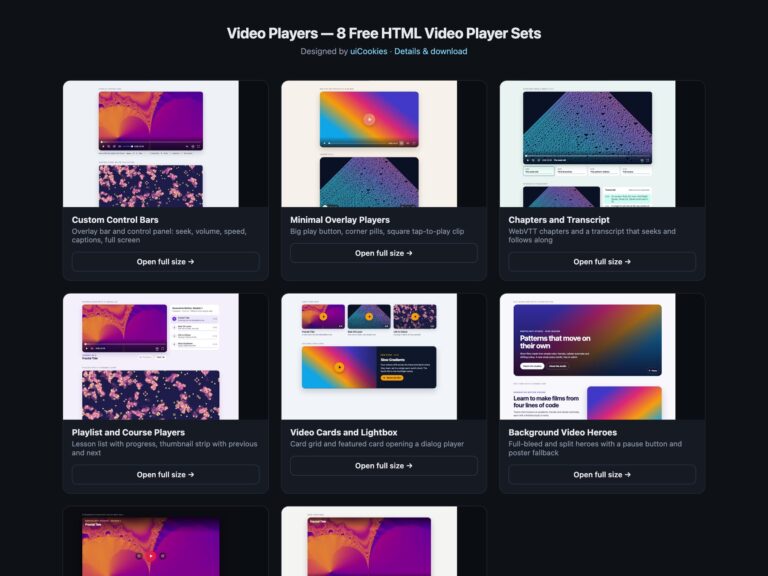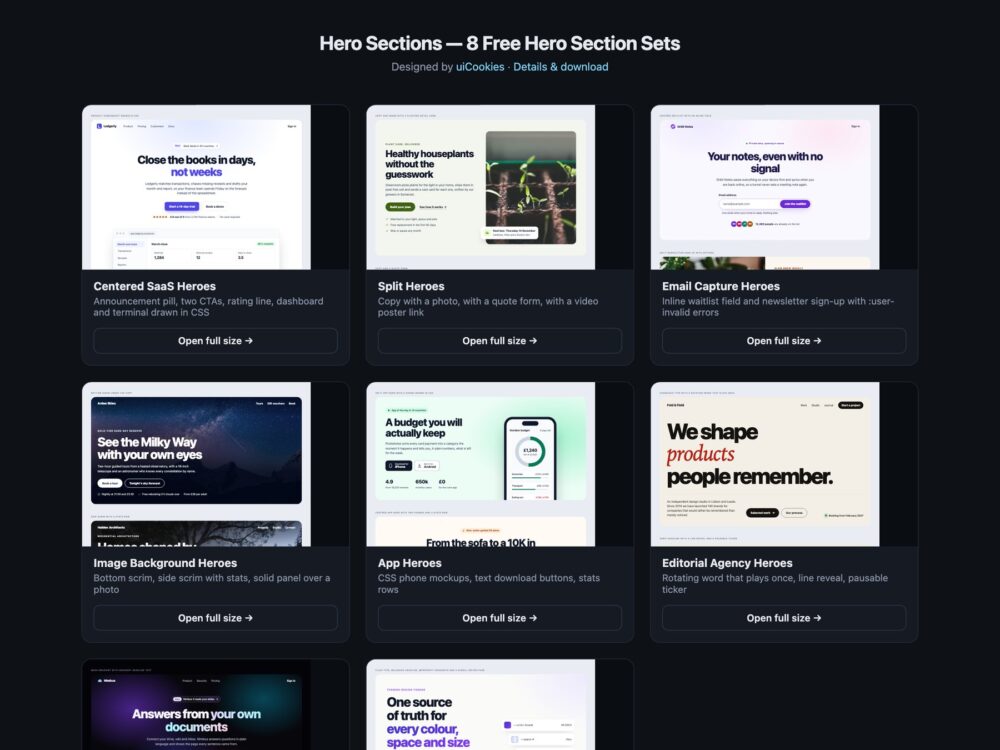
Hero Sections is a pack of eight sets of landing page heroes, designed and maintained in-house by uiCookies. Every set comes in three versions that look the same: plain HTML and CSS, Bootstrap 5 using its grid, .btn, .nav, .badge, .card, .form-control and .invalid-feedback where they fit, and Tailwind CSS 4. The sets cover centred SaaS heroes with a product screenshot drawn in CSS, split heroes with a photo, a quote form or a video poster link, email capture and waitlist heroes, photo background heroes with measured overlay contrast, app heroes with a CSS phone and a stats row, editorial agency heroes with animated type, a dark gradient set and a modern CSS set built on clamp(), text-wrap: balance, @property, scroll-driven animation and container queries. None of them uses JavaScript.
A good hero says what the product is and what to do next before the visitor scrolls. The headline is the page’s one h1 and makes sense on its own, the subcopy adds one concrete detail, and there are at most two actions, with the main one visibly stronger. Calls to action are real links or buttons with words that describe the result, such as Start a 14-day trial, not Click here. Text over a photo needs a scrim that is checked against the actual image at phone width too, because the crop changes and a headline that was readable on a laptop can land on a bright sky. Product pictures need a text description, and anything that moves on its own should stop within five seconds or offer a pause, and should stay still for people who ask for reduced motion.
Free download Browse live demos All snippets
The sets
1. Centered SaaS Hero Sections
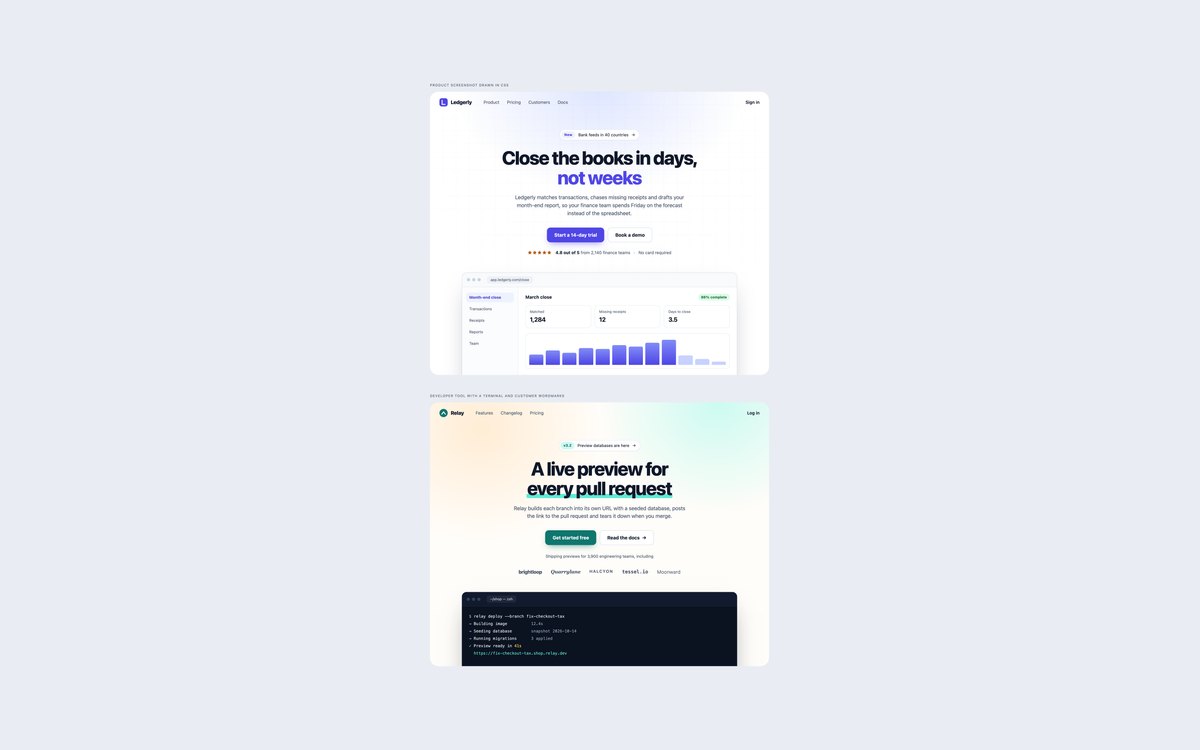
A finance SaaS hero with an announcement pill, two calls to action, a rating line and a dashboard drawn in HTML and CSS, and a developer tool hero with a terminal window and five customer wordmarks.
Use them for software landing pages. The mockups are markup, so they stay sharp, take your colours and are described to screen readers as one image.
Live Demo CSS, Bootstrap & Tailwind code
2. Split Hero Sections
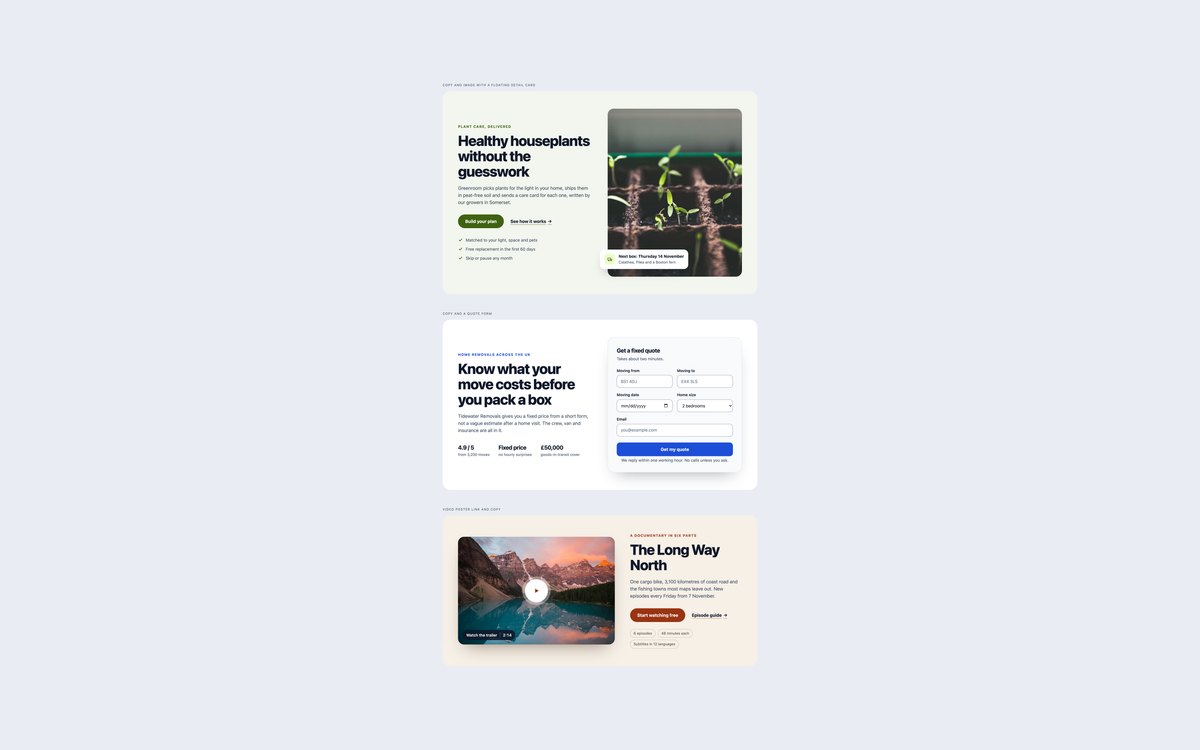
Copy beside a photo with a floating delivery card, copy beside a quote form with labelled fields, and a video poster link with a play button and duration beside the copy.
This is the most common landing page layout. Each hero stacks below 992px, and the Bootstrap version is built on .row, .col-lg-6, .form-control and .form-select.
Live Demo CSS, Bootstrap & Tailwind code
3. Email Capture Hero Sections
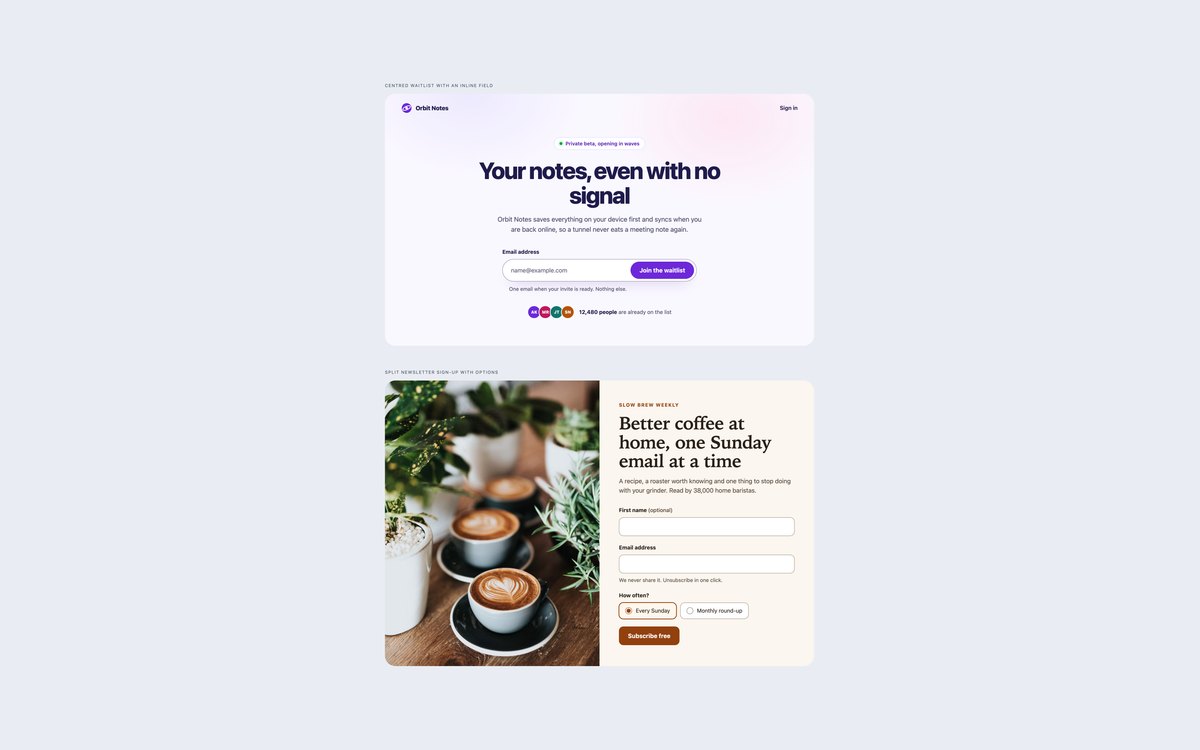
A centred waitlist with an email field and button in one bar, and a split newsletter sign-up with a photo, an optional name and a weekly or monthly choice.
The browser’s own required and type="email" validation blocks bad submits, and :user-invalid shows a written error only after the visitor has typed, with no JavaScript.
Live Demo CSS, Bootstrap & Tailwind code
4. Image Background Hero Sections
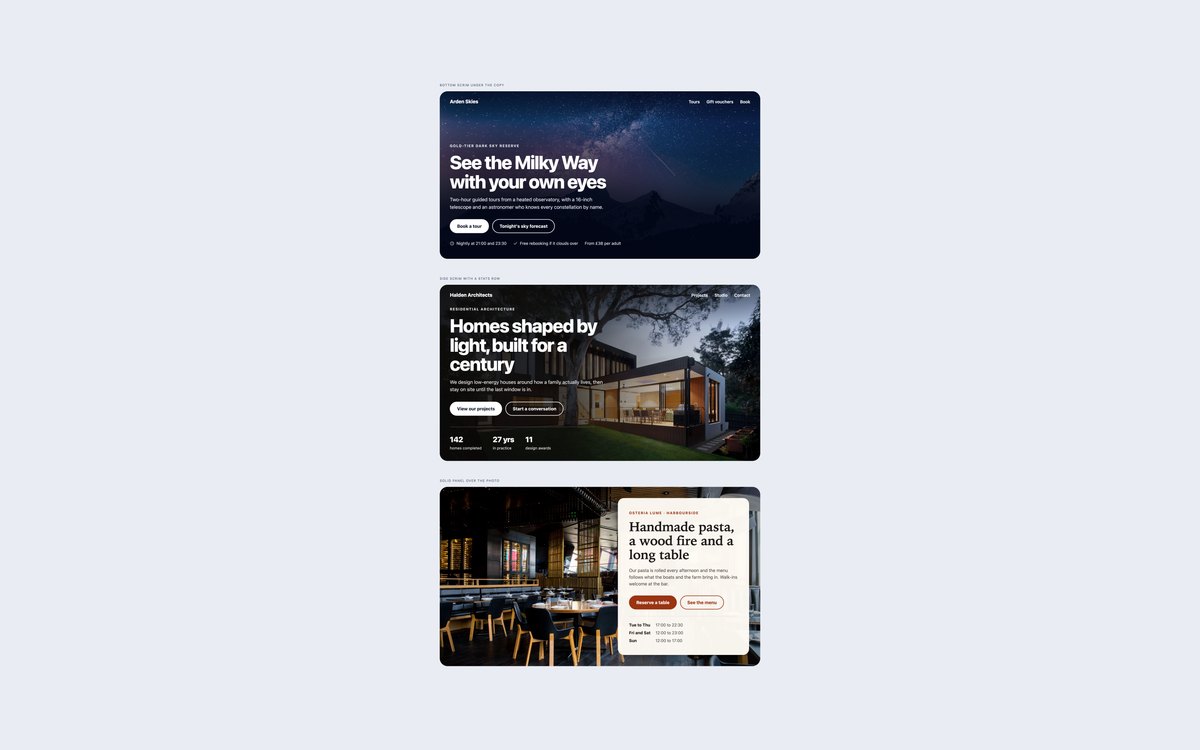
A full-bleed photo with a bottom scrim, a photo with a side scrim and a stats row, and a near-opaque panel over a restaurant photo.
Text contrast was measured over the rendered photos at 1200px and 375px. On phones the scrims become darker and more even because the text can land anywhere on the image.
Live Demo CSS, Bootstrap & Tailwind code
5. App Download Hero Sections
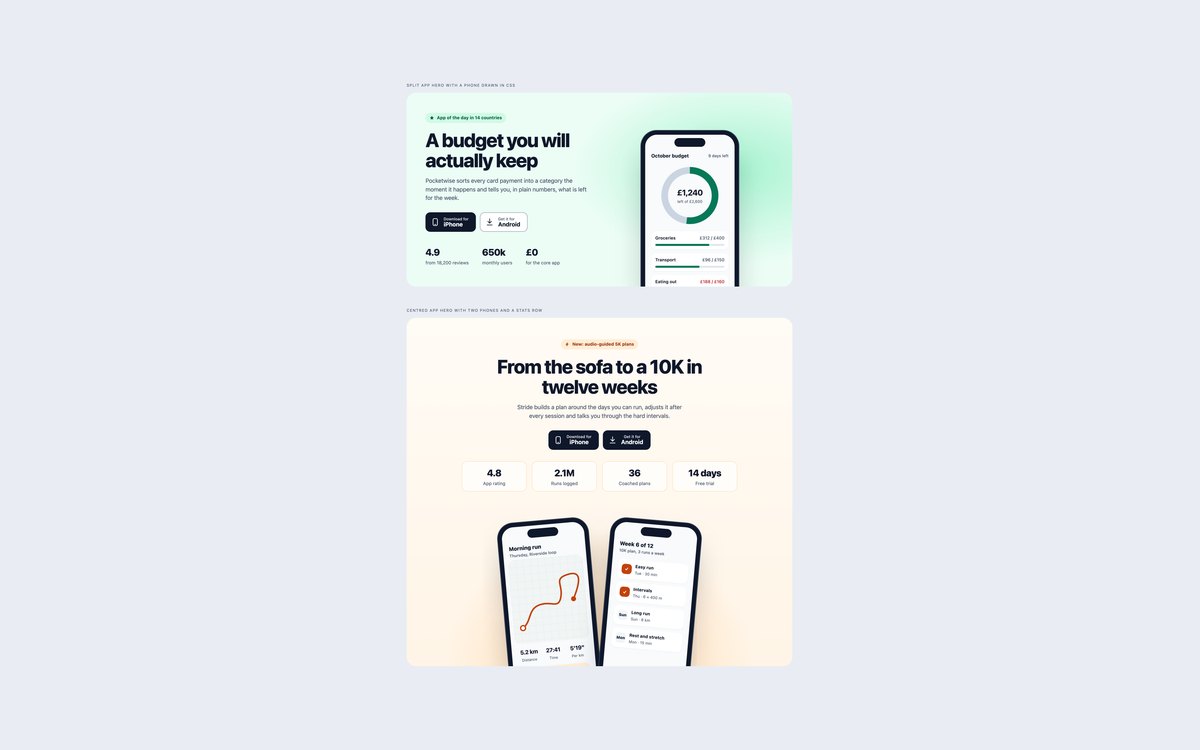
A budgeting app hero with a CSS phone showing a ring chart and spending bars, and a centred running app hero with two tilted phones and four stat tiles.
The download buttons are written out with generic icons instead of store logos, and the stats rows are description lists. Each phone screen is ordinary markup you can edit.
Live Demo CSS, Bootstrap & Tailwind code
6. Editorial Agency Hero Sections
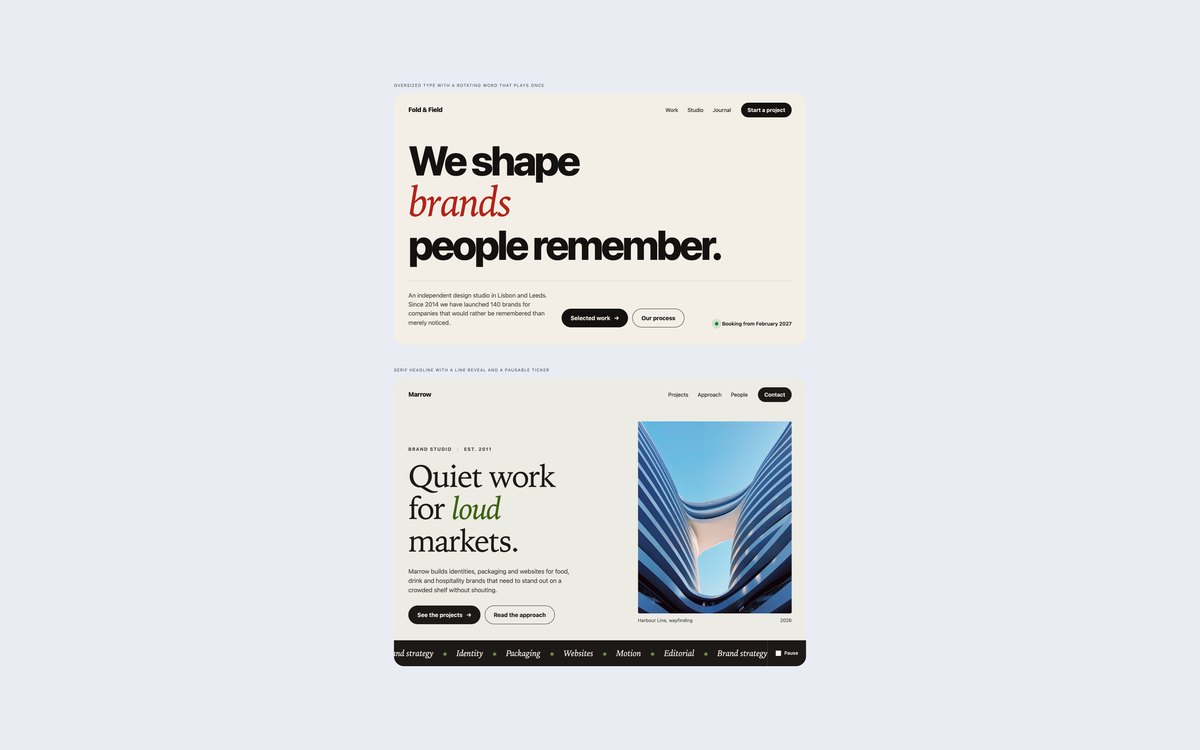
Oversized type with a rotating word that plays once and stops, and a serif headline whose lines slide up on load above a scrolling services ticker.
The rotation finishes in under five seconds and the looping ticker has a visible pause checkbox. Under prefers-reduced-motion everything stays still.
Live Demo CSS, Bootstrap & Tailwind code
7. Dark Gradient Hero Sections
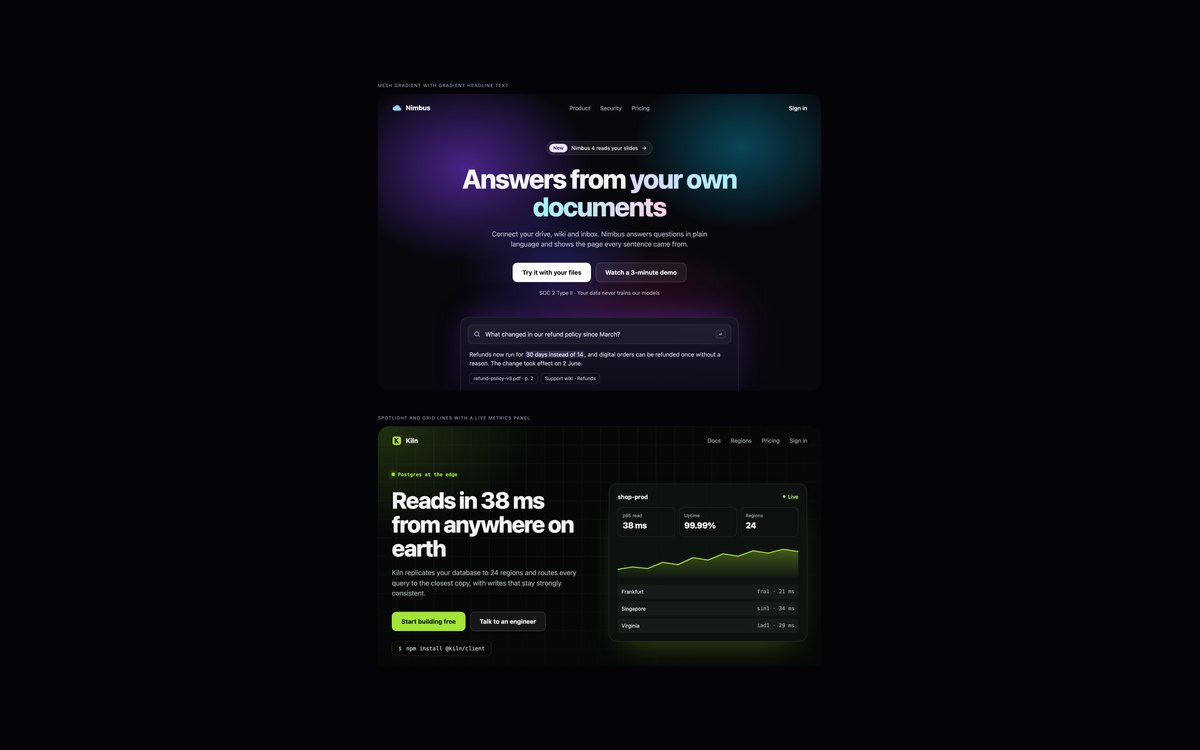
An AI assistant hero on a mesh of radial gradients with gradient headline text and an answer card, and an edge database hero with a spotlight, grid lines and a live metrics panel.
Colours were checked against the lightest part of each gradient. Bootstrap runs it in data-bs-theme="dark", and the gradient text has a solid fallback colour.
Live Demo CSS, Bootstrap & Tailwind code
8. Modern CSS Hero Sections
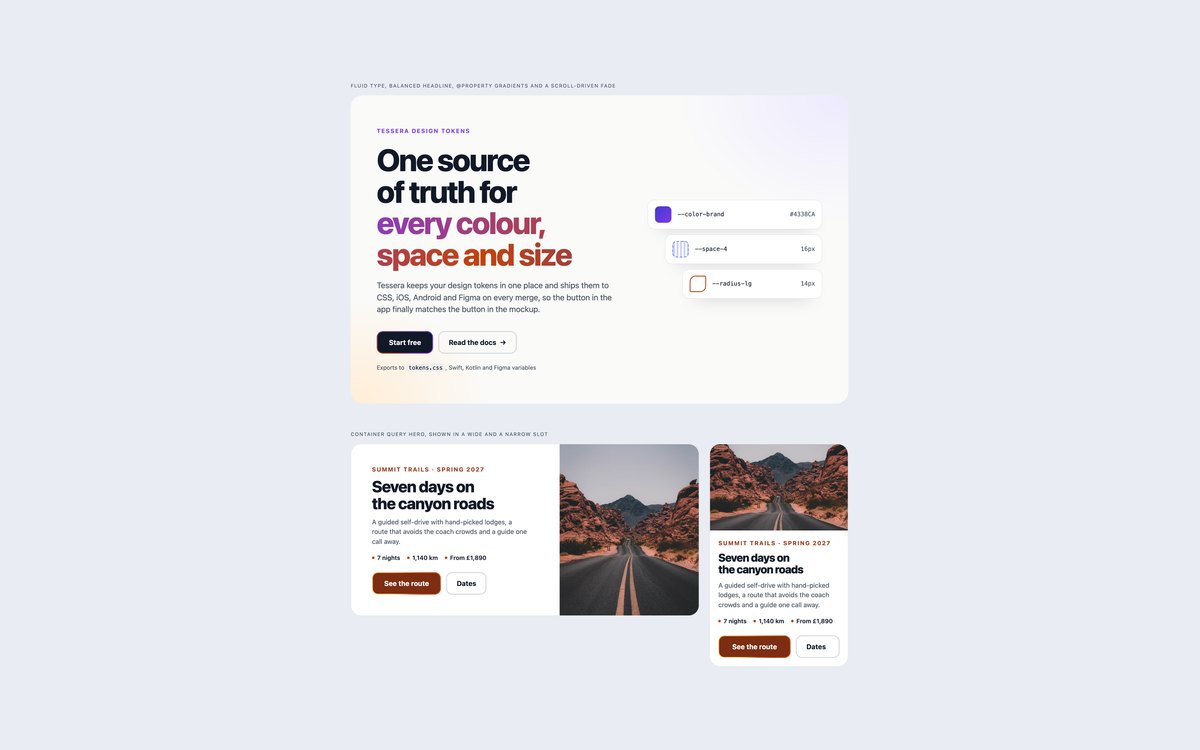
A design tokens hero with fluid clamp() type, a balanced headline, @property gradient animation and a scroll-driven fade, and a travel promo hero built as a container-query component.
The promo is shown in a wide and a 320px slot and lays itself out by the width of its slot. The scroll-driven fade sits behind @supports, so other browsers simply show the cards.
Live Demo CSS, Bootstrap & Tailwind code
Frequently asked questions
Are these hero sections free for commercial projects?
Yes. Every set is free for personal and commercial projects, including client work and products you sell. Attribution is optional but always welcome. The licence is at uicookies.com/license/.
Do these hero sections need JavaScript?
No. The forms validate with the browser’s own required and type="email" checks plus :user-invalid, the ticker pauses with a checkbox and :has(), and the animations are CSS keyframes, @property transitions and a scroll-driven animation. The Bootstrap versions load only Bootstrap’s CSS, not its JavaScript bundle.
Are the hero sections accessible?
Each set page has one h1, and every hero is a section named by its heading. Calls to action are real links and buttons with a visible focus outline, form fields have visible labels with hints and errors linked by aria-describedby, and drawn mockups are described as images. Text over photos was measured at 4.5:1 or more at desktop and phone widths, motion stops under prefers-reduced-motion, and every set passes an automated axe-core WCAG 2.1 AA check.
Which frameworks are included?
Every set has three files that look the same: plain HTML and CSS, Bootstrap 5.3.8 and Tailwind CSS 4. The Bootstrap files use the grid, .btn, .nav, .badge, .card, .form-control, .form-select, .form-text, .invalid-feedback, .progress and .figure where they fit, with a small style block for the rest. The Tailwind files use utility classes in the markup, with a style block only for keyframes, @property rules or a repeated pseudo-element.
How do I keep hero text readable over a background image?
Put a scrim, a semi-transparent gradient, between the photo and the text, darkest where the text sits, and check the contrast against the brightest part of the photo behind each line. Do it again at phone width, where the crop changes; set 04 uses a darker, more even scrim below 768px for that reason. If the image will be swapped often, a solid panel behind the text, as in the third hero of set 04, is the safest choice.