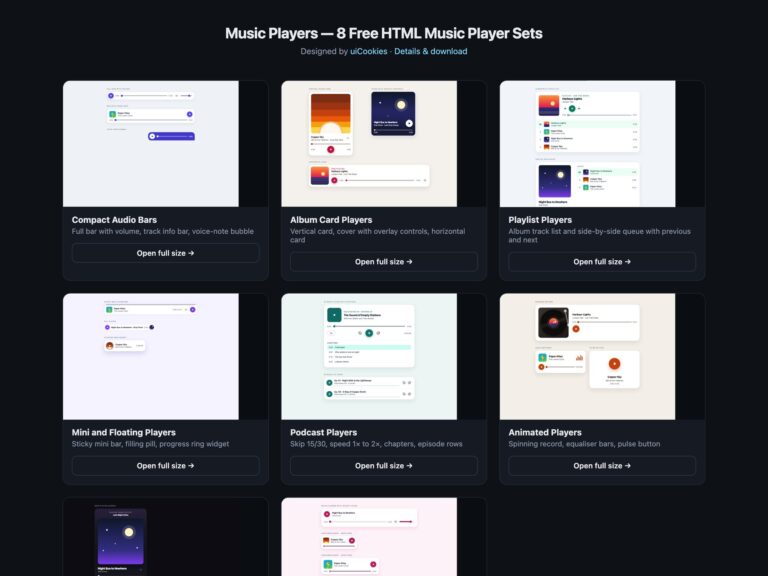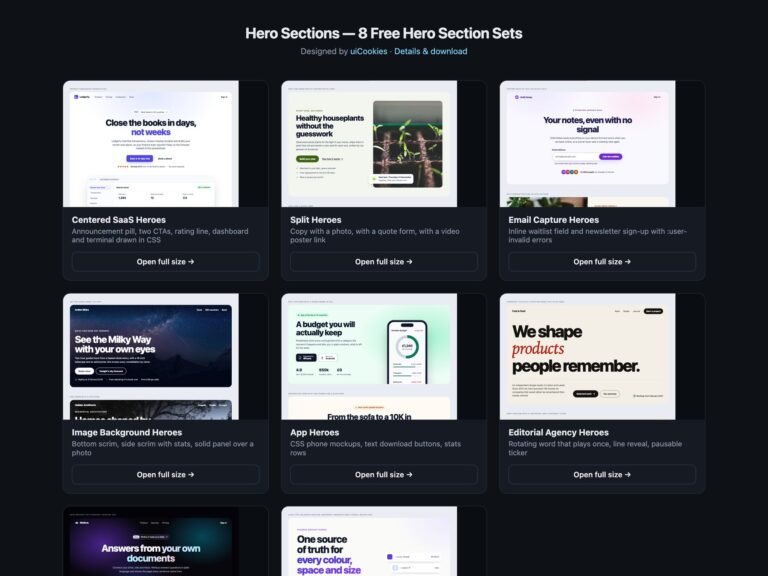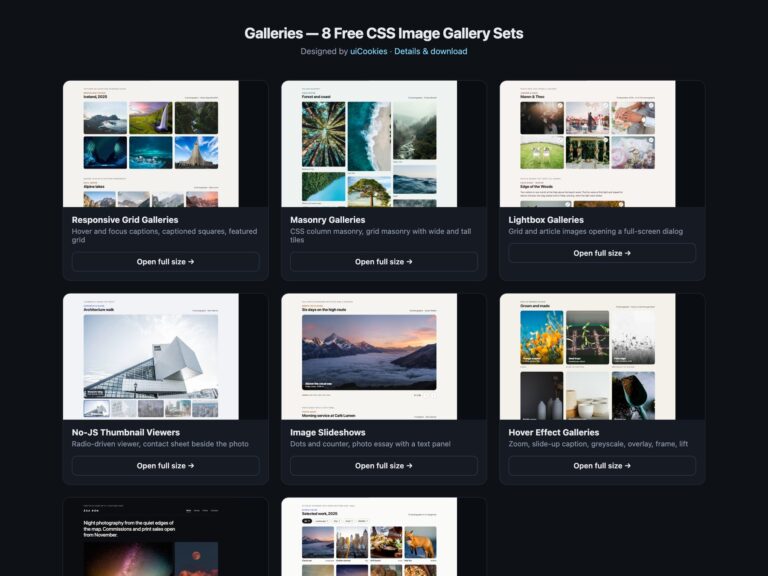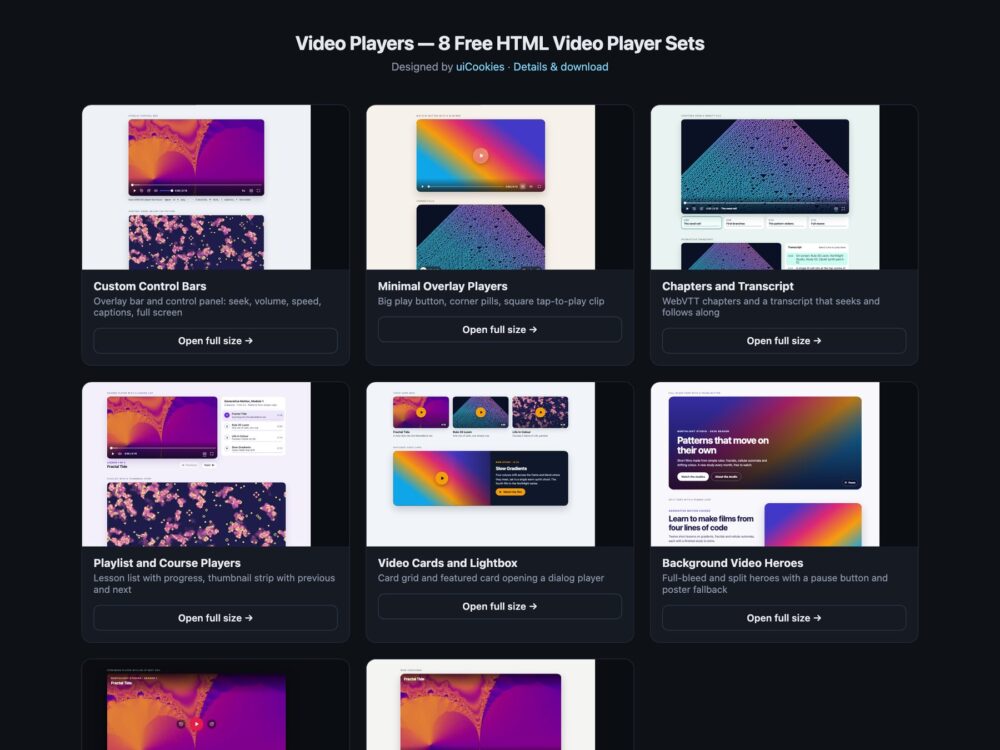
Video Players is a pack of eight sets of custom HTML video players, designed and maintained in-house by uiCookies. Every player drives a native video element with real buttons and range inputs and a few lines of vanilla JavaScript, and every set comes in three versions that look the same: plain CSS, Bootstrap 5 on top of .btn, .form-range, .card, .list-group and .ratio, and Tailwind CSS 4. The sets run from full control bars and minimal overlay players to chapters and an interactive transcript, course playlists, video cards that open a dialog lightbox, background video heroes with a pause button, a dark streaming-style player and a set built on container queries and :has(). The demos play original short films and soundtracks generated for the pack, with WebVTT captions and chapters.
A good video player keeps the browser in charge of the video and only replaces the controls. The video element should keep its controls attribute in the markup, so the native player still works if the script fails, and captions should come from a WebVTT track that is on by default and printed where the control bar cannot cover it. Play is a button whose label says what it will do next, the seek bar is a range input that reports its position as text such as 1:05 of 2:30, and shortcuts such as Space, K, the arrow keys, M and F should work only while the player has focus, never for the whole page. Nothing should start with sound on its own, a background loop needs a visible pause button, and controls that fade during playback must come back the moment a keyboard user tabs into them.
Free download Browse live demos All snippets
The sets
1. Custom Video Control Bars
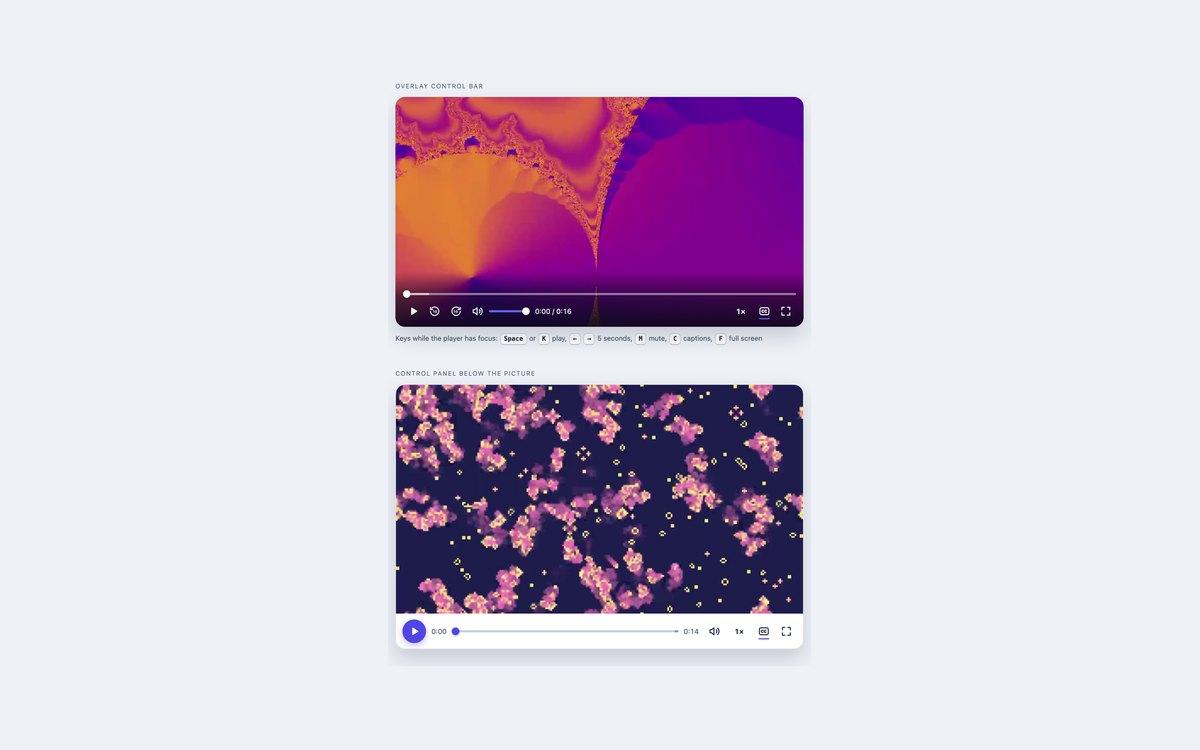
An overlay control bar and a control panel below the picture, each with play, skip, seek with buffered range, mute, volume, speed, captions and full screen.
Use them as the default player for a page. The overlay bar fades out during playback and returns on pointer movement or keyboard focus.
Live Demo CSS, Bootstrap & Tailwind code
2. Minimal Overlay Video Players
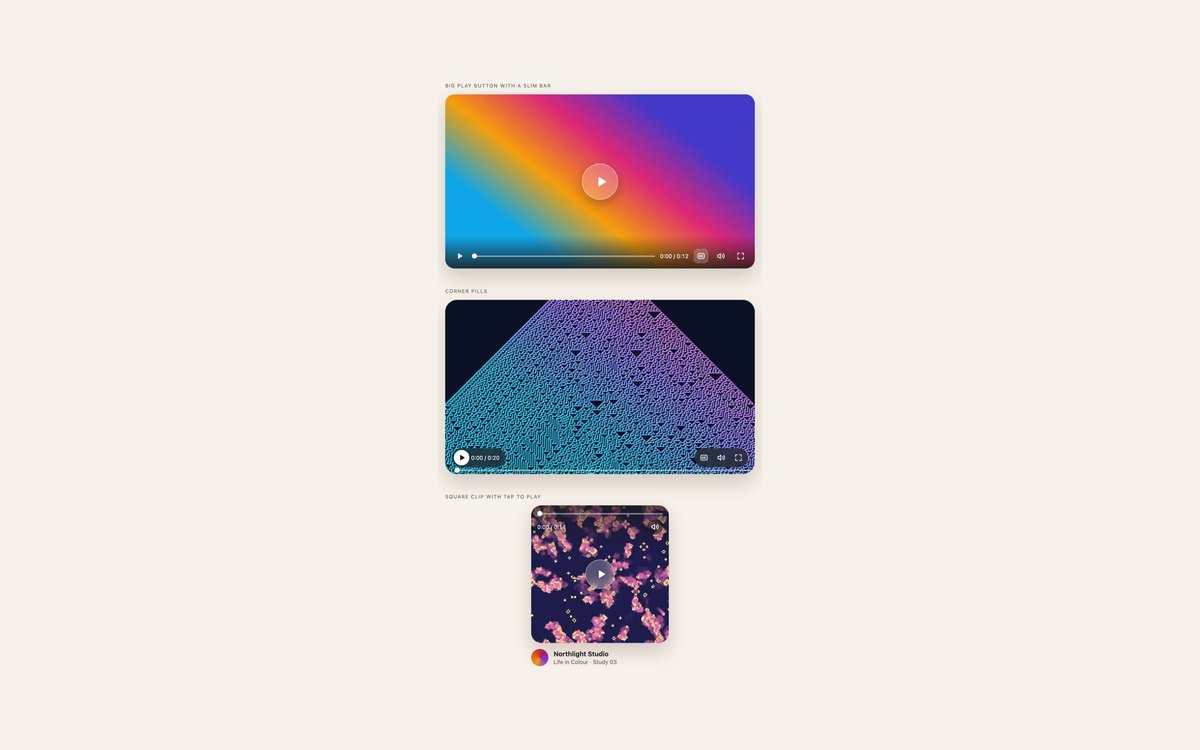
A big centred play button with a slim bar, corner pills with an edge seek line, and a square tap-to-play clip with captions always on.
Pick these when the picture matters more than the controls. When the centre button hides, focus moves to the bar’s play button.
Live Demo CSS, Bootstrap & Tailwind code
3. Video Chapters and Transcript
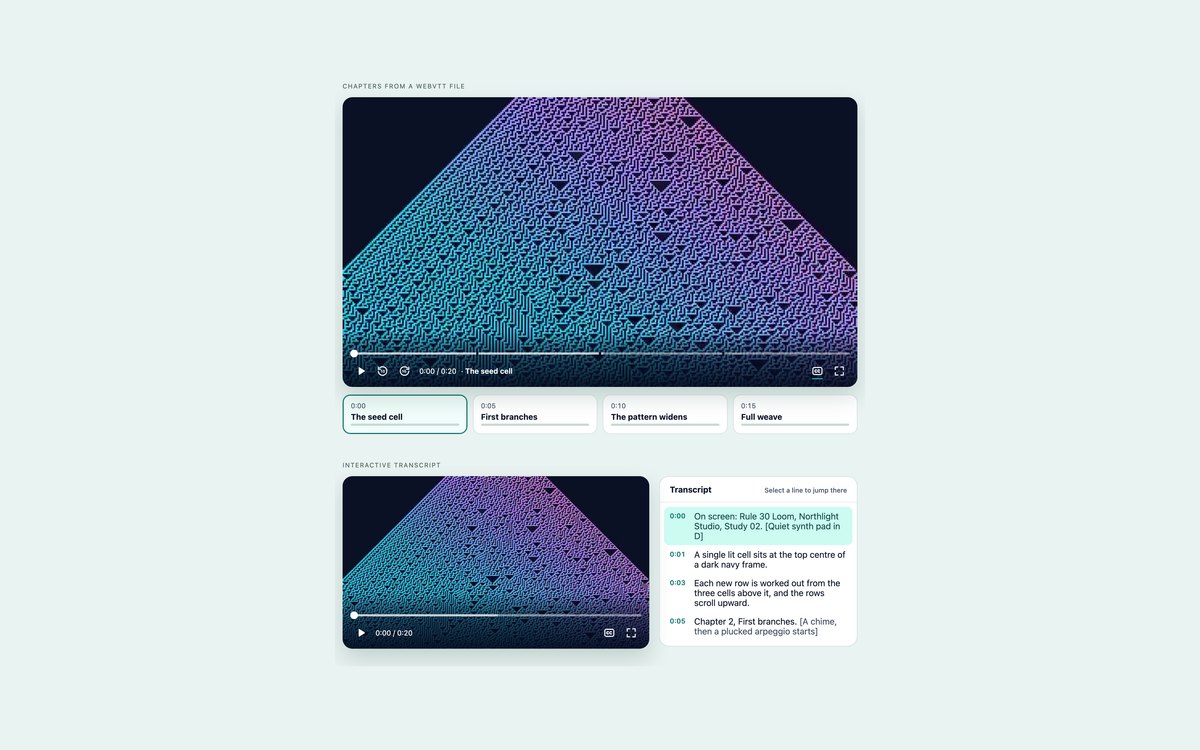
A player whose chapters come from a WebVTT chapters track, drawn as cards and seek bar gaps, and a player with an interactive transcript beside it.
Transcript lines are buttons with a time in seconds; clicking one seeks there, and the current line is highlighted and kept in view inside its panel.
Live Demo CSS, Bootstrap & Tailwind code
4. Video Playlists and Courses
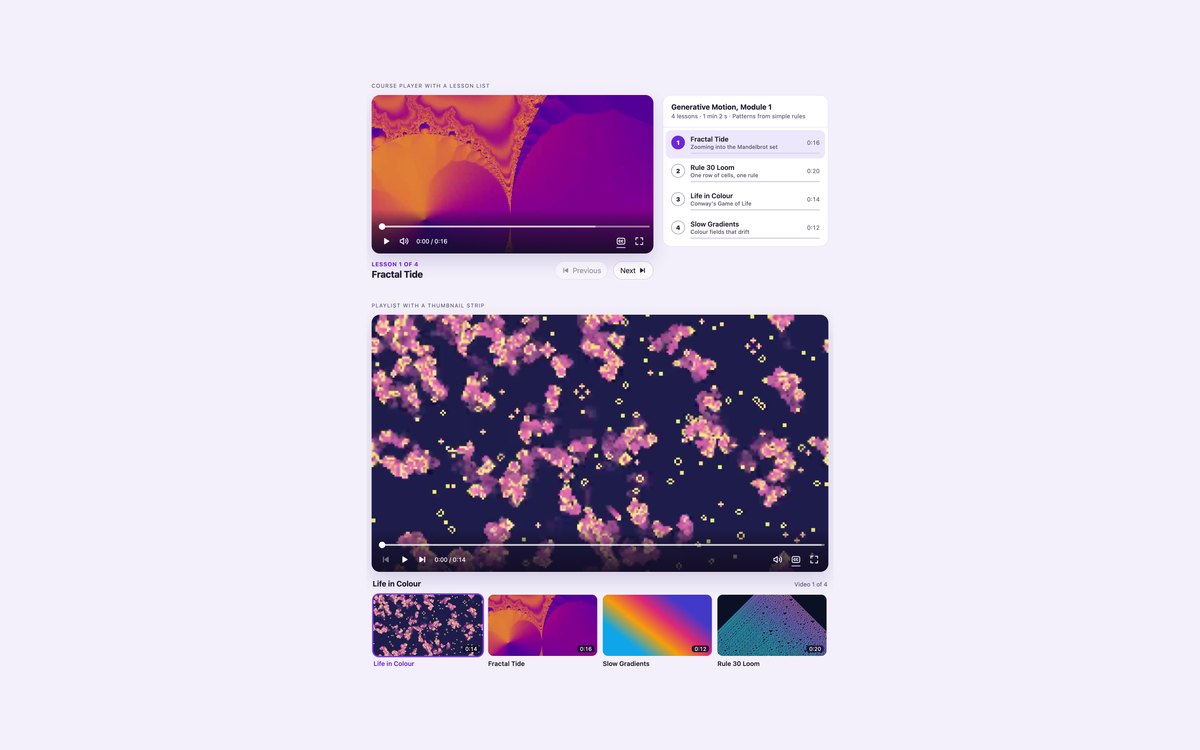
A course player with a lesson list showing durations, progress and completed ticks, and a playlist with a scrolling thumbnail strip.
Each list item is a button holding the video’s source, poster and captions; selecting it loads it into one video element, and the next item starts when one ends.
Live Demo CSS, Bootstrap & Tailwind code
5. Video Cards with Lightbox
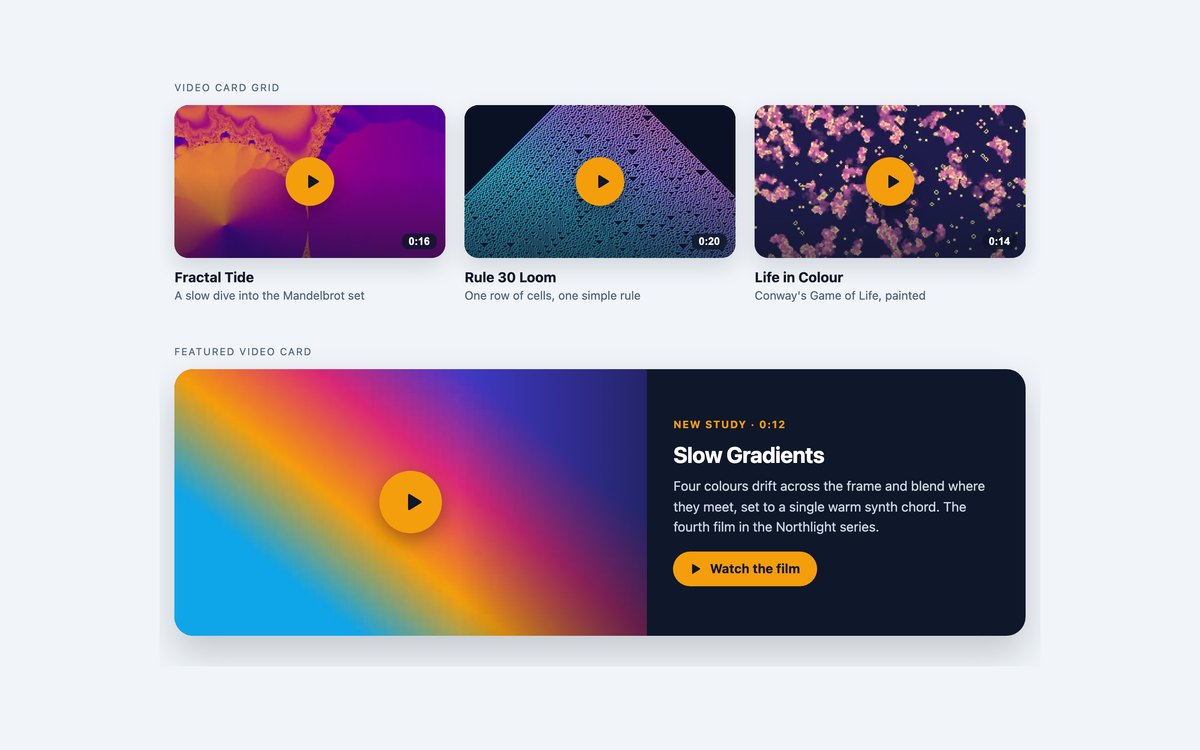
A grid of video cards and a featured card that open one shared player in a native dialog element.
Focus moves into the dialog on open; Esc, the close button or the backdrop closes it, pauses the video and returns focus to the card.
Live Demo CSS, Bootstrap & Tailwind code
6. Background Video Heroes
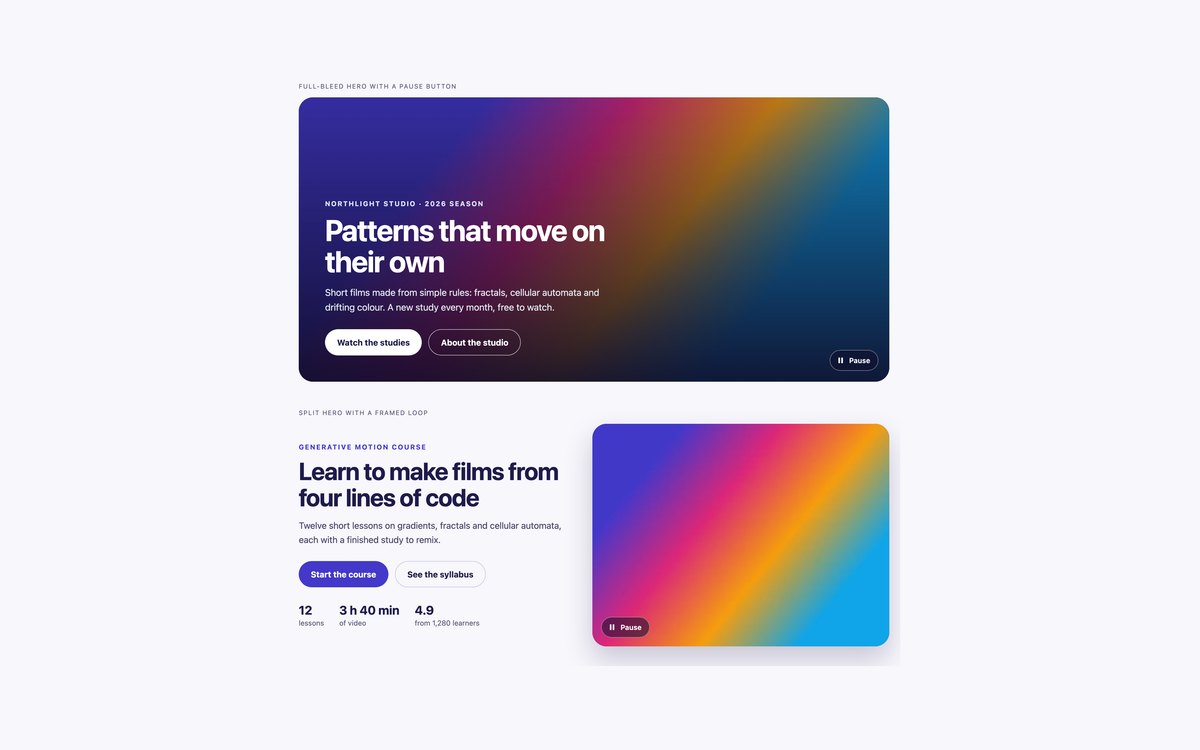
A full-bleed hero and a split hero with a muted looping background video, a poster fallback and a visible pause button.
The video starts only when reduced motion is not requested and pauses while off screen; the button meets WCAG 2.2.2 for moving content.
Live Demo CSS, Bootstrap & Tailwind code
7. Dark Streaming Video Players
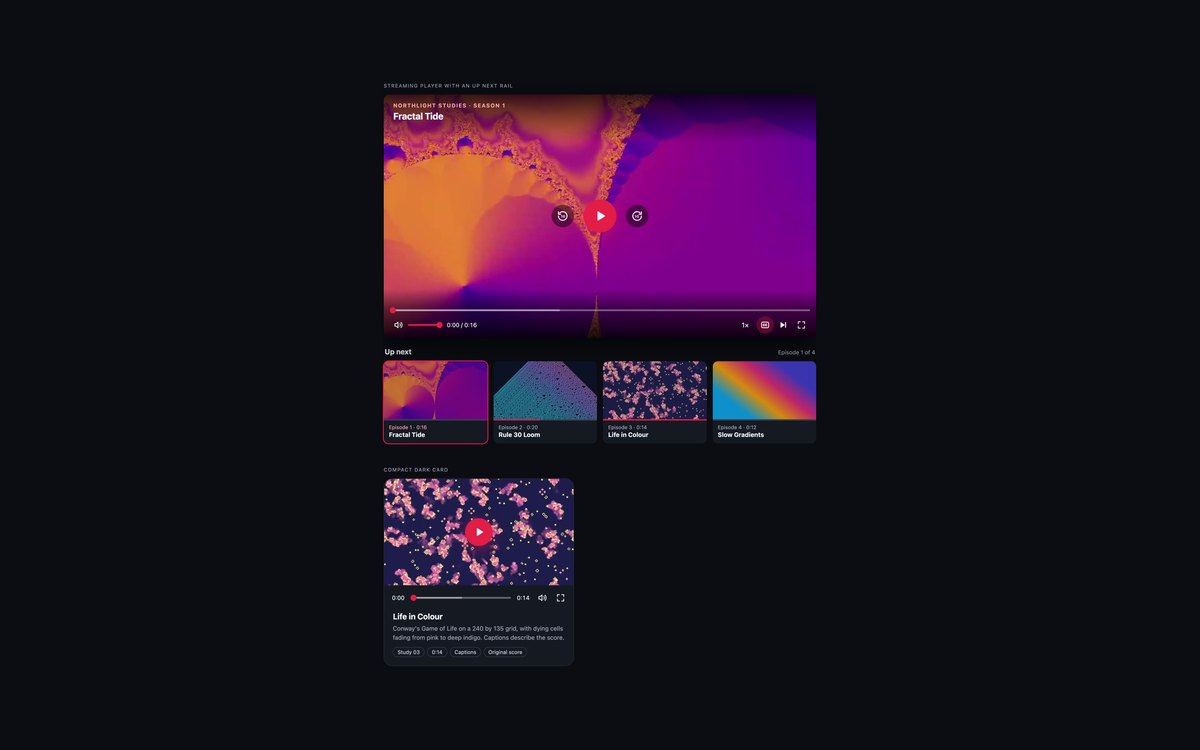
A streaming-style player with a title overlay, centre controls and an up next rail with continue-watching bars, plus a compact dark card.
Built for dark interfaces; selecting an episode resumes where its bar left off. The Bootstrap version runs under data-bs-theme="dark".
Live Demo CSS, Bootstrap & Tailwind code
8. Modern CSS Video Players
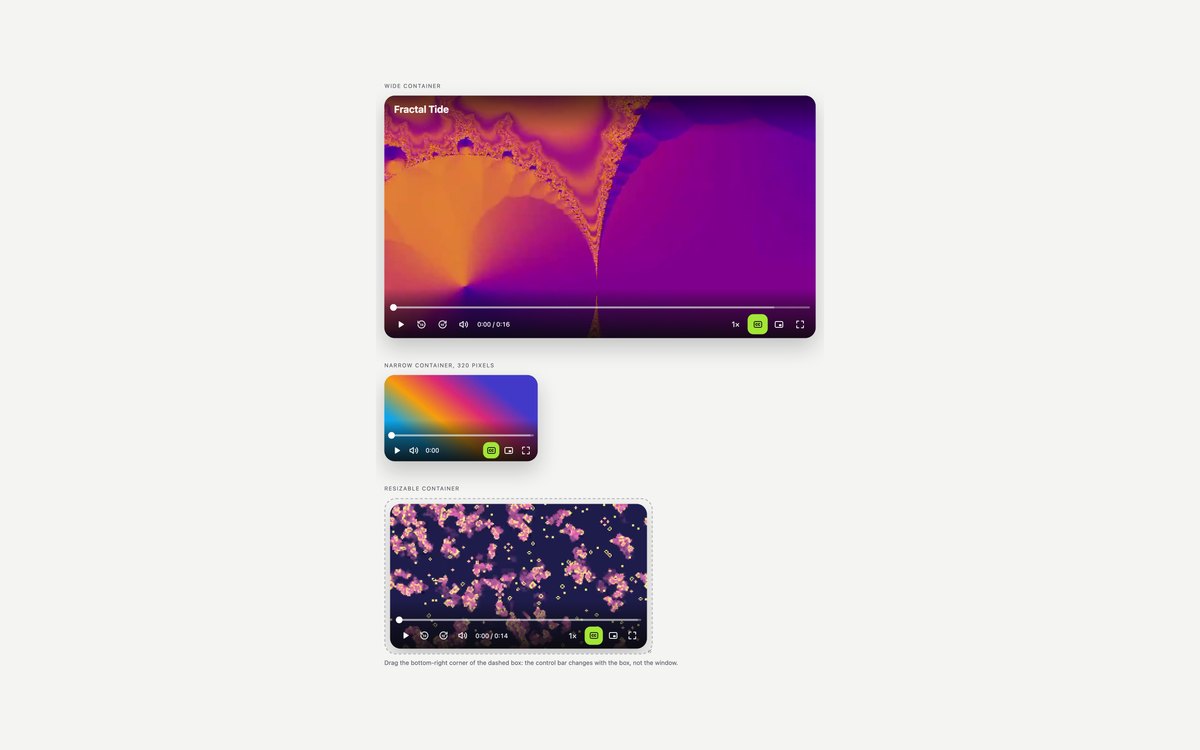
One player shown in a wide, a narrow and a resizable container, whose control bar sheds controls as it gets narrower.
Container queries handle the layout, :has() reacts to control state, @starting-style fades controls in, and picture in picture appears where supported.
Live Demo CSS, Bootstrap & Tailwind code
Frequently asked questions
Are these video players free to use?
Yes. All eight sets are free for personal and commercial projects under the uiCookies licence. Attribution is optional but always welcome. The demo clips and soundtracks were generated for the pack, so replace them with your own videos.
Do the video players need JavaScript?
Yes, a little. The video itself is a native element, but custom play buttons, seek bars, captions printing and playlists need a short vanilla JavaScript block to connect them to it. Each set has its own script with no libraries, scoped to that set’s players, and the video keeps its native controls if the script does not run.
Are the players accessible?
Every control is a real button or range input, so it works with Tab, Enter, Space and the arrow keys. Play buttons change their label between Play and Pause, seek sliders announce text such as 0:05 of 0:16, toggles use aria-pressed, and captions are on by default. Shortcuts work only while the player has focus, controls stay visible while they hold keyboard focus, nothing autoplays with sound, and background video has a pause button and respects prefers-reduced-motion.
Which frameworks are covered?
Every set comes as plain HTML and CSS, as Bootstrap 5.3 using .btn, .form-range, .ratio, .card, .list-group and grid classes with a small stylesheet for the rest, and as Tailwind CSS 4 with utility classes plus a few lines of custom CSS for the range slider parts and the dialog animation. The three versions share the same script and look the same.
How do I add captions and chapters to my own videos?
Write a WebVTT file for each and add it with a track element: kind set to captions for the captions and kind set to chapters for the chapters. The players read the cues through the browser’s TextTrack API and build the caption text and the chapter list from them. Serve the page over http or https, because Chrome and other browsers block text tracks on a page opened as a local file.