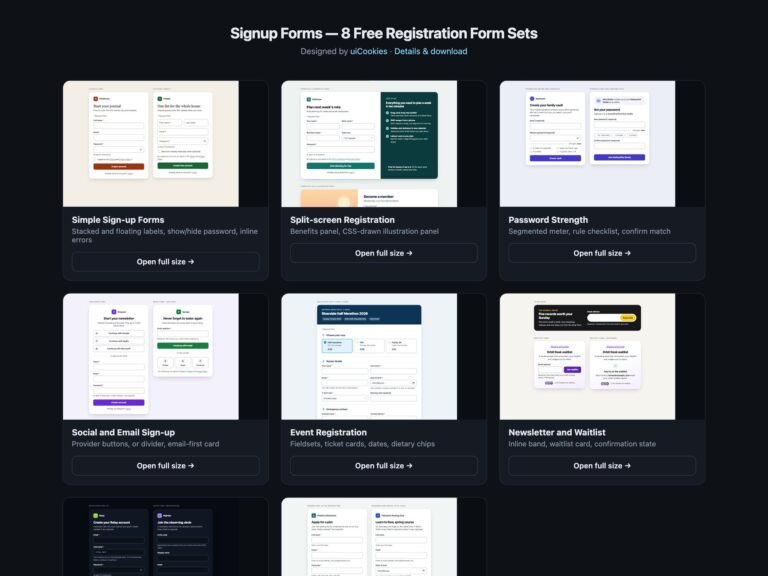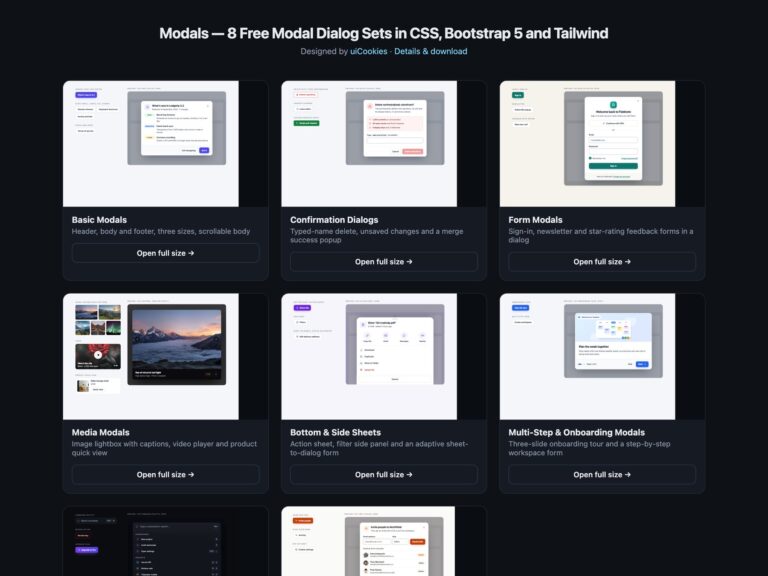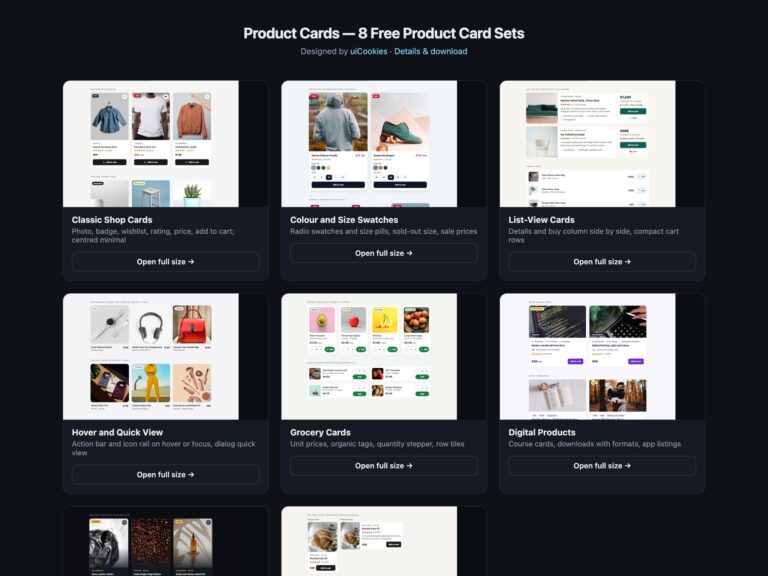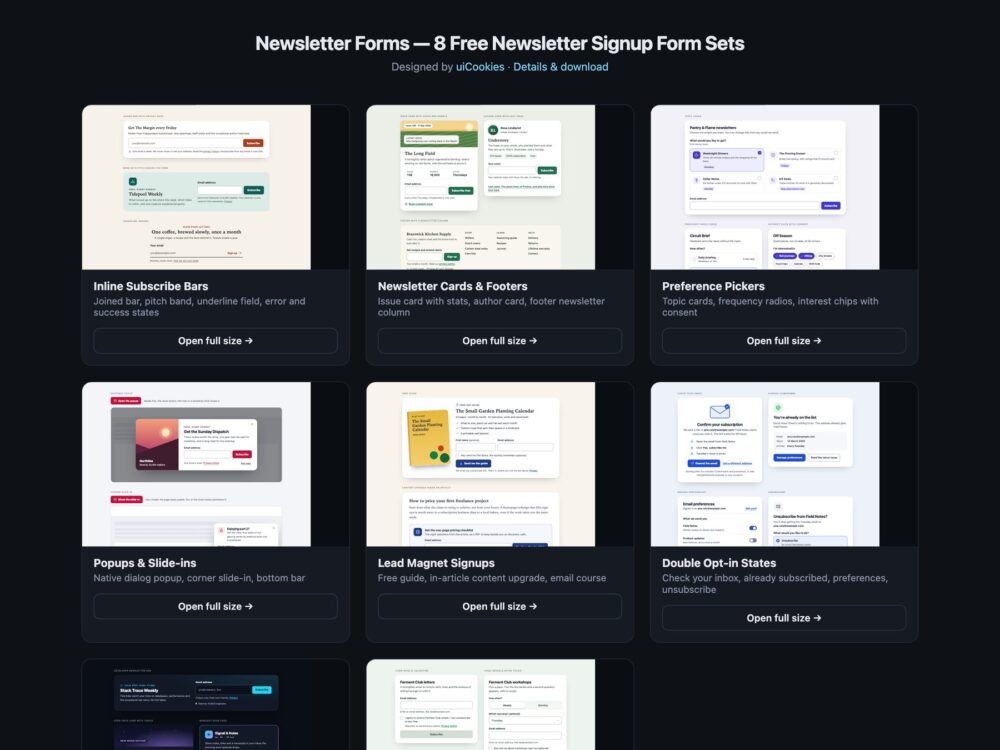
Newsletter Forms is a pack of eight sets of newsletter and email subscription forms, designed and maintained in-house by uiCookies. Every set comes in three versions that look the same: plain HTML and CSS, Bootstrap 5.3 built on its own form controls, input groups, cards, switches and buttons, and Tailwind CSS 4. The sets cover inline subscribe bars, newsletter cards and footers, topic and frequency pickers, popups and slide-ins on the native dialog element, lead magnet sign-ups, the double opt-in screens around a subscription, a dark set and a set that does its work with modern CSS.
A good newsletter form tells people what they will get and how often before it asks for anything, then asks for as little as it can: one labelled email field with autocomplete, a button that says what happens, and a privacy line next to it. Errors appear after a submit attempt, say how to fix the address and are tied to the field so screen readers hear them. Consent to anything beyond the thing requested is a separate box that starts unticked. A popup opens because someone did something, closes with a visible button or Esc, and never uses guilt-trip copy. After the form come the screens many kits forget: check your inbox, already subscribed, manage preferences and an unsubscribe page that is as easy as joining.
Free download Browse live demos All snippets
The sets
1. Inline Subscribe Bars
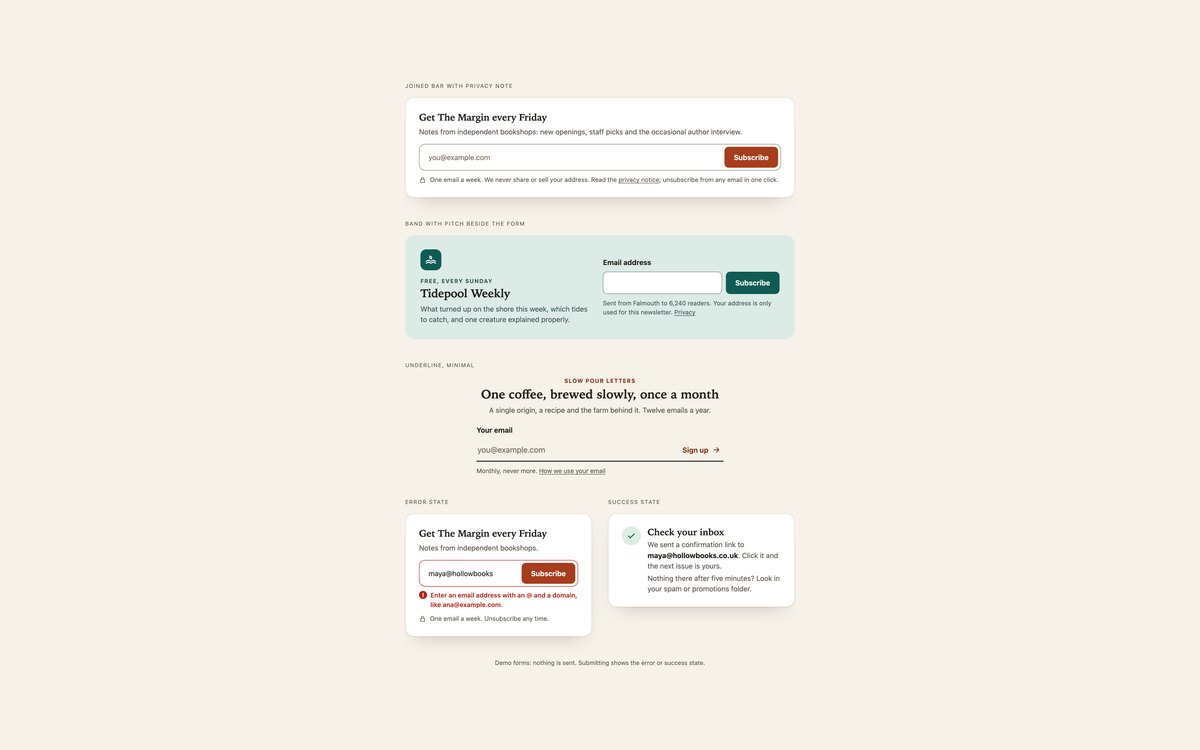
A joined email field and button with a privacy note, a two-column band with the newsletter pitch beside the form, and a minimal underline field, plus the same bar in its error and success states.
Use them at the end of posts, in sidebars and footers. A short script shows inline errors tied to the field and swaps in a check your inbox message; without it the browser validates the form.
Live Demo CSS, Bootstrap & Tailwind code
2. Newsletter Cards and Footers
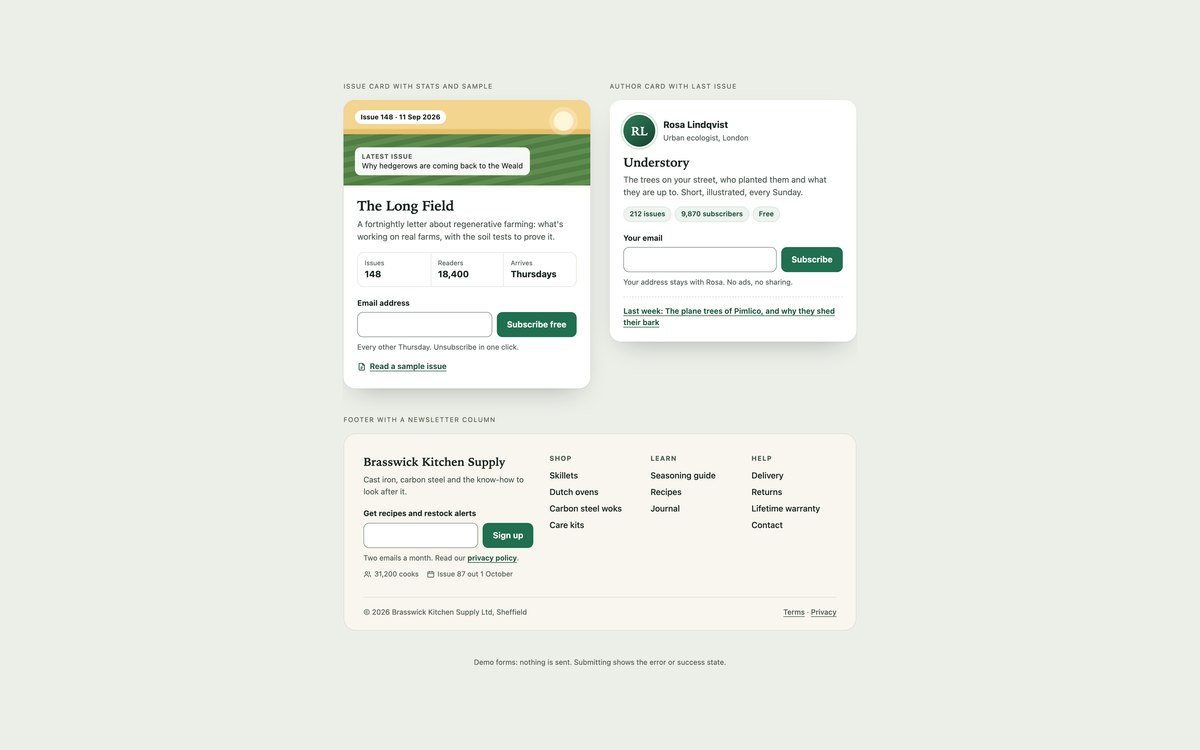
An issue card with a CSS-drawn cover, issue and reader counts and a sample issue link, an author card for a personal newsletter, and a shop footer with a newsletter column.
Use them where the newsletter needs to sell itself, on author pages, sidebars and site footers. The stats are real markup and the layouts stack on phones.
Live Demo CSS, Bootstrap & Tailwind code
3. Newsletter Preference Pickers
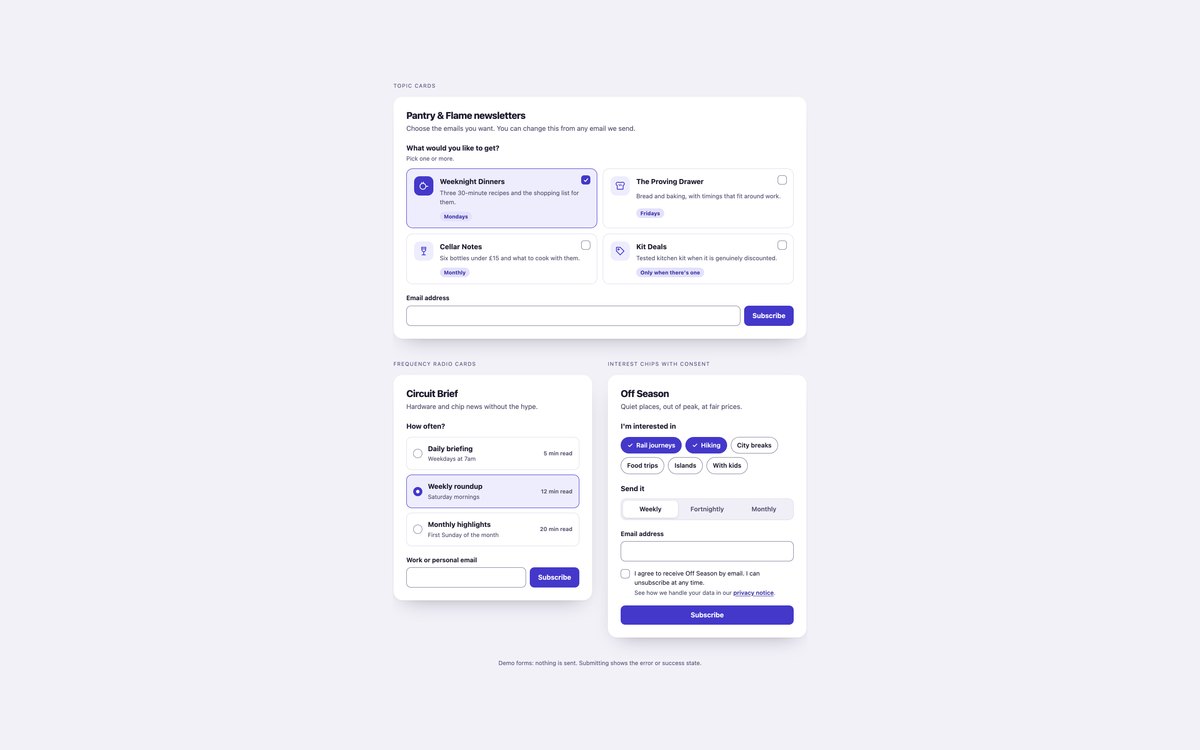
Topic checkbox cards with an at-least-one rule, frequency radio cards with reading times, and interest chips with a segmented frequency control and an unticked consent box.
Use them when one list does not fit everyone. Each group is a fieldset with a legend, and the cards and chips are labels around native inputs.
Live Demo CSS, Bootstrap & Tailwind code
4. Newsletter Popups and Slide-ins
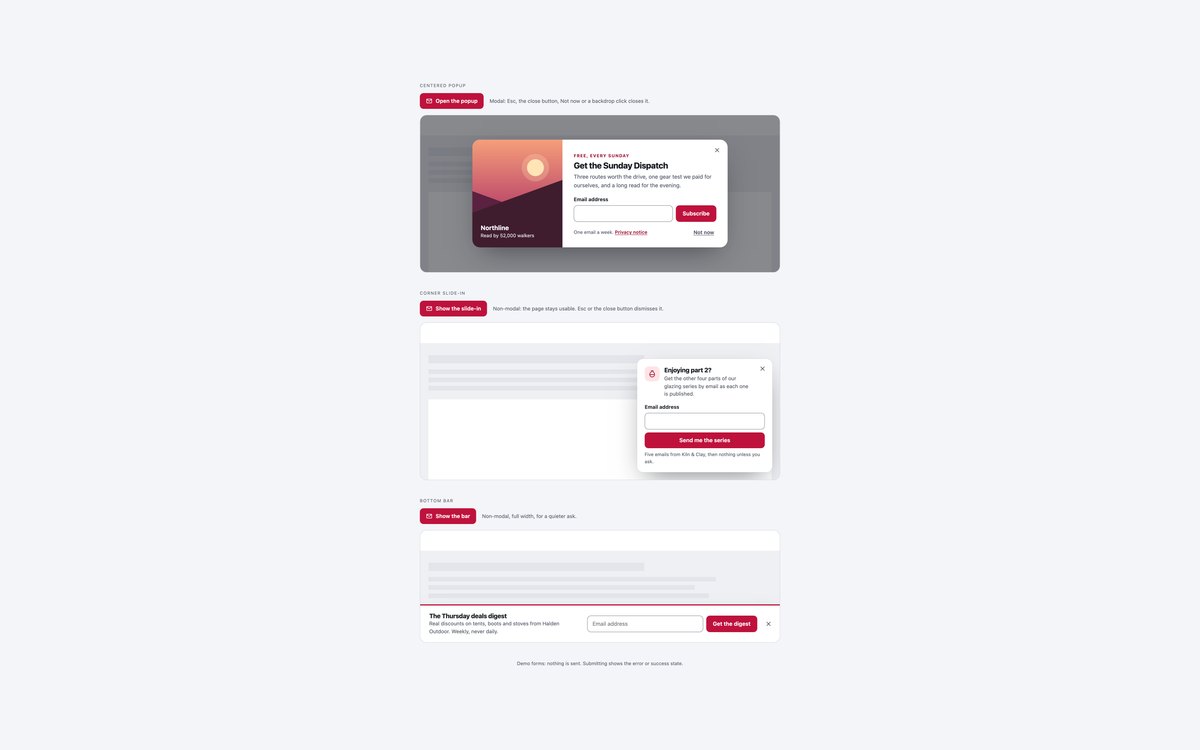
A centered popup with an illustrated panel, a corner slide-in and a full-width bottom bar, all built on the native dialog element.
Use them on a button click or after a scroll depth you choose, never on page load. They close with a visible button, Esc or a backdrop click, and focus returns to the button that opened them.
Live Demo CSS, Bootstrap & Tailwind code
5. Lead Magnet Signup Forms
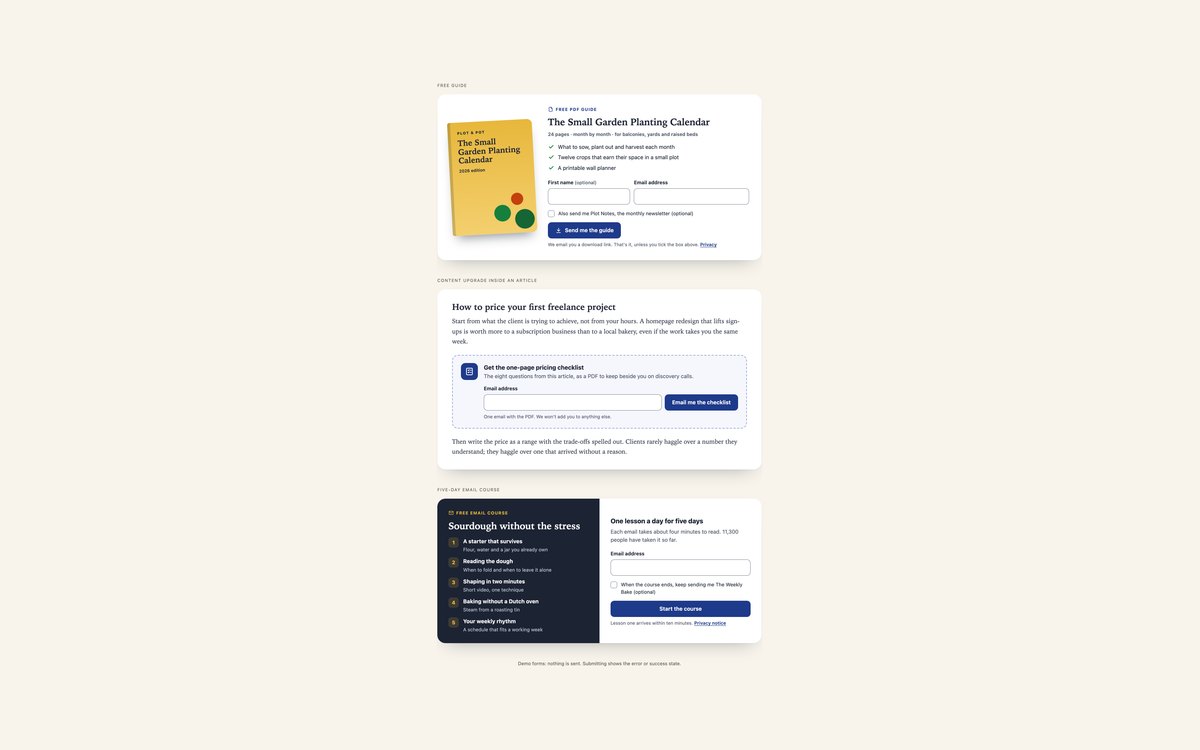
A free guide with a CSS book cover, a content upgrade box inside an article, and a five-day email course with its lesson outline.
Use them when you offer something specific for an address. Joining the regular newsletter is a separate optional box that starts unticked.
Live Demo CSS, Bootstrap & Tailwind code
6. Double Opt-in Signup States
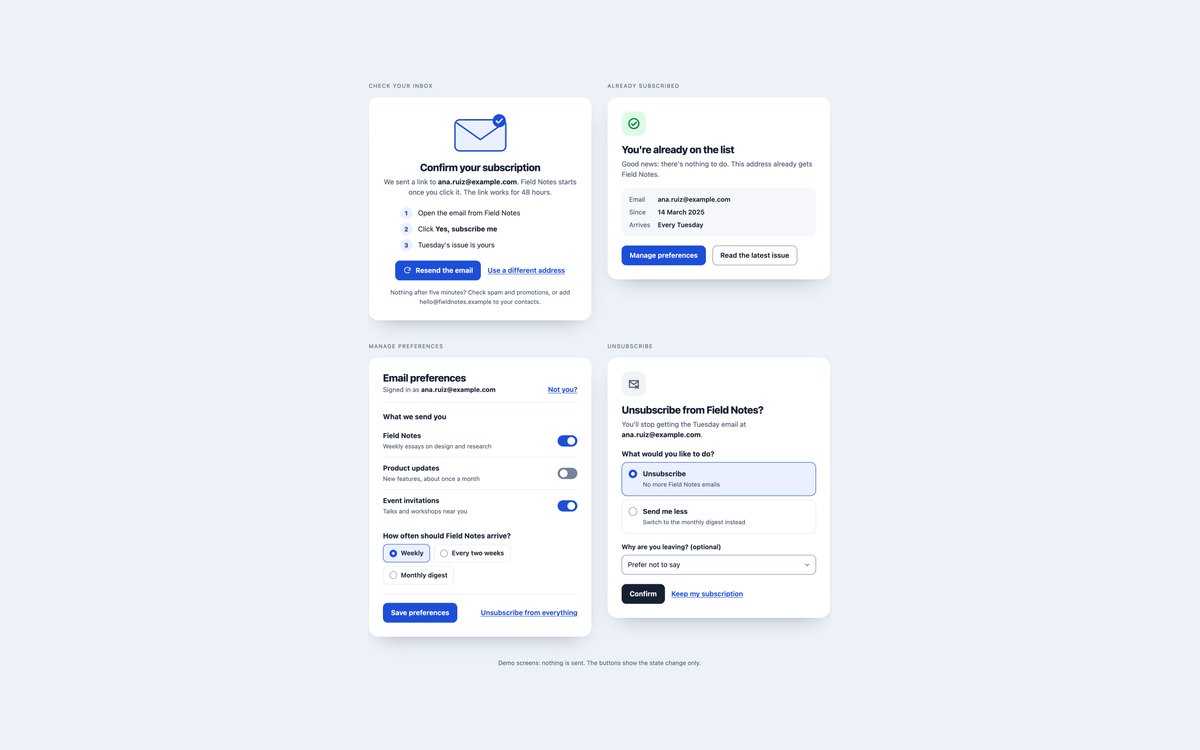
The screens around a double opt-in subscription: check your inbox with a resend button, already subscribed, manage preferences with switches, and an unsubscribe page with a send me less option.
Use them as the pages and messages your email provider links to. Status messages are announced politely, and unsubscribing can be undone.
Live Demo CSS, Bootstrap & Tailwind code
7. Dark Newsletter Signup Forms
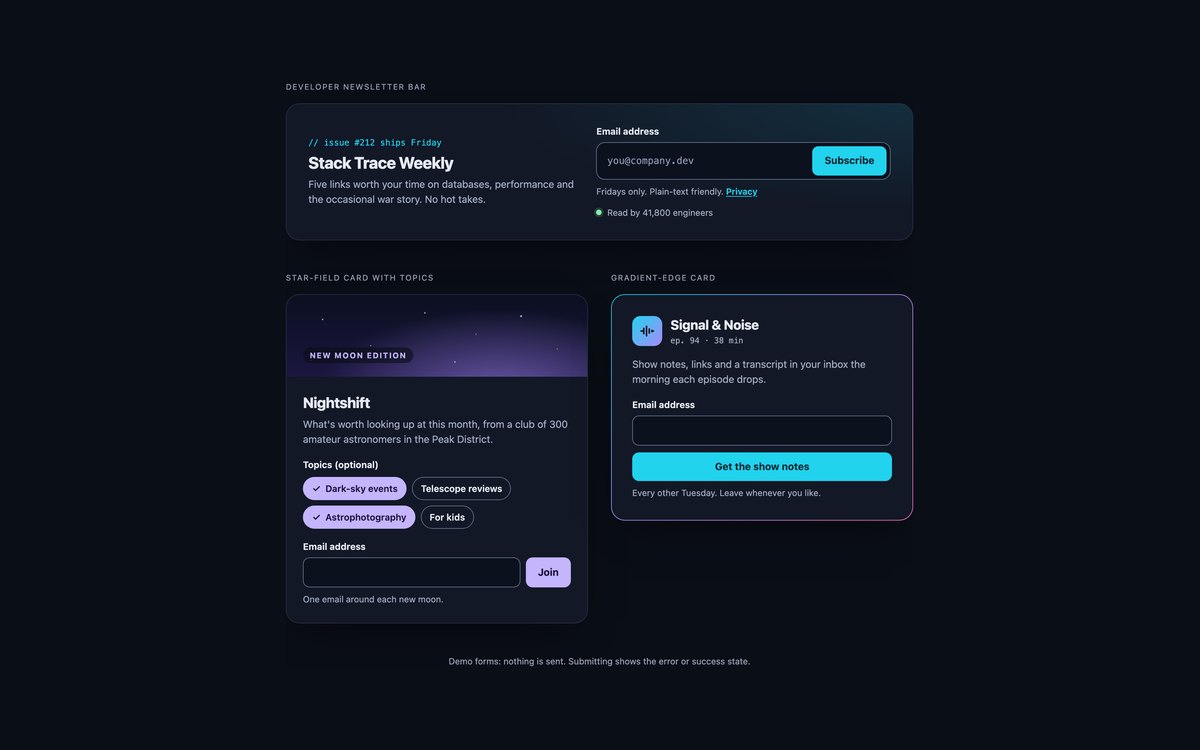
A developer newsletter bar with a glowing joined field, a card with a star-field header and topic chips, and a podcast sign-up inside a gradient border.
Use them on dark sites and apps. Greys, borders and the error colour are tuned to keep their contrast, and the Bootstrap version uses its dark colour mode.
Live Demo CSS, Bootstrap & Tailwind code
8. Modern CSS Newsletter Forms
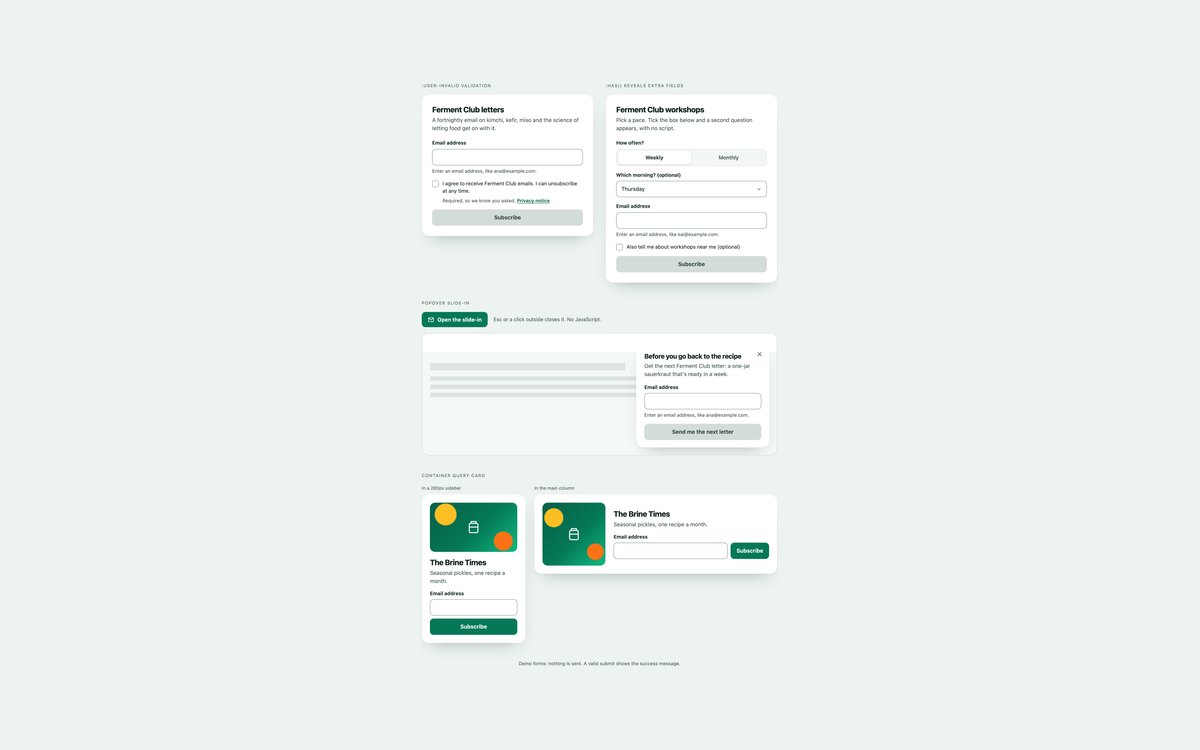
Validation with :user-invalid and :user-valid, fields revealed with :has(), a popover slide-in with enter and exit transitions, and a card that lays itself out with container queries.
Use them when your audience is on current browsers. The only script stops the demo submit; validation, reveals and the popover need no JavaScript.
Live Demo CSS, Bootstrap & Tailwind code
Frequently asked questions
Are these newsletter signup forms free to use?
Yes. All eight sets are free for personal and commercial projects, including client work and products you sell. Attribution is optional but always welcome. The full terms are on the uiCookies licence page.
Do the forms need JavaScript?
Set 8 runs on HTML and CSS, with a few lines of script only to stop the demo submit. Sets 1, 2, 3, 5 and 7 add a short vanilla script for inline error messages and the success state; without it the forms still submit and the browser validates them. Set 4 uses a script to open the dialogs, and set 6 uses one for the resend cooldown and the demo state changes. None of them use libraries or the Bootstrap JavaScript bundle.
Are the forms accessible?
Every email field has a visible label and autocomplete="email", and hints and errors are linked with aria-describedby. Invalid fields get aria-invalid and focus, grouped choices use fieldset and legend, and popups are named dialogs with a labelled close button that return focus to their trigger. All sets pass an axe-core WCAG 2.1 AA check, show a visible focus ring and stop motion under prefers-reduced-motion.
Which frameworks are covered?
Every set comes as plain HTML and CSS with no dependencies, as Bootstrap 5.3.8 using .form-control, .input-group, .form-check, .form-switch, .btn-check, .card and .btn restyled through Bootstrap’s CSS variables, and as Tailwind CSS 4 utility classes. The three versions of a set look the same, so you can switch stacks without redesigning.
How do I connect a form to my email provider?
The demos send nothing. Either point the form’s action at your provider’s hosted form endpoint and name the email field the way it expects, or replace the success branch of the submit handler with a fetch() call to your own server, which then calls the provider’s API. Keep double opt-in switched on, and use the set 6 screens as the confirmation, preferences and unsubscribe pages.