About this set
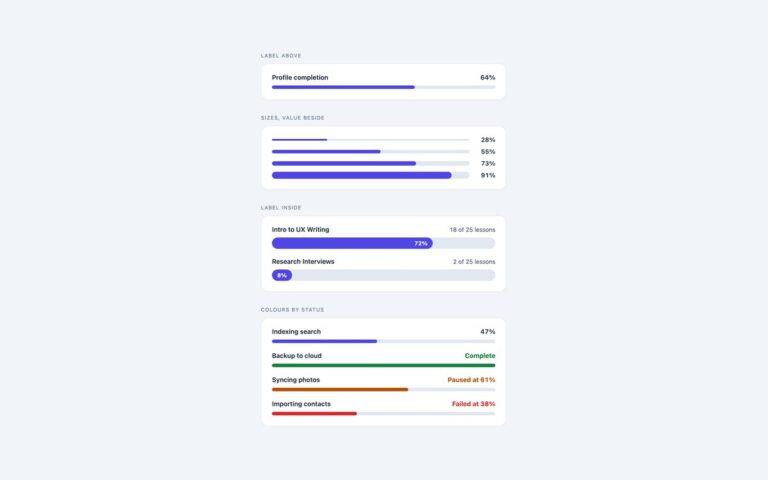
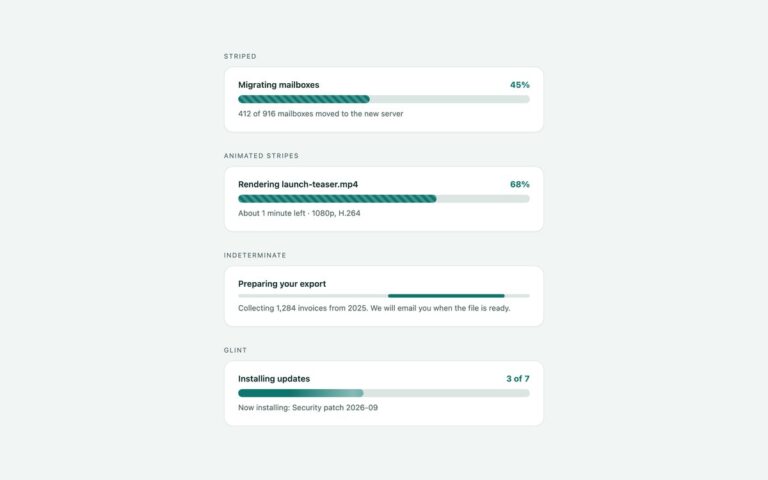
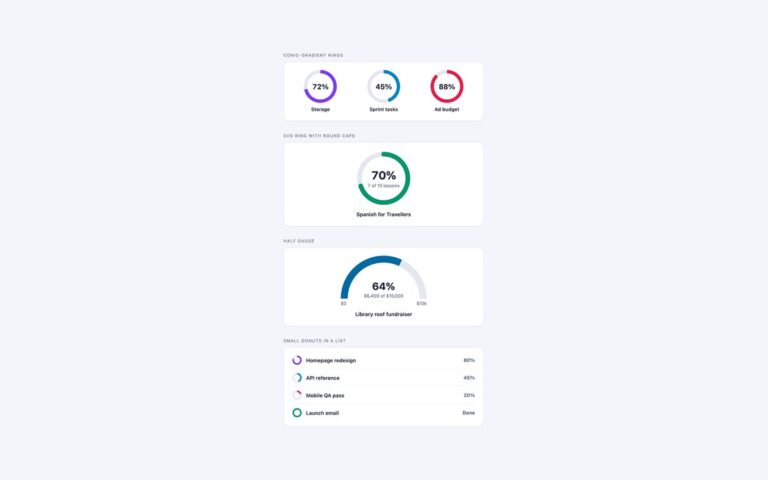
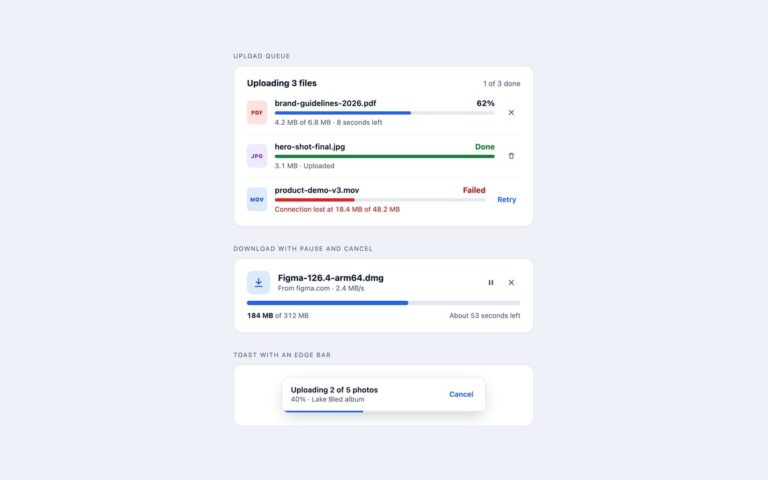
Three progress indicators that usually take JavaScript, done in CSS. Reading progress from a scroll timeline gives an article a bar that fills as you scroll: the scroller declares a named scroll-timeline and a sticky bar inside it runs a scaleX animation on that timeline, so there is no scroll listener. For a whole page, the same bar uses animation-timeline: scroll(root). Where animation-timeline is not supported, the bar is simply not shown and the article reads as normal. Counters with @property register –md-n as an integer and animate it from 0 to the value, so one number drives the fill width, a conic ring and the digits, which are printed through a CSS counter. Under reduced motion the animation is off and the final value shows straight away. Native progress element styles a real progress element through ::-webkit-progress-bar, ::-webkit-progress-value and ::-moz-progress-bar, and leaves the value off the second one to make it indeterminate; CSS finds that state with :indeterminate and slides a segment across the element’s own background. The native element is labelled with a plain label for.
What’s included
- Reading progress bar driven by a CSS scroll timeline
- Clean fallback where animation-timeline is missing
- Numbers that count up through a registered @property integer
- One value drives the fill, a ring and the printed digits
- Native progress element, determinate and indeterminate, styled cross-browser
- No JavaScript in any version
Accessibility
The reading bar is decorative (aria-hidden), and its article is keyboard-focusable with a visible outline so it can be scrolled with the arrow keys. The counter bar and ring are role="progressbar" elements with a fixed aria-valuenow, while the animated digits are aria-hidden. The native progress elements are labelled with label for, and the indeterminate one has no value, so browsers expose it as a progress bar with no current value. Under prefers-reduced-motion the count-up and the indeterminate slide stop.
Customise it
Change --md-accent and --md-track on .md, and --v on each .md-count, in the plain CSS and Bootstrap versions. In Tailwind edit the md- theme colours and the [--v:84] class, and the md-read-bar, md-count and md-progress utilities.