About this set
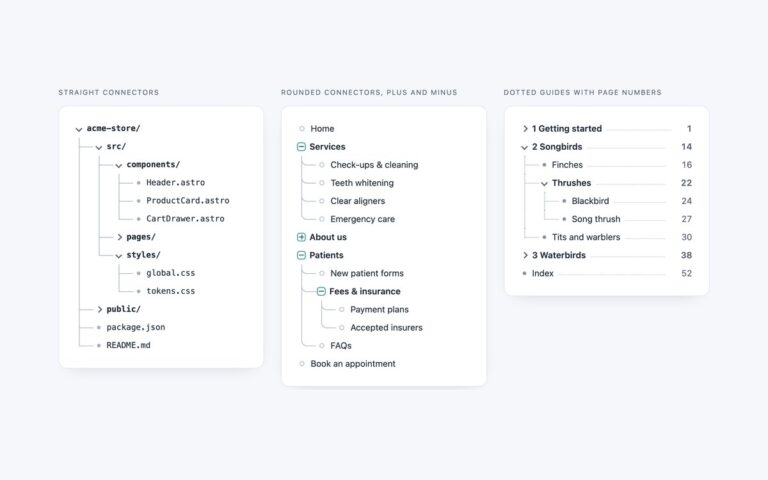
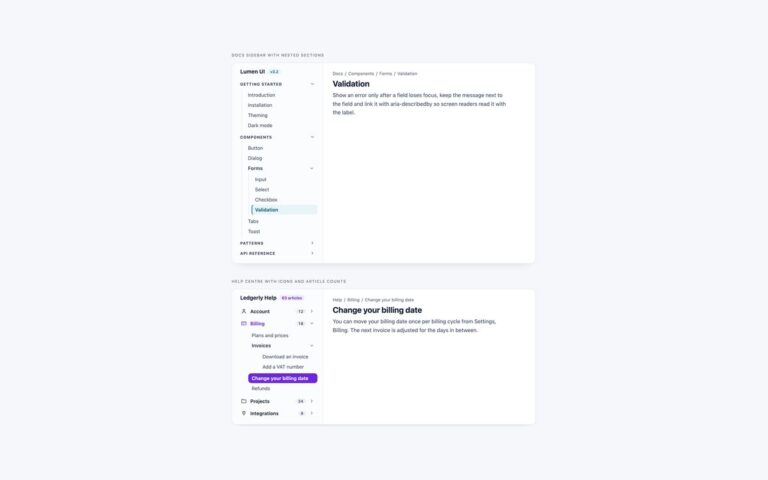
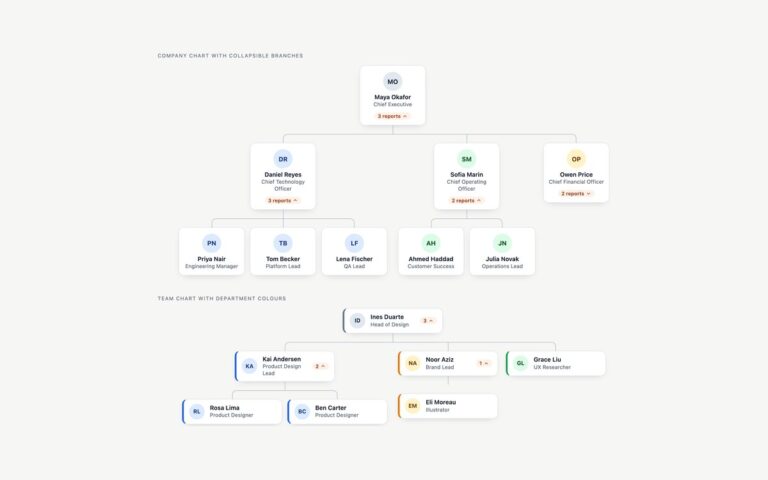
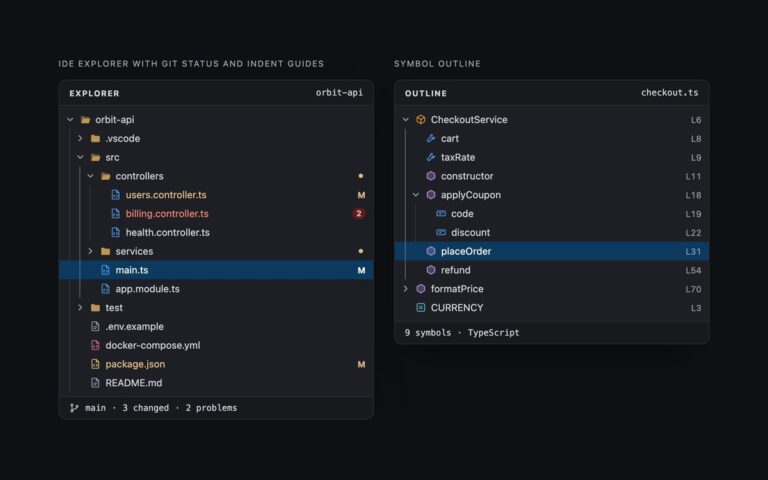
Two trees with a search field that filters them as you type. Component library, empty search lists 29 components of a design system in five folded groups with a count on each group. Staff directory, filtered shows a company directory by department and team, with each person’s role, and loads with the query ma already applied so you can see the filtered state. A short script walks the tree on every keystroke. Any item whose name contains the query stays visible and gets the matching letters wrapped in a mark element; every branch above a match is opened and every branch without one is hidden. When a group name itself matches, its contents stay available underneath it. The number of matches is written to a role status line, after a short pause so screen readers are not interrupted on every letter. Escape or clearing the field brings back the tree exactly as it was, including which branches the reader had opened. Without JavaScript the tree still works as an ordinary collapsible list.
What’s included
- Filters as you type, opens the ancestors of every match
- Matching text highlighted with a mark element
- Result count announced through a polite role status line
- Escape or an empty field restores the previous open branches
- Group counts and secondary text such as job titles
Accessibility
The search field has a visible label, and the result count is a role status region updated after a 250 millisecond pause. Branches are summary elements and leaves are links, so the tree works with Tab, Enter and Space. Inputs, summaries and links show a visible focus style, the mark highlight keeps the text colour at 4.5:1 or more, and the chevron rotation stops under prefers-reduced-motion.
Customise it
Change --sf-accent, --sf-mark, --sf-hover and --sf-line on .sf for focus, highlight, hover and guide colours. In Tailwind the highlight is set by the [&_mark]: utilities on the list, and in Bootstrap the field is a .form-control restyled in the snippet CSS.