
Haven — Free Boutique Hotel & Resort Website Template
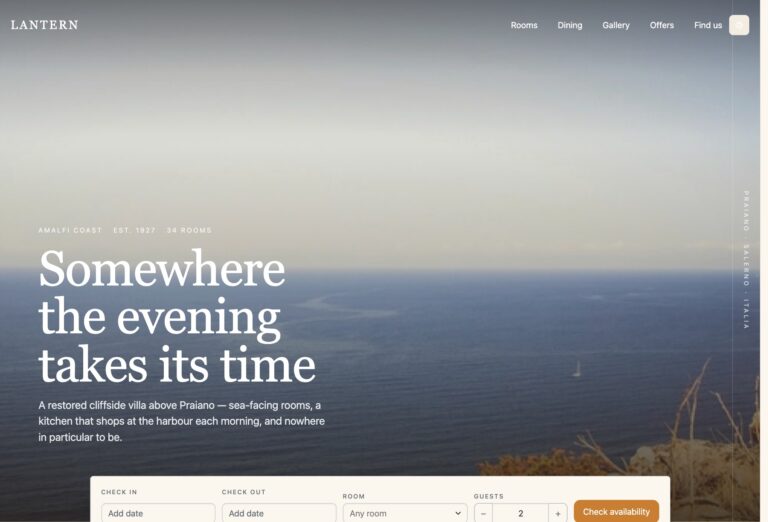
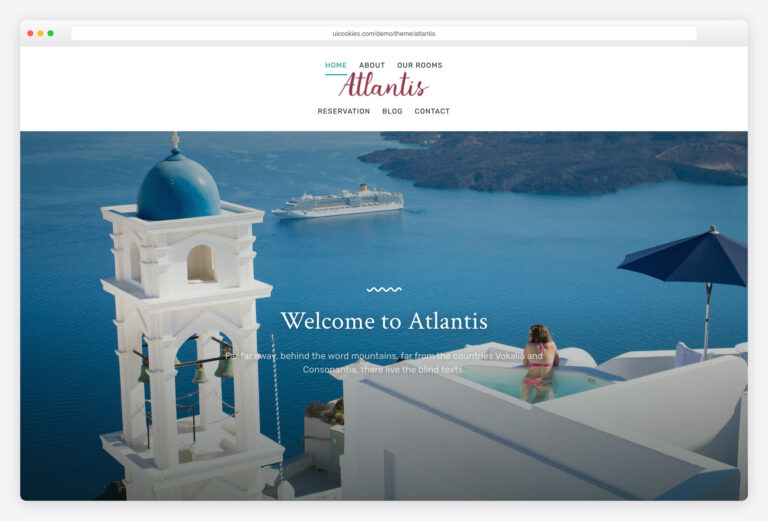
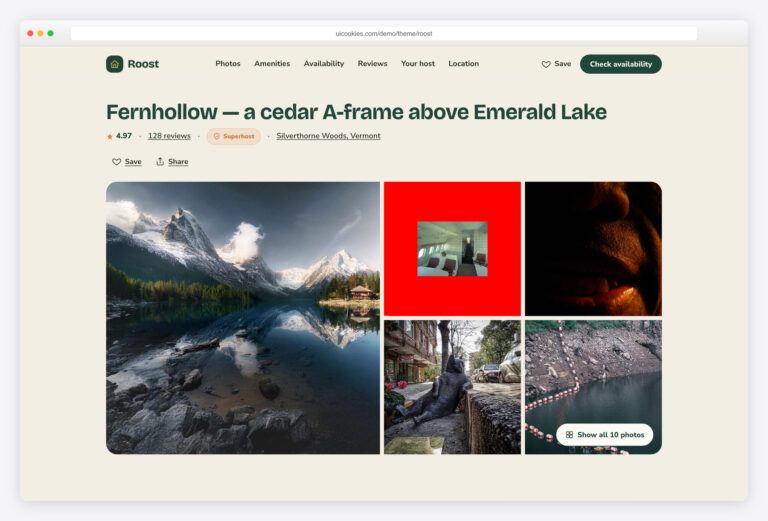
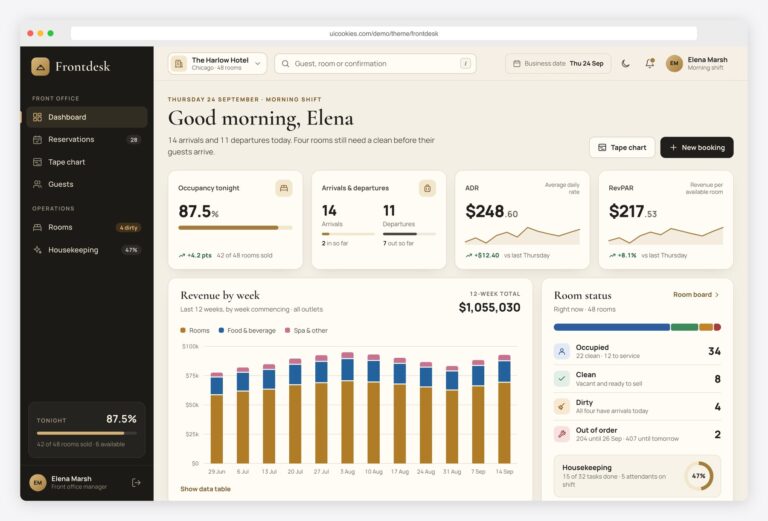
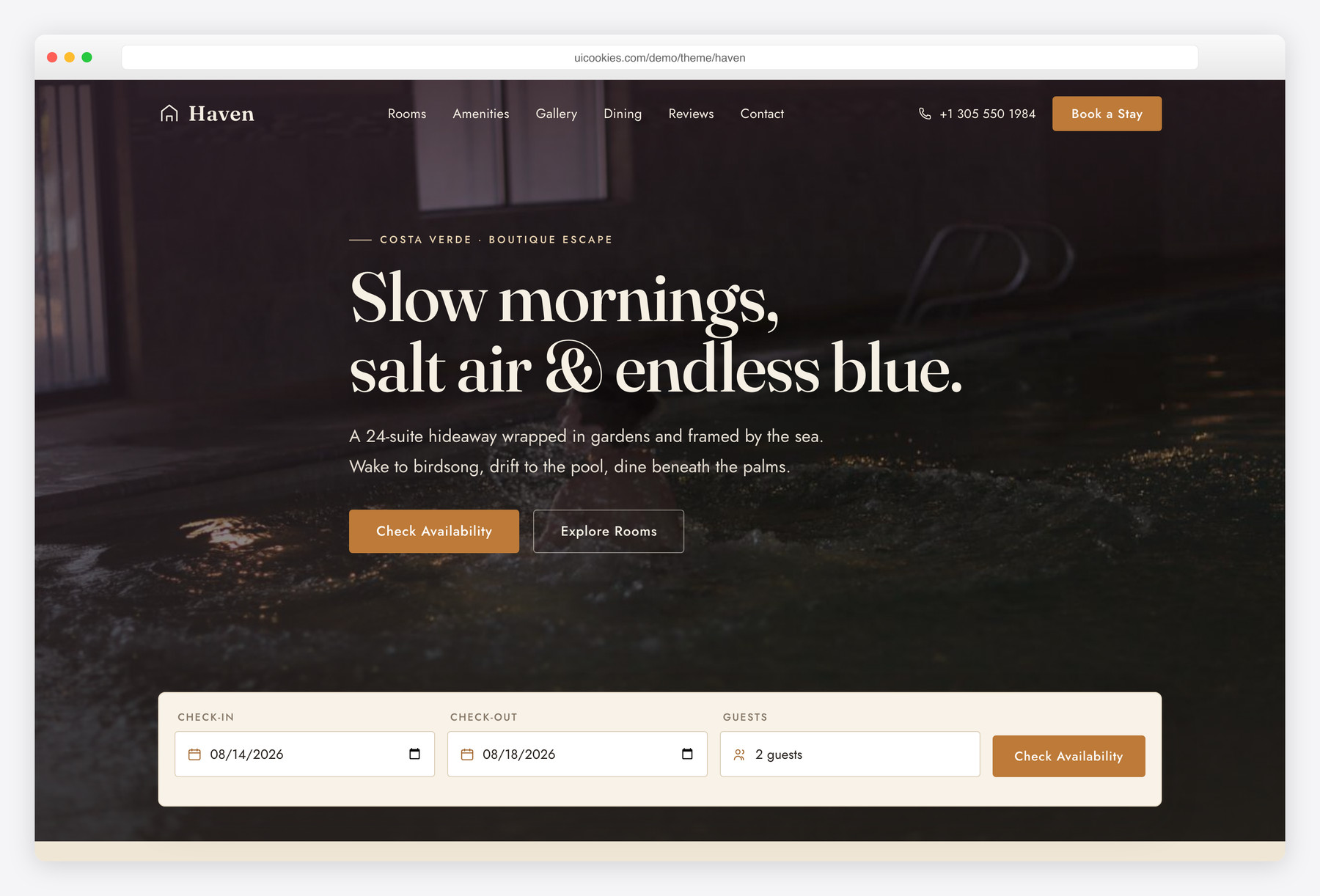
Haven is a free single-page Bootstrap 5 template for boutique hotels and small resorts, built around a full-bleed hero with a live "Book a Stay" date widget that overlaps into the page. Its warm aubergine, sand and honey-amber palette gives it a calm, grown-up look that stands apart from the usual teal-on-white hotel theme.
Key features
- Full-bleed hero with overlapping check-in / check-out / guests booking widget
- Rooms & suites grid with per-night pricing and sleeps / size / view spec chips
- Highlighted "most loved" suite to steer bookings
- Six-tile amenities block with hand-drawn inline-SVG icons
- CSS-masonry gallery with keyboard-accessible vanilla-JS lightbox (arrows + Esc)
- Auto-advancing guest-review carousel, responsive 1/2/3-up, respects reduced-motion
- Dining feature with à-la-carte menu, hours and reservation CTA
- Location block with enquiry form, contact details and pinned map card
- Sticky glass header that turns solid on scroll, plus slide-in mobile menu
Best for
- Boutique hotels and small resorts
- Character-rich independent properties, not chains
- Bed & breakfasts and guesthouses
- A single-page property showcase site
- Agencies building a hospitality client site
At a glance
- Framework: Bootstrap 5
- License: Free for personal and commercial use
- Pages: 1
- Responsive: Yes
- Style: Warm luxe-calm — aubergine, sand & honey-amber with a Fraunces / Jost pairing

How to use it
Download the ZIP, unzip it, and open index.html — no build step, nothing to install. Edit the text and images, point any forms at your backend or a form service, and deploy the folder to any static host. Colours and fonts live in css/style.css; the interactions are in js/main.js.
Frequently asked questions
Is Haven really free for commercial projects?
Yes. Haven is free for both personal and commercial use, so you can use it for client work or your own property at no cost. An attribution link to uiCookies in the footer is appreciated but not required. There are no license keys, sign-ups, or usage limits.
Does the booking widget actually take reservations?
No — it's a front-end demo. The date pickers, guest selector and enquiry forms validate input and show a confirmation message, but they don't process real bookings or payments. To go live you wire them up to your own booking engine or form handler. The markup is standard, so connecting a service like Formspree or a hotel booking API is straightforward.
Do I need jQuery or a build step?
Neither. Bootstrap 5 and one small main.js are self-hosted, all JavaScript is vanilla, and every icon is inline SVG. Just open index.html in a browser or drop the folder on any host — there's nothing to compile and no dependencies to install.
Can I edit it without knowing how to code?
Mostly, yes. Text, prices, room details and menu items are plain HTML you can change in any editor. Swapping photos and adjusting colours takes a little comfort with HTML and CSS, but there's no framework or tooling to learn. It's a static front-end, so what you edit is exactly what ships.
How do I change the colours and fonts?
The warm aubergine, sand and honey-amber palette is defined as CSS custom properties (variables) at the top of the stylesheet, so recolouring the whole template is a matter of editing a handful of values. The type pairing is Fraunces for headings and Jost for body text; swap the font links and the corresponding CSS variables to use your own. No build tool or Sass compilation is involved.
How do I swap in my own photos?
Replace the files in the /img folder keeping the same names, or update the src and data-full attributes to point at your images. Image frames use CSS aspect-ratio with absolutely-positioned images, so any photo crops cleanly and the layout won't break regardless of your original dimensions. Use appropriately sized, compressed images to keep the page fast.
Is it responsive and does the gallery work on mobile?
Yes. Haven is fully responsive from phones up to large screens, with a sticky glass header that becomes a slide-in menu on smaller devices. The masonry gallery and its lightbox work with touch, mouse and keyboard, and the review carousel adapts from three cards down to one. The lightbox also supports arrow-key and Esc navigation for accessibility.
Which browsers does it support?
Haven works in all current versions of Chrome, Firefox, Safari and Edge. It relies on modern CSS such as aspect-ratio and CSS custom properties, so it targets up-to-date browsers rather than legacy ones like Internet Explorer. Animations respect the reduced-motion preference for visitors who opt out of motion.