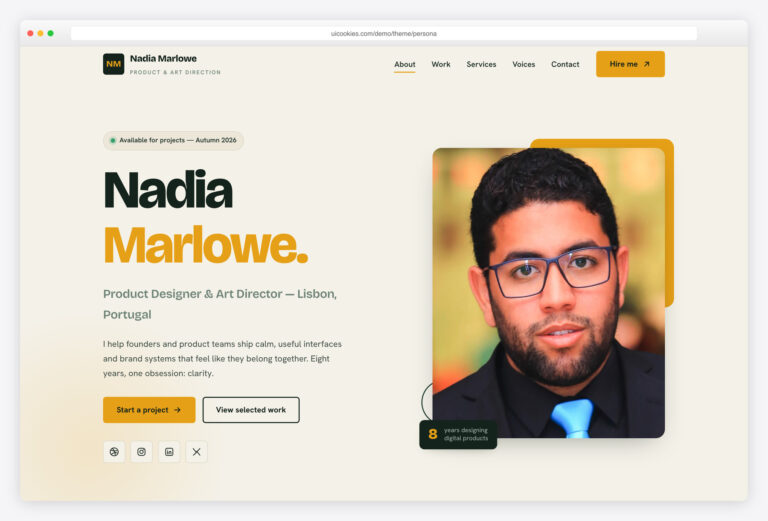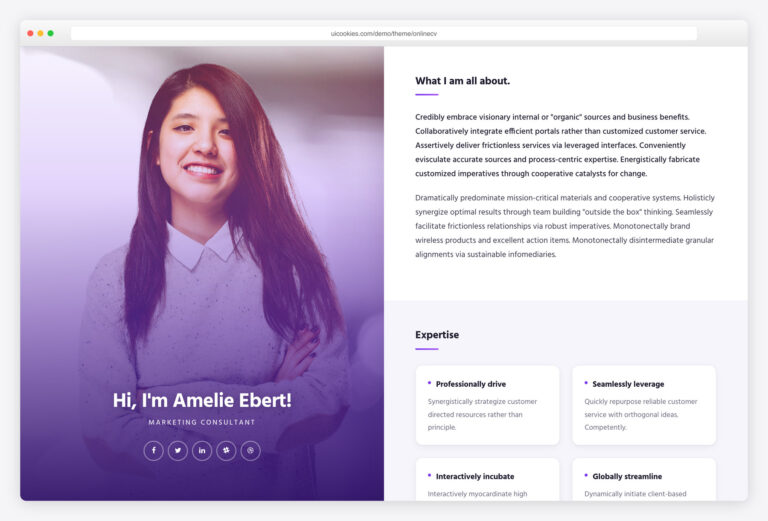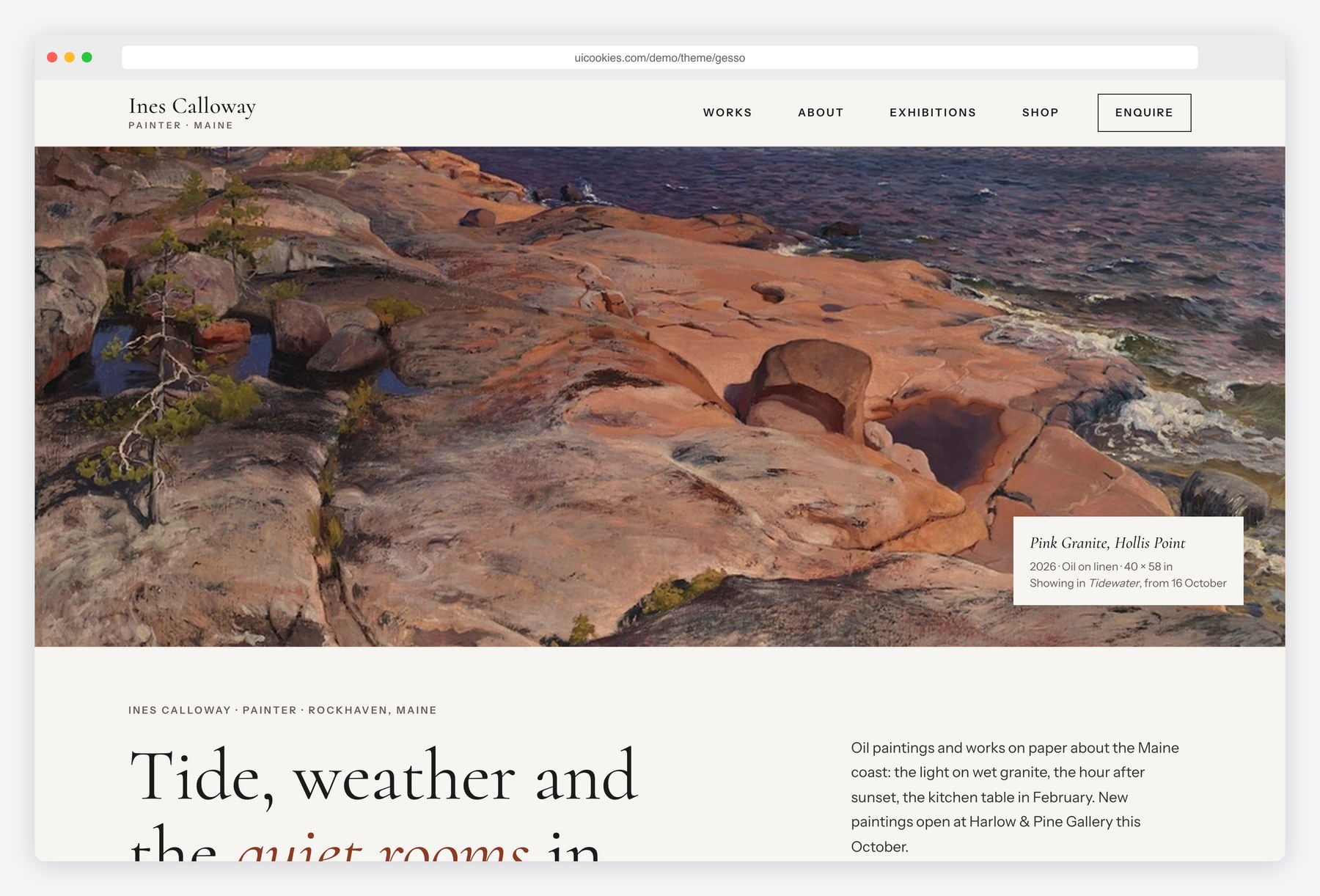

Gesso — Free Artist Portfolio Website Template
Gesso gives a painter a website that stays out of the way of the work. Warm white walls, thin rules, Cormorant headings and a single oxide-red accent leave the paintings to supply the color. Every artwork carries a proper wall label: title, year, medium, dimensions and a dot for available, sold or on loan. Visitors can filter the works by series, medium and year, open any piece in a lightbox, and move straight to an enquiry form that is already filled in with the painting, a matching budget range and a first line of message.
Key features
- Full-bleed hero painting with a museum-style wall label caption
- Works gallery filterable by series, medium, year and availability, with the filter state kept in the URL
- Masonry-style layout that shows every painting at its own proportions
- Native <dialog> lightbox with title, year, medium, dimensions, availability and price, plus arrow-key navigation
- Enquire buttons that prefill the enquiry form with the work, enquiry type and a matching budget range
- Upcoming exhibition block with an add-to-calendar button that builds an .ics file in the browser
- About page with biography, artist statement and a printable CV: solo and group shows, residencies, collections and press
- Shop with originals, limited edition prints in CSS frame mock-ups, size options that update the price, and edition counters
- Commission and enquiry form with budget range, size and message, validated in the browser
- Gallery red-dot availability markers for available, sold and on-loan works
Best for
- Painters and fine artists who sell originals directly
- Artists preparing an exhibition who need one place for dates and works
- Printmakers and illustrators selling limited editions
- Galleries building a site for a single represented artist
- Art graduates putting together a first portfolio with a CV
At a glance
- Bootstrap 5.3.8 with vanilla JavaScript, no jQuery
- 4 pages: index.html, works.html, about.html, shop.html
- Cormorant and Instrument Sans from Google Fonts; palette and type as CSS custom properties
- Native <dialog> lightbox, CSS-columns masonry and inline SVG icons
- All content visible without JavaScript; filters, lightbox and fades are progressive enhancements
- Public-domain demo paintings, with provenance for each file in CREDITS.txt
- Free for personal and commercial use; attribution optional but welcome. Full terms: uicookies.com/license
How to use it
Unzip the folder and open index.html in a browser; there is no build step. Replace the paintings in img/ with photographs of your own work, then edit titles, sizes, prices and availability in the HTML, where each artwork carries its details as data attributes. Colors, fonts and spacing live as custom properties at the top of css/style.css. The enquiry and newsletter forms validate in the browser only, so connect them to a form service before launch, then upload the folder to any static host.
Frequently asked questions
Is Gesso free for commercial use?
Yes. Gesso is free for personal and commercial projects, including client work. Attribution is optional but always welcome; the full terms are at uicookies.com/license.
What is Gesso built with?
Bootstrap 5.3.8 for the grid and the mobile menu, one stylesheet for the design layer and a single vanilla JavaScript file. There is no jQuery or other JavaScript library, and every icon is inline SVG.
Which pages and sections are included?
Four pages. The home page has a hero artwork, selected works, current series, upcoming exhibition, studio statement and newsletter; the works page has the filterable gallery and lightbox; the about page has a biography, artist statement, CV and studio visits; the shop has originals, limited prints, an enquiry form and shipping notes.
Do the enquiry and newsletter forms send email?
Not on their own. They validate in the browser and show a success message, so connect them to a form service or your own backend before going live. The filters, lightbox and enquiry prefill all work on any static host.
How do I add or change an artwork?
Copy one artwork block in works.html and change its image and data attributes: title, year, series, medium, size, status and price. The filters, the lightbox and the enquiry prefill read from those attributes, so no JavaScript needs editing.