
Mailroom — Free Responsive HTML Email Templates
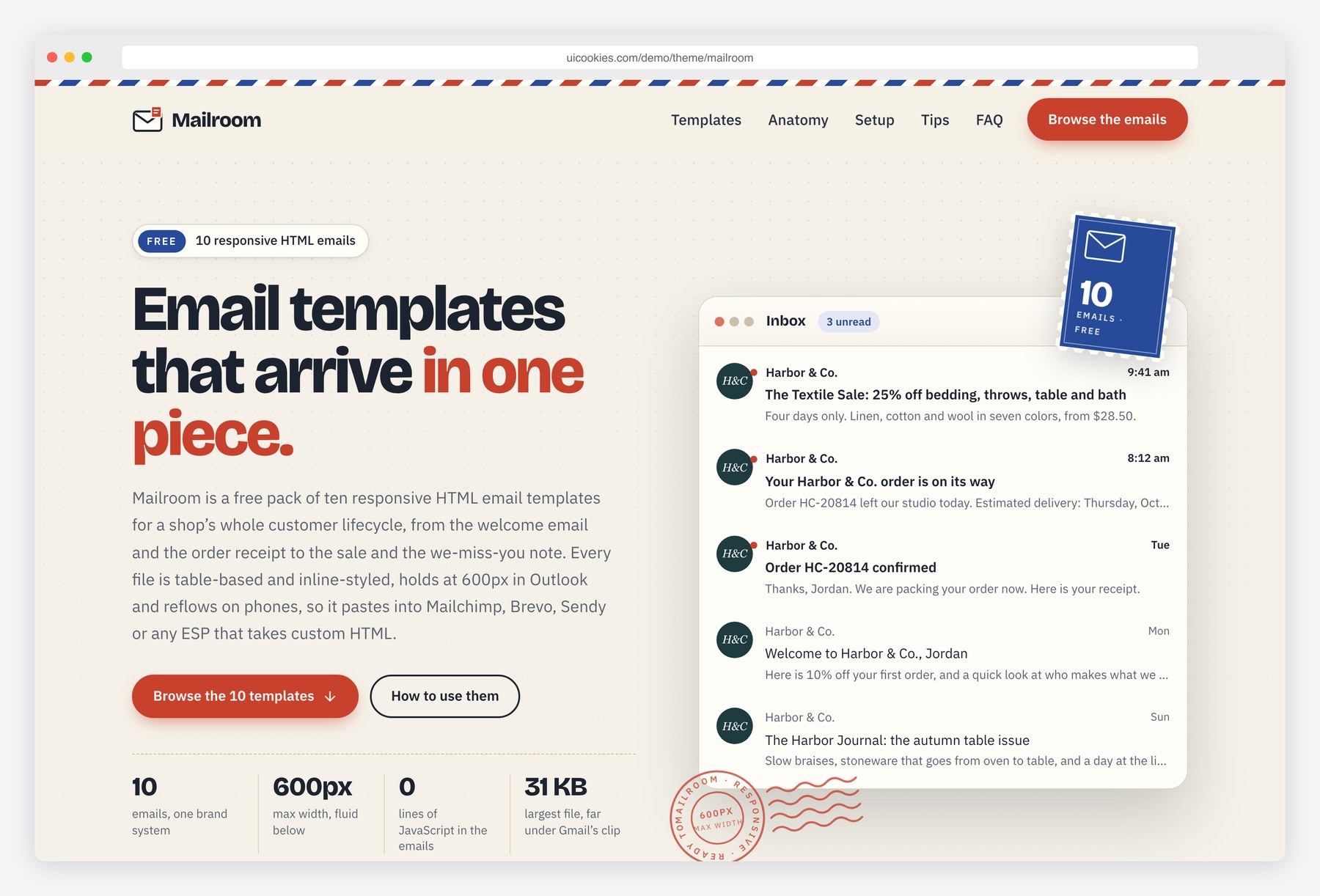
Mailroom gives you a complete set of customer emails that already look like they belong to the same brand: a sand background, a white card, Georgia headings, a harbor-green button and a clay accent. The emails use no JavaScript and no framework, only the techniques inboxes support: presentation tables, inline styles, hybrid columns that stack on phones, padded-cell buttons and a hidden preheader. The gallery page shows each email in a live scaled preview with desktop, mobile and dark-mode toggles, and explains how to load the files into Mailchimp, Brevo, Sendy or another ESP.
Key features
- Ten emails: welcome, newsletter, order receipt, shipping update, password reset, event invitation, abandoned cart, feedback survey, promotional sale and re-engagement
- Table-based layouts with role=”presentation”, a 600px maximum width and fluid widths down to 320px
- Inline styles on every element plus one style block for mobile media queries and dark mode
- MSO conditional comments and ghost tables that hold Outlook for Windows at 600px
- Bulletproof buttons built as padded table cells, a hidden preheader, lang and dir attributes and alt text on every image
- Hybrid two- and three-column rows that stack on phones, a CSS shipping tracker, a 1-to-5 rating row and coupon blocks
- Mailchimp merge tags throughout, with a conversion table for Brevo and Sendy
- Gallery page with live scaled previews, desktop, mobile and dark-mode toggles, category filters, an open-full link and a copy HTML button
- Setup guide with tabs for Mailchimp, Brevo, Sendy and other ESPs, plus sending tips
Best for
- Online shops that need matching transactional and marketing emails
- Developers moving a brand from a drag-and-drop builder to coded templates
- Mailchimp, Brevo and Sendy users who want custom HTML emails
- Designers who want a working reference for email-safe HTML
At a glance
- Bootstrap 5.3.8 with vanilla JavaScript, no jQuery
- 11 pages: index.html and emails/01-welcome.html to emails/10-re-engagement.html
- The ten emails use no JavaScript and no framework: table layouts, inline styles, a 600px maximum width, dark mode and Outlook conditional comments
- Mailchimp merge tags, with Brevo and Sendy equivalents in the README and on the gallery page
- Georgia headings and Helvetica or Arial body text in the emails; gallery colours as CSS custom properties
- Free for personal and commercial use; attribution optional but welcome. Full terms: uicookies.com/license
How to use it
Unzip the folder and open index.html to preview the emails. Edit an email by opening its file in emails/ and changing the copy; colours are inline hex values listed in README.txt. Upload the images in img/ to your ESP or a CDN and replace the ../img/ paths with absolute URLs, then paste the file into your ESP’s custom HTML option and swap the merge tags if it is not Mailchimp. The gallery page’s colours live in css/style.css custom properties, and it deploys to any static host.
Frequently asked questions
Are the Mailroom email templates free for commercial use?
Yes. Mailroom is free for personal and commercial use, including emails for a client or your own shop. Attribution to uiCookies is optional but always welcome, and the full terms are on the uiCookies license page.
Which email service providers do they work with?
Any ESP that accepts custom HTML. The merge tags are written for Mailchimp, and the gallery page and README list the Brevo and Sendy equivalents for first name, email, unsubscribe, web version and preferences. Receipts, shipping and password emails are usually sent from your store or app, so swap the sample order data for that platform’s variables.
Do the emails work in Outlook and in dark mode?
Yes. MSO conditional comments and ghost tables keep Outlook for Windows at 600px, and the layout never depends on CSS that Outlook ignores. Outlook shows square corners where other clients show rounded ones. A single style block holds dark-mode colours for Apple Mail, iOS Mail and Outlook.com; the Gmail apps apply their own colour inversion.
What is on the gallery page?
The gallery shows all ten emails as live previews with desktop, mobile and dark-mode toggles, filters for transactional, lifecycle and marketing emails, an open-full link and a copy HTML button. It also has an annotated anatomy of an email, a setup guide for Mailchimp, Brevo, Sendy and other ESPs, sending tips and an FAQ. It uses Bootstrap 5.3.8 and vanilla JavaScript, while the emails themselves use neither.
How do I change the brand colours and images?
Email clients need inline styles, so each colour is written on the elements that use it. README.txt lists the palette’s hex values, so a search and replace across the emails folder rebrands all ten files. Replace the photos in img/ with your own at the same sizes, host them online and update the image paths.