
Byline — Free Author Website Template
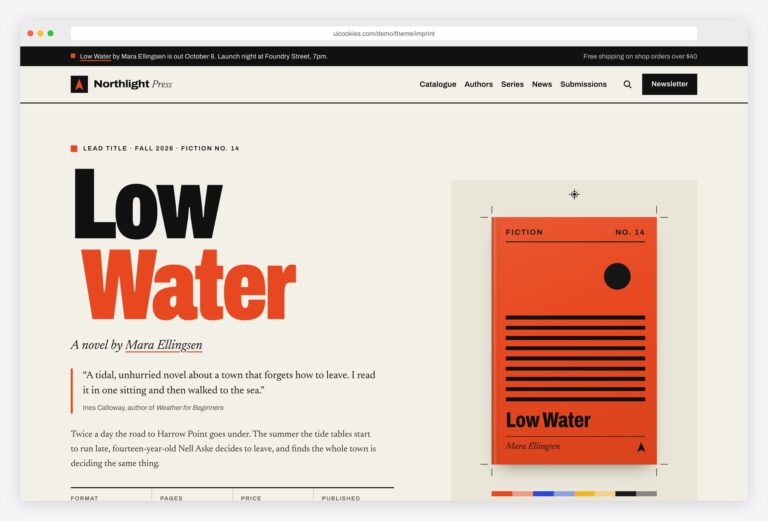
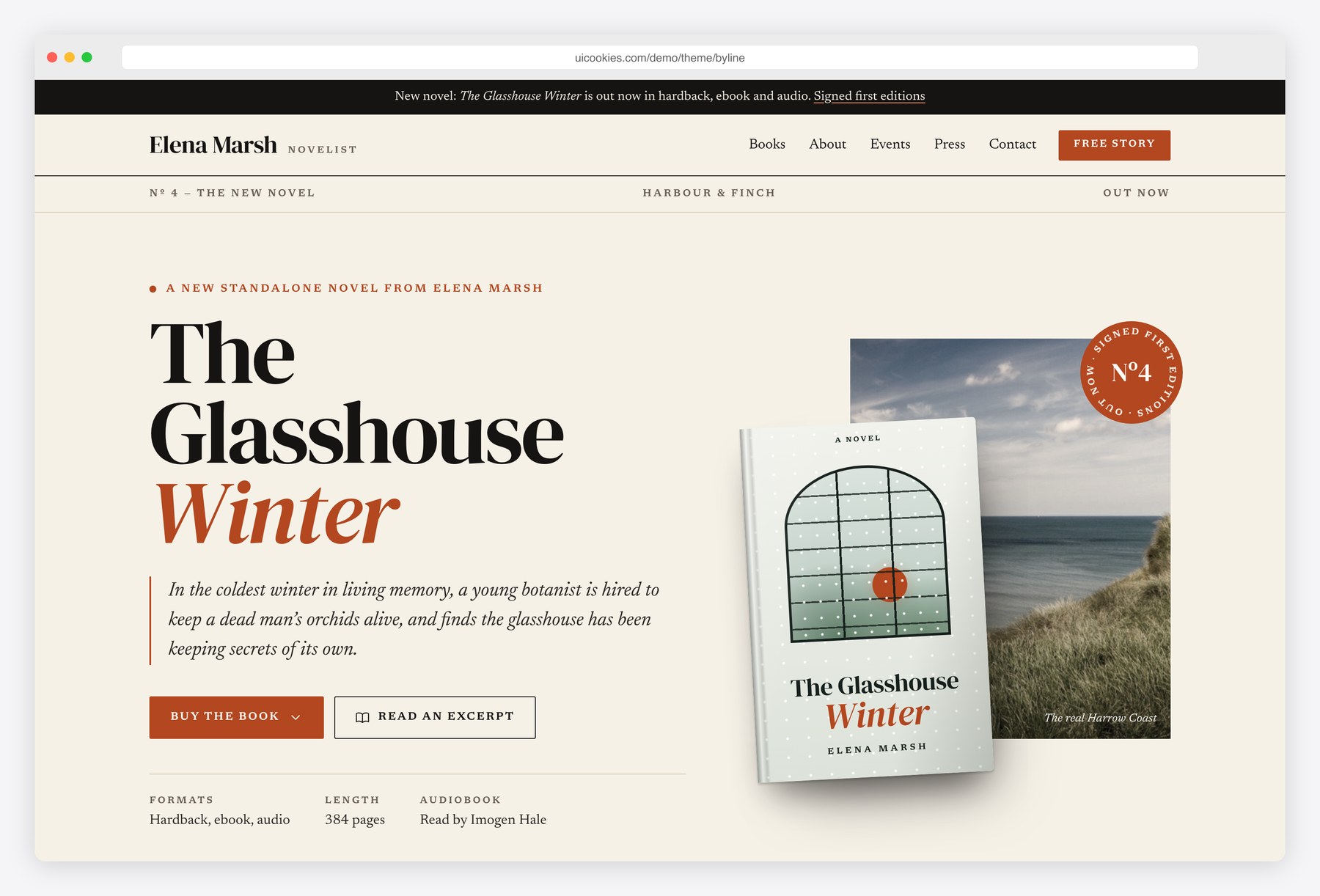
Byline gives a novelist an editorial, magazine-style home on the web. Near-black and warm white with a rust accent, large DM Serif Display headlines and Newsreader body text set the literary tone. Every book cover is designed in HTML and CSS, so you change a title by editing text rather than making an image. Readers can open a long-form excerpt in a reading dialog, check tour dates, and join the newsletter for a free short story, while journalists get a press kit with copyable bios and asset cards.
Key features
- Four typographic book covers designed in HTML and CSS, each with its own palette and pattern
- Hero for the latest book with a retailer menu and an excerpt button
- Excerpt reader built on the native dialog element, with reading progress and a larger-text toggle
- Bibliography grouped by series and standalone, with reading order, formats and retailer buttons
- Tour dates with an accessible upcoming and past tab toggle and arrow-key support
- Newsletter signup with a free short story lead magnet and browser-side validation
- Press kit with short and long bios, each with a copy-to-clipboard button
- Downloadable asset cards, fast facts list and a magazine-style interview Q&A
- Enquiry form whose type select shows the matching fields and names who will reply
- Progressive enhancement: every section and excerpt is readable without JavaScript
Best for
- Novelists and fiction writers with a series or backlist
- Debut authors building a first website before launch
- Publicists and small presses creating author pages
- Poets, memoirists and nonfiction writers who need a press kit
At a glance
- Bootstrap 5.3.8 with vanilla JavaScript, no jQuery
- 3 pages: index.html, books.html, press.html
- Book covers, portrait block and map illustration built in HTML, CSS and inline SVG
- Palette and fonts in CSS custom properties at the top of css/style.css
- Free for personal and commercial use; attribution optional but welcome. Full terms: uicookies.com/license
How to use it
Unzip the folder and open index.html in a browser. Edit the copy directly in the three HTML files and swap the photos in img/ for your own. Book covers are plain HTML, so change their titles in the markup and their colours in the cover section of css/style.css; the site palette and fonts live in the custom properties at the top of that file. Connect the forms to a form or newsletter service, then deploy the folder to any static host.
Frequently asked questions
Is Byline free for commercial use?
Yes. Byline is free for personal and commercial projects, including a paid website for a client. Attribution is optional but always welcome, and the full terms are on the uiCookies license page.
What is Byline built with?
It uses Bootstrap 5.3.8, which is included in the download, plus one stylesheet and one vanilla JavaScript file. There is no jQuery and no other JavaScript library. Fonts are DM Serif Display and Newsreader from Google Fonts.
Which pages and sections are included?
There are three pages. The home page has the latest-book hero, praise quotes, the books row, an about section, tour dates, a newsletter signup and contact options. The books page lists each title with reading order, formats, retailer buttons and an excerpt, and the press page holds bios, assets, fast facts, an interview and an enquiry form.
Do the newsletter and enquiry forms send anything?
No. The forms validate in the browser and then show a success message, but they have no backend. Point them at your newsletter provider or a form service to collect real signups and enquiries.
How do I change the book covers to my own titles?
Each cover is a few lines of HTML with a title, series line and author name, so you edit the text in the page. Colours, patterns and artwork for each cover are grouped in the book covers section of css/style.css. If you already have finished cover images, you can replace a cover block with an img tag.