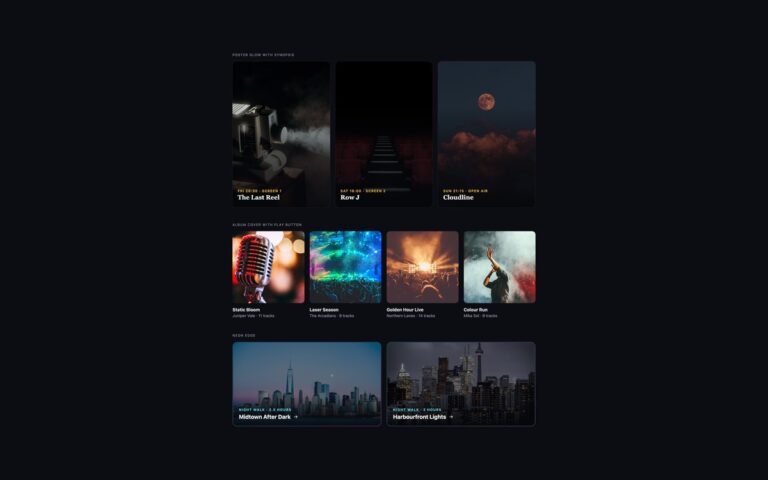
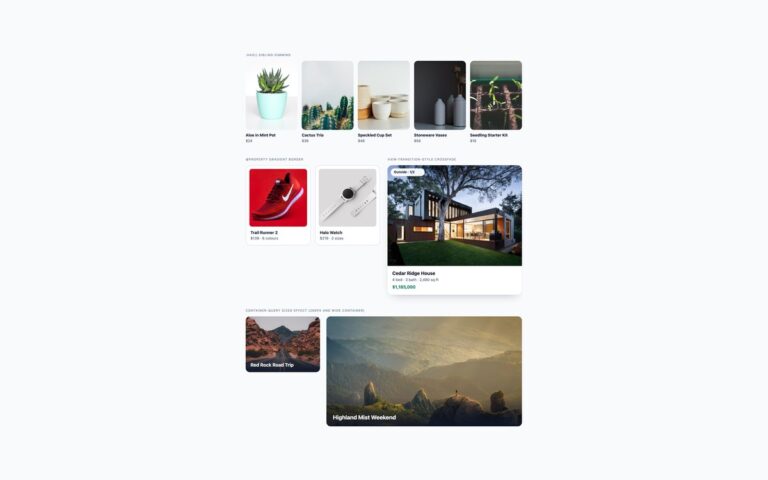
About this set
Six image treatments that change on hover, shown on a photo magazine. Grayscale to colour turns a team row of three portraits from black and white to full colour. Duotone to full colour starts as an indigo and pink duotone, made by multiplying a light colour and lightening a dark colour over a grey photo, and fades to the original. Blur to sharp brings a soft, desaturated photo into focus. Sepia to colour warms an old-print look back to the real colours. Circle mask reveal shows a colour porthole in a dimmed grey photo and opens it to the whole frame with an animated clip-path circle. Diagonal clip-path wipe slides a slanted indigo panel with guide details across a wide banner. Filters and opacity are not motion, so they keep their fades under reduced motion, while the two clip-path reveals switch instantly instead. On touch screens every photo shows its finished state straight away, so nobody is left with a blurred or grey image they cannot change.
What’s included
- Grayscale, duotone, blur and sepia filters that clear on hover
- Duotone built from mix-blend-mode multiply and lighten layers
- Circle and diagonal reveals with animated clip-path
- Finished state shown on touch screens
- Clip-path reveals switch instantly under reduced motion
Accessibility
Every tile is a link named by a descriptive alt text and its visible title; the duplicate colour photo in the circle reveal has an empty alt. Keyboard focus shows a 3px outline and triggers the same change as hover. The filter fades are not motion and stay; the clip-path reveals stop animating under prefers-reduced-motion.
Customise it
Change --fx-accent, --fx-radius and --fx-speed on .fx, --fx-light and --fx-dark on .fx-duo for the duotone, and the filter values in each variant. In Bootstrap the same rules apply to .figure and .ratio markup; in Tailwind edit the grayscale-, sepia-, blur- and clip-path utilities.