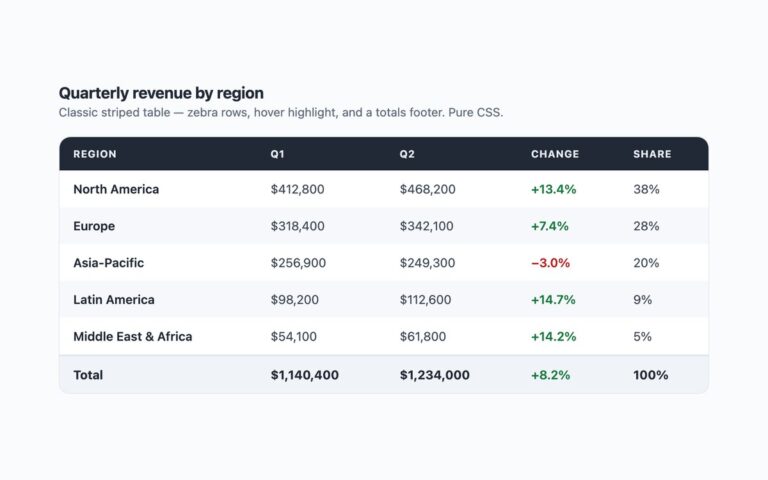
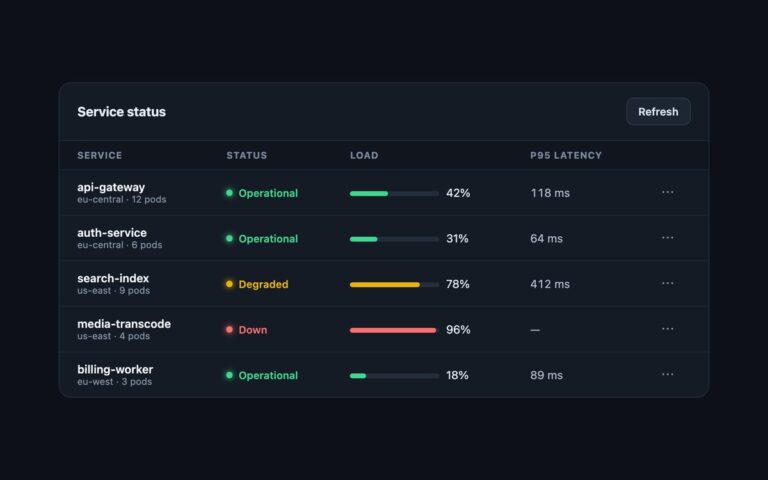
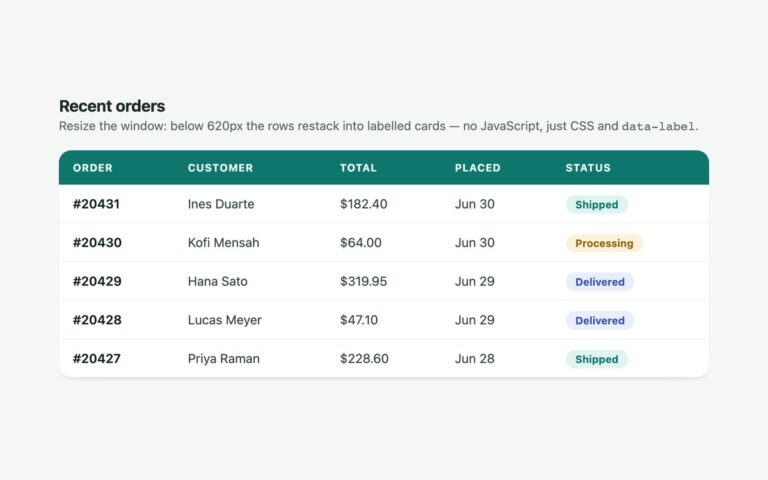
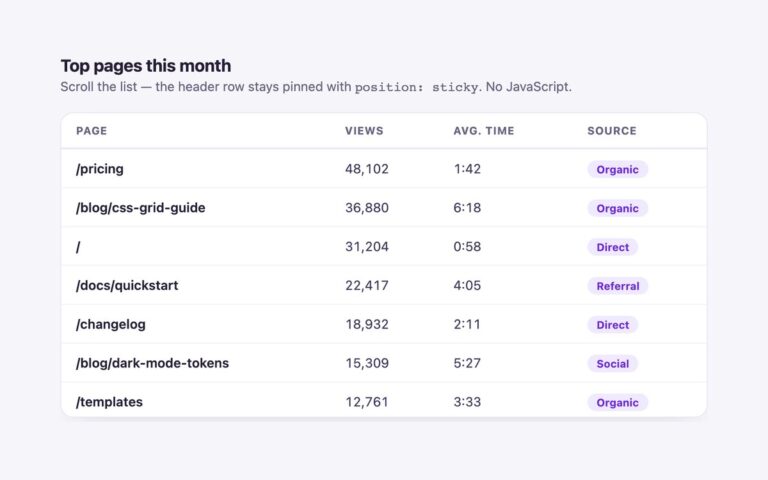
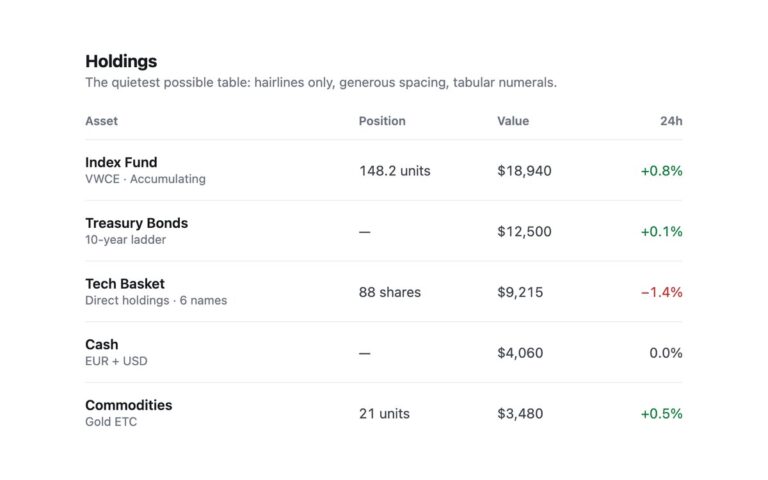
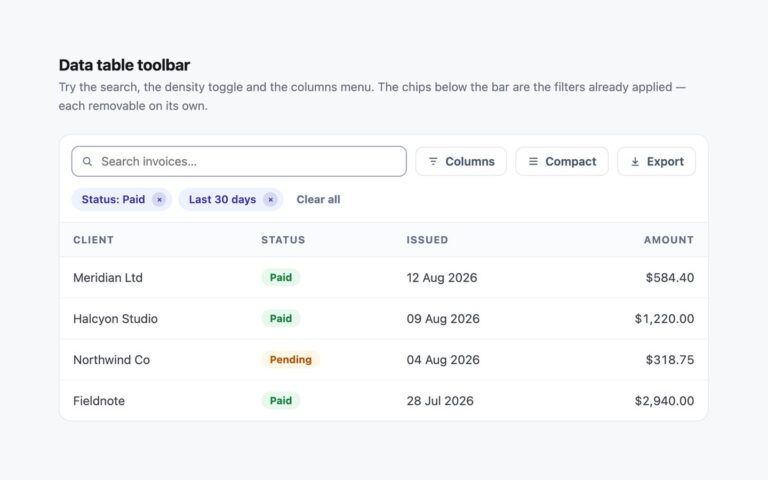
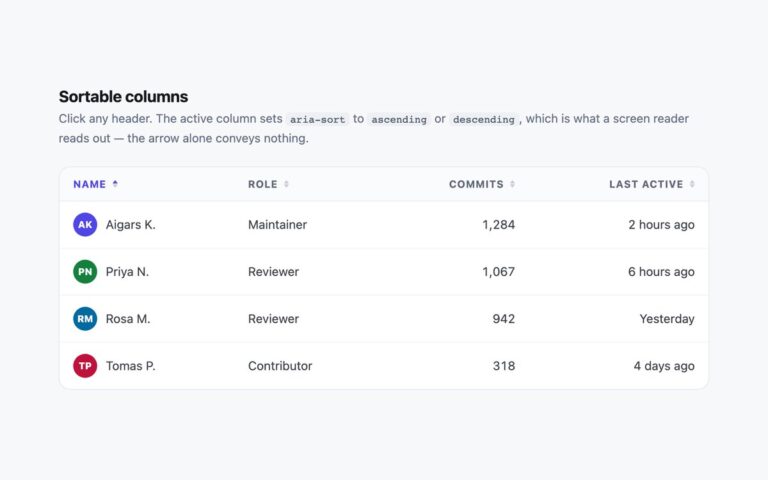
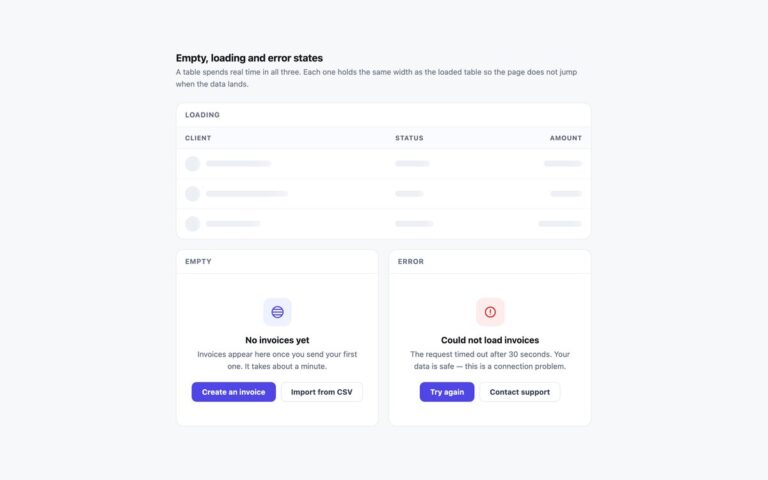
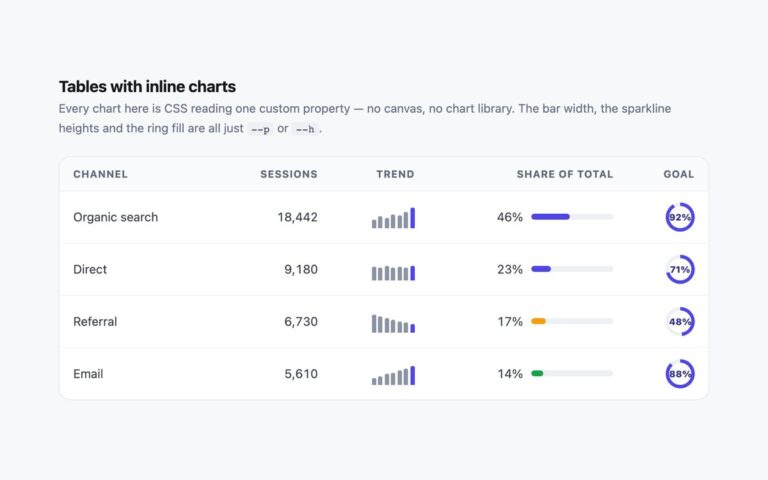
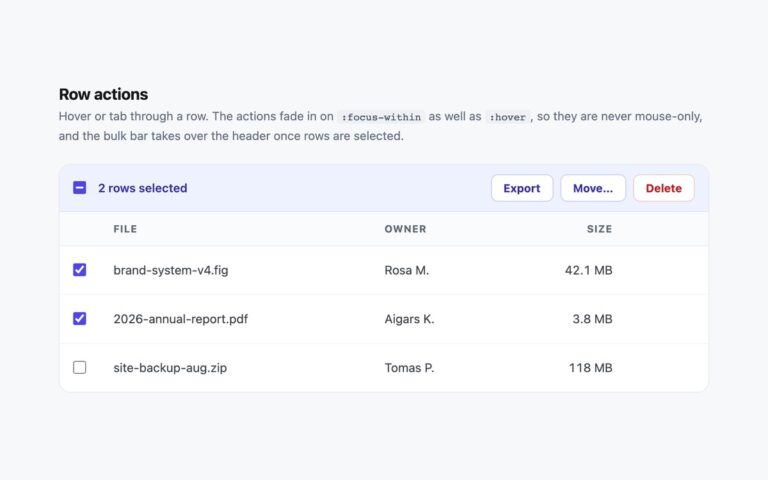
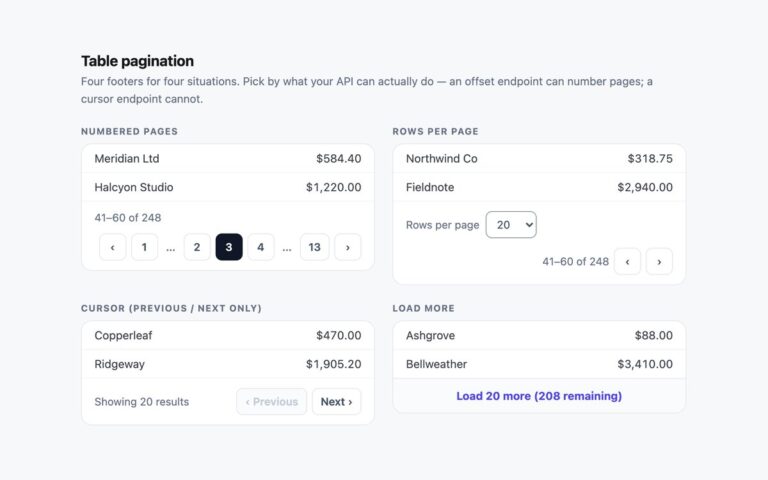
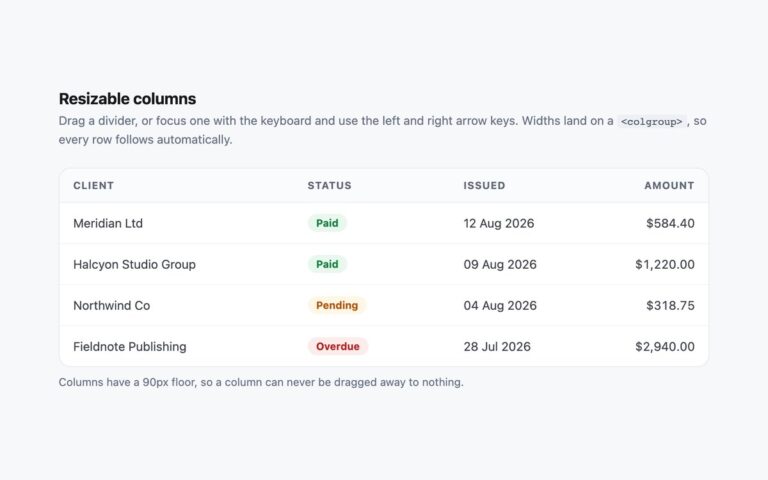
A complete invoice datatable with no library behind it: a live search box, five sortable columns and numbered pagination, all driven by about sixty lines of vanilla JavaScript. The rows live in a plain array at the top of the script, so you can paste in your own records or fill the array from fetch() and call render() again; search, sort order and paging keep working. Searching matches the client name and the invoice number and resets to page one. Each column header is a real button inside a th, and the sorted column carries aria-sort ascending or descending while a small arrow icon shows the direction. The pager is a nav with Previous, numbered and Next buttons; the current page has aria-current and focus stays on the pager after a page change. A polite live region reads out which rows are showing. Use it for admin screens with a few hundred rows that you already have in the browser; for server-side data keep the markup and replace the filter and slice lines with a request. The Bootstrap version uses .form-control, .table-hover, .badge and .pagination.
What’s included
Live search across client name and invoice number
Five sortable columns with aria-sort on the active header
Numbered pagination with Previous and Next, current page marked with aria-current
Rows rendered from a plain JavaScript array, easy to swap for your data
Horizontally scrollable, keyboard-focusable table region on narrow screens
Accessibility
The table is labelled by its heading and every header is a scope="col" th whose sort control is a button; the sorted column reports aria-sort. Pager buttons have names such as Page 2, the current one has aria-current="page", and a polite live region announces the visible range. All controls show a visible focus outline and transitions switch off under prefers-reduced-motion.
Customise it
Change the colours in the .dt rules (header grey #67718a, accent #2563eb, pager #1a2233) and PER in the script for rows per page. In Bootstrap the table and pager colours are --bs-table-* and --bs-pagination-* variables on .dt; in Tailwind edit the colour utilities in the markup and the PAGE_BTN and BADGE strings in the script.