
Charity – Free Non-Profit Responsive Bootstrap Website Template
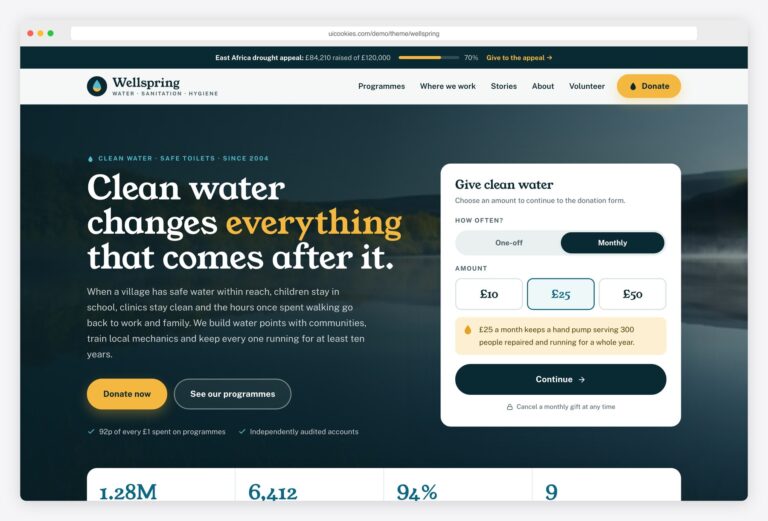
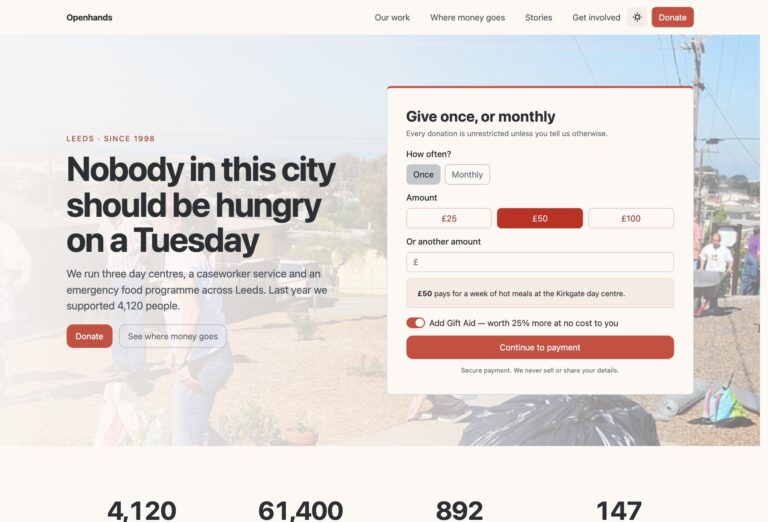
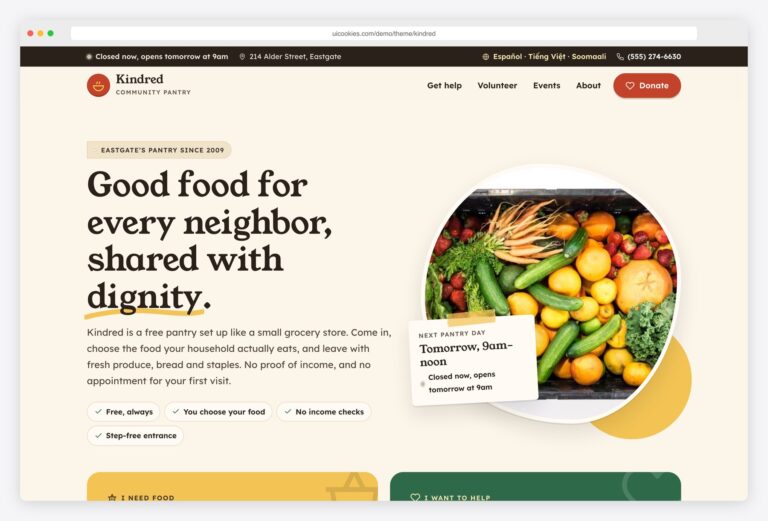
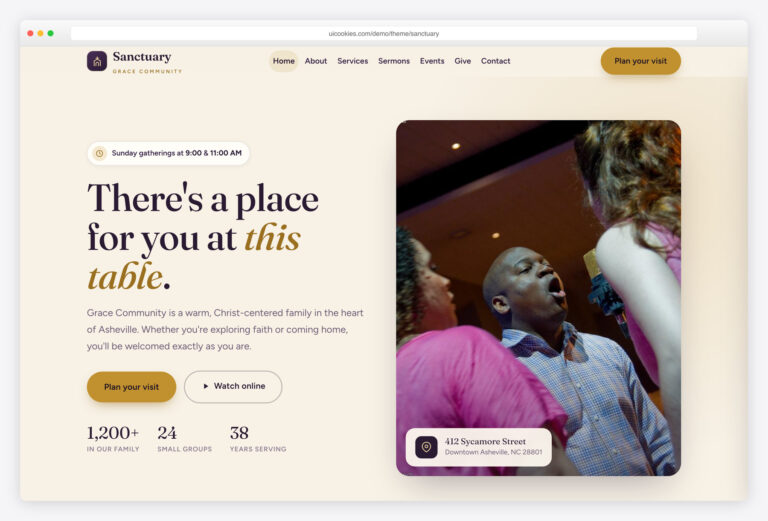
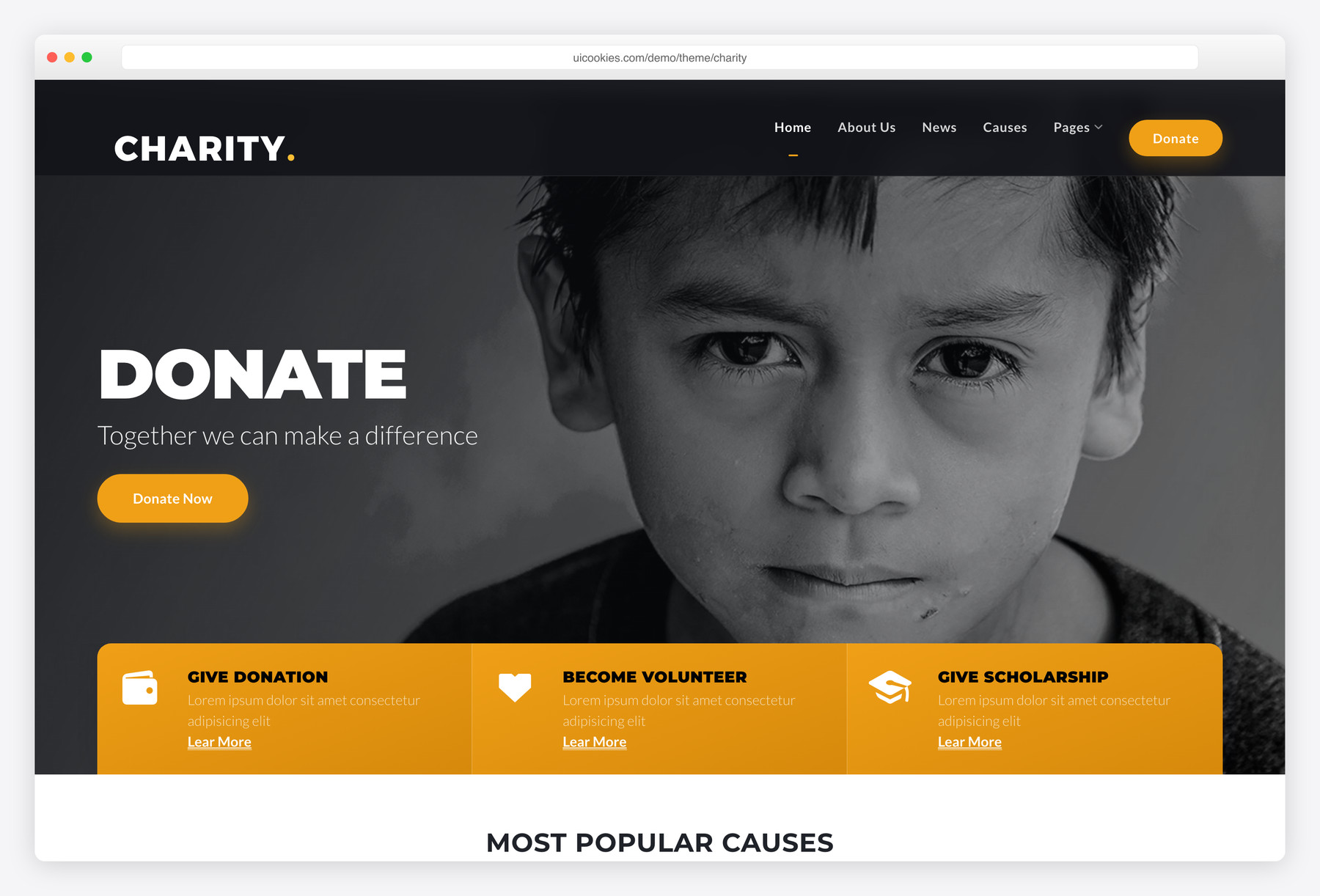
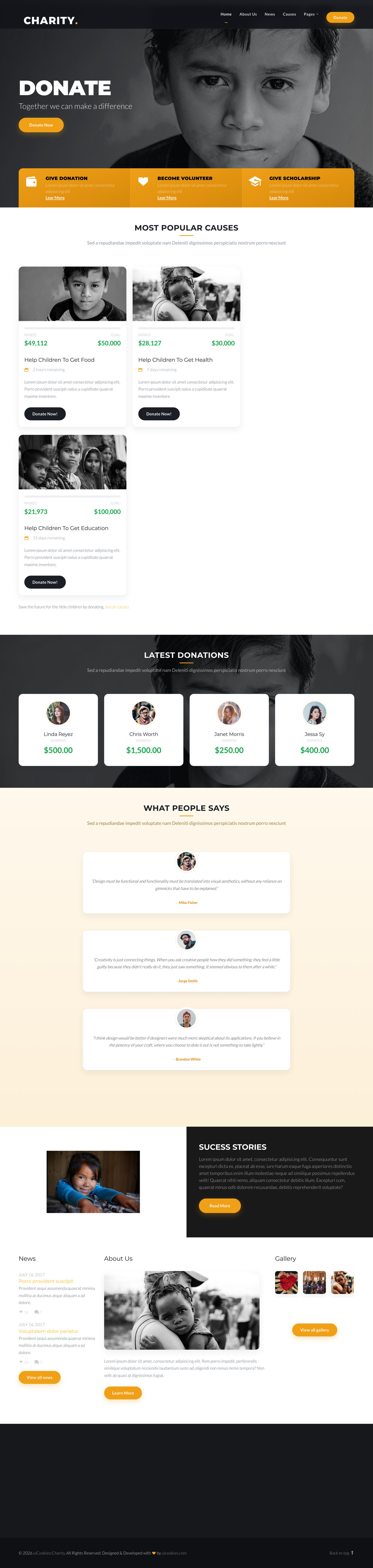
Charity is a free, nine-page non-profit website template built on Bootstrap 5 by uiCookies, covering home, about, causes, single-cause detail, donate, gallery, news, testimonials, and contact in one warm, photo-led design. What sets it apart is that it ships completely jQuery-free — every interaction is plain vanilla JavaScript, with no Owl, Magnific, or Waypoints plugins anywhere.
Key features
- Completely jQuery-free — zero plugin dependencies
- Nine ready HTML pages sharing one design system
- Causes list plus a single-cause detail page
- Feature carousels built with CSS scroll-snap
- Custom vanilla-JS gallery lightbox, keyboard-operable
- IntersectionObserver scroll-in animations
- Auto-hiding navbar in plain JavaScript
- Accessible: labelled forms and aria-labelled controls
- Icon font and demo images included
Best for
- Charities, foundations, and NGOs
- Small non-profits wanting a full site out of the box
- Fundraising campaigns and cause pages
- Developers who want a jQuery-free starting point
At a glance
- Bootstrap 5 with no jQuery and no plugin dependencies
- Vanilla JavaScript: scroll-snap carousels, custom lightbox, IntersectionObserver animations, auto-hiding navbar
- Nine ready HTML pages sharing one design system
- Accessible: labelled forms, aria-labelled controls, keyboard-operable lightbox
- Icon font and demo images included
How to use it
Download the ZIP, unzip it, and open index.html — no build step, nothing to install. Edit the text and images, point any forms at your backend or a form service, and deploy the folder to any static host. Colours and fonts live in css/style.css; the interactions are in js/main.js.
Frequently asked questions
Is Charity free to use, including for commercial projects?
Yes. Charity is free and follows the standard uiCookies license, which allows commercial use. Attribution is optional but always welcome, and the full terms are at uicookies.com/license.
Can I edit it without coding or a build tool?
Yes. Charity is a static front-end of plain HTML, CSS, and JavaScript files, so you can open any of the nine pages in a code editor and change text, images, and links directly. There is no build step, framework, or compilation to set up — edit the file and refresh the browser. Basic familiarity with HTML helps, but nothing needs to be installed.
How do I change the colours and fonts?
Colours, typography, and spacing live in the template's stylesheet, so you adjust the look by editing the CSS rather than the markup. Change the values in one place and they apply consistently across all nine pages, since they share a single design system. Swapping the warm palette or the font family is a matter of updating those styles.
Is it responsive and mobile-friendly?
Yes. Charity is built on Bootstrap 5's responsive grid, so the layout adapts from desktop down to phones. The navigation collapses on small screens and the auto-hiding navbar keeps content in view. Test on your target devices as you customise, since swapping in your own images can affect how sections stack.
Which browsers does it support?
Charity works in all current evergreen browsers — Chrome, Firefox, Safari, and Edge. It relies on modern standards like CSS scroll-snap and IntersectionObserver, which are supported across today's browsers. It is not aimed at legacy browsers such as Internet Explorer.
How do I make the contact and donate forms work?
The forms are static front-end markup with accessible, labelled fields, but they are not wired to a backend and there is no payment processing built in. To collect submissions you point the form action at your own handler or a form service, and to accept donations you connect a payment provider such as a hosted donation button or checkout. The template gives you the styled, validated front-end; the server side is yours to add.
Does Charity really use no jQuery?
Correct — the template is entirely jQuery-free with no plugin dependencies. The feature carousels use CSS scroll-snap, the gallery lightbox is a small custom script, the scroll-in animations use IntersectionObserver, and the auto-hiding navbar is plain JavaScript. There is no Owl Carousel, Magnific Popup, or Waypoints anywhere, which keeps the page weight low.
What's included, and what about the images?
You get nine ready HTML pages — home, about/our-story, causes, single-cause detail, donate, gallery, news, testimonials, and contact — plus the shared stylesheet, vanilla JavaScript, an icon font, and demo images. The demo photos are placeholders meant to be replaced with your own; use appropriately sized, compressed images to keep the photo-led design fast.