
Measure — Free Exam & Assessment Dashboard Template
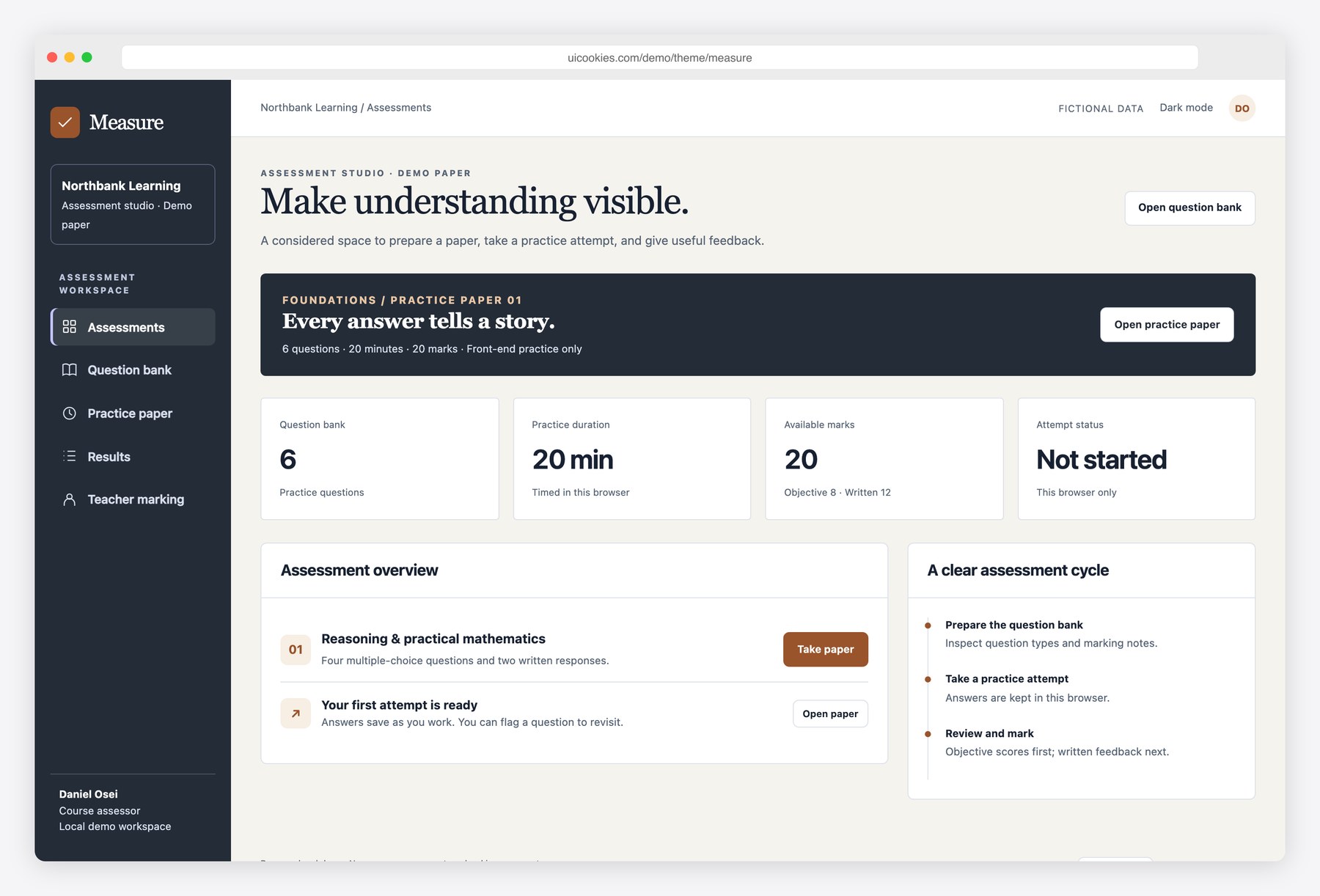
Measure covers both sides of a small assessment: the learner taking a paper and the teacher checking it afterwards. Start a timed practice attempt, answer or flag questions, submit for a score on the multiple-choice section, and mark the written responses in the teacher workspace. The result page shows when a grade is provisional, rather than pretending a written answer can be auto-marked. All questions, answers and grades are fictional browser-local demo data. This Bootstrap 5 template needs your own secure backend for real assessments.
Key features
- Question bank with search, type filters and validated question creation
- Six-question practice paper with multiple-choice and written responses
- 20-minute timer using a persisted deadline across reloads
- Autosaved answers and per-question review flags
- Submission confirmation with unanswered-question count
- Objective marking with correct answers and explanations
- Provisional result until both written answers are marked
- Teacher marking with bounded marks, feedback and final-score recalculation
- New-attempt flow, light/dark mode and browser-local reset
Best for
- Learning product teams prototyping assessment interfaces
- Tutors and course creators designing practice papers
- Developers connecting a quiz UI to an LMS backend
At a glance
- Bootstrap 5.3.8 and vanilla JavaScript; no jQuery
- 5 pages: index.html, questions.html, exam.html, results.html, marking.html
- Browser-local demo records; no backend, authentication or server writes
- Responsive layouts, keyboard controls, light and dark modes
- Free for personal and commercial use; attribution optional but welcome. Full terms: uicookies.com/license
How to use it
Unzip measure and open index.html in a browser. Edit the HTML copy, the demo arrays in js/main.js and the palette in css/style.css. The supplied Bootstrap files are self-hosted, so there is no build step or external script dependency. Changes are stored only in this browser; connect your own authenticated API before using real records. Deploy the folder to any static host.
Frequently asked questions
Is Measure free for commercial use?
Yes. Free for personal and commercial use, including client work. Attribution is optional but always welcome. Full terms: uicookies.com/license
What does the download include?
5 HTML pages (index.html, questions.html, exam.html, results.html, marking.html), Bootstrap 5.3.8, one design stylesheet and one vanilla JavaScript file. No npm installation or build command is required.
Does it connect to a backend?
No. All people and records are fictional, and changes are saved in localStorage in this browser only. No emails, payments or real bookings are sent. Replace the data and persistence helpers with your own authenticated API for production.
How do I customize the template?
Change colors and typography using the custom properties at the top of css/style.css. Edit content in the HTML pages and the initial data arrays in js/main.js. Reset demo clears only this template’s saved demo records.
Can I use this for a secure or proctored exam?
This is an interface template only. The question keys, answers and timer are in the browser and can be inspected or changed. A production assessment needs server-side timing, grading, authorization and data storage.