
Profile — Free Resume & CV Website Template
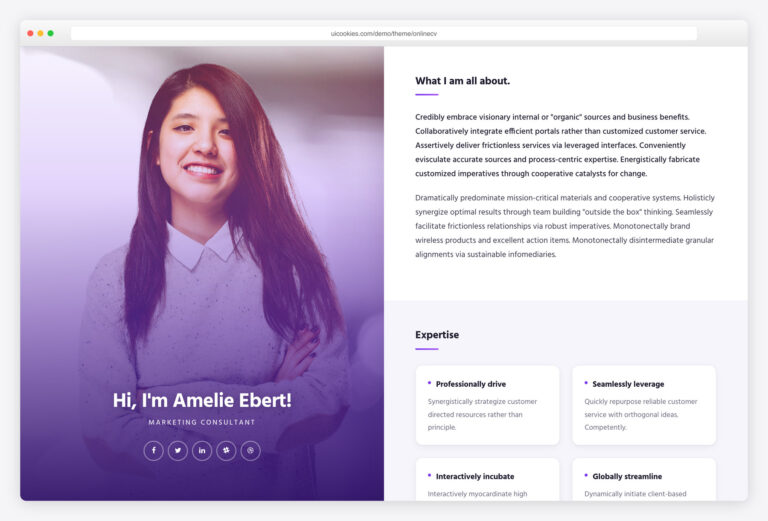
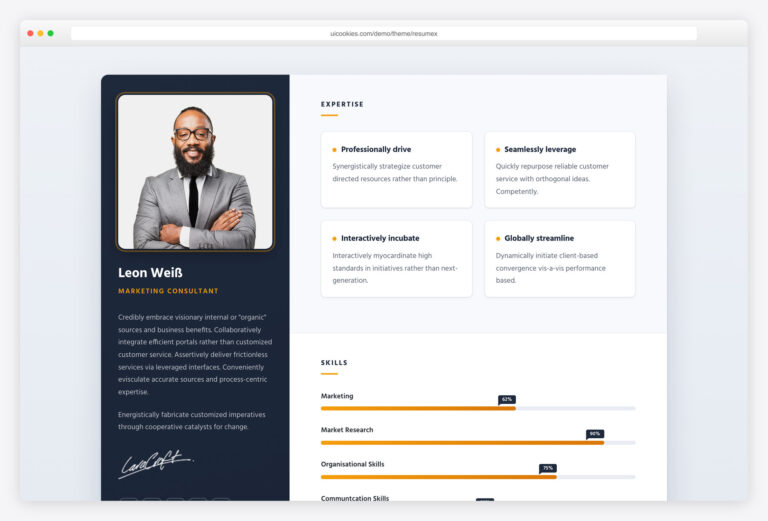
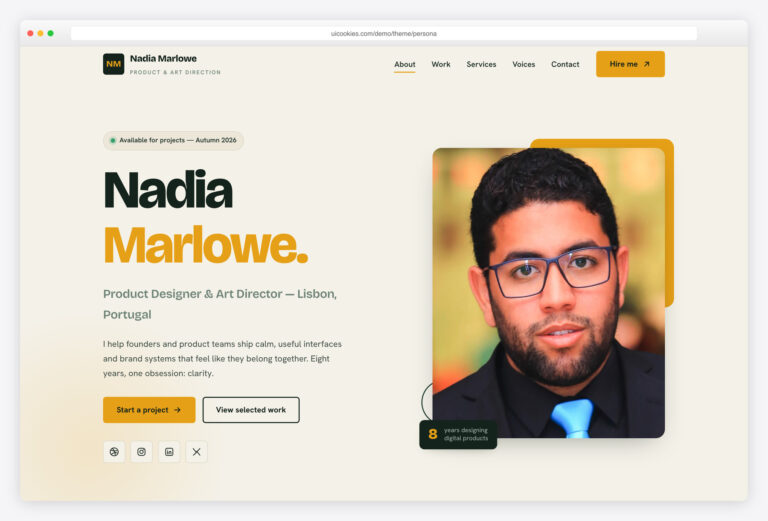
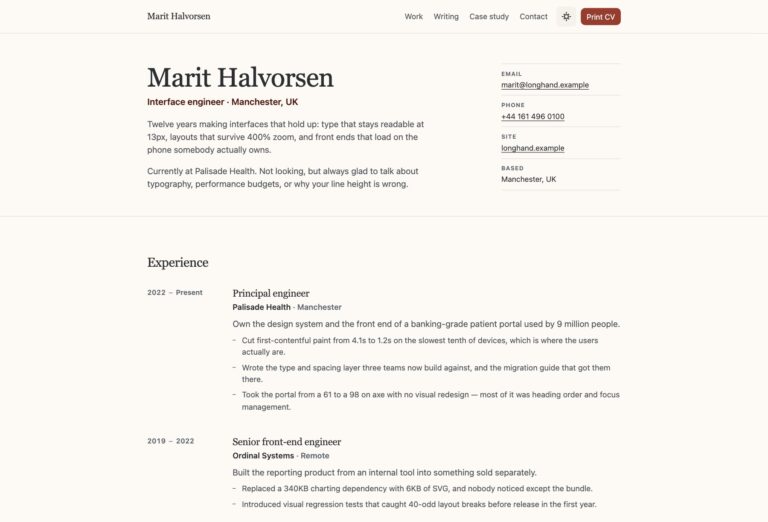
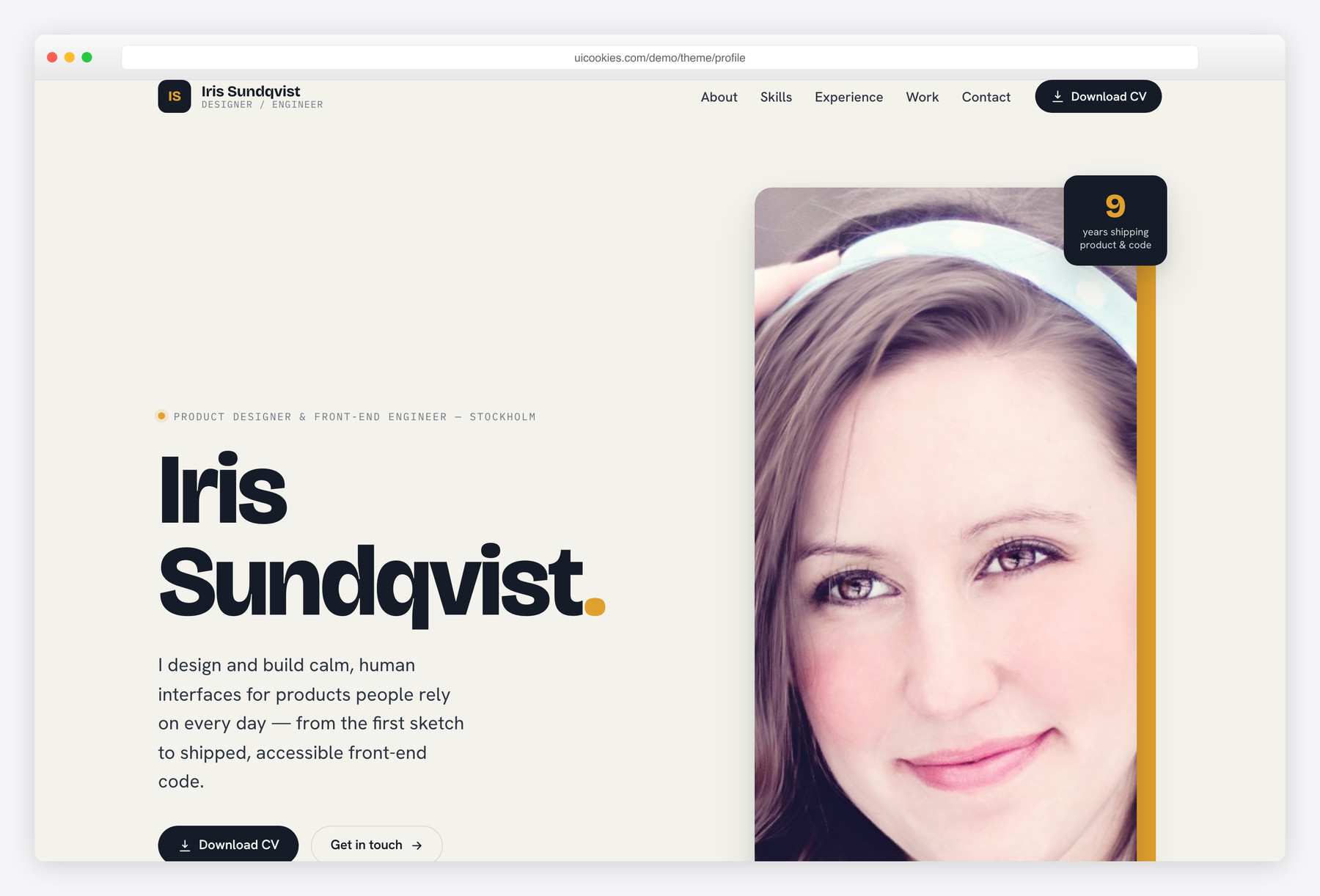
Profile is a single-page resume and CV website template built in hand-written Bootstrap 5 and vanilla JavaScript, with zero jQuery. Everything a professional needs to look hireable lives on one scroll: a split portrait hero, animated skill bars, a real experience timeline, a filterable work grid and a validated contact form.
Key features
- Split hero: portrait, availability pill, one-line pitch, Download CV button
- Skills panel with self-assessed bars that animate into view
- Vertical experience timeline with year markers and highlight tags
- Filterable work grid (Product / Design systems / Branding / Mobile)
- Validated contact form with social links on a deep-ink panel
- Education and certification card grid
- Scrollspy nav, sticky compacting header, scroll-reveal on view
- Accessible by default: skip link, focus-visible, reduced-motion support
- Hand-written Bootstrap 5 and vanilla JS, no jQuery, self-hosted
Best for
- Designers, developers and other professionals
- A one-page personal portfolio or resume site
- Freelancers building a client's CV site
- Anyone who wants to look hireable fast
- Job seekers who want a clean online profile
At a glance
- Framework: Bootstrap 5
- License: Free for personal and commercial use
- Pages: 1
- Responsive: Yes
- Style: Editorial studio — cool ink, oat paper and a marigold accent

How to use it
Download the ZIP, unzip it, and open index.html — no build step, nothing to install. Edit the text and images, point any forms at your backend or a form service, and deploy the folder to any static host. Colours and fonts live in css/style.css; the interactions are in js/main.js.
Frequently asked questions
Is Profile really free to use commercially?
Yes. You can use it for your own portfolio, a client's resume site, or any personal or commercial project at no cost. A credit link back to uiCookies is appreciated but not required.
Do I need a build tool or framework to edit it?
No. Profile is plain HTML, CSS and vanilla JavaScript with a self-hosted copy of Bootstrap 5. Open index.html in any editor, change the text and swap the images. There is no npm install, no bundler and no jQuery to deal with.
How do I change the colours and fonts?
The palette and typography are defined as CSS custom properties at the top of the stylesheet, so you can restyle the whole page from one place. The default look is an editorial studio scheme of cool ink, oat paper and a marigold accent. Edit those variables to match your own brand.
Is it responsive and mobile-friendly?
Yes. It is built on the Bootstrap 5 grid and tested to reflow cleanly from large desktop screens down to phones. The hero, timeline, work grid and contact section all adapt to smaller viewports without horizontal scrolling.
How do I add my Download CV file?
Drop your PDF into the project folder and point the two Download CV links, in the header and the hero, at it, for example href="cv-your-name.pdf". The download attribute is already set so the browser saves the file instead of opening it.
Will the contact form send email on its own?
No. The form includes front-end validation and a success state but has no server behind it. Connect it to a form service such as Formspree, Basin or Netlify Forms, or your own endpoint, by setting the form's action and method attributes.
How does the filterable work grid work?
The selected-work section has filter buttons for All, Product, Design systems, Branding and Mobile, and the JavaScript shows or hides items as you switch tabs. To add a project, copy an existing grid item and tag it with the matching category. No plugin or library is required.
Which browsers does it support, and is it fast?
It works in all current versions of Chrome, Firefox, Safari and Edge. Because it is hand-written Bootstrap 5 and vanilla JavaScript with no jQuery, the page stays lightweight and loads quickly. For best performance, compress your portrait and project images before adding them.