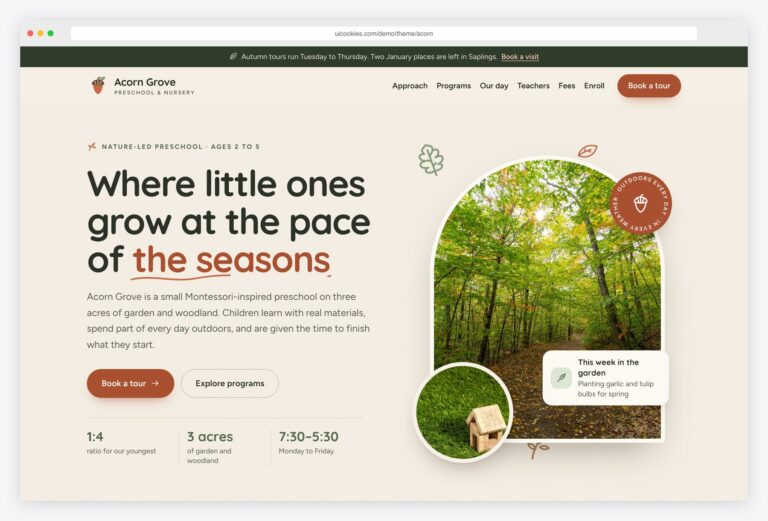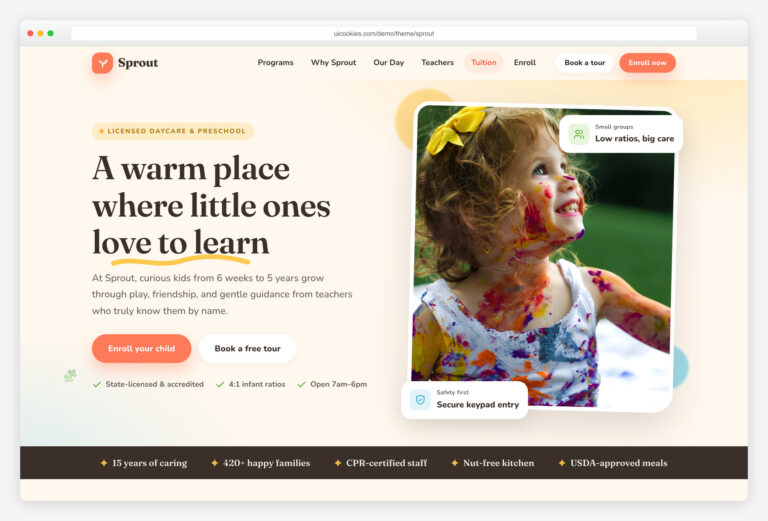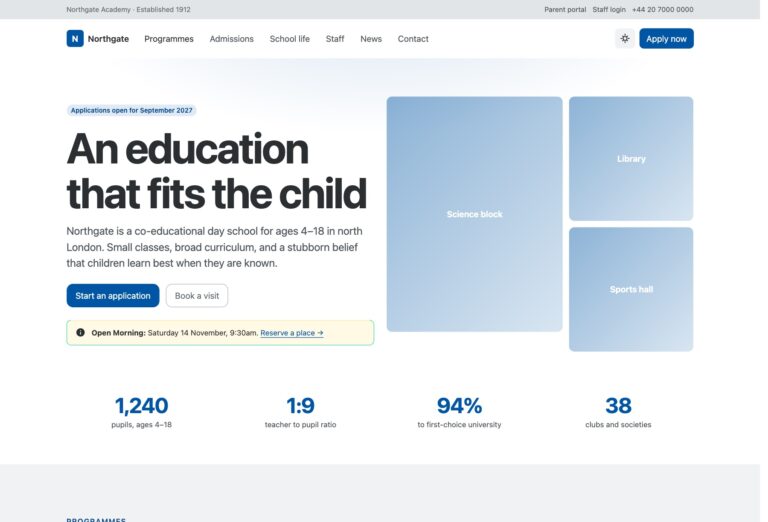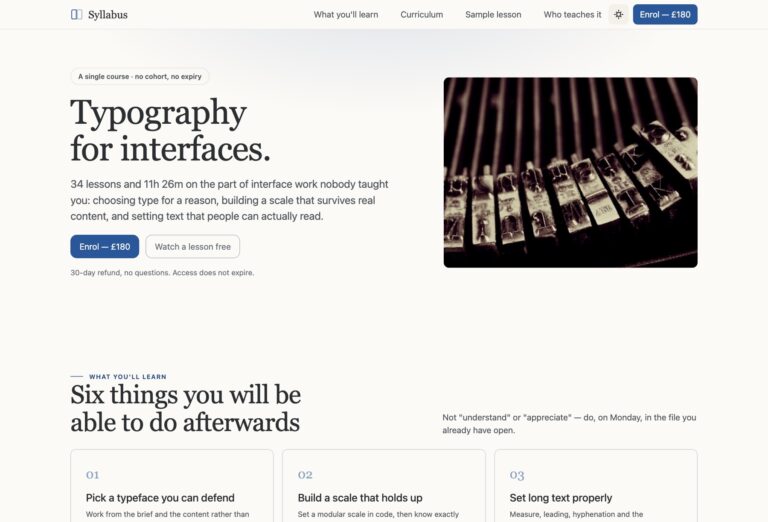

Treehouse — Free Kids School Website Template
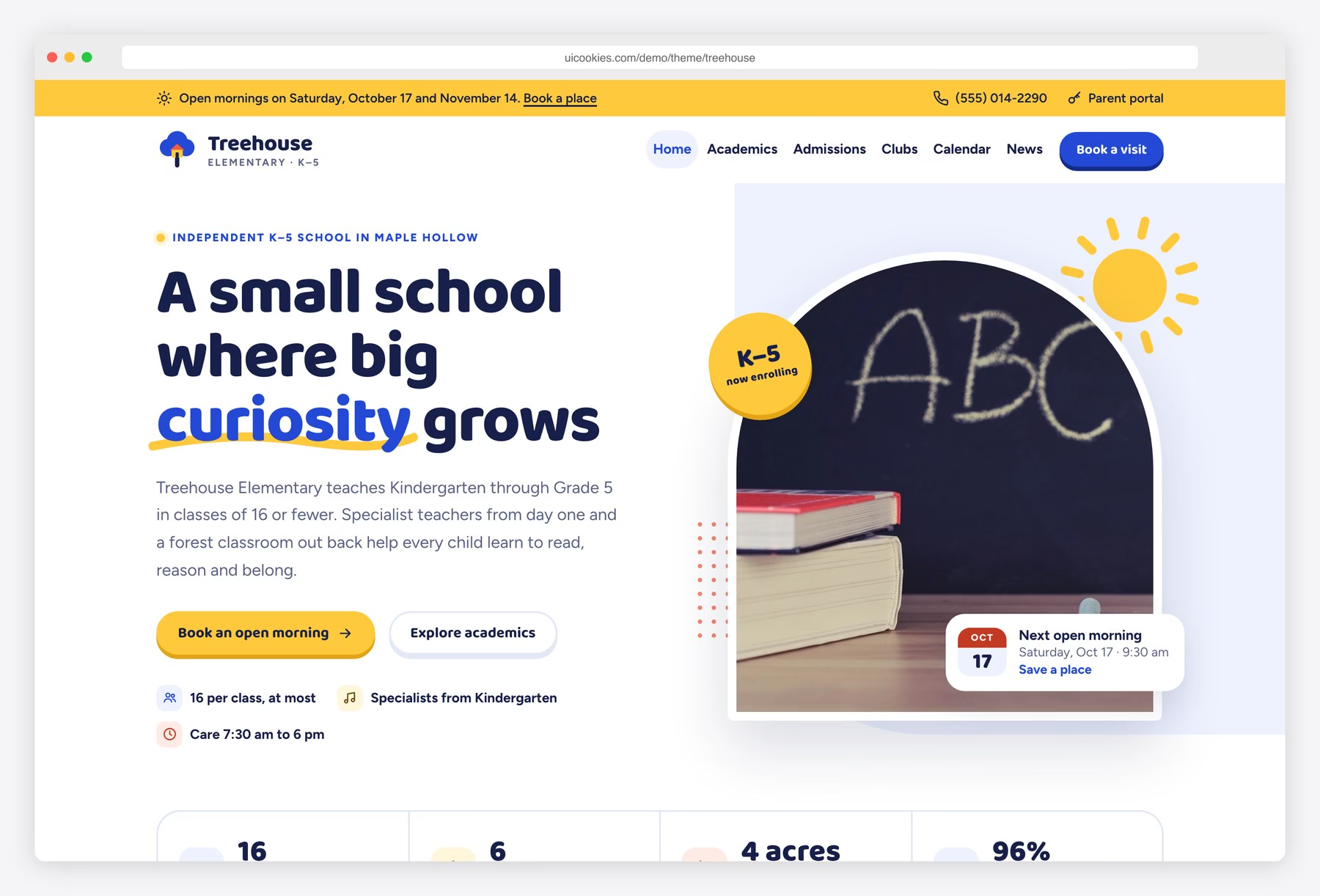
Treehouse gives an elementary school a website that feels cheerful to children and reassuring to parents. Royal blue, sunshine yellow and tomato sit on clean white pages, with chunky Baloo 2 headings, arch-shaped photo frames and a few playful shapes. Parents can flip through what each grade learns, filter after-school clubs by day, browse a month-view calendar, compare tuition in plain tables and book an open morning by picking a date card. Everything runs on Bootstrap 5 and vanilla JavaScript, and every section stays readable with JavaScript turned off.
Key features
- Three pages: home, academics and admissions
- Learning-by-grade tabs for Kindergarten to Grade 5 with arrow-key support
- Twelve after-school clubs with a weekday filter, live counts and week-at-a-glance day markers
- Month-view events calendar generated from a JavaScript data list, with day selection and an agenda
- Specialist minutes-per-week stacked bar chart built in CSS from JavaScript data
- Grade 3 weekly timetable table with a sticky time column that scrolls on phones
- Tuition and fees tables that turn into cards on small screens
- Open-day booking form with date cards, a number stepper, browser validation and a thank-you state
- Sample standards-based report card and a reporting timeline
- Palette and fonts as CSS custom properties, inline SVG icons, no jQuery
Best for
- Independent and private elementary schools
- Primary schools and K–5 charter schools
- Kindergartens attached to a primary school
- Web designers building sites for local schools
At a glance
- Bootstrap 5.3.8 with vanilla JavaScript, no jQuery
- 3 pages: index.html, academics.html, admissions.html
- Grade tabs, clubs filter, events calendar, minutes chart and booking form in plain JavaScript
- Baloo 2 and Figtree from Google Fonts; inline SVG icons
- CC0 demo photos with no people; staff shown as initials avatars
- Free for personal and commercial use; attribution optional but welcome. Full terms: uicookies.com/license
How to use it
Unzip the folder and open index.html in a browser. Edit the copy in the three HTML files and swap the photos in img/ for your own. The colours and fonts are CSS custom properties at the top of css/style.css. Calendar events and the specialist chart data sit at the top of js/main.js. The booking form only validates in the browser, so connect it to a form service before launch. Upload the folder to any static host.
Frequently asked questions
Is Treehouse free for commercial use?
Yes. You can use Treehouse for personal and commercial projects, including sites you build for clients. Attribution is optional but always welcome. The full terms are at uicookies.com/license.
What is it built with?
Bootstrap 5.3.8 and vanilla JavaScript, with no jQuery and no other JavaScript libraries. Icons are inline SVG and fonts come from Google Fonts.
Which pages and sections are included?
There are three pages. The home page has the hero, why Treehouse, learning by grade, after-school clubs, an events calendar, news, a parent portal box and an admissions section. The academics and admissions pages cover curriculum, specialists, support, a timetable, assessment, tuition, open-day booking, key dates and an FAQ.
Do the forms send email?
No. The open-day form validates in the browser and shows a thank-you state, but nothing is sent. Point it at your own backend or a form service before you launch.
How do I add my own school events to the calendar?
Open js/main.js and edit the EVENTS list at the top. Each event has a date, a title, an optional time and a type such as school day, families welcome, sports or no school, and breaks can span several days with an end date.