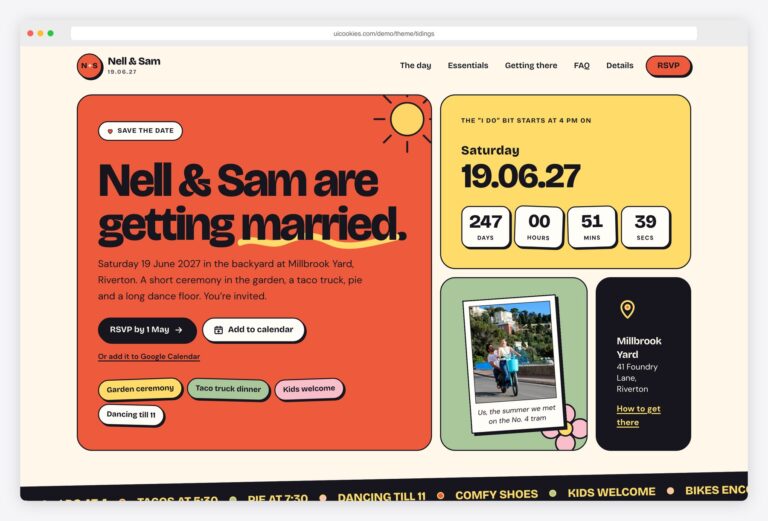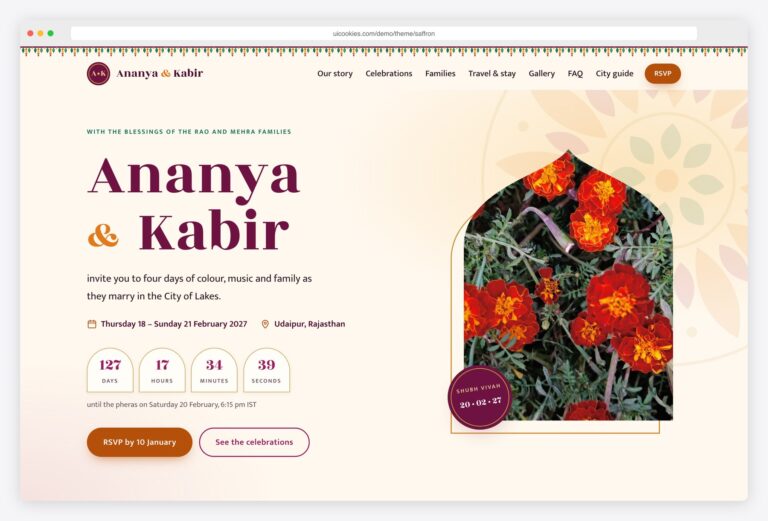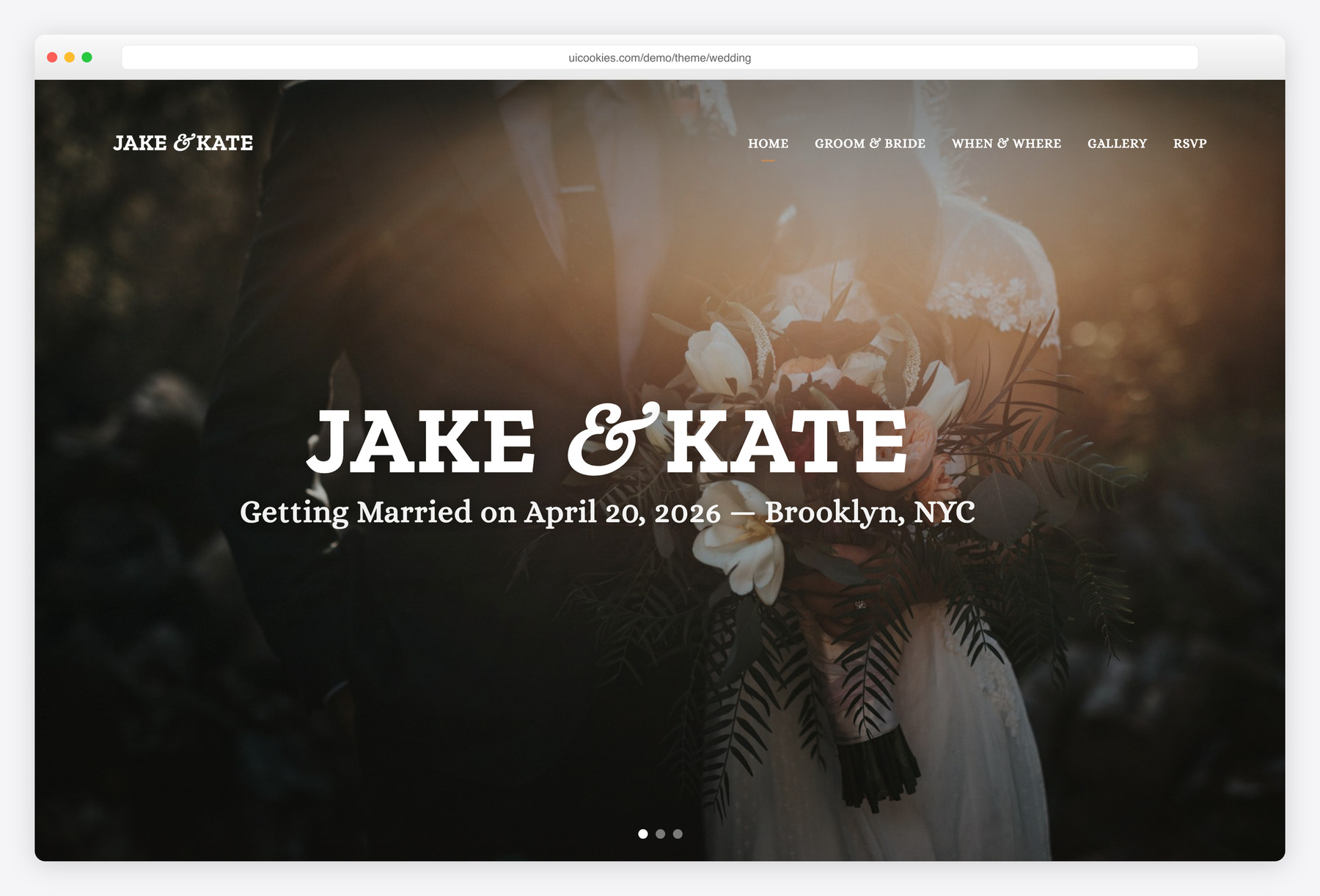

Wedding – Free Onepage HTML5 Template Using Bootstrap
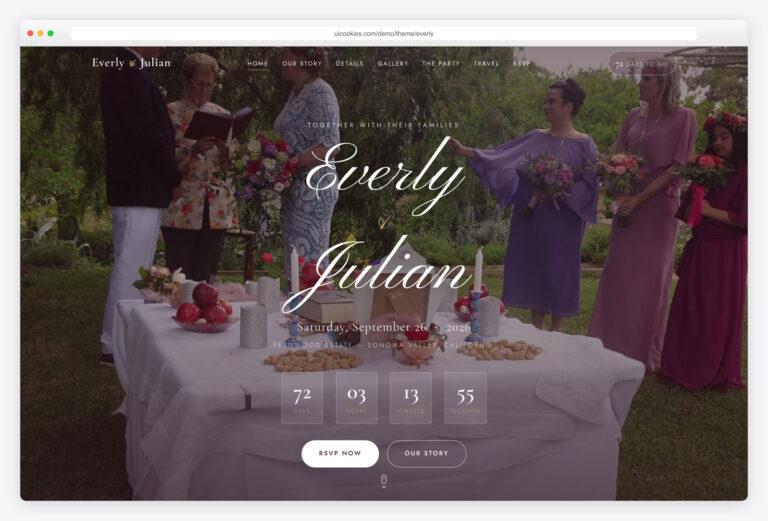
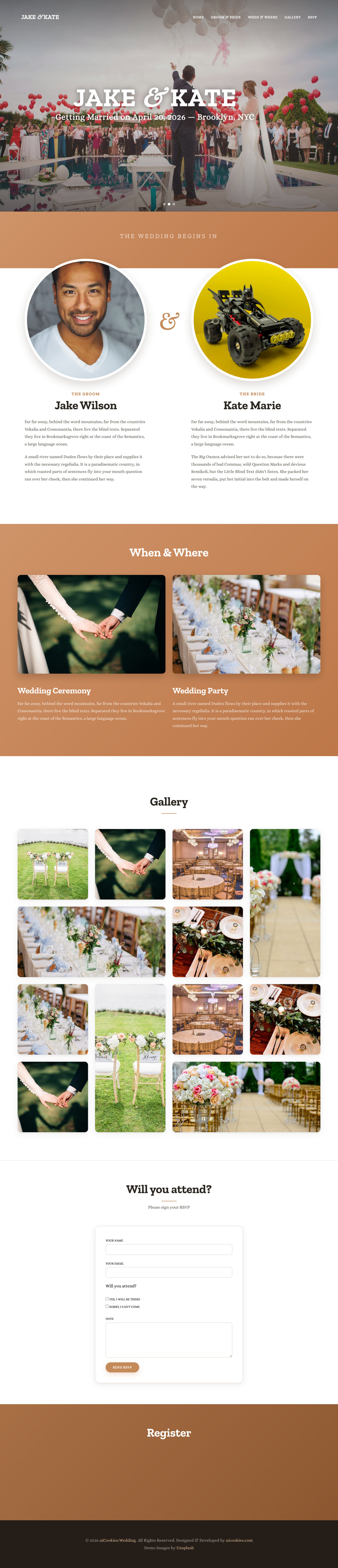
Wedding is a free one-page wedding website template built on Bootstrap 5, putting everything guests need on a single romantic scroll: the couple, their story, when and where, a photo gallery, and an RSVP form. What sets it apart is that it ships completely jQuery-free — the hero slider, scrollspy navigation, and lightbox gallery are all plain vanilla JavaScript, with the old FlexSlider and Magnific Popup plugins gone.
Key features
- Full-screen hero slider: three slides with the couple's names and date
- Groom & Bride section with his-and-hers portraits and intros
- When & Where block for ceremony and reception details
- Photo gallery with a built-in lightbox (arrows + keyboard)
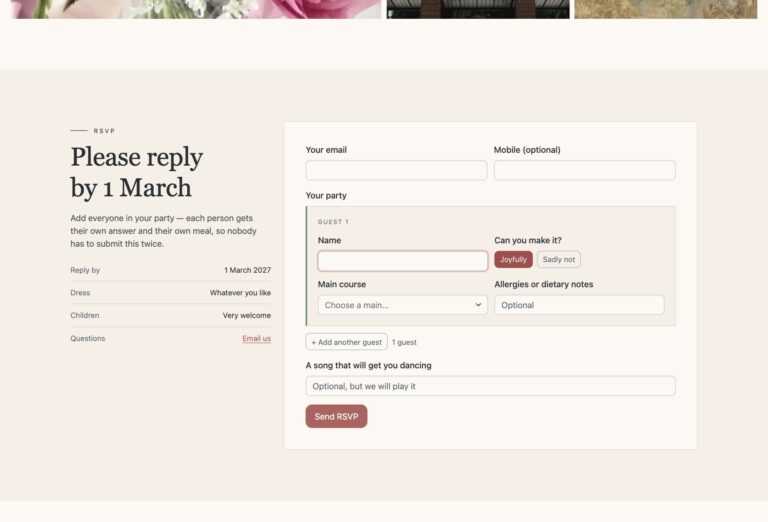
- RSVP attendance form, ready to wire to your backend
- 100% jQuery-free — no FlexSlider or Magnific Popup plugins
- Vanilla JS: scrollspy nav, smooth scroll, IntersectionObserver animations
- SCSS sources included for easy restyling
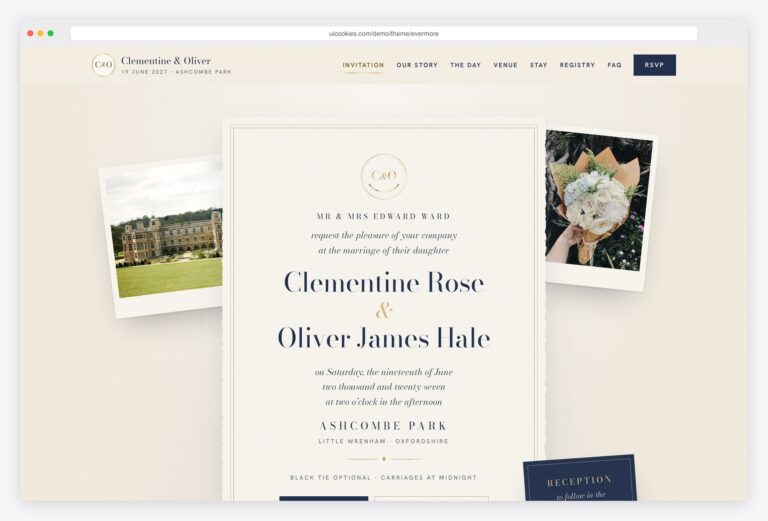
- Serif typography with script accents, made for invitations
Best for
- Couples building their own wedding website
- Freelancers making a quick client wedding site
- One-page events that just need an RSVP
- Anyone wanting a plugin-free Bootstrap 5 starting point
At a glance
- Bootstrap 5 — no jQuery, no slider or lightbox plugins
- Single page + SCSS sources included
- Vanilla JS: hero slider, scrollspy, smooth scroll, lightbox, IntersectionObserver animations
- Serif typography with script accents, made for wedding invitations
How to use it
Download the ZIP, unzip it, and open index.html — no build step, nothing to install. Edit the text and images, point any forms at your backend or a form service, and deploy the folder to any static host. Colours and fonts live in css/style.css; the interactions are in js/main.js.
Frequently asked questions
Is Wedding free, and can I use it for a client?
Yes, Wedding is free and follows the standard uiCookies license, which permits commercial use including building a paid client's wedding site. Attribution is optional but always welcome, and the full terms are at uicookies.com/license. It is maintained in-house by uiCookies, so it is a genuine free template rather than a demo teaser for a premium version.
Can I edit it without knowing how to code or using a build tool?
Yes. It is a single static HTML page with plain CSS and JavaScript, so you can open the files in any editor and change the text, images, dates, and names directly. A build tool is optional — the SCSS sources are there if you want them, but you can ignore them and edit the compiled CSS instead.
How do I change the colours and fonts?
The design is driven by the included SCSS sources, so the cleanest route is to edit the variables there and recompile. If you would rather not run a build step, you can override the compiled stylesheet directly. The typography uses serif fonts with script accents chosen for a wedding-invitation feel, and both are swappable the same way.
Is it responsive and mobile-friendly?
Yes. It is built on the Bootstrap 5 grid, so the layout reflows cleanly from desktop down to phones. The hero slider, gallery, and RSVP form are all designed to work with touch on smaller screens.
Which browsers does it support?
It targets modern evergreen browsers — current Chrome, Firefox, Safari, and Edge. Because the JavaScript is written with modern APIs like IntersectionObserver and there is no jQuery, very old browsers such as Internet Explorer are not supported.
Does the RSVP form actually send responses or email?
No — the RSVP is front-end markup only, with no backend included. To collect responses you connect it to a form service or your own endpoint, and answers then land wherever you point it. There is no built-in email sending or database, so this is a static front-end you wire up to a service of your choice.
How does the gallery lightbox work without a plugin?
The lightbox is written in plain vanilla JavaScript, replacing the old Magnific Popup plugin entirely. Click any photo to open it full-size, then move between images with the on-screen arrows or your keyboard's arrow keys, and close with Escape. Because there is no jQuery or third-party lightbox library, there is one less dependency to load and maintain.
What about performance and images?
Dropping jQuery and the slider and lightbox plugins keeps the JavaScript footprint small, so the page stays light. You supply your own photos for the hero and gallery, so real-world speed depends mostly on how well you optimize and size those images before adding them.