About this set
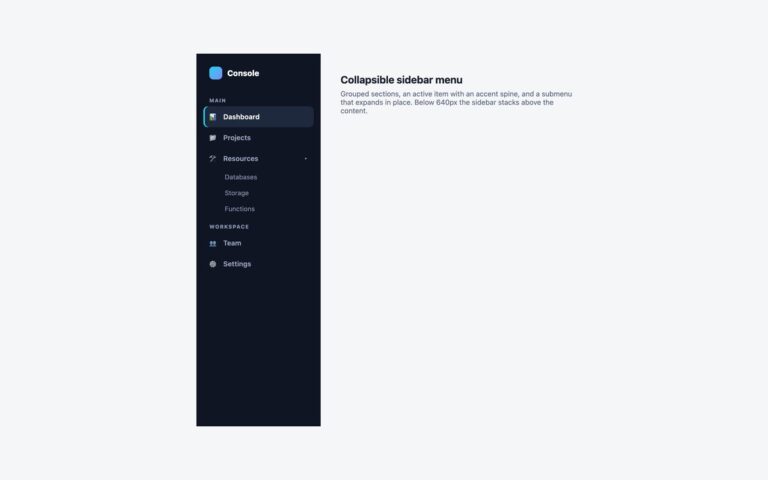
A vertical app menu whose parent items open flyout submenus to the side, two levels deep. The demo has Dashboard, Projects, Team and Settings with icons; Projects opens All projects, Active, Archived and New project, and Archived opens a third panel of date ranges. Under 660px the flyouts drop below their item instead, so nothing runs off a phone screen. Use it for an admin sidebar or an account menu where a few items hide a short list of sub-pages. Every parent is a button with aria-expanded and aria-controls followed by its submenu list, so this is a disclosure pattern rather than an ARIA menu and Tab walks through it in reading order. A click, a tap, Enter or Space toggles a flyout; a mouse hover opens it, and a 250 ms delay keeps it open while the pointer crosses the gap. Esc closes the flyout you are in and returns focus to its button, and focus or a click landing elsewhere closes the branch. Closed flyouts are visibility:hidden, so their links leave the tab order. The Bootstrap version builds the same menu from nested .dropend dropdowns.
What’s included
- Two levels of flyout submenus from a vertical menu
- Hover, click, touch and keyboard all open the same flyouts
- Esc closes the current flyout and returns focus to its button
- Flyouts drop below their item under 660px
- Bootstrap version uses .nav and nested .dropend dropdowns with the Dropdown plugin
Accessibility
The menu is a list inside a nav labelled Workspace, and the current link has aria-current="page". Parent items are buttons with aria-expanded and aria-controls, so screen readers announce whether each submenu is open, and closed submenus are out of the tab order. Esc closes a submenu and returns focus to its button. Every item shows an indigo focus outline, and the fades switch off under prefers-reduced-motion.
Customise it
Change --fly-accent, --fly-hover, --fly-text and --fly-line on .fly, and the widths on .fly>ul (250px) and .fly-sub (230px). In Bootstrap the item colours and padding are the --bs-dropdown-* variables set on .fly; in Tailwind edit the hex values and w-[250px] / w-[230px].