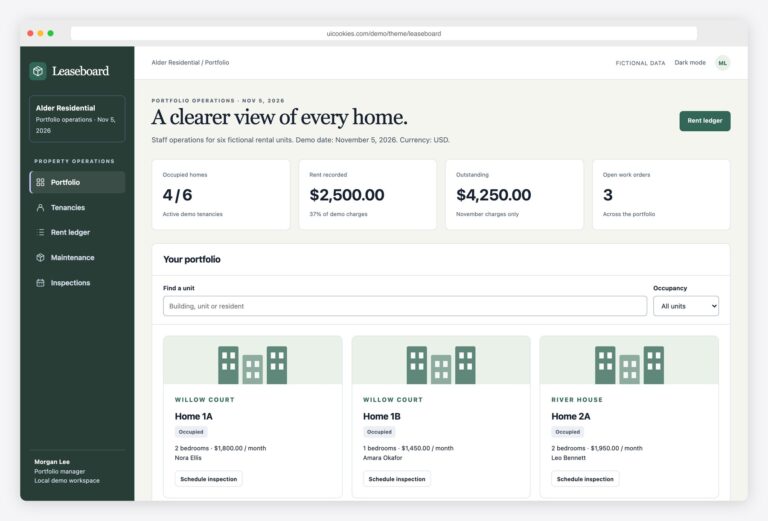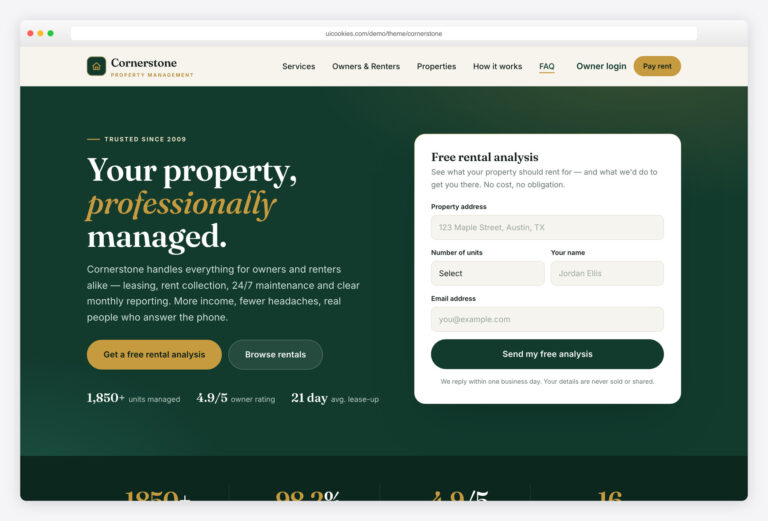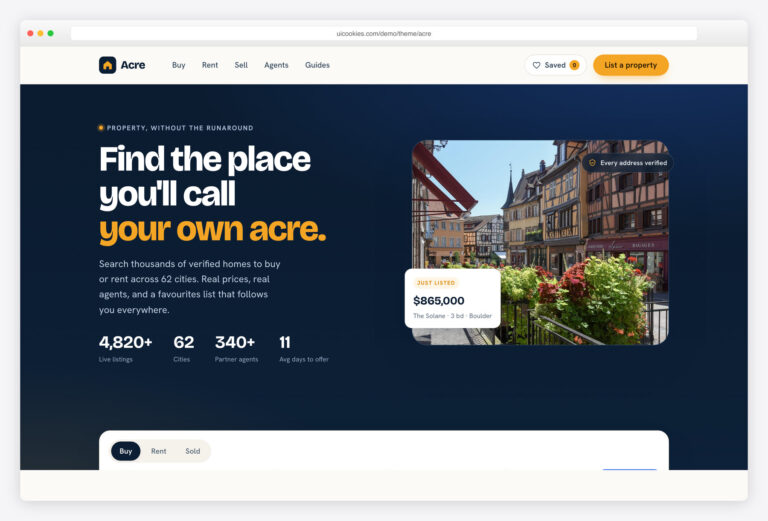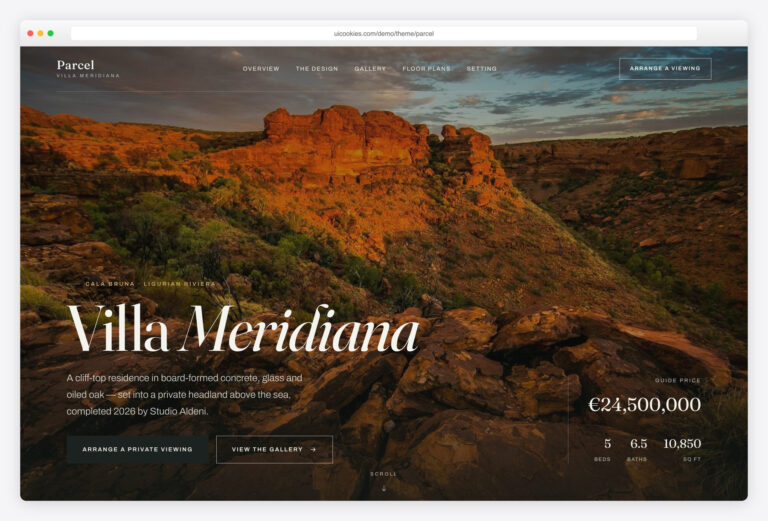

Keyhold — Free Property Management Website Template
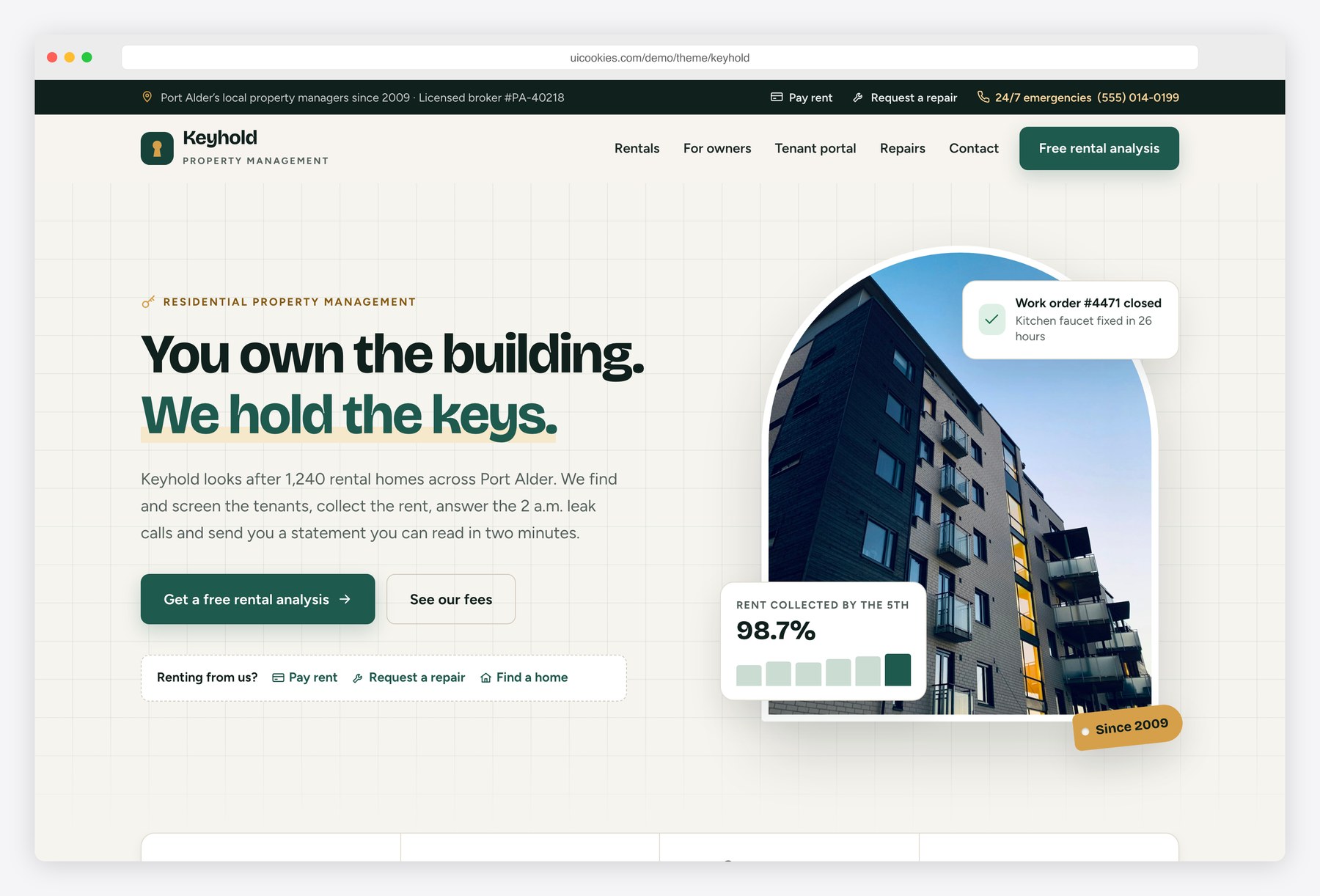
Keyhold gives a property management company a calm, organised website in evergreen and brass, with Bricolage Grotesque headings and Figtree text. The homepage pitches owners on screening, rent collection, maintenance, inspections and accounting, and shows a sample owner statement chart. Rentals filter by bedrooms, rent, pets and neighborhood without a page reload. The listing page covers photos, facts, amenities, an illustrated map, move-in dates and a rental application. A demo tenant portal shows rent due, a pay-rent form, payment history, repair tickets, documents and notices.
Key features
- Homepage for owners with services, a four-step how-it-works timeline, owner testimonials with initials avatars, an FAQ and an owner call to action
- Three management fee plans that show the monthly fee for any rent amount typed into the plan section
- Sample owner statement with a monthly income chart drawn in SVG from a small JavaScript data array
- Rentals page with bedroom, rent range, pets and neighborhood filters, sorting and a live result count over a JavaScript data array
- Listing page with a photo gallery and keyboard-friendly lightbox, facts, amenities, an illustrated SVG map, lease-term pricing, tour slots and an application form with an income-to-rent check
- Owners page with a fee comparison table, a rental income calculator with a cost breakdown bar, onboarding steps and a free assessment form
- Demo tenant portal with a rent due card, a pay-rent form that updates the balance and history, maintenance tickets with status steps, documents and notices
- Maintenance request form with category tiles, urgency levels with an emergency notice, an entry-time grid and photo previews
- Inline SVG icons throughout, no icon fonts or chart libraries
- Front-end form validation with success states on every form
Best for
- Residential property management companies
- Landlords and small portfolio managers who lease their own units
- Leasing offices and multifamily operators that need a rentals page
- Developers who want a jQuery-free Bootstrap 5 starter with a tenant portal mockup
At a glance
- Bootstrap 5.3.8 with vanilla JavaScript, no jQuery
- 7 pages: index.html, rentals.html, listing.html, owners.html, portal.html, maintenance.html, contact.html
- Rental data, owner statement figures and calculator rates in small arrays at the top of js/main.js
- Inline SVG icons, map illustration and charts; no icon fonts or chart libraries
- Colours and fonts set as CSS custom properties in css/style.css
- Free for personal and commercial use; attribution optional but welcome. Full terms: uicookies.com/license
How to use it
Unzip the folder and open index.html in a browser. Replace the company name, copy and photos in the HTML and img/ folder. Colours and fonts are custom properties at the top of css/style.css. Rentals, fee rates, calculator rents and the owner statement figures live in arrays at the top of js/main.js. The forms validate and show a success state but need a form service or backend to receive submissions, and the tenant portal needs your property management software behind it. Upload the folder to any static host.
Frequently asked questions
Is Keyhold free for commercial use?
Yes. You can use it for personal and commercial projects, including client sites. Attribution is optional but always welcome. Full terms are at uicookies.com/license.
What is Keyhold built with?
Bootstrap 5.3.8, one stylesheet and one vanilla JavaScript file, with no jQuery or other libraries. Icons, the map illustration and the charts are inline SVG.
Which pages are included?
Seven: a homepage for owners, a rentals page with filters, a single listing with an application form, an owners page with a fee table and income calculator, a demo tenant portal, a maintenance request form and a contact page.
Do the forms and the tenant portal work out of the box?
The forms validate in the browser and show a success state, but they do not send anything. Connect them to a form service or your own backend. The portal is a front-end demo: its pay-rent form updates the page only, so link it to your property management software or payment provider before use.
How do I add or change rentals?
Rentals are objects in the RENTALS array at the top of js/main.js, with fields for address, neighborhood, bedrooms, bathrooms, rent, square feet, pets and move-in date. Add or edit an entry and the rentals grid, filters and result count update. A few static cards in rentals.html show when JavaScript is off.