
Margin — Free Designer CV Website Template
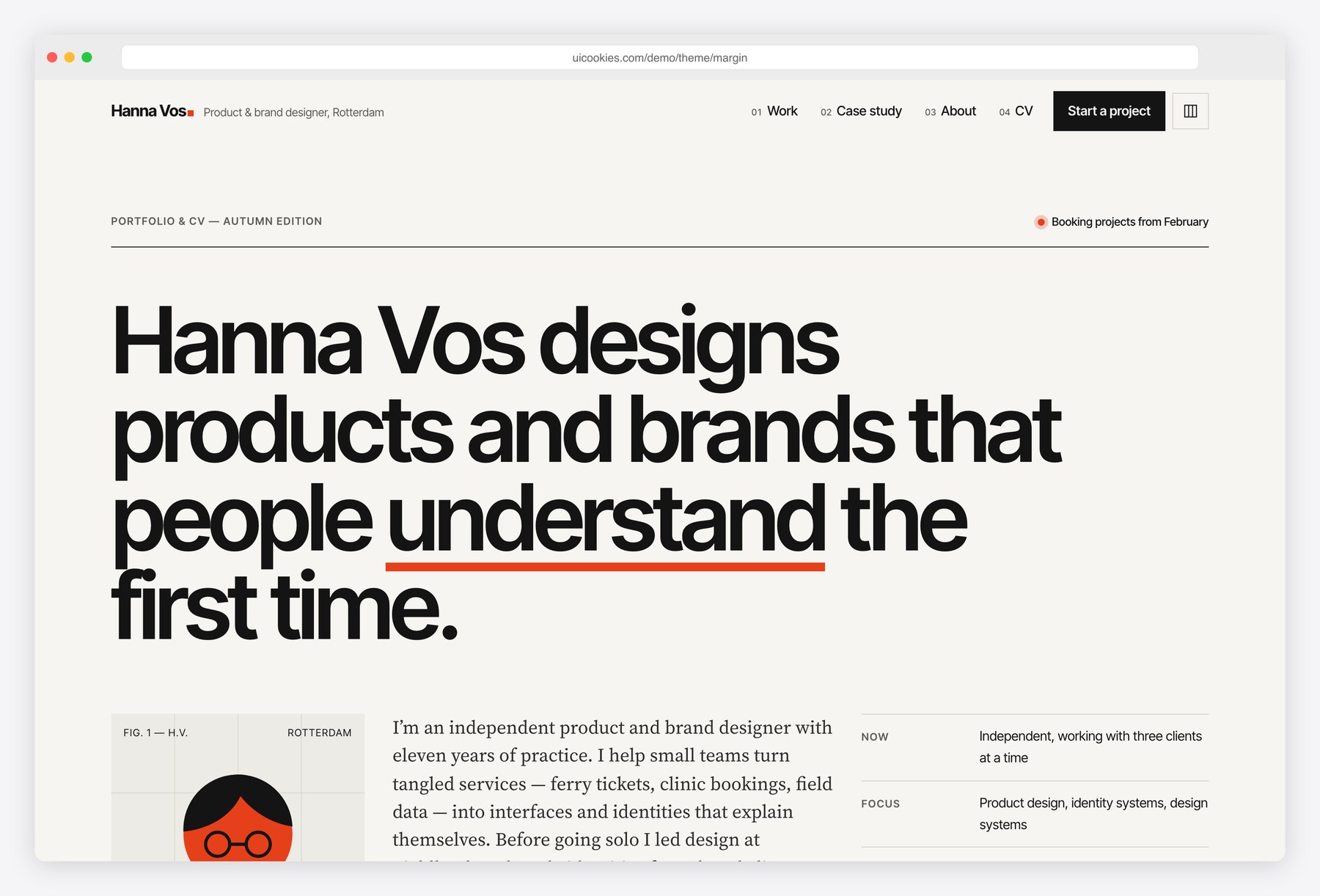
Margin is a portfolio and CV template for designers who want their site to show the same care as their work. It sits on a visible twelve-column grid with a margin column for section labels and notes, pairs Inter Tight headlines with Source Serif 4 text, and uses a single vermilion accent. Project thumbnails are designed in HTML and CSS, so they stay sharp and are easy to restyle. A detailed case study and a one-page CV that saves as a PDF cover the two things hiring managers and clients ask for most.
Key features
- Twelve-column grid overlay that toggles with a header button or the G key, remembered per browser
- Six project thumbnails designed in HTML and CSS: phone screens, packaging, a component sheet, a shop page, signage and a booking calendar
- Project filter by discipline with live status text and shareable ?d= links
- Case study page with a reading progress bar, a sticky table of contents with section highlighting and margin side notes
- Inline SVG sketch board whose strokes draw in on scroll, plus before and after wireframe flows in keyboard-accessible tabs
- Outcome metrics that count up and a before/after bar chart generated in SVG from an HTML data table
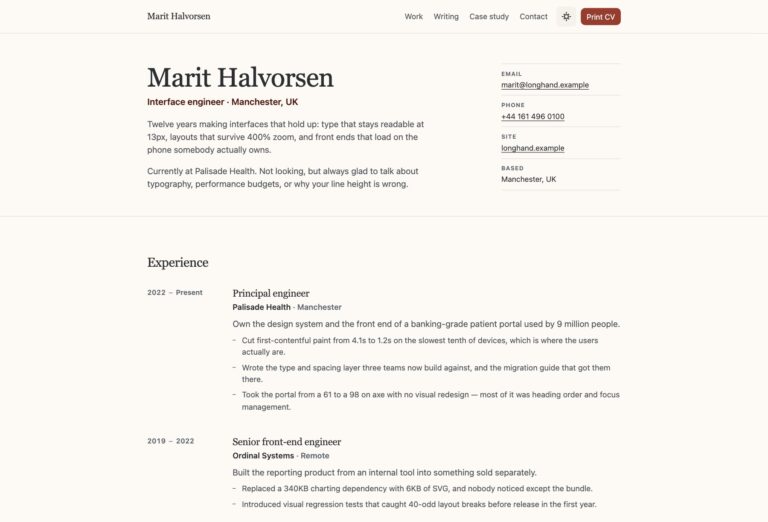
- One-page CV with an A4 or Letter switch and a Download as PDF button using the browser’s print dialog; links print as readable URLs
- Contact form with radio chips, budget and start selects, browser validation and a success state, plus copy-to-clipboard email
- About page with a drop-cap biography, numbered principles, an eight-week process timeline and three ways to work together
- Live local time for the designer’s city, typographic client wordmarks and an illustrated portrait placeholder
Best for
- Product and UX designers applying for in-house roles
- Brand and graphic designers presenting identity and packaging work
- Independent designers who need a portfolio, a case study and a CV in one place
- Design students preparing a first portfolio with a printable CV
At a glance
- Bootstrap 5.3.8 with vanilla JavaScript, no jQuery
- 4 pages: index.html, work.html, cv.html, about.html
- Inter Tight and Source Serif 4 from Google Fonts; palette and type as CSS custom properties
- Charts, sketches, mock-ups and icons in inline SVG and CSS, no chart or icon library
- Print stylesheet: the CV fits one A4 or Letter page with navigation removed
- All content visible without JavaScript; filters, animations and charts are progressive enhancements
- Free for personal and commercial use; attribution optional but welcome. Full terms: uicookies.com/license
How to use it
Unzip the folder and open index.html in a browser; there is no build step. Replace the name, projects, experience and CV text in the HTML, and swap the photos in img/ for your own. The accent colour, fonts and spacing live as custom properties at the top of css/style.css. Open cv.html and use Download as PDF to save your CV. The contact form validates in the browser only, so connect it to a form service before launch, then upload the folder to any static host.
Frequently asked questions
Is Margin free for commercial use?
Yes. Margin is free for personal and commercial projects, including client work. Attribution is optional but always welcome; the full terms are at uicookies.com/license.
What is Margin built with?
Bootstrap 5.3.8 for the grid, the mobile menu and base styles, one stylesheet for the design layer and a single vanilla JavaScript file. There is no jQuery or other JavaScript library, and every icon, chart and mock-up is inline SVG or CSS.
Which pages and sections are included?
Four pages. The home page has an intro, selected work, experience, clients, skills and tools, recognition and contact; work.html is a full case study; cv.html is a one-page printable CV; about.html has a biography, principles, process timeline and ways to work together.
How do I turn the CV into a PDF?
Open cv.html, choose A4 or Letter and press Download as PDF. The browser’s print dialog opens with the navigation hidden and the page size set; choose Save as PDF as the destination. Links print as readable URLs.
Does the contact form send email?
Not on its own. It validates in the browser and shows a success message, so point it at a form service or your own backend before going live. Everything else works on any static host.