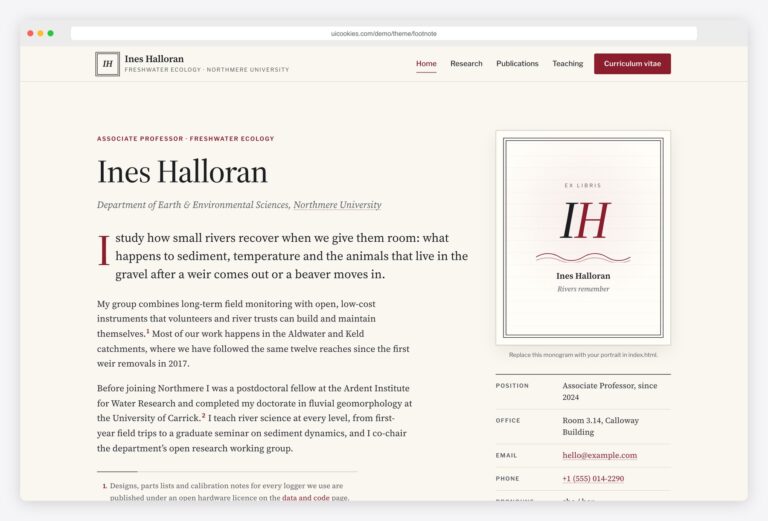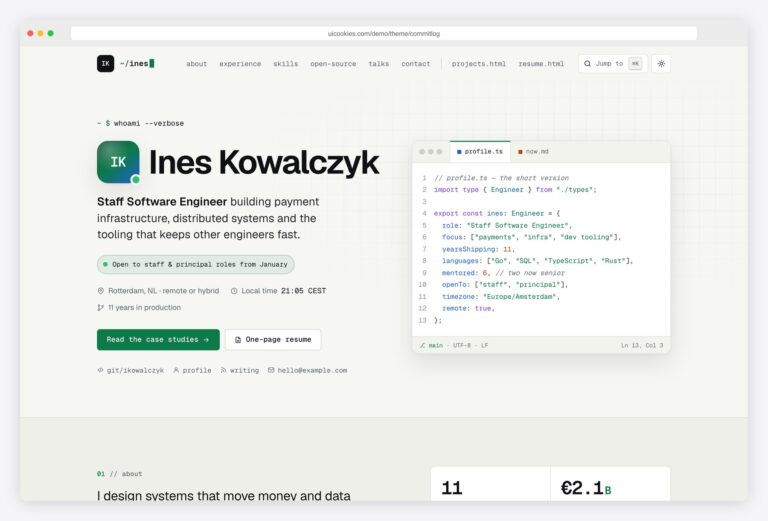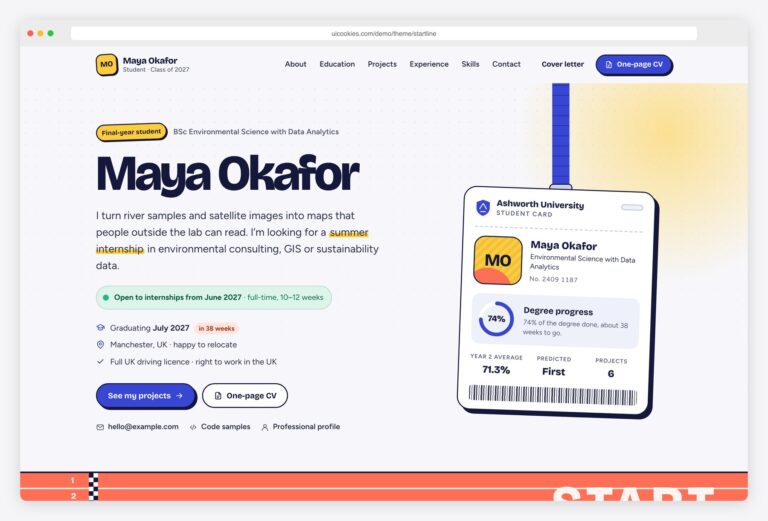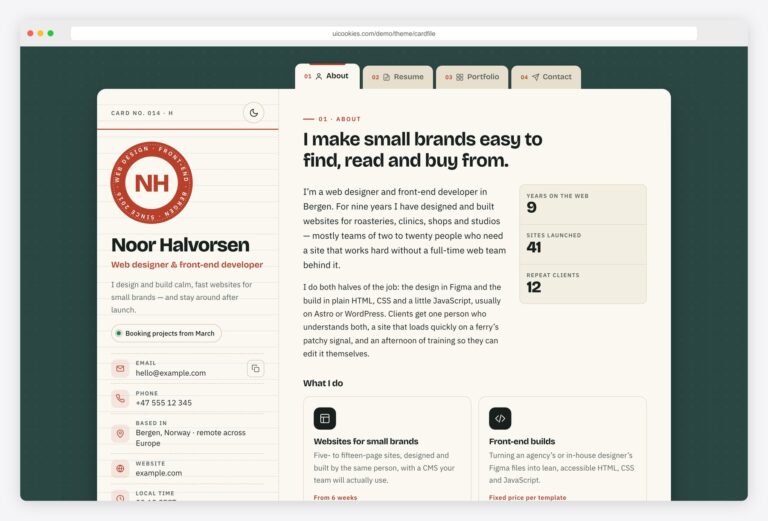

Boardroom — Free Executive Resume Website Template
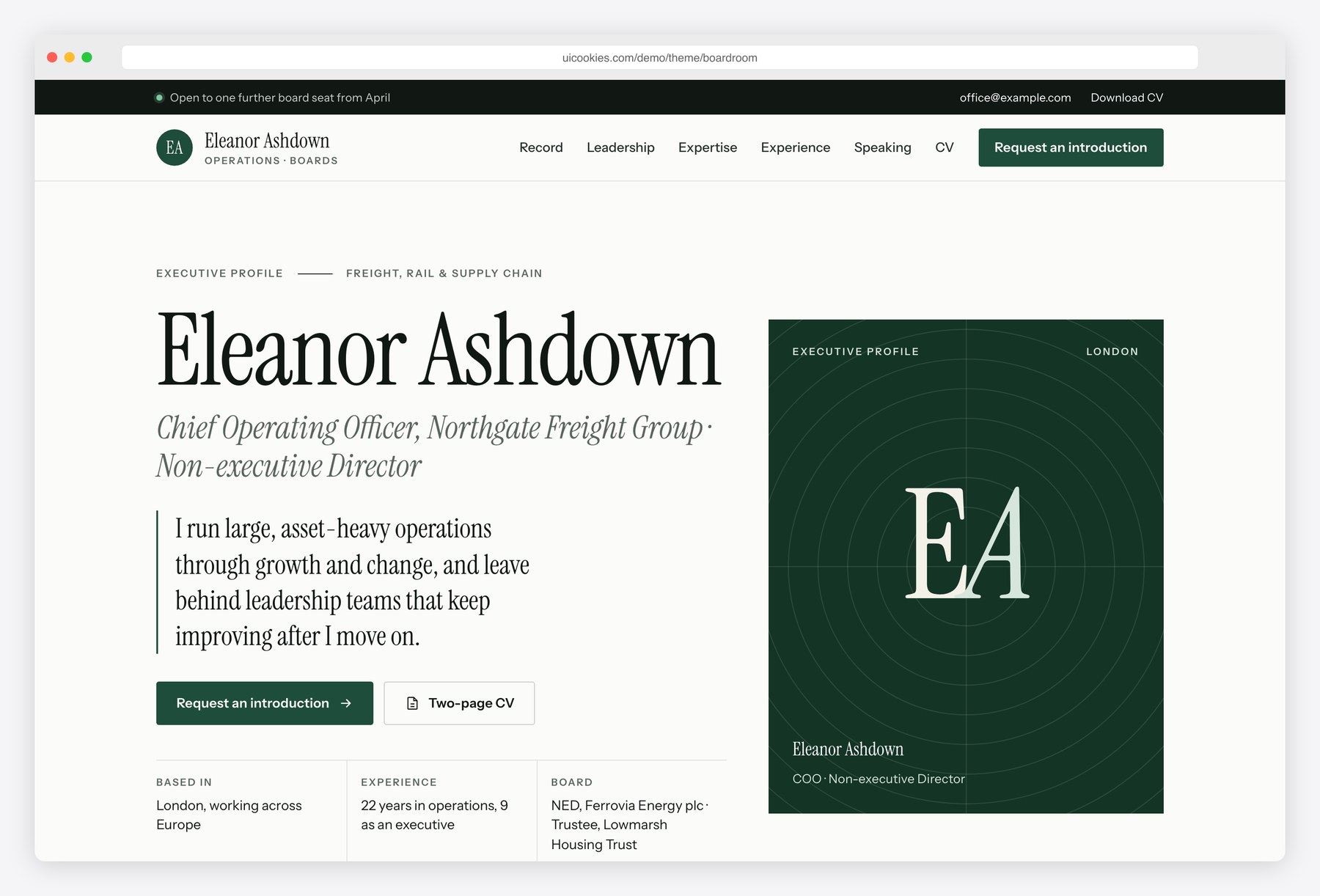
Boardroom gives a senior leader a quiet, well-made home for their record. Headings are set in Instrument Serif with Instrument Sans for text, on white paper with one deep forest-green accent. Results come first as metric cards with small trend charts and a plain sentence of context, followed by a tenure chart that shows executive roles and board seats side by side. A narrative page explains each role as scope, challenge, actions and results, and the CV prints to two clean pages with each role kept together.
Key features
- Hero with a positioning statement, an initials monogram panel in place of a portrait and a short facts list
- Four metric cards with count-up figures, a plain-text context line and a small SVG trend chart drawn from a data attribute
- Tenure chart that plots executive roles and board seats on one year axis, drawn in SVG from the timeline list below it
- Leadership timeline in two columns, executive career and board and governance, with committee roles
- Media and speaking list with a type filter, a live result count and keyboard-friendly toggle buttons
- Board and advisory availability cards with status, time commitment and sectors, plus an independence note
- Contact form with browser-side validation and an honest success message, and a booking card that lists the next open call slots for a calendar link
- Career narrative page with a sticky role index, scope facts, numbered actions and before-and-after result bars
- Speaking page with talk topics, an engagements table and short and long biographies in tabs with copy buttons
- Two-page CV with A4 and US Letter options, a Download as PDF button and print rules that keep each role on one page
Best for
- Chief officers, vice presidents and directors preparing for a search process
- Non-executive directors and advisers looking for board seats
- Interim executives and senior consultants who need a credible personal site
- Executives who speak at conferences and need a press kit in one place
At a glance
- Bootstrap 5.3.8 with vanilla JavaScript, no jQuery
- 4 pages: index.html, experience.html, speaking.html, resume.html
- Instrument Serif and Instrument Sans from Google Fonts, inline SVG icons and charts
- Initials monogram instead of a portrait, five public-domain photos
- Free for personal and commercial use; attribution optional but welcome. Full terms: uicookies.com/license
How to use it
Unzip the folder and open index.html in a browser. Replace the sample executive’s details, roles and results in the HTML; the metric charts and the tenure chart read their numbers from data attributes next to the text. Colours and fonts are custom properties at the top of css/style.css. The forms only validate in the browser, so connect them to a form service, and paste your own calendar link into the booking card. Upload the folder to any static host.
Frequently asked questions
Is Boardroom free for commercial use?
Yes. You can use it for your own executive profile or for client work, including commercial projects. Attribution is optional but always welcome, and the full terms are at uicookies.com/license.
What is it built with?
Bootstrap 5.3.8 for the grid and the mobile menu, one stylesheet for the design and one vanilla JavaScript file with no jQuery or other libraries. The trend charts, tenure chart and result bars are inline SVG and CSS drawn from small data attributes.
Which pages and sections are included?
Four pages. The home page has the positioning statement, metric cards, tenure chart and leadership timeline, expertise, media and speaking, testimonials, board availability and contact. experience.html holds the career narratives, speaking.html the talks and press kit, and resume.html a two-page printable CV.
How do I save the CV as a PDF?
Open resume.html, choose A4 or Letter and press Download as PDF, then pick Save as PDF in the print dialog. The print styles hide the site navigation, print each sheet as one page and keep every role together. Keep the text to a similar length so it stays on two pages.
How do I connect my calendar and the forms?
The booking card links to a placeholder address; replace it with your own scheduling link in index.html. The contact and speaking request forms check the fields in the browser and then say that nothing was sent, so point them at a form service or your own backend.