Eight sets of dividers and horizontal rules, designed and maintained in-house by uiCookies. Thirty-nine designs in total, from a one-pixel hairline to SVG section breaks — all pure CSS, all free for commercial use.
A divider is the smallest piece of layout furniture there is, which is exactly why the default <hr> rarely fits: it inherits a border colour you did not choose and a margin you did not set. Everything here replaces that with something deliberate.
Free download Browse live demos
The sets
1. Classic Rules
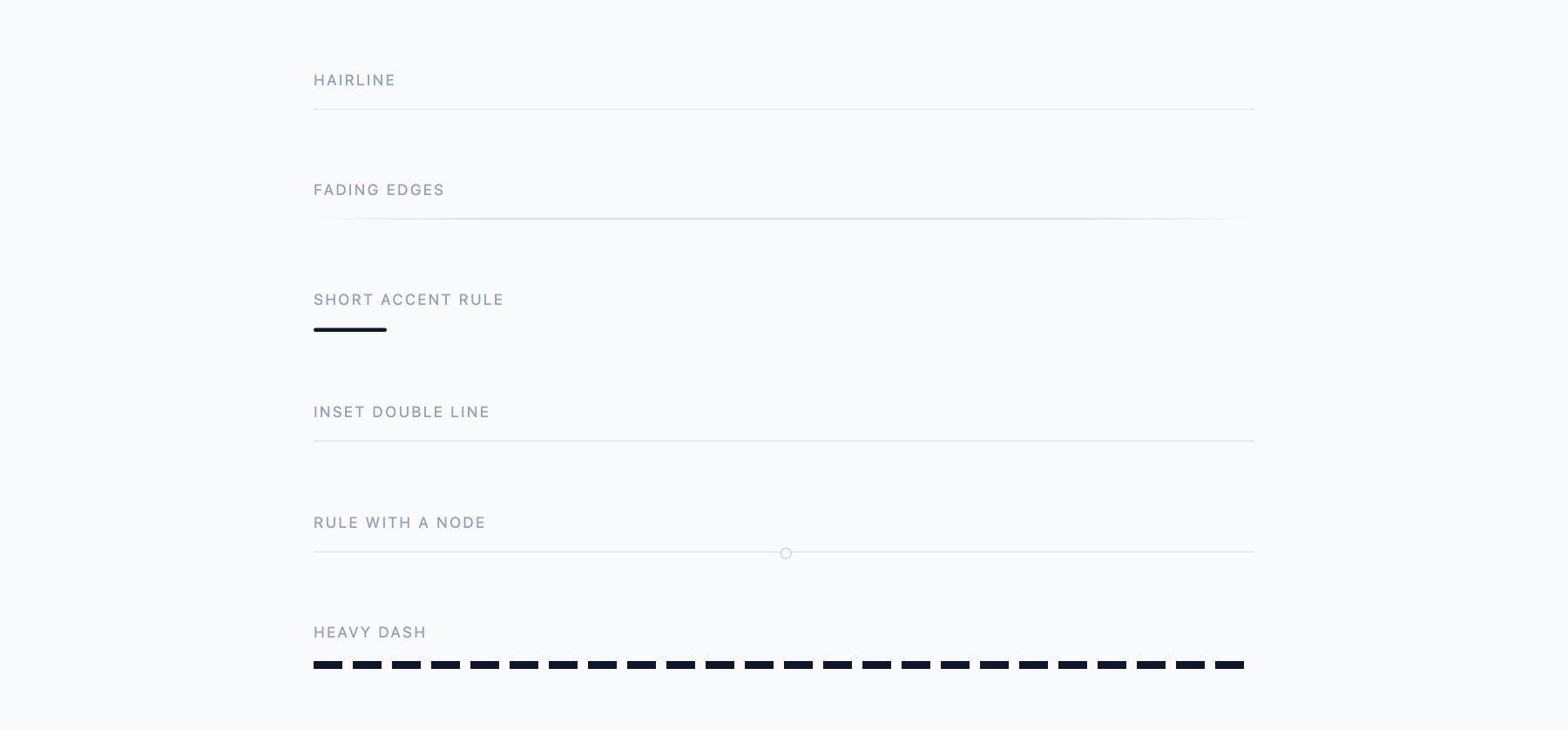
Six plain rules that do the everyday work: a true hairline, a rule whose ends fade into the page, a short accent bar for sitting under a heading, an inset double line, a rule broken by a small node, and a heavy dash for a firmer break.
2. Text Dividers
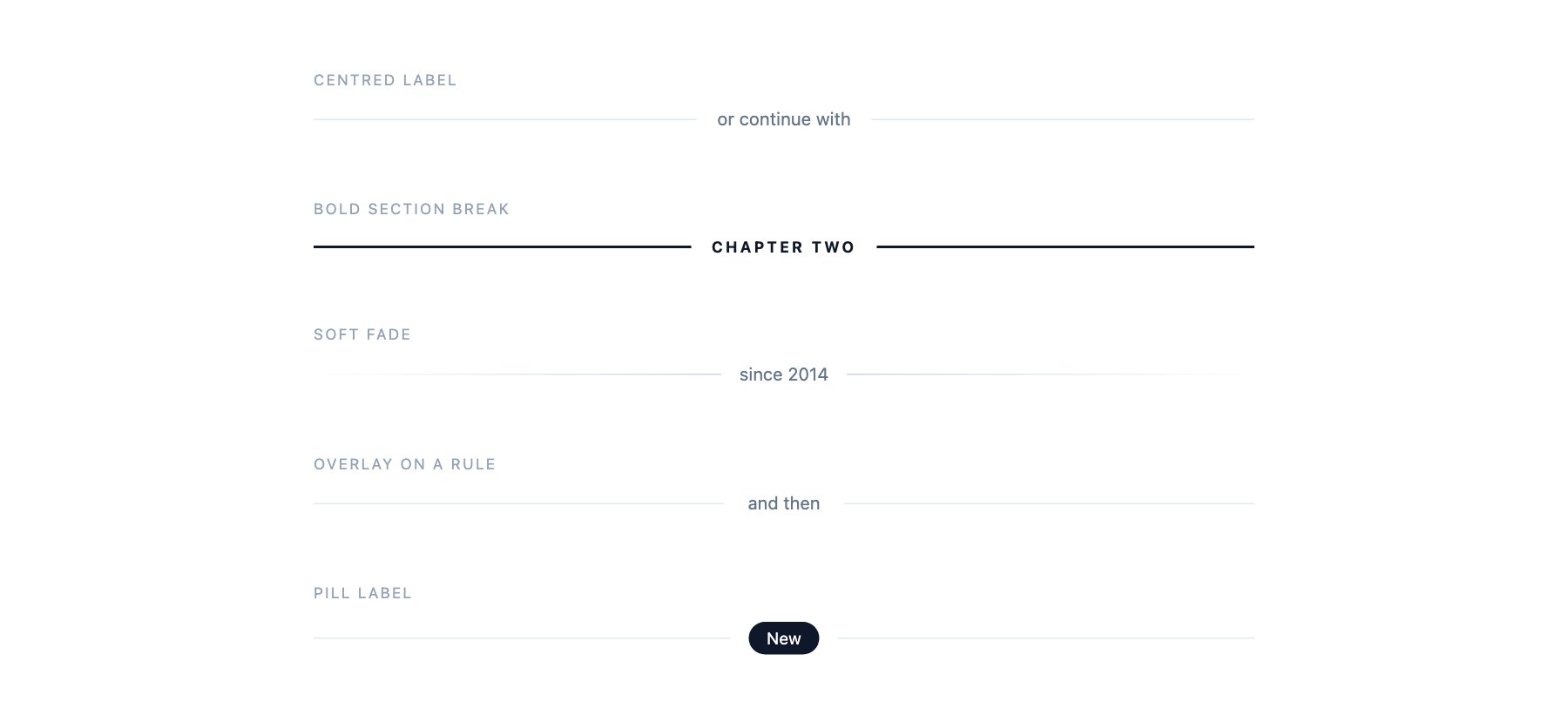
The “or continue with” pattern and four relatives — a bold uppercase chapter break, a soft fade around a date, a label sitting on the rule with the background knocked out behind it, and a dark pill for flagging something new.
3. Icon Dividers
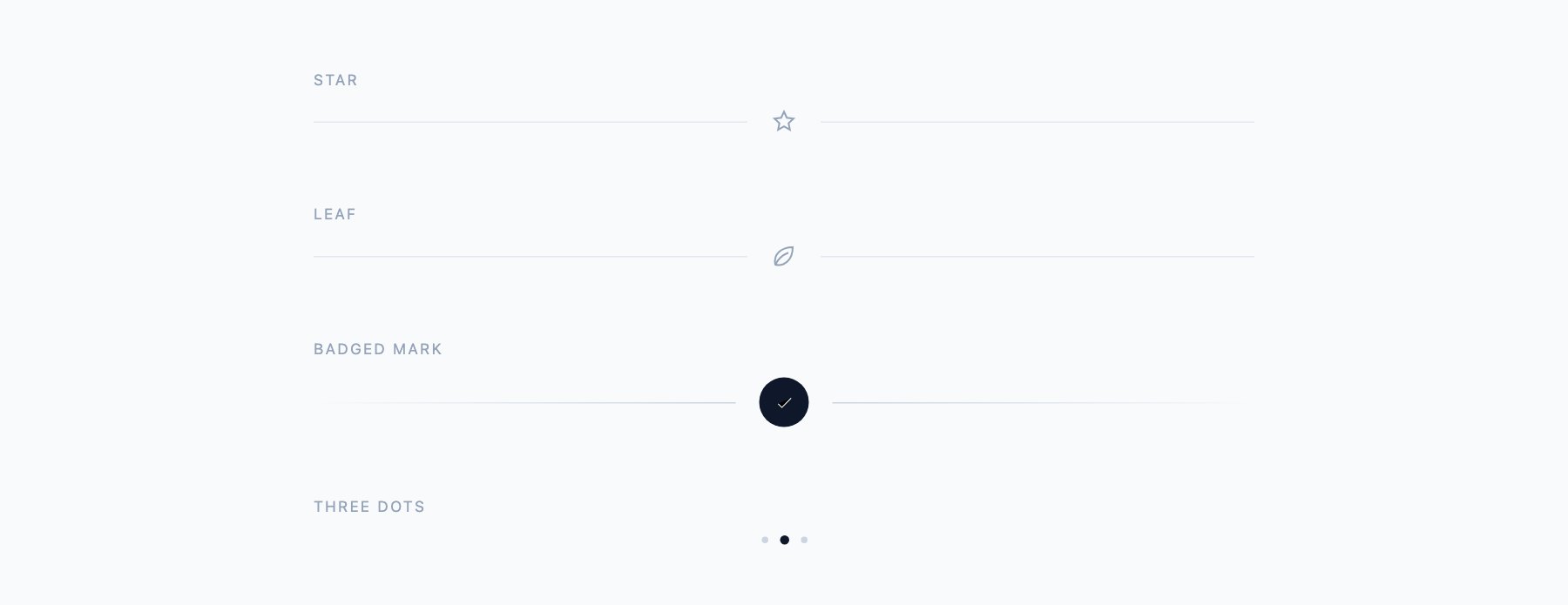
Rules interrupted by a mark instead of text. A star and a leaf as inline SVG, a filled circular badge holding a tick, and a three-dot break for section changes inside long articles. The SVG is inline, so there is no icon font to load.
4. Decorative Dividers
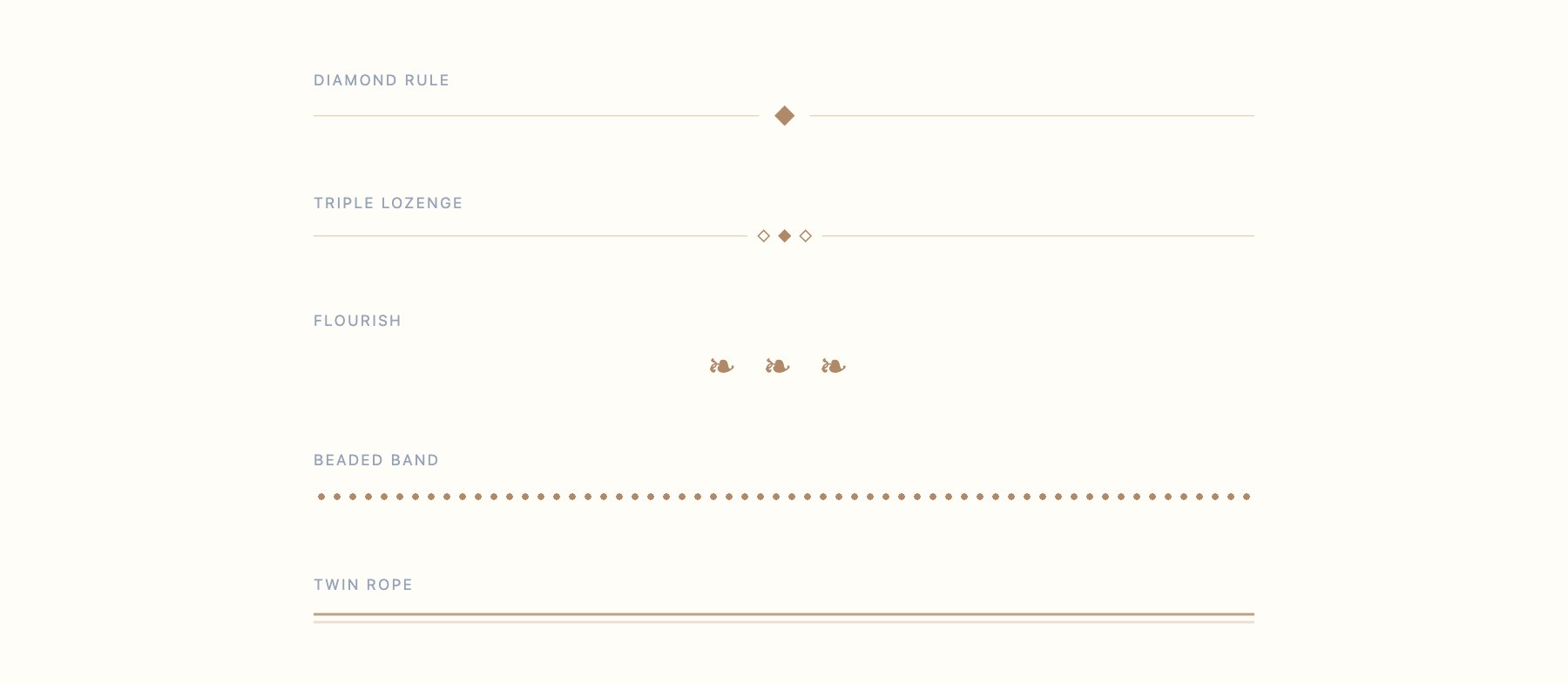
For editorial and wedding-style layouts: a centred diamond, a triple lozenge, a typographic flourish, a beaded band built from a repeating radial gradient, and a two-tone rope rule. These use a warm palette you can recolour in one place.
5. Gradient Dividers
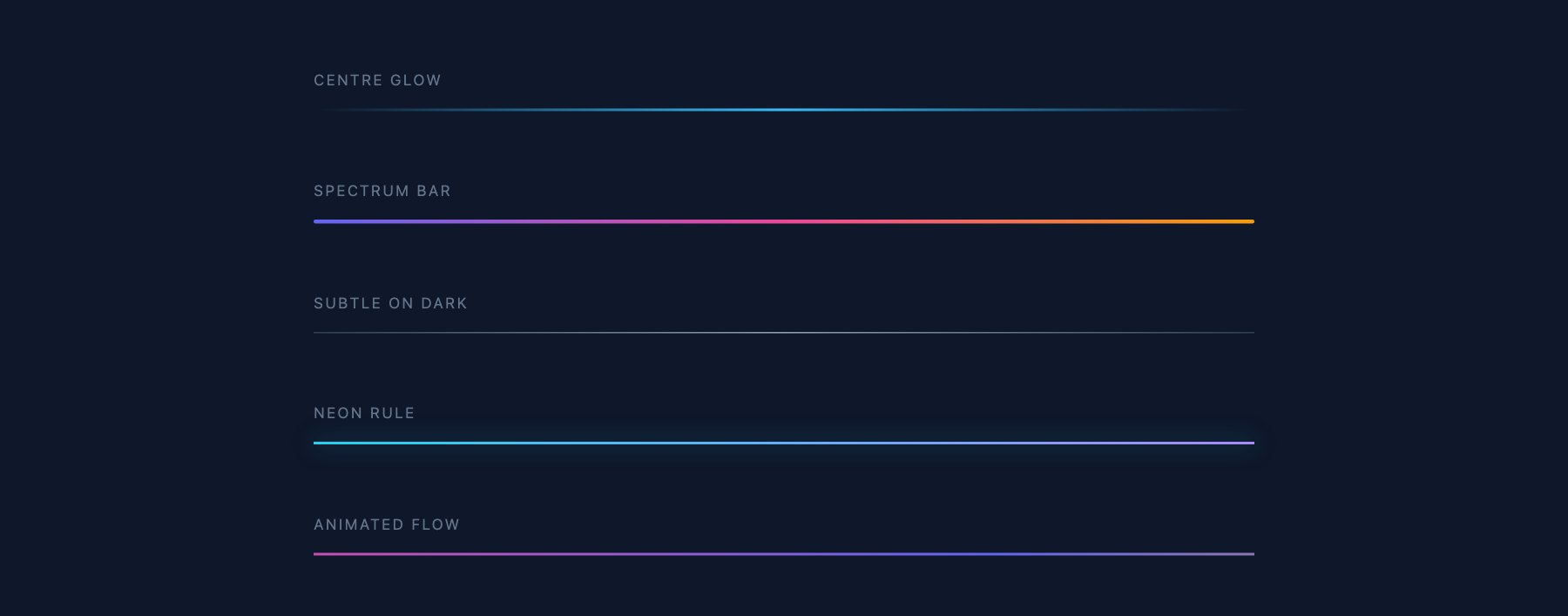
Five gradient rules shown on a dark ground — a centre glow that fades at both ends, a spectrum bar, a subtle grey rule for dark UI, a neon rule with a matching box-shadow, and a continuously flowing animated gradient.
6. Dashed & Dotted
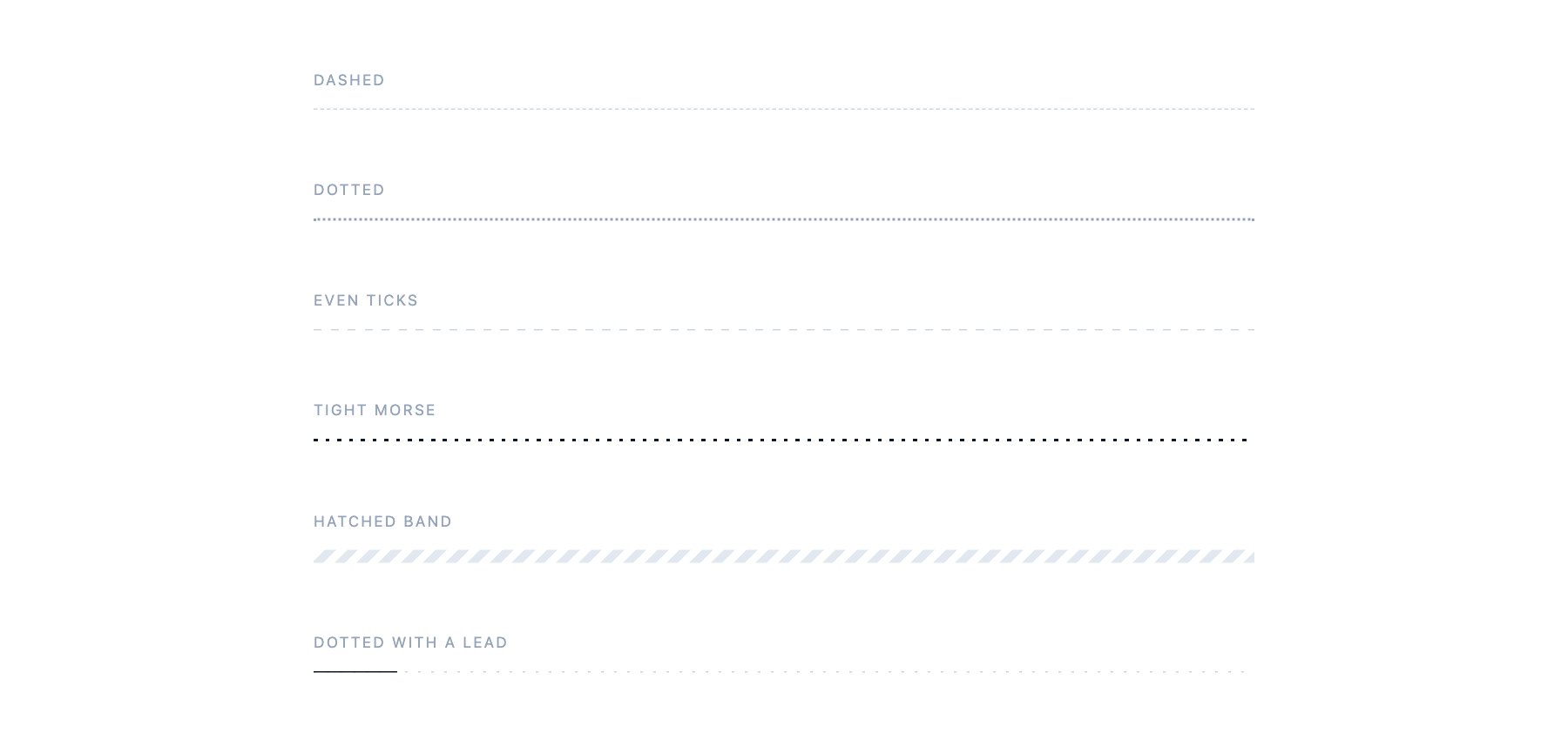
Dashes and dots at six densities, from a plain CSS border to repeating-gradient rules where you control the exact tick and gap. Includes a diagonally hatched band and a dotted rule with a solid lead-in.
7. Section Shape Dividers
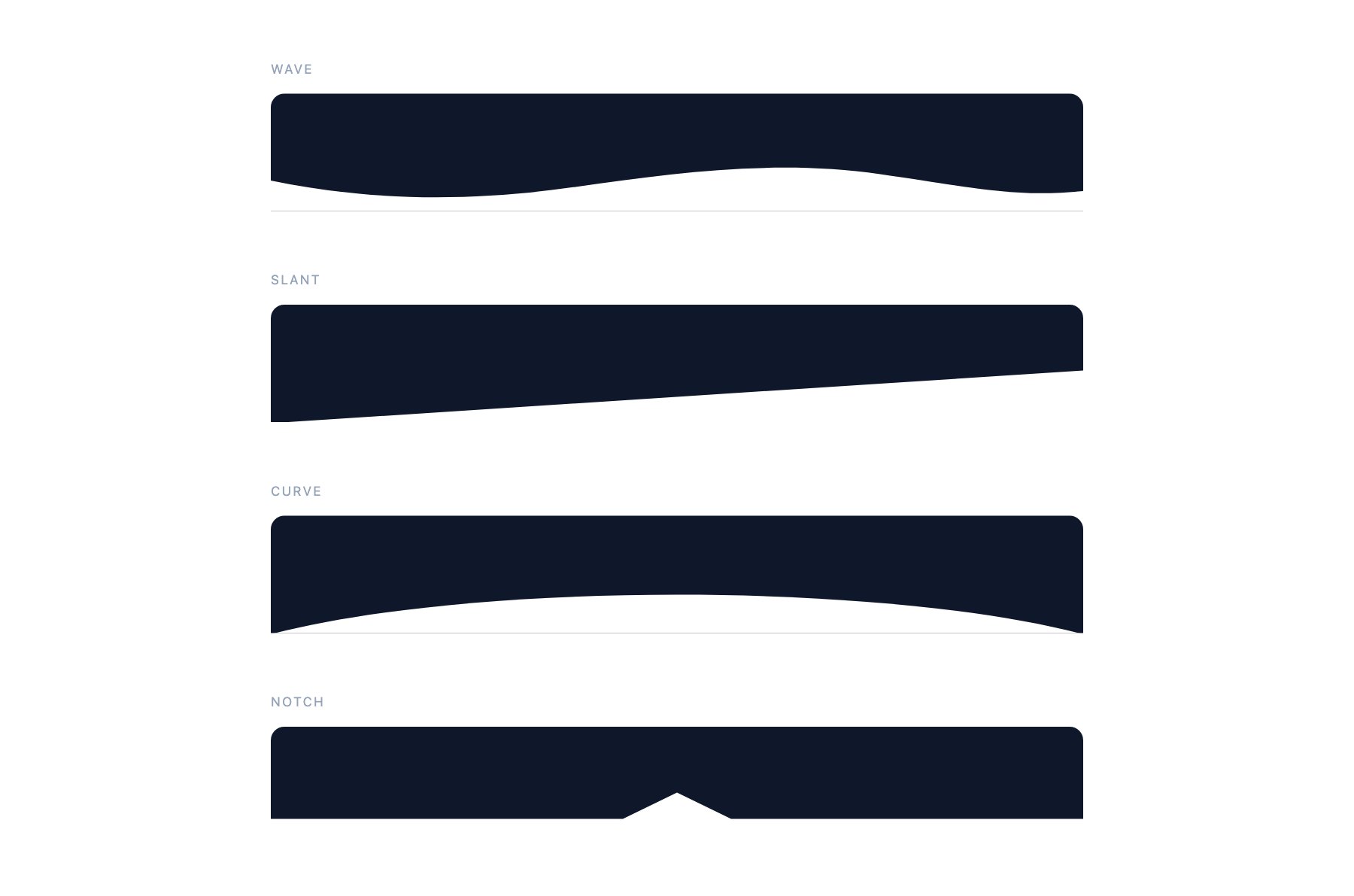
SVG shapes for breaking one full-width section into the next: wave, slant, curve and notch. Each sits at the bottom of a coloured block and inherits the next section’s colour, so you change one fill and the shape follows.
8. Animated Dividers
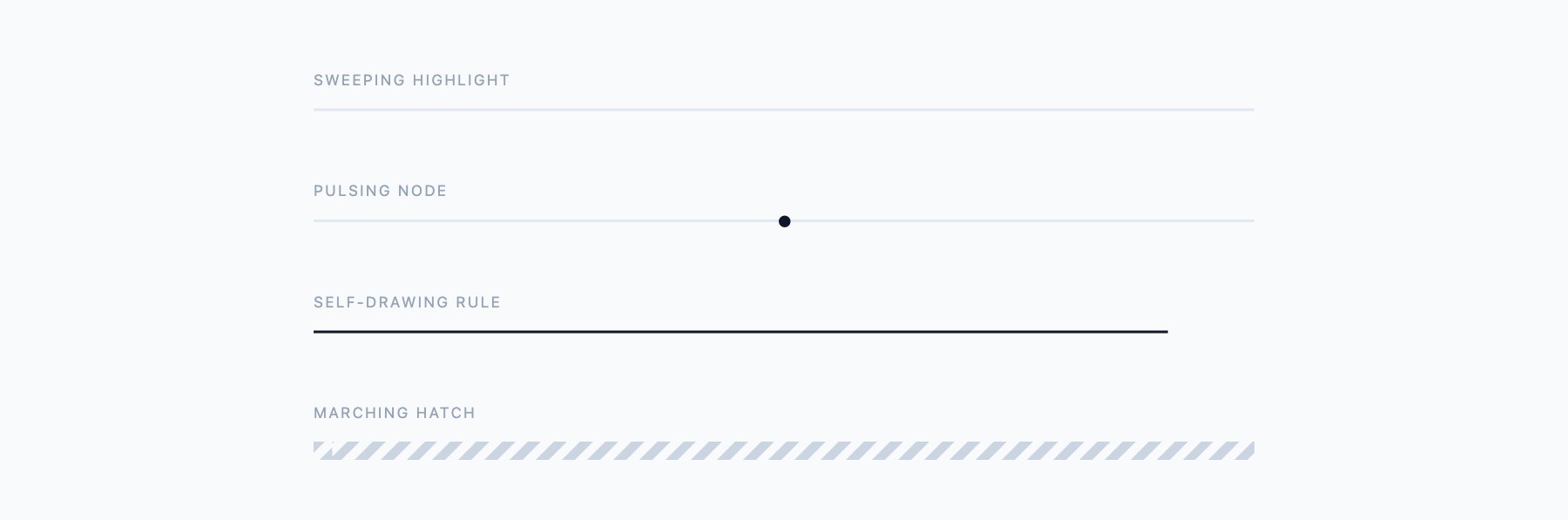
Four rules with motion: a highlight that sweeps along the line, a pulsing node, a rule that draws itself, and a marching hatch. All four stop moving under prefers-reduced-motion.
Frequently asked questions
Are these divider styles free?
Yes. All eight sets are free for personal and commercial projects, including client work. The pack downloads as a single ZIP with no signup.
How do I replace the default <hr> styling?
Give the element a class and set border:0 before applying a height and background. Most of the rules here are drawn with a background rather than a border, which is what lets them carry gradients, dashes and patterns that a border cannot.
Do the section shape dividers need an image?
No. They are inline SVG paths sitting at the bottom of a coloured block. To match a new section colour you change one fill value — there is no image to re-export.
Will the animated dividers respect reduced motion?
Yes. Every animation in set eight is wrapped in a prefers-reduced-motion: reduce query that switches it off.
Do these work inside Bootstrap or Tailwind?
Yes. They are plain CSS on their own classes and do not depend on either framework. Inside Bootstrap you may want border:0 on the element so its hr defaults do not fight your background.
More divider ideas from the community
Below are CodePen examples collected from other developers. They are demonstrations rather than a downloadable pack — useful for seeing a technique, but you will be copying from the pen rather than opening a file. The eight sets above are ours and download as one ZIP.
The HTML <hr> element creates a horizontal rule — a simple line that separates content sections. While the default browser styling is plain, CSS transforms this basic element into a powerful design tool.
This collection features the best custom HTML hr designs built with CSS. You will find gradient dividers, animated separators, decorative borders, and creative section breaks that add visual interest to any webpage.
Every example includes the full CSS source code so you can copy, paste, and customize for your own projects. These designs work across all modern browsers and are fully responsive.
hr Inline Style

If you are looking for a simple HTML hr CSS design that goes well with all types of elements, this hr Inline Style concept might impress you.
The creator has applied inline styles to titles, subheadings, and even nested elements. Therefore, you can utilize this concept on any part of your website. Plus, the simple, pure CSS design makes development easier for developers. By making a few code changes, you can adapt this HTML/HR/CSS design to your project.
Cool Horizontal Divider Headings
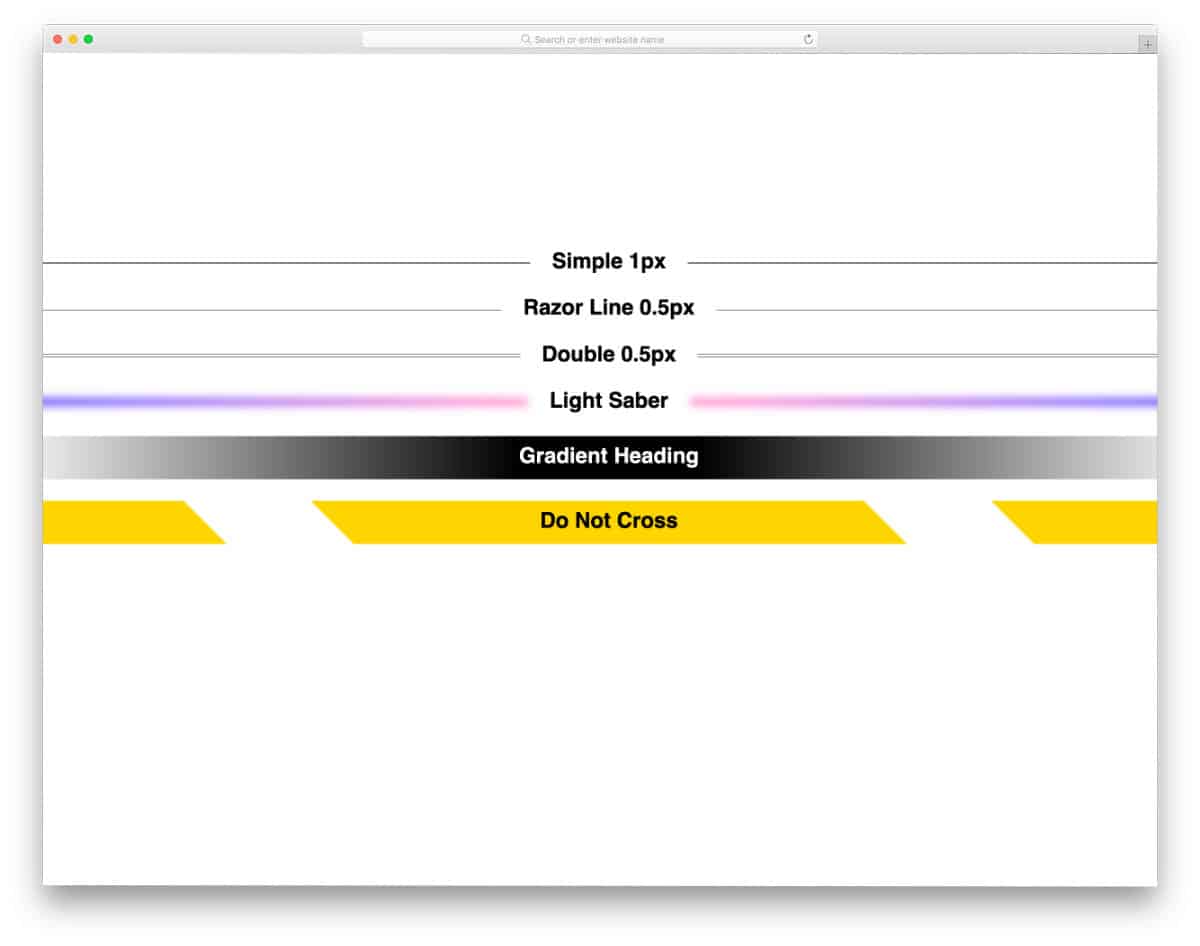
The creator has played with the thickness of the HTML hr element in this HTML hr CSS design. This concept covers different hr thicknesses, colors, and styles. If you are a beginner, code snippets like this will help you understand the concept clearly. All five HTML and CSS hr concepts in this pack are implemented solely using CSS. So you can change the styles and effects by editing a few lines of CSS code.
Fancy HTML Horizontal Rules
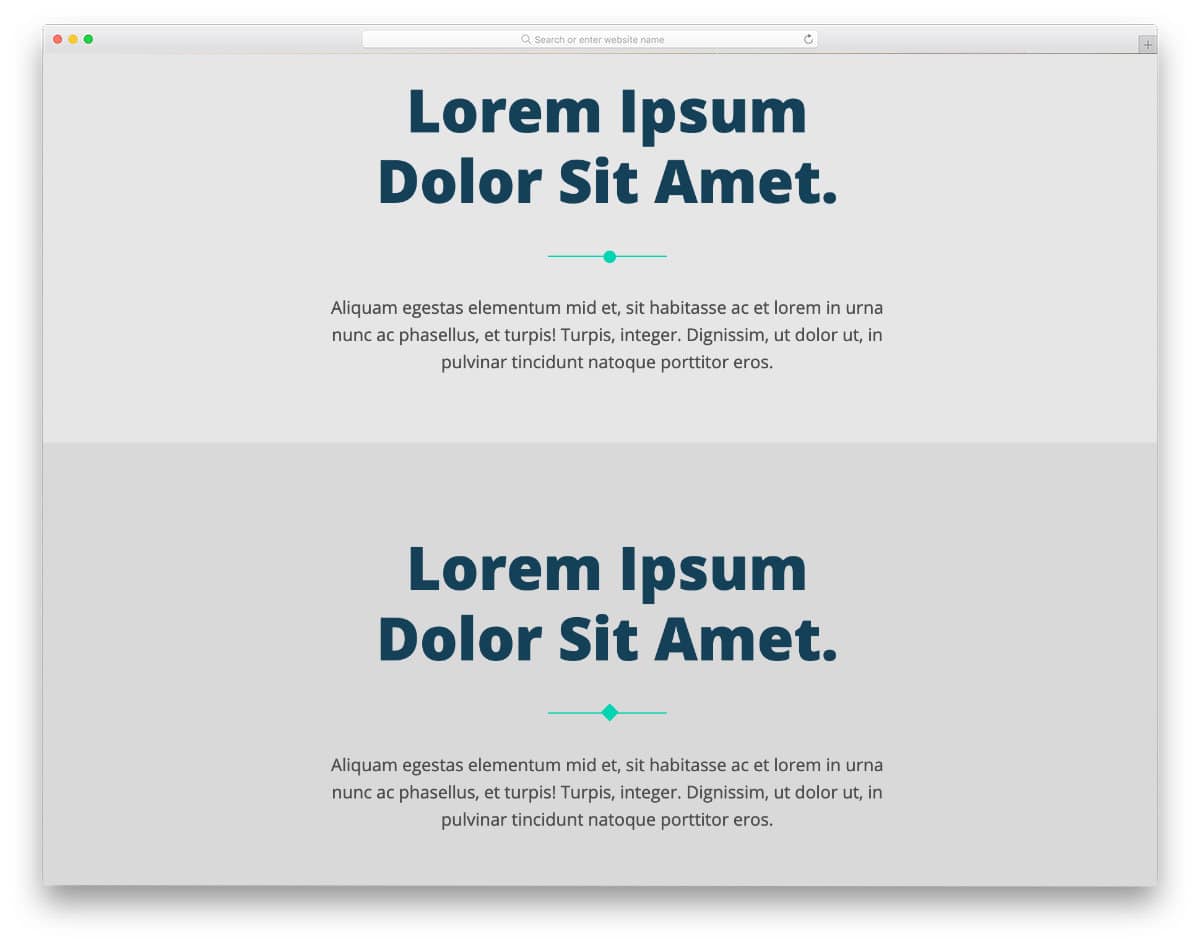
This example, the creator has combined the HTML hr tags with different shapes. Instead of making the horizontal rules as a simple straight line, you can combine the line with other elements. Squares, stars, and circles are used alongside the horizontal rules to make the hr tags visually appealing to the audience. Though the hr tag is used only for headings in the default design, you can also apply this concept to other parts of your website.
Accessible Medium Style Dividers
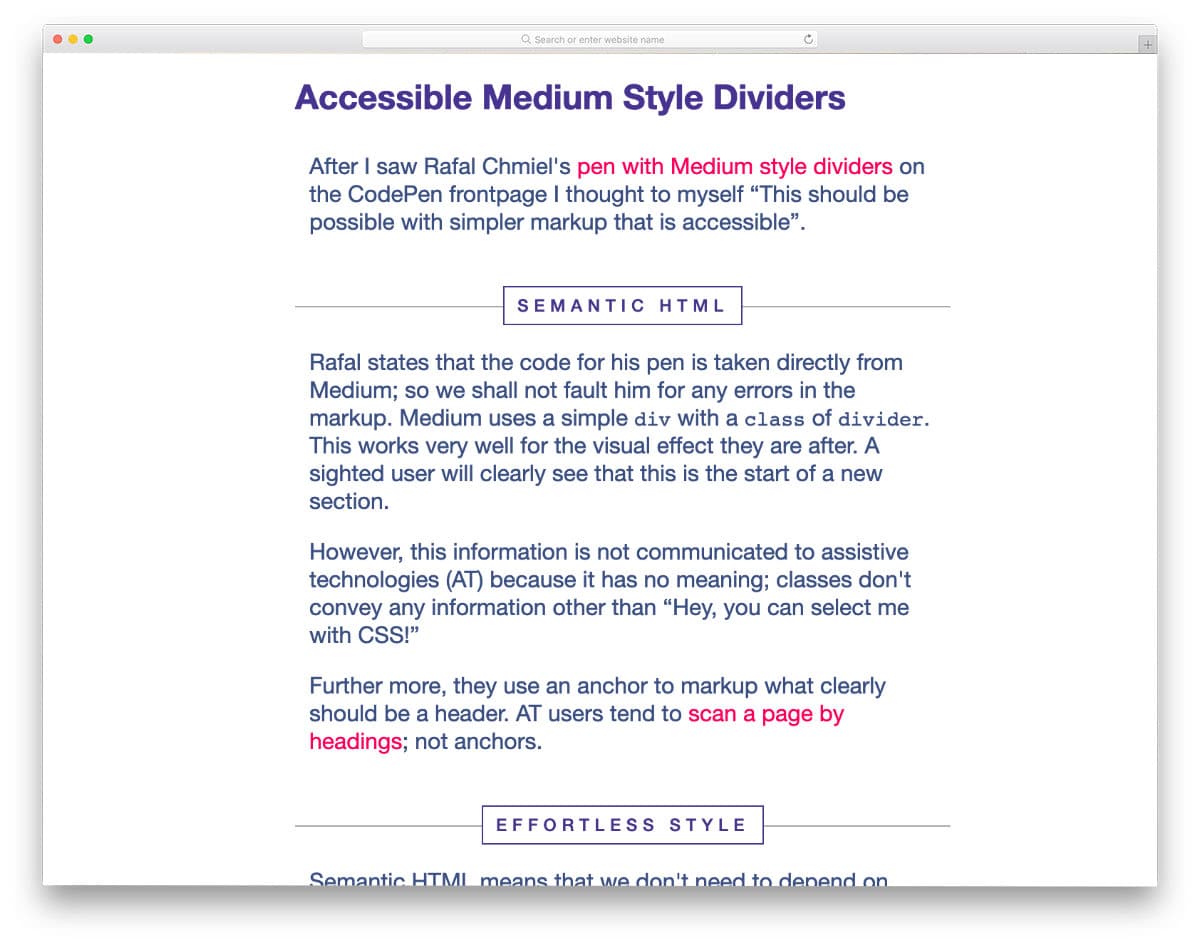
If you are planning to use the HTML hr CSS design to divide lots of paragraphs on a page or want to make a special page look appealing to the audience, this hr CSS design will come in handy for you.
The creator has left a small amount of text space in the center of the hr line, which you can use to show related text or headings that separate a paragraph from the others. You can adjust the spacing and line width as needed to fit your website or application.
Animated hr CSS
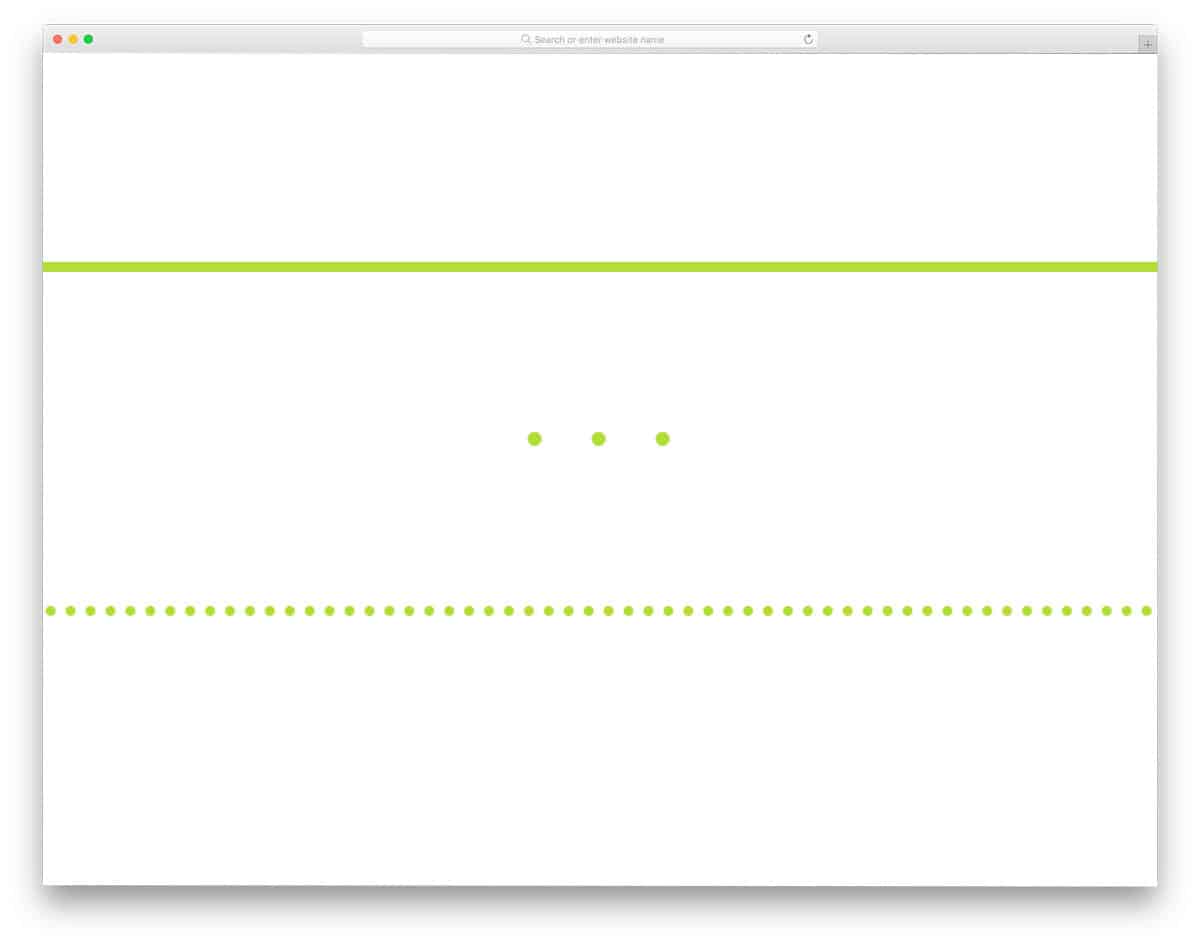
For those looking for an animated CSS HR design, this code snippet will be handy. The creator has provided both straight-line and dotted-line designs in this example. A simple line-stretching loading animation is included in the default design. You can change the trigger action and let the lines animate when you scroll down the pages. The code script is simple and is shared with you on the CodePen editor. Adjust the code, add the custom effects/elements you want, and visualize it on the CodePen editor itself.
The Humble hr HTML

This one is also an animated HR design, but this one uses a Sun element along with the line. If you are writing stories or want to make an engaging about page on your website, HR designs like this will be a good choice. Though the creator has used the sun in the default design, you can change it with the element you want. Or, you can take this concept as a base and create your custom HR design. Since the whole design is made only using HTML and CSS, you can handle the code easily. Plus, you can use the code on an existing website without any hitch.
The Humble HTML hr CSS
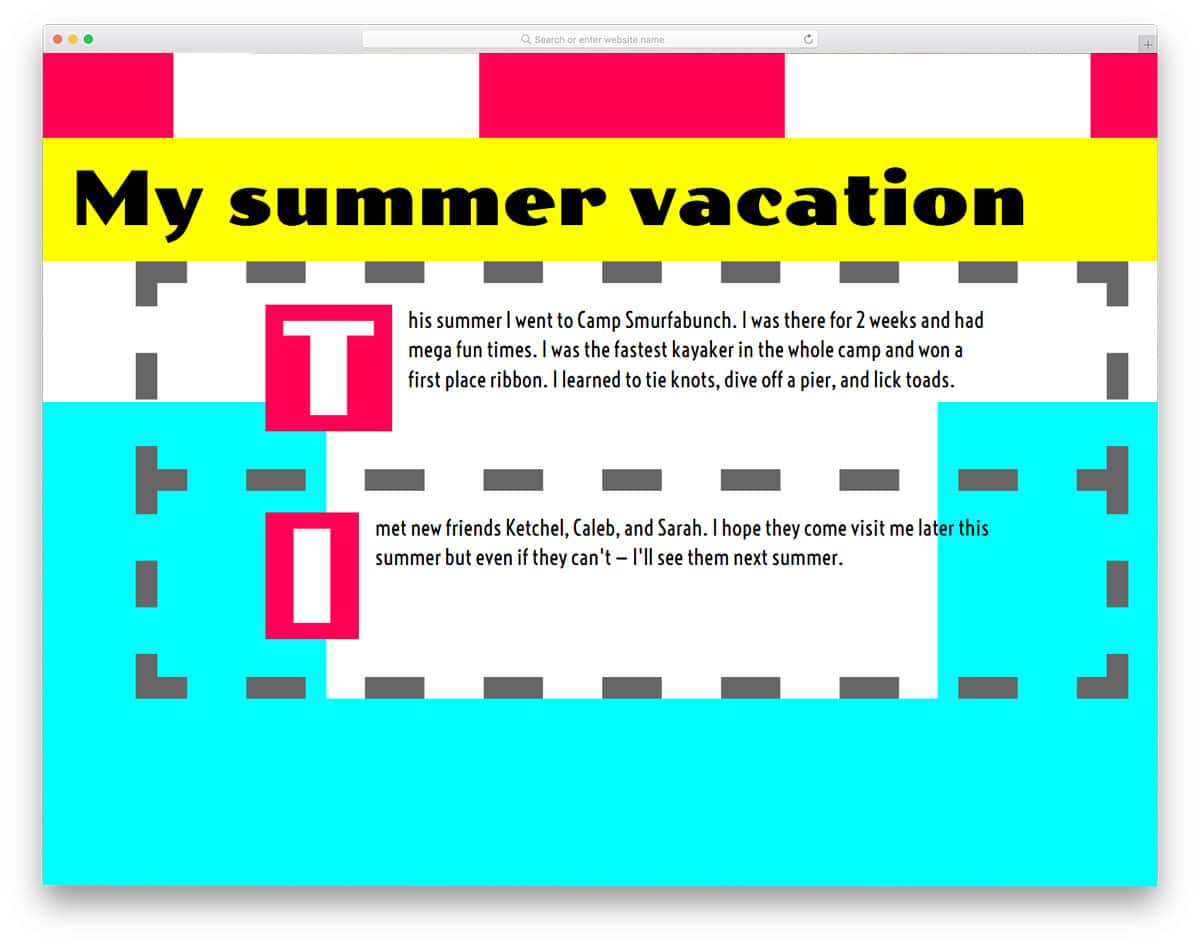
If you are planning to use the hr tag as a design element in your post, the HTML hr CSS design, like this, will give you some inspiration. In this design, the creator has used dotted horizontal lines to wrap the entire content and separate the sections. If you are making a creative magazine or blog template, designs like this will make your website stand out from the rest. The creator has used HTML5 and CSS3 to create this creative HTML/CSS design. The entire code script used to make this design is shared with you directly on the CodePen editor. Hence, you can customize and visualize the results directly in the editor.
Loading “hr”
This list uses most of the HTML hr CSS designs for the posts and main content area. But, this design creator has used the HTML hr for a loading animation. To make this creative loading animation, the creator has mostly used CSS3 and a few lines of JavaScript. The loading animation is smooth and quick, so the hr lines appear without lag. Plus, the animation takes up only a small space on the screen, hence you can use it on any website or mobile application. The code script used to make this design is shared directly with us. Hence, we can customize the designs and adjust the animation effects as per our design needs.
HR-tag Becomes Progress Bar on Hover

This is another interesting HR-tag design concept. Instead of simply splitting the content, this HR design shows the progress. Showing the progress of reading is followed in all popular blogs and online magazines. If you are also planning to incorporate reading progress in your blog, this HR concept might come in handy. The overall design is simple and can be easily implemented on any part of the website. Since it is a hover-triggered action, users won’t get distracted while reading your content. The entire code script used to make this design is shared with you on the Codepen editor, take a look at it to understand the design clearly.
Rodeo-010 HR
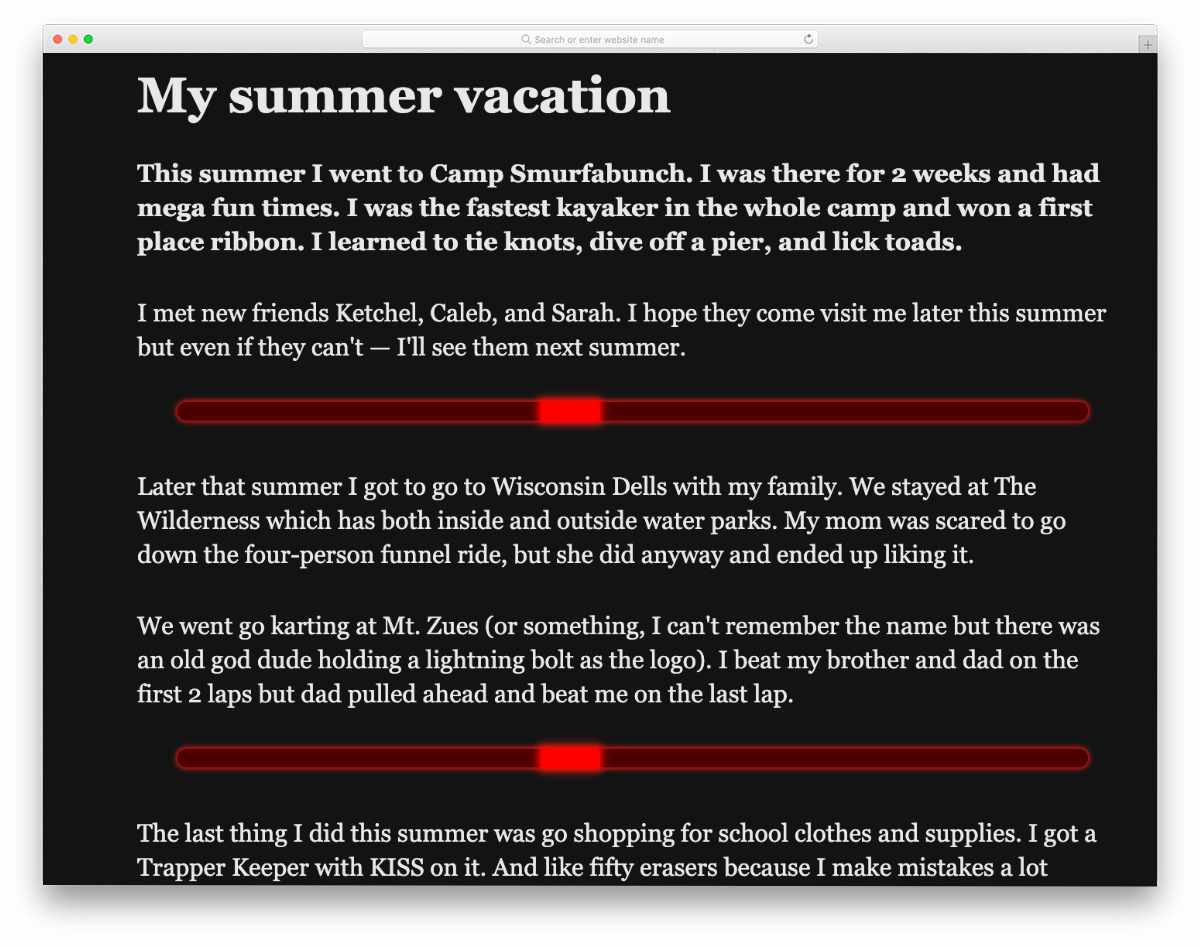
This HR tag design is made entirely with CSS3. A bright red color is used for the HR design, which manages to get user attention easily. HR tag designs like this will be useful for creating interactive inner pages. Because of this design’s lightweight code, it doesn’t slow down page load. Plus, you can easily use this code even on your existing website. As mentioned before, it uses the latest CSS3, so you can use any modern colors and animation effects without any issues. The entire code script is shared in an editor; you can take your time and fully understand it. Edit and visualize the results on the editor and then take it to your website.
hr Dots
This one is a very simple HR tag design. This dot design concept is a good choice if you want to try something different from a horizontal line. Since it is a concept model, the creator kept the design simple. You can spice it up by adding few hover effects and animation effects. Take a look at our hover effects examples collection for more inspiration. It will be easier to add custom features and effects in this design because of its simple code structure.
Gradient HR

As the name implies, the creator used the gradient color concept for the HR design. A little bit of animation would make this design even more interesting. If you want a push to spark your imagination, look at our CSS gradient button example collection. This simple gradient HR concept can be used easily on any website and application. Plus, it is designed with the latest CSS3, so you can expect a smooth, clean experience on computers and mobile devices.
Animations Playground Space

This HTML/CSS design uses the hr element to separate the content header from the main content area. The creator has used a small thin line for the HTML hr in this design; it looks great on the image background used on this page. Animation effects and interactive dynamic content are used effectively in this design, which might give you some inspiration for your page. Overall, the Animations Playground Space is a good creative concept that can be used on any website with a few code changes.
Knight Rider hr
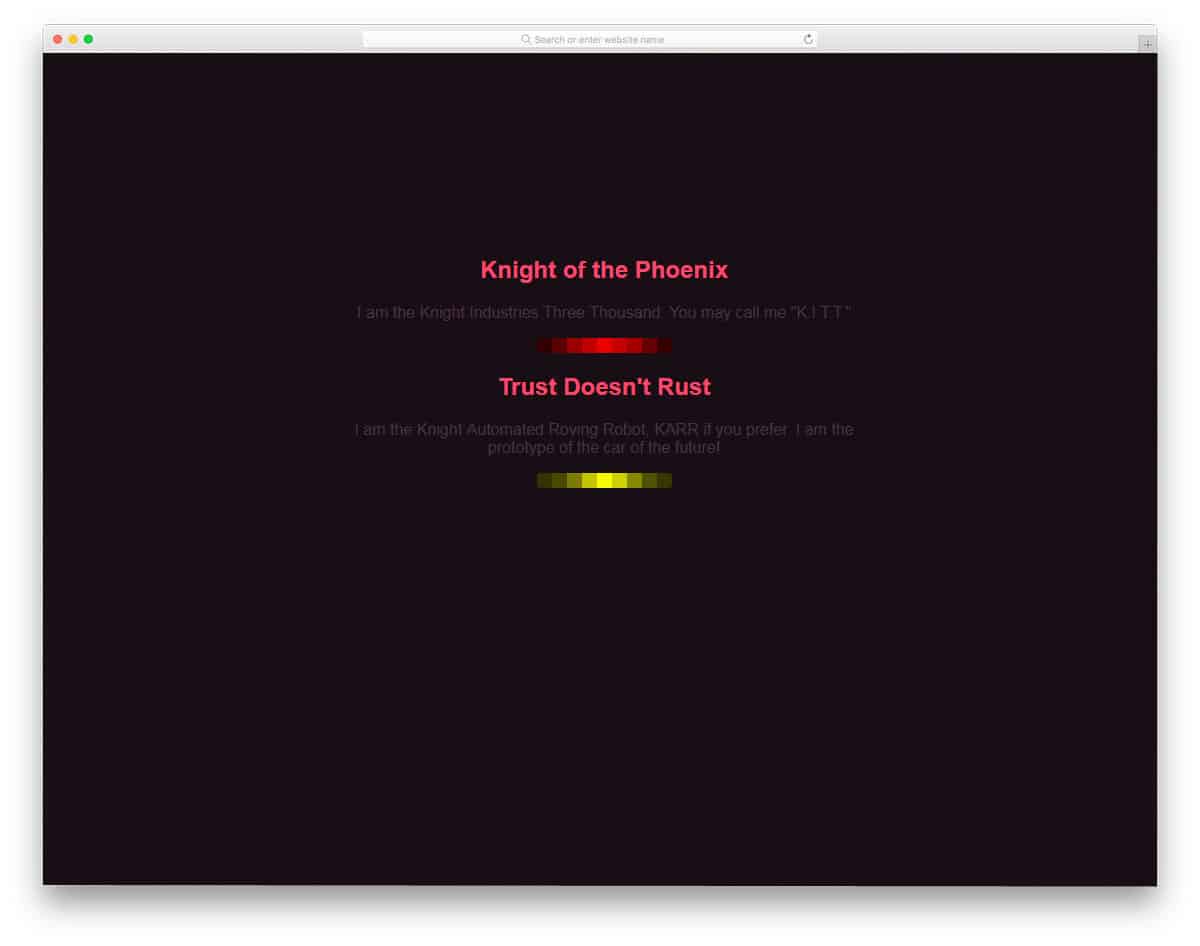
The developer James Delibas has used an animated HTML hr element with CSS for the content separator line. On the plain dark background, the hr line with bright colors has a fluorescent effect. If you are looking for some creative HTML/CSS design for the main webpages, designs like this will give you some inspiration. Since the entire animation is made purely with CSS3, the hr design works smoothly without making your webpages heavy. You can also easily utilize this design on your existing website or application. You can use this code in your design by making a few optimizations.
Summer Vacation hr & CSS Ligatures
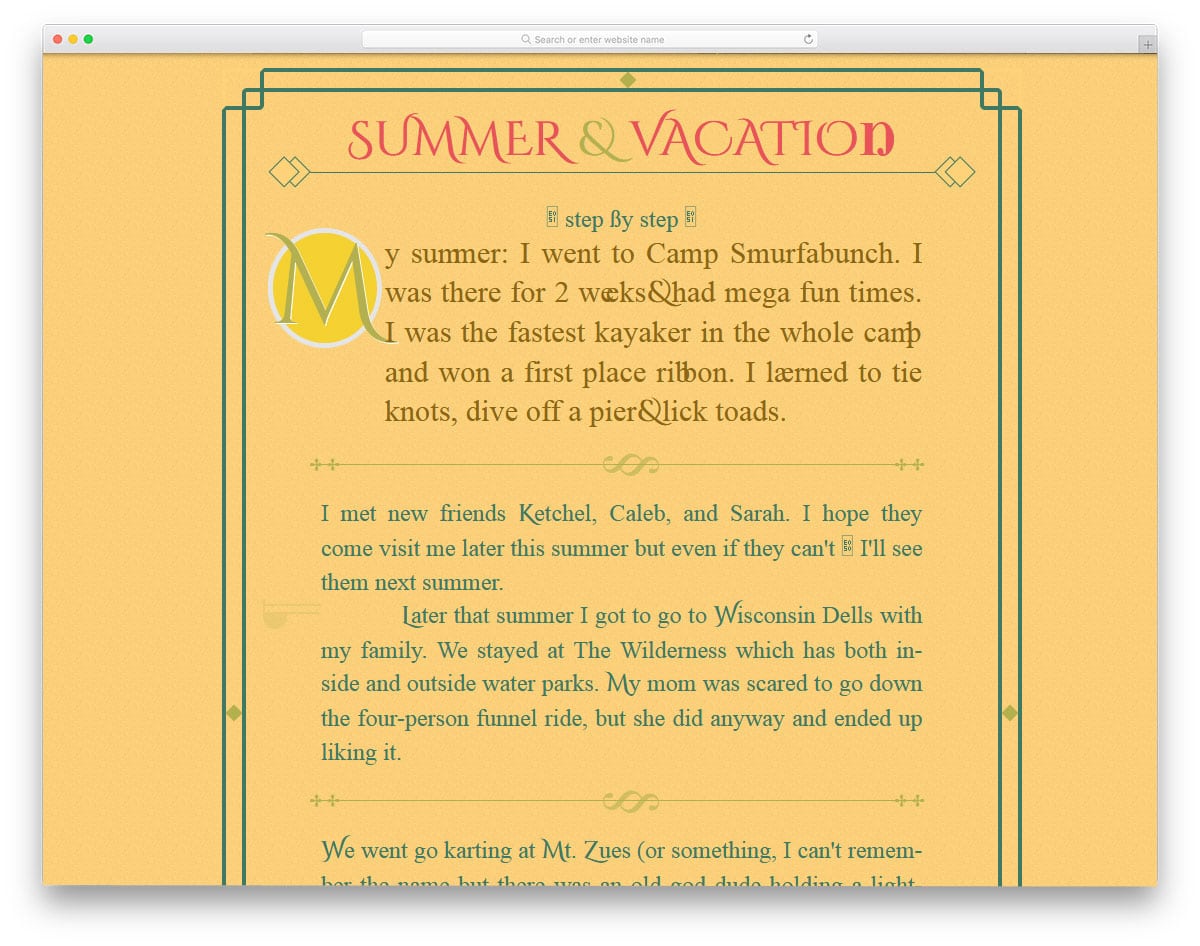
If you are looking for some retro-style HTML hr CSS designs, this design will impress you. The creator has used the hr tag to create a beautiful border and unique-looking line separators. The HTML hr element can be used like this on the about and product information pages. All the shapes and lines in this design are generated entirely from code. Hence, you have complete control over the design and can customize it to our needs. The creator has mostly used CSS3 to create this design, so you can easily customize and use the code in your design without any issues.
Replacement For Normal Hr Tag

This design will impress you if you’re looking for a unique horizontal line. The designer of this hr tag has used different colors on the horizontal line. Color sections expand when you hover over the colors. The default demo shows that you can use this one for a heading section. Especially on an online resume website template, elements like this will impress your recruiter as soon as they open your website. As this unique looking hr tag is designed using the HTML and CSS3 script tag, using it on a modern website won’t be an issue. Plus, you can use your color scheme and animation effects.
Animate Hr

Horizontal lines are not only used to separate sections, but also in header sections. If you want to highlight your section heading with an animated horizontal line, this design will help you. This design might resemble a little bit of keynote presentation or powerpoint presentation. But, you can change the effect, if you want. In the default design, the horizontal line is used at the top and bottom. Based you can use both lines or any one line. Though the used animation effect is simple, for a fluid animation result, the developer has used a few lines of Javascript. You can trim the code script to the structure you prefer. Check the info button given below to get hands-on experience.
Animated hr Tags

The creator of this design has used continuously animating horizontal lines. Different colors are used for each horizontal line. In the default demo, you get a continuously animated effect. But, if you need you can make it a hover-only effect. As the whole effect is designed using the latest HTML and CSS3 script, you can use any colors and animation effects. The creator has given you a basic idea, from here you can use your own creativity to make a unique design. In the default design itself, the effect is smooth and clean so you won’t have an issue using it on your existing website.
HR Department
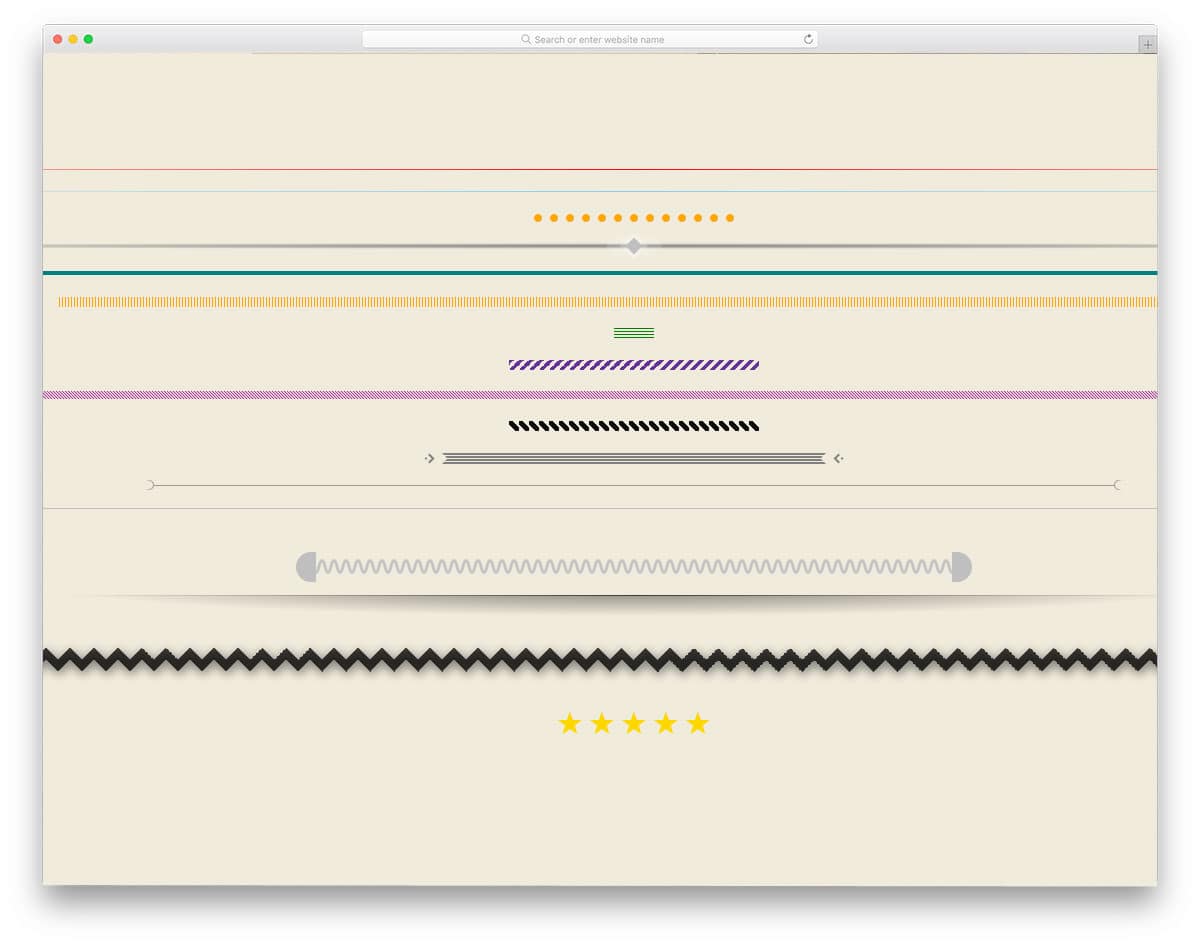
In this HR design set, you get a variety of horizontal line designs. Nearly seventeen horizontal designs are given in this set. All seventeen are unique and clean, so you can use them on any website without any issue. Both simple and creative designs are given in this set. Based on your need, pick one and start working on it. All the designs have a scope for animation effects. But you don’t get animated horizontal lines in the default design. Since all the designs are made with the latest HTML and CSS3, you can add your custom effects.
18 Simple Styles For Horizontal Rules
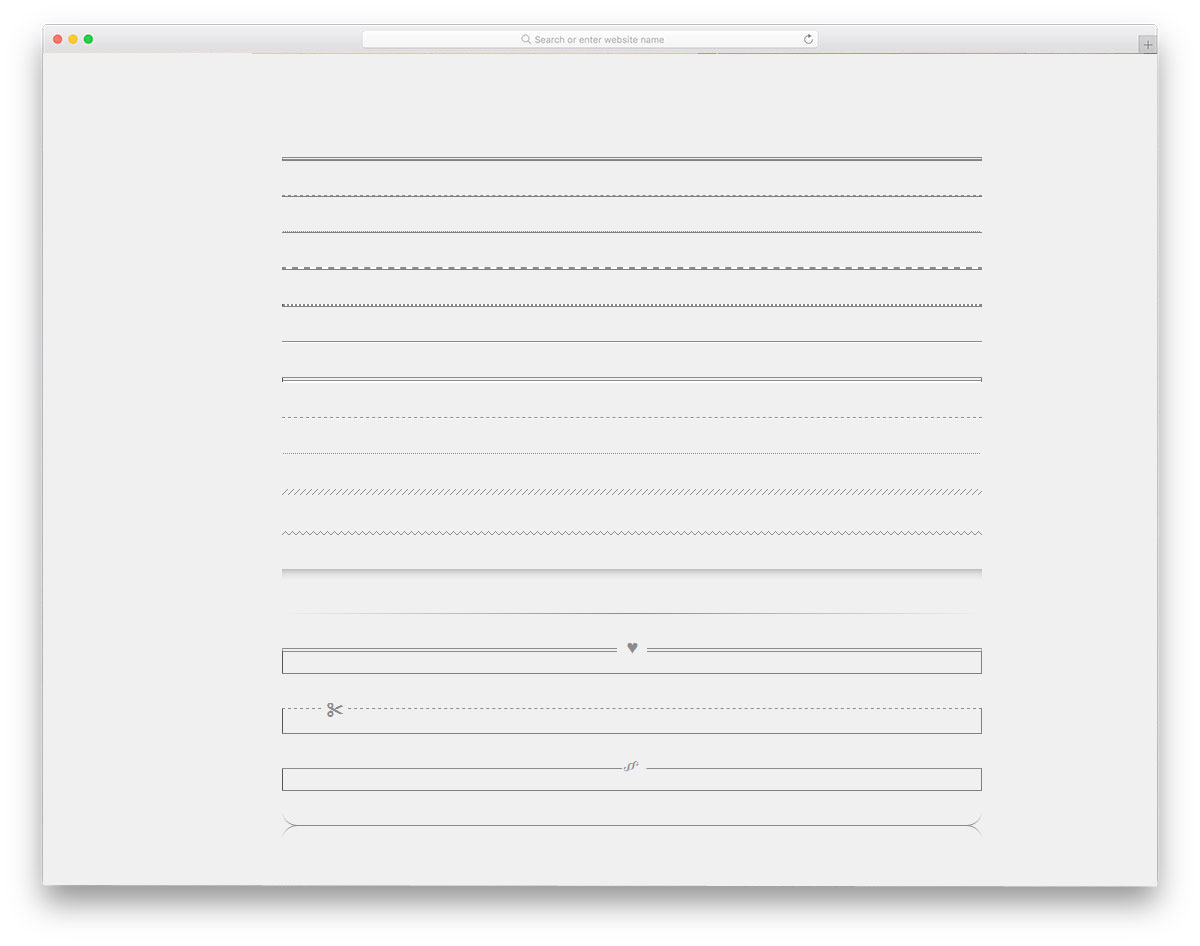
Like the previous horizontal line design examples, this creator has also given you a set of horizontal designs. In this one, all the designs are very simple and minimal. You can use this design on any business website and on professional websites like lawyers’. All the designs are made using CSS3 and HTML. You can even use this on an existing website without any issues. The creator has given you both straight lines and dotted lines. Based on your needs just pick one and start working on it. Lines like this will be useful in admin dashboard areas and text editors.
HR With Centered Text
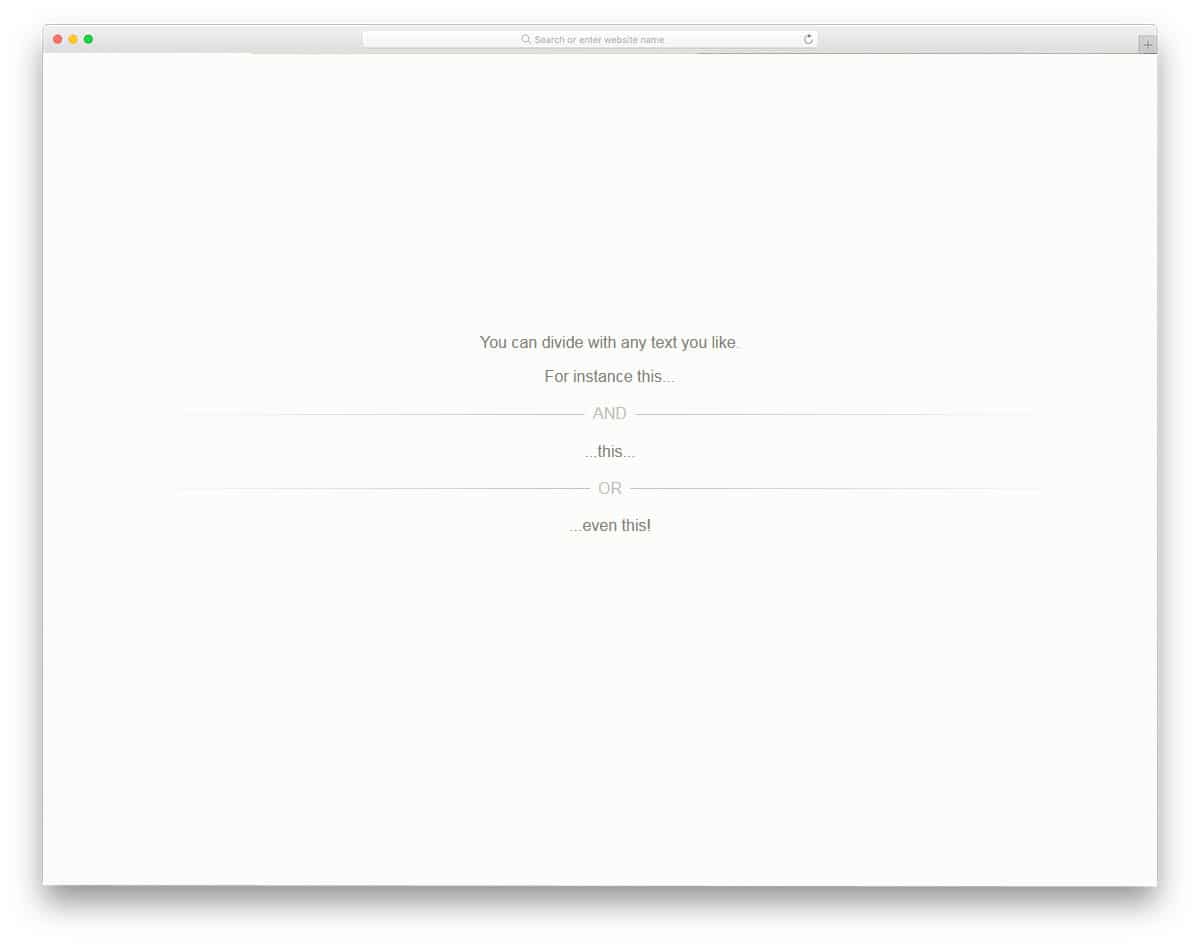
Horizontal lines are used in the text contents as well. If you are a blogger, especially one who shares your poems with your audience, designs like this will come in handy. The developer of this HR design has given you the freedom to place words of any length between the horizontal lines. If you use CMS like WordPress or Drupal, you can use the code on the text editor. Or you can adjust your WordPress theme code file to make it a default feature. Since the developer of this design has used only HTML and CSS script, integrating it on your existing website will be an easy job.
The Humble hr
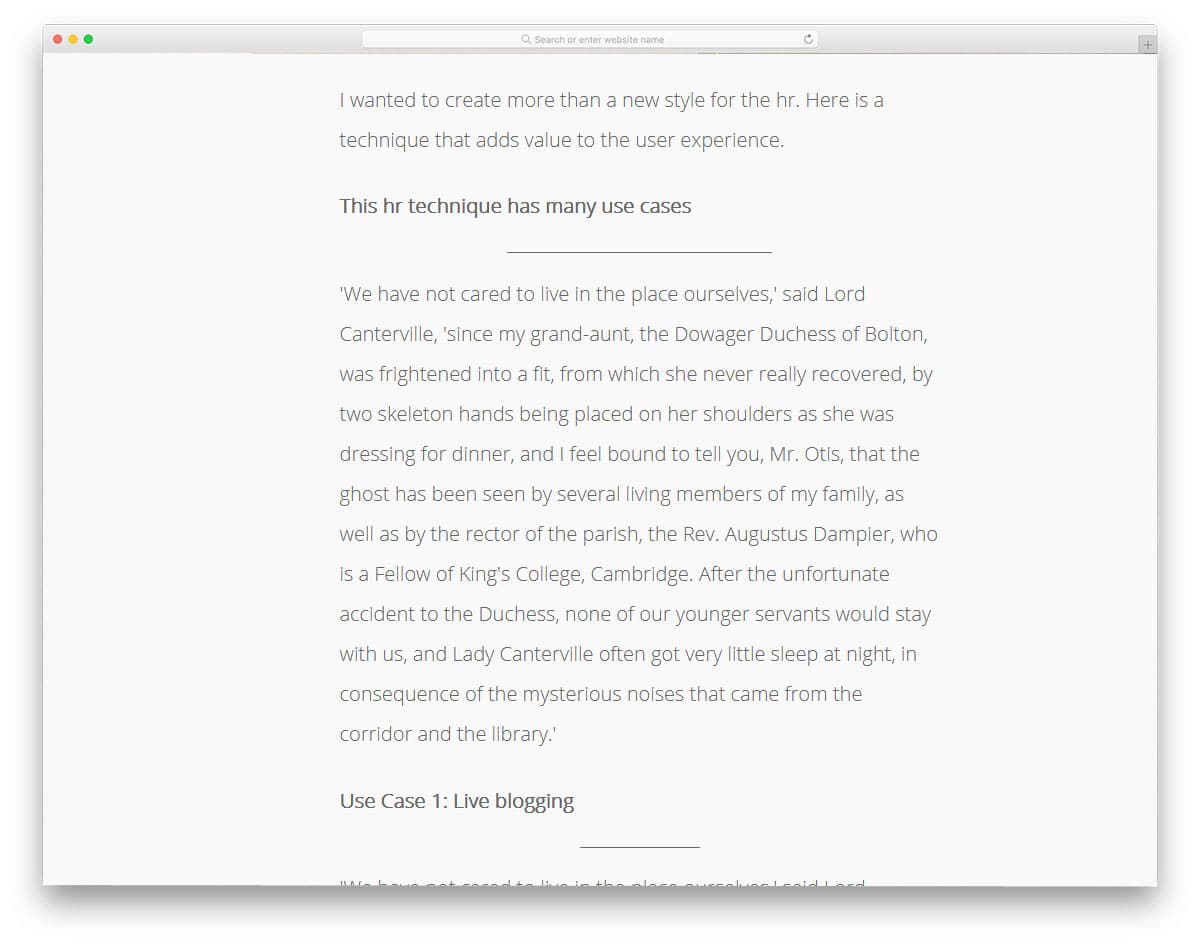
The humble hr is an interactive horizontal line, which you can use in text-rich areas like blogs and about pages. As the user scrolls down the web pages, the horizontal line expands to mark the end of the section. You can use these interactive designs in a news website template to mark the end of an article and continuously show the next article. Designs like this will keep the users engaged and give a better user experience. To make these dynamic, interactive horizontal lines, the developer has used HTML, CSS, and JavaScript. Based on your requirements, you can customize the code structure.
Some HR Styles
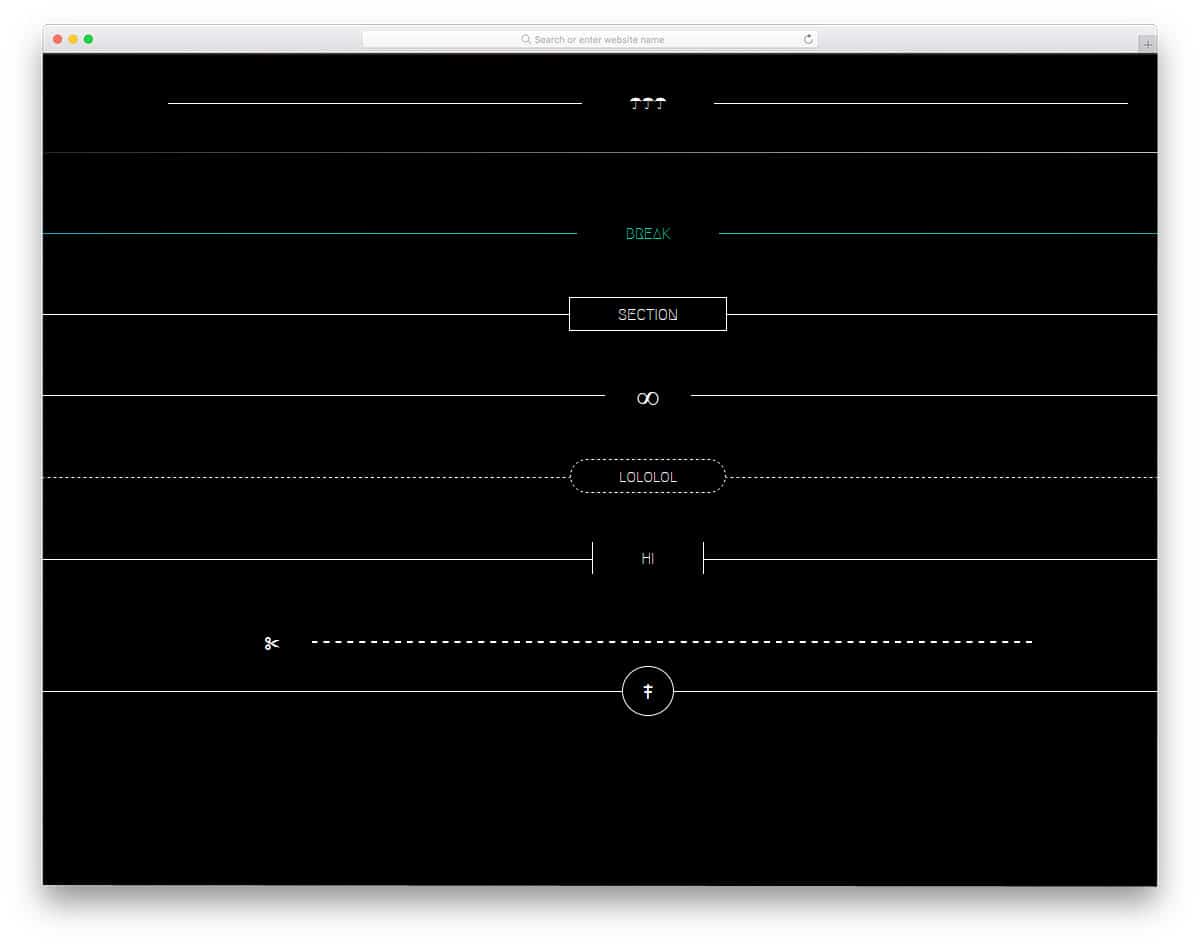
Some HR Styles is another simple collection of horizontal line designs. The creator has given you nine types of horizontal lines in this set. Since all these designs are made using HTML5 and CSS3, you can use the latest colors and animation effects. Even in the demo, the developer has used a gradient color scheme for a horizontal line. To make the horizontal line more attractive, you can use an interactive animation effect. The developer of these designs has kept the code structure simple. Hence, you can easily customize and add your effects.
Fancy hr
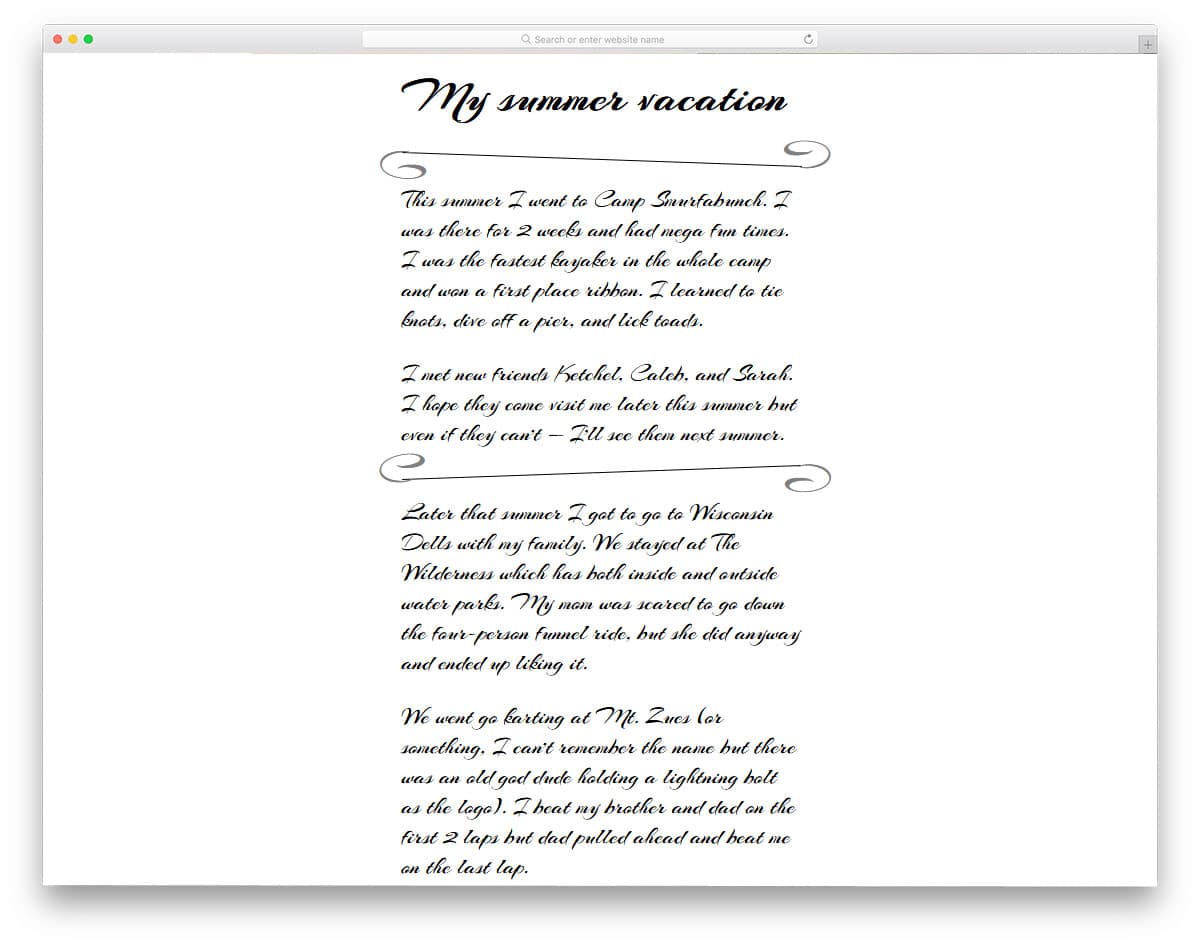
You might have seen some unique about pages with handwritten-style fonts. If a store or brand has been around for a long time, it will have a good story to share with the audience. In such unique about pages, you can use this horizontal line design. Especially in a restaurant website template, you can highlight the best chef or the founder’s quote like this. The horizontal line is designed solely with CSS; hence, using it on a website or an application will be easy. If you want to make this design the default in your theme or template, you can easily do so by adjusting a few lines of code.
Animated Hr element
The animated hr element is almost identical to the Humble Hr design mentioned above. We have seen a fully functional, interactive horizontal line animation in the previous design. In this one, the creator has given you a simple horizontal line design with an expanding animation effect. Two types of ht tag design are given in this set. One is a common straight line, and the other is a dotted design. Both designs use the CSS script, and the animation uses the HTML5 and CSS3 framework. Hence, you have plenty of customization options and easy integration options.
hr With Custom CSS
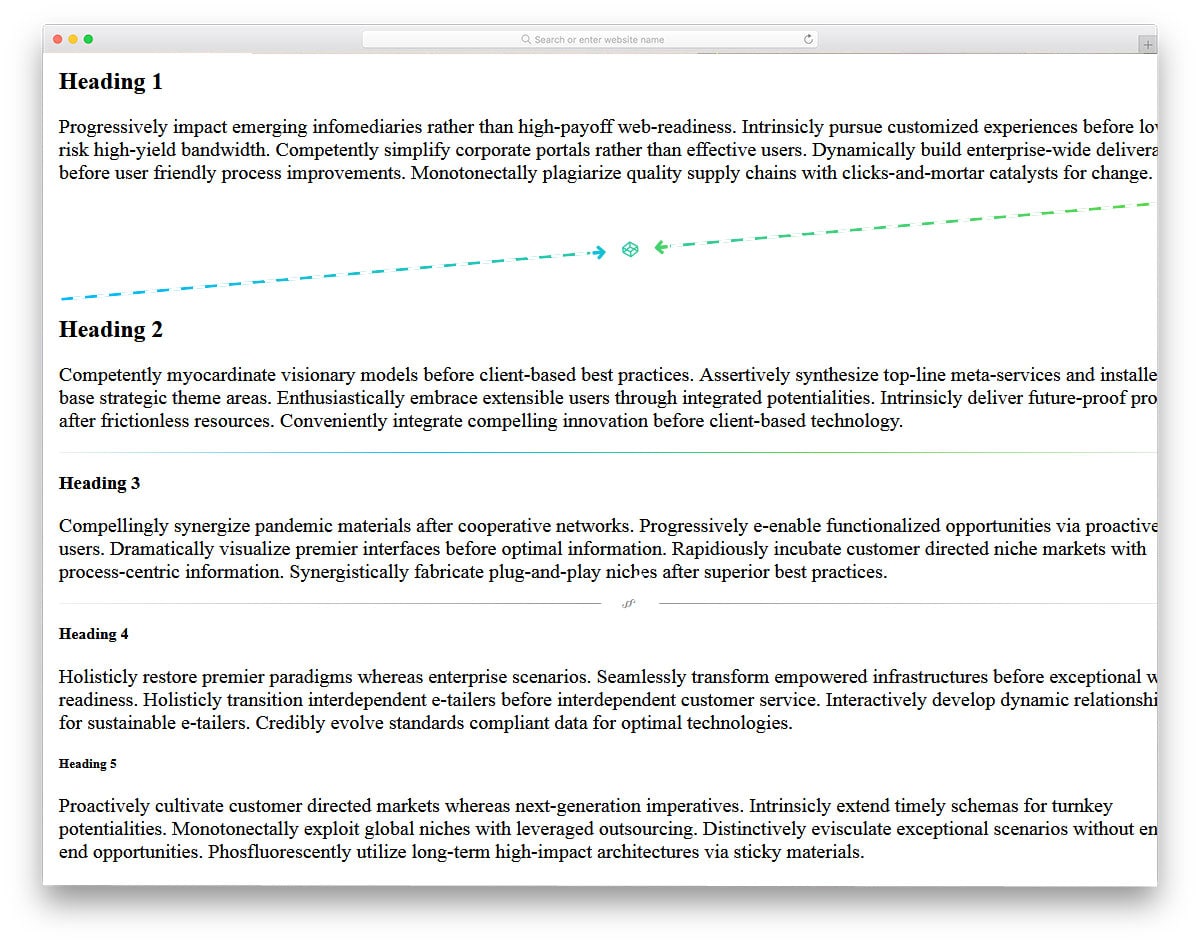
In this hr design example, the creator has given you the design for simple text use. This design might impress you if you are looking for a creative separator line for your web pages and blog templates. The developer has given you three types of horizontal line separators in this set. All of them are simple and neat, hence you can use them on all types of websites. In the default demo itself, you can see that the developer has used gradient color schemes. Since these designs are made used CSS3 script, you can use any modern colors and effects on these lines.
Hr Rodeo

Typography is a part of modern web design. If you use modern fonts with trendy web designs, these horizontal line designs will add extra richness to your design. The developer of this horizontal line has used dotted lines and asterisk symbols in this design. If you care about details on your web designs, elements like this will impress you. Another advantage of this hr design is it is very simple and is developed using the CSS script alone. Hence, you can use it on any part of the website without hesitation. Based on your design requirement, you can tweak the design and make it fit on your website.
HR Centered Text
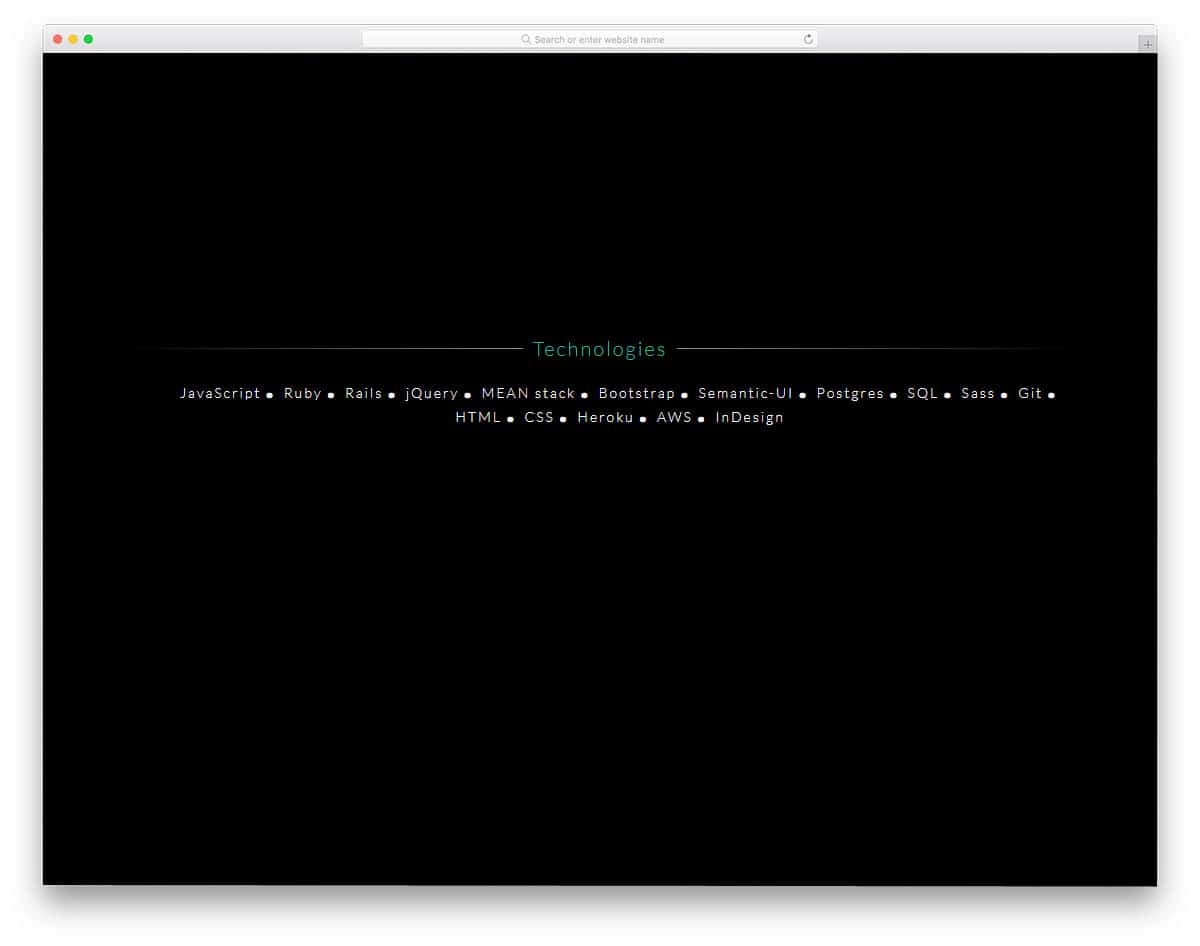
This is another horizontal line for the text and heading highlighting. The fading-out design towards the tail point neatly highlights the texts at the center. The developer has allocated only a small amount of space for the horizontal line in the default design. But you can shrink or expand it based on your design needs. The developer has shared the coding in the CodePen editor, hence you can visualize the customization results before using them on your website.
The Humble hr Max Kohler

In modern web design, many elements are used. Using geometric shapes, colorful backgrounds and many new trends are used to make a website unique. In this design, the developer has used horizontal lines as part of the web page design. The default design looks colorful and dreamy. Designs like this will be the best option for kids school website templates. In some parts of the default design, the text is not clear. But it can be adjusted by making a few adjustments. Since the developer has shared the HTML and CSS used to create this design, editing it won’t take much time.
Pseudo-element Hr Design
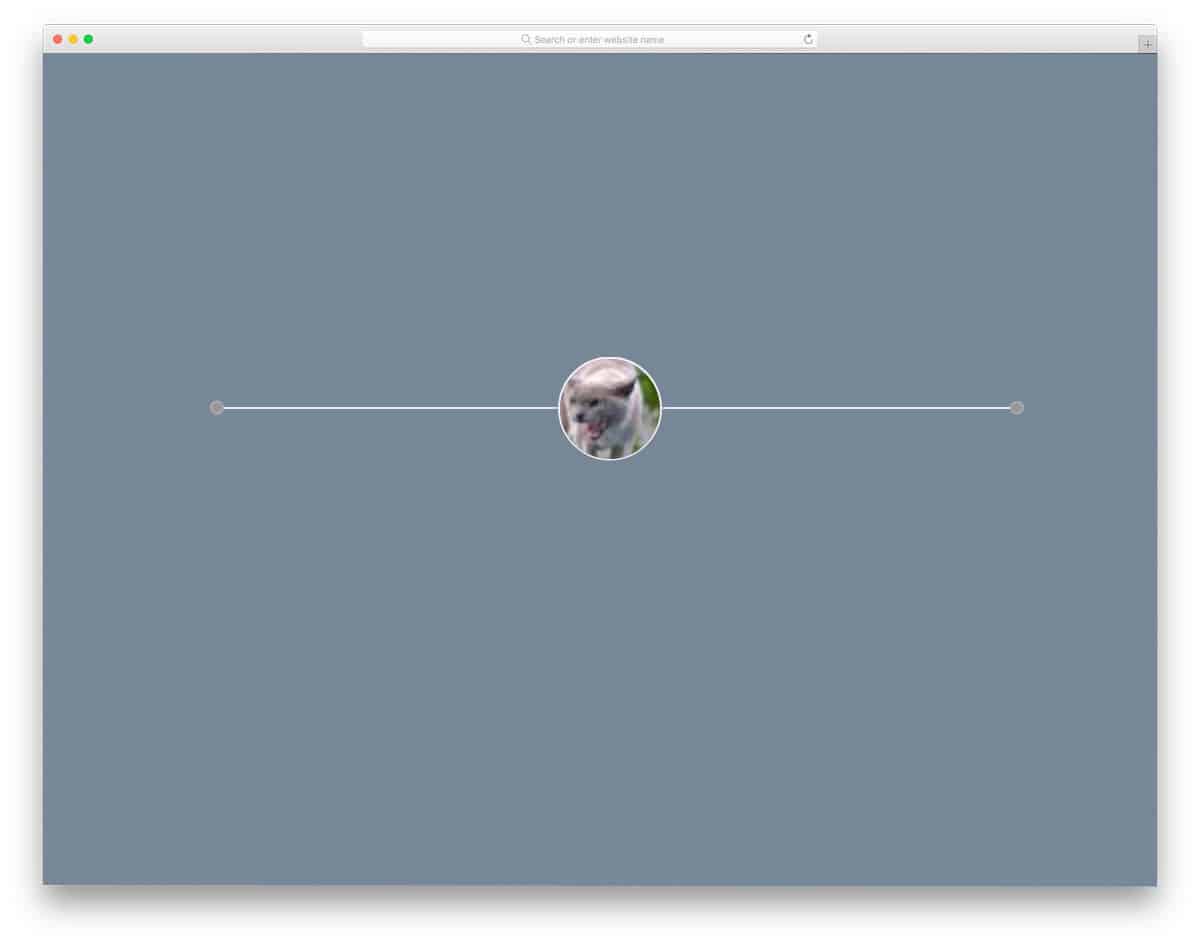
In the previous HTML hr CSS designs, we have seen text-centered examples. The creator of this design has used an image holder. This design may be useful if you are making a personal website template or a unique about page. The pure CSS design provides many customization options for color schemes and animation effects. The original code script is kept very simple so that you can use it easily even on an existing website. You can use this horizontal line design in your project by making a few customizations based on your design needs.
Vertical HR
In the previous examples, all of them are horizontal lines. In this design, the developer has provided a vertical line. Though it is not technically a horizontal line, the developer has used the hr tag to create this vertical line. The creator made a few CSS script adjustments to make the hr tag a vertical line. This might help you in contents where you have to differentiate columns, like in the magazine website templates. Overall, it is a very simple design, which you can make easily with a few lines of code.
FAQ
How do you style an hr tag with CSS?
Remove the default browser styling with border: none;, then add your own styles. Common approaches include using background for gradient lines, border-top for solid colored rules, and ::before/::after pseudo-elements for decorative effects. Set height to control thickness and width with margin: auto for centered dividers.
Is the hr tag semantic in HTML5?
Yes. In HTML5, the <hr> element represents a thematic break between paragraph-level content. It indicates a shift in topic or section, similar to a scene change in a story. Screen readers announce it as a separator, so use it for actual content breaks rather than purely decorative purposes.
Can you animate an hr element with CSS?
Yes. You can animate hr elements using CSS transitions and keyframe animations. Common effects include expanding width on hover, gradient color shifts, pulsing opacity, and drawing-in animations. Use transition for hover effects and @keyframes for continuous animations.