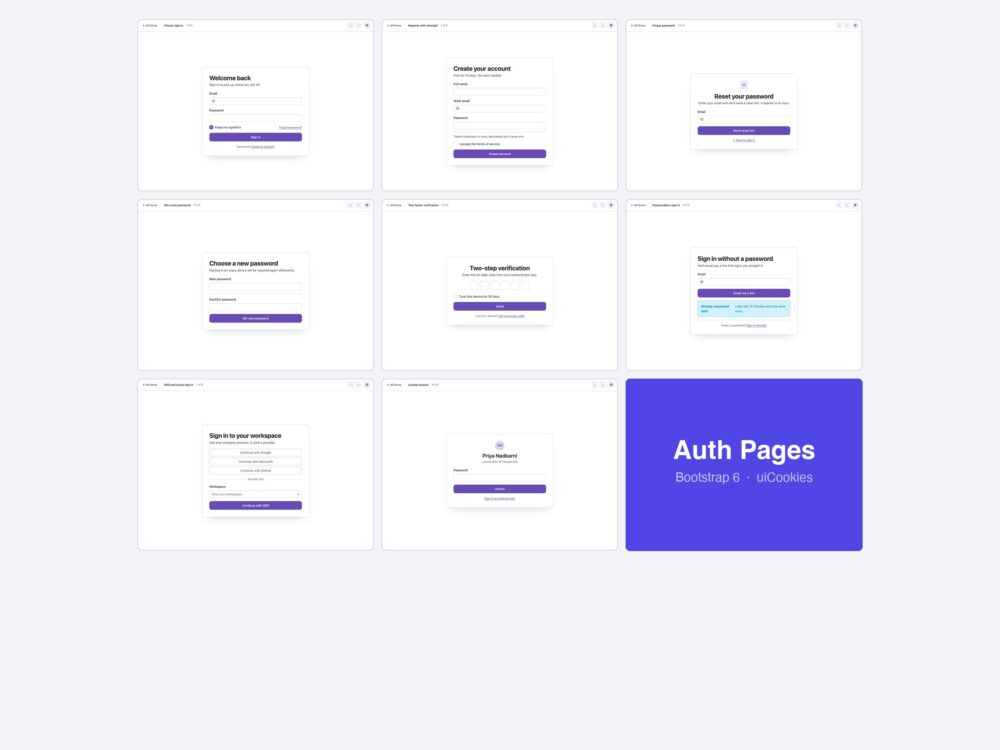
Eight authentication screens for Bootstrap 6 — classic sign in, registration with the new password strength meter, forgot password, set a new password, two-factor verification, a passwordless magic link, workspace SSO and a session lock screen.
Every screen was designed and coded in-house by uiCookies against the Bootstrap 6 alpha. Each design is its own page with prev/next navigation, there is no build step, and light and dark mode both work out of the box.
Download all 8 (free) Browse live demos
What changed for auth forms in Bootstrap 6
Two of the components v6 added exist more or less for this screen.
- The password Strength meter is built in. A bare
data-bs-strengthmarker on the input gives you a meter that fills as the password improves. In v5 this was a plugin or fifty lines of your own. - So is the OTP input.
data-bs-otpgives the multi-box code field with paste and auto-advance handled — the two-factor and magic-link screens here both use it. - Validation waits for the user.
data-bs-validateplus native:user-invalidmeans a sign-in form does not turn red before anyone has typed..needs-validationand.was-validatedno longer exist. - Dark mode is always compiled. There is no
$enable-dark-modeSass flag any more — dark ships in the stylesheet and is switched at runtime withdata-bs-themeon<html>. Every screen here works in both without a second build.
The eight designs
1. Classic sign in
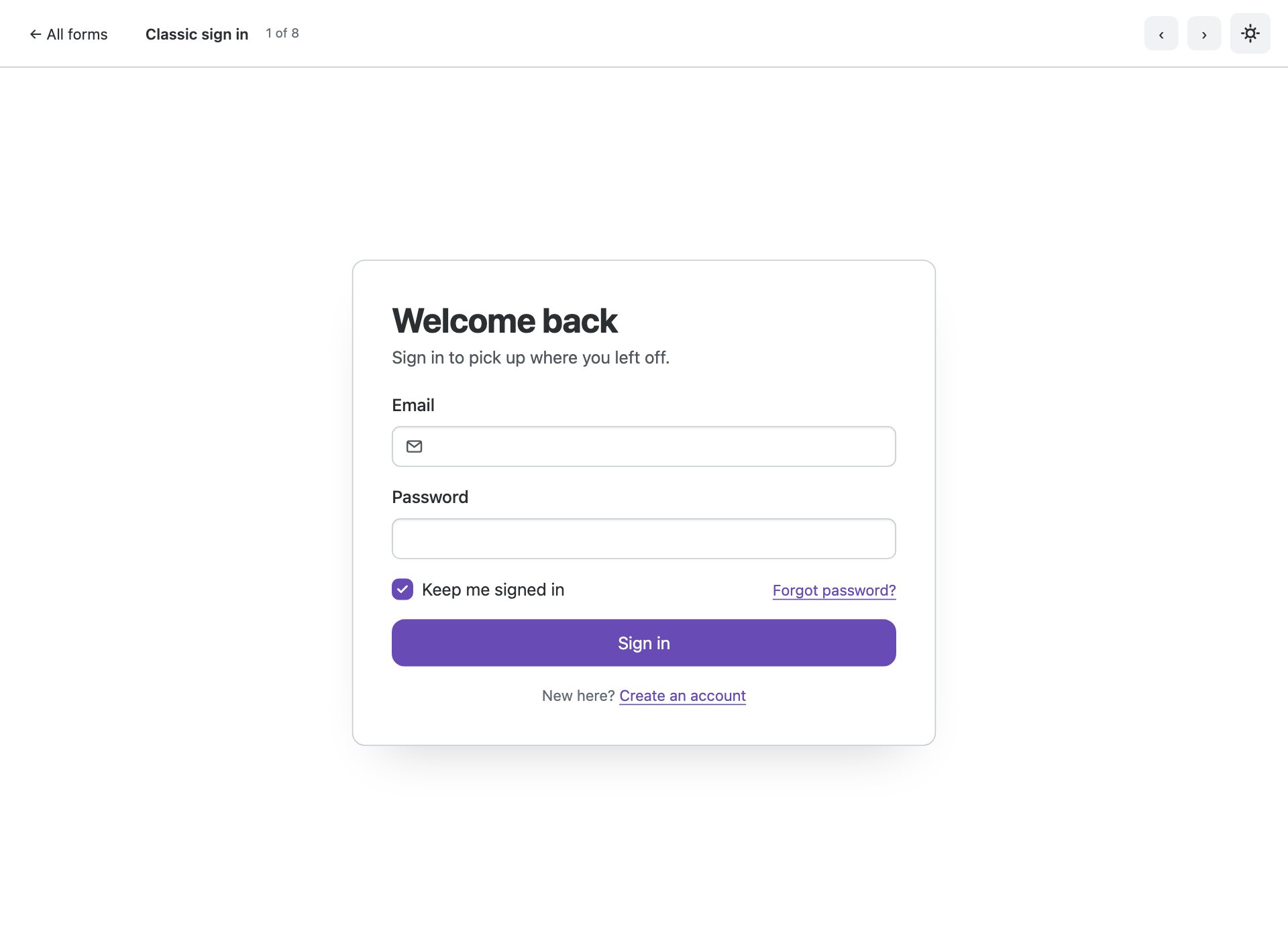
Email and password on a centred card, with an adorned input and native :user-invalid feedback.
2. Register with strength
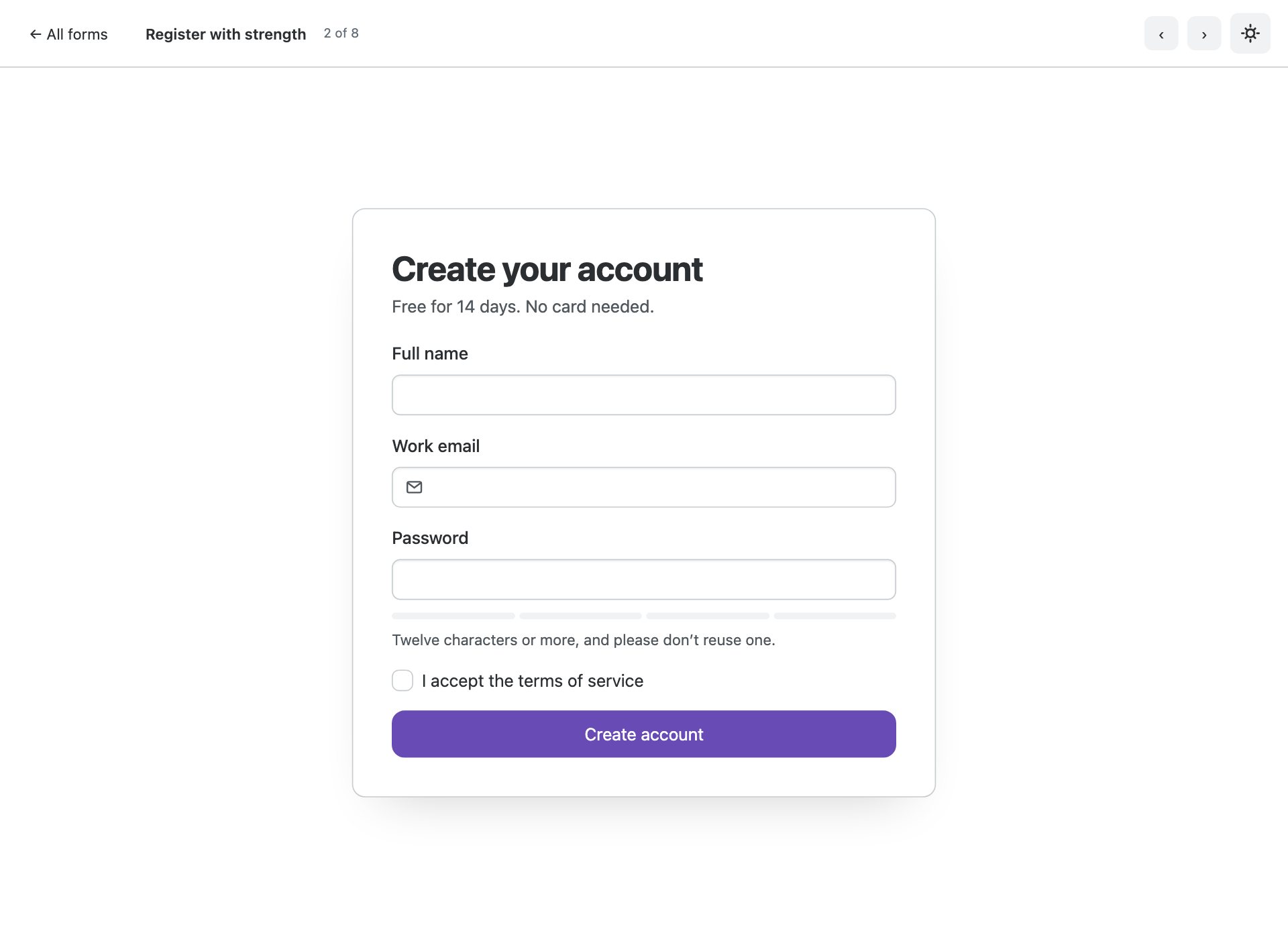
Account creation using the new password Strength meter, which fills as the password improves.
3. Forgot password
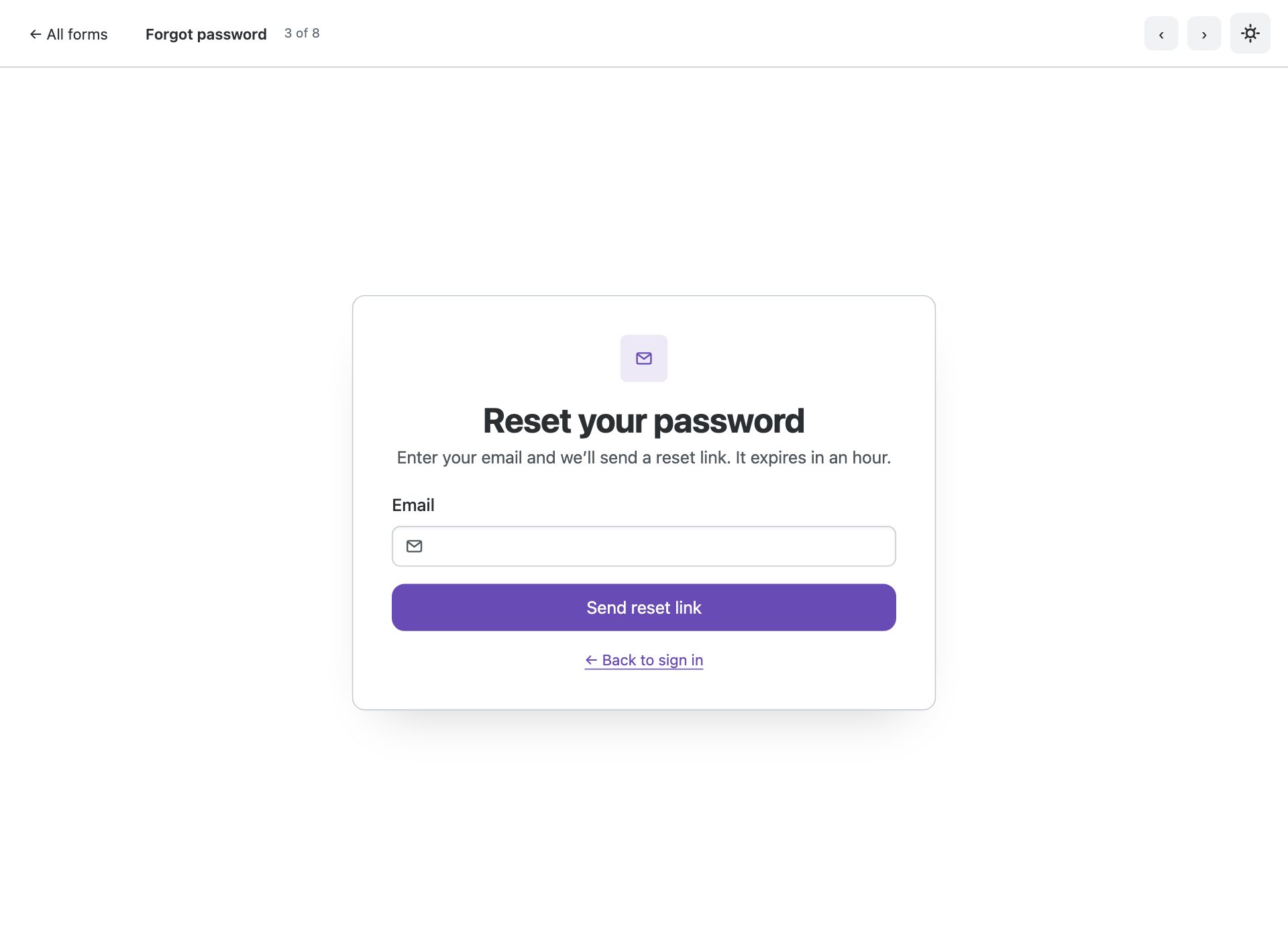
A single field and an honest message — deliberately vague about whether the address exists.
4. Set a new password
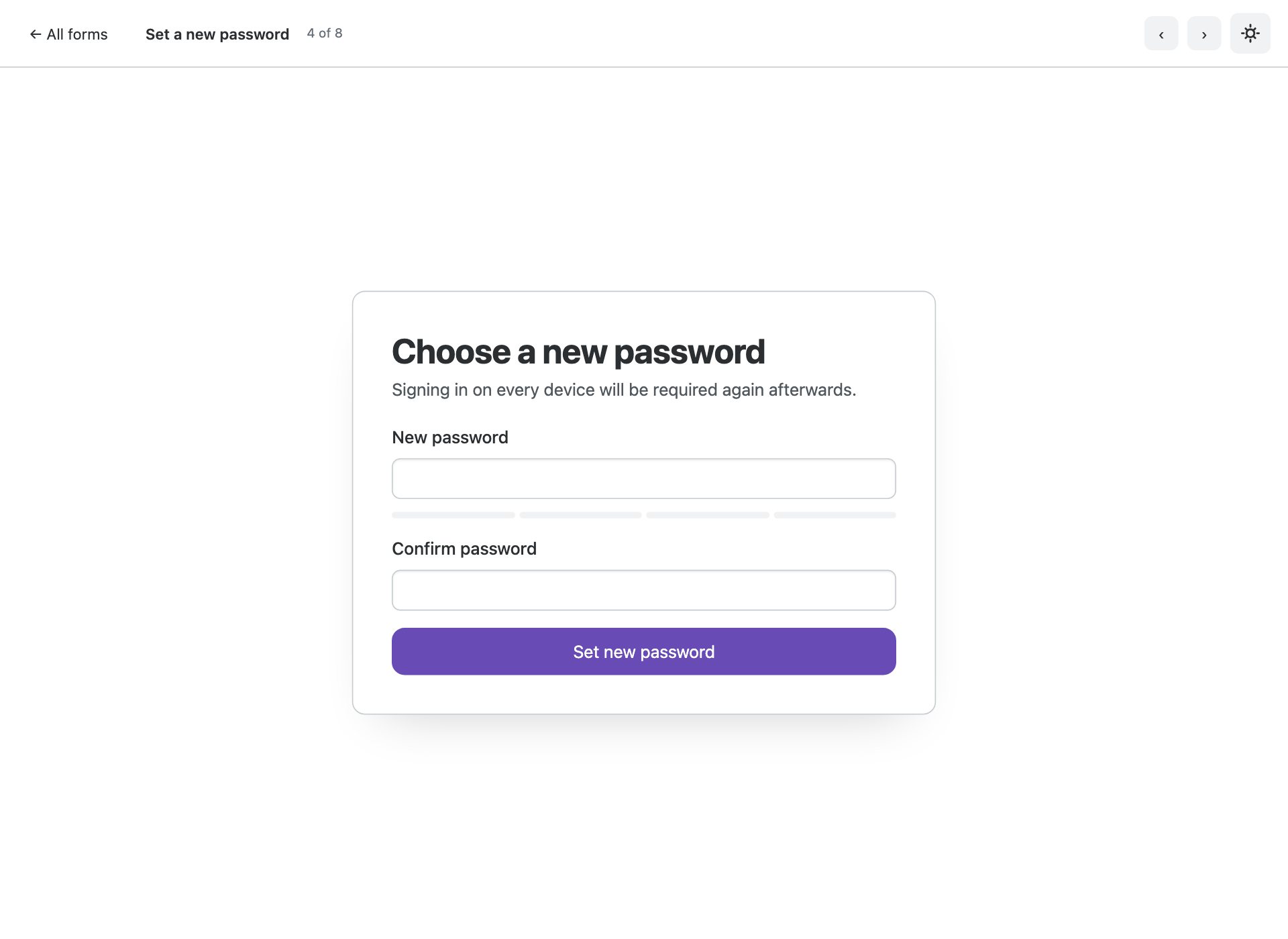
The other half of the reset flow, with the Strength meter and a confirmation field.
5. Two-factor verification
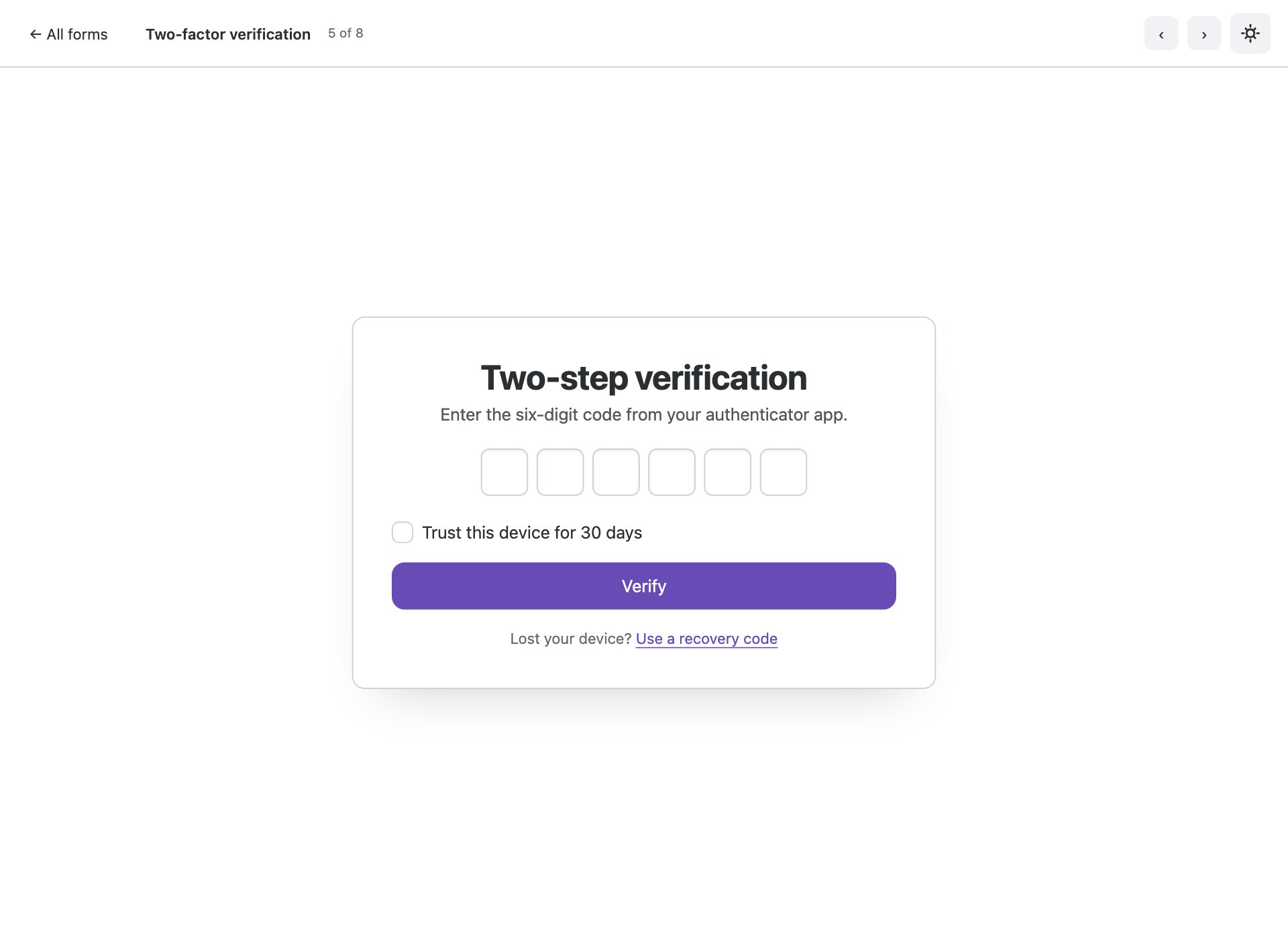
The OTP input handling a six-digit code, with paste support and one-time-code autofill.
6. Passwordless sign in
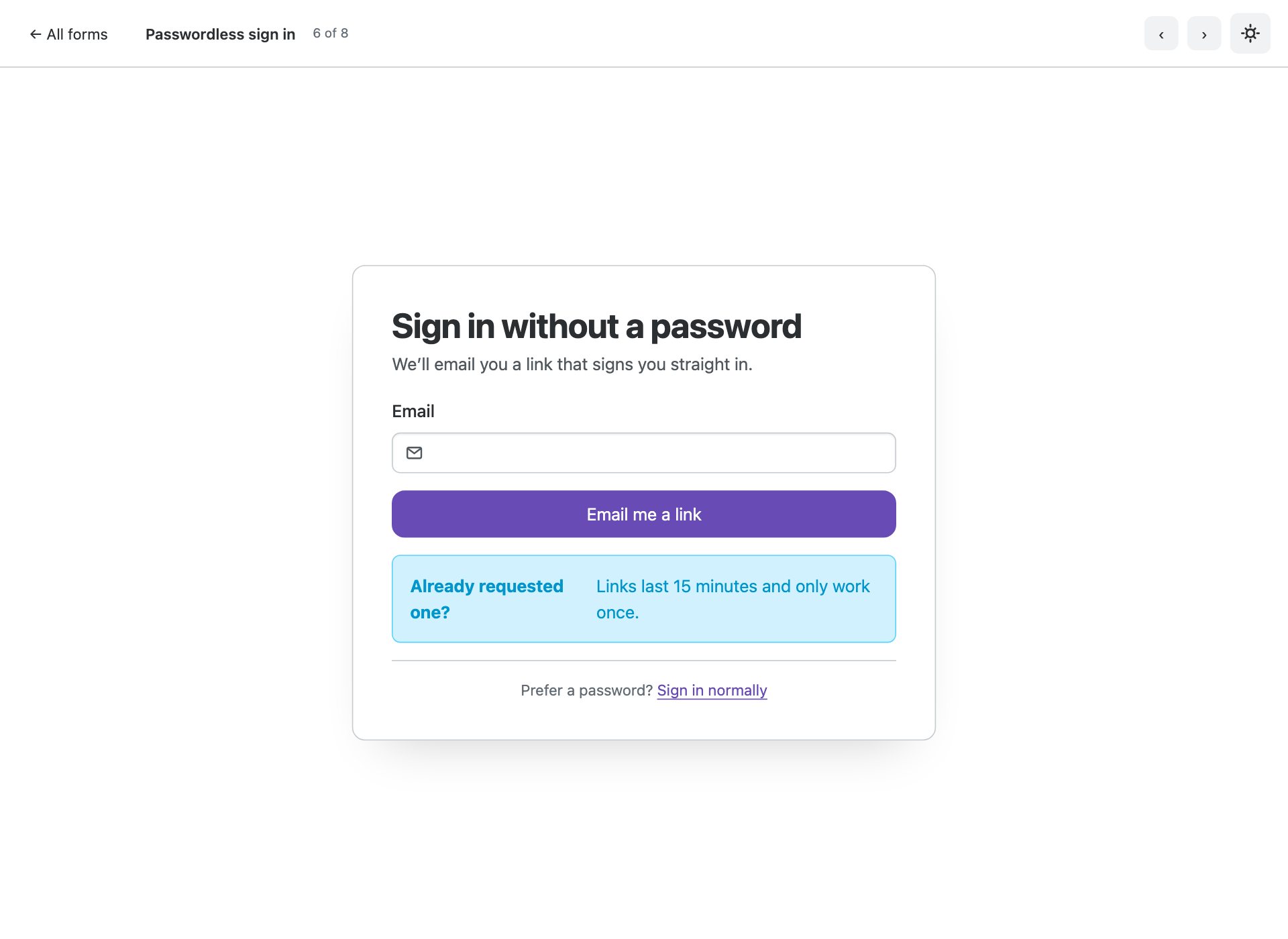
Email-only sign in, with the sent state shown inline rather than on a separate page.
7. SSO and social sign in
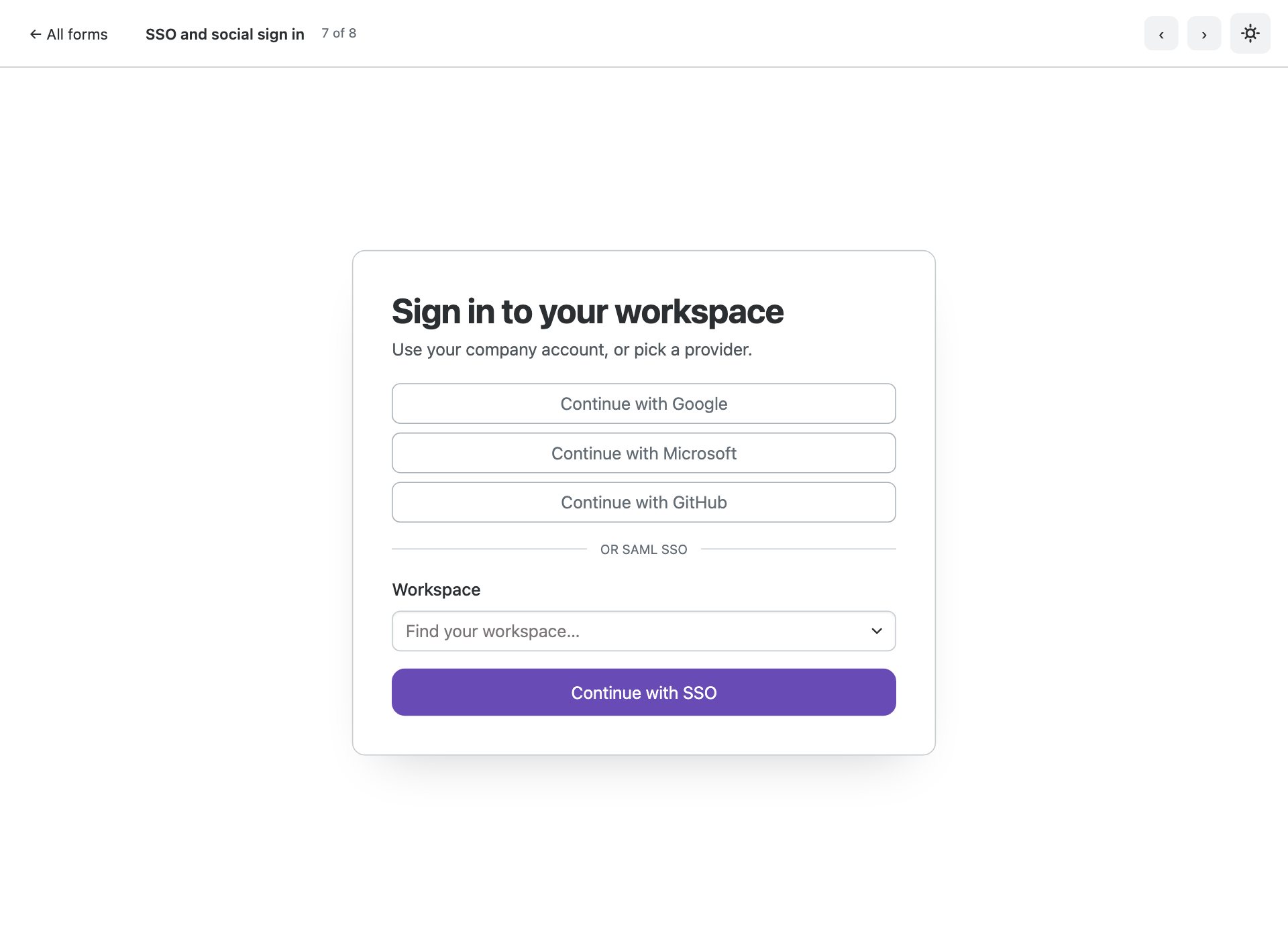
Provider buttons above a divider, with a workspace Combobox for organisations on SAML.
8. Locked session
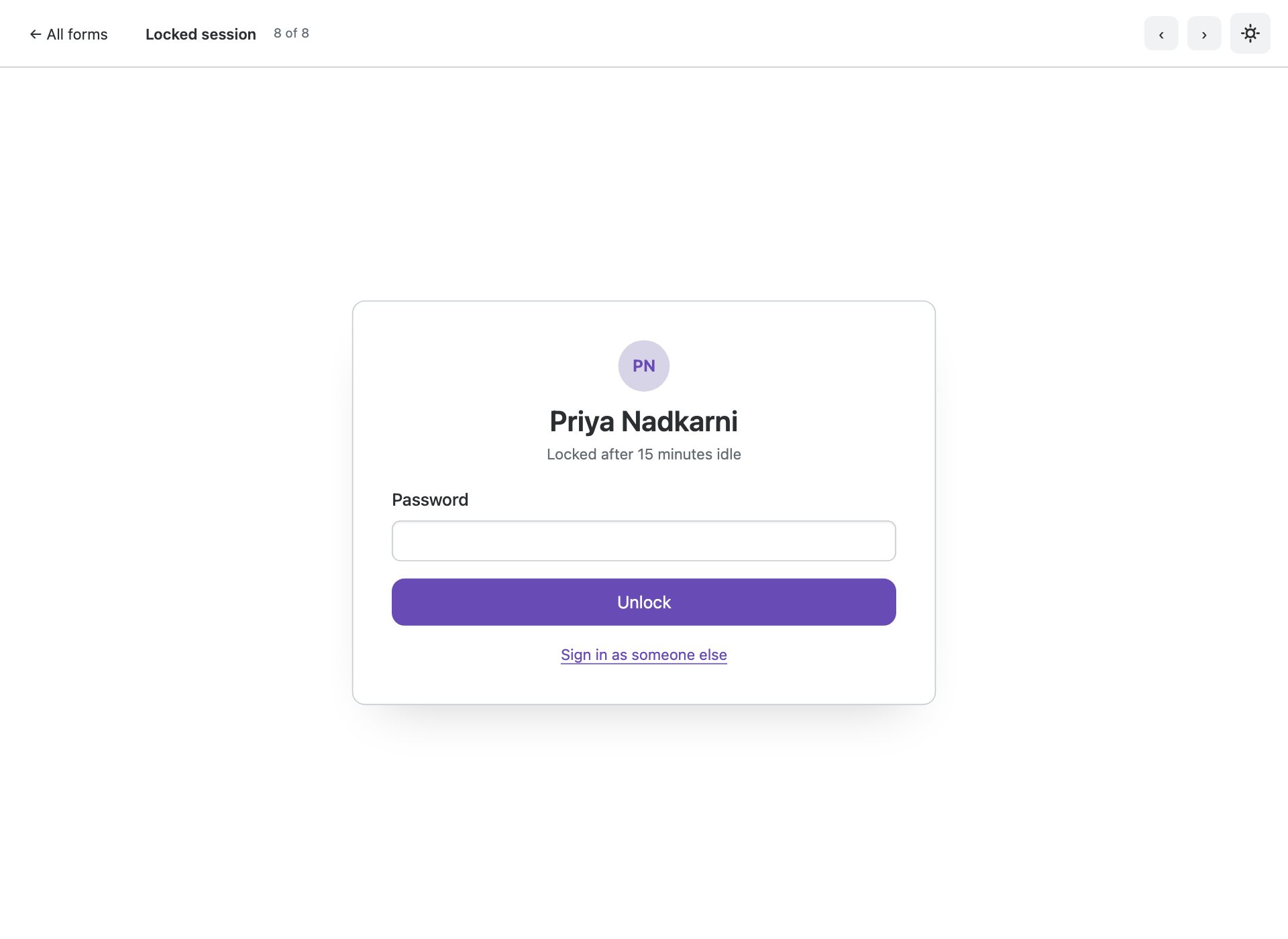
The return-from-idle screen: identity already known, so only the password is asked for.
What is in the pack
- Eight authentication screens, each on its own page with prev/next navigation
- Classic sign in with adorned email input and remember-me
- Registration using Bootstrap 6’s new password Strength meter
- Forgot password and set-new-password, the two halves of a reset flow
- Two-factor verification built on the new OTP input, with one-time-code autofill
- Passwordless magic-link sign in with an inline sent state
- SSO screen with provider buttons and a searchable workspace Combobox
- Idle lock screen that keeps the identity and asks only for the password
- Native :user-invalid validation throughout via data-bs-validate
- Full dark mode via data-bs-theme, remembered across visits
- ESM-only vanilla JavaScript — no jQuery, no bundler, no build step
Installing Bootstrap 6
Bootstrap 6 is not on npm yet, so the pack includes the pinned alpha dist it was built against under assets/vendor/bootstrap6/. Open any screen straight from the folder — there is no build step and nothing to install.
Frequently asked questions
Is Bootstrap 6 released yet?
Not as a stable version. Bootstrap 6 is in alpha, and it is not published to npm — npm i bootstrap@6 will not fetch it. These templates ship the compiled alpha dist they were built against, pinned to a specific commit, so they keep working regardless of what changes upstream.
Can I use these in production?
Treat them the way you would treat any alpha. They are complete, tested templates and the markup is correct for the build they ship with — but Bootstrap 6 class names and component APIs are still moving, so a later alpha may require changes. For a site you have to maintain today, Bootstrap 5 is still the safer answer.
Do I need a build step?
No. Every file is plain HTML with the compiled CSS and an ESM script tag. Open it from the folder and it runs. Bootstrap 6 is ESM-only, which means there is no window.bootstrap — you import the bundle for its side effects and that registers the data-attribute API.
Why does the console log an error about more than one instance?
On pages using a Combobox you will see “Bootstrap doesn’t allow more than one instance per element. Bound instance: bs.combobox.” That is an upstream bug in the alpha: the Combobox constructor creates a Menu on an element that already holds a combobox instance. It is a logged error, not a thrown one, and every component still works. We have deliberately not patched around it, because the fix belongs upstream.
Are these free for commercial use?
Yes — free for personal and commercial projects, including client work. What you cannot do is repackage the pack itself for redistribution.
More Bootstrap 6 templates
The rest of the Bootstrap 6 component packs, all built against the same pinned alpha build:
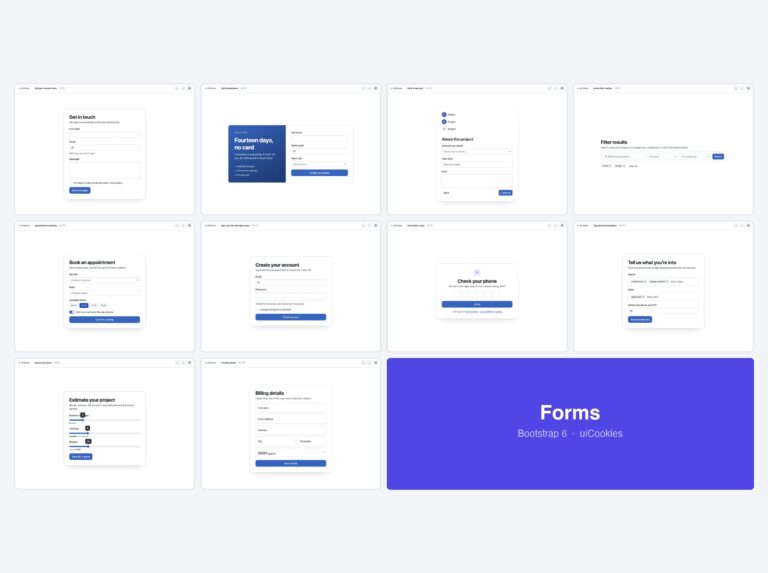
- Bootstrap 6 forms — 10 form layouts
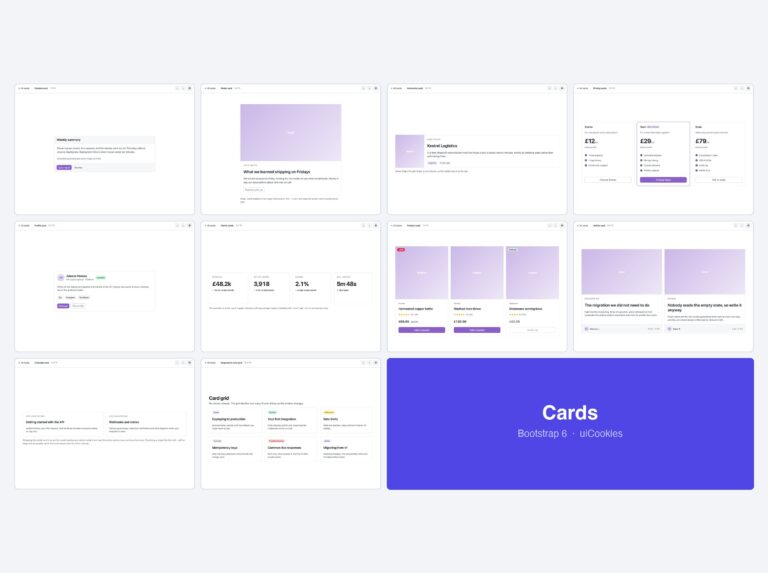
- Bootstrap 6 cards — 10 card templates
- Bootstrap 6 tables — 10 table templates
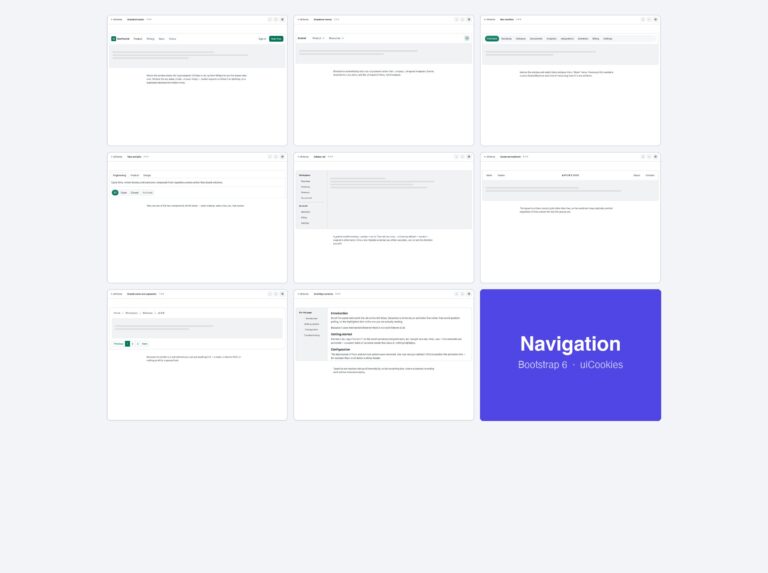
- Bootstrap 6 navbars & menus — 8 navigation patterns
- Bootstrap 6 modals & drawers — 10 dialog templates
For complete sites and admin UIs rather than single components, see all 34 free Bootstrap 6 templates — which also covers what changed from Bootstrap 5 in full.
Download all 8 templates (free) Browse live demos