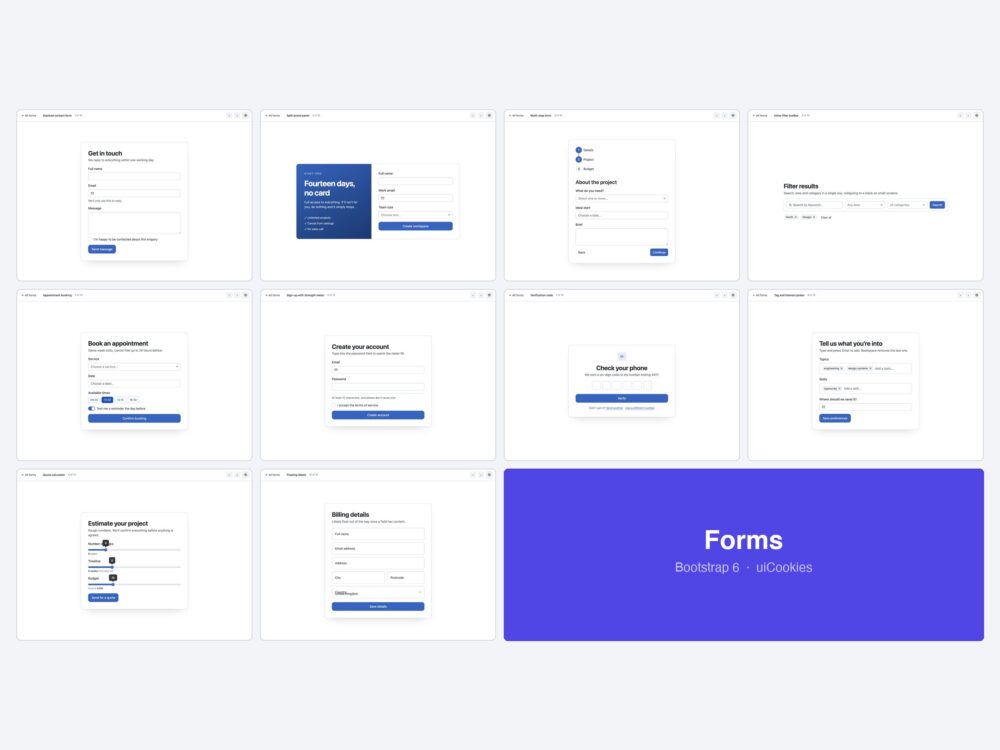
Ten form layouts for Bootstrap 6 — a stacked contact form, a split brand panel, a multi-step signup, a filter toolbar, appointment booking, a password-strength signup, OTP verification, chip and tag pickers, a range-driven quote calculator and floating labels.
Every screen was designed and coded in-house by uiCookies against the Bootstrap 6 alpha. Each design is its own page with prev/next navigation, there is no build step, and light and dark mode both work out of the box.
Download all 10 (free) Browse live demos
What changed for forms in Bootstrap 6
Forms are where v6 changed most, and where the old markup quietly stops working.
- Validation is native now.
.needs-validationand.was-validatedare gone. Putdata-bs-validateandnovalidateon the form, and the browser’s own:user-invaliddoes the styling — fields only turn red after someone has actually interacted with them, which is the behaviour everyone hand-rolled in v5. Do not callreportValidity(); it re-enables the native bubbles thatnovalidateexists to suppress. .form-selectis gone. A native<select>now takes.form-control.form-control-caret. If you leave.form-selecton it, the element renders with no padding, no border and no chevron — it survives in v6 only inside.input-groupradius rules.- Six input types that had no v5 equivalent. Combobox, Datepicker, OTP input, Chip input, Range with a value bubble, and a Password strength meter — all driven by data attributes. Six of the ten designs here are built around them.
- Typed boolean attributes. Combobox options are typed: write
data-bs-search="true", not a baredata-bs-search. A bare attribute throws provided type “null” but expected type “boolean” and the component never initialises. Bare markers are correct fordata-bs-otp,data-bs-chips,data-bs-strengthanddata-bs-validate.
The ten designs
1. Stacked contact form
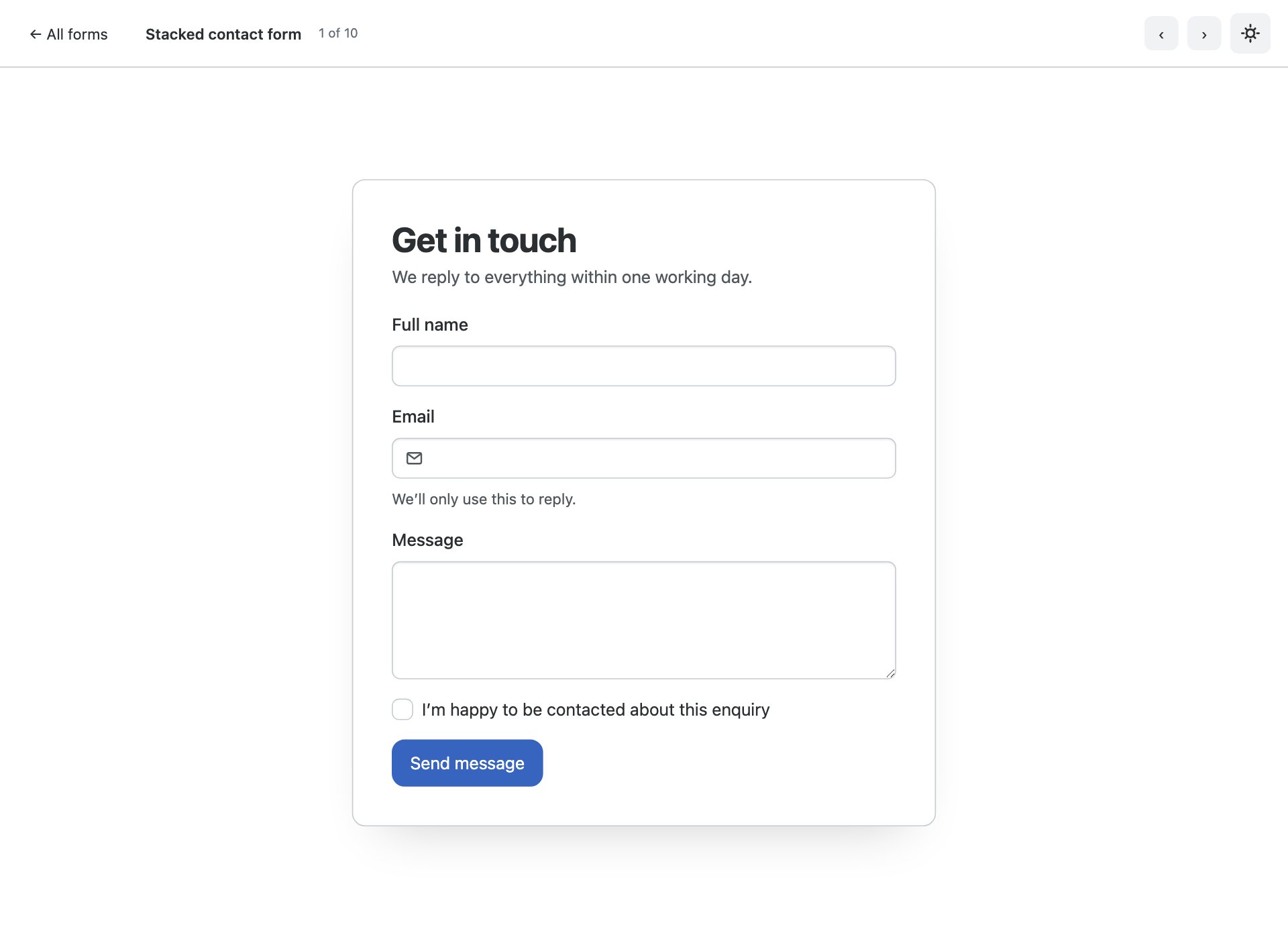
The default. Labelled fields in a single column with help text, an adorned email input and native :user-invalid validation.
2. Split brand panel
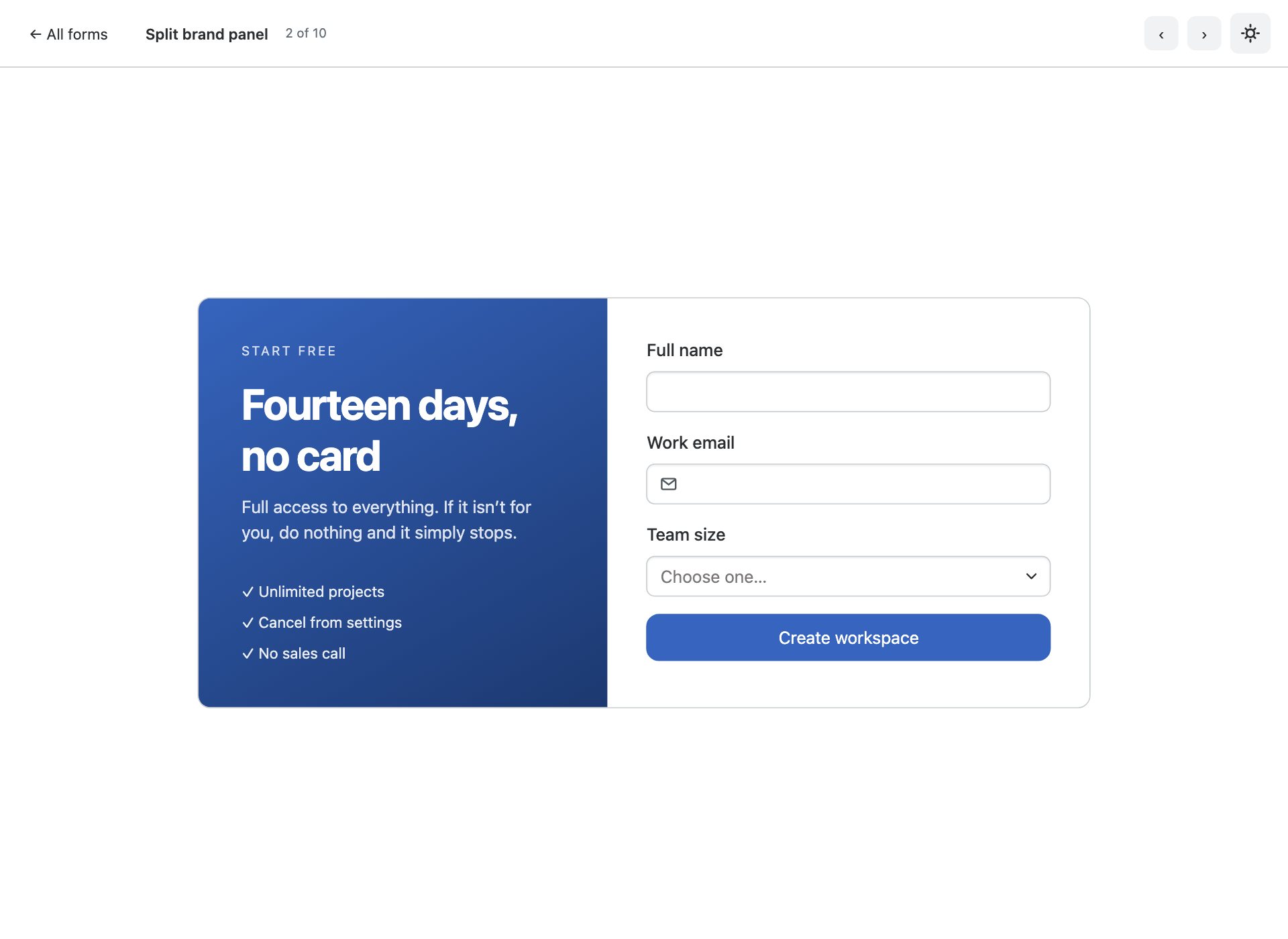
A gradient brand panel beside the fields — the pattern most SaaS sign-up flows land on.
3. Multi-step form
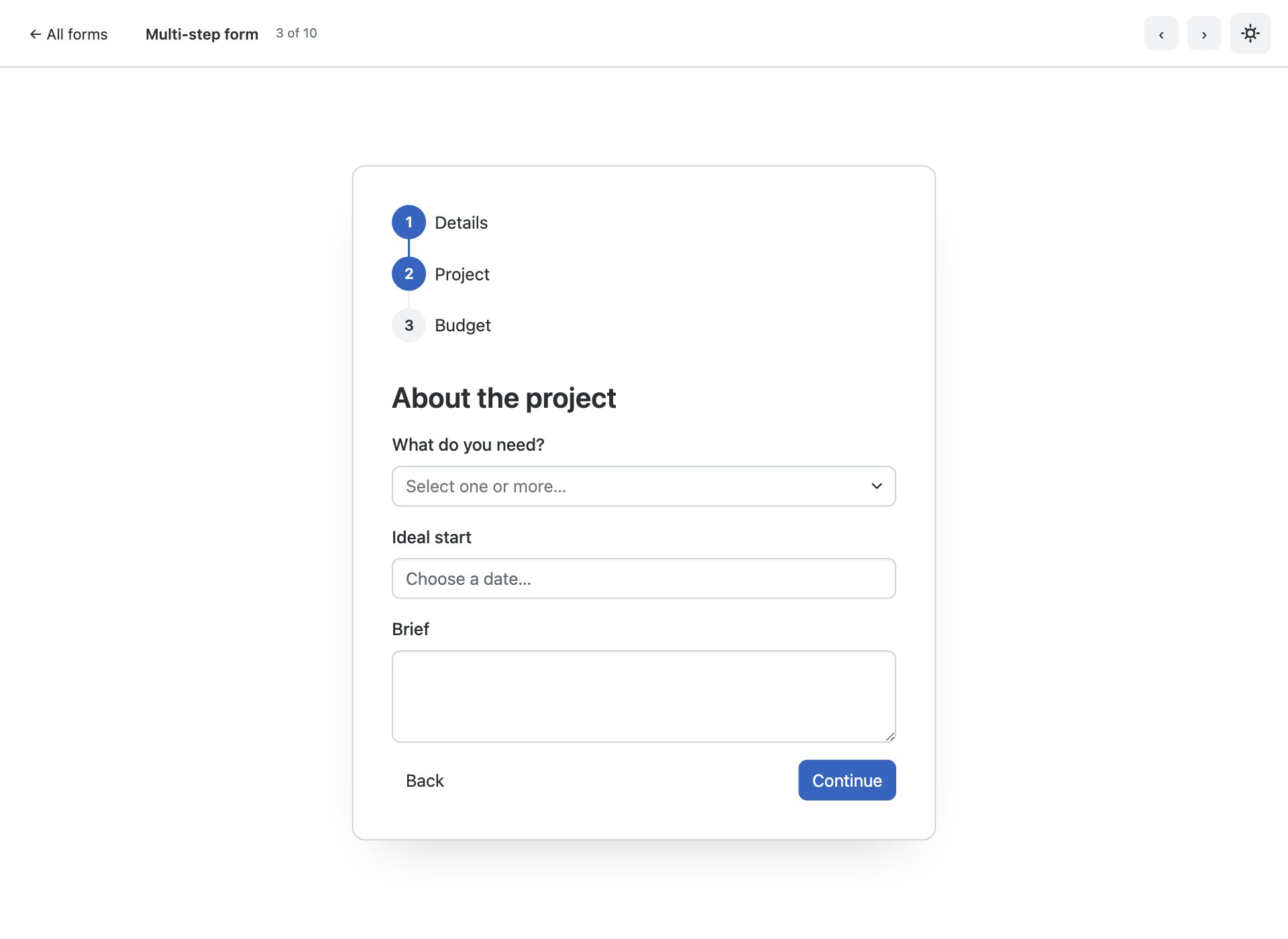
Long forms split across steps with Bootstrap 6’s new Stepper marking progress.
4. Inline filter toolbar
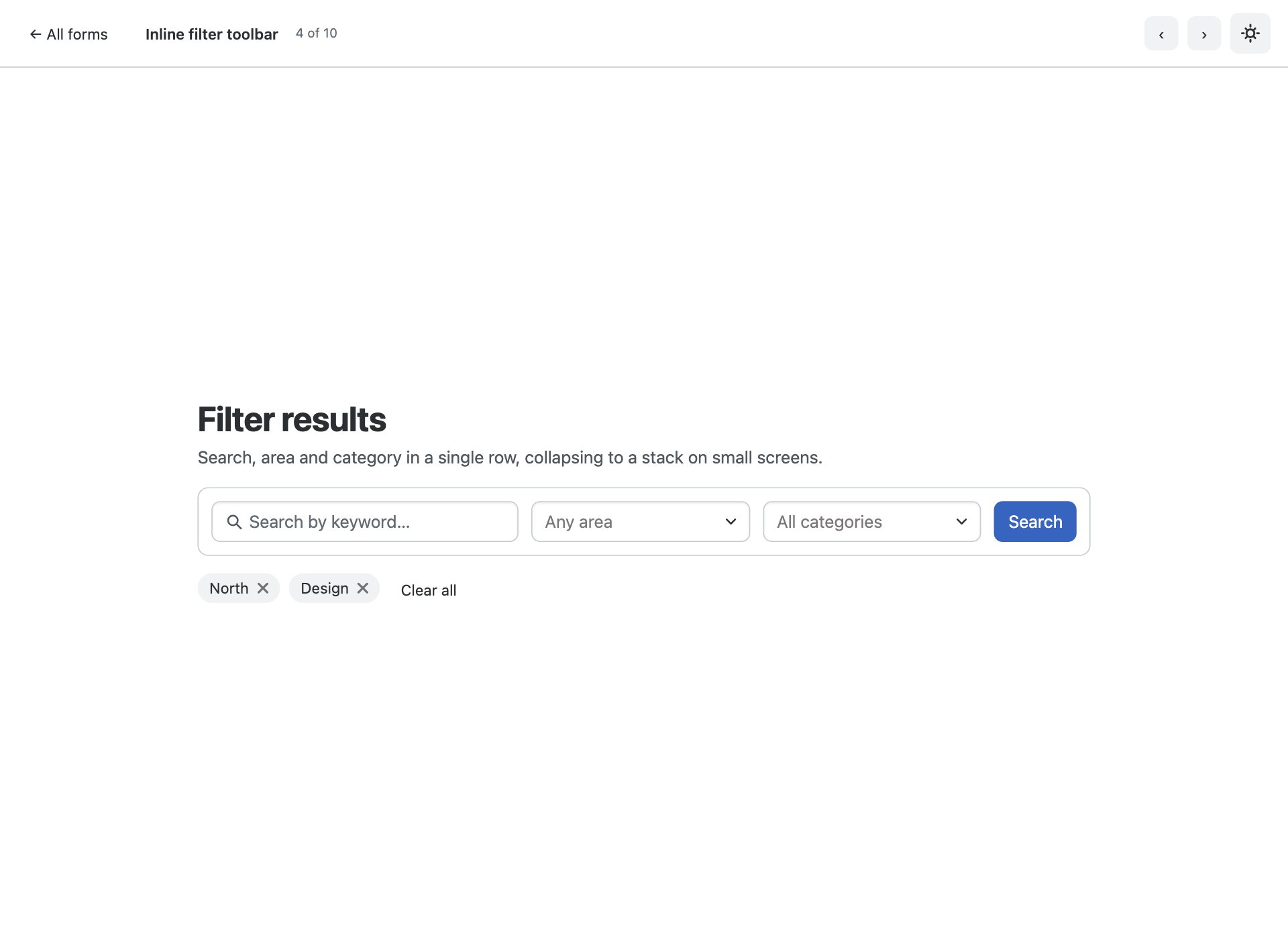
A horizontal search and filter bar built from Combobox — the pattern every listing page needs.
5. Appointment booking
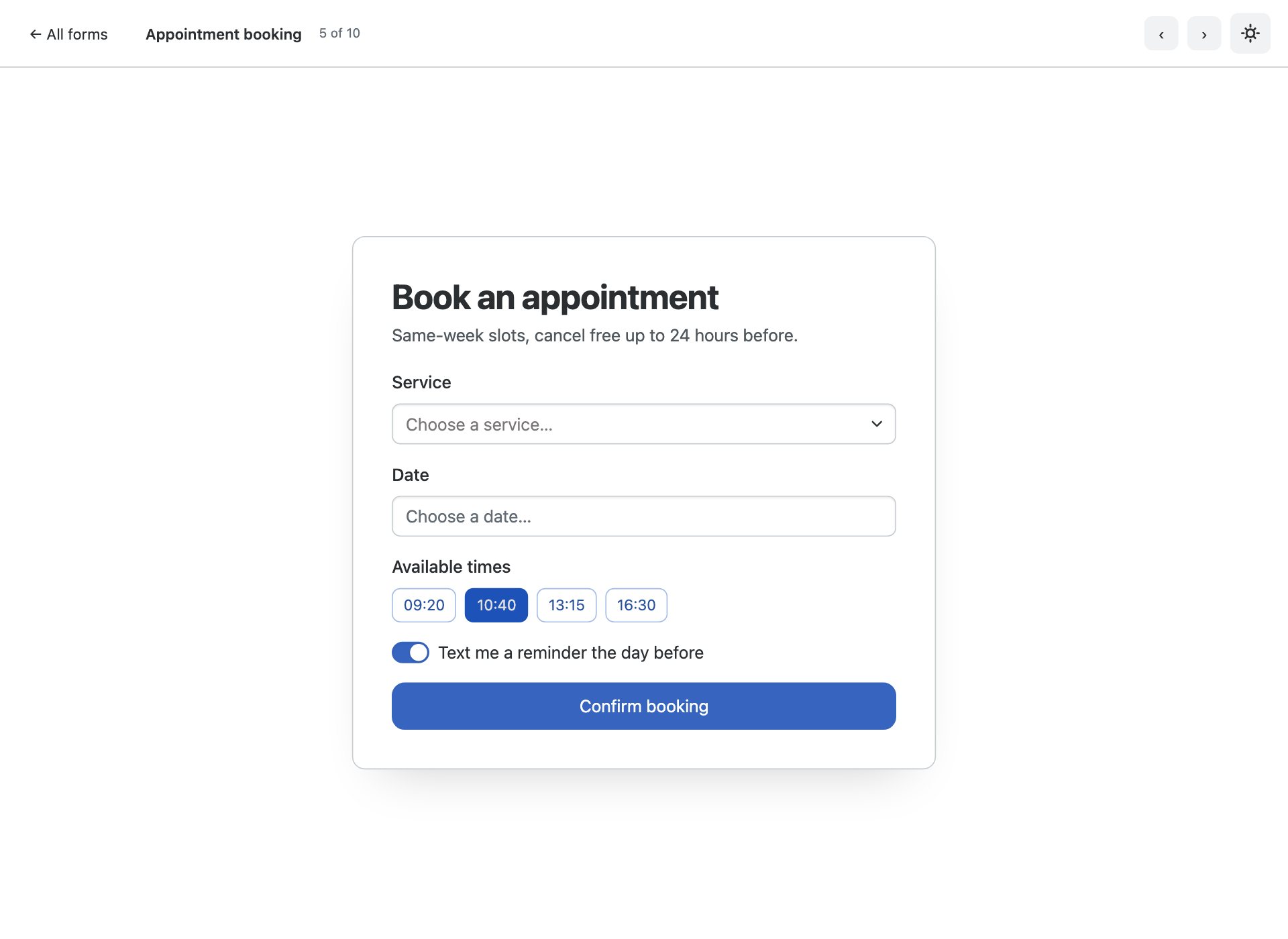
Datepicker plus time-slot toggles — the shape almost every clinic, salon and studio needs.
6. Sign-up with strength meter
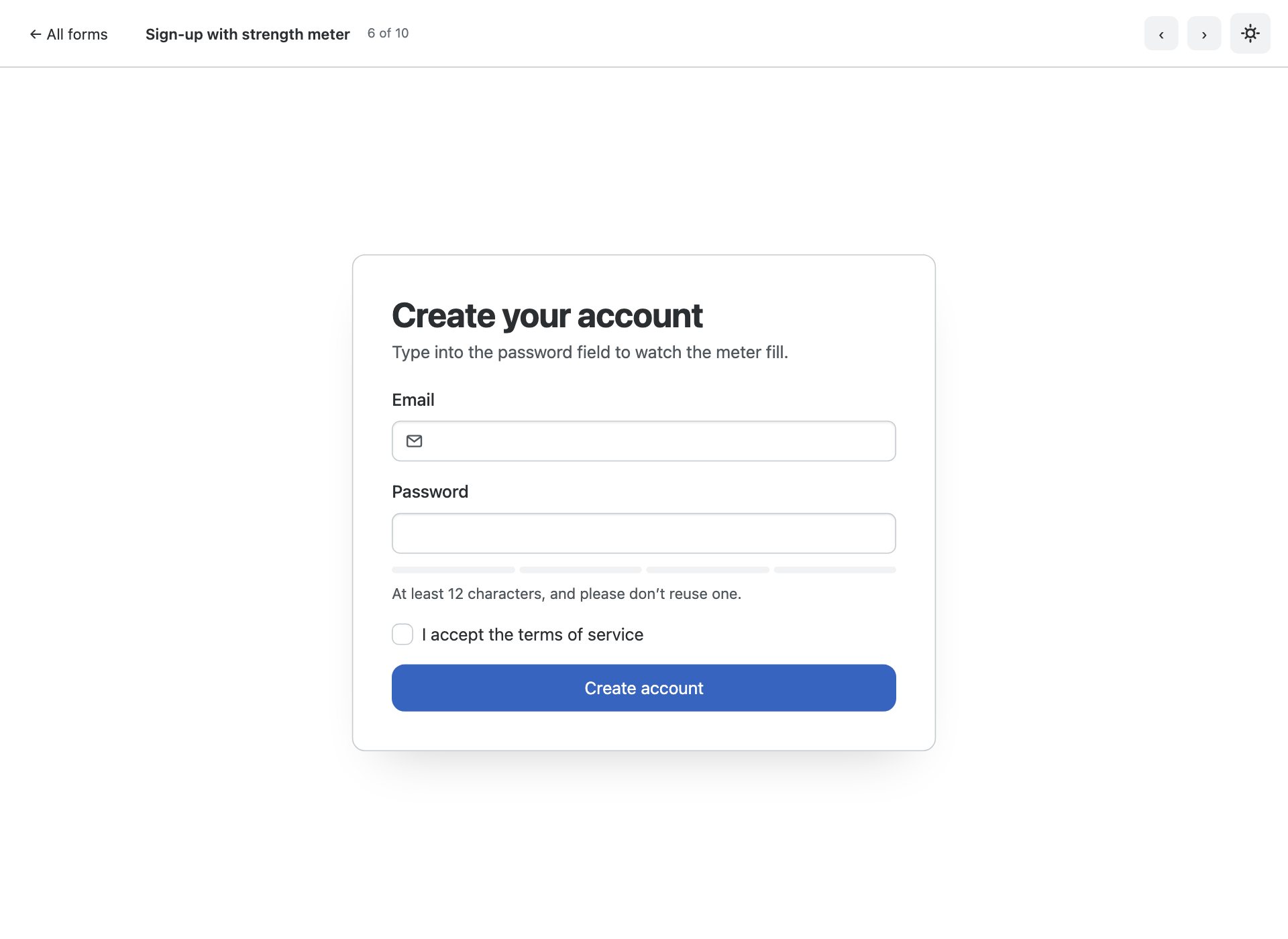
Registration using the new password Strength component, which fills as the password improves.
7. Verification code
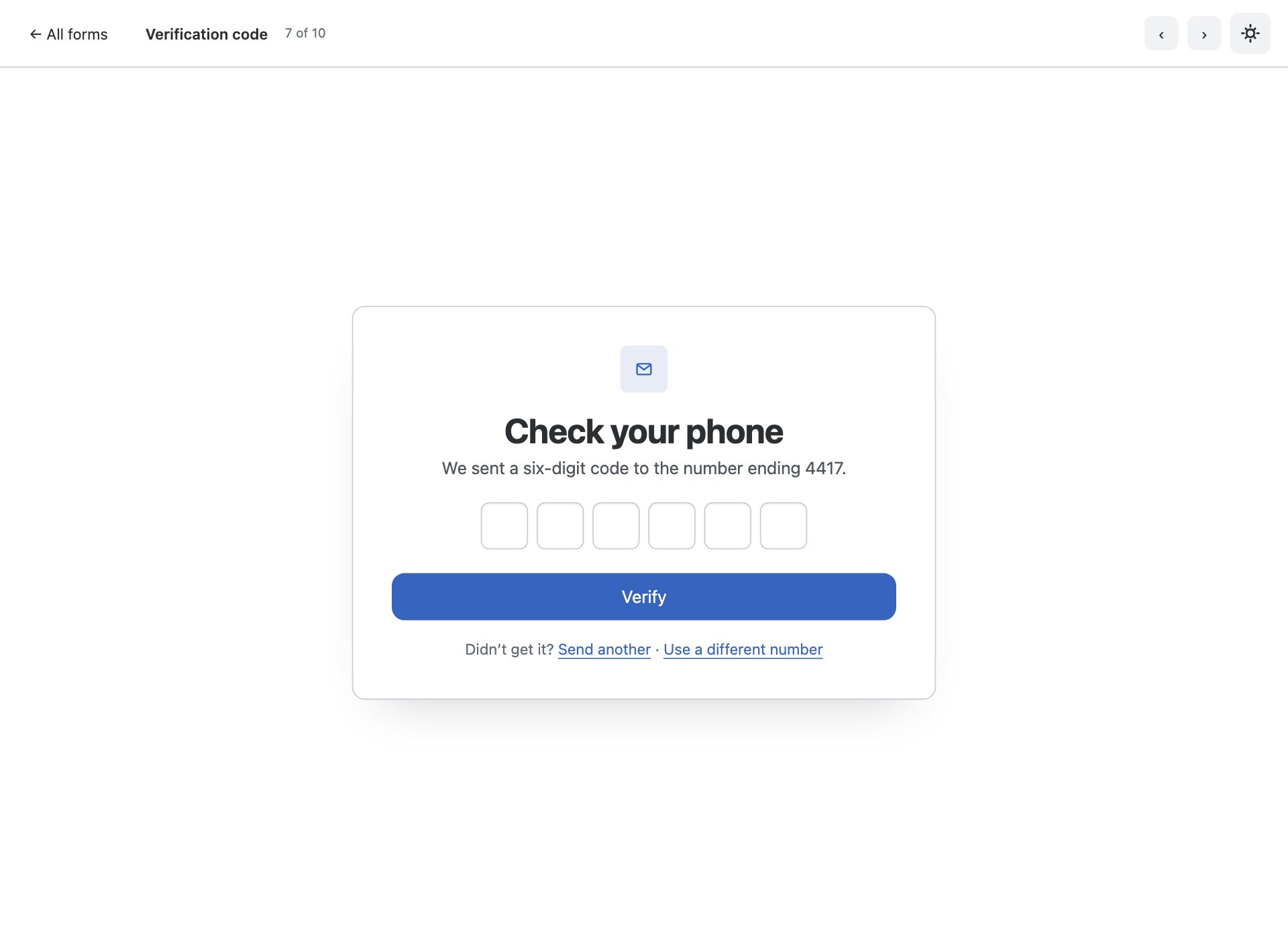
One-time-code entry with the new OTP input: per-character boxes, paste handling and one-time-code autofill.
8. Tag and interest picker
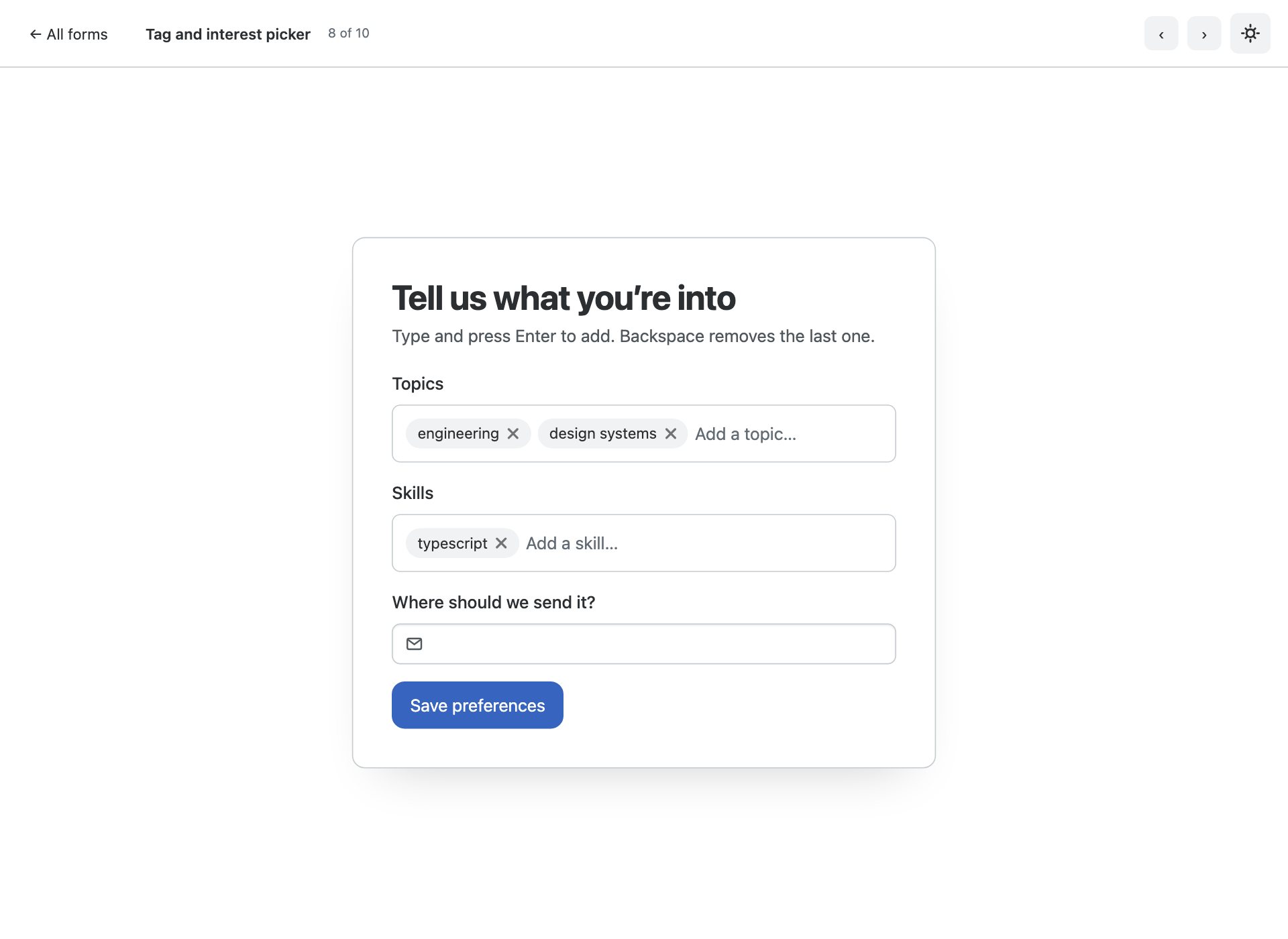
Chip input for tokens the visitor types themselves, plus chips as removable applied filters.
9. Quote calculator
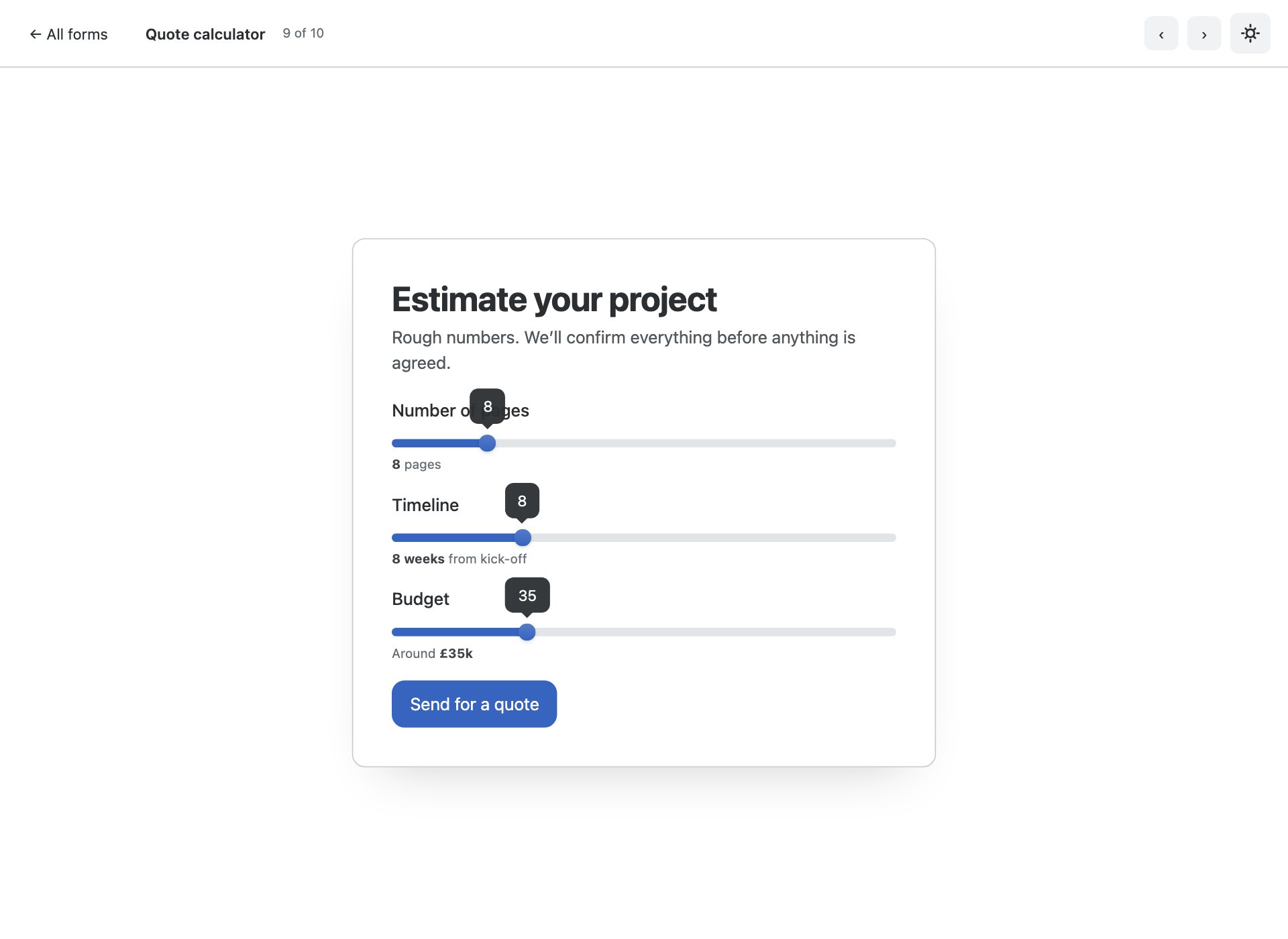
Range sliders with live value bubbles driving a running estimate — no plugin, no chart library.
10. Floating labels
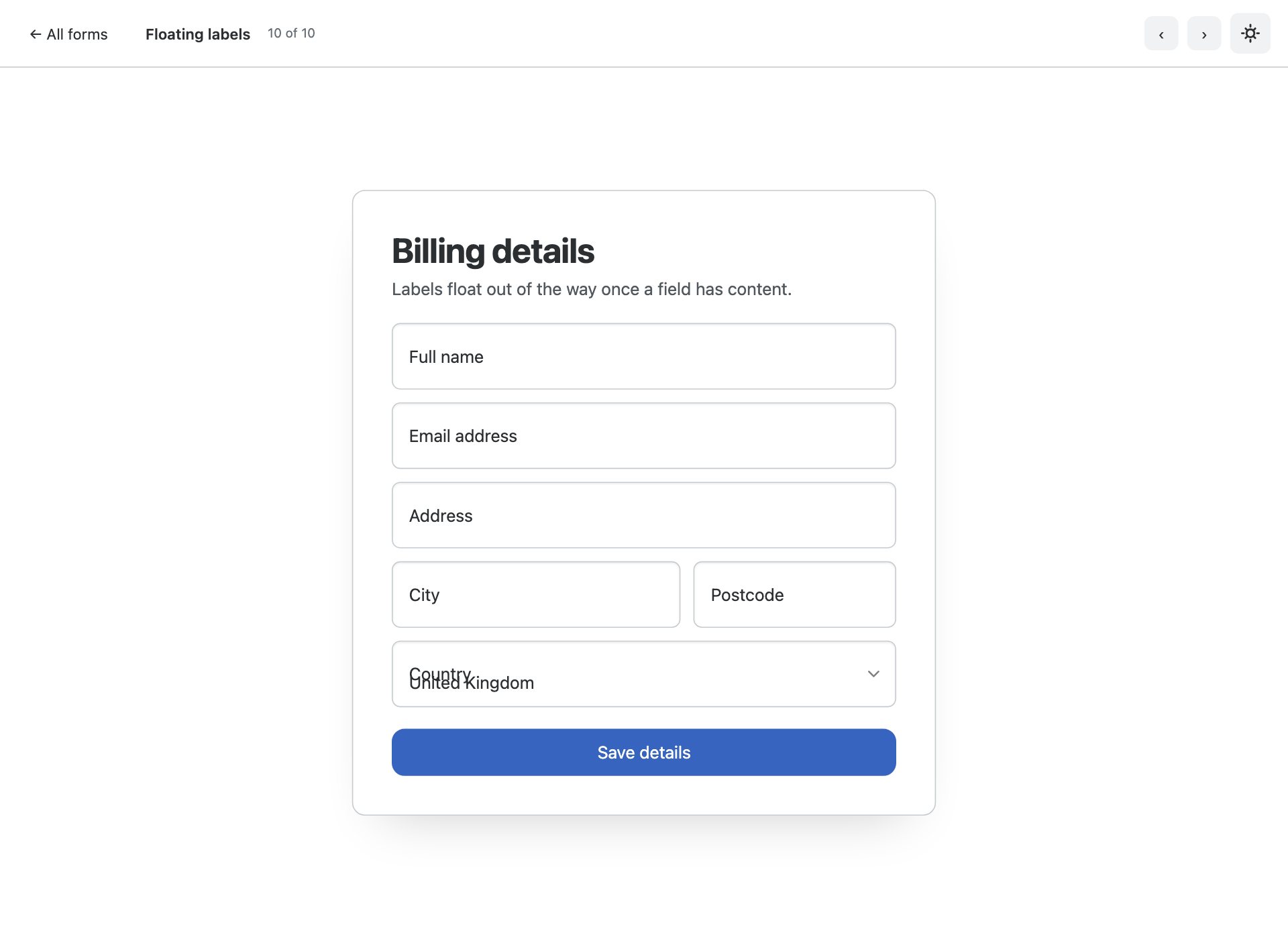
Floating labels with adorned inputs and a native select, for dense forms where every row counts.
What is in the pack
- Ten distinct form layouts, each on its own page with prev/next navigation
- Stacked contact form with form adorn and native :user-invalid validation
- Split brand-panel sign-up, the standard SaaS pattern
- Multi-step form using Bootstrap 6’s new Stepper component
- Inline filter toolbar built from searchable and multi-select Comboboxes
- Appointment booking with the new Datepicker and time-slot toggles
- Sign-up with the password Strength meter
- Verification screen using the new OTP input, with one-time-code autofill
- Tag and interest pickers built on Chip input
- Quote calculator driven by Range sliders with live value bubbles
- Floating labels with adorned inputs and a native select
- Full dark mode via data-bs-theme, remembered across visits
- ESM-only vanilla JavaScript — no jQuery, no bundler, no build step
Installing Bootstrap 6
Bootstrap 6 is in alpha and is not on npm yet, whatever the docs imply — npm i bootstrap@6 will not get you a v6 build. The pack ships the compiled dist it was built against inside assets/vendor/bootstrap6/, pinned to a known commit, so every demo here runs exactly as tested with nothing to install.
Frequently asked questions
Is Bootstrap 6 released yet?
Not as a stable version. Bootstrap 6 is in alpha, and it is not published to npm — npm i bootstrap@6 will not fetch it. These templates ship the compiled alpha dist they were built against, pinned to a specific commit, so they keep working regardless of what changes upstream.
Can I use these in production?
Treat them the way you would treat any alpha. They are complete, tested templates and the markup is correct for the build they ship with — but Bootstrap 6 class names and component APIs are still moving, so a later alpha may require changes. For a site you have to maintain today, Bootstrap 5 is still the safer answer.
Do I need a build step?
No. Every file is plain HTML with the compiled CSS and an ESM script tag. Open it from the folder and it runs. Bootstrap 6 is ESM-only, which means there is no window.bootstrap — you import the bundle for its side effects and that registers the data-attribute API.
Why does the console log an error about more than one instance?
On pages using a Combobox you will see “Bootstrap doesn’t allow more than one instance per element. Bound instance: bs.combobox.” That is an upstream bug in the alpha: the Combobox constructor creates a Menu on an element that already holds a combobox instance. It is a logged error, not a thrown one, and every component still works. We have deliberately not patched around it, because the fix belongs upstream.
Are these free for commercial use?
Yes — free for personal and commercial projects, including client work. What you cannot do is repackage the pack itself for redistribution.
More Bootstrap 6 templates
The rest of the Bootstrap 6 component packs, all built against the same pinned alpha build:
- Bootstrap 6 cards — 10 card templates
- Bootstrap 6 tables — 10 table templates
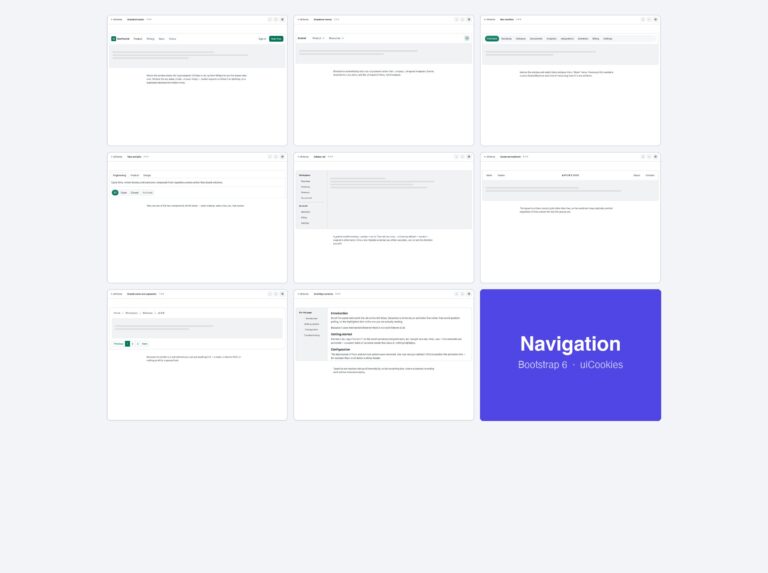
- Bootstrap 6 navbars & menus — 8 navigation patterns
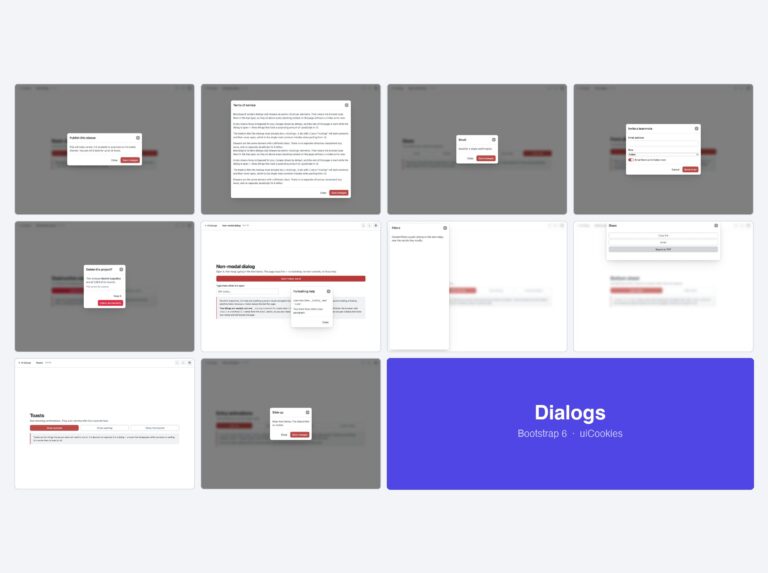
- Bootstrap 6 modals & drawers — 10 dialog templates
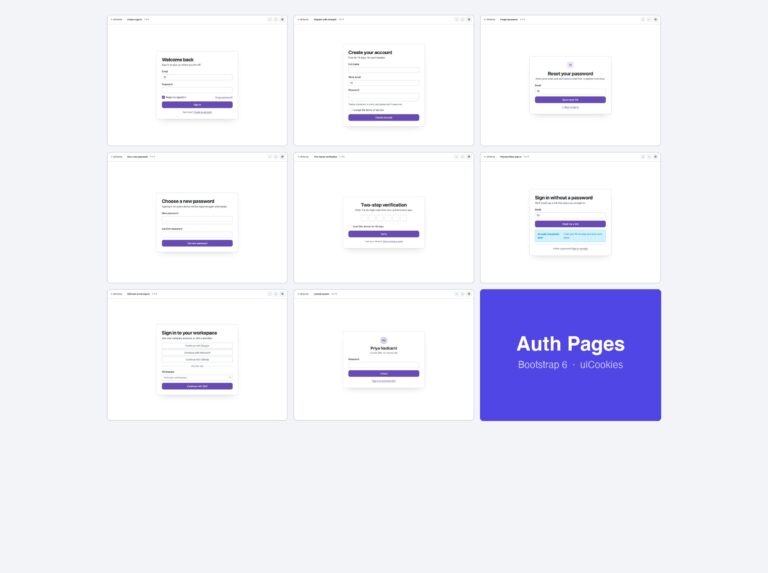
- Bootstrap 6 login forms — 8 auth screens
For complete sites and admin UIs rather than single components, see all 34 free Bootstrap 6 templates — which also covers what changed from Bootstrap 5 in full.
Download all 10 templates (free) Browse live demos