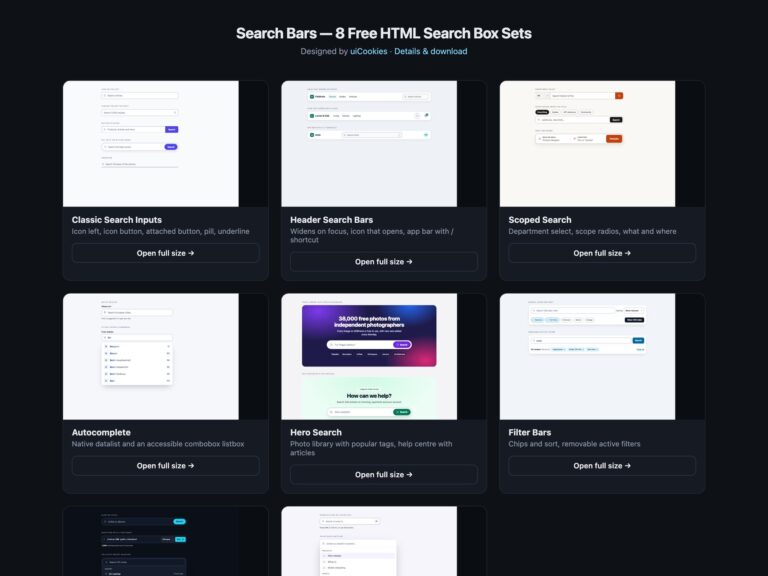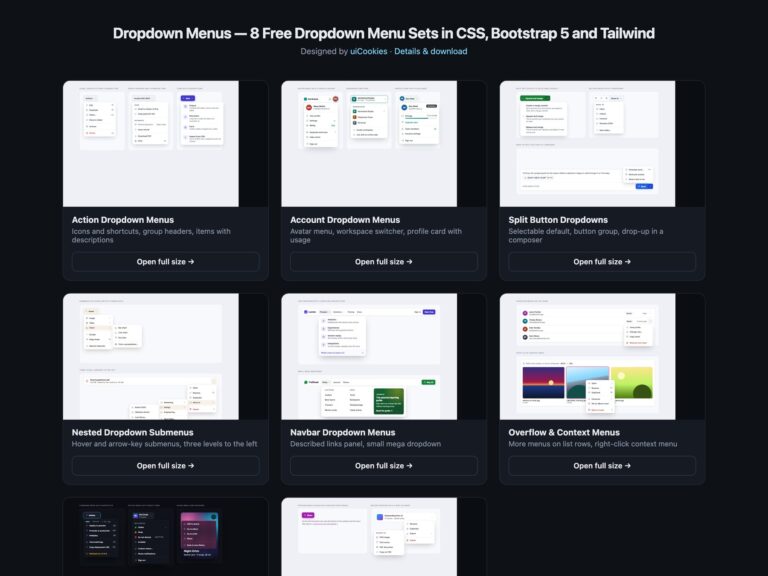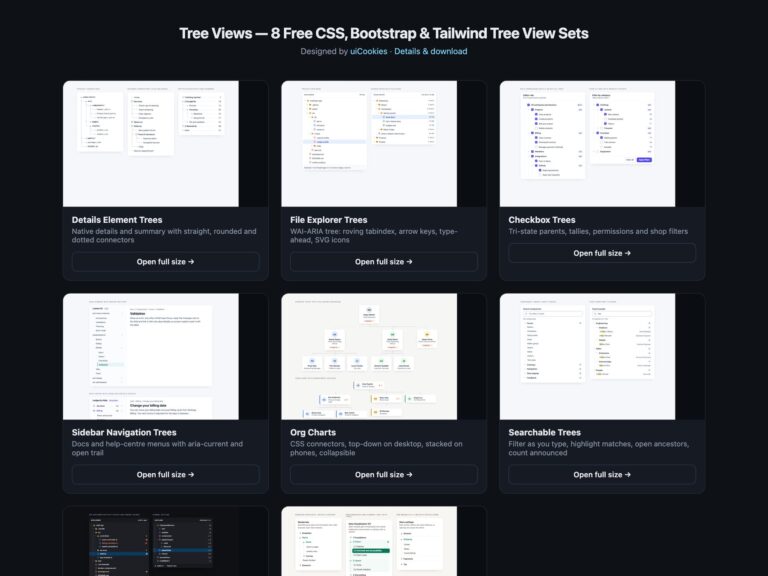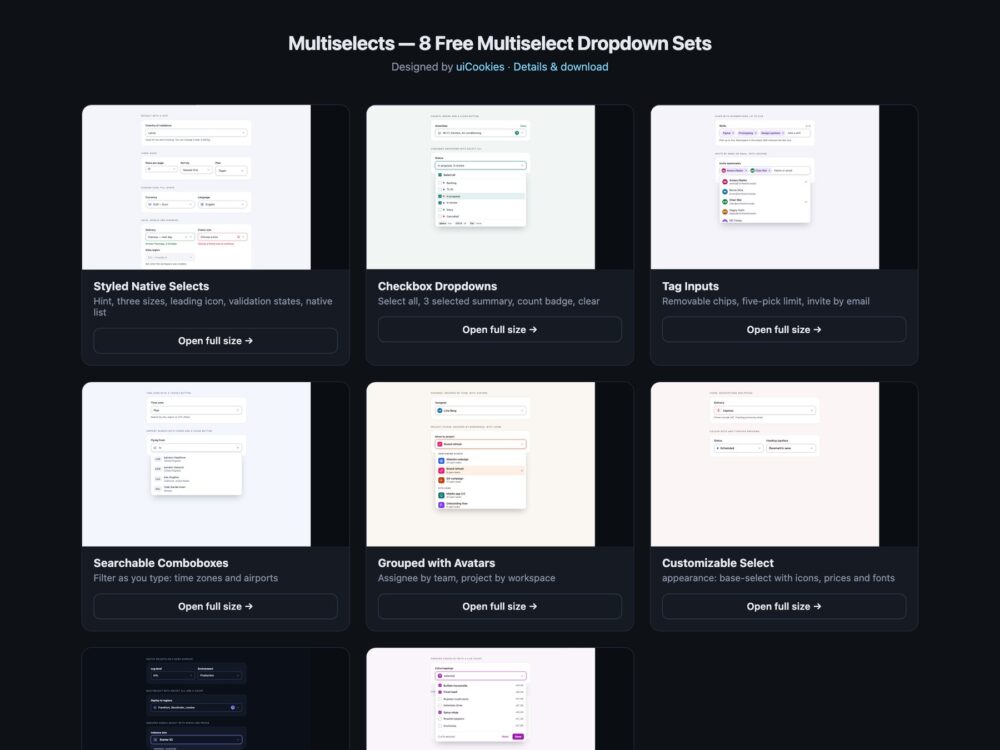
Multiselects is a pack of eight sets of custom selects, multiselect dropdowns, comboboxes and tag inputs, designed and maintained in-house by uiCookies. Every set comes in three versions that look the same: Bootstrap 5.3 built on .form-select, .dropdown-menu, .form-check-input and .btn-check, plain CSS with no dependencies, and Tailwind CSS 4 in utility classes. The sets run from styled native selects to checkbox dropdowns with select all, removable chips, searchable comboboxes, grouped options with avatars, the new customizable select, a dark set and a multiselect that needs no JavaScript at all.
A good multiselect dropdown behaves like a form control, not a picture of one. Its value lives in a real select or real checkboxes, so the form submits it and a reset restores it. The closed field says what was picked, by name when there are one or two and as a count after that. Keyboard users can open it, move with the arrow keys, tick with Space, jump by typing and close with Escape, while a screen reader hears the field’s label, whether it is expanded, which option is highlighted and whether it is selected. That is the WAI-ARIA combobox and listbox pattern, which these sets follow and many select libraries only partly implement. When the options are plain text, the native select is still the right choice.
Free download Browse live demos All snippets
The sets
1. Styled Native Selects
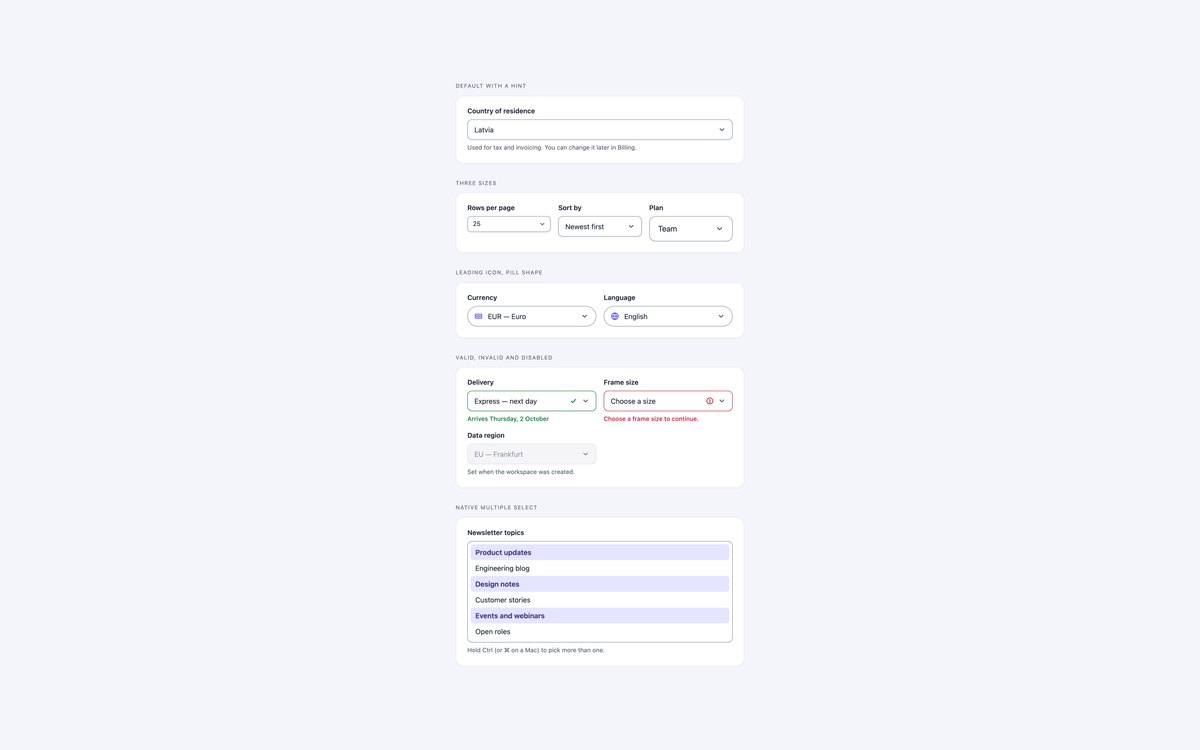
A styled native select with a hint, three sizes, a leading icon on a pill field, valid, invalid and disabled states, and a native multiple list.
Use it whenever options are plain text: it is the browser’s own select with appearance: none and a drawn chevron, so it needs no JavaScript.
Live Demo CSS, Bootstrap & Tailwind code
2. Checkbox Multiselect Dropdowns
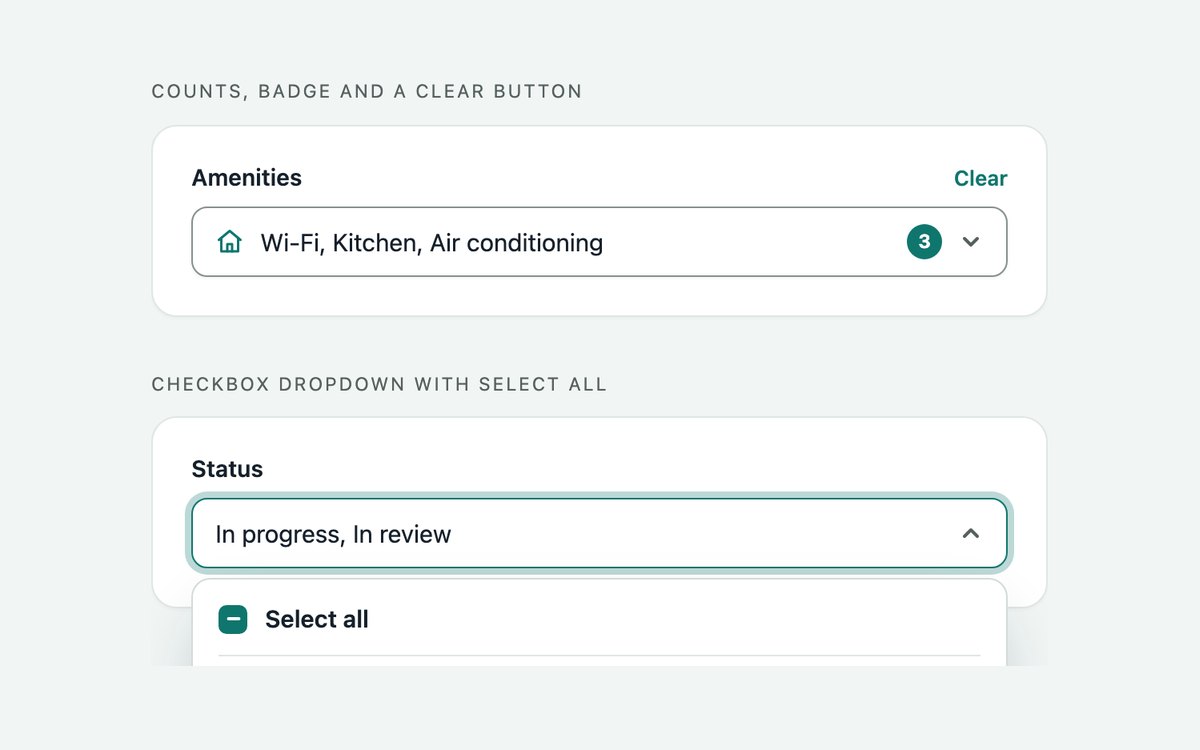
A multiselect dropdown with checkboxes, a Select all row with a mixed state, a 3 selected summary, a count badge and a Clear button.
It is a WAI-ARIA select-only combobox over a multi-select listbox, kept in sync with a hidden select multiple that submits with the form.
Live Demo CSS, Bootstrap & Tailwind code
3. Tag Multiselect Inputs
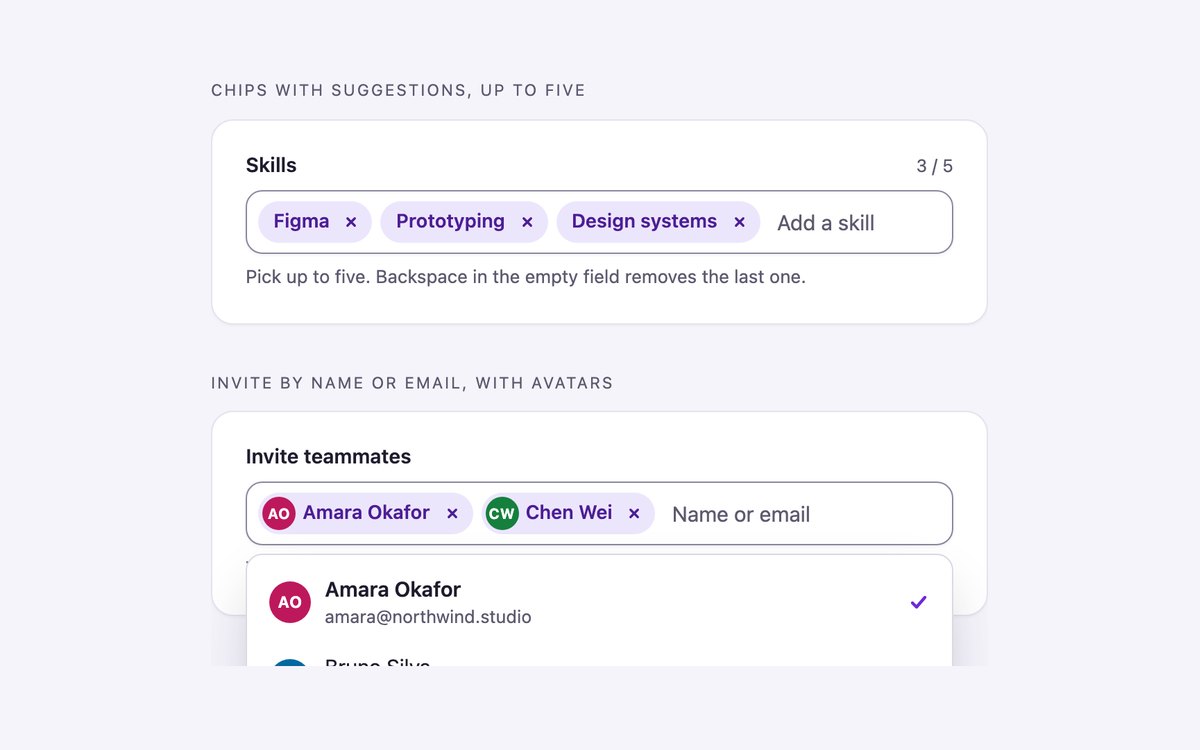
A skills picker with removable chips and a five-pick limit, and an invite field with avatar chips that also accepts any email address.
Typing filters the suggestions, Enter adds, Backspace removes the last chip, and every change is announced in a status line.
Live Demo CSS, Bootstrap & Tailwind code
4. Searchable Select Comboboxes
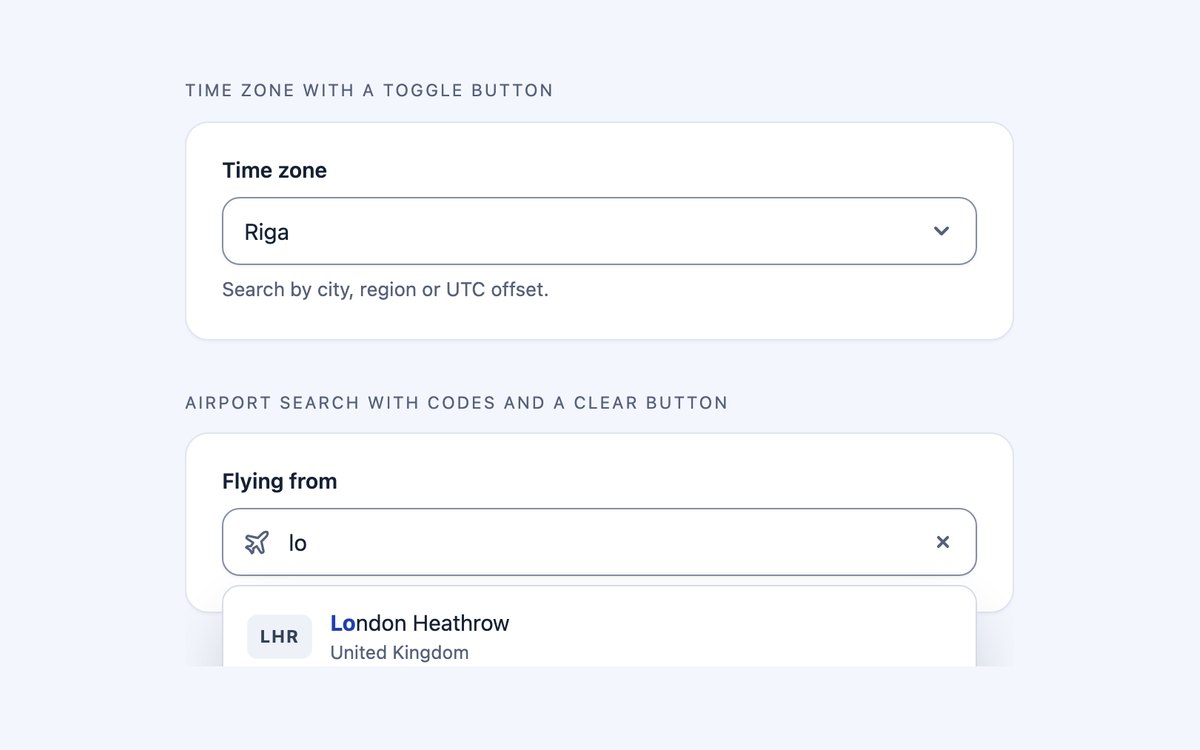
A time zone picker with a toggle button and an airport search with code badges and a clear button, both filtering as you type.
They follow the WAI-ARIA editable combobox with list autocomplete, and the picked id goes to the form in a hidden input.
Live Demo CSS, Bootstrap & Tailwind code
5. Grouped Selects with Avatars
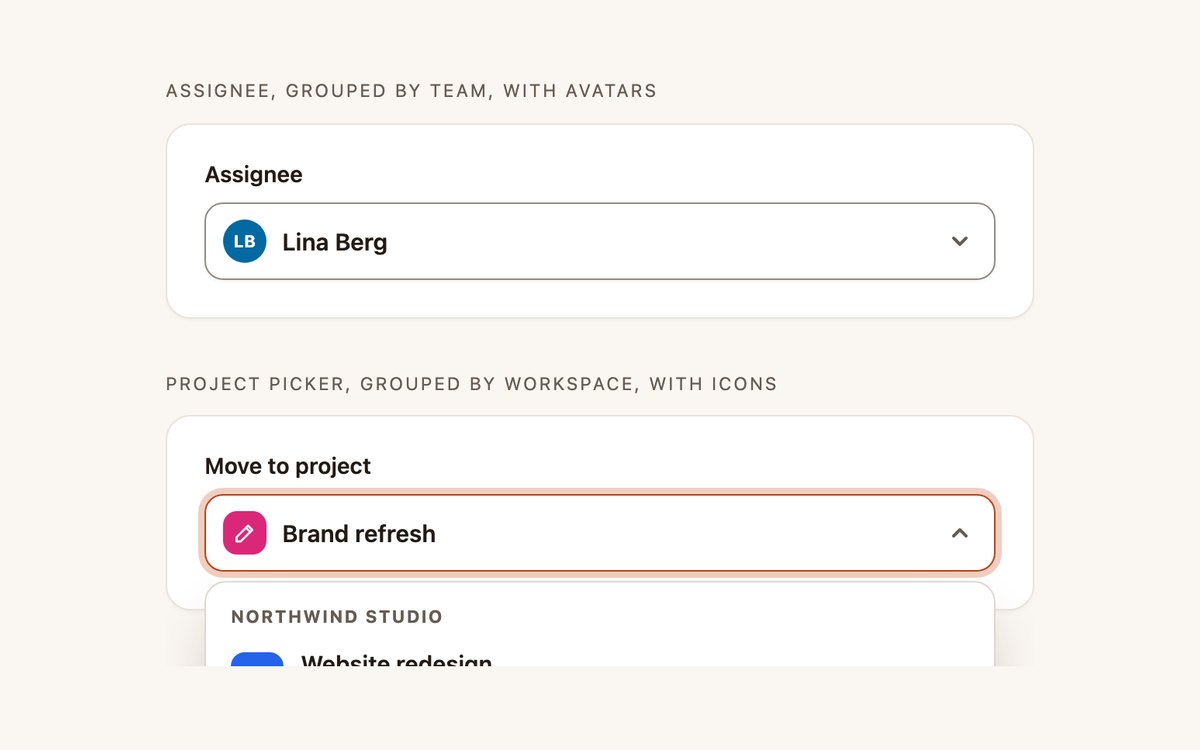
An assignee picker grouped by team with initials avatars, and a project picker grouped by workspace with coloured icons.
The closed field shows the picked avatar or icon, the listbox has labelled groups, and typing a letter jumps to the next match.
Live Demo CSS, Bootstrap & Tailwind code
6. Customizable Select Menus
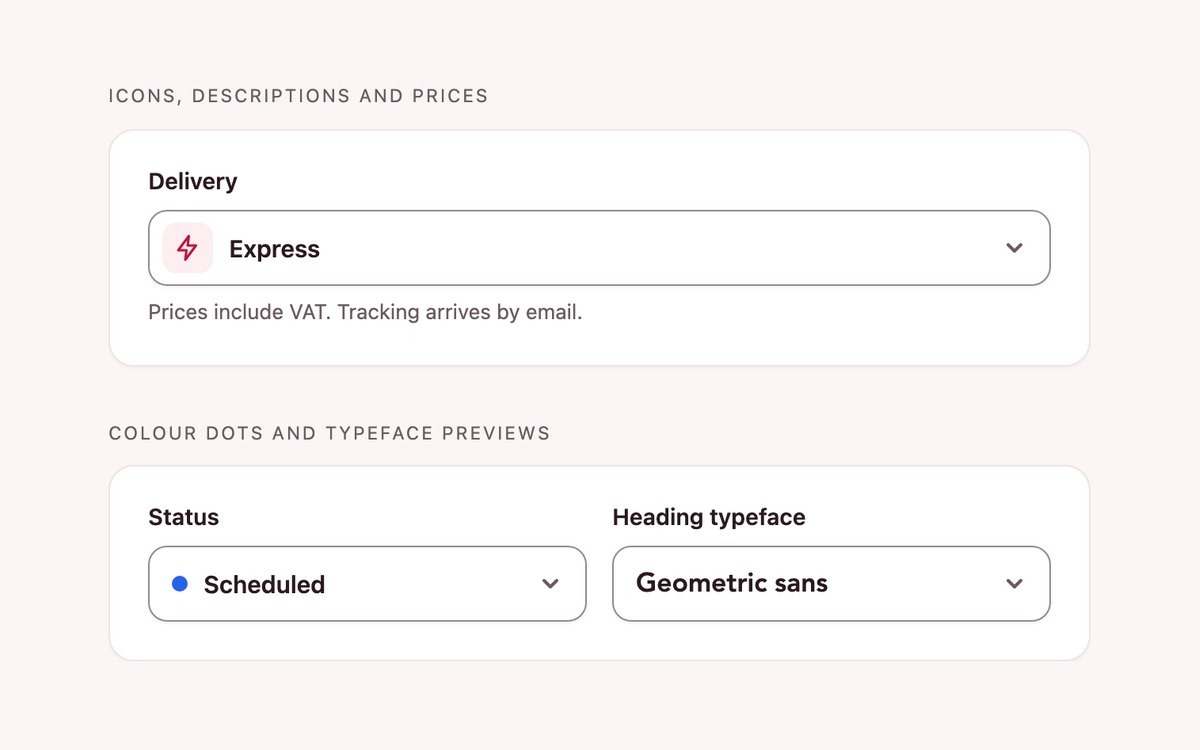
A delivery select with icons, descriptions and prices, a status select with colour dots and a typeface select that previews each font.
It uses appearance: base-select, ::picker(select) and selectedcontent where supported and falls back to a styled native select with the same text.
Live Demo CSS, Bootstrap & Tailwind code
7. Dark Multiselect Dropdowns
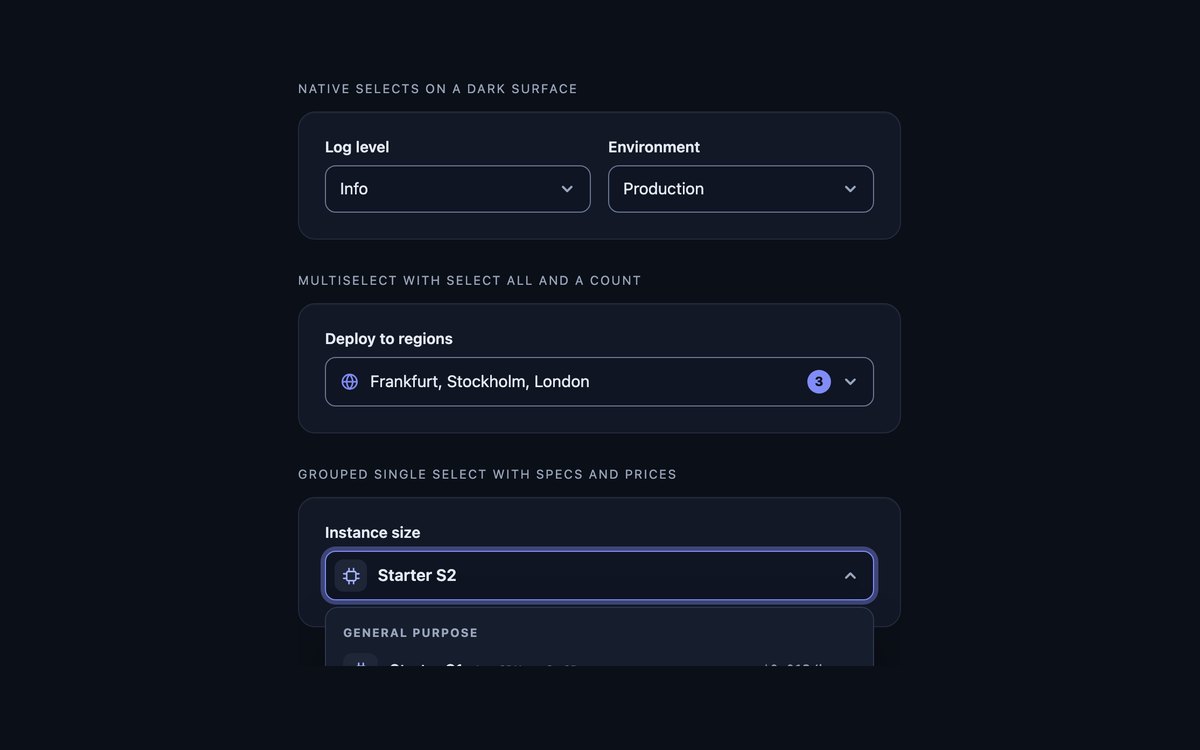
Native selects with color-scheme: dark, a regions multiselect with select all and a count, and an instance size picker with specs and prices.
Borders stay at 3:1 on the dark card and the Bootstrap version runs on data-bs-theme="dark".
Live Demo CSS, Bootstrap & Tailwind code
8. CSS-only Multiselects
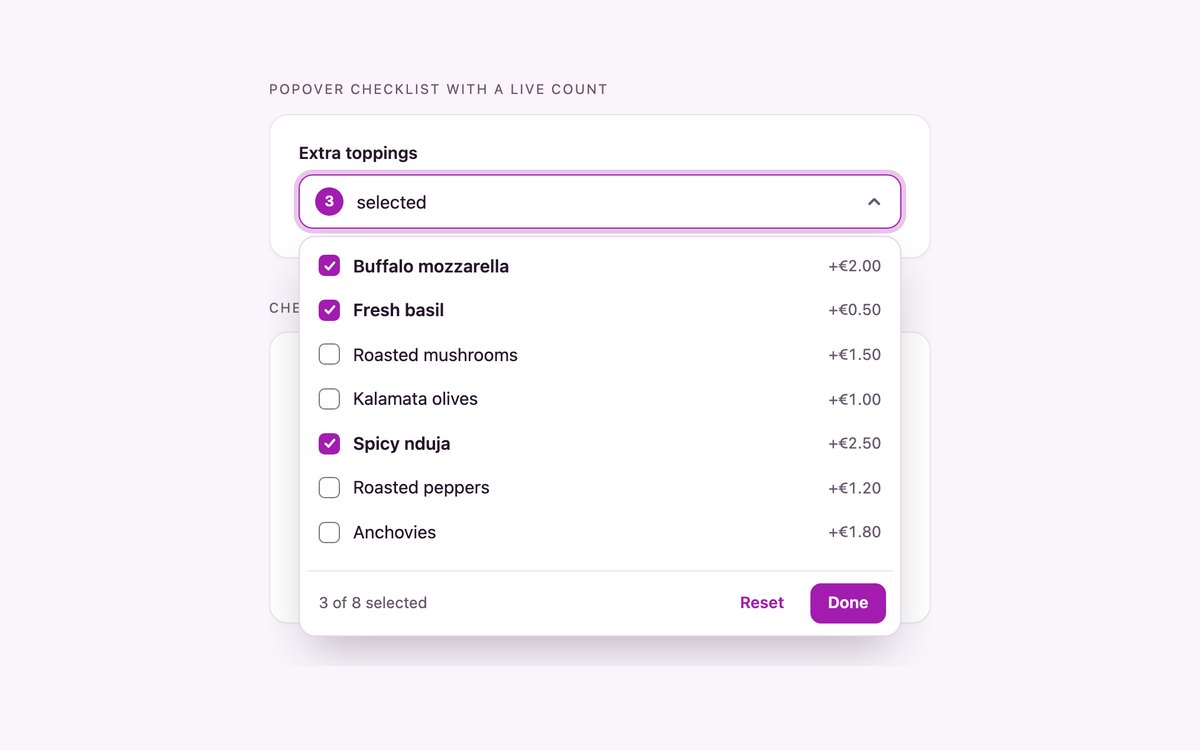
A toppings dropdown built from a popover of checkboxes with a live count, and a cuisine filter of checkbox chips with a count underneath.
CSS counters, :has() and anchor positioning do the work of a script, and the checkboxes submit with the form as usual.
Live Demo CSS, Bootstrap & Tailwind code
Frequently asked questions
Are these multiselect dropdowns free to use?
Yes. All eight sets are free for personal and commercial projects under the uiCookies licence. Attribution is optional but always welcome.
Do the multiselects need JavaScript?
Three sets need none: the styled native selects, the customizable select and the CSS-only set, which uses a popover, :has() and CSS counters. The checkbox dropdowns, tag inputs, searchable comboboxes, grouped selects and dark menus use a short vanilla script with no libraries. Where a set is built on a hidden select, that select is shown instead when JavaScript is off, so the field still works.
Are the dropdowns accessible?
The scripted sets follow the WAI-ARIA combobox and listbox patterns: the field has a label and aria-expanded, aria-activedescendant marks the highlighted option, and options report aria-selected. Arrow keys, Home, End, Enter, Space, Escape and type-ahead work, focus is always visible, and text and borders meet WCAG 2.1 AA contrast. Each set passes an axe-core check in all three versions.
Which frameworks are covered?
Every set comes as plain HTML and CSS, as Bootstrap 5.3 using .form-select, .dropdown-menu, .dropdown-item, .form-check-input, .badge and .btn-check, and as Tailwind CSS 4 with aria- and data- variants for the open and selected states. The three versions share the same markup structure and the same script, and they look the same.
Does the multiselect submit with a normal form?
Yes. Each custom dropdown keeps a real select element or real checkboxes in sync, so a plain form post or FormData picks up every selected value under the field’s name. The searchable comboboxes write the chosen id into a hidden input, and the tag input adds new email addresses as options of its hidden select multiple.