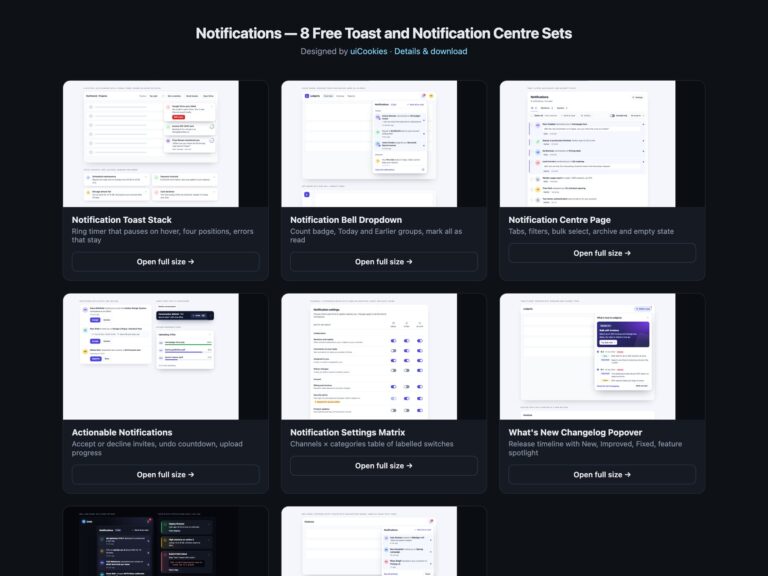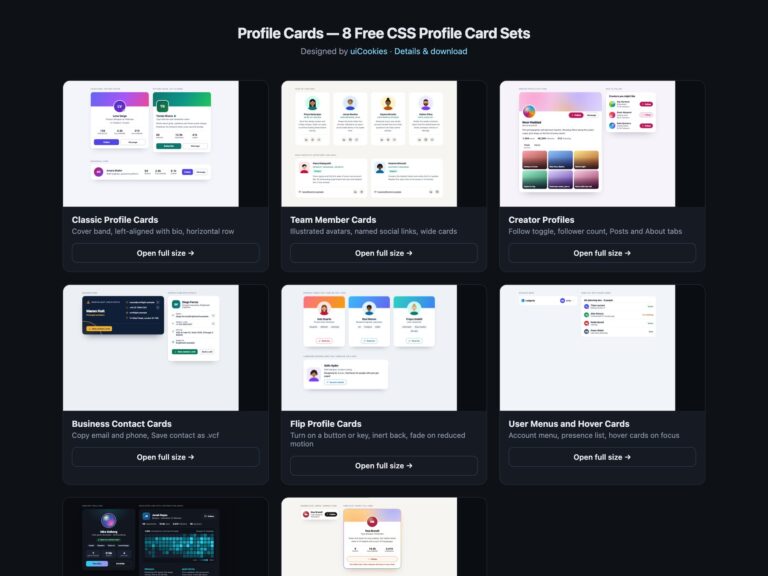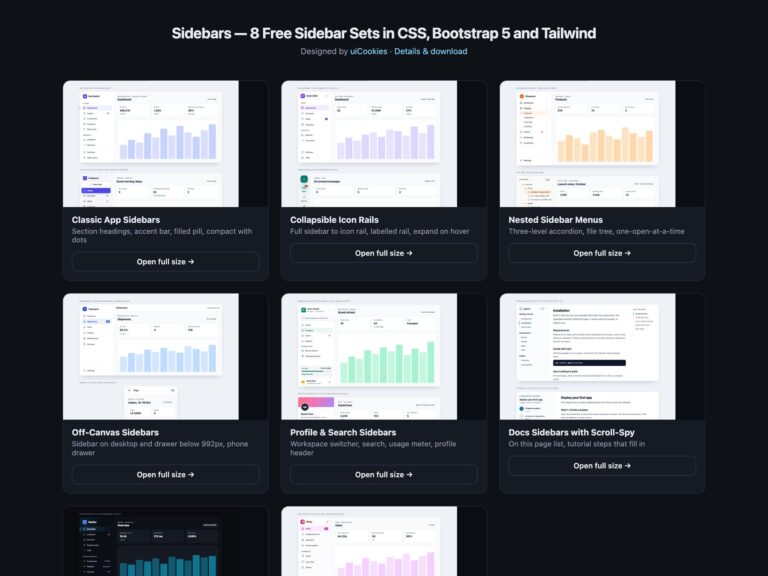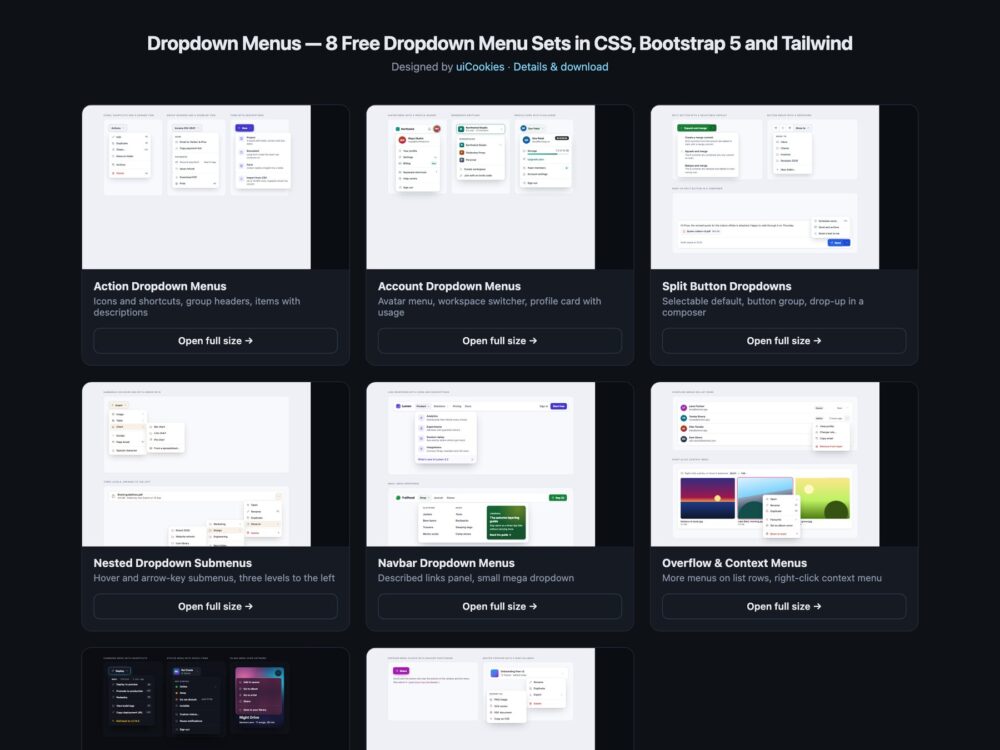
A pack of eight dropdown menu sets for apps and websites, designed and maintained in-house by uiCookies: action menus, account menus, split buttons, nested submenus, navbar and mega dropdowns, row and right-click context menus, a dark set and a modern CSS set with no JavaScript. Every set comes three ways: a Bootstrap 5.3.8 version built on Bootstrap’s own Dropdown plugin and dropdown styles, a plain CSS version with a small vanilla script, and a Tailwind CSS 4 version written in utility classes.
A good dropdown menu is predictable from the keyboard and honest about what it is. A menu of commands should behave like one: arrow keys move, Esc closes and puts focus back on the button, and a click outside dismisses it. A set of navigation links is not a command menu, so a navbar dropdown should be a disclosure panel that you Tab through, not role="menu". Name icon-only triggers after what they act on, say why a disabled item is disabled, keep shortcuts readable to screen readers, and never let a menu open off the edge of a phone screen.
Free download Browse live demos All snippets
The sets
1. Action Dropdown Menus
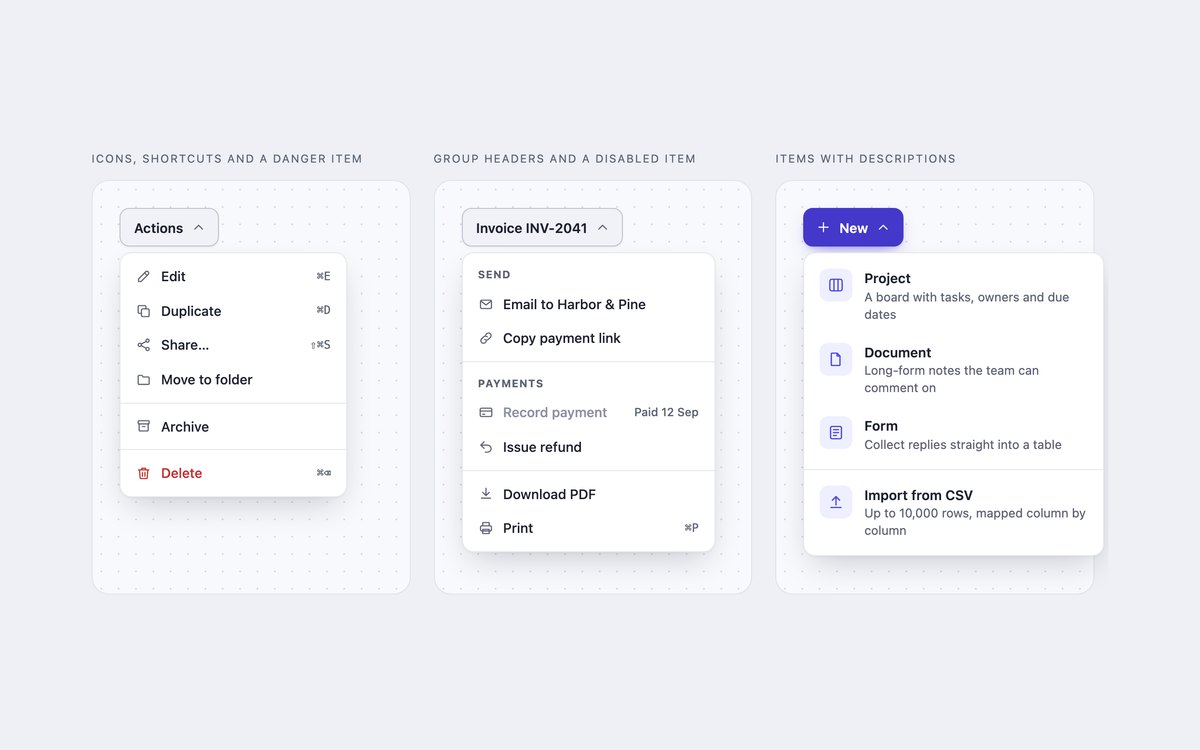
Three action menus: icons with shortcuts and a red Delete, labelled groups with a disabled item that says why, and a New menu whose items carry descriptions.
Use them for toolbar, row and create actions. The plain and Tailwind versions follow the WAI-ARIA menu button pattern with a short script; Bootstrap uses its Dropdown plugin.
Live Demo CSS, Bootstrap & Tailwind code
2. Account Dropdown Menus
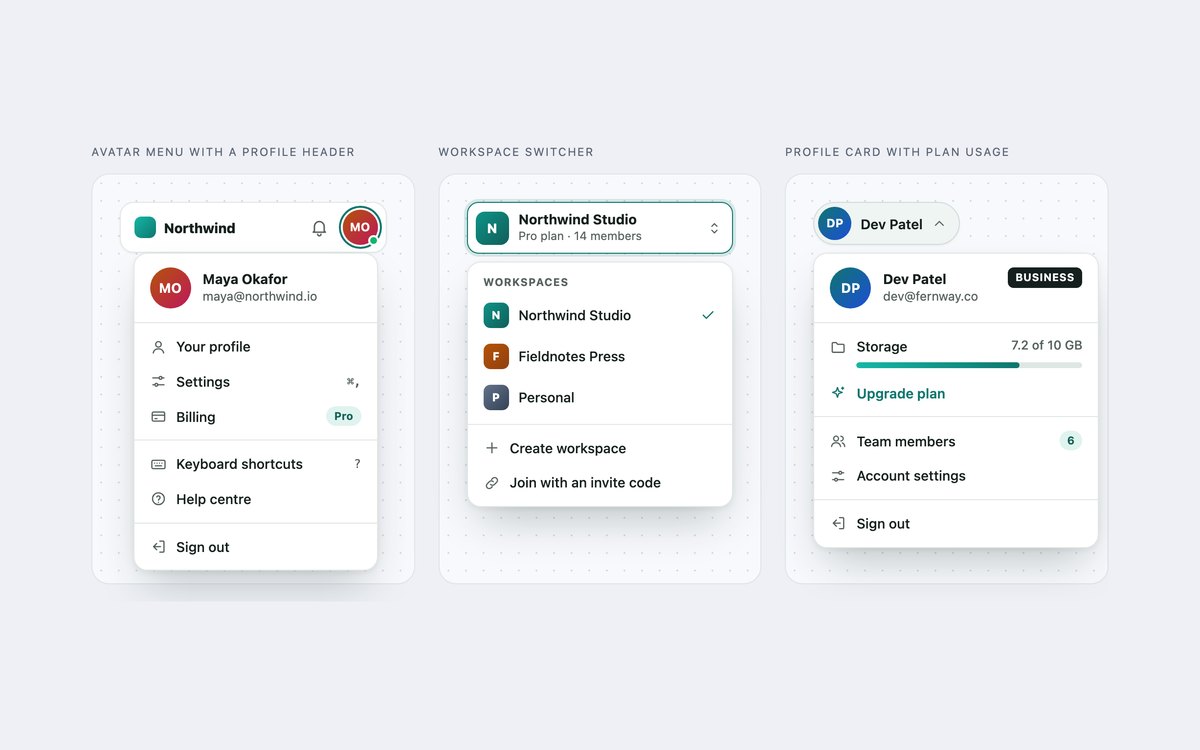
An avatar menu with a profile header, a workspace switcher with a tick on the current workspace, and a profile card menu with a plan badge and storage meter.
Use them at the top right of an app. The header labels the first group, so the name and email are announced when the menu opens.
Live Demo CSS, Bootstrap & Tailwind code
3. Split Button Dropdowns
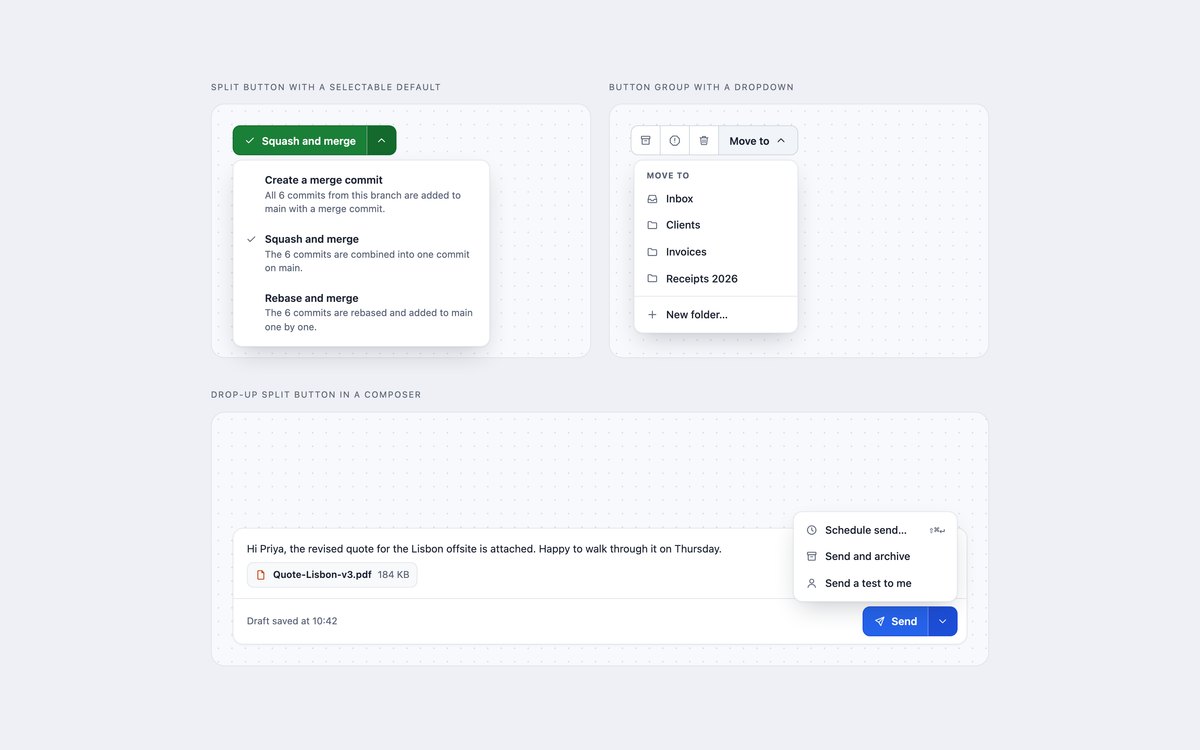
A merge split button whose menu choice relabels the main action, an email toolbar with a Move to dropdown, and a drop-up Send button in a composer.
Reach for these when one action is the default and the rest are close relatives. Bootstrap uses .btn-group, .dropdown-toggle-split and .dropup.
Live Demo CSS, Bootstrap & Tailwind code
4. Nested Dropdown Submenus
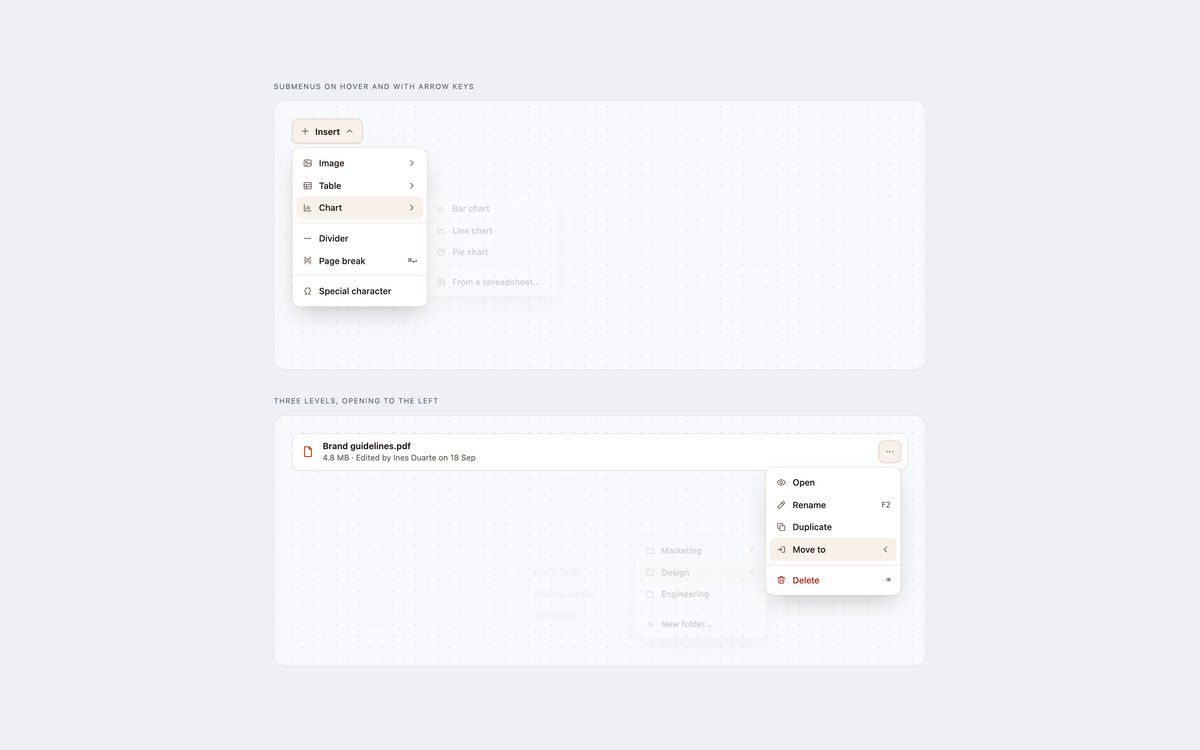
An Insert menu with Image, Table and Chart submenus, and a three-level Move to menu that cascades to the left from a file row.
Submenus open on hover with a close delay and with ArrowRight, and close with ArrowLeft or Esc. Under 600px they open inline so nothing runs off the screen.
Live Demo CSS, Bootstrap & Tailwind code
5. Navbar Dropdown Menus
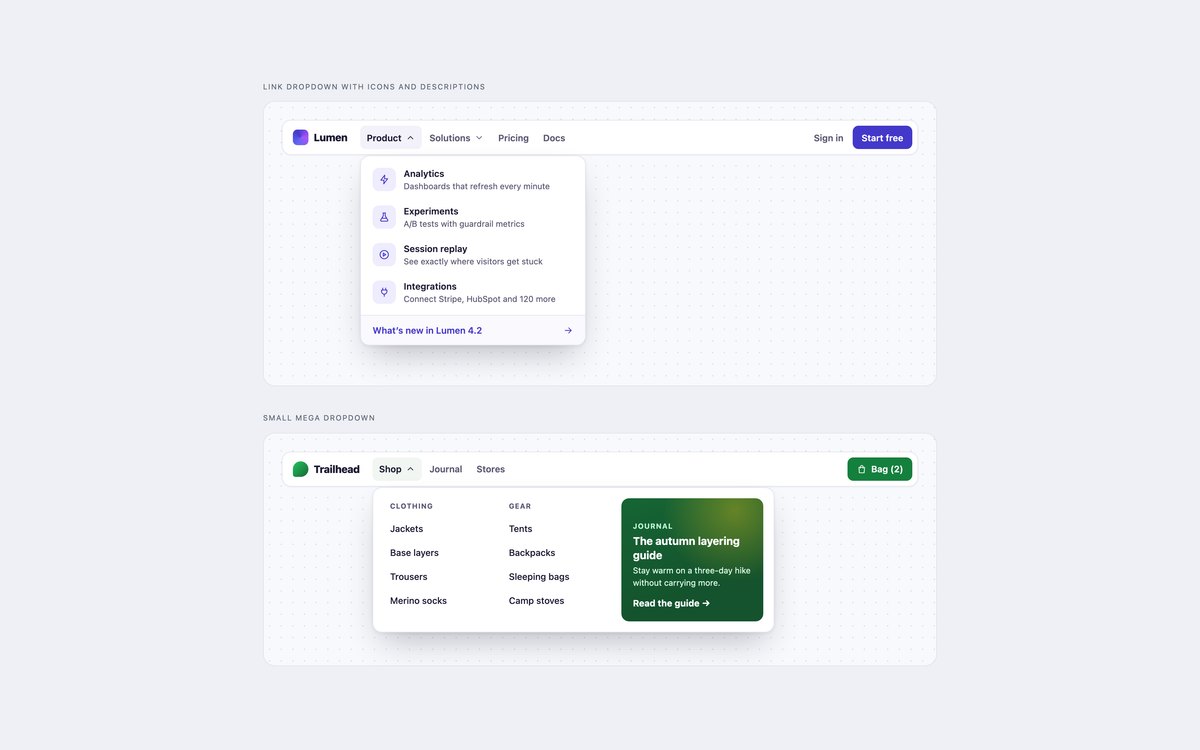
A product navbar with a Product panel of described links, and a shop navbar with a two-column mega dropdown and a featured card.
They use the disclosure pattern, because navigation links are not commands: Tab moves through the links, Esc closes and returns focus.
Live Demo CSS, Bootstrap & Tailwind code
6. Overflow and Context Menus
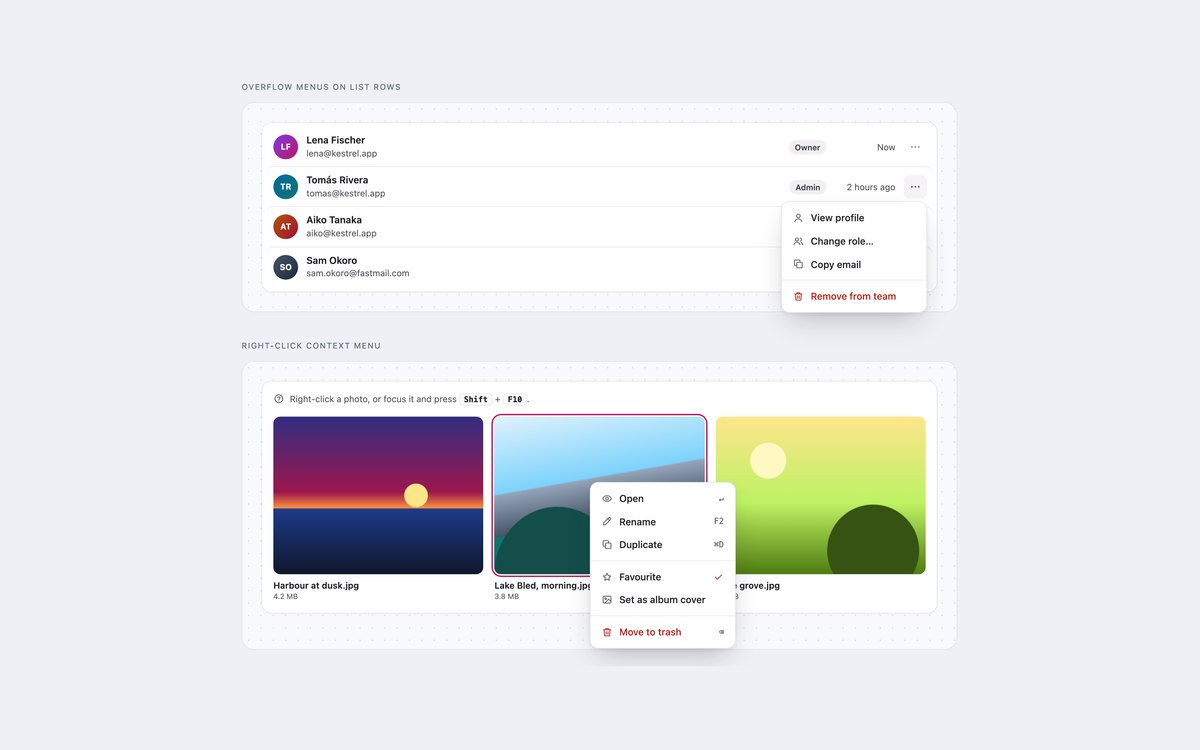
A team list whose more buttons open per-person actions, and a photo board with a right-click context menu that opens at the pointer.
The context menu also opens with Shift+F10 or the Menu key, includes a checkbox item, and returns focus to the photo when it closes.
Live Demo CSS, Bootstrap & Tailwind code
7. Dark Dropdown Menus
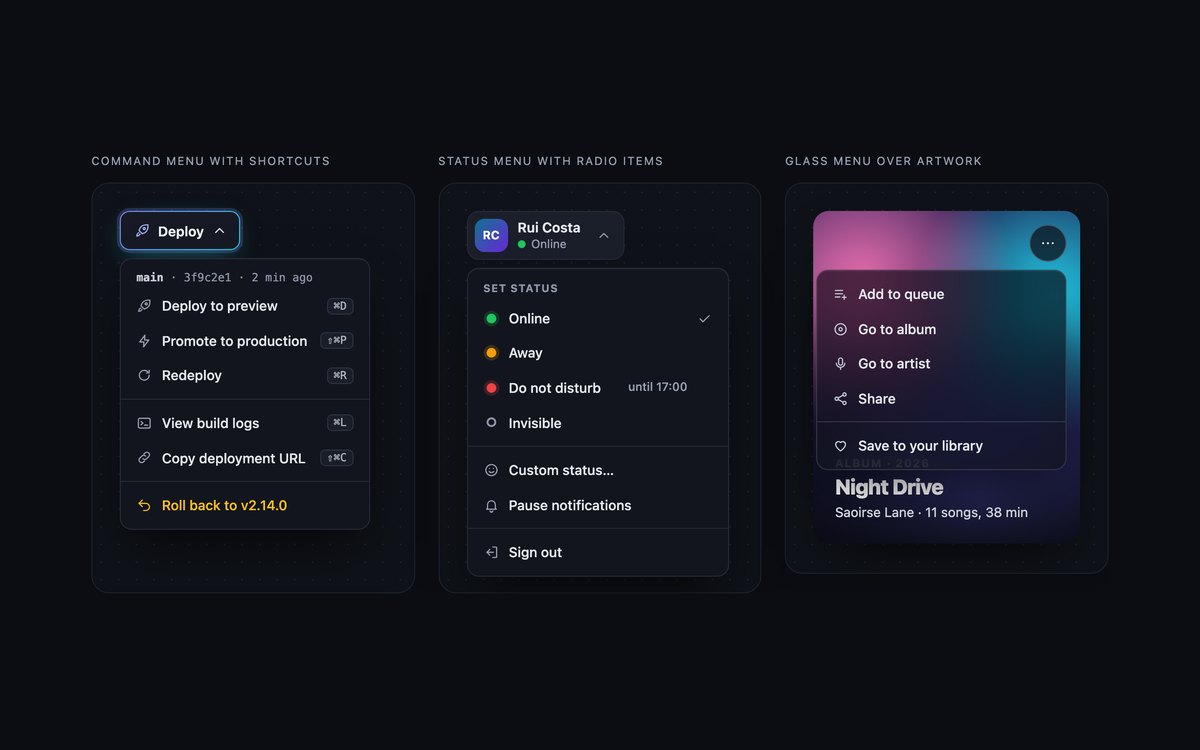
A Deploy command menu with keycap shortcuts, a chat status menu with radio items, and a translucent glass menu over album artwork.
Muted text reaches 4.5:1 on near-black, the status choice updates the button, and Bootstrap uses data-bs-theme="dark".
Live Demo CSS, Bootstrap & Tailwind code
8. Modern CSS Dropdown Menus
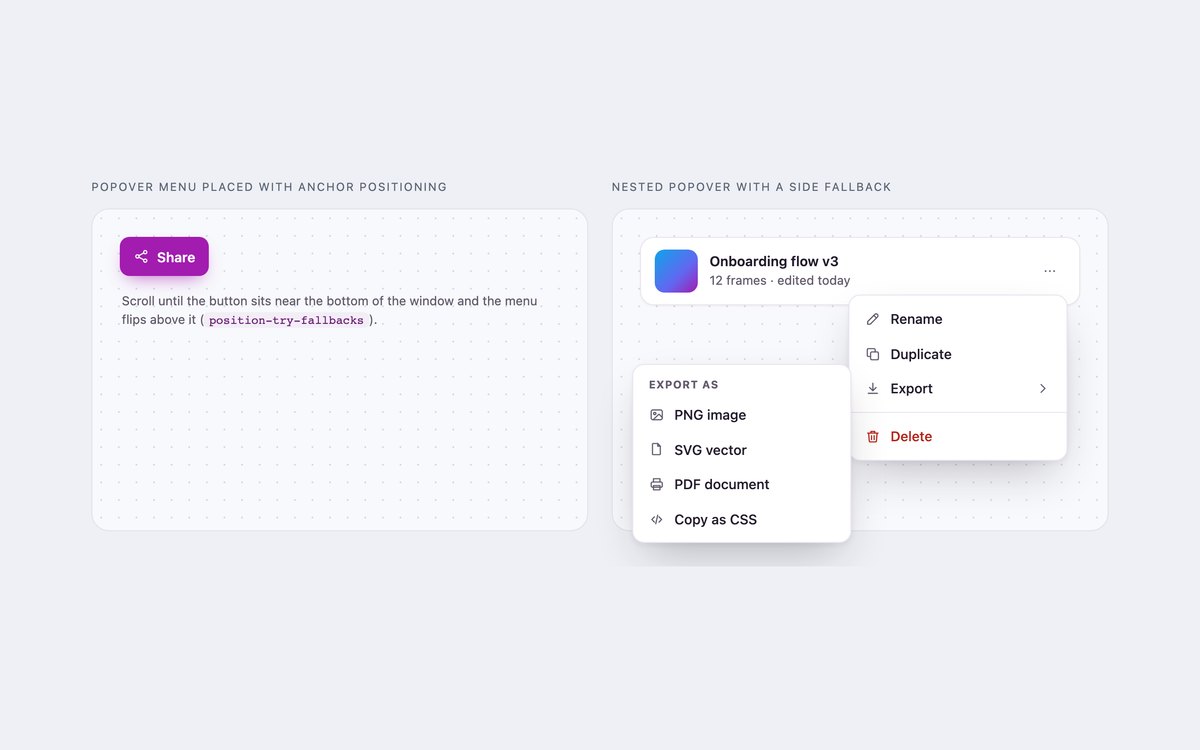
A Share menu and a nested Export submenu built with popover and CSS anchor positioning, with position-try-fallbacks to flip them near window edges.
No JavaScript: the browser opens, closes and restores focus, @starting-style animates them, and browsers without anchor positioning show a bottom sheet.
Live Demo CSS, Bootstrap & Tailwind code
Frequently asked questions
Are these dropdown menus free to use?
Yes. All eight sets are free for personal and commercial projects, including client work and products you sell. Attribution is optional but always welcome. The full terms are on the uiCookies licence page.
Do the dropdown menus need JavaScript?
Menus that respond to arrow keys need a little. The plain CSS and Tailwind versions of sets 1 to 7 include a short vanilla script with no libraries, and the Bootstrap versions load the Bootstrap bundle for its Dropdown plugin, plus a few lines for submenus, radio items and the context menu. Set 8 uses the popover attribute and CSS anchor positioning and needs no JavaScript at all.
Are the dropdown menus accessible?
Command menus follow the WAI-ARIA menu button pattern with aria-haspopup, aria-expanded and aria-controls, arrow keys, Home and End, and Esc returning focus to the button. Navbar dropdowns use the disclosure pattern because they hold links. Icon-only triggers are named, and every set passes an axe-core WCAG 2.1 AA check with visible focus outlines and motion that stops under prefers-reduced-motion.
Which frameworks are covered?
Every set comes as plain CSS with a small vanilla script, as Bootstrap 5.3.8 using the Dropdown plugin, .dropdown-menu, .btn-group and .navbar restyled through Bootstrap variables, and as Tailwind CSS 4 utility classes. The three versions of a set look the same, so you can switch stacks without redesigning.
How do I add a submenu to a Bootstrap dropdown menu?
Bootstrap 5 has no nested dropdowns. Set 4 keeps Bootstrap’s Dropdown plugin for the first level, places each submenu as a .dropdown-menu inside a wrapper next to its item, and adds a short script that opens it on hover, click or ArrowRight and closes it with ArrowLeft or Esc. Under 600px the submenus open inline so they never run off a phone screen.