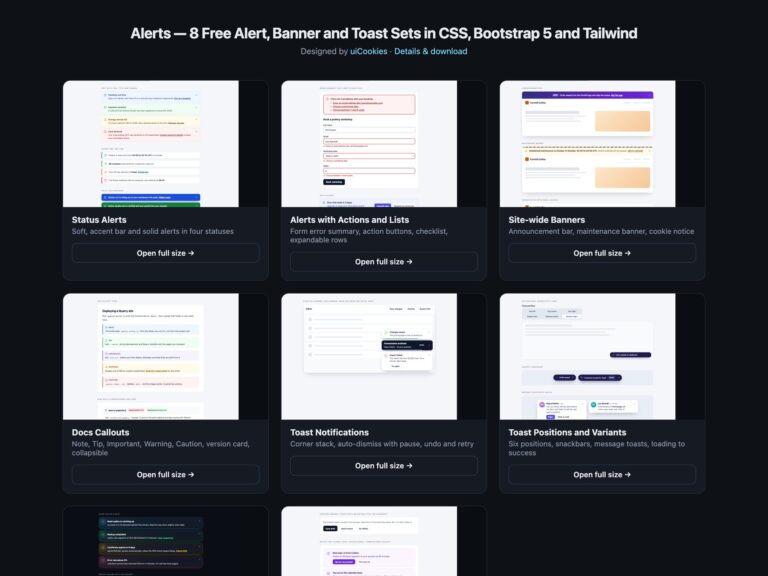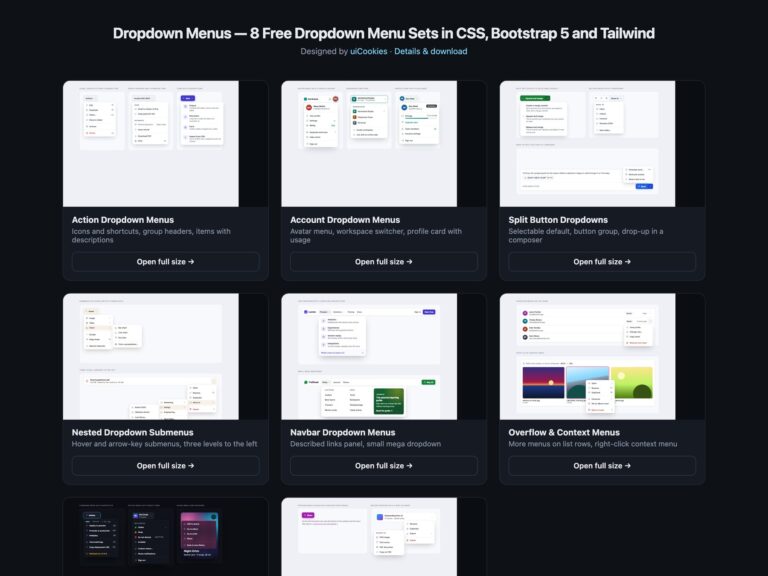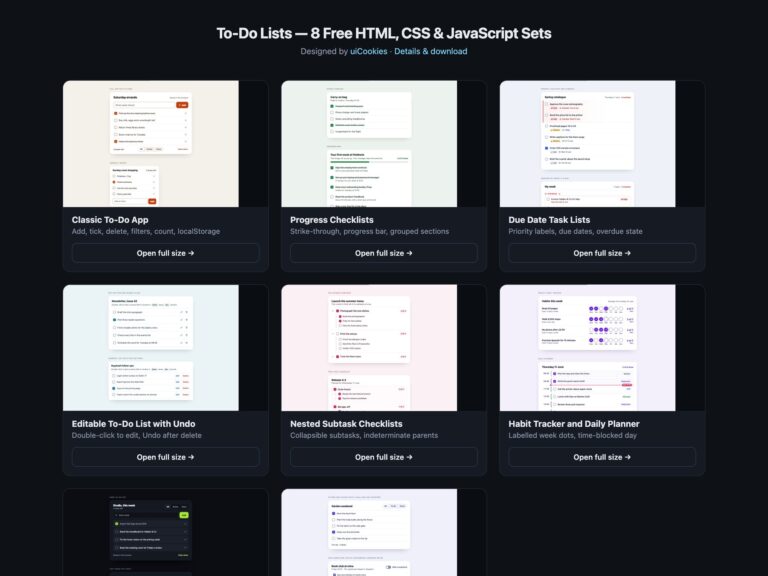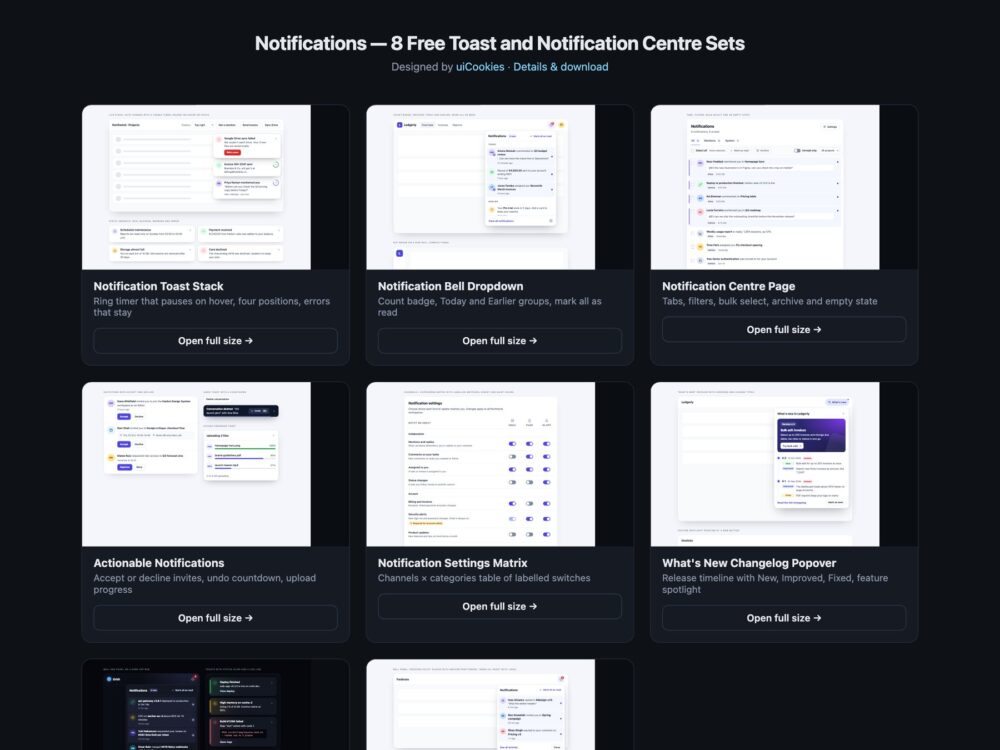
Notifications is a pack of eight sets of toasts and notification centre components, designed and maintained in-house by uiCookies. Every set comes in three versions that look the same: plain HTML and CSS, Bootstrap 5 using .toast, .dropdown, .popover, .list-group, .nav-underline, .form-switch, .table and .progress where they fit, and Tailwind CSS 4. The sets cover a toast stack with a visible timer and four positions, a notification bell with a dropdown panel, a full notification centre page with tabs, filters and bulk actions, actionable notifications such as invitations, an undo toast and an upload toast, a channels by categories settings table, a What’s new changelog popover, a dark set and a modern CSS set built on the popover attribute, @starting-style and anchor positioning. Inline banners and form alerts live in the separate Alerts pack.
A good notification tells people what happened without taking over the page. Toasts that disappear on their own need a visible timer that pauses while someone is reading or tabbing through them, and errors should stay until they are closed. Messages need a polite live region so screen readers hear them, with role="alert" kept for the urgent ones. A bell’s unread count has to be part of the button’s name, not just a red number, and marking things as read should update that count and say so. Panels close with Esc and hand focus back to the bell, and a settings page works best as a real table where every switch is named by its row and column, so Email under Mentions is never just an unlabelled toggle.
Free download Browse live demos All snippets
The sets
1. Notification Toast Stack
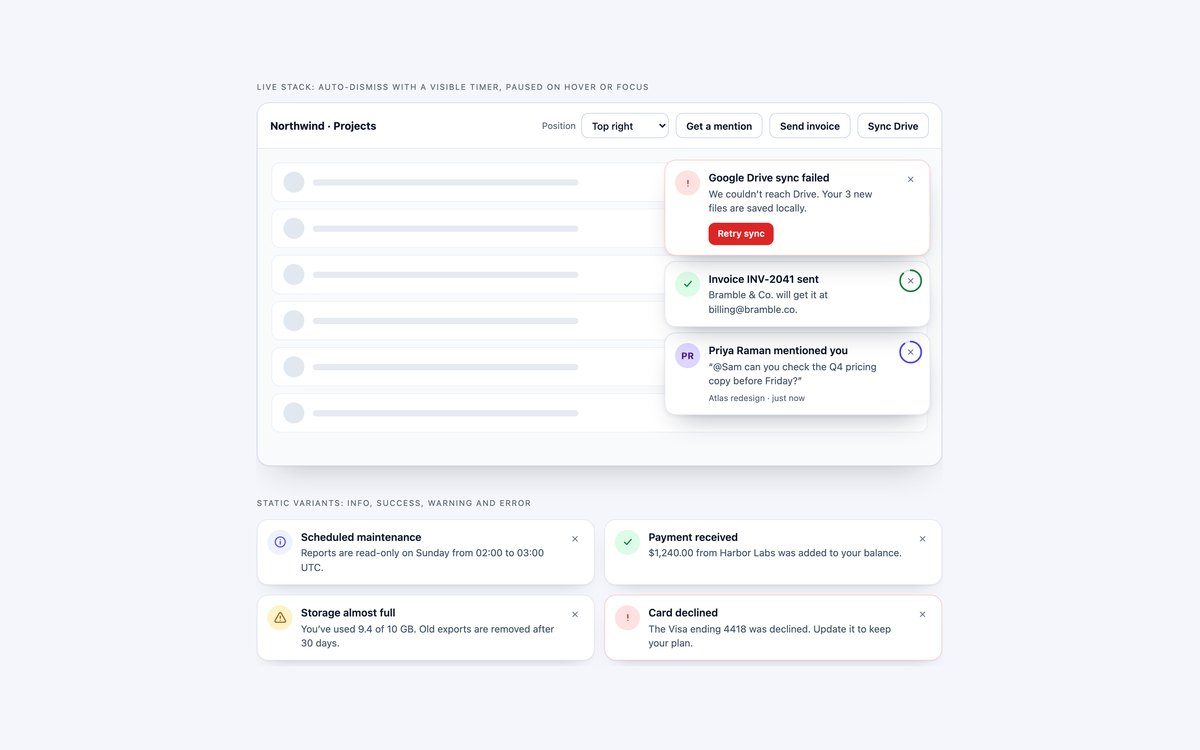
A live toast stack in an app window with mention, success and error toasts, a position menu for four corners and edges, and four static toasts for in-page use.
A ring around each close button empties as the toast’s time runs out, and hovering or focusing the stack pauses every countdown. Errors stay until closed, and the Bootstrap version uses .toast-container and .toast.
Live Demo CSS, Bootstrap & Tailwind code
2. Notification Bell Dropdown
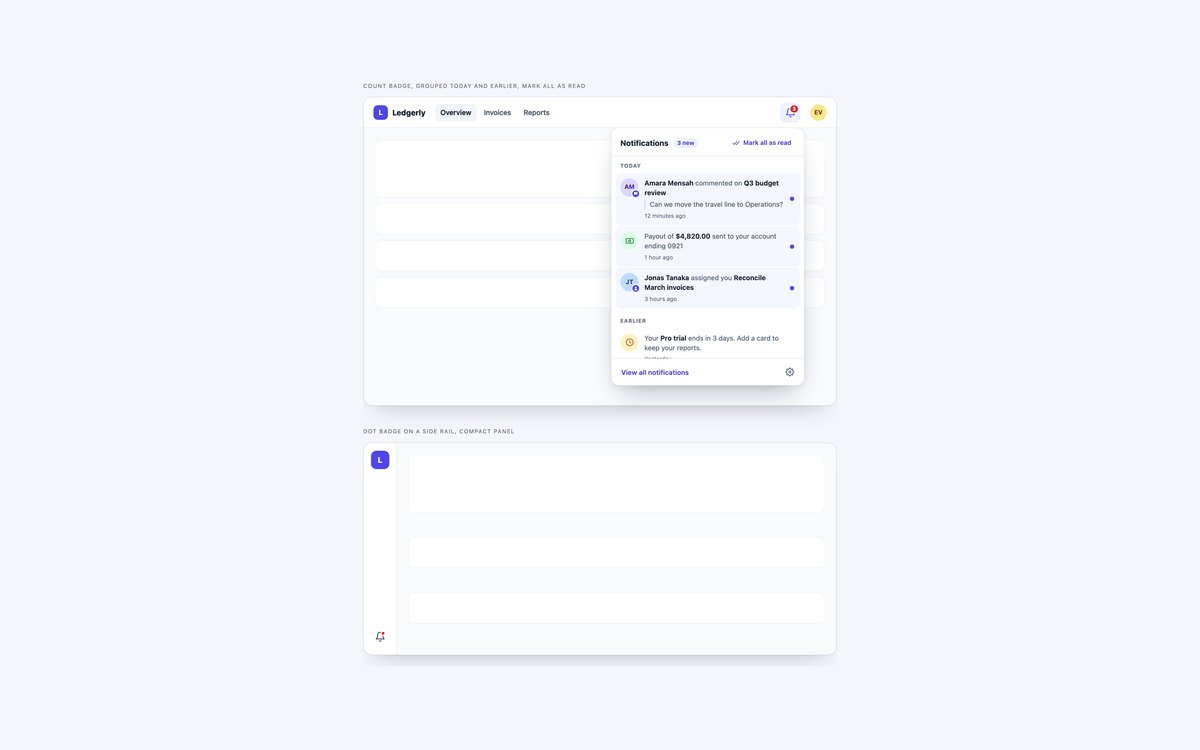
A header bell with a count badge that opens a panel grouped into Today and Earlier, and a side rail bell with a dot badge and a compact panel.
The count is part of the bell’s name and updates as items are read. In Bootstrap the panel is a .dropdown with data-bs-auto-close="outside", so arrow keys move between items.
Live Demo CSS, Bootstrap & Tailwind code
3. Notification Centre Page
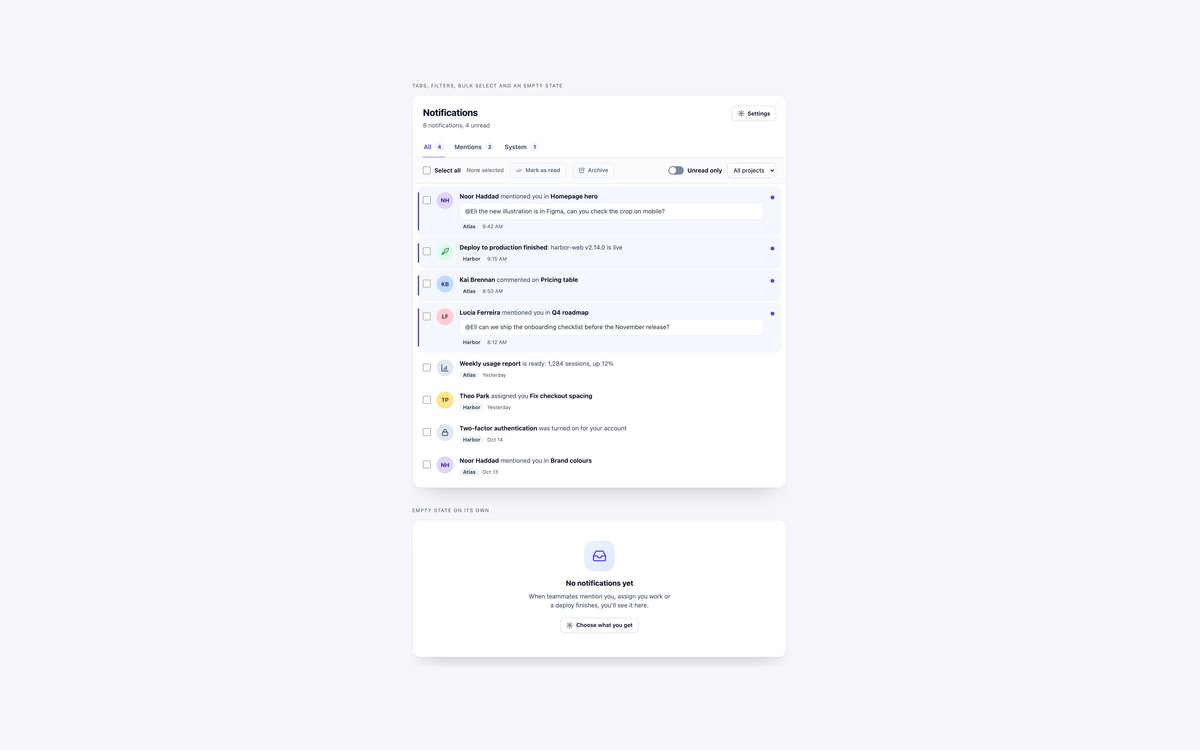
A notification centre page with All, Mentions and System tabs, a Select all checkbox, Mark as read and Archive, an Unread only switch, a project filter and an empty state.
Use it as the View all page behind a bell. The tabs follow the ARIA tabs pattern with arrow keys, and every row checkbox is named after its notification.
Live Demo CSS, Bootstrap & Tailwind code
4. Actionable Notifications
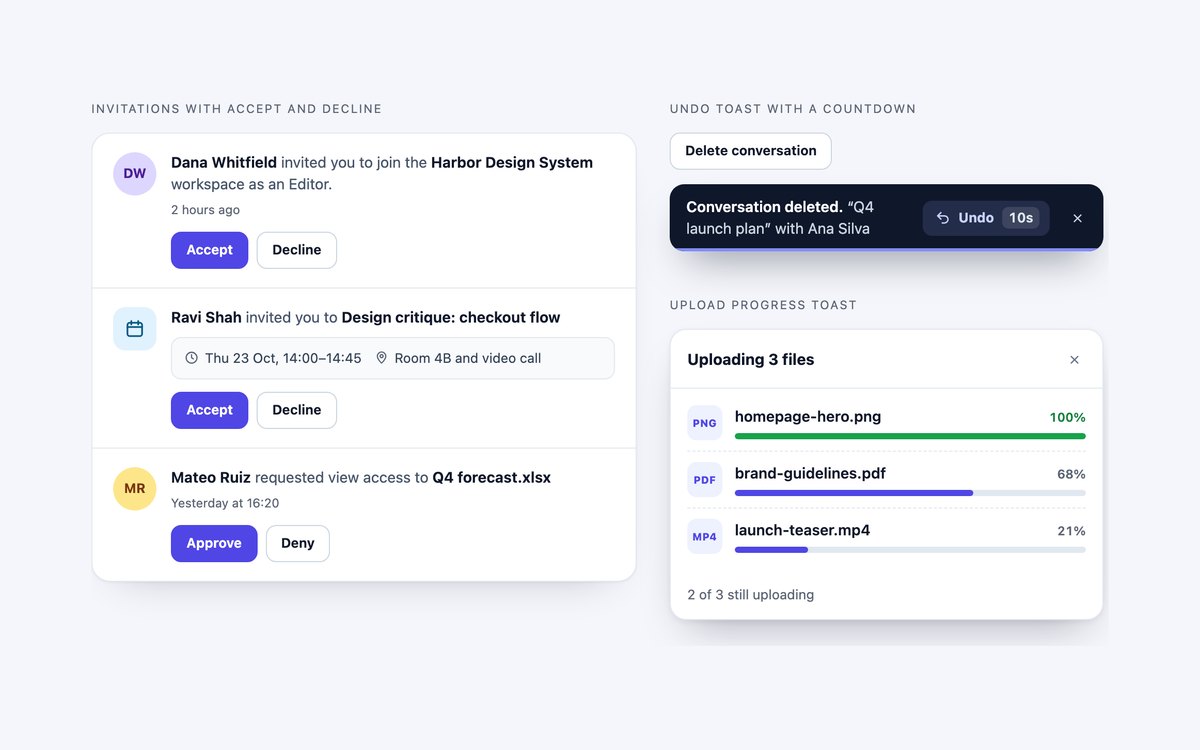
Invitations answered in place with Accept and Decline or Approve and Deny, an undo snackbar with a ten-second countdown, and an upload toast with a progress bar per file.
Results replace the buttons, take focus and are announced once. The countdown pauses on hover and focus, and the upload progress is simulated so you can wire in real events.
Live Demo CSS, Bootstrap & Tailwind code
5. Notification Settings Matrix
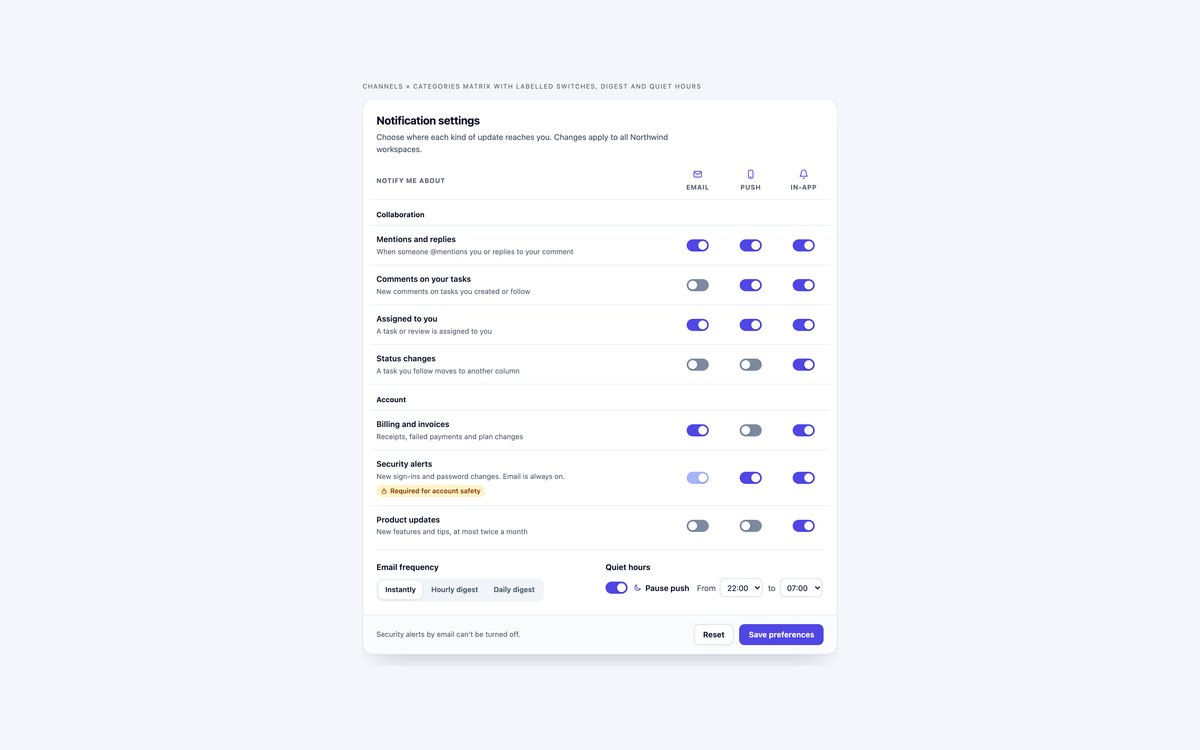
A notification preferences table with Email, Push and In-app columns, grouped categories with descriptions, a locked security switch, a digest choice and quiet hours.
Each of the 21 switches is named by its row and column header, such as Mentions and replies Email. There is no JavaScript, and on phones the descriptions hide so the matrix still fits.
Live Demo CSS, Bootstrap & Tailwind code
6. What’s New Changelog Popover
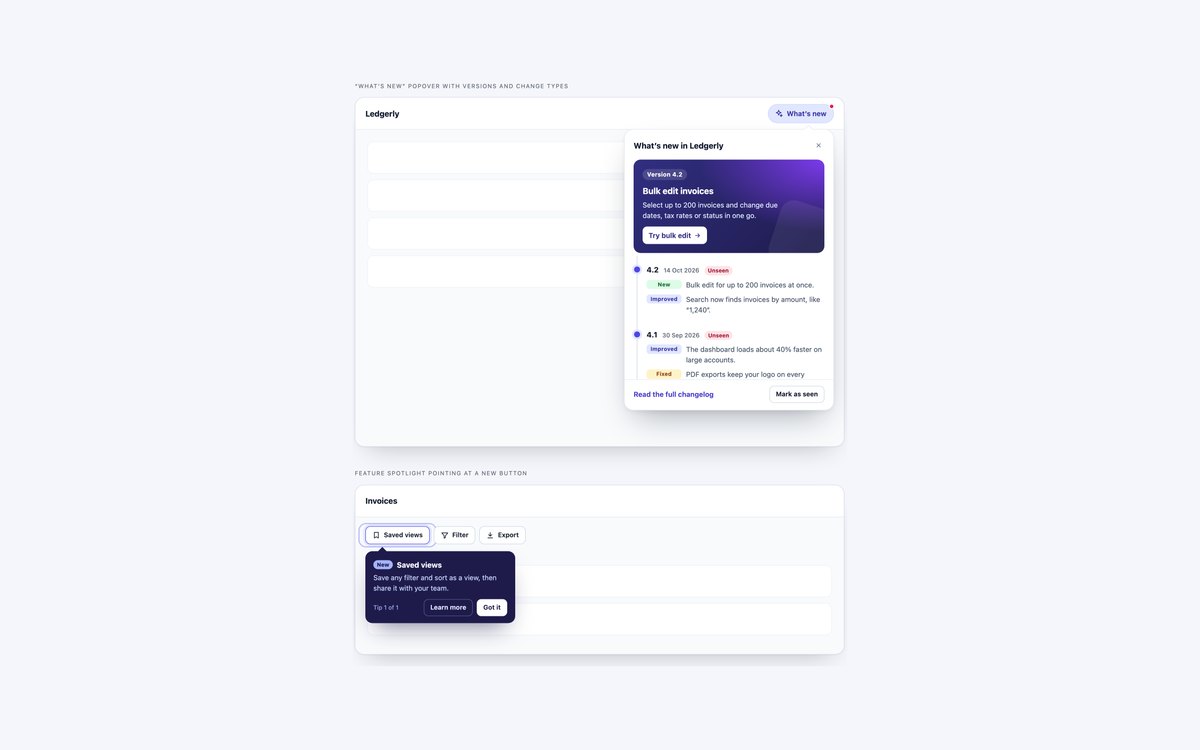
A What’s new popover with a featured release card and a timeline of versions tagged New, Improved and Fixed, plus a feature spotlight callout pointing at a new button.
Mark as seen clears the unseen dot and badges and is announced. The Bootstrap version uses static .popover markup, so Bootstrap’s JavaScript is not loaded.
Live Demo CSS, Bootstrap & Tailwind code
7. Dark Notification Panels
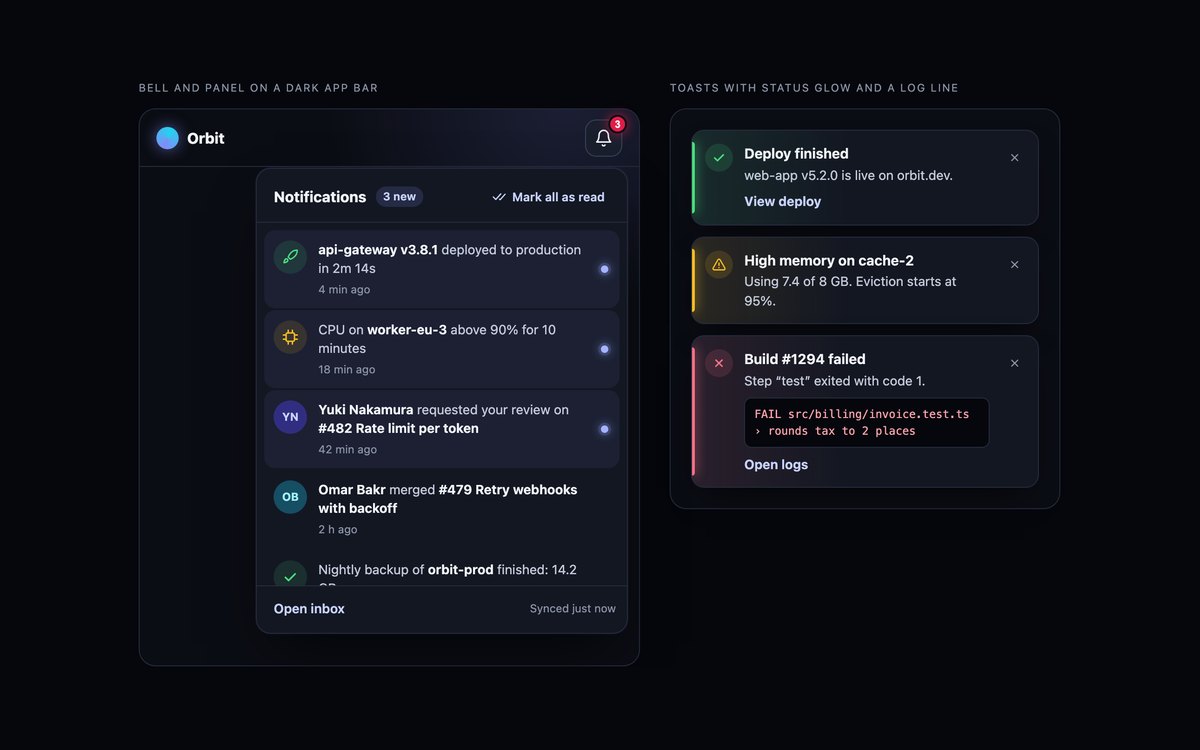
A bell and panel on a near-black app bar with deploy, CPU, review and backup events, and a stack of toasts for a finished deploy, a memory warning and a failed build with a log line.
Each status colour comes from one custom property that drives the stripe, glow and wash. Text was checked for 4.5:1, and the Bootstrap version runs in data-bs-theme="dark".
Live Demo CSS, Bootstrap & Tailwind code
8. Modern CSS Notifications
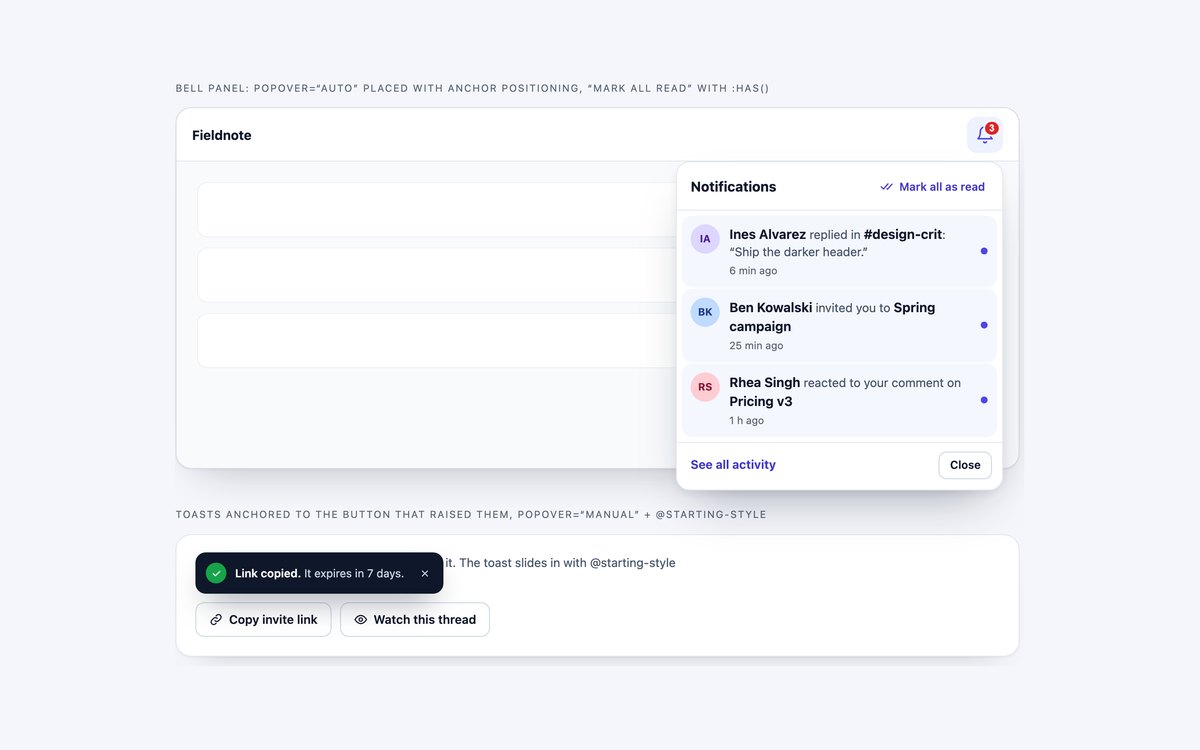
A bell panel built on popover="auto" and pinned under the bell with anchor positioning, a Mark all as read checkbox read by :has(), and toasts anchored above the buttons that raised them.
Entry and exit animations use @starting-style and allow-discrete. There is no component JavaScript, and browsers without anchor positioning use a fallback position.
Live Demo CSS, Bootstrap & Tailwind code
Frequently asked questions
Are these notification components free for commercial projects?
Yes. Every set is free for personal and commercial projects, including client work and products you sell. Attribution is optional but always welcome. The licence is at uicookies.com/license/.
Do the notifications need JavaScript?
Only where the behaviour needs it. The toast timers, bell panels, notification centre filters, invitations, undo countdown and upload toast use short vanilla scripts with no libraries. The settings table needs none, and the modern CSS set opens, closes and animates its panel and toasts with the popover attribute, :has() and @starting-style. The Bootstrap versions load Bootstrap’s bundle only for the toast stack, the bell dropdowns and the dark set.
Are the notifications accessible?
Toast stacks are polite live regions, urgent errors use role="alert", and timed toasts pause on hover and keyboard focus. Bell buttons include the unread count in their name and have aria-expanded, panels close with Esc and return focus, and every switch, checkbox and close button has an accessible name and a visible focus outline. Motion is reduced under prefers-reduced-motion, and every set passes an automated axe-core WCAG 2.1 AA check.
Which frameworks are included?
Every set has three files that look the same: plain HTML and CSS, Bootstrap 5.3.8 and Tailwind CSS 4. The Bootstrap files use .toast, .toast-container, .dropdown, .popover, .list-group, .nav-underline, .form-switch, .btn-check, .table, .progress and .badge where they fit, restyled through Bootstrap’s CSS variables. The Tailwind files use utility classes in the markup, with a style block only for keyframes or a fallback rule.
What is the difference between a toast and an alert?
An alert is an inline message that belongs to a place on the page, such as a form error summary or a maintenance banner, and stays there. A toast is a short message about something that just happened, shown in a corner above the page and usually removed after a few seconds, like Invoice sent or Link copied. Use toasts for confirmations and background events, and keep errors that need action on screen until they are dismissed.