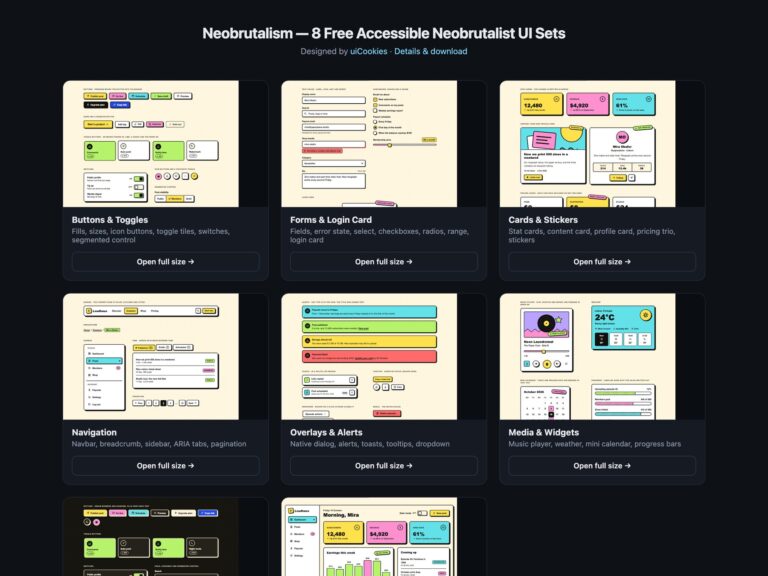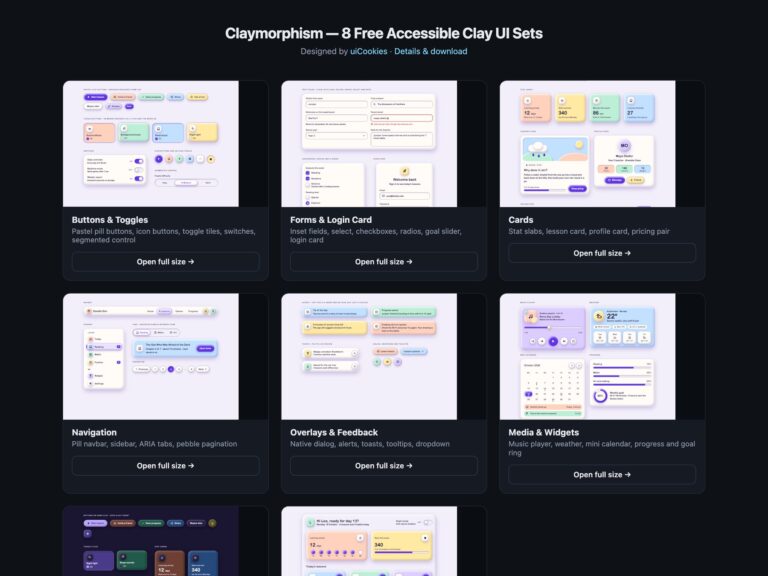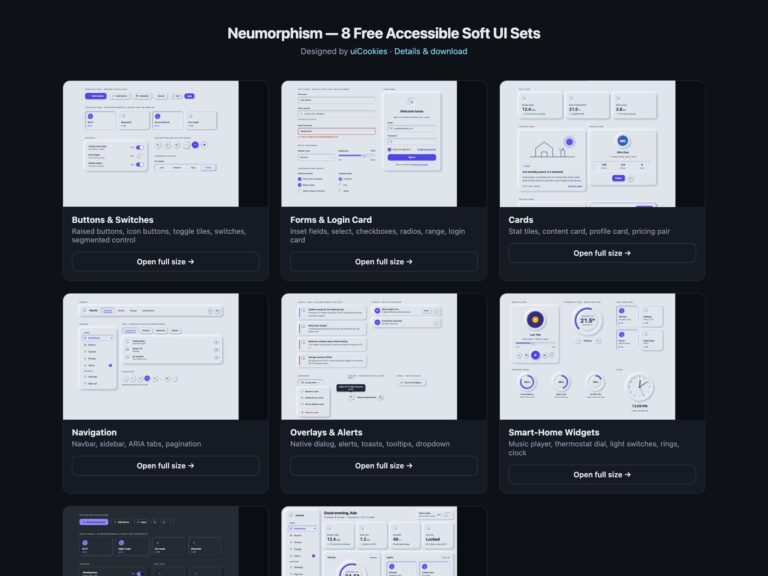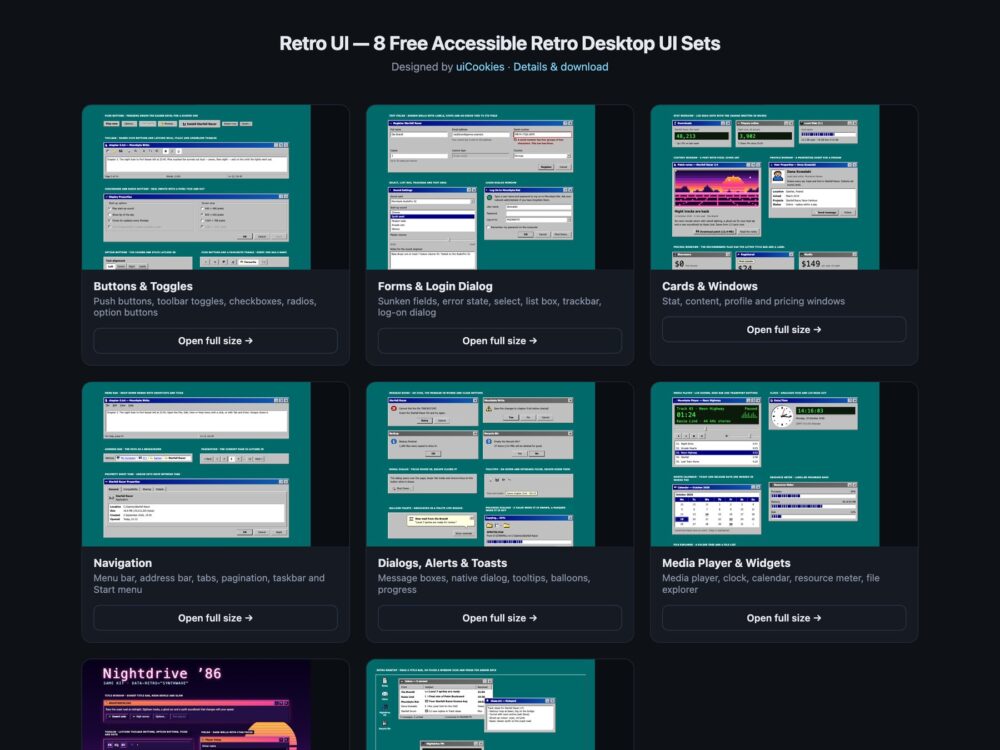
Retro UI is a free retro desktop UI kit of eight sets, designed and maintained in-house by uiCookies. Every set comes in three versions that look the same: plain HTML and CSS, Bootstrap 5 with its own buttons, form controls, cards, dropdowns, tabs, breadcrumb, pagination, modal, toasts, tooltips and progress bars restyled through CSS variables, and Tailwind CSS 4 with the tokens exposed as theme utilities. The sets cover buttons and toggles, forms with a log-on dialog, cards drawn as windows, navigation from menu bars to a taskbar and Start menu, dialogs and feedback, media widgets, a synthwave 80s night theme and a full retro desktop with draggable windows. They all read the same token block, so one change to the face, bevel or title bar colours restyles the whole kit, and one attribute switches it to synthwave.
More design-style kits in the same format: claymorphism, neobrutalism, glassmorphism and the dark UI kit.
A classic desktop look is easy to copy badly. The usual mistakes are fake buttons made of divs, grey text on grey that fails contrast, a dotted focus line too faint to see, title bar buttons with no names, and CRT flicker that ignores motion settings. This kit draws every bevel with inset shadows on real buttons and inputs, keeps text at 5.3:1 or more, makes the old dotted focus rectangle 2px wide in a colour that contrasts with the face, names every minimise, maximise and close button, writes changes and states in words, and keeps the optional scanlines static and off under reduced motion. The desktop windows can be dragged with a pointer or moved with the arrow keys.
Free download Browse live demos All snippets
The sets
1. Retro Buttons & Toggles
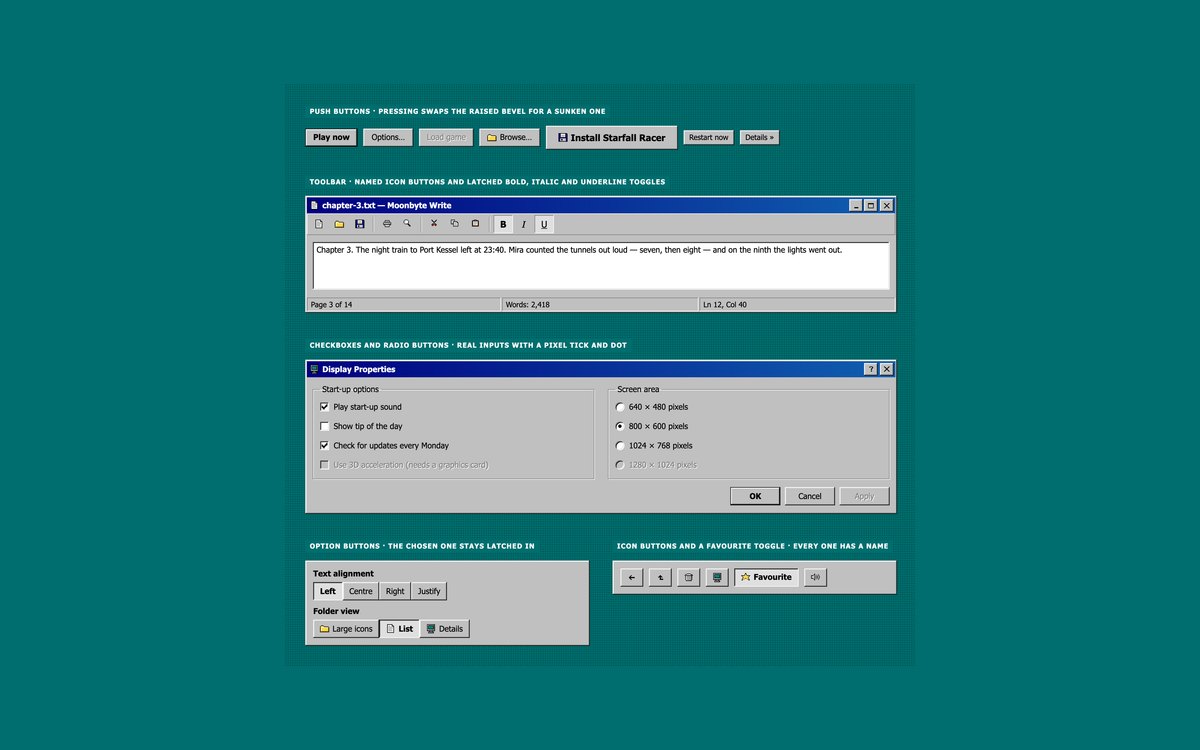
Push buttons with default, pressed and disabled states, a word processor toolbar with latched bold, italic and underline toggles, checkboxes and radios in group boxes, option buttons and icon buttons.
Pressing a button swaps its raised bevel for a sunken one. The checkboxes and radios are real inputs with a pixel tick drawn by a CSS mask, and the Bootstrap version uses .btn, .btn-check and .form-check.
Live Demo CSS, Bootstrap & Tailwind code
2. Retro Forms & Login Dialog
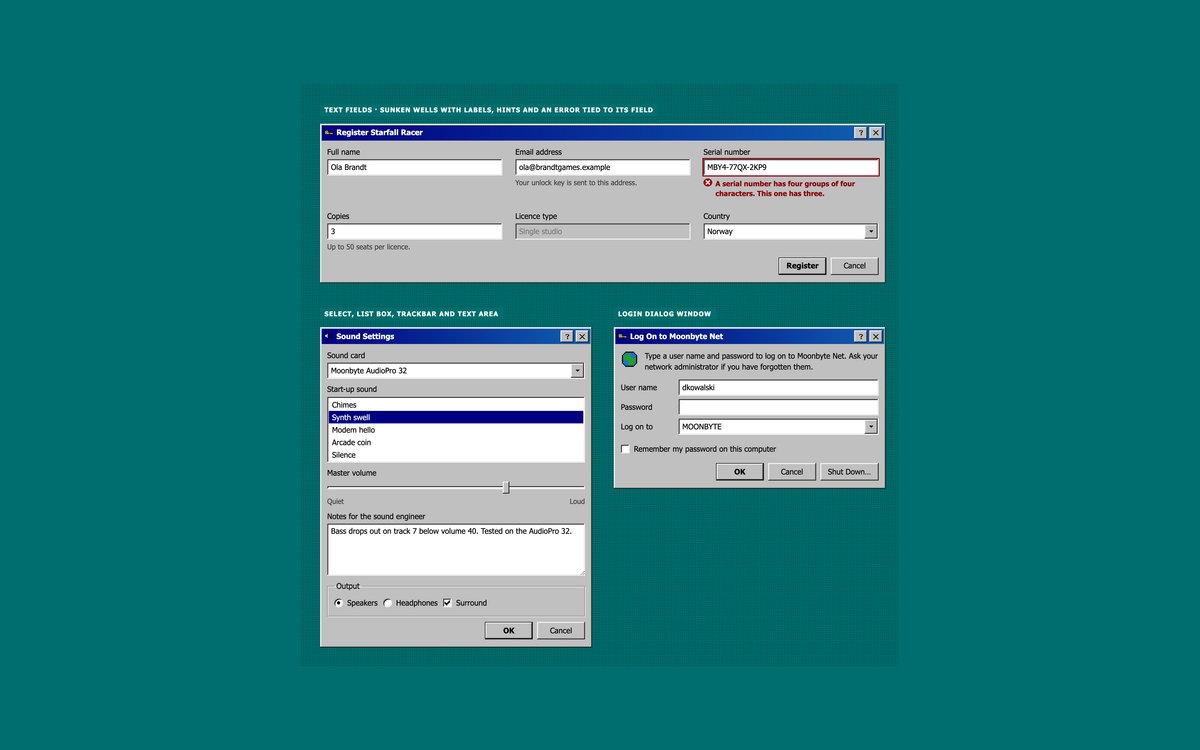
Sunken text fields with hints and an error state, a select with a drawn drop-down button, a list box, a trackbar, a text area and a log-on dialog window.
Errors are tied to their field with aria-describedby and shown by a red frame, an icon and text. Under 480 pixels the dialog labels move above their fields.
Live Demo CSS, Bootstrap & Tailwind code
3. Retro Cards & Windows
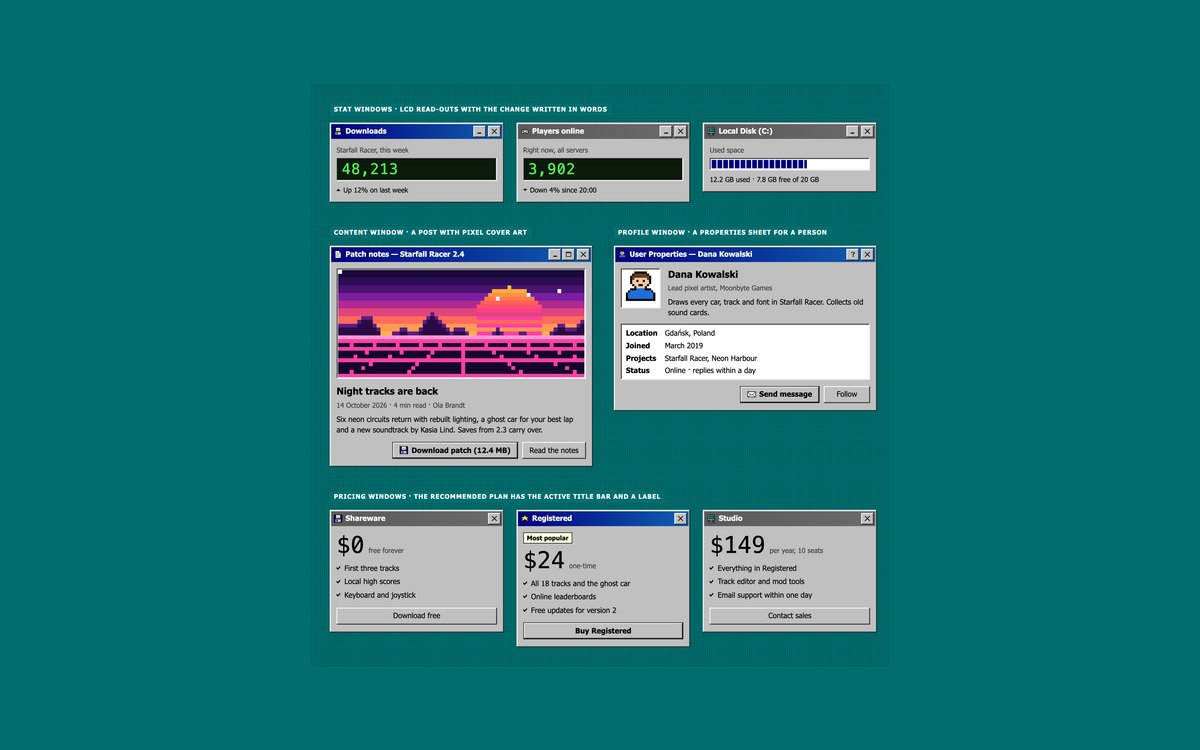
Stat windows with LCD read-outs, a content window with pixel-art cover art, a profile properties window and three pricing windows.
Use them for dashboards, release notes and upgrade pages. The recommended plan keeps the active title bar and a Most popular label, so it stands out without relying on colour.
Live Demo CSS, Bootstrap & Tailwind code
4. Retro Navigation
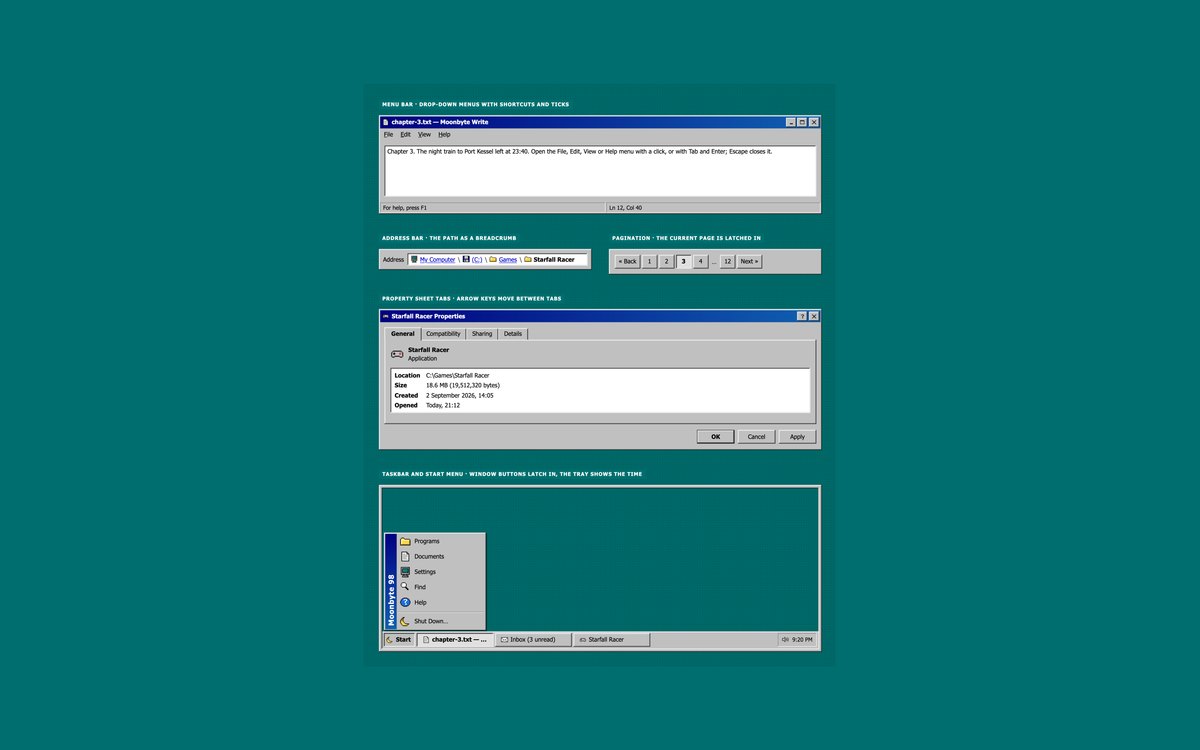
A menu bar with File, Edit, View and Help menus, an address bar breadcrumb, pagination, property sheet tabs and a taskbar with a Start menu.
Menus open with a click or the keyboard and close with Escape, the tabs follow the ARIA pattern with arrow keys, and Bootstrap uses its own dropdown and tab plugins.
Live Demo CSS, Bootstrap & Tailwind code
5. Retro Dialogs, Alerts & Toasts
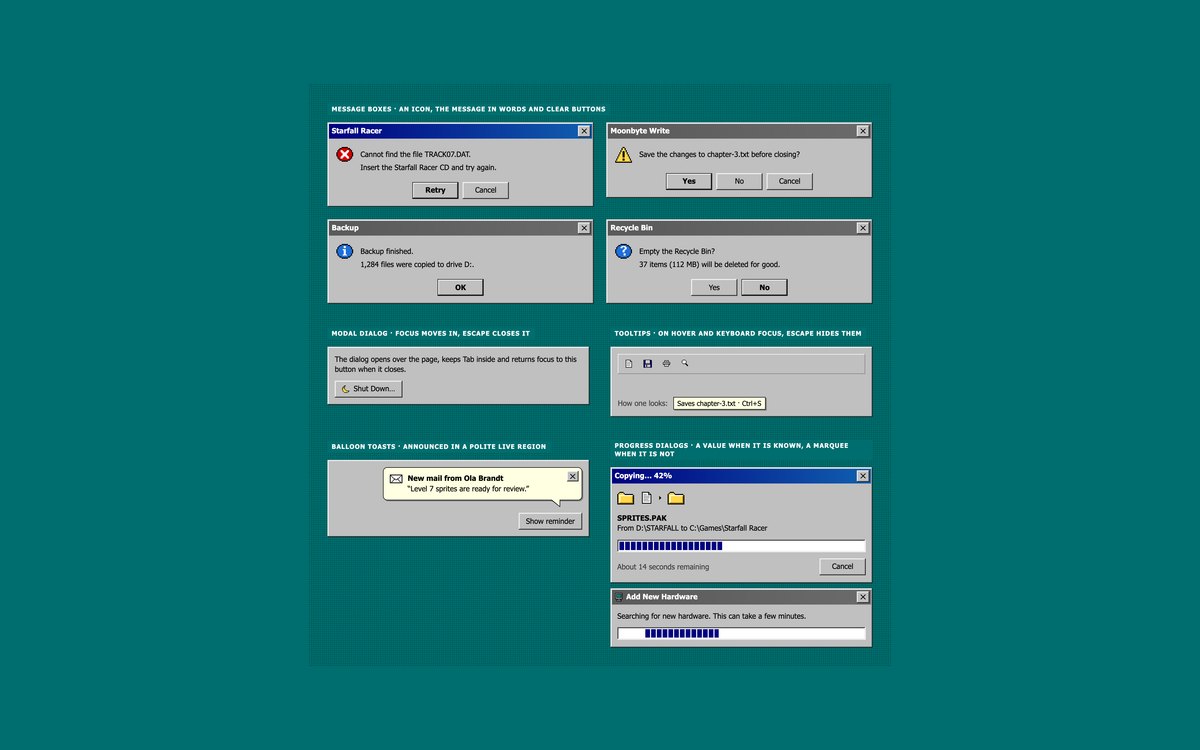
Error, warning, information and question message boxes, a shut-down dialog, tooltips, balloon toasts and progress dialogs with a value or a marquee.
The dialog is the native dialog element, so focus is trapped and Escape closes it. Toasts are announced in a polite live region.
Live Demo CSS, Bootstrap & Tailwind code
6. Retro Media Player & Widgets
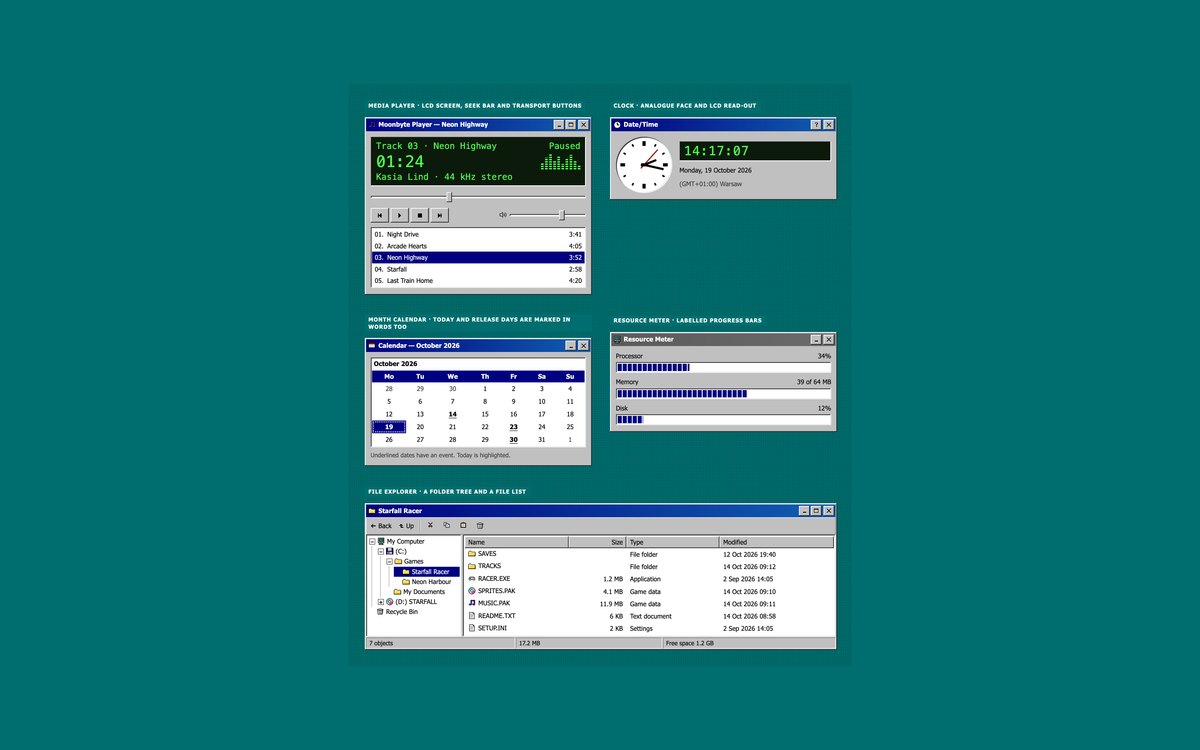
A media player with an LCD screen and playlist, an analogue and LCD clock, a month calendar, a resource meter and a file explorer with a folder tree.
Short scripts run the player and the clock. The calendar is a real table and the folder tree is built from details and summary, so it opens without JavaScript.
Live Demo CSS, Bootstrap & Tailwind code
7. Synthwave 80s UI Theme
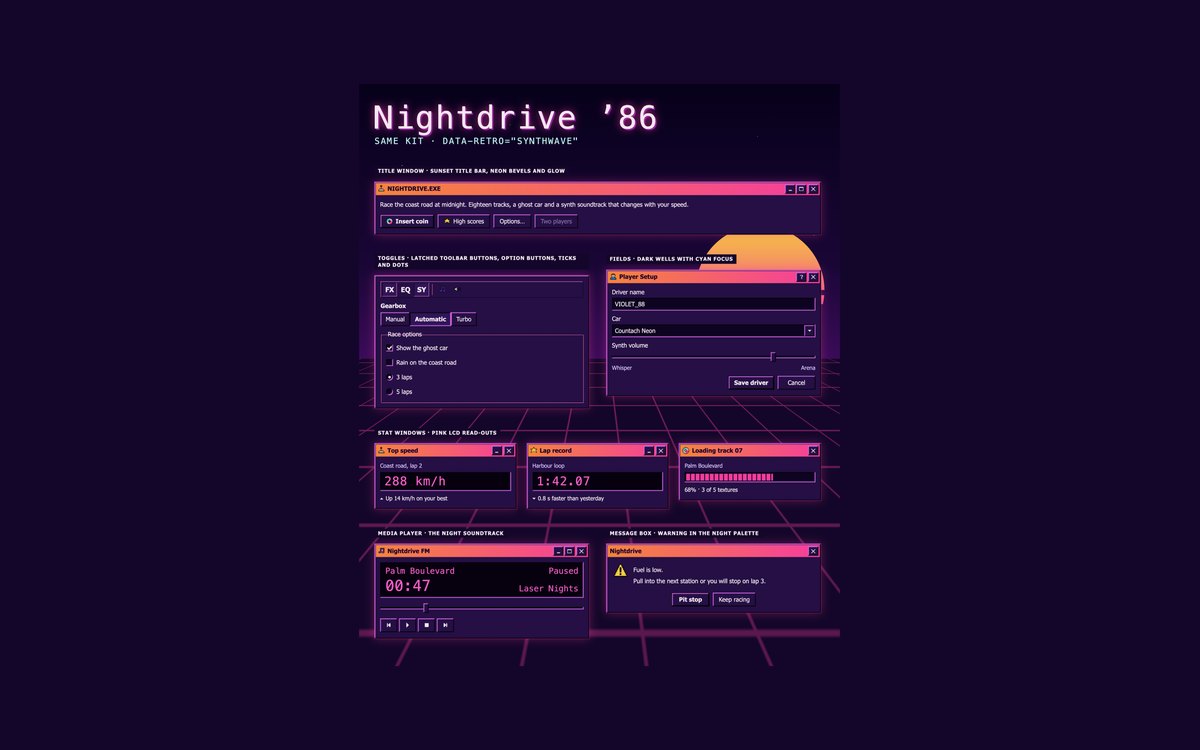
The same components in a synthwave 80s night theme, over a CSS-only starry sky, striped sun and neon perspective grid.
One attribute, data-retro="synthwave", swaps every token to neon bevels, sunset title bars and pink LCDs while text keeps 5.9:1 or more.
Live Demo CSS, Bootstrap & Tailwind code
8. Retro Desktop & Taskbar
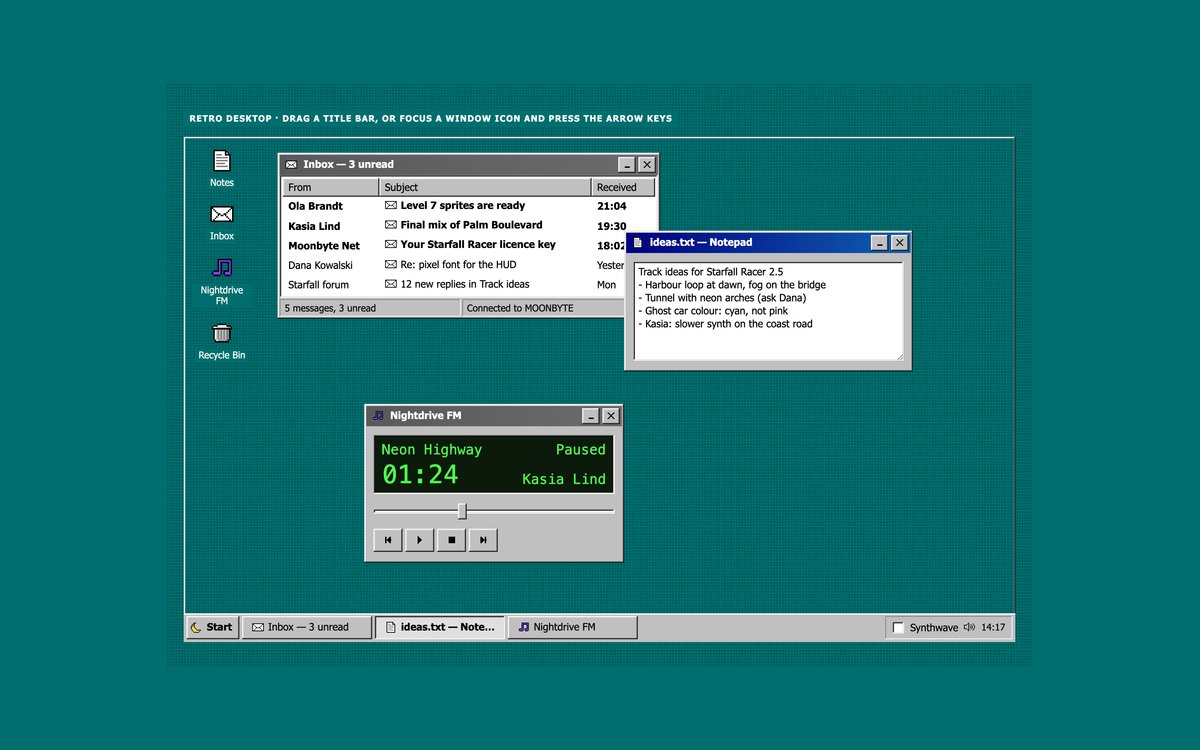
A full retro desktop with icons, an inbox, a notepad and a music player in windows, and a taskbar with a Start menu and tray.
Drag windows by the title bar or move them with the arrow keys from the window icon. A tray checkbox switches to synthwave through :has(), and under 761 pixels the windows stack.
Live Demo CSS, Bootstrap & Tailwind code
Frequently asked questions
Is this retro UI kit free for commercial projects?
Yes. Every set is free for personal and commercial projects, including client work and products you sell. Attribution is optional but always welcome. The licence is at uicookies.com/license/.
Does the retro UI kit need JavaScript?
Most of it does not. Buttons, toggles, checkboxes, fields, windows, the folder tree, tooltips on hover and focus and the synthwave theme switch are HTML and CSS. Short vanilla scripts run the menus, tabs, dialog, toasts, media player, clock and the draggable desktop windows. The Bootstrap versions use Bootstrap’s bundle for dropdowns, tabs, the modal, toasts and tooltips.
Can a Windows 95 style interface be accessible?
Yes, if the look is applied to real controls. This kit uses native buttons, inputs, selects, a dialog element and tables, keeps text at 5.3:1 or more, draws the dotted focus rectangle 2px wide in a contrasting colour, names every window control, and gives the draggable windows an arrow key alternative. Animations stop under prefers-reduced-motion, and every set passes an automated axe-core WCAG 2.1 AA check.
Which frameworks are included?
Every set has three files that look the same: plain HTML and CSS, Bootstrap 5.3.8 and Tailwind CSS 4. Bootstrap’s own components are restyled by mapping its –bs-* variables to the kit tokens, with a small style block for the rest. The Tailwind files map the tokens into an @theme inline block, which gives utilities such as bg-retro-face, shadow-retro-out and shadow-retro-sunken.
How do I make a Windows 95 style bevel in CSS?
Stack four one-pixel inset box shadows: a dark outer edge on the bottom and right, a white outer edge on the top and left, and a grey and a light grey edge just inside them. Reverse the light and dark edges for a pressed button or a sunken field. This kit stores those recipes as –retro-out, –retro-in and –retro-sunken, built from the –retro-hilite, –retro-light, –retro-shadow and –retro-dark tokens.