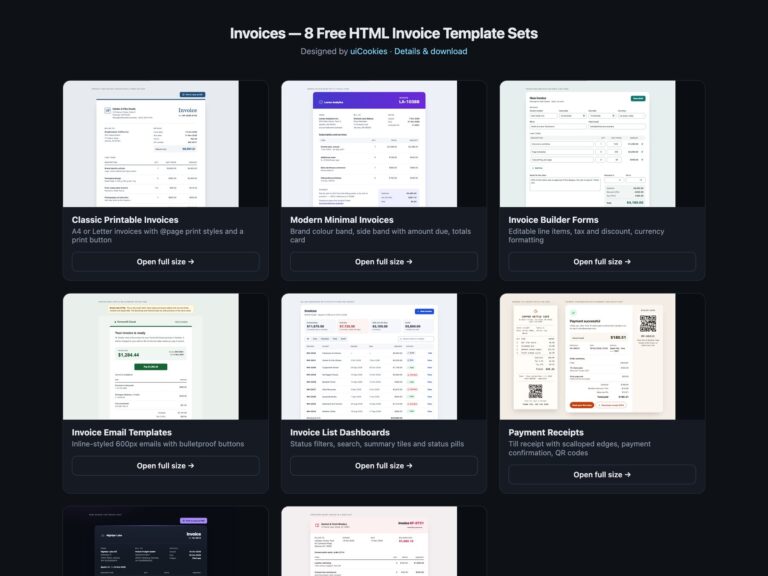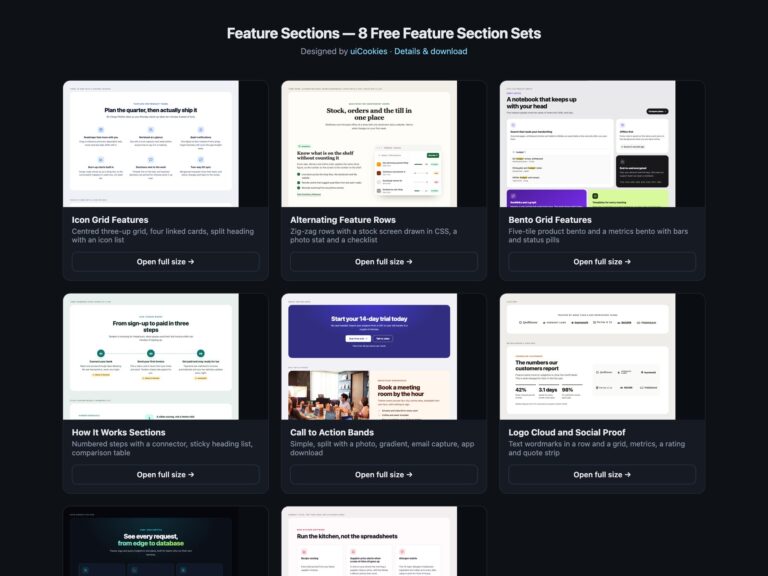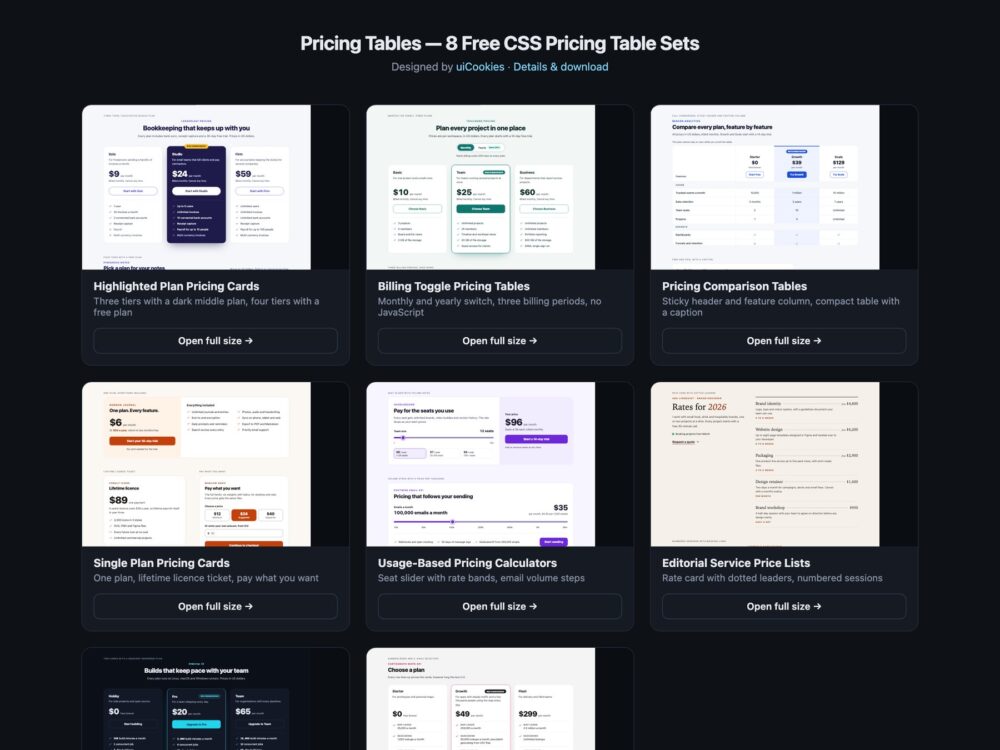
Pricing Tables is a pack of eight sets of pricing tables and pricing page sections, designed and maintained in-house by uiCookies. Every set comes in three versions that look the same: plain HTML and CSS, Bootstrap 5 using its grid, .card, .btn-check, .table and .form-range where they fit, and Tailwind CSS 4. The sets cover tiered cards with a highlighted plan, a monthly and yearly billing switch, a feature comparison table, single-plan, lifetime and pay-what-you-want cards, usage-based calculators, editorial price lists for services, a dark set and a modern CSS set built on subgrid, :has() and container queries. Only the usage calculators use JavaScript.
A good pricing table lets a buyer compare plans without guessing. It lists the same features in the same order on every plan, so the eye can read across, and it shows what a plan does not include instead of quietly leaving it out. A tick or a cross is never the only signal: each one needs text such as Included or Not included for screen readers, and limits are written as numbers. The recommended plan is marked with a visible word, not just a brighter colour. A billing switch states the saving in plain words next to the prices, and a comparison table is a real table with row and column headers, whose header stays in view and whose scroll area can be reached with the keyboard on a phone.
Free download Browse live demos All snippets
The sets
1. Highlighted Plan Pricing Cards
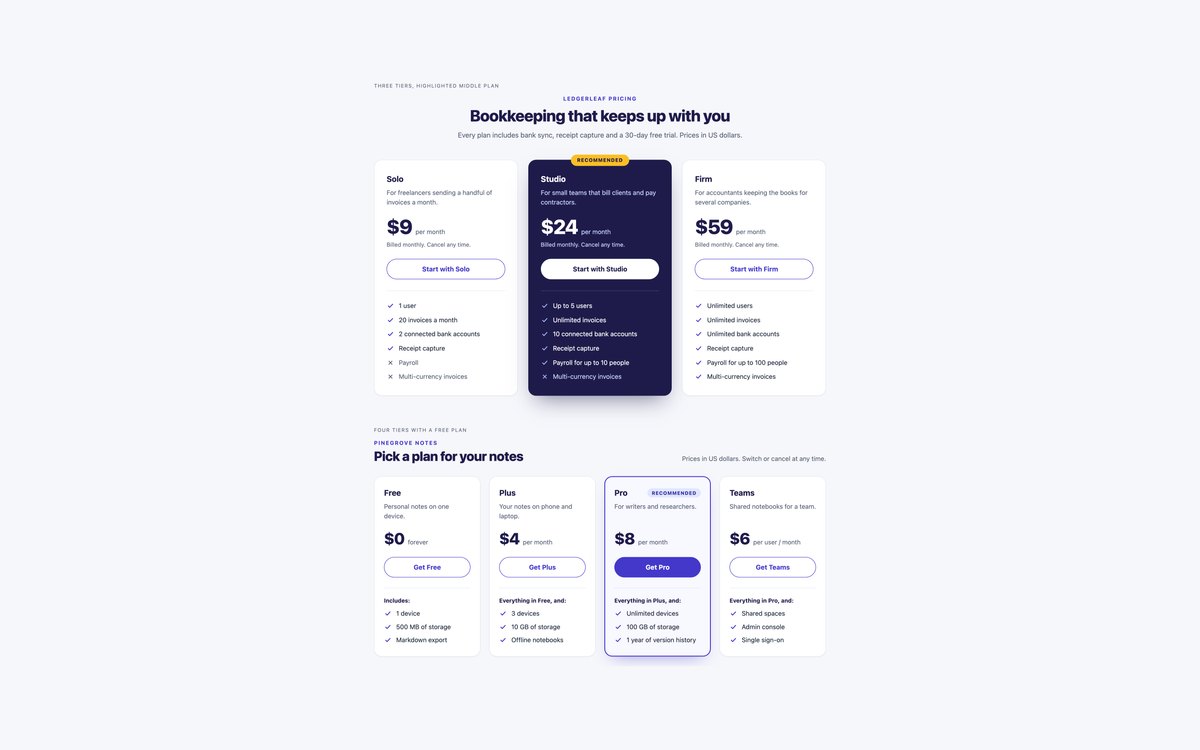
Three tiers with a dark highlighted middle plan and a Recommended badge on its edge, and four tiers with a free plan where each plan lists what it adds to the one before.
Use them for a classic SaaS pricing page. Every feature row carries Included or Not included text, and the Bootstrap version is built from .row-cols-*, .card, .badge and .btn.
Live Demo CSS, Bootstrap & Tailwind code
2. Billing Toggle Pricing Tables
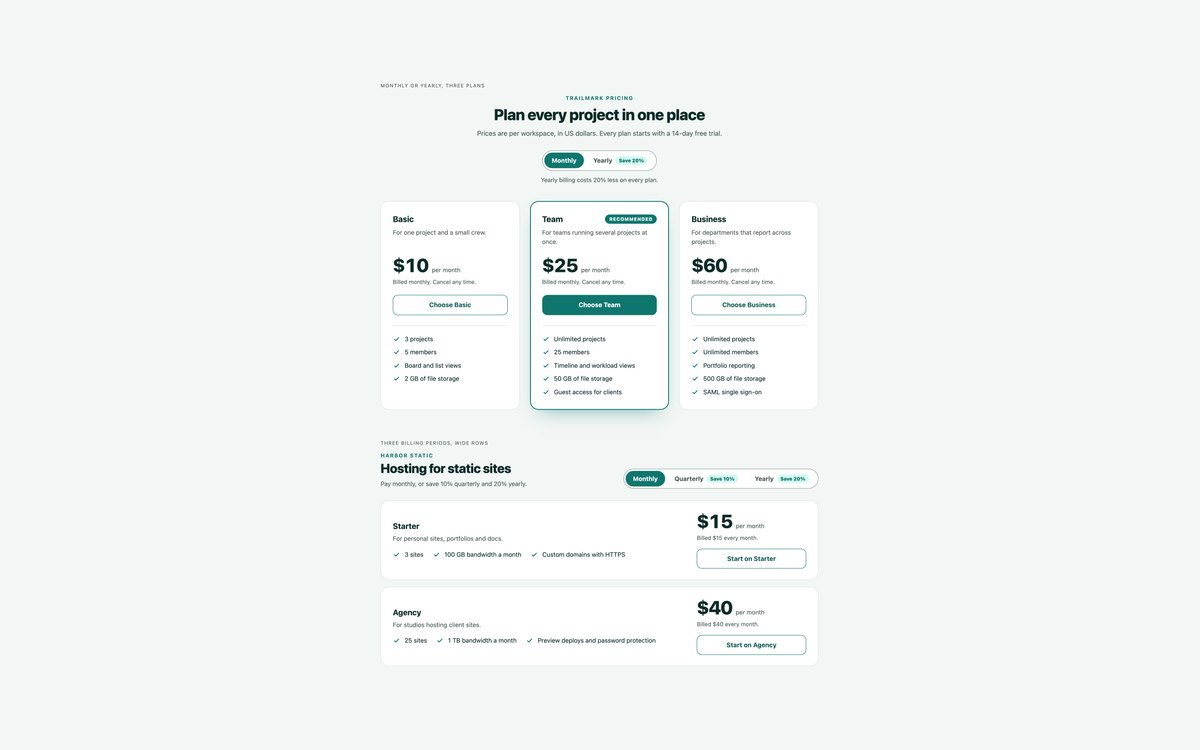
A monthly and yearly switch over three plans, and a monthly, quarterly and yearly switch over two wide plan rows.
The switch is a radio group and :has() swaps the prices and the billing notes, so there is no JavaScript. The saving is written out under the switch and under every price.
Live Demo CSS, Bootstrap & Tailwind code
3. Pricing Comparison Tables
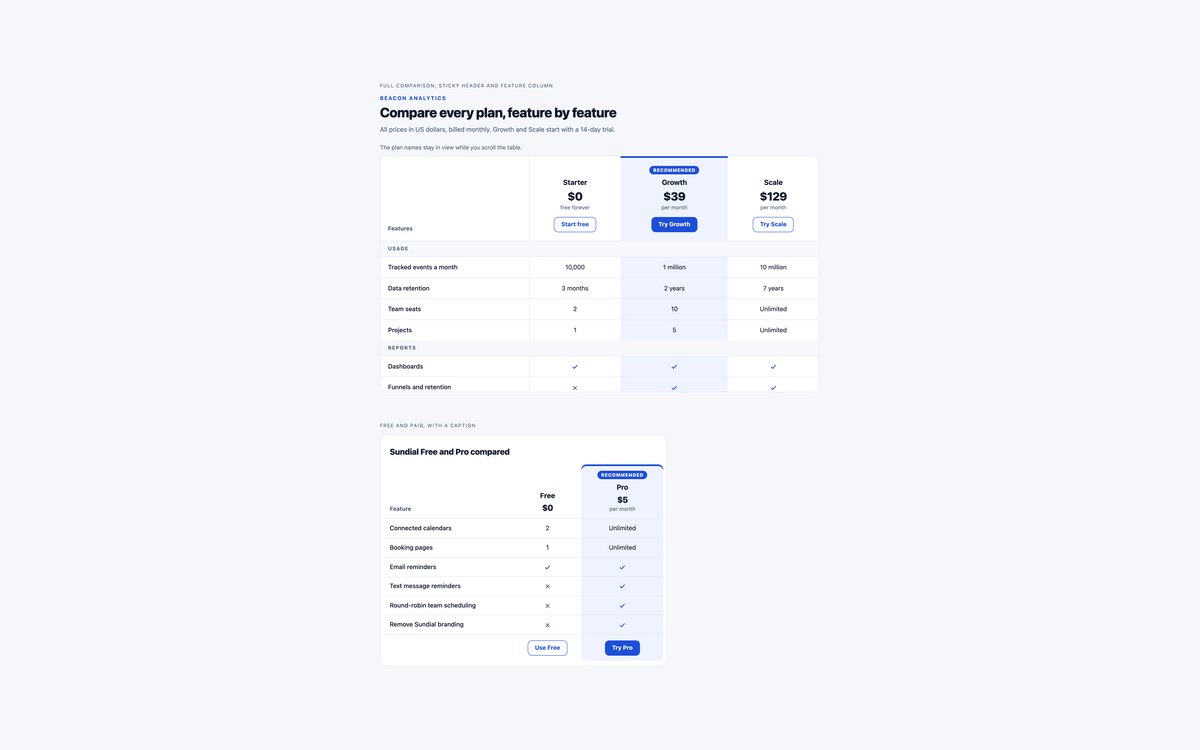
A real HTML table comparing three plans across sixteen features in four groups, and a compact Free and Pro table with a visible caption.
The plan header and feature column stay in view while the table scrolls, inside a scroll region that has a name and can be focused with the keyboard.
Live Demo CSS, Bootstrap & Tailwind code
4. Single Plan Pricing Cards
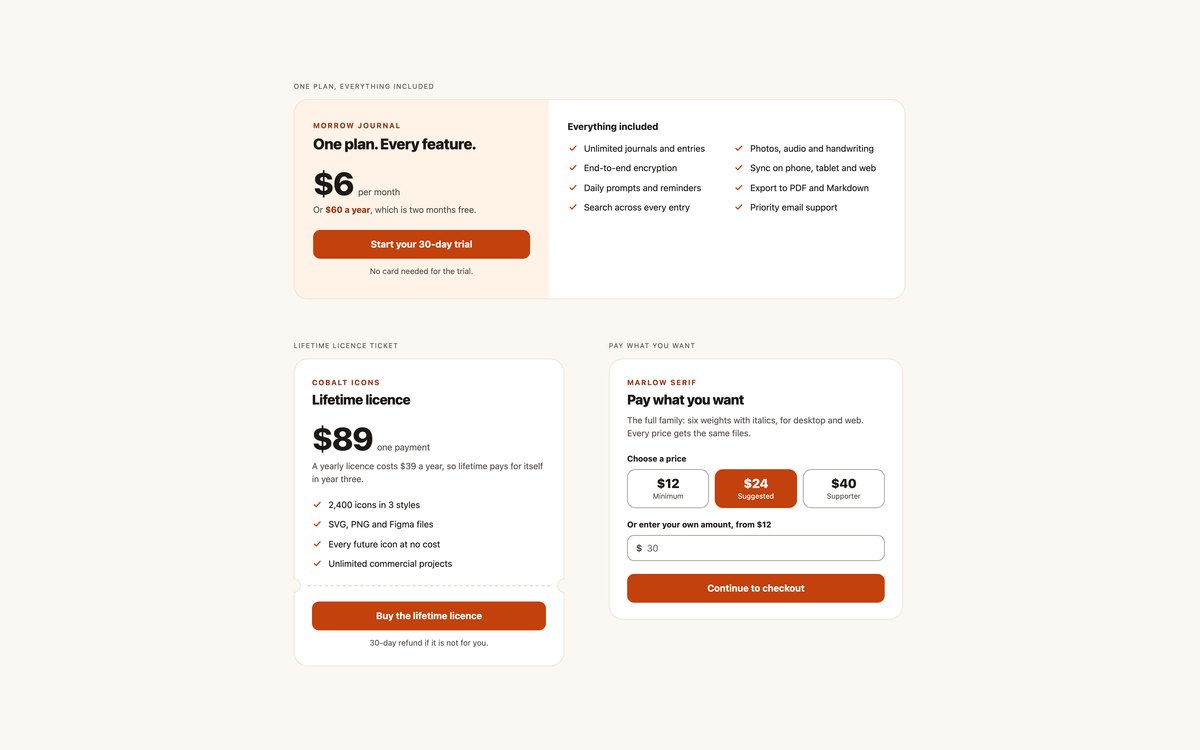
One plan with everything included, a lifetime licence drawn as a ticket, and a pay-what-you-want card with price chips and an amount field.
Use them for products without tiers, such as apps, icon sets and fonts. The price chips are a native radio group, and nothing needs JavaScript.
Live Demo CSS, Bootstrap & Tailwind code
5. Usage-Based Pricing Calculators
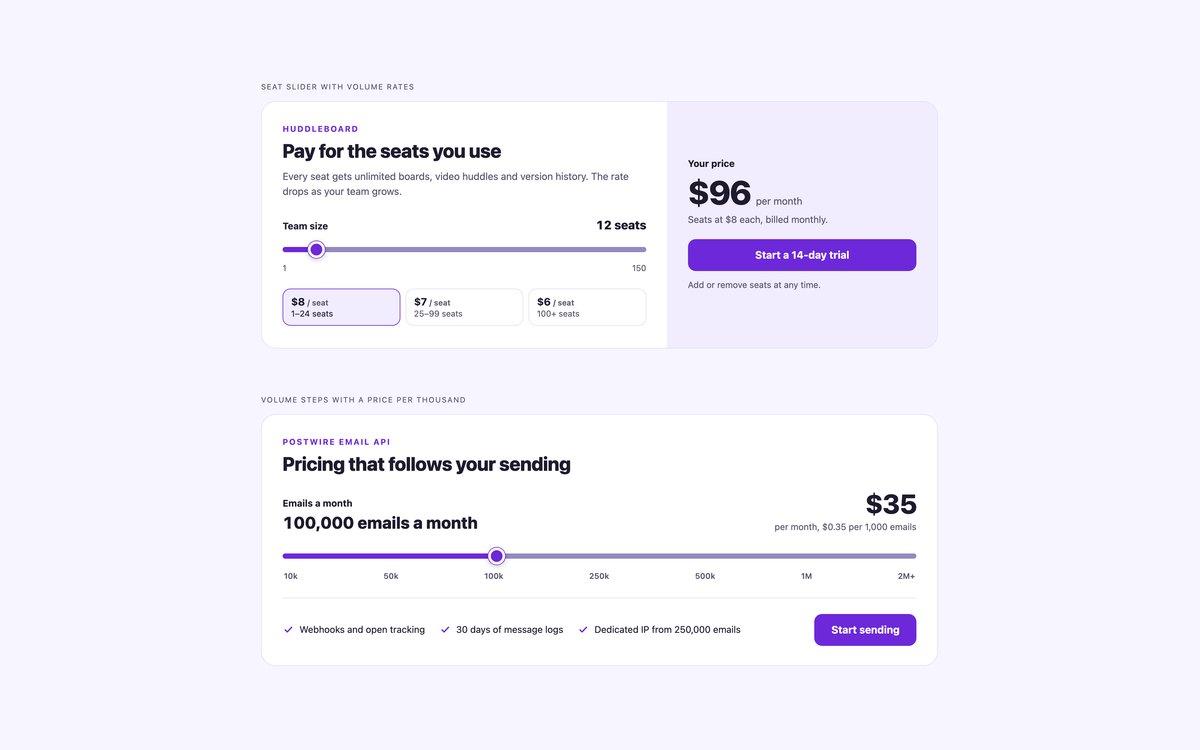
A per-seat calculator with volume rate bands, and an email volume calculator with a price per thousand and a custom tier.
A native range input with a meaningful aria-valuetext drives the total through about forty lines of vanilla JavaScript; Bootstrap uses .form-range.
Live Demo CSS, Bootstrap & Tailwind code
6. Editorial Service Price Lists
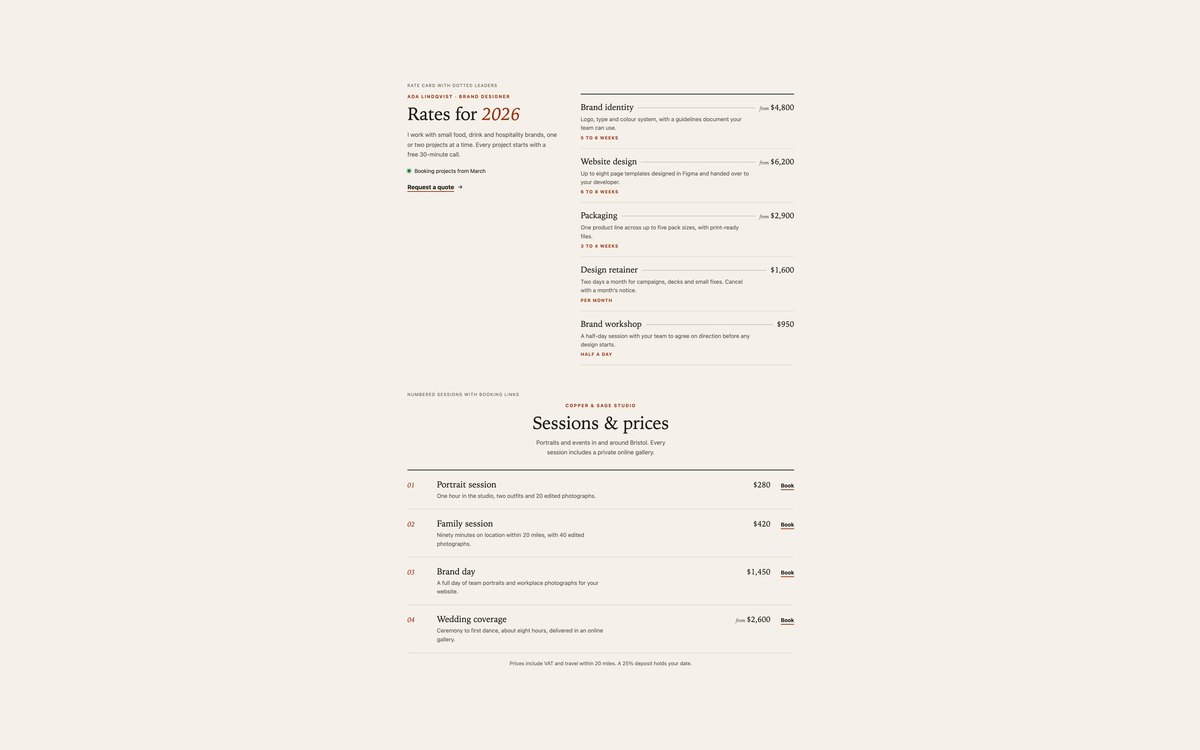
A freelance designer’s rate card with dotted leaders running to each price, and a photography studio’s numbered session list with booking links.
Use them where SaaS cards would look out of place, such as service businesses and portfolios. Each service is a heading in an ordered list, set in a system serif.
Live Demo CSS, Bootstrap & Tailwind code
7. Dark Pricing Tables
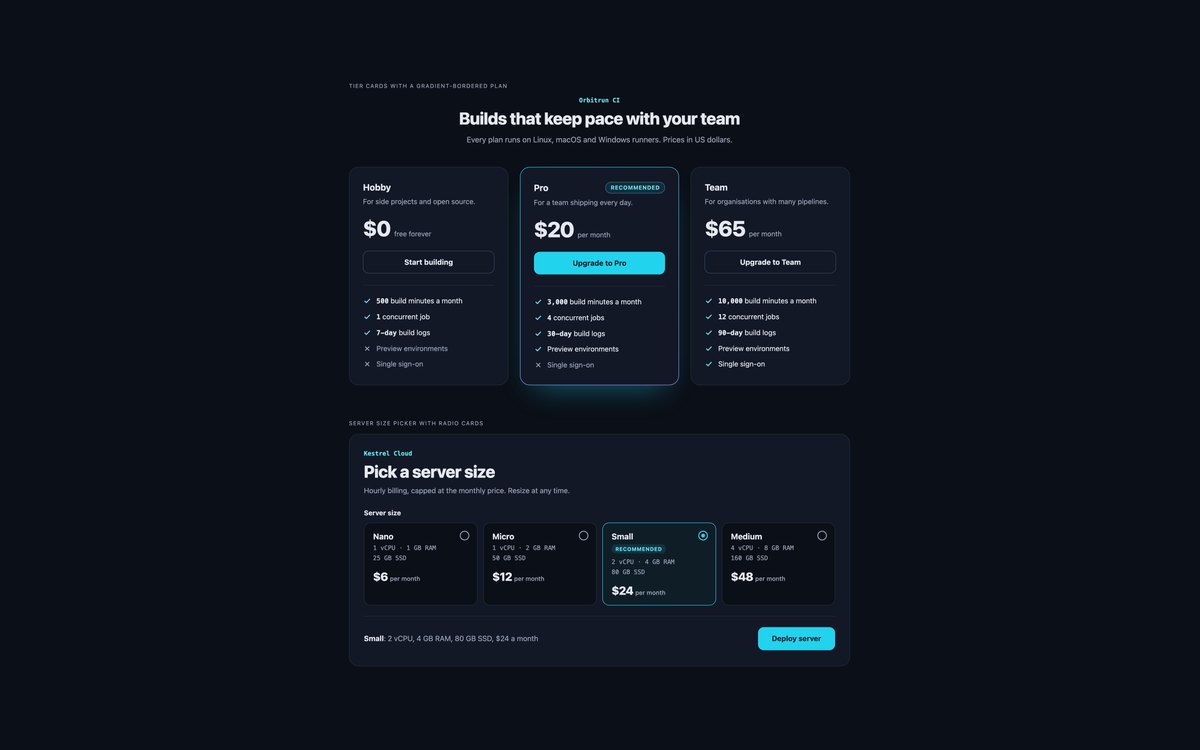
Dark tier cards with a gradient-bordered recommended plan, and a cloud server picker built from radio cards with a summary line.
Colours are checked for contrast on a near-black ground. Bootstrap runs it in data-bs-theme="dark", and the picker uses :has() instead of JavaScript.
Live Demo CSS, Bootstrap & Tailwind code
8. Modern CSS Pricing Tables
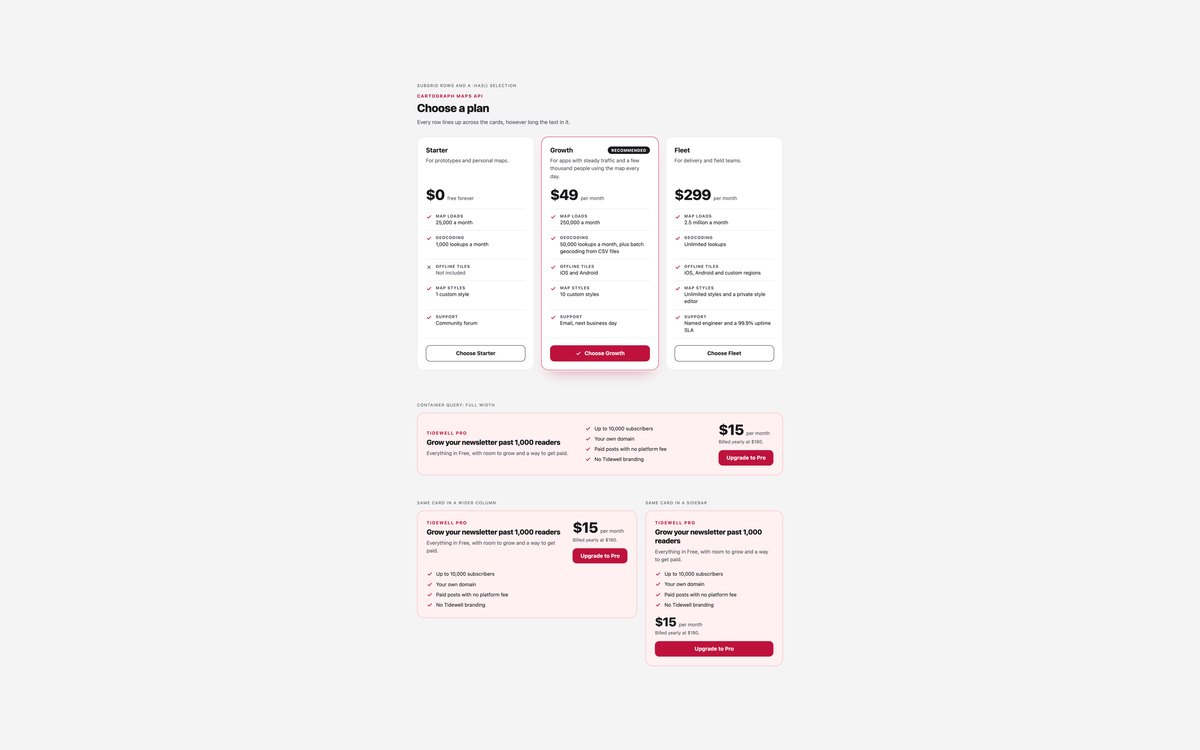
Plan cards whose price, feature rows and buttons line up across cards however long the text, and an upgrade card shown at three widths.
Subgrid aligns the rows, :has() marks the chosen plan, and container queries lay the upgrade card out by the width of its slot rather than the window.
Live Demo CSS, Bootstrap & Tailwind code
Frequently asked questions
Are these pricing tables free for commercial projects?
Yes. Every set is free for personal and commercial projects, including client work and products you sell. Attribution is optional but always welcome. The licence is at uicookies.com/license/.
Do these pricing tables need JavaScript?
Only the usage-based calculators in set 5 do, with about forty lines of vanilla JavaScript and no library to recalculate the price as the slider moves. The billing switch, the plan selection and the server picker are radio buttons and CSS, using :has() to change what is shown. The Bootstrap versions do not load Bootstrap’s JavaScript bundle.
Are the pricing tables accessible?
Every tick and cross has visually hidden Included or Not included text, and the Recommended badge is visible text. Billing switches and price choices are native radio groups in fieldsets with a legend, the comparison table uses row and column headers in a focusable, labelled scroll region, and sliders announce values such as 12 seats through aria-valuetext. Every control shows a visible focus outline, motion stops under prefers-reduced-motion, and every set passes an automated axe-core WCAG 2.1 AA check.
Which frameworks are included?
Every set has three files that look the same: plain HTML and CSS, Bootstrap 5.3.8 and Tailwind CSS 4. The Bootstrap files use the grid, .card, .badge, .btn, .btn-check, .table, .form-range, .form-check-input, .list-group and .input-group where they fit, with a small style block for the rest. The Tailwind files use utility classes in the markup, with a style block only for a keyframe or the range slider’s track and thumb.
How do I make a monthly and yearly pricing toggle with only CSS?
Put two radio buttons in a fieldset inside the pricing section, and write both prices into each card with a class for each period. Hide the yearly prices by default, then use a rule such as .pricing:has(input[value=yearly]:checked) to hide the monthly prices and show the yearly ones. Set 02 does exactly this and also swaps the billing note. :has() needs Chrome 105, Safari 15.4 or Firefox 121.