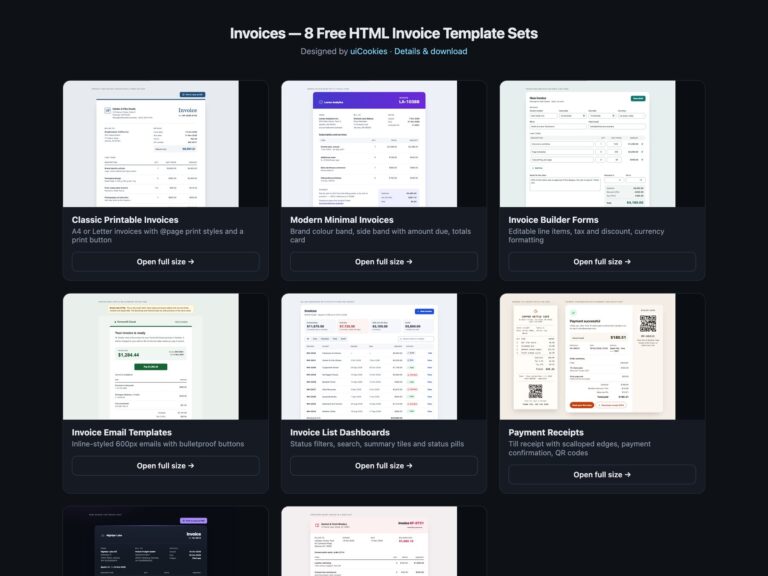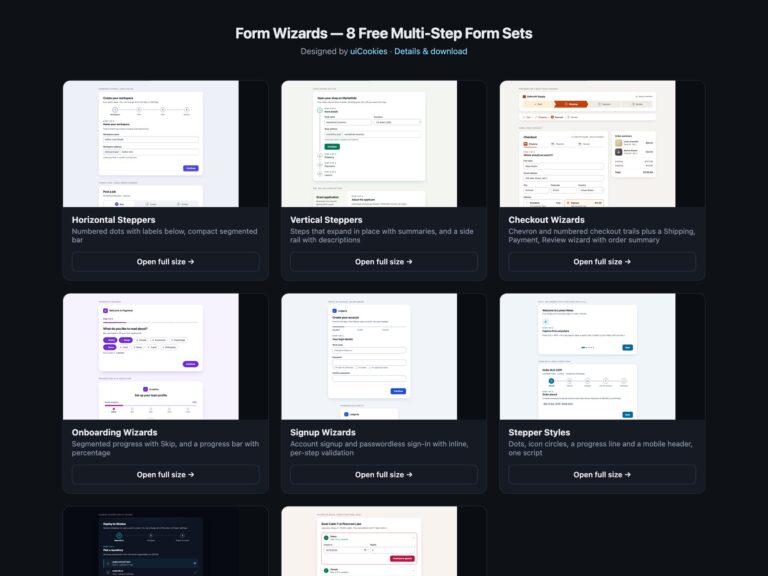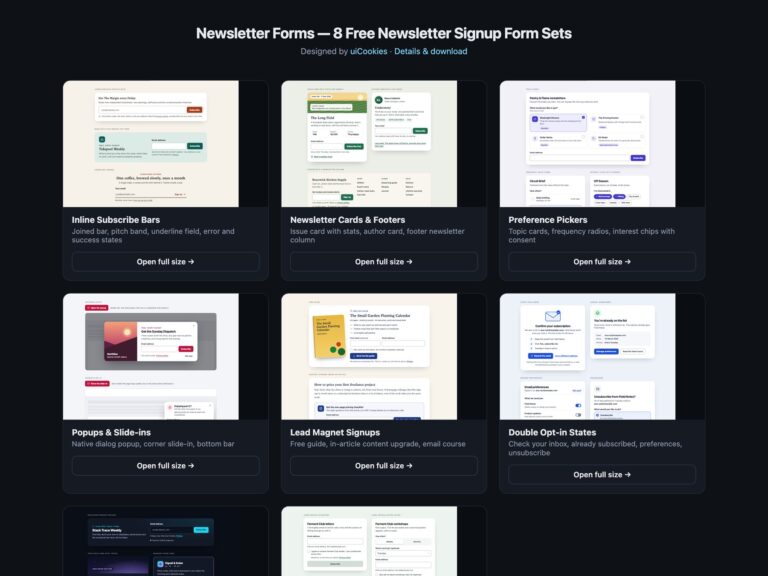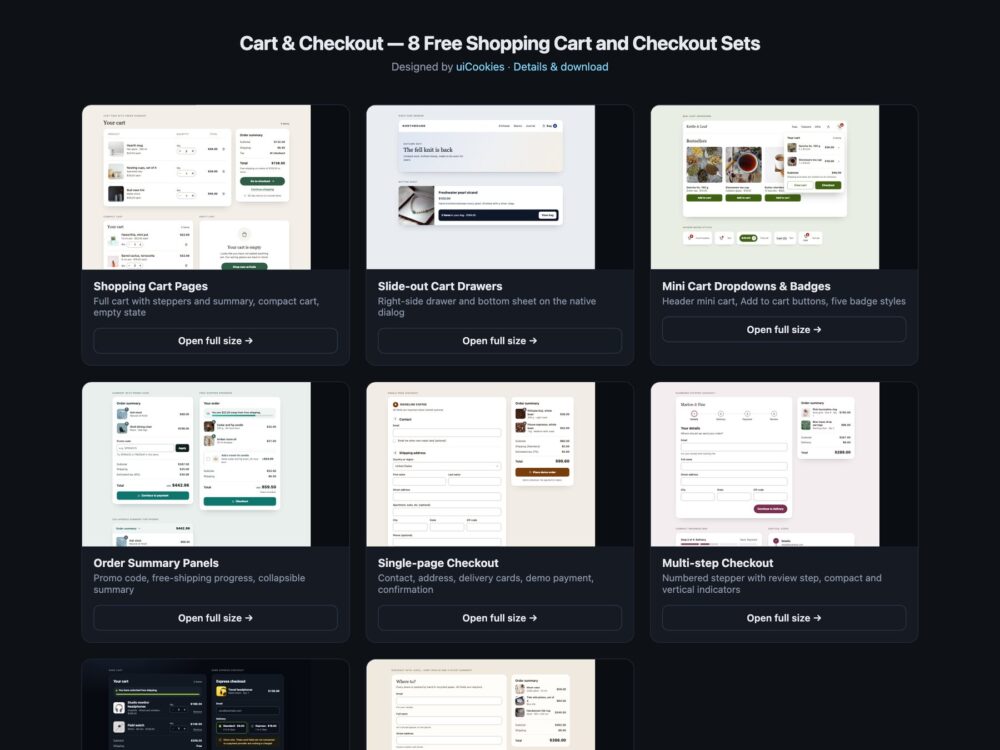
Cart & Checkout is a pack of eight sets of shopping cart and checkout components, designed and maintained in-house by uiCookies. Every set comes in three versions that look the same: plain HTML and CSS, Bootstrap 5.3 built on its own cards, list groups, input groups, offcanvas, dropdowns and form controls, and Tailwind CSS 4. The sets run from cart pages, slide-out drawers and header mini carts to order summaries with promo codes, a single-page checkout, a multi-step checkout, a dark set and a checkout step that runs on modern CSS alone.
After checkout: printable invoices, receipts and invoice emails in HTML invoice templates.
A good shopping cart makes the numbers easy to trust. Quantities change with large stepper buttons as well as typing, every line total and the order total update at once, and the arithmetic is done in whole cents so the figures always add up. Removing an item is one clearly named button, and removing the last one leads to a helpful empty state rather than a blank box. Checkout forms ask only for what the order needs, give every field a visible label and the right autocomplete token so browsers can fill the address and card, and tie each error message to its field. Changes to the cart are announced to screen readers, focus never gets lost when something disappears, and nothing pretends to take a payment it cannot take.
Free download Browse live demos All snippets
The sets
1. Shopping Cart Pages
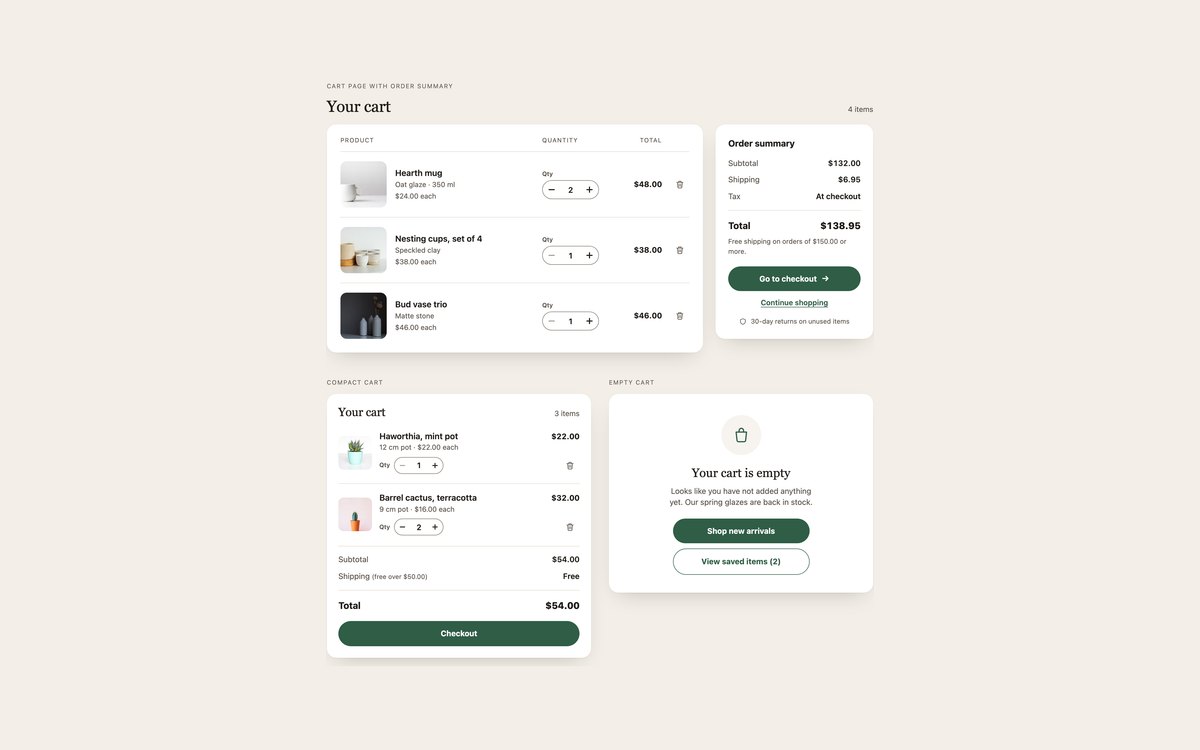
A full cart page with line items and a summary card, a compact cart for narrow spaces, and the empty cart state.
Use them for the main cart view. A few lines of vanilla JavaScript run the quantity steppers and remove buttons and recalculate every total in cents.
Live Demo CSS, Bootstrap & Tailwind code
2. Slide-out Cart Drawers
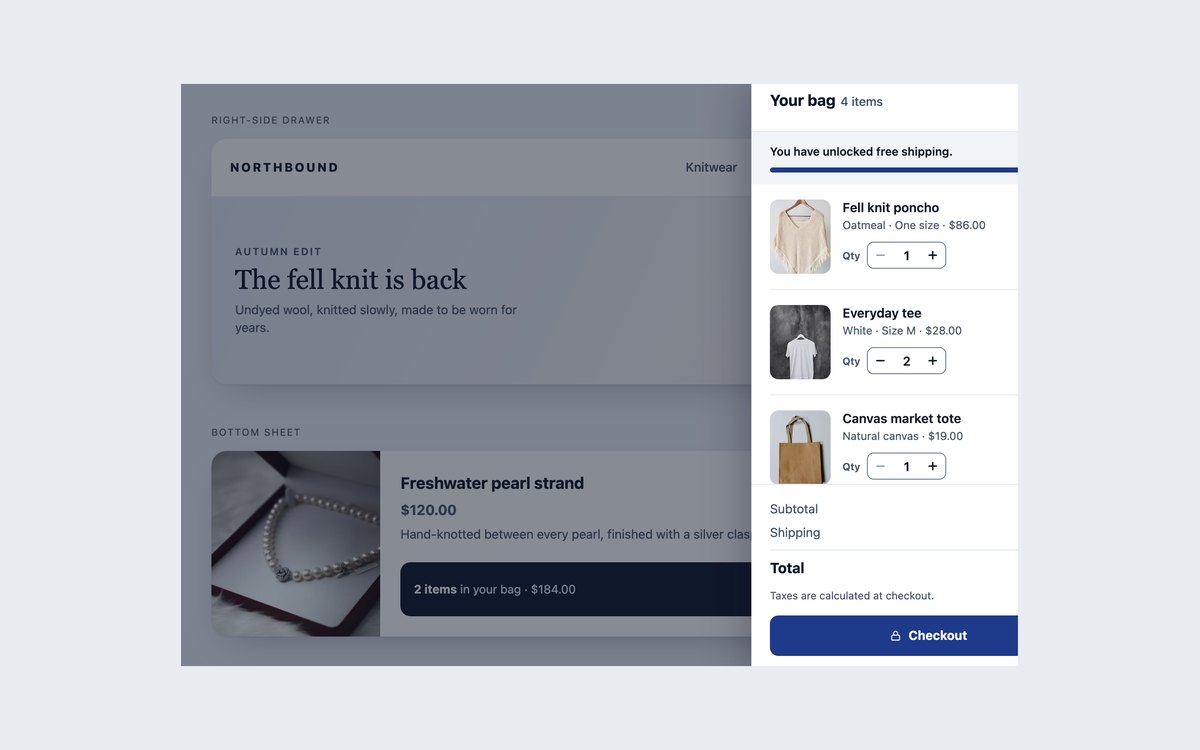
A right-side cart drawer opened from a header bag button and a bottom sheet opened from a product page bar, each with steppers, a free-shipping bar and totals.
Use them when people should see the cart without leaving the page. The plain and Tailwind versions use the native dialog element, the Bootstrap version uses offcanvas.
Live Demo CSS, Bootstrap & Tailwind code
3. Mini Cart Dropdowns & Badges
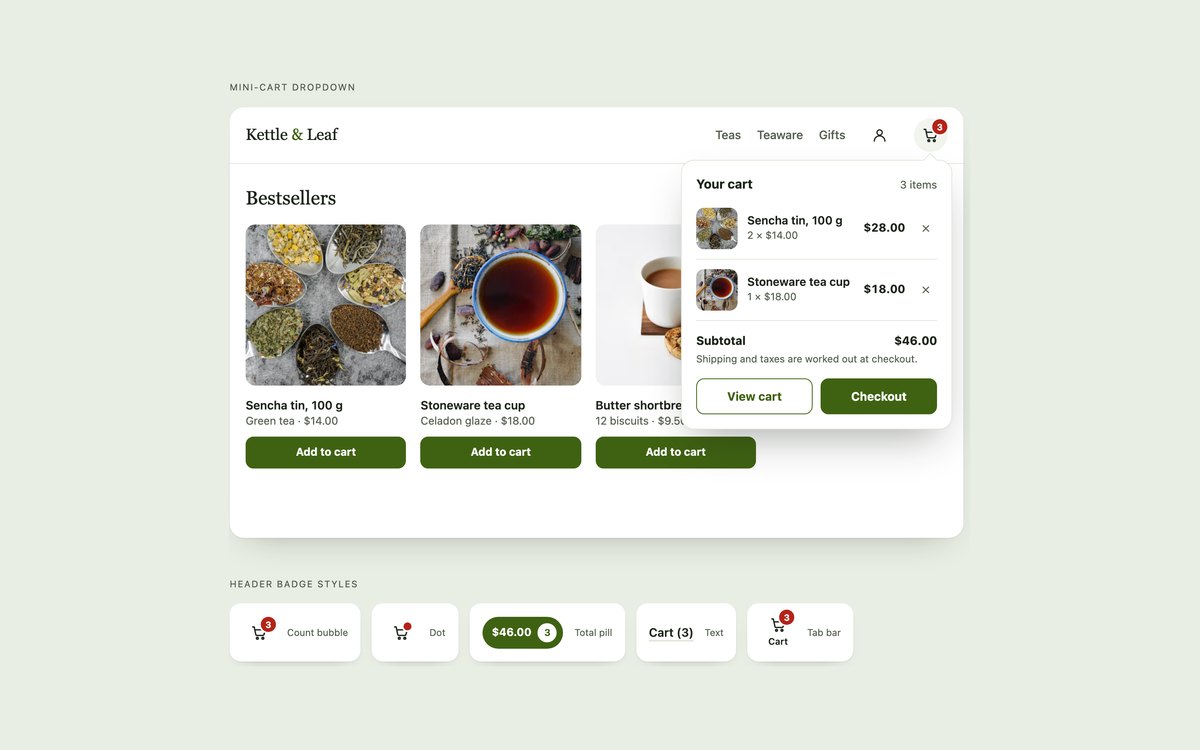
A header mini-cart dropdown with Add to cart buttons that fill it, plus five header badge styles: bubble, dot, total pill, text and tab bar.
Use them in store headers. Every badge shows the real count, the cart button’s name includes it, and each change is announced politely.
Live Demo CSS, Bootstrap & Tailwind code
4. Order Summary Panels
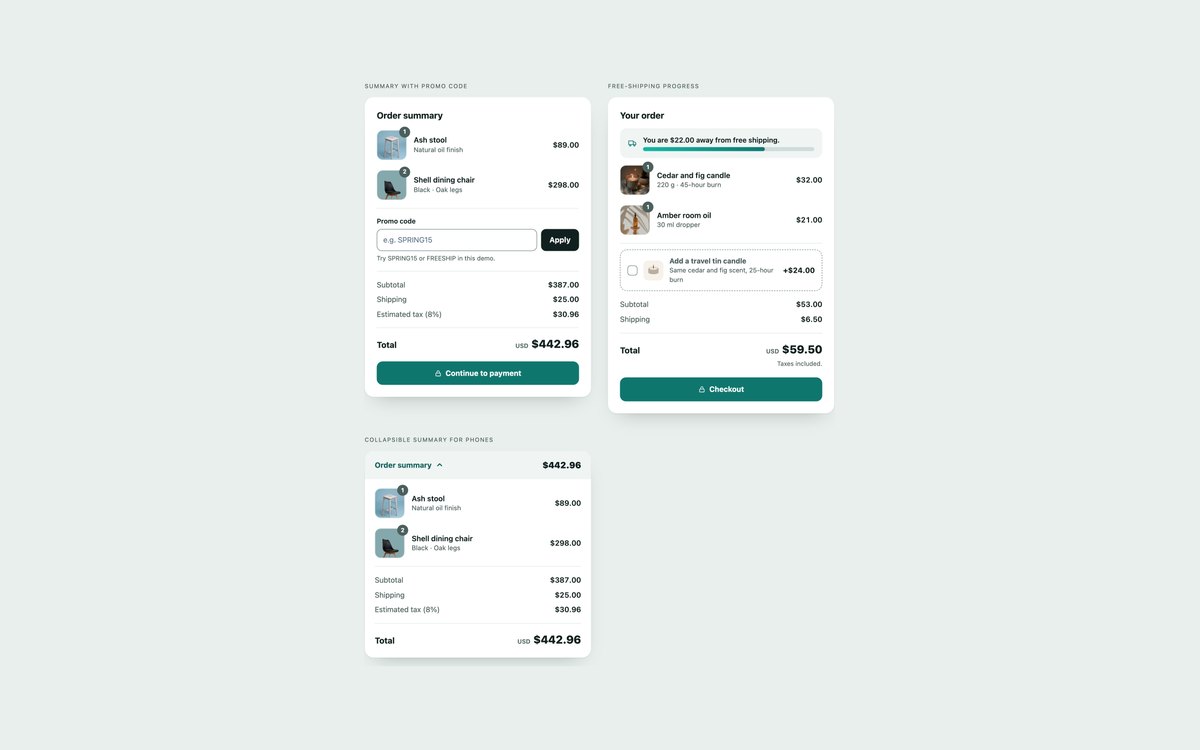
An order summary with a working promo code field, a summary with a free-shipping progress bar and an add-on, and a collapsible summary for phones.
Use them beside a cart or checkout form. Discount, shipping, tax and total are recalculated in cents, and the collapsible version is plain details and summary.
Live Demo CSS, Bootstrap & Tailwind code
5. Single-page Checkout Forms
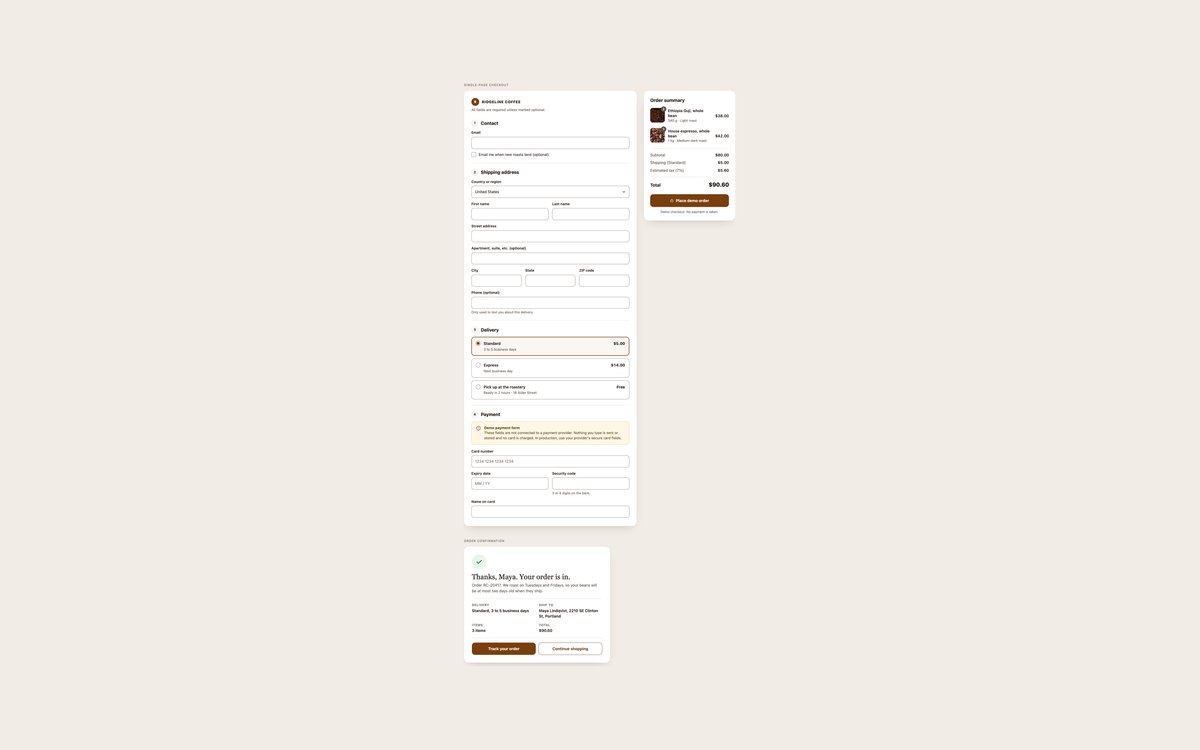
A one-page checkout with contact, shipping address, delivery radio cards and demo payment fields beside a sticky order summary, plus the order confirmation card.
Use it as the starting point for a checkout. Every field has the right autocomplete token, and the payment fields are a clearly marked front-end mock that never submits card data.
Live Demo CSS, Bootstrap & Tailwind code
6. Multi-step Checkout Forms
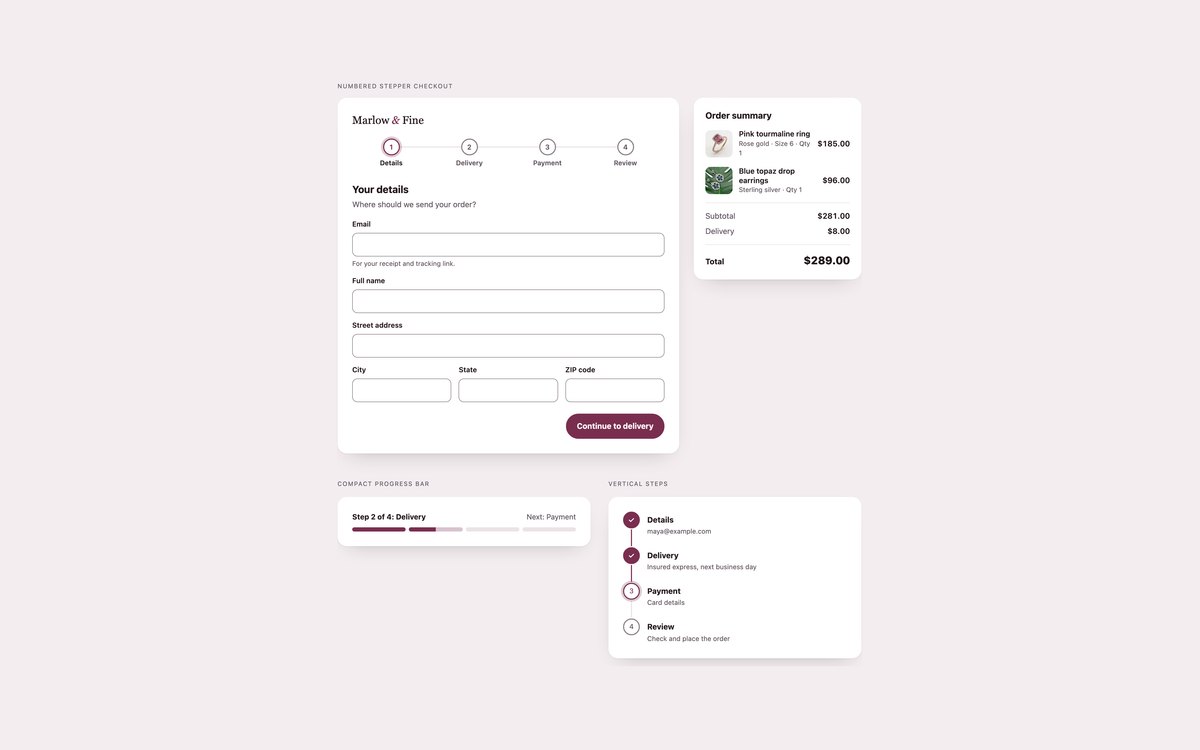
A four-step checkout with a numbered step indicator, per-step validation and a review step, plus a compact progress bar and a vertical step list.
Use it when a checkout is long enough to split. The current step is marked with aria-current="step", and without JavaScript the form works as one long page.
Live Demo CSS, Bootstrap & Tailwind code
7. Dark Cart & Checkout
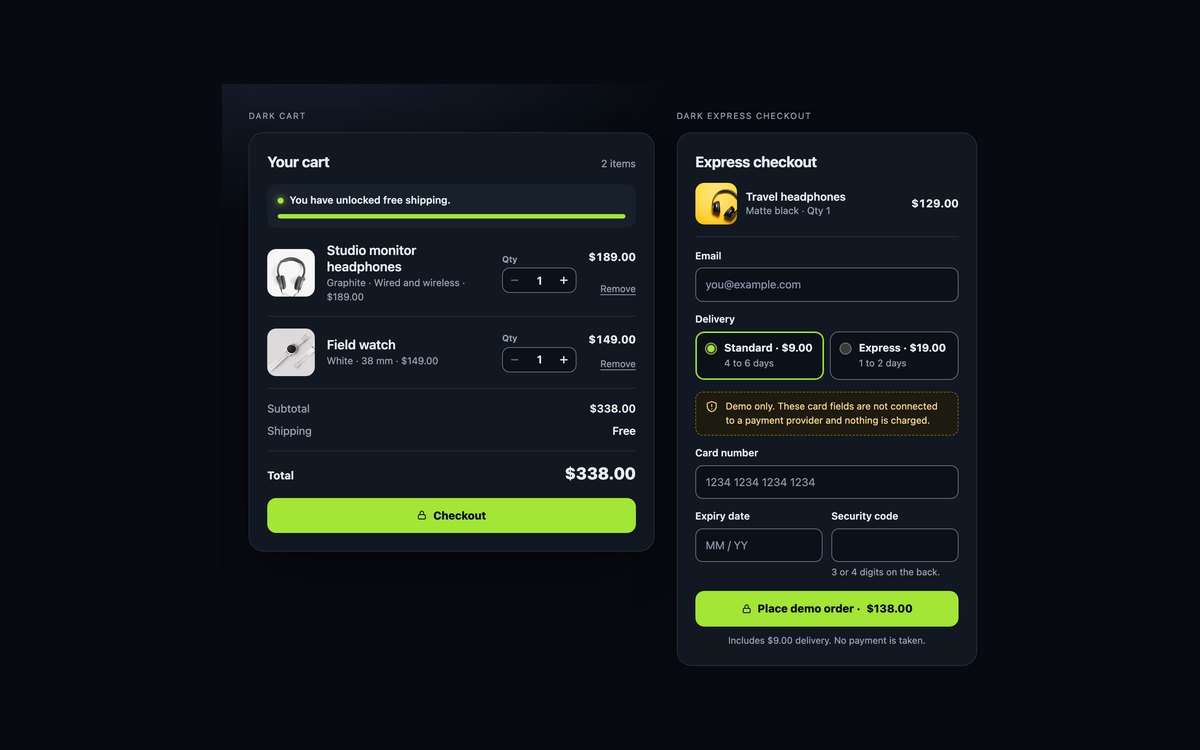
A dark cart with steppers and a free-shipping bar, and a dark express checkout card with delivery options and demo card fields.
Use them in dark storefronts and night themes. Contrast is tuned for the dark cards, and the Bootstrap version uses its own dark colour mode.
Live Demo CSS, Bootstrap & Tailwind code
8. CSS-only Checkout with :has()
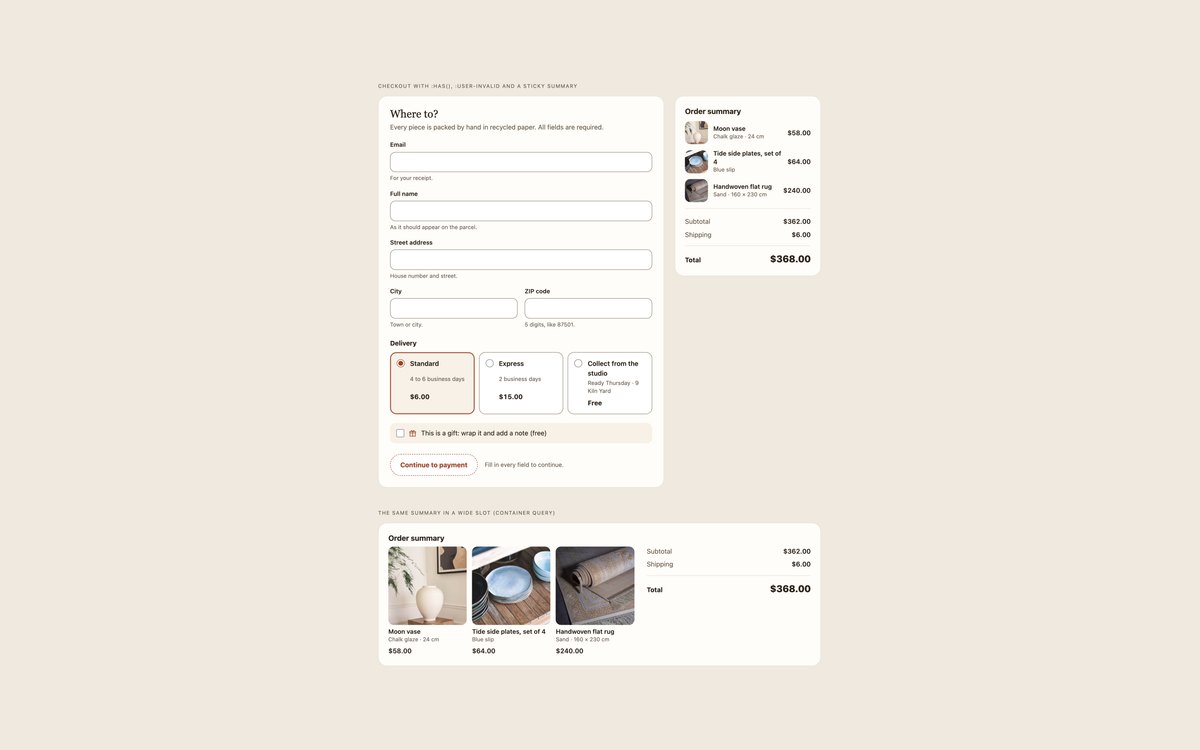
A checkout step whose errors, shipping total, gift note and ready button run on :user-invalid, :has() and :valid, with a sticky summary that adapts through container queries.
Use it to see how far CSS alone can take a checkout. There is no JavaScript in any version, and the browser still validates the form on submit.
Live Demo CSS, Bootstrap & Tailwind code
Frequently asked questions
Are these shopping cart templates free to use?
Yes. All eight sets are free for personal and commercial projects, including client work and products you sell. Attribution is optional but always welcome. The full terms are on the uiCookies licence page.
Do the cart and checkout components need JavaScript?
Set 8 uses no JavaScript at all. The other sets add a few lines of vanilla script, with no libraries, to recalculate totals, run quantity steppers, open drawers and dropdowns, apply promo codes or check checkout fields. The Bootstrap versions of the drawer and mini cart sets also load Bootstrap’s own JavaScript bundle for offcanvas and dropdown.
Are the carts and checkout forms accessible?
Every quantity input and form field has a visible label, steppers and remove buttons are named for their product, and errors are linked to their fields with aria-describedby. Cart changes are announced in polite status regions, drawers keep focus inside while open, and focus moves somewhere sensible when an item is removed. All sets pass an axe-core WCAG 2.1 AA check, show a visible focus ring and stop animations under prefers-reduced-motion.
Which frameworks are covered?
Every set comes as plain HTML and CSS with no dependencies, as Bootstrap 5.3.8 using cards, list groups, input groups, offcanvas, dropdowns, progress bars and form controls restyled through Bootstrap’s CSS variables, and as Tailwind CSS 4 utility classes. The three versions of a set look the same, so you can switch stacks without redesigning.
Can I take real payments with the checkout forms?
Not as they are. The payment fields are a front-end mock: they have no name attribute, a notice says they are not connected to a payment provider, and the scripts stop the demo submit. To take payments, replace them with your payment provider’s hosted card fields and recalculate prices, discounts and tax on the server, since anything worked out in the browser can be changed by the visitor.