About this set
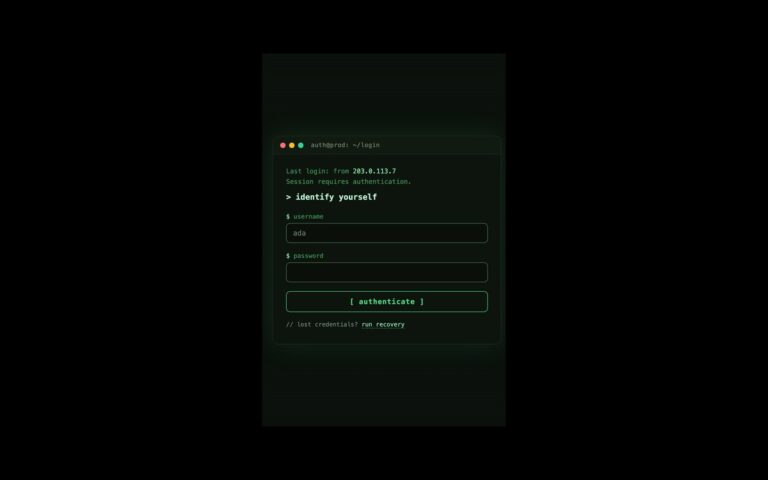
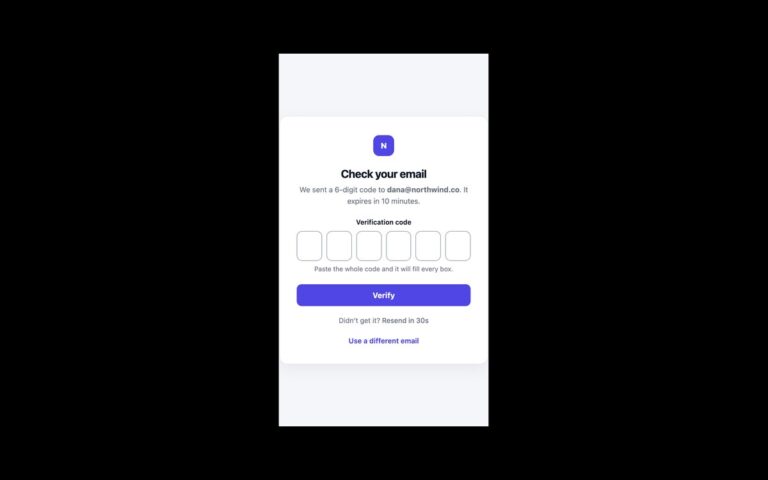
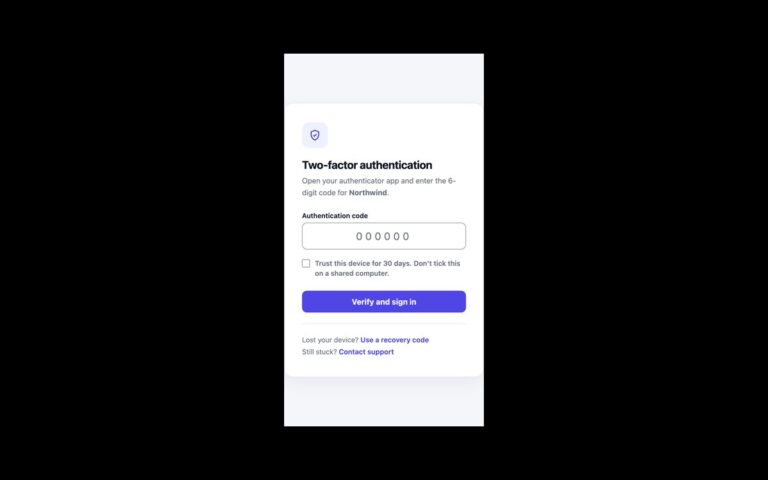
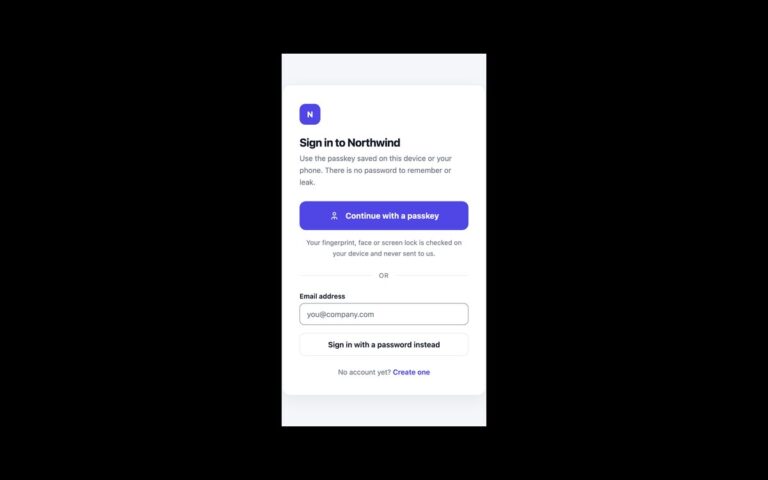
A passwordless sign-in card in two steps. The first step shows a wand icon, a heading, a line explaining that a one-time link will be emailed, a centred email field and an Email me a magic link button, plus a link back to classic login. When the address passes the browser’s own email check, a small script hides that step and shows the second: a green envelope icon, a Check your inbox heading, the address the link went to, and a Try again button that returns to the form. Focus moves to the new heading so screen reader users hear the change, and Try again puts focus back in the email field. Nothing is sent: the script marks where to post the address to your auth endpoint. Use it for newsletters, communities and low-friction apps where users forget passwords. Compared with the original, the email label is now visible, Try again is a real button instead of a link without a destination, and the sky-blue button and links were deepened to #0369a1 so white and blue text meet 4.5:1. The Bootstrap version uses .card, .form-control, .btn and .btn-link.
What’s included
- Two steps swapped with the hidden attribute and about twenty lines of script
- Focus moves to the Check your inbox heading and back to the field
- Uses the browser's built-in email validation
- Try again is a real button, not an empty link
- Accent deepened to #0369a1 to meet WCAG AA
Accessibility
The email field has a visible label and autocomplete="username". After sending, focus moves to the new heading; Try again returns focus to the email field. Buttons and links show a 2px blue outline on keyboard focus and transitions switch off under prefers-reduced-motion.
Customise it
Change --mg-accent, --mg-accent-dark and --mg-sky on .mg; --mg-sky is only the icon tile. In Tailwind edit the --color-mg-* theme colours.