About this set
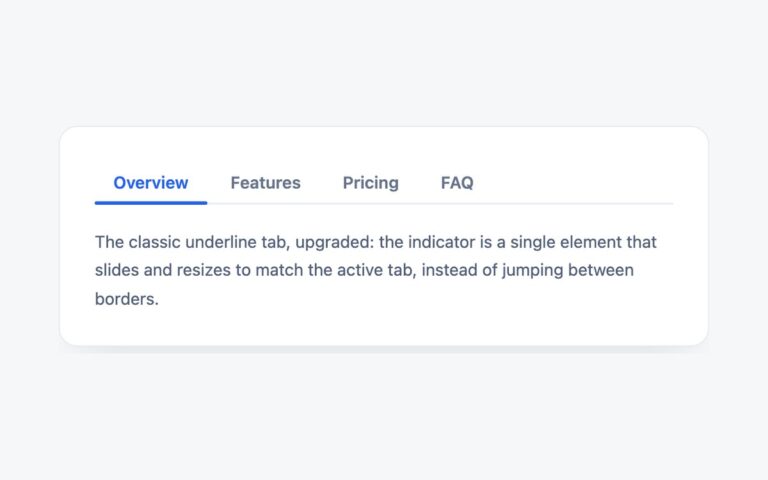
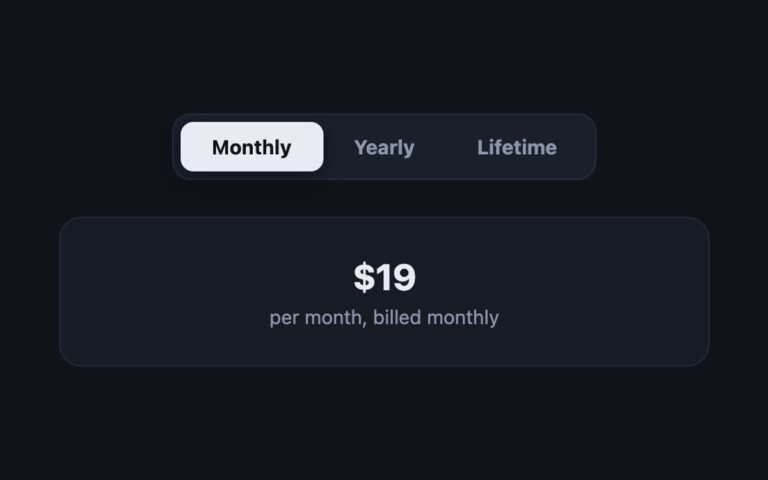
Two rows of tabs in one card: an underlined section row, Account, Billing and Security, and inside each section a grey segmented row of views, such as Profile, Preferences and Sessions under Account or Password, Two-factor and Audit log under Security. The selected section turns indigo with an underline, and the selected view becomes a white chip with a light shadow. Use it for account pages, admin settings and reports where a handful of sections each have a few sub-views, without building a full sidebar. Every row is its own tablist, so each section remembers which view was open when you come back to it. The inner row keeps its width to its content and scrolls sideways if a narrow screen cannot fit it. One short script wires up every tablist in the component with the same selection, arrow key and roving tabindex behaviour. The Bootstrap version uses .nav-underline for sections and .nav-pills for views, both run by the Tab plugin, and the Tailwind version styles both rows with aria-selected utilities.
What’s included
- Section row plus a view row inside each section
- Each section remembers its own view
- One script drives any number of tablists
- Inner row scrolls instead of overflowing on phones
- Converted from shared radio groups to real ARIA tabs
Accessibility
The section row is a tablist labelled Section, and each section panel contains its own tablist labelled, for example, Account view. In each row, only the selected tab is in the Tab order; Left and Right (or Up and Down) move between tabs and select them, and Home and End jump to the first and last tab. Focus draws a 2px indigo outline, and the section row's colour transition is removed under prefers-reduced-motion.
Customise it
Change --nt-accent, --nt-muted1, --nt-muted2 and --nt-text on .ntabs in plain CSS and Bootstrap, where the section row also reads --bs-nav-underline-gap and the view row --bs-nav-pills-link-active-bg. In Tailwind edit the --color-nt-* theme colours.